Dev's Street Racing Mod (Roll Race / Dig Race Anywhere. Any car!) 1
0/5,
0
votes
Description
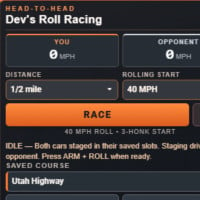
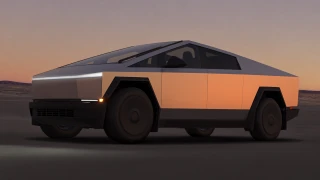
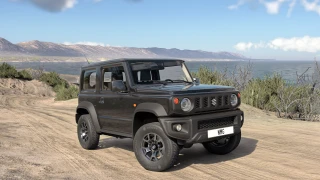
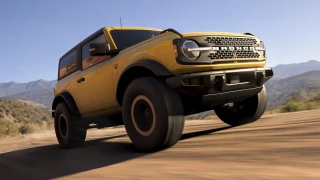
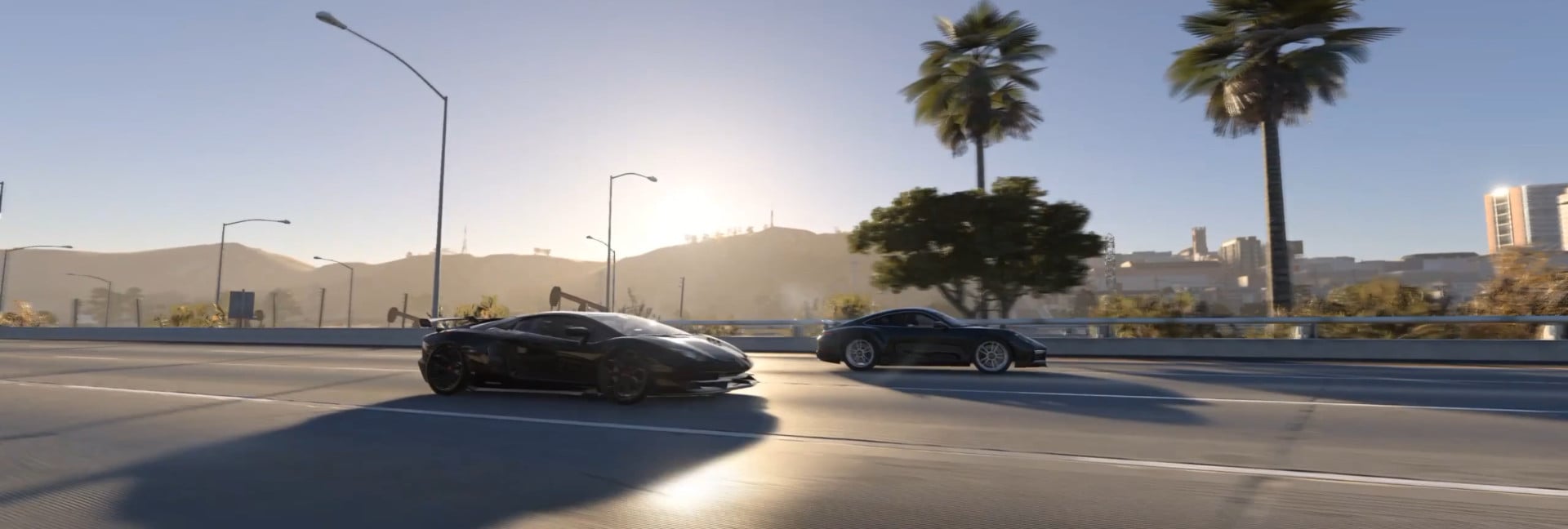
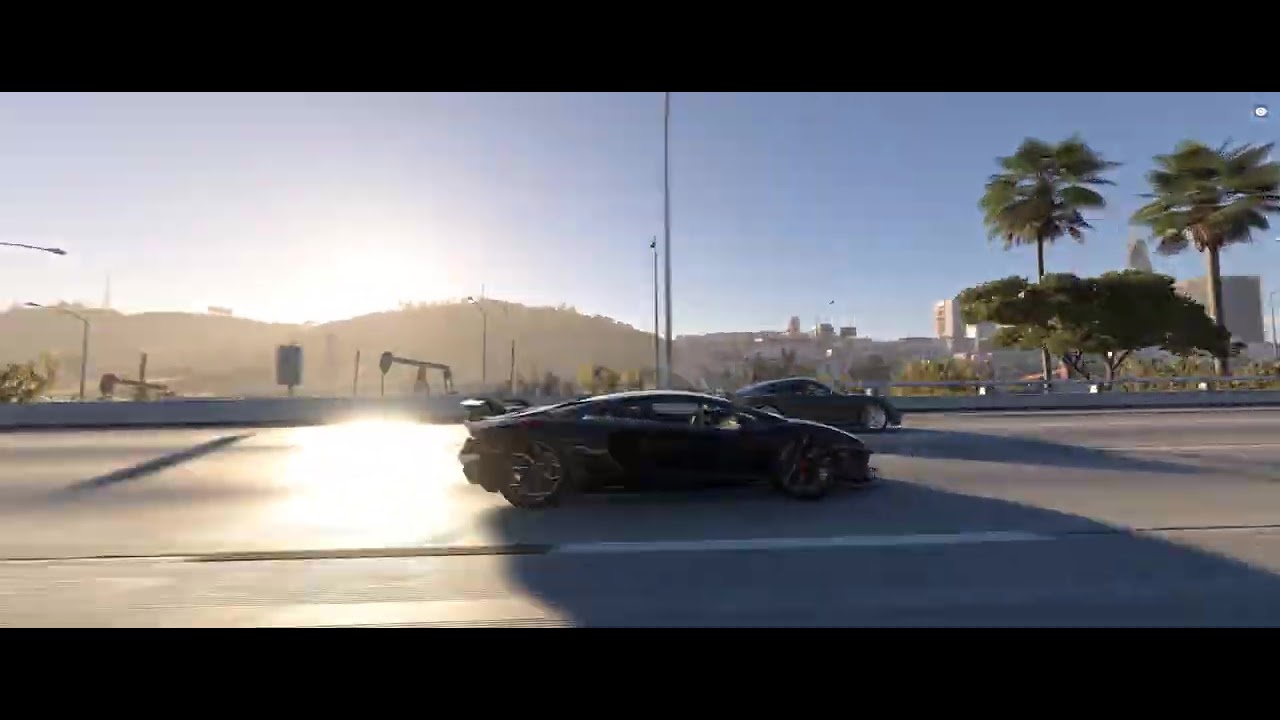
Introducing Dev's Street Racing, a custom racing app for BeamNG.drive that lets you set up proper head-to-head races against AI, whether you're doing 40 rolls on the highway or launching from a dead stop at the drag strip.
Features
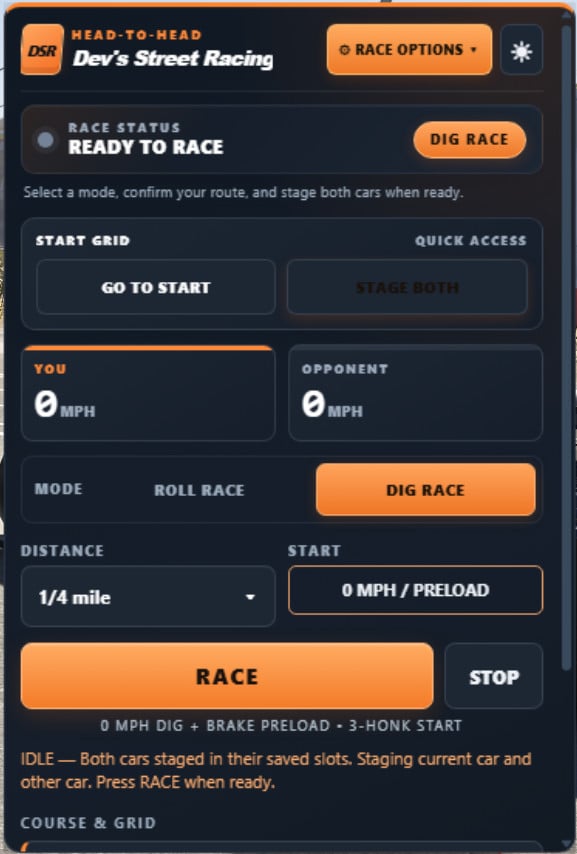
- Roll Racing: Support for 40, 50, and 60 MPH rolls with automatic three-honk countdowns and jump-start disqualification.
- Dig Racing: Staging from a complete stop with AI managed launches, including traction and steering corrections for high-horsepower RWD cars.
- Custom Courses: Use premade courses across West Coast USA, Italy, and Utah, or record and save your own routes and starting grids.
- Timing & Results: Tracking for distances (1/8 to 1 mile), elapsed times, trap speeds, margin of victory, and personal bests.
- Advanced Metrics: Optional timing for 0–60, 0–100, 0–130, 40–100, and 60–130 MPH.
- AI Power Assists: Optional support for transbrakes, two-step launch control, and nitrous activation (compatible vehicle controllers required).
- Custom UI: Dedicated interface with live speeds, race status, MPH/KM/H support, and five color themes (Light, Dark, Midnight, Crimson, and Emerald).
Installation Instructions
To start a race:
- Spawn the two cars you want to race.
- Open Dev's Street Racing and select a course.
- Click STAGE BOTH to position both cars.
- Select ROLL or DIG, your race distance, and starting speed (for rolls).
- Click START RACE and follow the countdown. On the third honk, GO!
- Once finished, click RACE AGAIN to line up for another pass.
To create your own course:
- Find a road you want to race on.
- Under Course Setup, open + New / manage courses.
- Click START RECORDING NEW COURSE and drive the route you want the AI to follow.
- Click STOP + SAVE when finished.
- Select your new course, line up both cars, and click SAVE STARTING GRID.
Important Notes:
- Record smooth driving paths, as the AI follows the recorded route.
- Ensure your course is long enough for the selected race distance.
- Race Options includes additional timing metrics, jump-start detection, and UI themes.
- Modded cars are supported, though extremely powerful builds may require experimenting.
Introducing Dev's Street Racing, a custom racing app for BeamNG.drive that lets you set up proper head-to-head races against AI, whether you're doing 40 rolls on the highway or launching from a dead stop at the drag strip.
Features
- Roll Racing: Support for 40, 50, and 60 MPH rolls with automatic three-honk countdowns and jump-start disqualification.
- Dig Racing: Staging from a complete stop with AI managed launches, including traction and steering corrections for high-horsepower RWD cars.
- Custom Courses: Use premade courses across West Coast USA, Italy, and Utah, or record and save your own routes and starting grids.
- Timing & Results: Tracking for distances (1/8 to 1 mile), elapsed times, trap speeds, margin of victory, and personal bests.
- Advanced Metrics: Optional timing for 0–60, 0–100, 0–130, 40–100, and 60–130 MPH.
- AI Power Assists: Optional support for transbrakes, two-step launch control, and nitrous activation (compatible vehicle controllers required).
- Custom UI: Dedicated interface with live speeds, race status, MPH/KM/H support, and five color themes (Light, Dark, Midnight, Crimson, and Emerald).
Installation Instructions
To start a race:
- Spawn the two cars you want to race.
- Open Dev's Street Racing and select a course.
- Click STAGE BOTH to position both cars.
- Select ROLL or DIG, your race distance, and starting speed (for rolls).
- Click START RACE and follow the countdown. On the third honk, GO!
- Once finished, click RACE AGAIN to line up for another pass.
To create your own course:
- Find a road you want to race on.
- Under Course Setup, open + New / manage courses.
- Click START RECORDING NEW COURSE and drive the route you want the AI to follow.
- Click STOP + SAVE when finished.
- Select your new course, line up both cars, and click SAVE STARTING GRID.
Important Notes:
- Record smooth driving paths, as the AI follows the recorded route.
- Ensure your course is long enough for the selected race distance.
- Race Options includes additional timing metrics, jump-start detection, and UI themes.
- Modded cars are supported, though extremely powerful builds may require experimenting.
External Download Links:
Videos
You Might Also Like »




0 Comments
There are no comments. Be first to comment!