
![Ford Bronco [PACK]](https://temp2.modland.net/i/6abb8bc6ce51c/0_modland.webp)




3/5,
5
votes
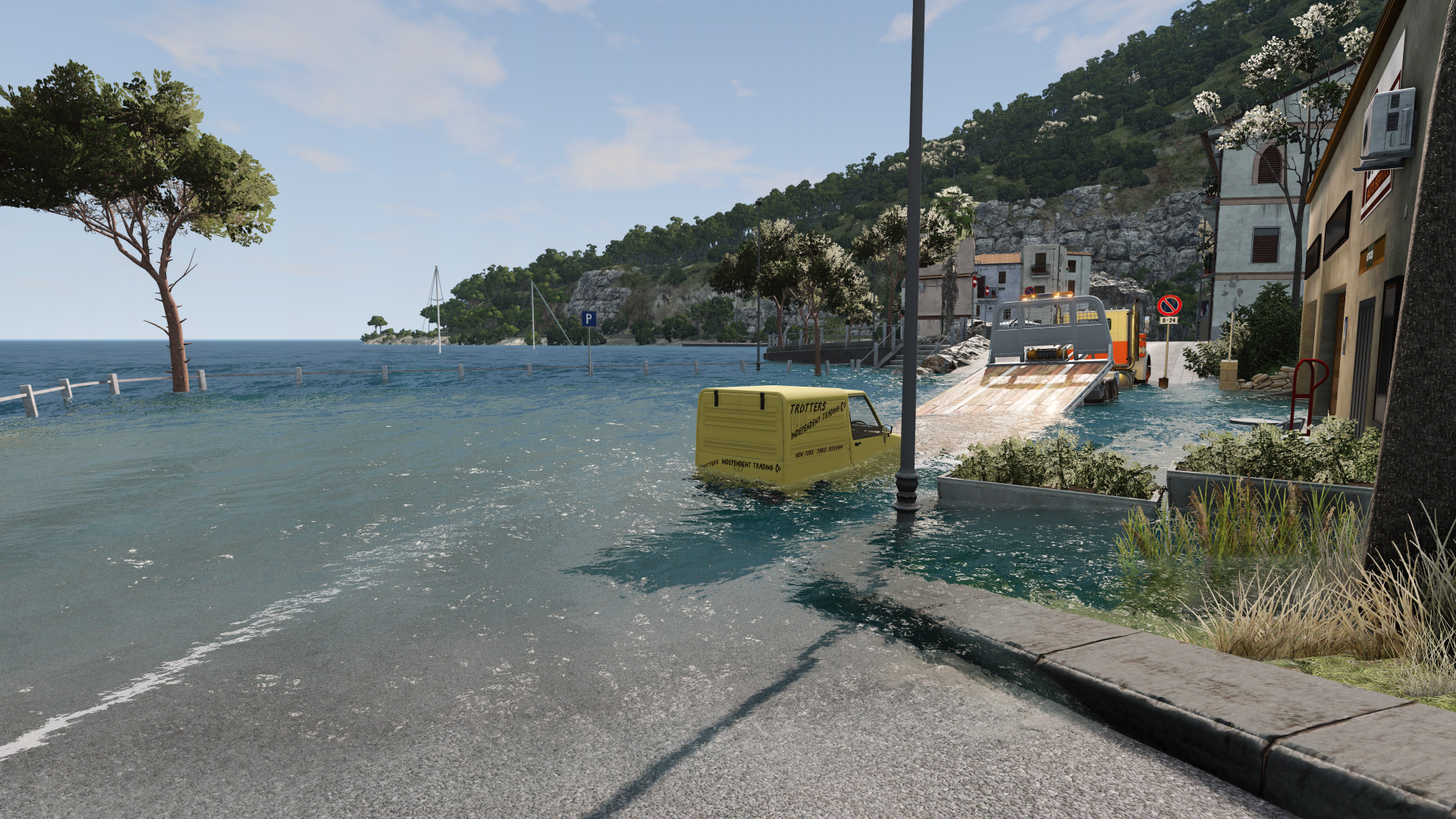
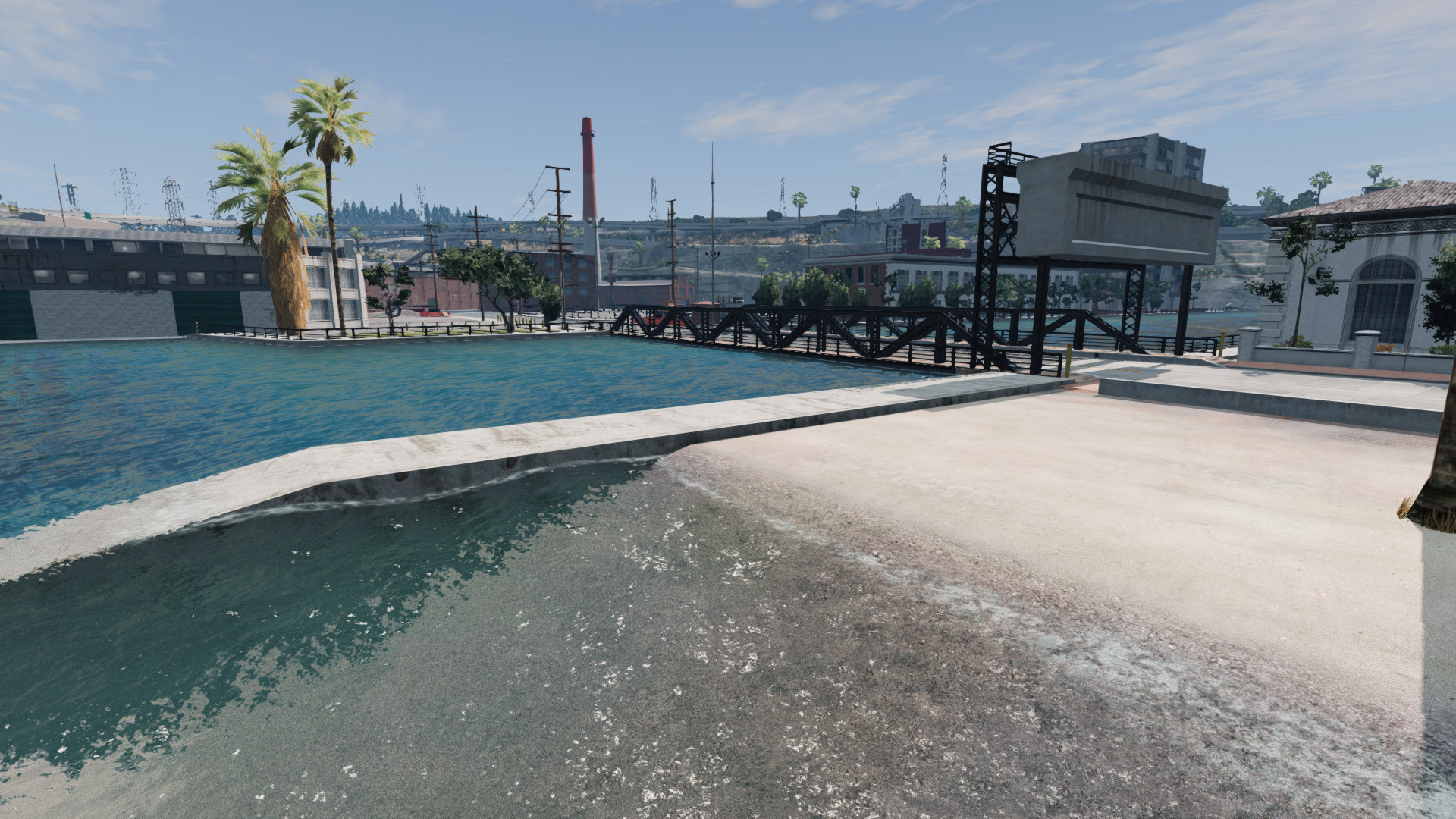
How to use
1. Open the Controls in the Options
2. Search for "Flood"
3. Bind a key
4. Press that key and the menu will open, from there you can control the flood (This will only work when you have loaded into a map)
Troubleshooting
If the key isn't opening the menu, try reloading the mod, or press CTRL + L to do a full reload of the Lua instance, this should ensure the mod get loaded correctly. However, I don't think this should be an issue anymore.
If the menu is grayed out, it means it could not find an ocean. If the map does have an ocean, then share the map name and I'll see what I can do.
1. Open the Controls in the Options
2. Search for "Flood"
3. Bind a key
4. Press that key and the menu will open, from there you can control the flood (This will only work when you have loaded into a map)
Troubleshooting
If the key isn't opening the menu, try reloading the mod, or press CTRL + L to do a full reload of the Lua instance, this should ensure the mod get loaded correctly. However, I don't think this should be an issue anymore.
If the menu is grayed out, it means it could not find an ocean. If the map does have an ocean, then share the map name and I'll see what I can do.
External Download Links:
- Modsfire.com - Flood.zip [31.38 MB]
About Mod
| Latest Version | v1.4.1 |
| Game | BeamNG.drive |
| Category | Other |
| Game Version | 0.39.x |
| Tags | Gameplay UI |
| Downloads | 293 |
| Created | 1 week ago |
You Might Also Like »


![Mack Anthem / Pinnacle [PACK]](https://temp2.modland.net/i/6aa50a7184eaa/6ab9344368d3b/0_modland.webp)

0 Comments
There are no comments. Be first to comment!