

![Ford Bronco [PACK]](https://temp2.modland.net/i/6abb8bc6ce51c/0_modland.webp)
0/5,
0
votes
Description
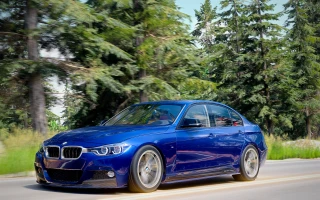
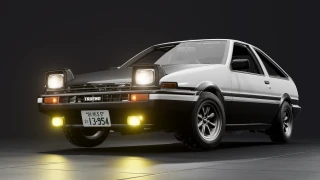
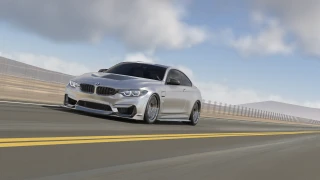
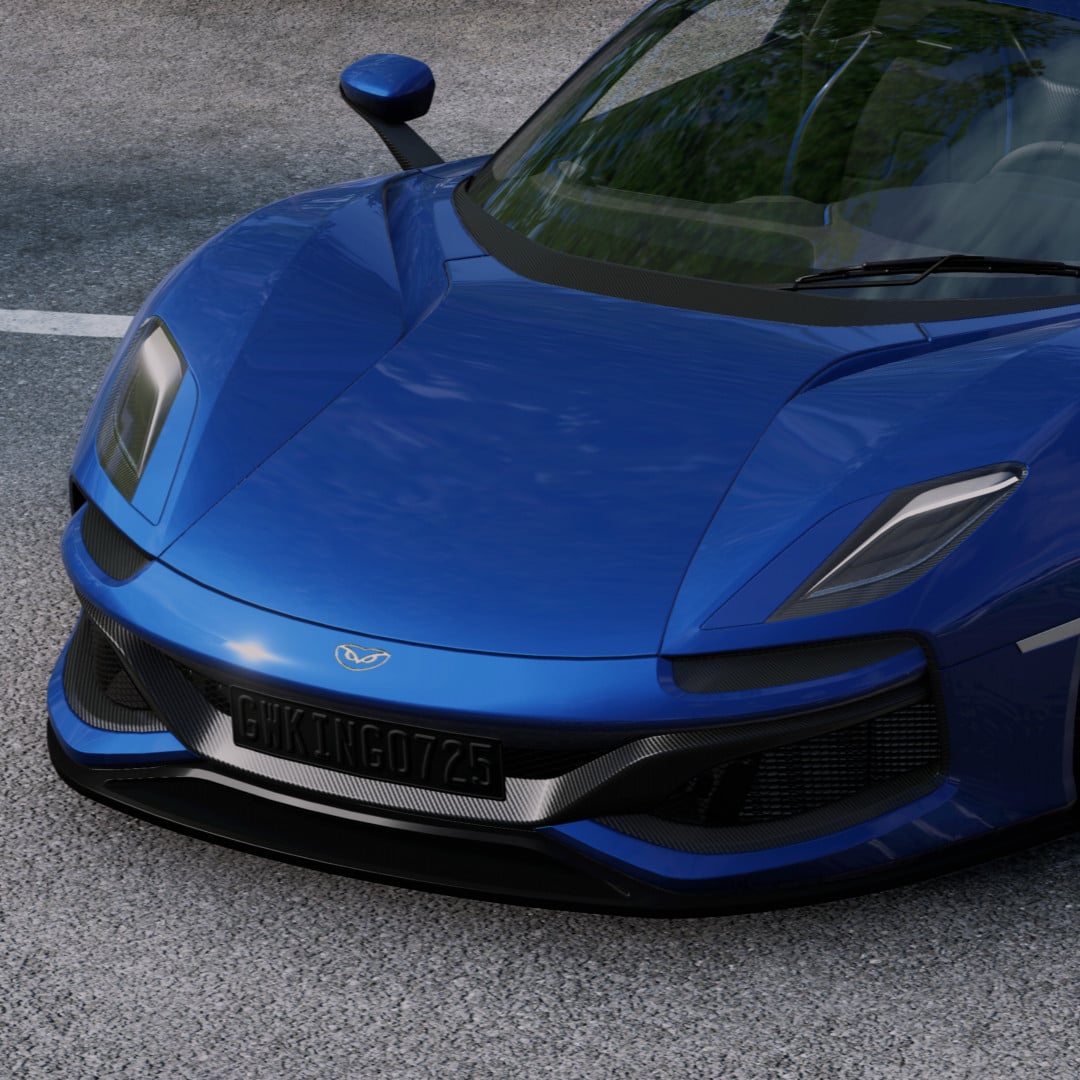
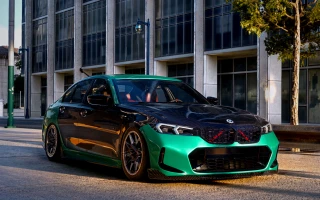
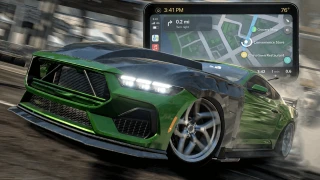
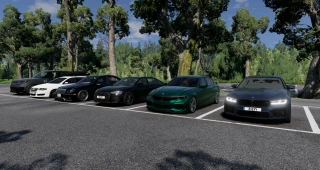
GWaphics is an advanced graphics mod for BeamNG.drive designed to give the game a cleaner, more realistic look without turning it into an exaggerated filter.
It changes the visual style with custom presets, LUTs, tonemapping, lighting controls, sky controls, color adjustments, sharpening, and other post-processing settings. The goal is to make BeamNG look more natural and camera-like while still keeping the original BeamNG feel.
GWaphics includes an in-game menu where you can switch profiles, adjust the look, tune lighting, change sky and color settings, and fine-tune the visuals for different maps, times of day, or visual styles.
Features
- In-game graphics menu
- Multiple realism presets
- Custom LUT color grading
- Cleaner tonemapping
- Better contrast and midtones
- Less washed-out skies
- More natural foliage colors
- Sharper visuals without harsh crunchiness
- Auto Realism Mode
- Skybox and lighting controls
- Performance-friendly options
- Screenshot and photo-style preset
- Night, rain, overcast, golden hour, and phone-camera looks
Presets
- Repo Default Realism
- True Realism
- Real Day Soft
- Overcast Documentary
- Golden Hour Real
- Phone Camera
- Rainy Road
- Night Drive
- Screenshot Mode
- Performance Realism
For the best starting point, use Repo Default Realism or True Realism, then adjust it based on the map, time of day, and vehicle color.
Important
GWaphics changes post-processing, lighting, and visual settings, so it is best not to use it together with other graphics or tonemapping mods. They may conflict or override each other.
Installation Instructions
Press ] in-game to open the GWaphics menu.
Credits
Created by Gw / gwking0725.
GWaphics is an advanced graphics mod for BeamNG.drive designed to give the game a cleaner, more realistic look without turning it into an exaggerated filter.
It changes the visual style with custom presets, LUTs, tonemapping, lighting controls, sky controls, color adjustments, sharpening, and other post-processing settings. The goal is to make BeamNG look more natural and camera-like while still keeping the original BeamNG feel.
GWaphics includes an in-game menu where you can switch profiles, adjust the look, tune lighting, change sky and color settings, and fine-tune the visuals for different maps, times of day, or visual styles.
Features
- In-game graphics menu
- Multiple realism presets
- Custom LUT color grading
- Cleaner tonemapping
- Better contrast and midtones
- Less washed-out skies
- More natural foliage colors
- Sharper visuals without harsh crunchiness
- Auto Realism Mode
- Skybox and lighting controls
- Performance-friendly options
- Screenshot and photo-style preset
- Night, rain, overcast, golden hour, and phone-camera looks
Presets
- Repo Default Realism
- True Realism
- Real Day Soft
- Overcast Documentary
- Golden Hour Real
- Phone Camera
- Rainy Road
- Night Drive
- Screenshot Mode
- Performance Realism
For the best starting point, use Repo Default Realism or True Realism, then adjust it based on the map, time of day, and vehicle color.
Important
GWaphics changes post-processing, lighting, and visual settings, so it is best not to use it together with other graphics or tonemapping mods. They may conflict or override each other.
Installation Instructions
Press ] in-game to open the GWaphics menu.
Credits
Created by Gw / gwking0725.
External Download Links:
- Modsfire.com - GWaphics.zip [3.01 MB]
Direct Download Links
About Mod
| Latest Version | v1.0 |
| Game | BeamNG.drive |
| Category | Other |
| Game Version | 0.38.x |
| Downloads | 506 |
| Created | 3 months ago |
![Mack Anthem / Pinnacle [PACK]](https://temp2.modland.net/i/6aa50a7184eaa/6ab9344368d3b/0_modland.webp)
does it work on 0.39
Installation InstructionsPress ] in-game to open the GWaphics menu NOT WORKING !
Nice work boss! You put these perfection on these cars, I love it!