Harisimo's Ray Tracing ReShade Preset 1.1
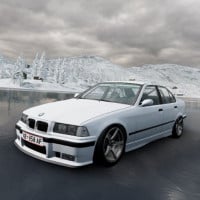
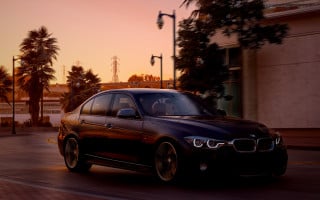
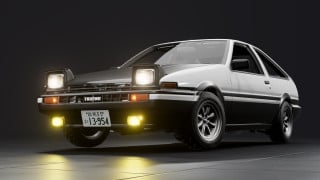
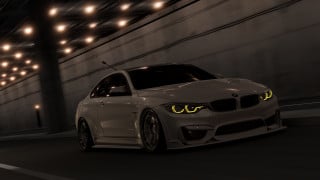
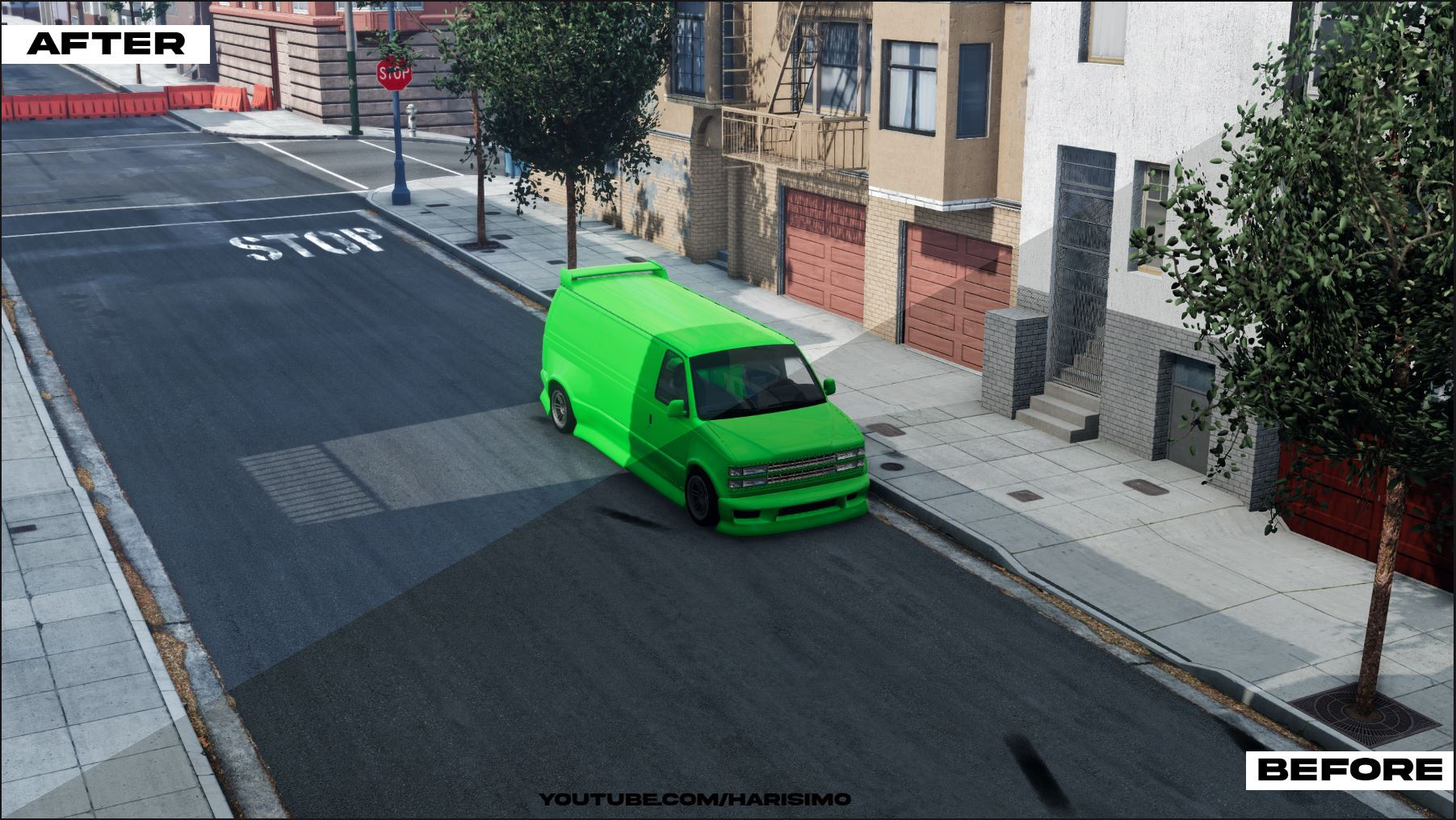
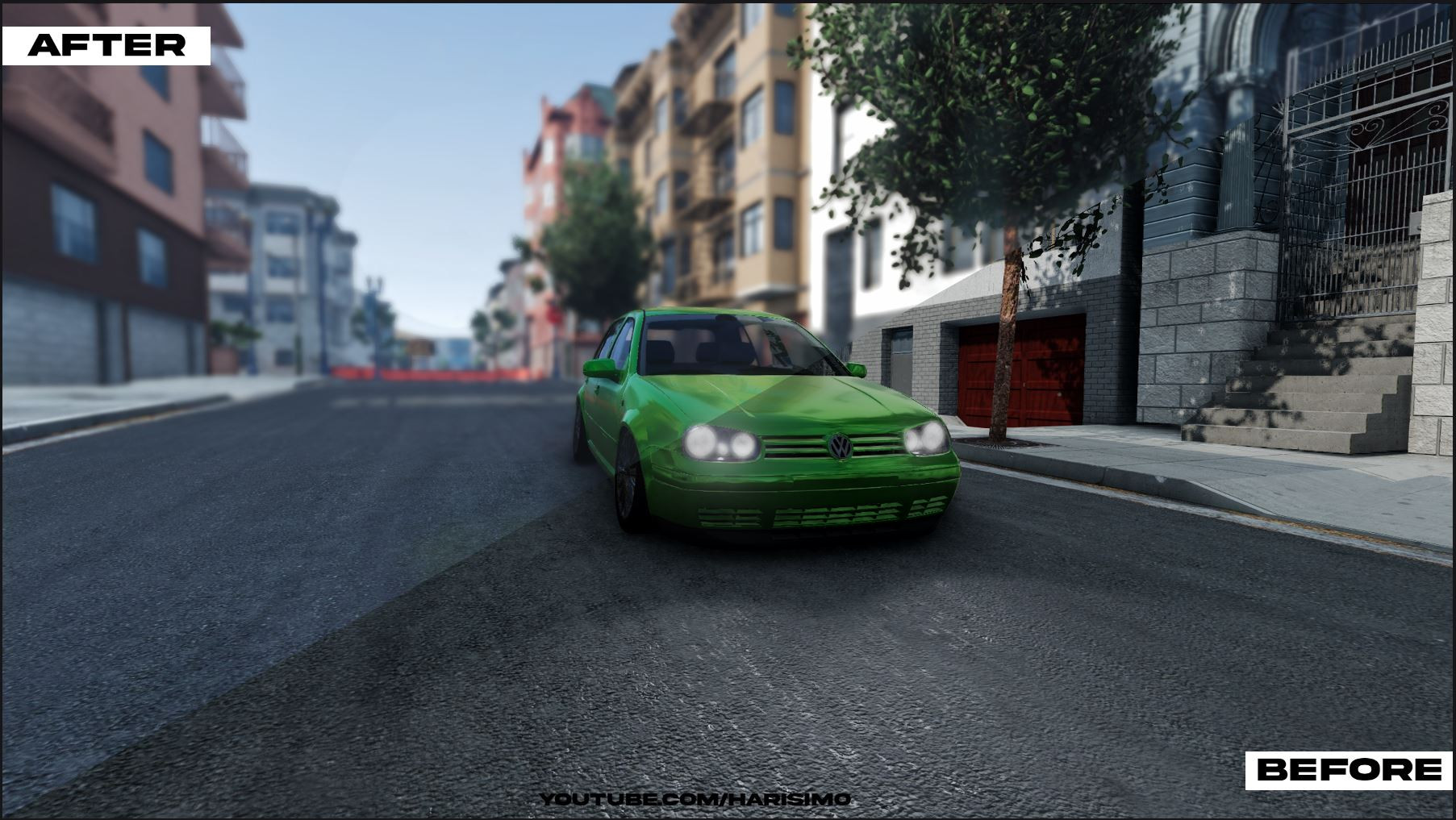
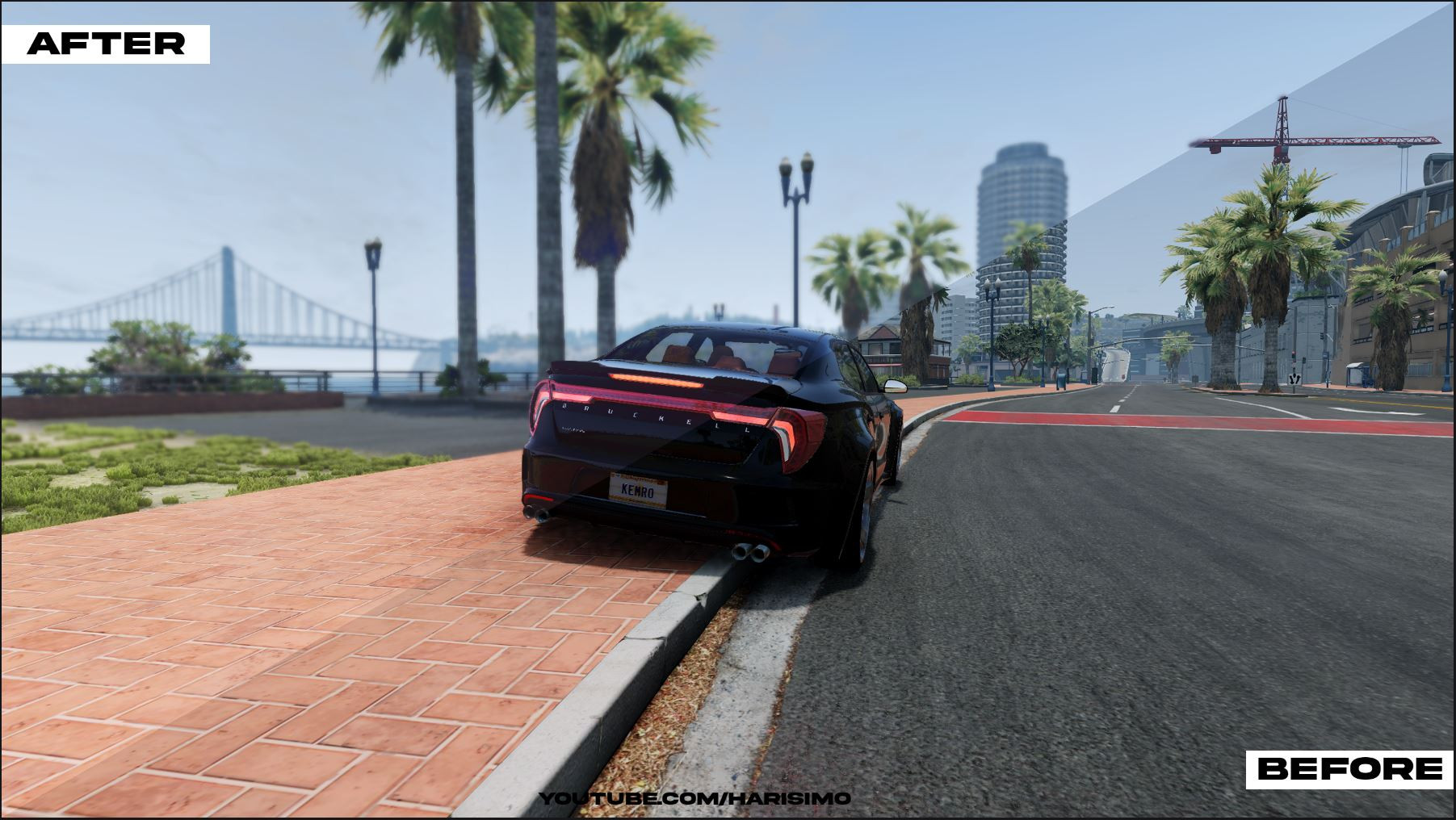
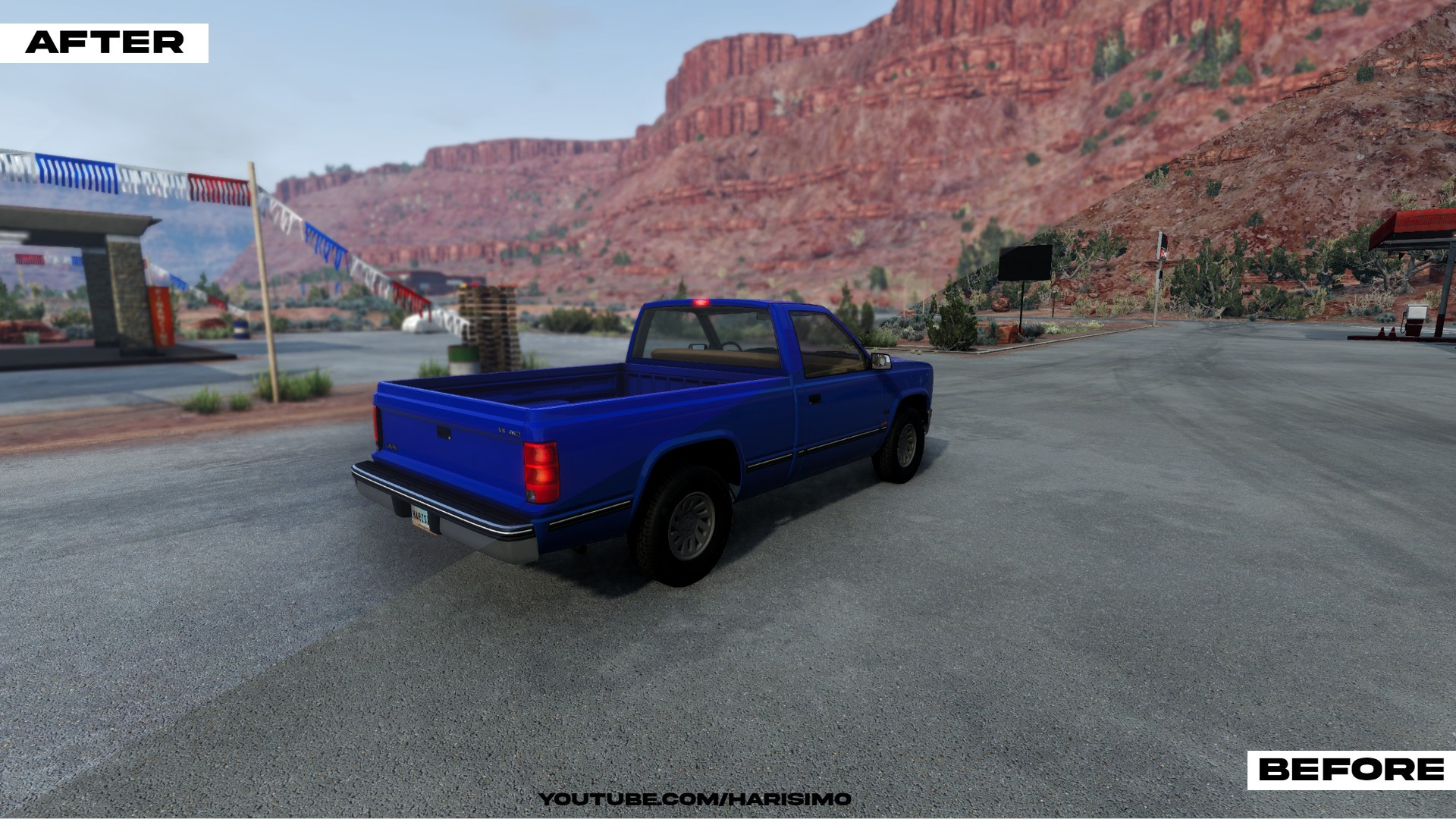
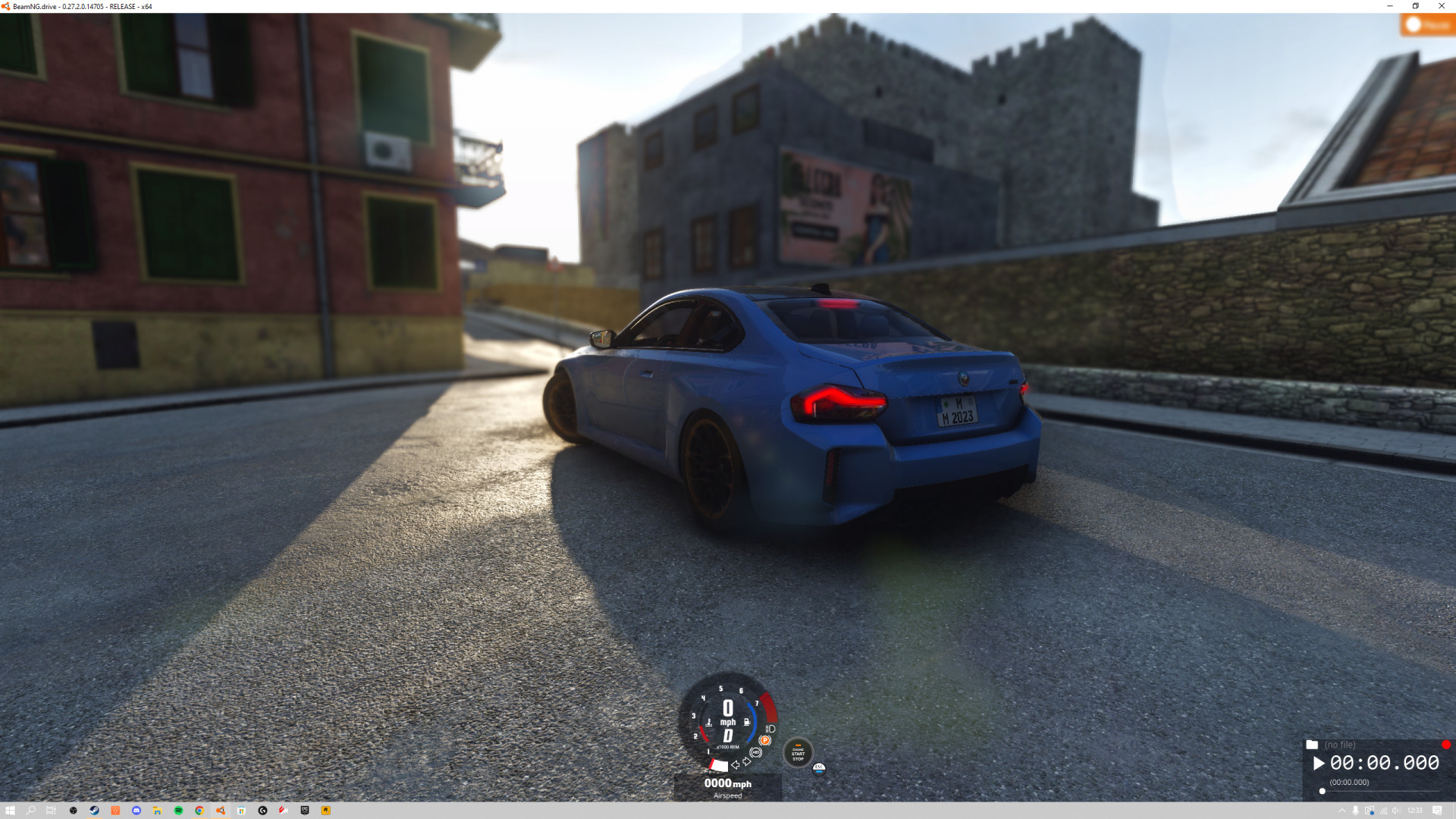
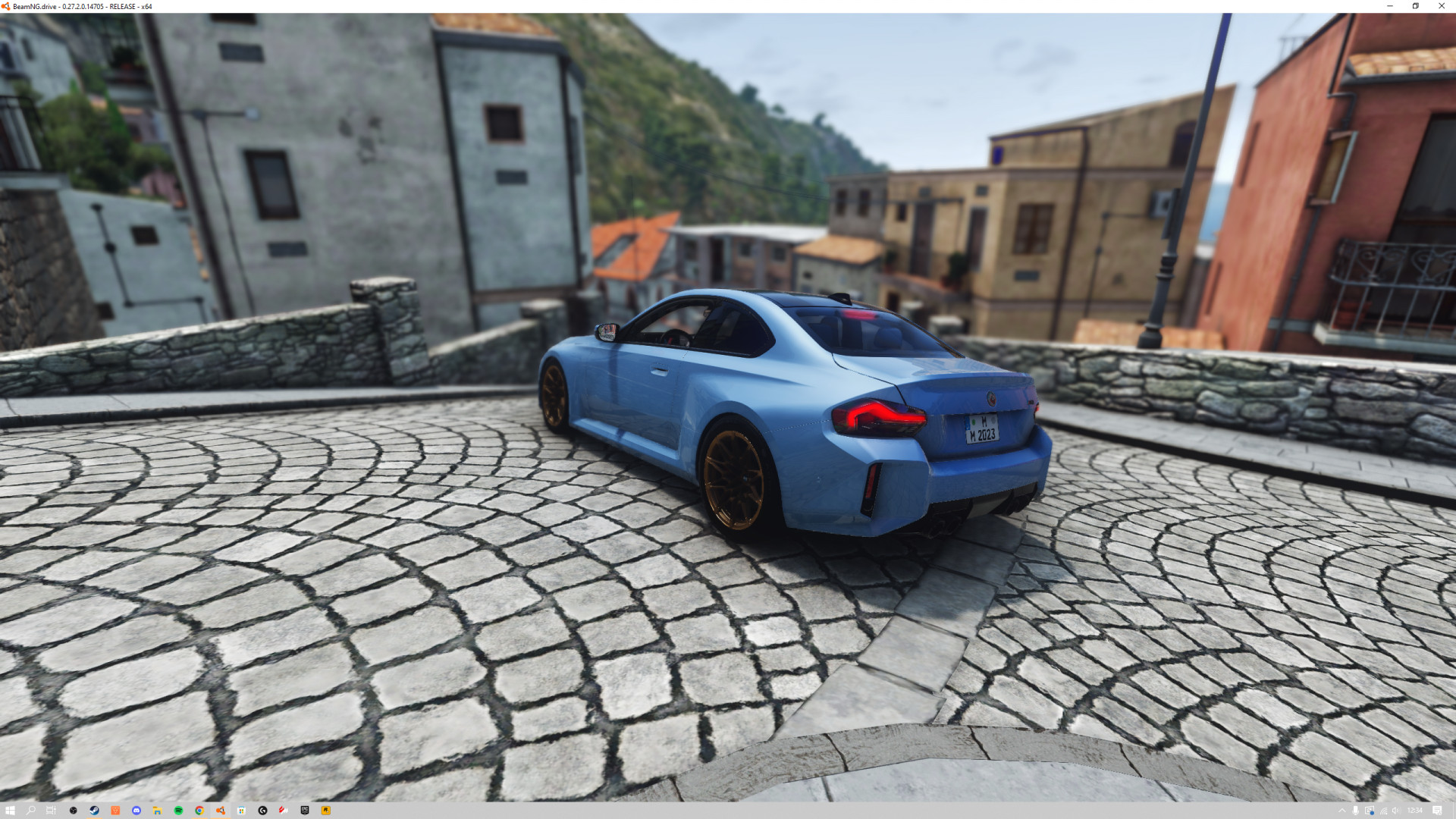
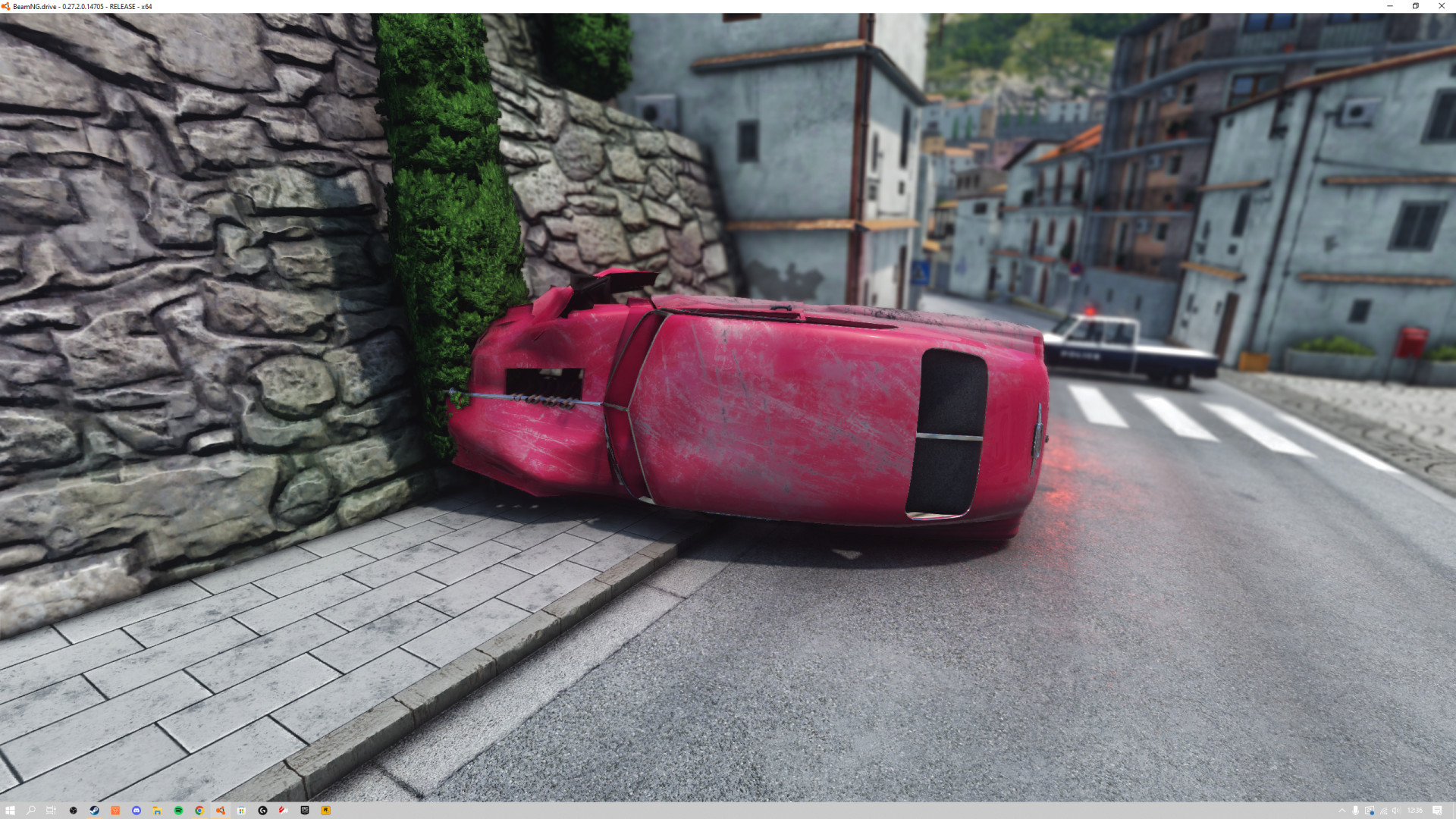
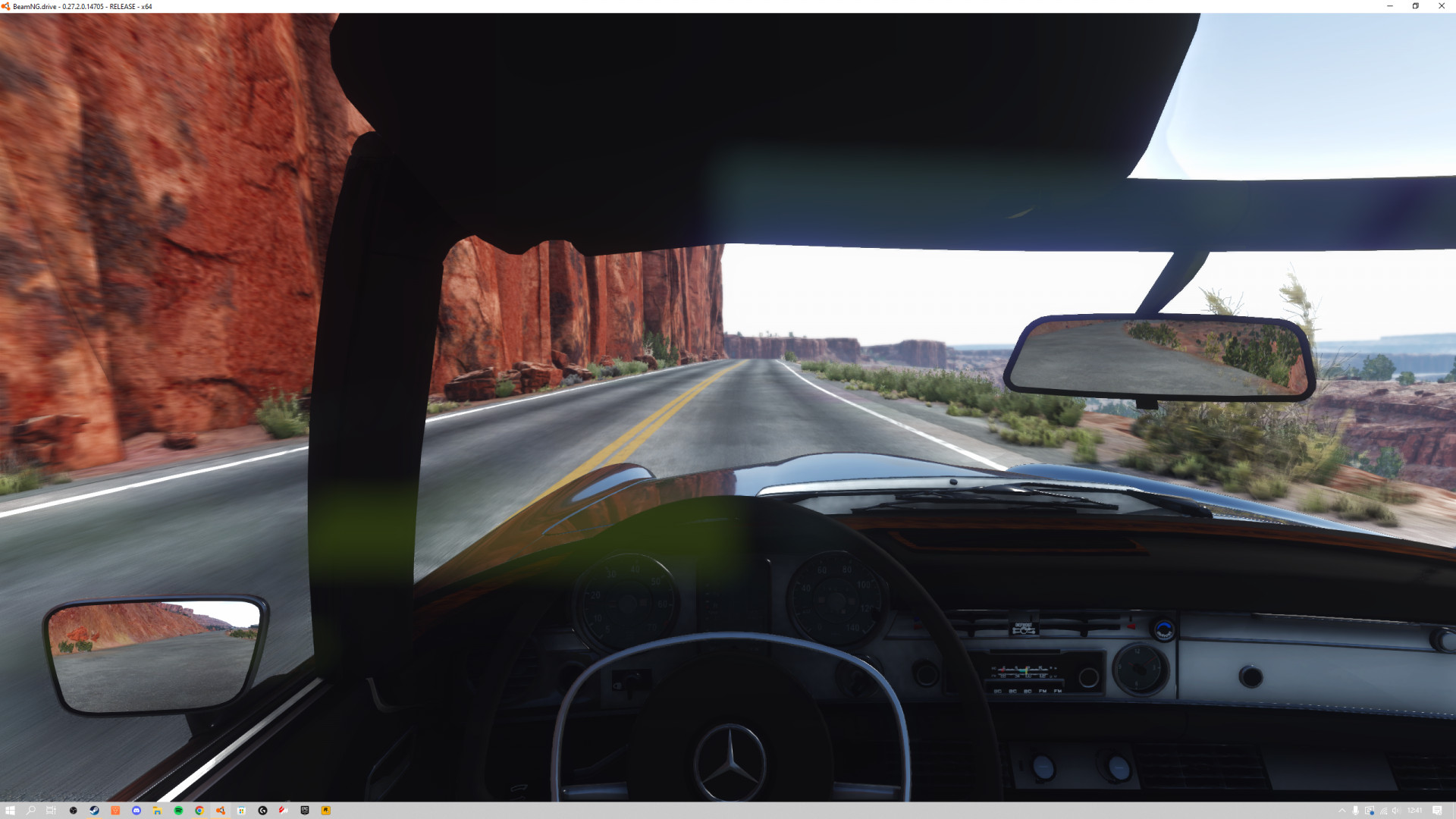
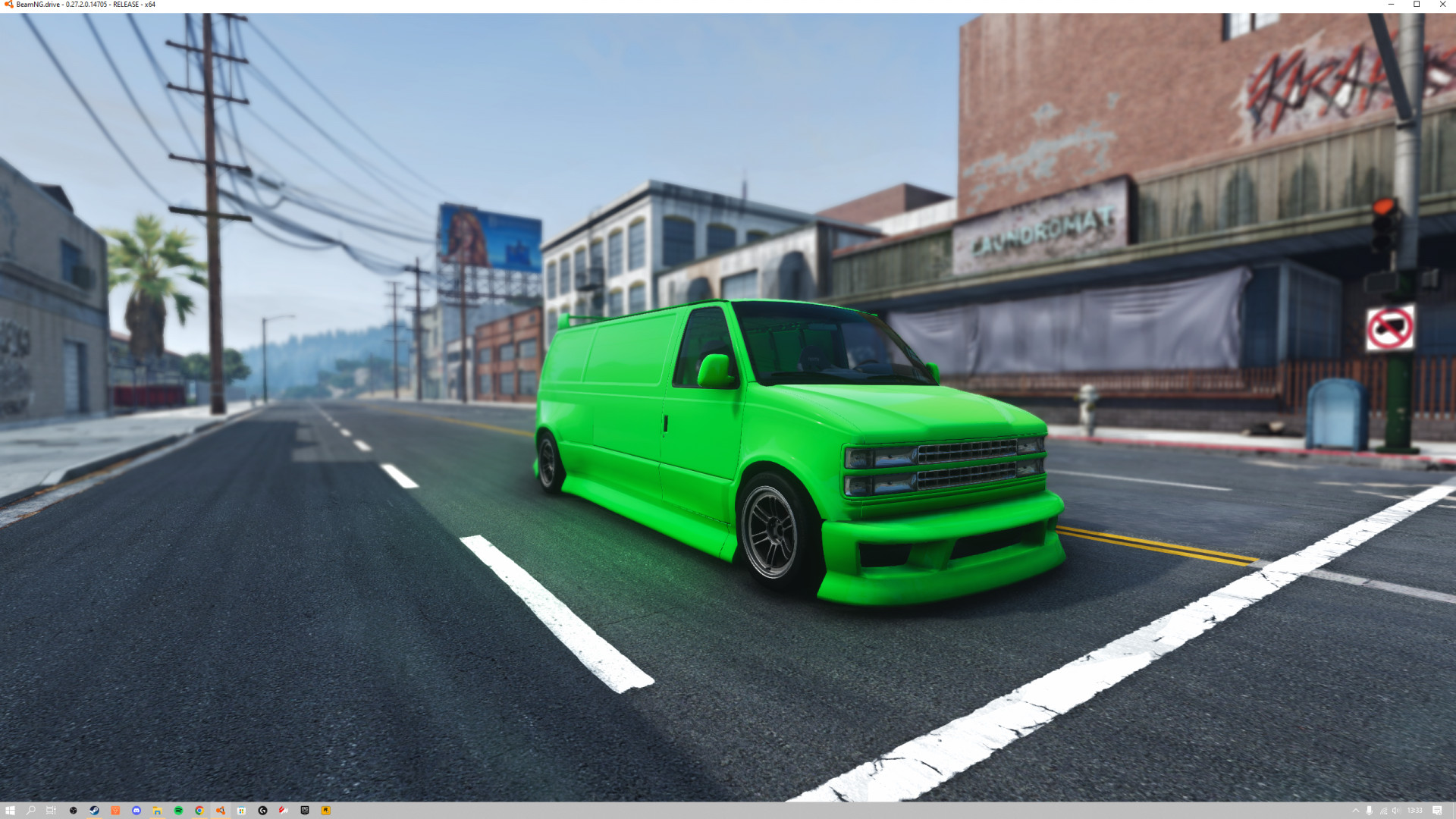
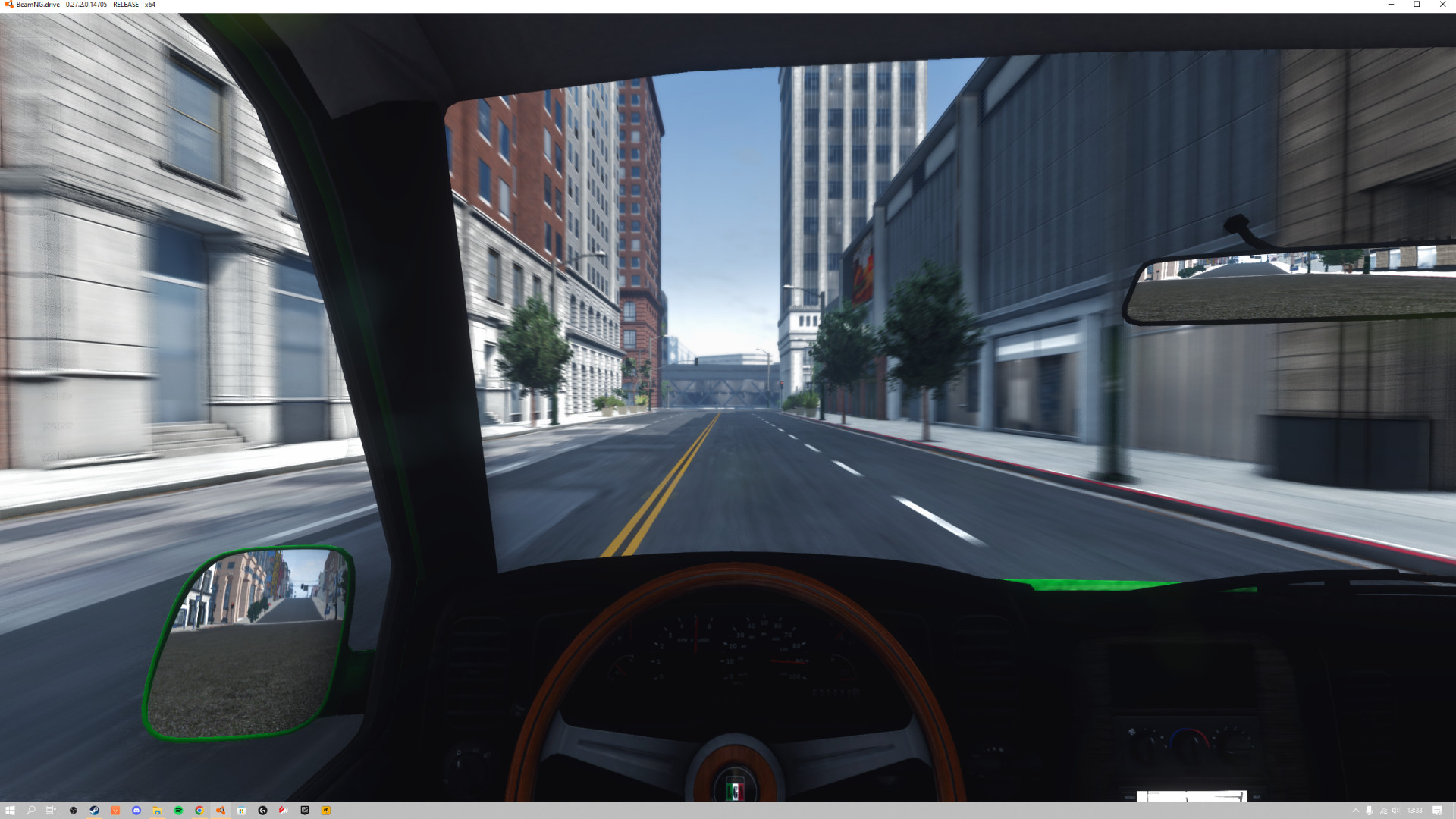
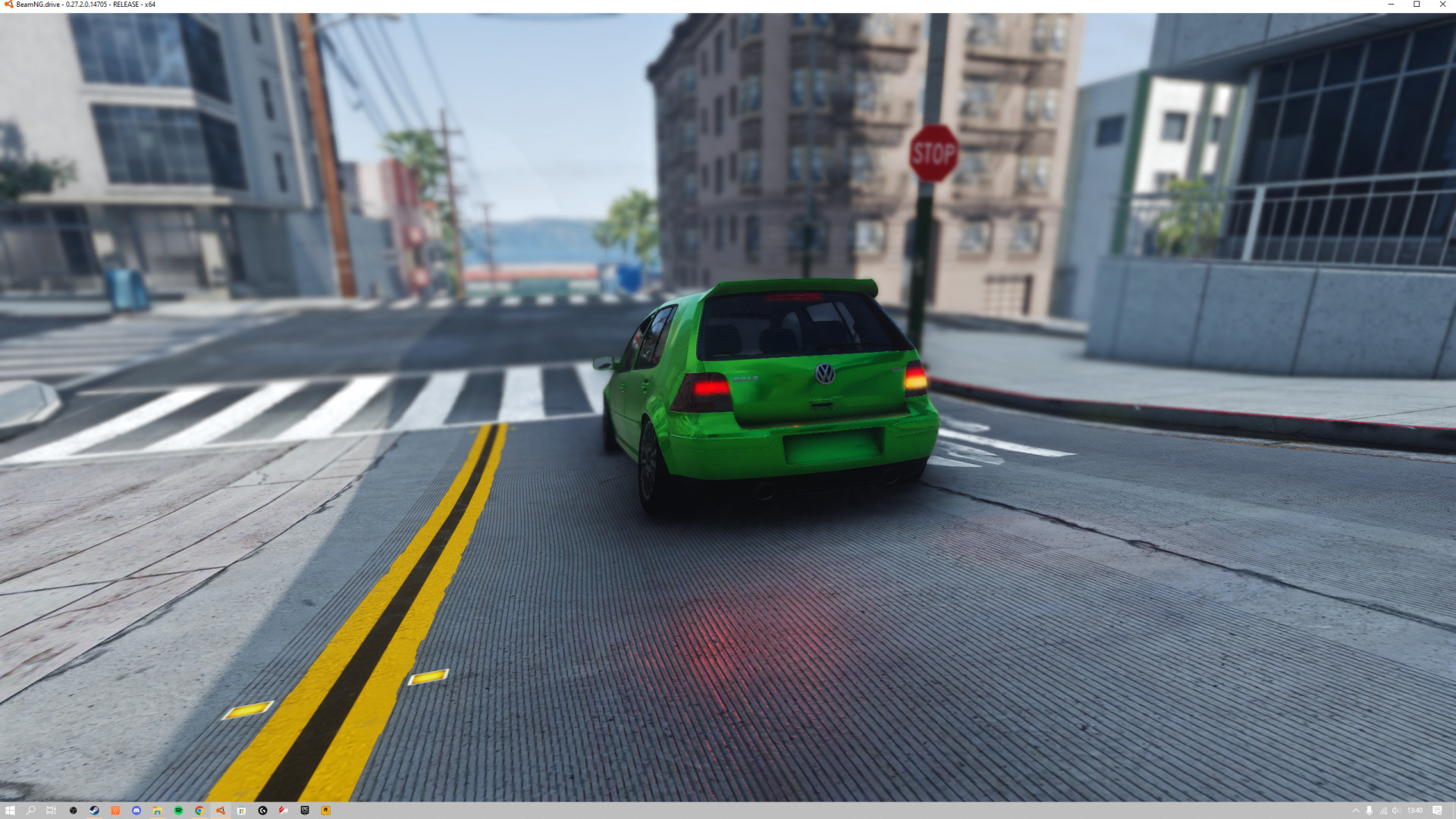
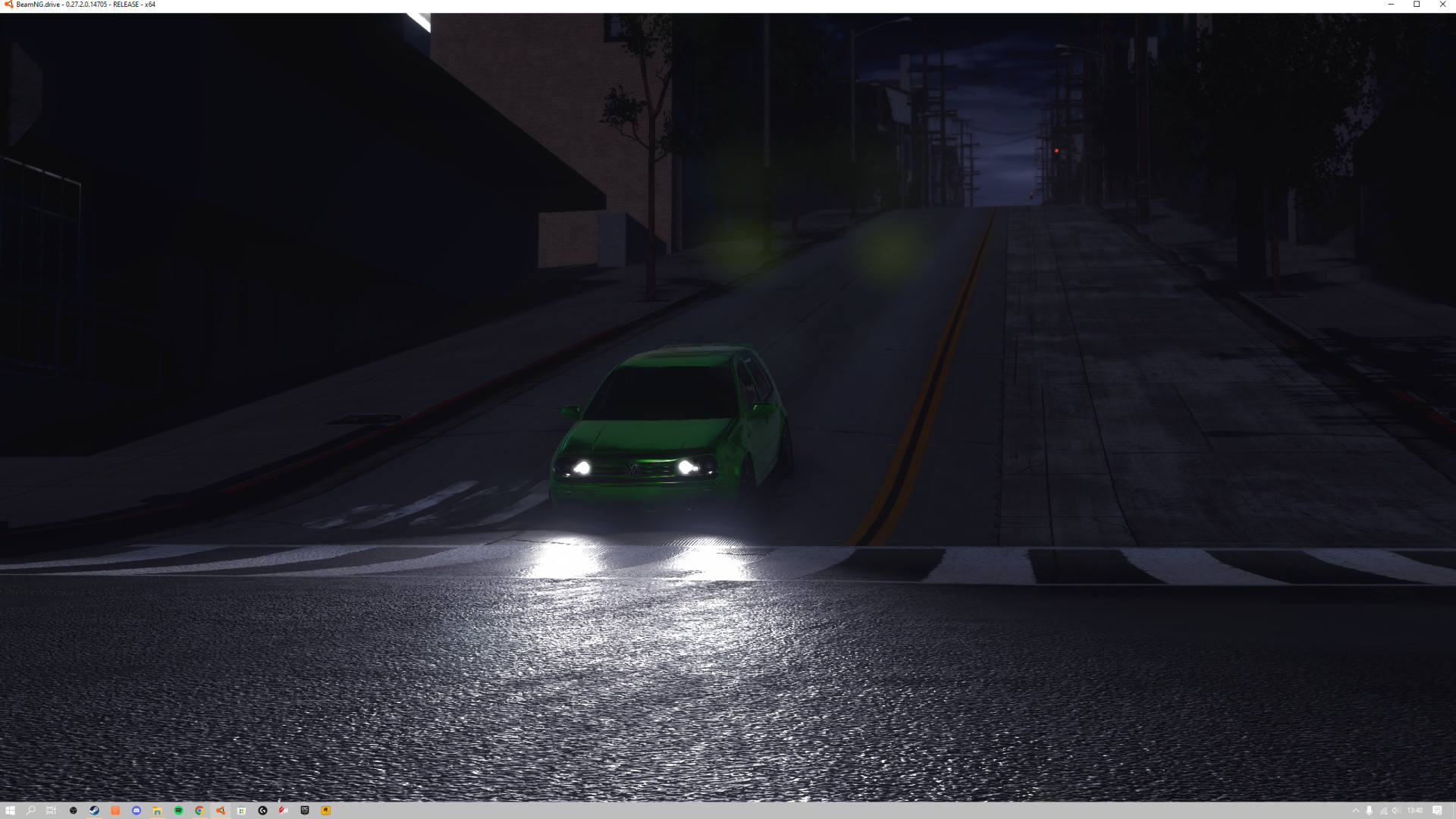
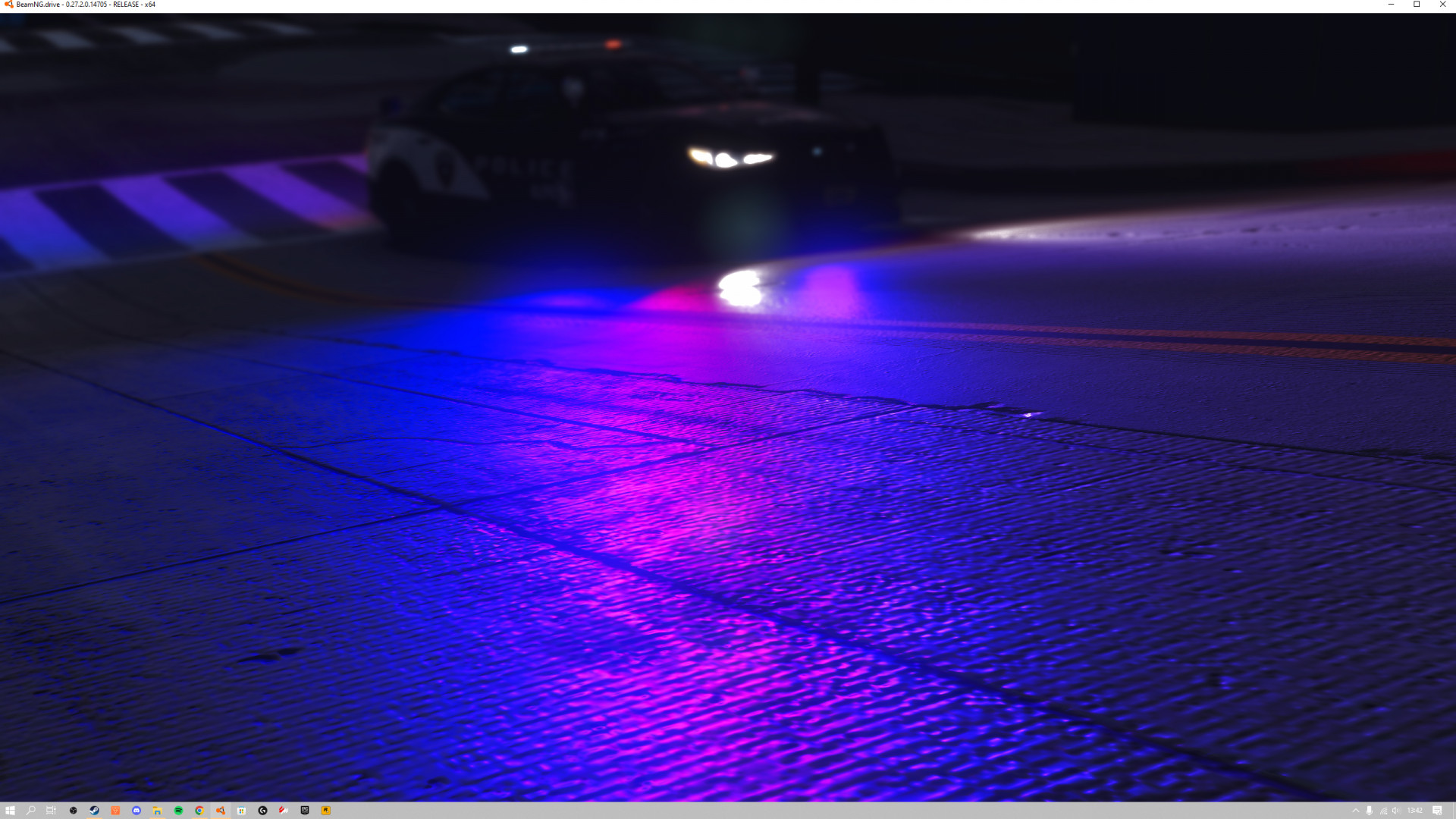
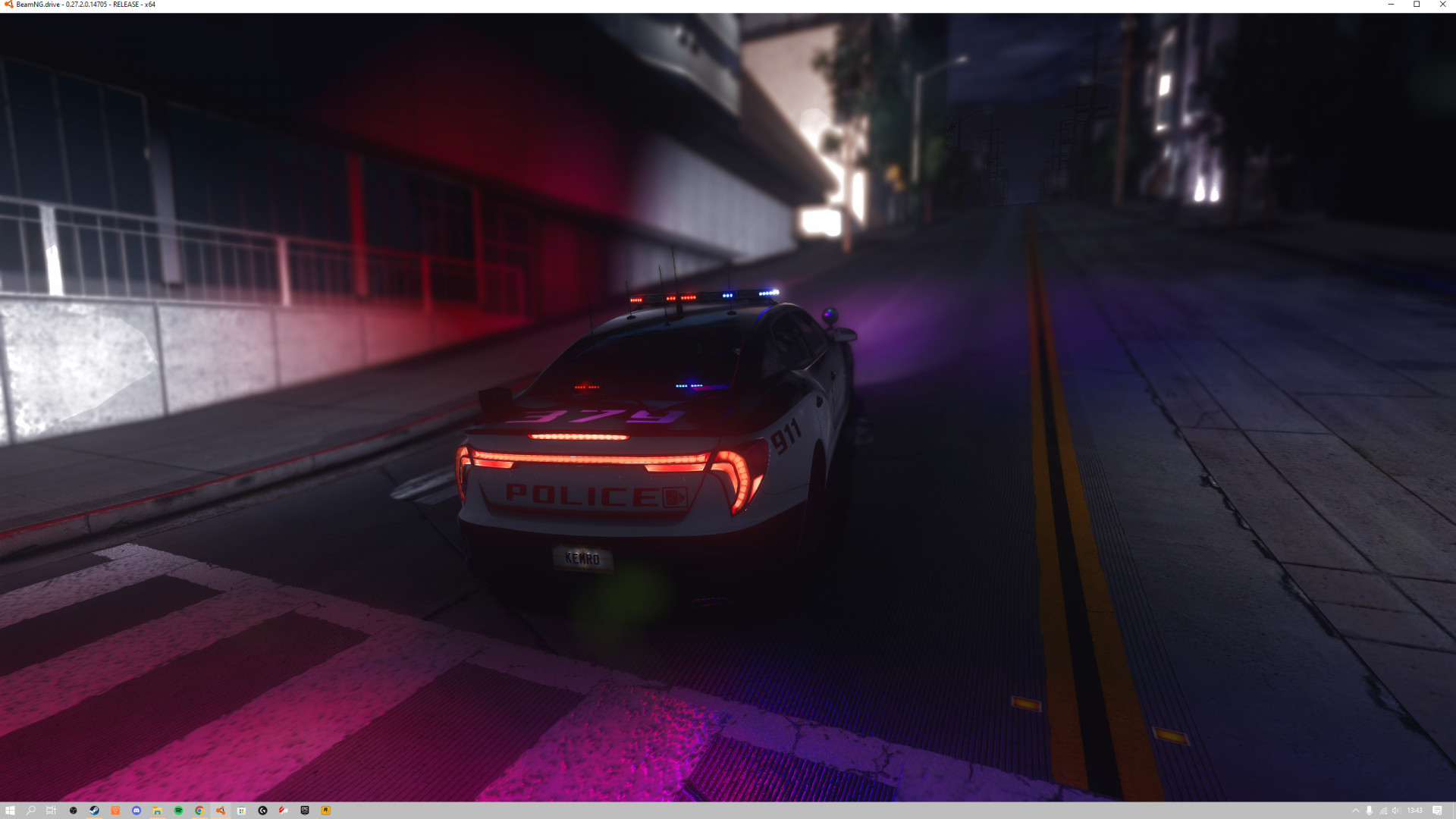
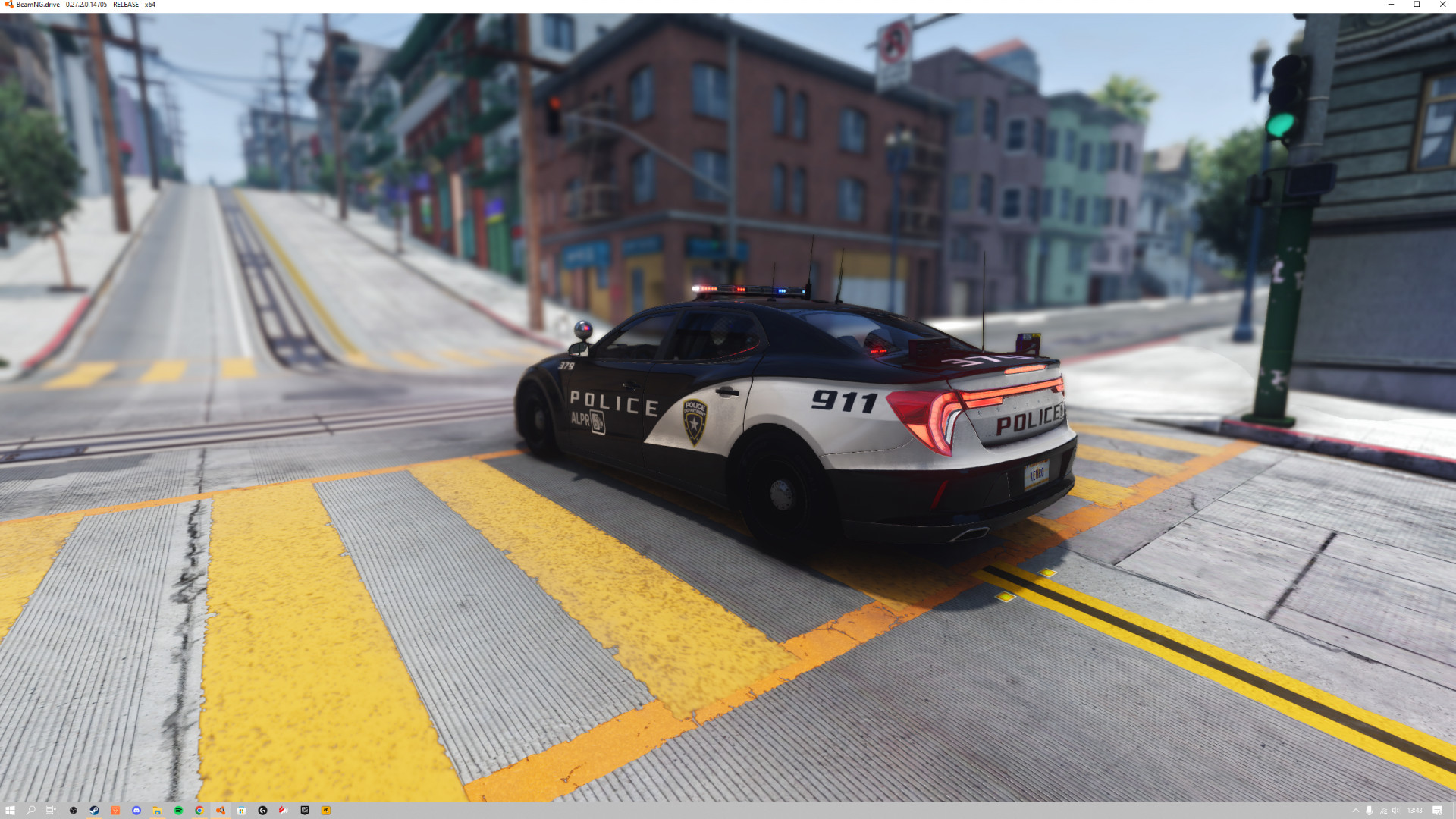
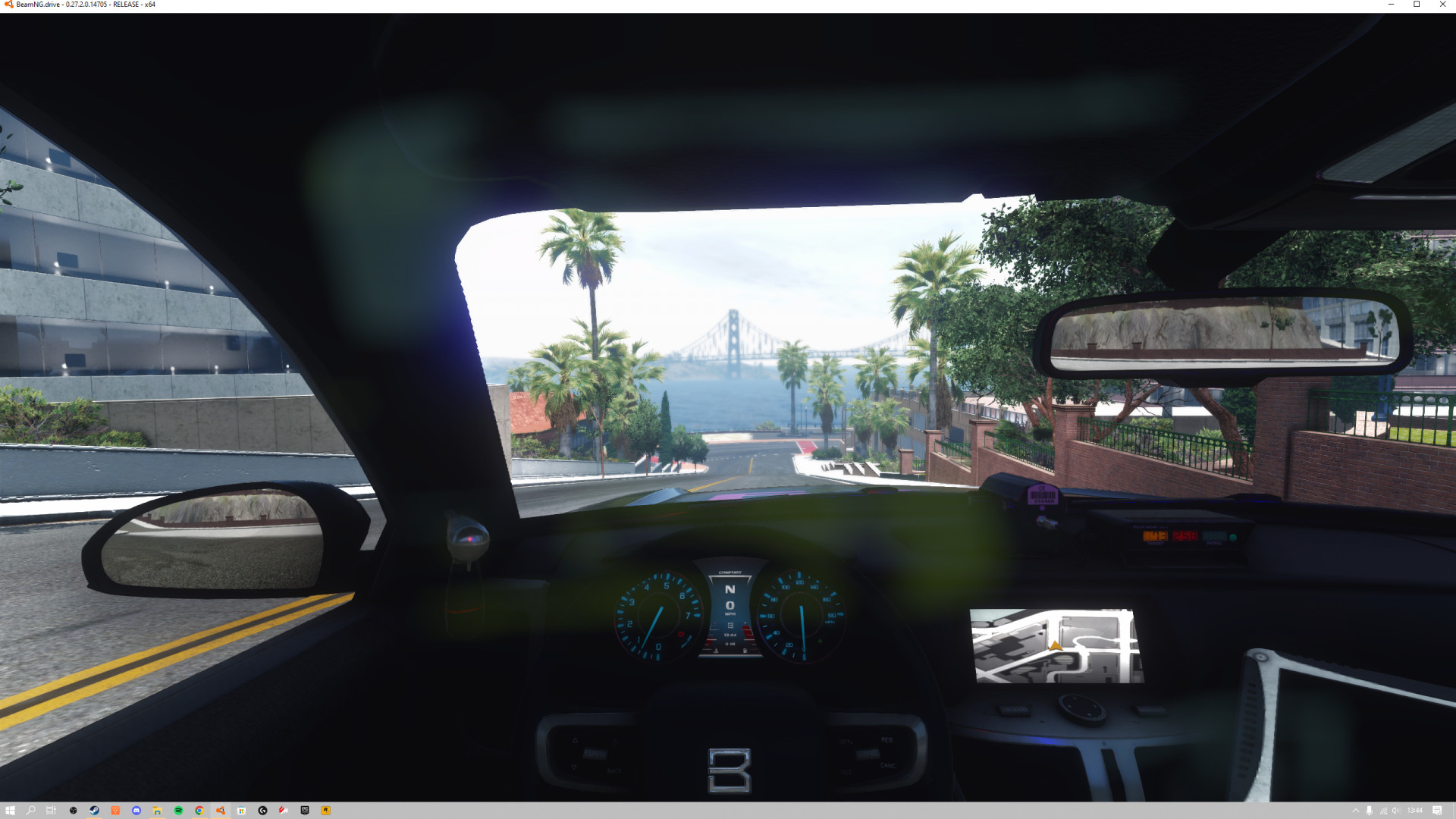
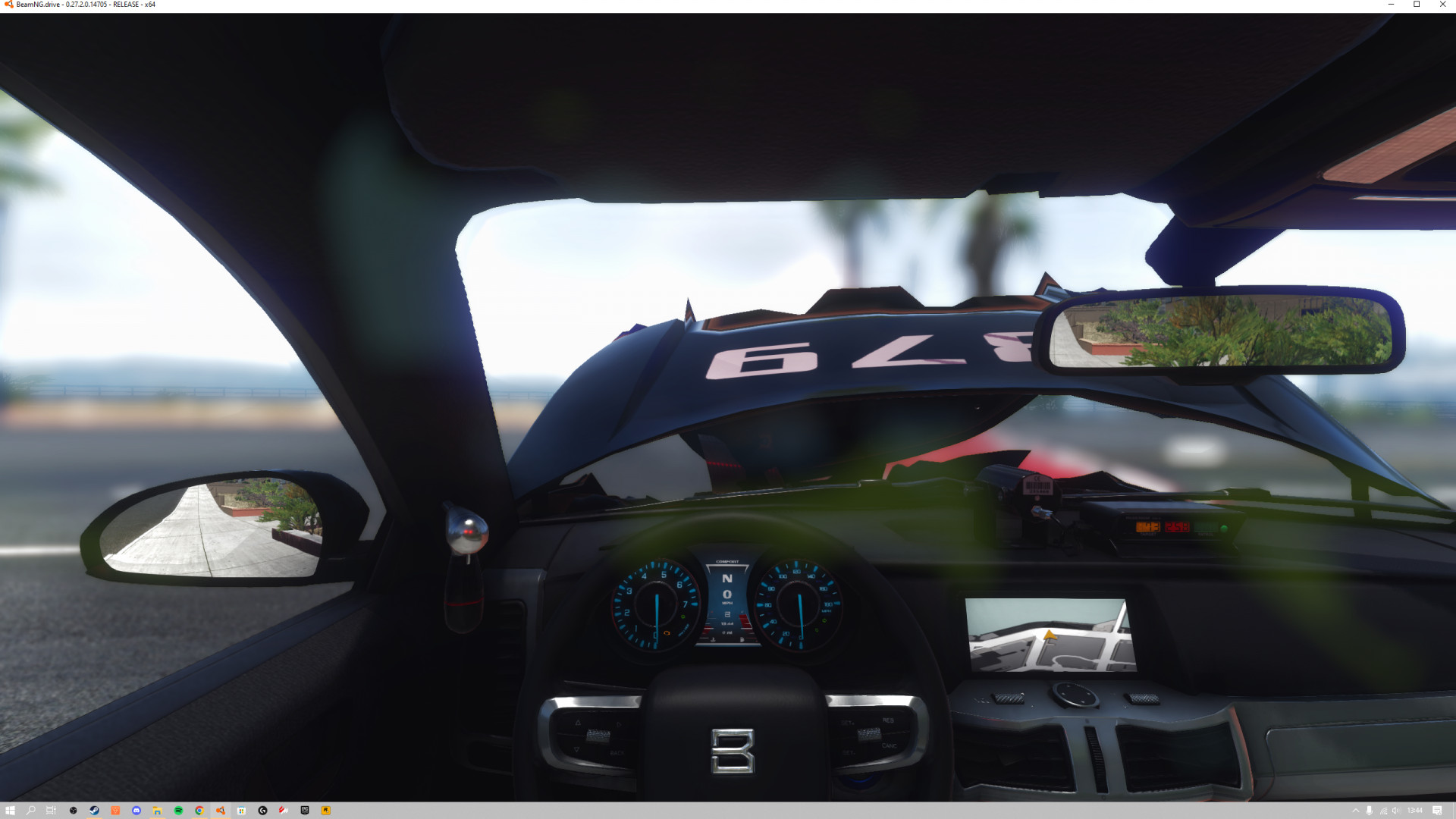
4/5,
11
votes
Updates
This preset uses a beta version of Ray-tracing Global Illumination only available through Pascal Glitcher's patreon!
Hey everyone! First of all this is my first post!
Today I am releasing my personal ReShade preset I use with BeamNG. The preset uses Ray Tracing Global Illumination by Pascal Glitcher (Marty Mcfly). I want to stress that this effect is only available through a subscription to his patreon. However, even without this effect the preset should still provide some nice improvements.
Important Information:
Why turn off Bloom and Ambient Occlusion?
Both are being done by the preset. Having them on would just have both the game and ReShade doing the same thing and eat up more performance.
Does it work on every map?
Yes, even downloaded maps!
Does it work at night?
Yes! The Preset looks quite good at night.
Why is the UI messed up sometimes?
Because ReShade cannot detect your UI being open. I've included a easy toggle preset key in the presets to turn off the effects when you open up your UI. The key to toggle effects on and off is \ on your keyboard.
How does it perform?
There is a noticeable FPS hit. You likely need at least a RTX 2060.
( I use the RTX 3060 ti)
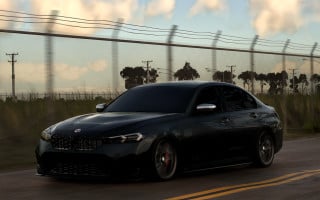
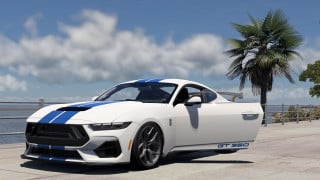
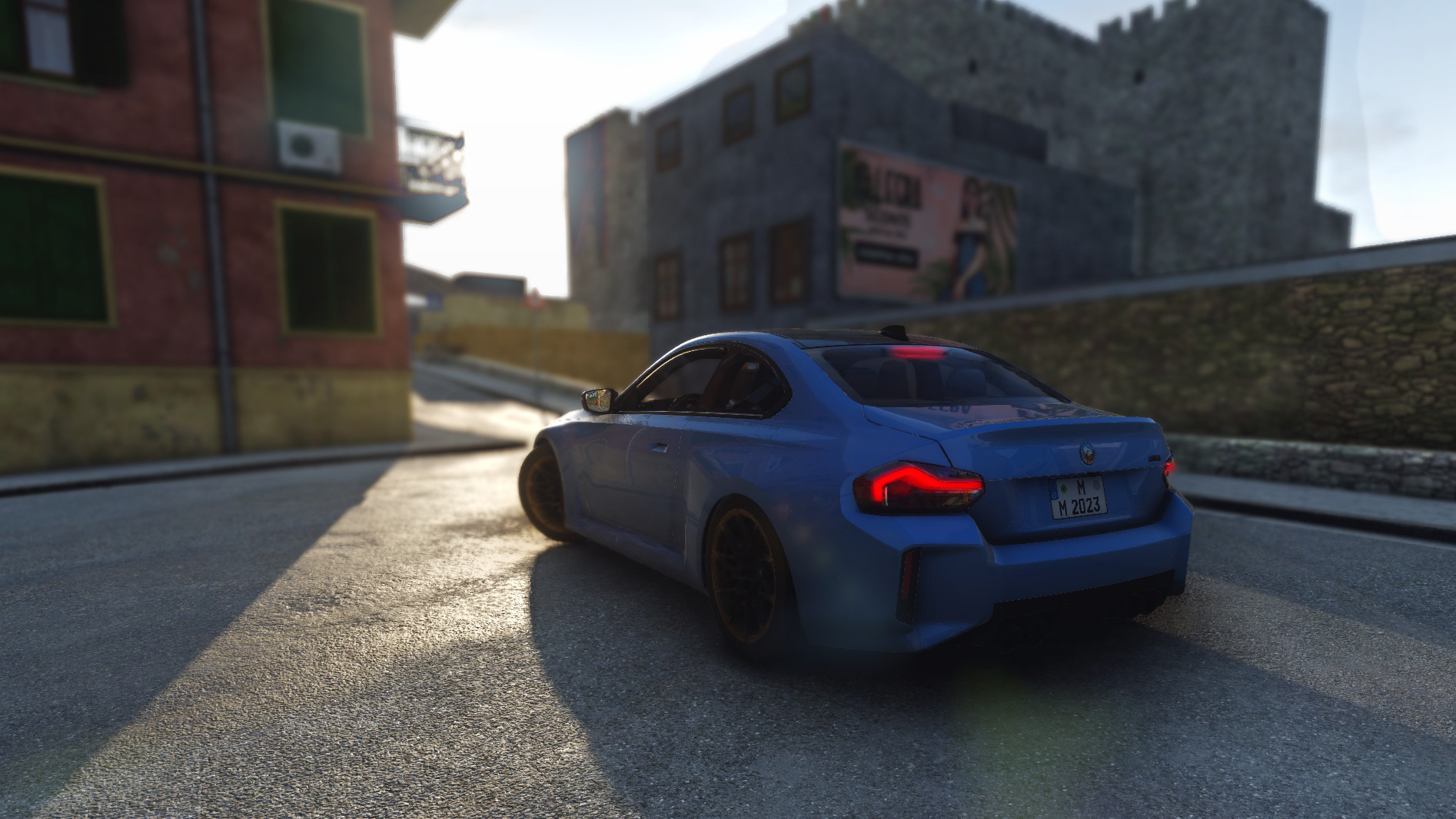
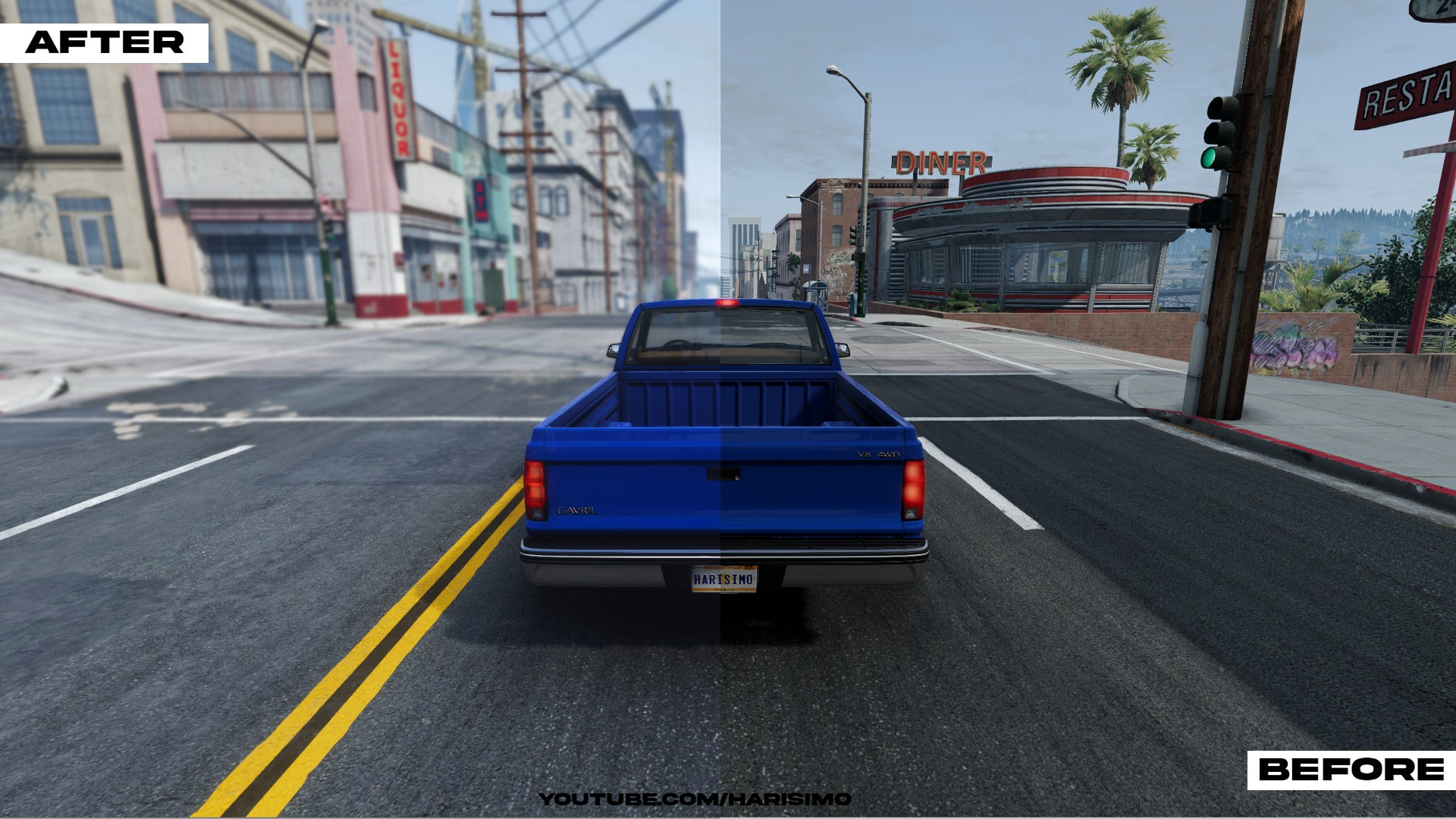
Thanks for checking out my preset! I've included both the .ZIP file with the presets and a bunch of screenshots below. I highly recommend checking out the screenshots on the ReShade database because they have a nice on/off comparison. If you have any questions I'll try to answer them when I have some free time
------------------------------------------------
Click HERE for installation tutorial.
feel free to subscribe and watch other videos!
------------------------------------------------
Hey everyone! First of all this is my first post!
Today I am releasing my personal ReShade preset I use with BeamNG. The preset uses Ray Tracing Global Illumination by Pascal Glitcher (Marty Mcfly). I want to stress that this effect is only available through a subscription to his patreon. However, even without this effect the preset should still provide some nice improvements.
Important Information:
Why turn off Bloom and Ambient Occlusion?
Both are being done by the preset. Having them on would just have both the game and ReShade doing the same thing and eat up more performance.
Does it work on every map?
Yes, even downloaded maps!
Does it work at night?
Yes! The Preset looks quite good at night.
Why is the UI messed up sometimes?
Because ReShade cannot detect your UI being open. I've included a easy toggle preset key in the presets to turn off the effects when you open up your UI. The key to toggle effects on and off is \ on your keyboard.
How does it perform?
There is a noticeable FPS hit. You likely need at least a RTX 2060.
( I use the RTX 3060 ti)
Thanks for checking out my preset! I've included both the .ZIP file with the presets and a bunch of screenshots below. I highly recommend checking out the screenshots on the ReShade database because they have a nice on/off comparison. If you have any questions I'll try to answer them when I have some free time
------------------------------------------------
Click HERE for installation tutorial.
feel free to subscribe and watch other videos!
------------------------------------------------
External Download Links:
- Modsfire.com - HarisimosReshadePreset.zip [53.42 MB]
Videos


About Mod
| Latest Version | 1.1 |
| Game | BeamNG.drive |
| Category | Other |
| Game Version | 0.33.x |
| Downloads | 9867 |
| Created | 3 years ago |
| Last Updated | 1 year ago |
Download Latest Version
Version: 1.1Updated: 1 year ago
Total Size: 53.42 MB HarisimosReshadePreset.zip external download · 53.42 MB · added 1 year ago
![Mack Anthem / Pinnacle [PACK]](https://temp2.modland.net/i/6aa50a7184eaa/6ab9344368d3b/0_modland.jpg)
yall have to install reshade when youve set it up extract the file you downloaded aka the reshade preset and put it into the beamng files and start beamng a press the home button on ur keyboard
Ngl with your reshade preset and the RTGI made my game look like Gta 6 lmao
cuz i put it in bin64 folder and it work for me ;p
i tink you put in bin64 folder
can u fix the link
@Harisimo idk wtf to do i installed the reshade with the rainbow circle logo and i dont have 7zip does it still work when i extract your shader file or do i not extract it because im really confused here
@Spencer Mods i just fixed it!
Thats NOT what i got when i put the preset in.
@Stupid it should be, otherwise you didn't follow the full tutorial. at the end of preset installation on the video did the change the global preprocessor definitions like it said in the video?
@Stupid what did u get?