How to Improve Graphics in BeamNG: 5 Useful Mods
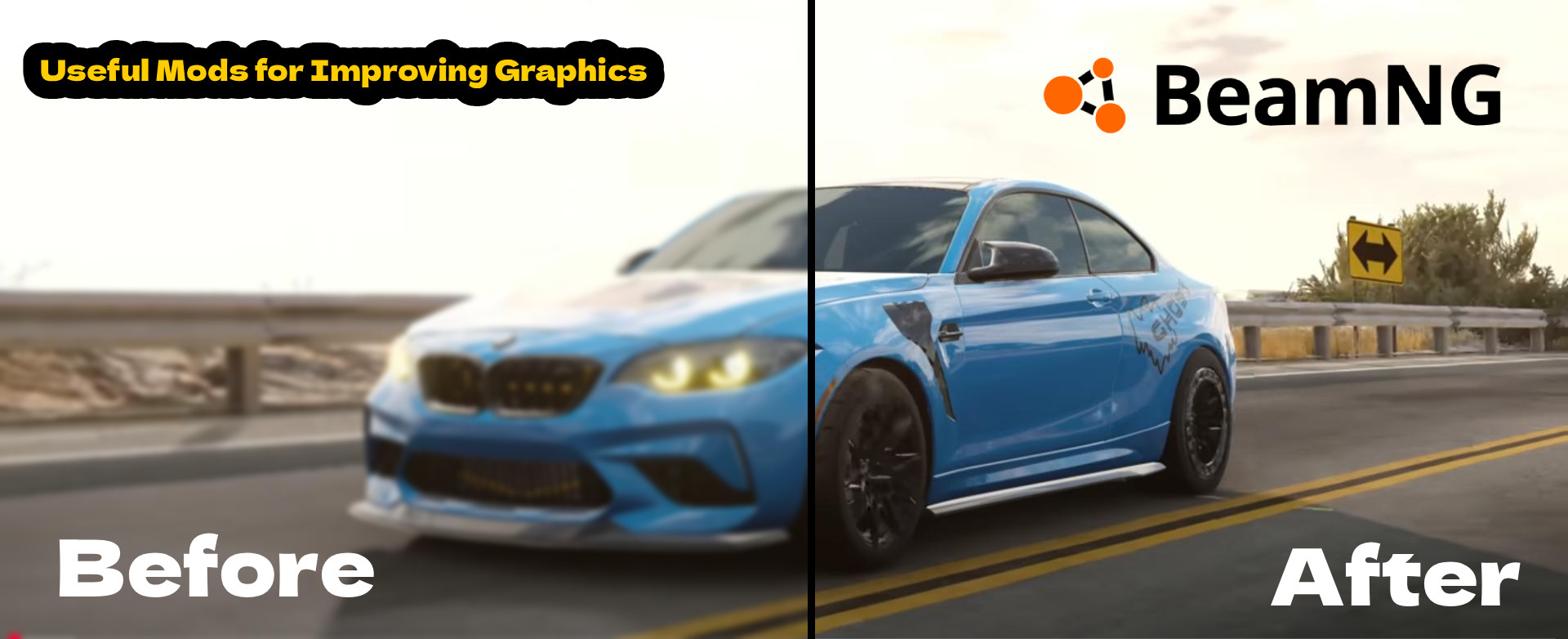
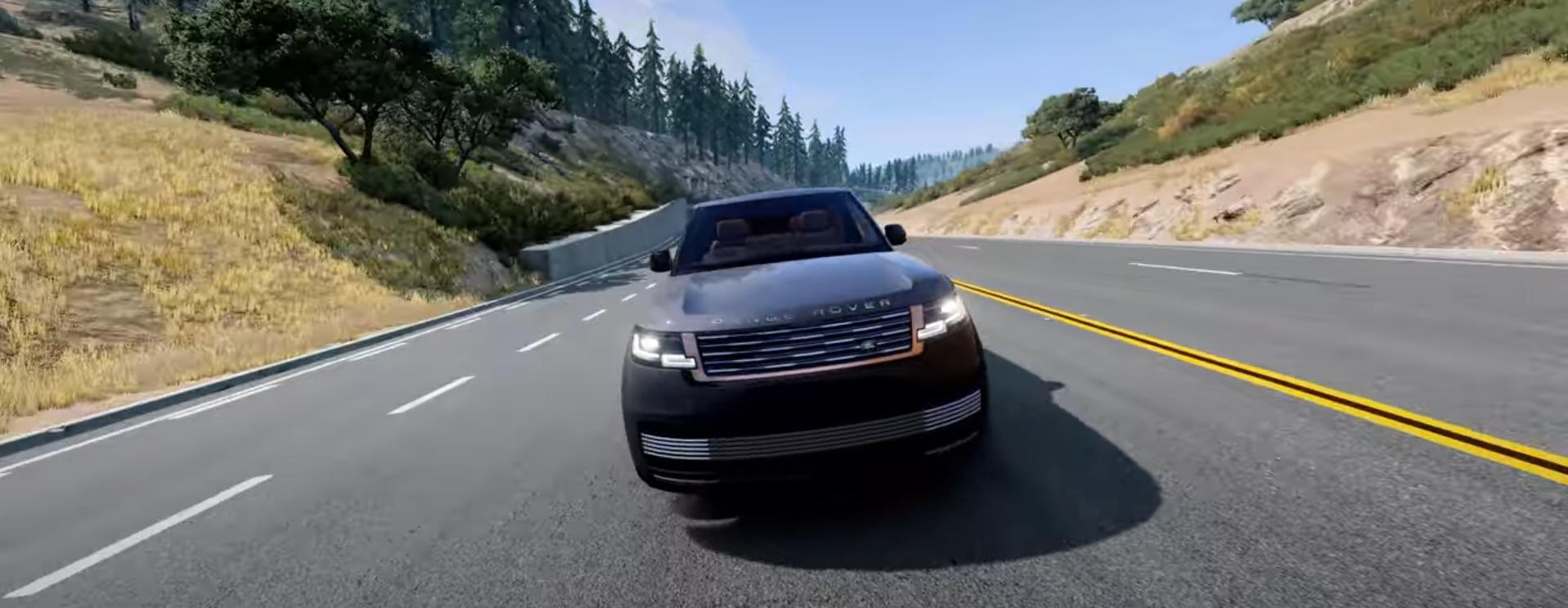
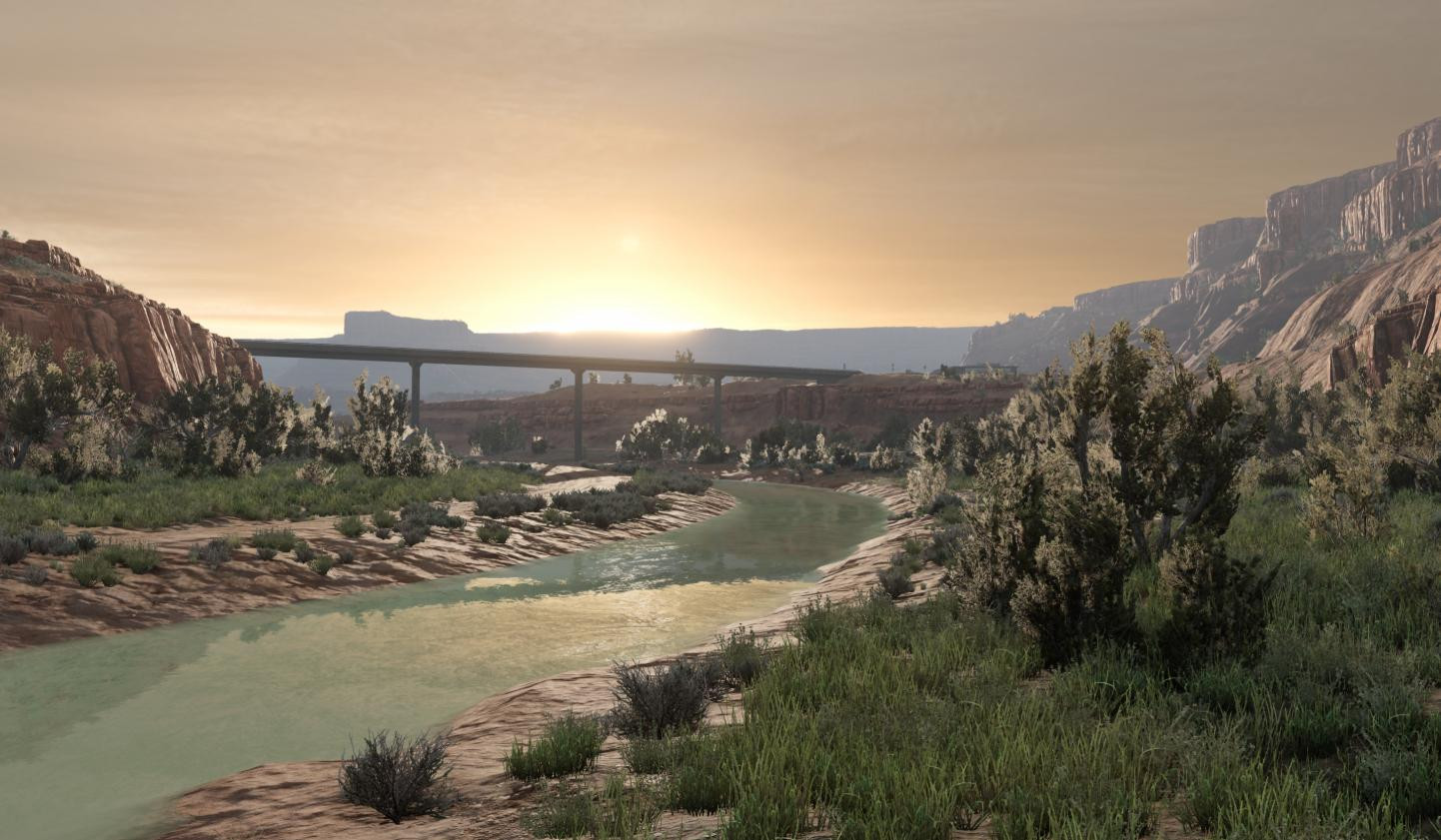
BeamNG.Drive is definitely a game with great graphics and physics. A beautiful picture makes the game more interesting, which is why you have to return to it again and again. But, with time you get used to everything and the graphic accompaniment in the games is not an exception in this case. Then the game may not be so exciting.
To remedy the situation, come to the aid of fashions to improve graphics in BeamNG. This little detail of the modifications will help to make the visual accompaniment in the game more realistic.
Zeit’s Graphics
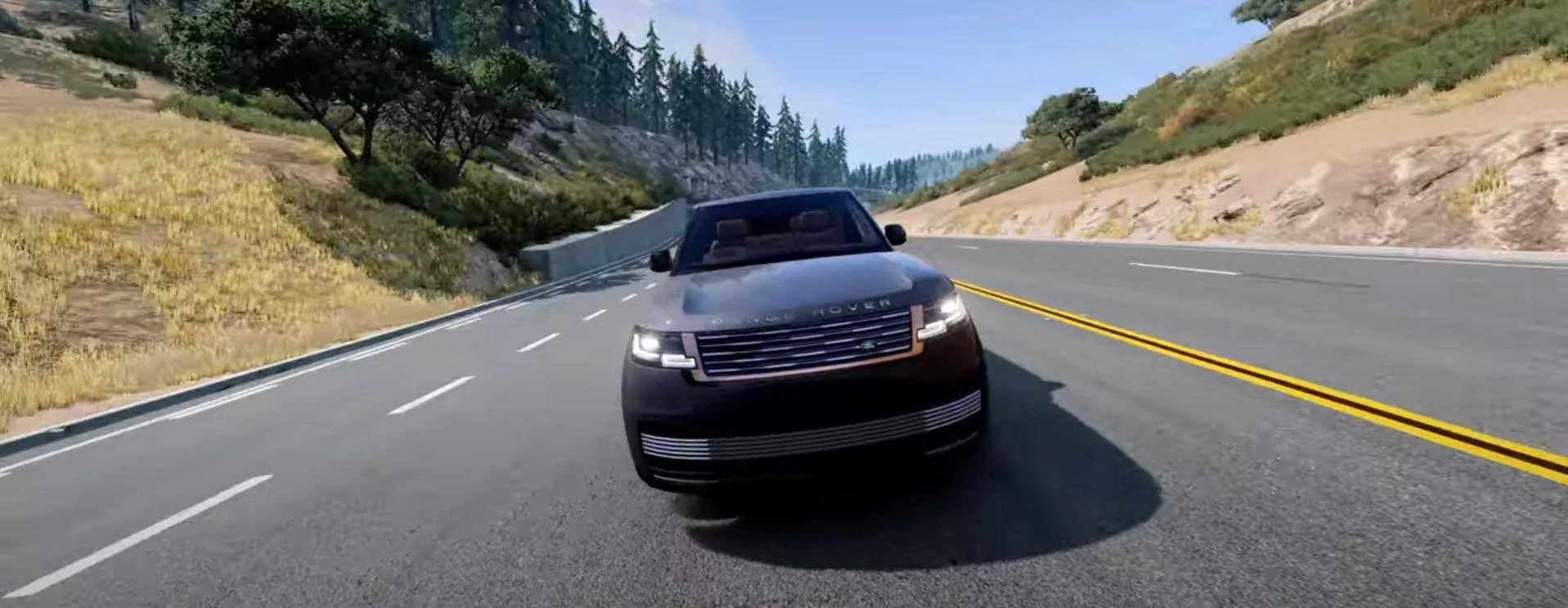
Very decent tool to manage graphics in BeamNG. This tool is designed for those who want to customize the game with maximum precision. It allows fine tuning of graphics elements such as HDR, Bloom, color correction, Ambient Occlusion settings and much more. Clear interface in which to understand the newcomer will help make perfect graphics in the game. Big plus - no need to dig into files and configurations, everything is done through the interface.
The modification is designed so that the user can customize the graphics to their own liking. There are a lot of interesting functions and subtle settings. They allow you to adjust contrast, saturation, sharpness, apply many effects, work with smoothing. And this is only a small list of all the possibilities of Zeit’s Graphics. Developed to take care of saving presets settings, for this there is a special tool - Profile Manager, allowing you to easily and quickly switch between graphic profiles, as well as share them with other users.
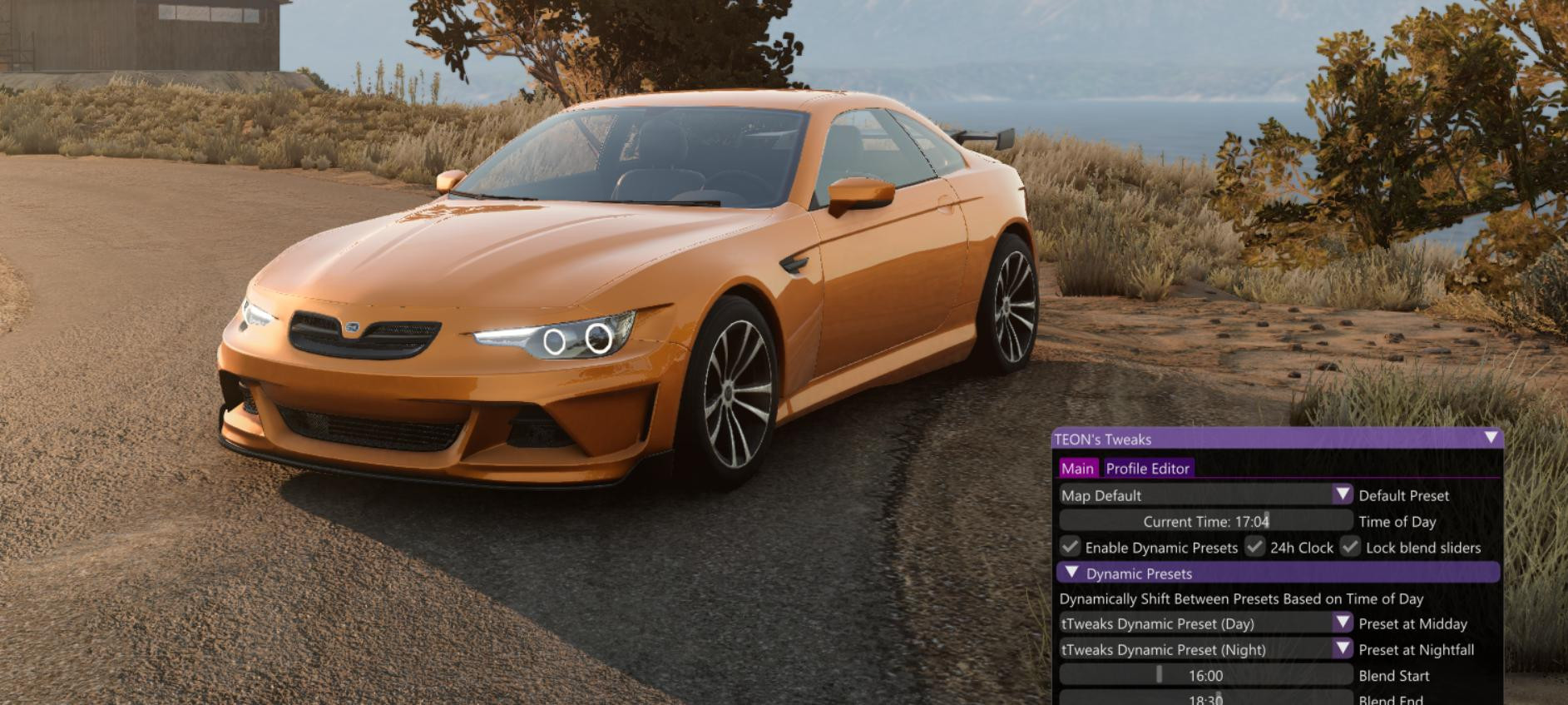
-tTweaks- | TEON’s Graphics Tweaks
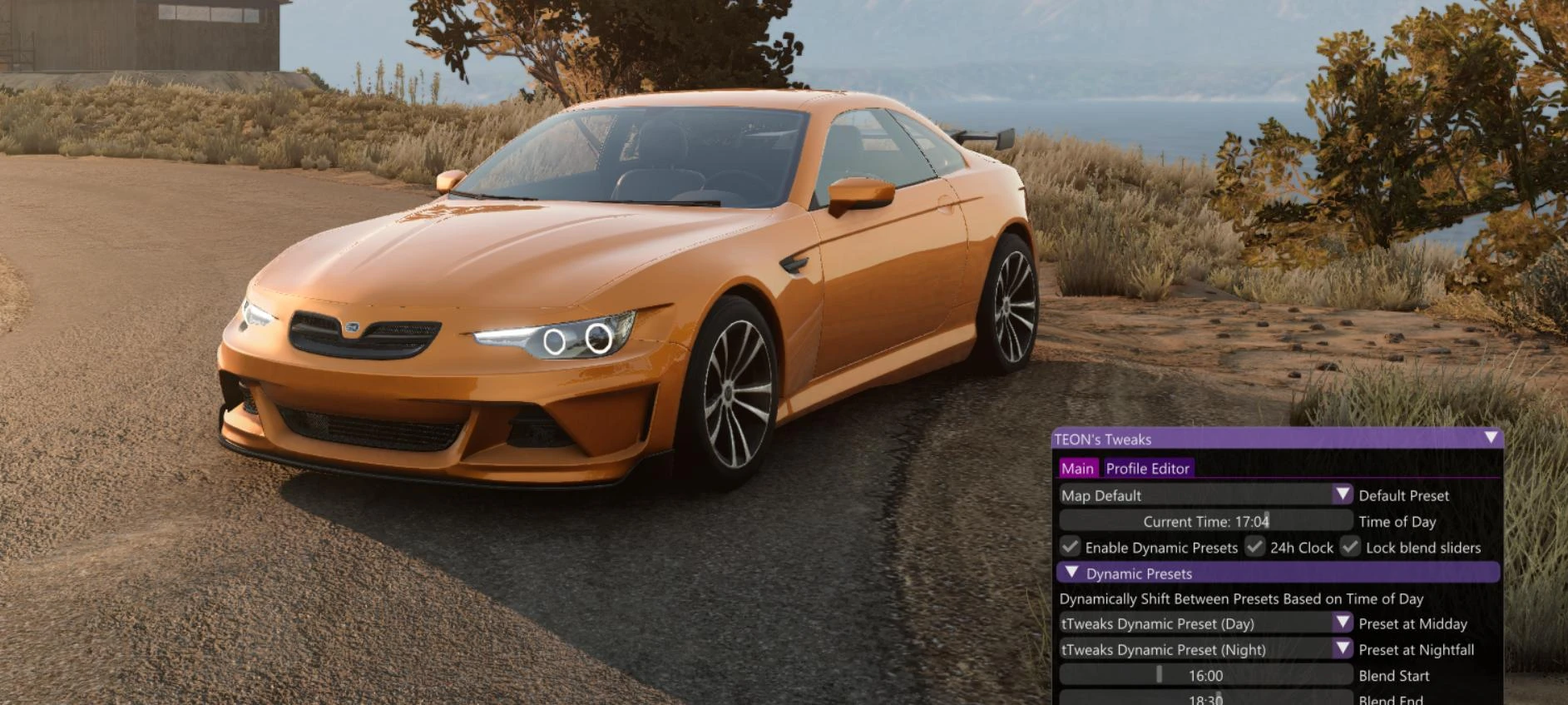
Another great add-on for improving graphics in BeamNG. Very easy to set up and allows you to create the required graphic presets as quickly as possible.
The interface is based on ImGui, which allows you to intuitively control all the settings of the graphics.
With just one click, you can switch presets, change contrasts, enhance light and shadows to achieve a realistic dynamic range. This modification is aimed at this - to give the user the ability to quickly in a few clicks make beautiful graphics.
Mod does not require a powerful PC - it has almost no impact on performance because it works with already existing game settings.
CK Dynamic Skybox
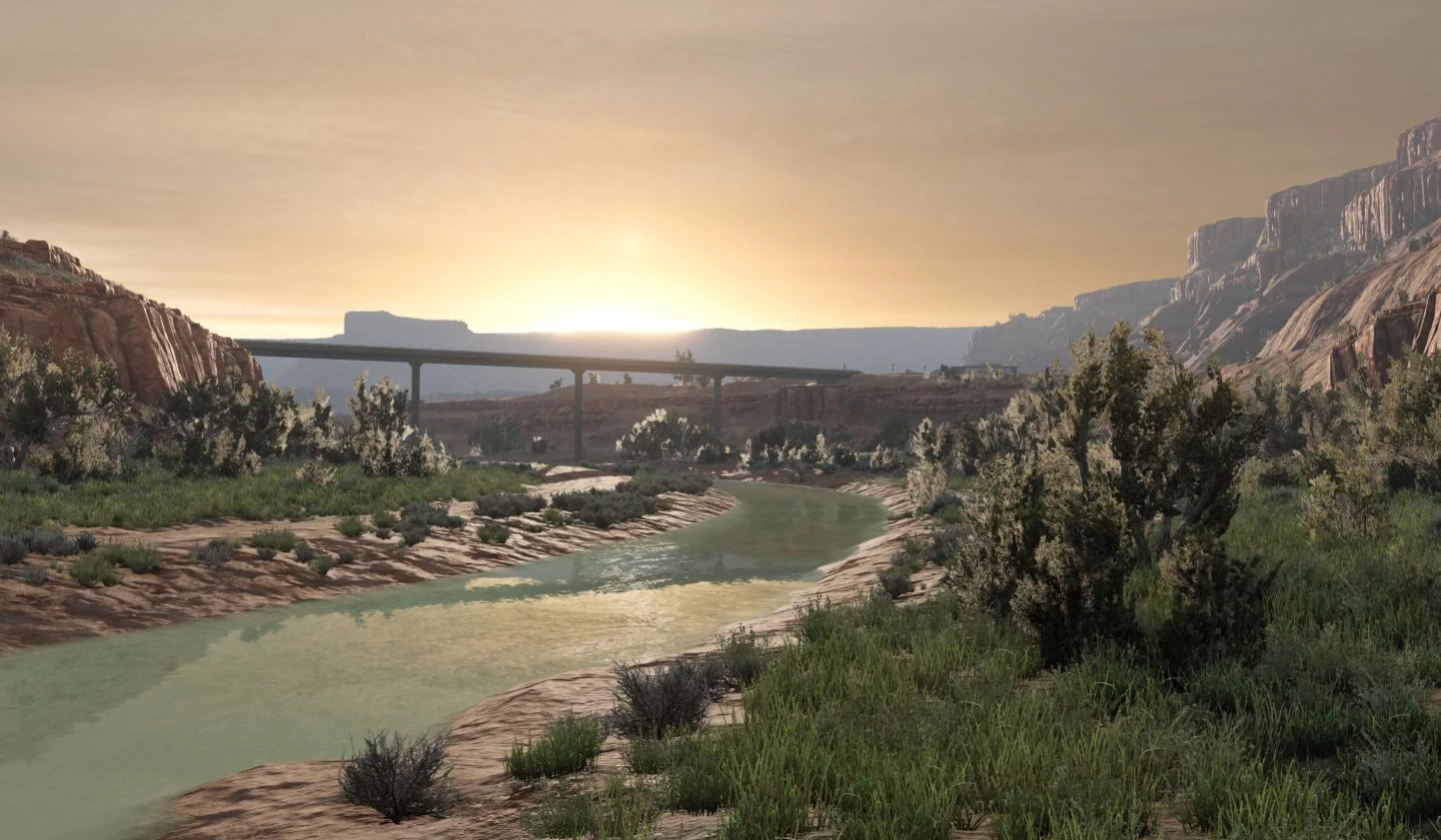
This simple mod targets the best clouds in BeamNG. Designed in LUA language and adds the ability to include skyboxes in the game.
The difference between standard clouds in the game and clouds using this script is visible to the naked eye. Sky panoramas will become more realistic and pleasing to the eye.
There is a convenient menu ( ) through which you can change weather, sky types and even set water reflections in Ultra mode. Mode allows you to set individual profiles for each map, include «Fancy Water» and dynamic reflections, making the standard environment almost photo-realistic.
There are already 10 ready-to-use presets, as well as the ability to create your own and share them with the community.
MK’s Dynamic Weather
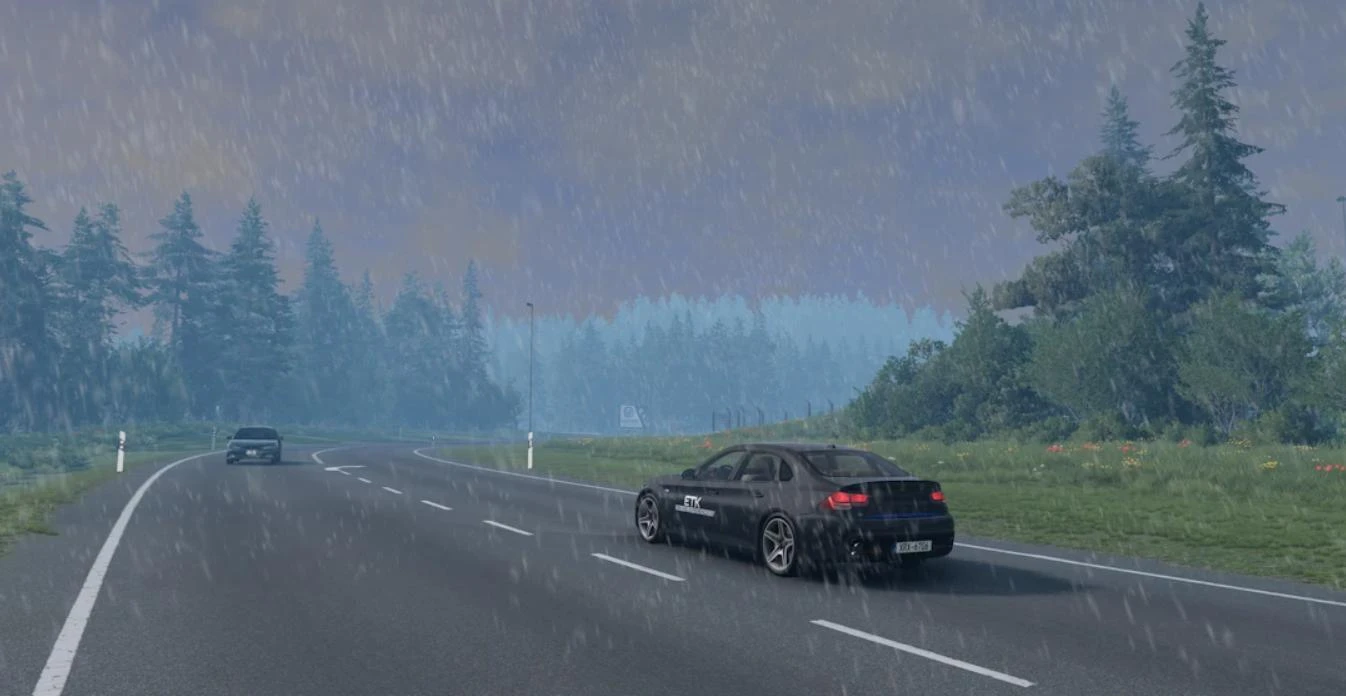
One of the best mods on the weather in BeamNG Drive! Weather conditions play a very important role in the overall atmosphere of the game, so the more realistic and dynamic the weather is, the more enjoyable it becomes to play. In games like BeamNG.Drive this is especially important. MK’s Dynamic Weather improves the world by changing weather conditions. At one point the sun is shining, but after a while the sky can become cloudy and it can start to rain, which can turn into a real storm. Mod also adds nebulosity and even tornadoes.
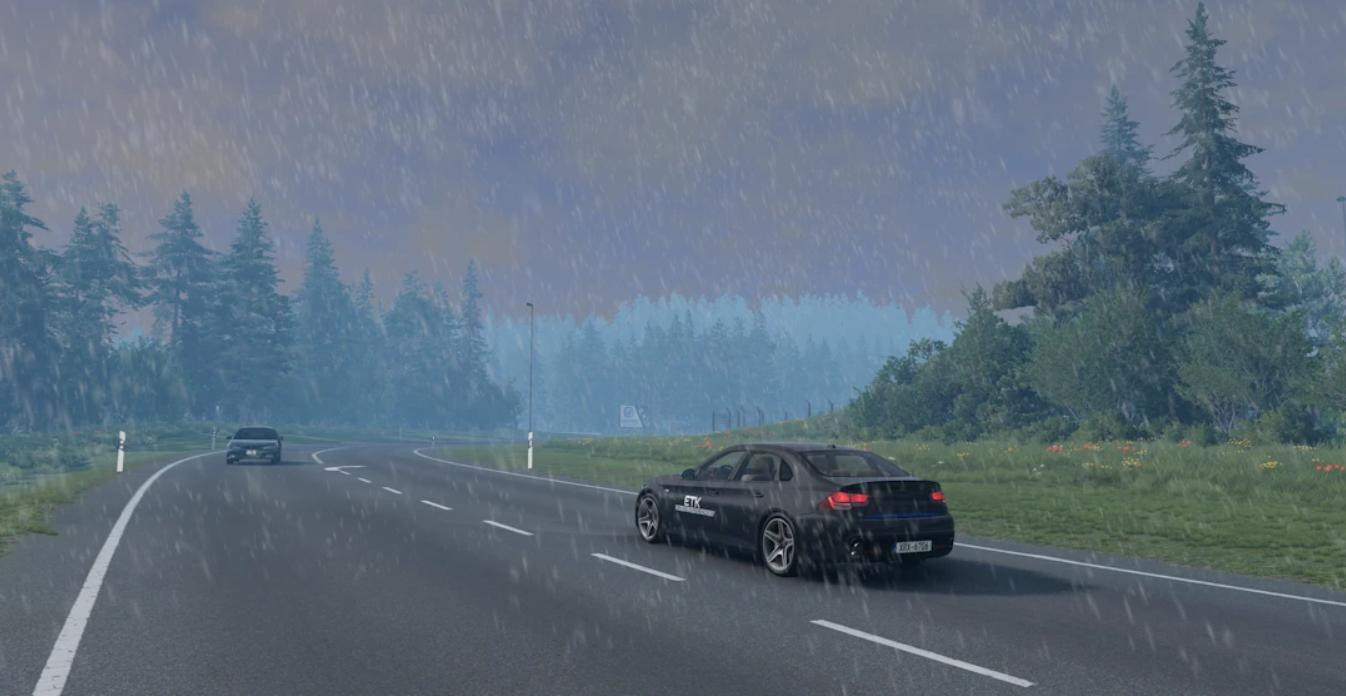
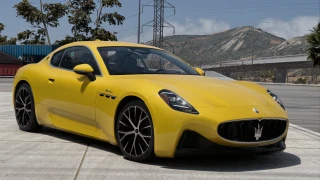
The car and roads look especially beautiful in rainy weather. The roads become slippery, you can see falling drops and shine from the rain on the road. This is a great opportunity to create beautiful screenshots.
Also after installing this add-on in BeamNG will feel the gusts of wind, arising with different frequency and strength. They will carve trees and affect various objects, including cars.
The modification is well managed and has a large set of settings and features. To activate dynamic weather just press Alt +W. You can also call the user interface by pressing Ctrl + Alt + W, where you can make more subtle settings for weather conditions.
Extreme BeamNG Graphics DEMO
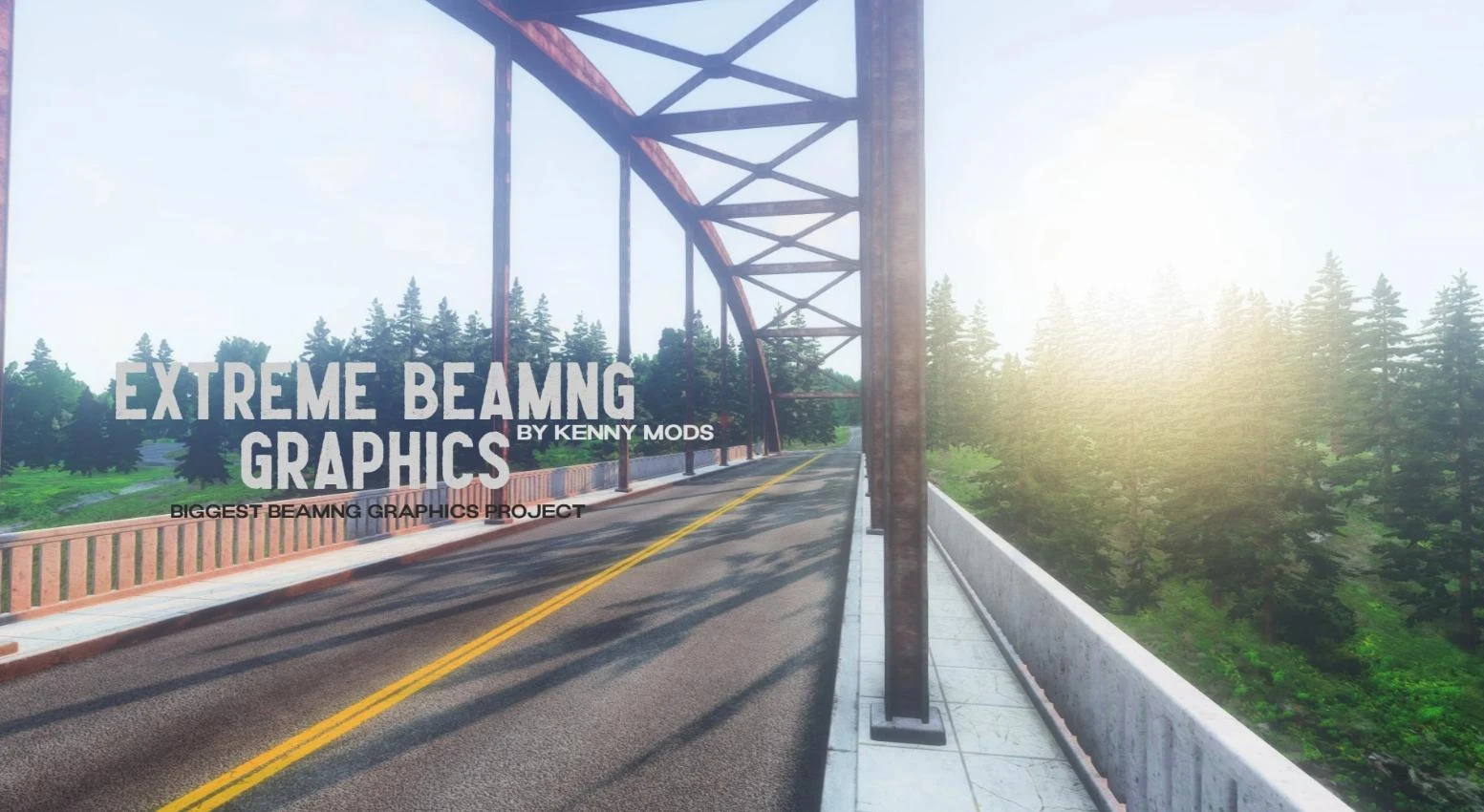
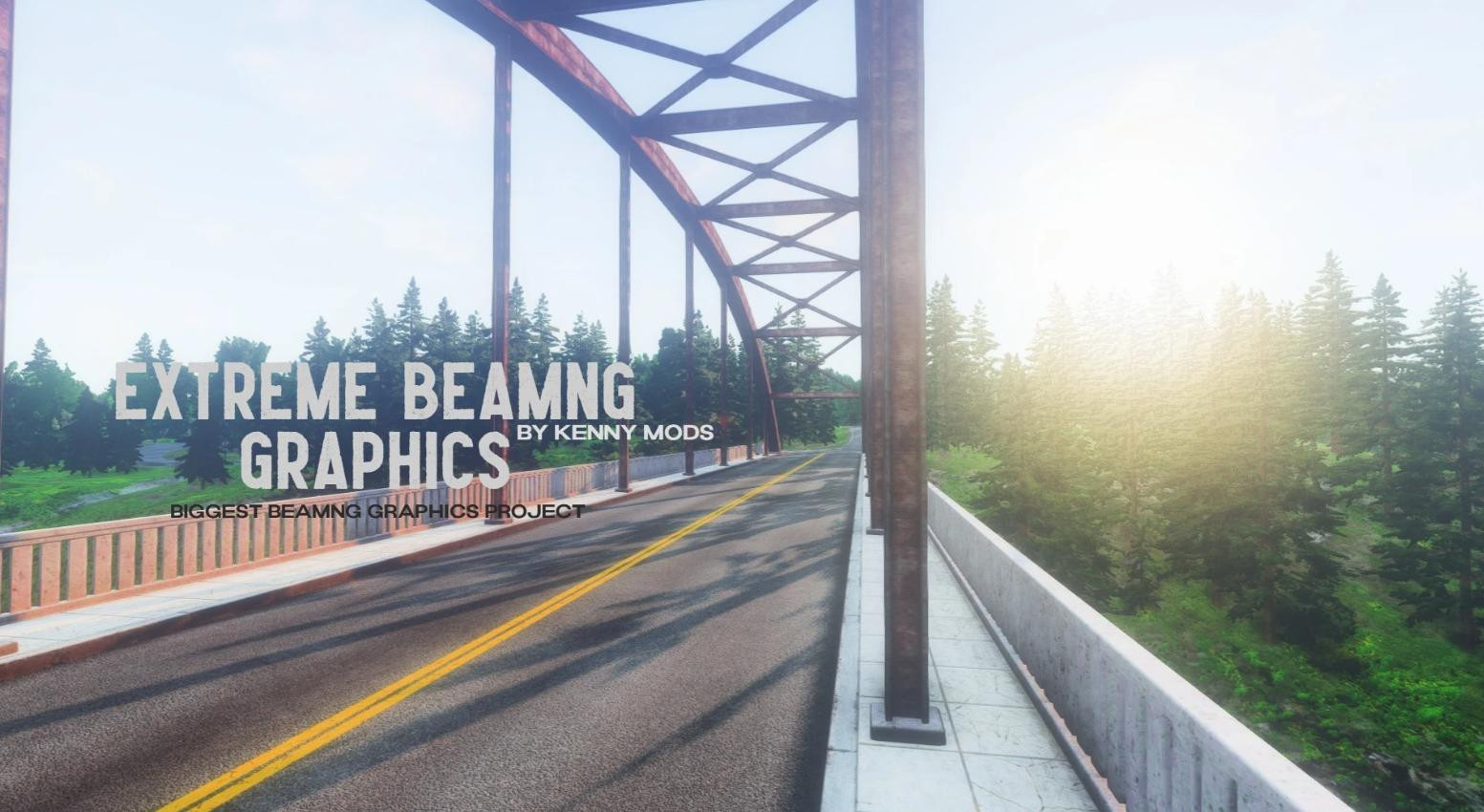
Although this is only a demo version of this mod, it will impress you with what it can do with graphics in BeamNG.Drive. It uses Reshade and greatly improves the image in the game, smoothing it out and making it more enjoyable.
Extreme BeamNG Graphics has received a positive rating on ModLand from users, which may indicate that it does its job very well. Go to the mod page, on the screenshots you can see changes in the graphics.
The author emphasizes that fashion requires a good computer for stable work.
If you know other mods for BeamNG that change the game’s appearance, share them in comments. We will certainly take your opinion into account and may appear in other similar compilations.
Added by

![Ford Bronco [PACK]](https://temp2.modland.net/i/6abb8bc6ce51c/0_modland.webp)


Nevermind
SO how do i download it
b ı