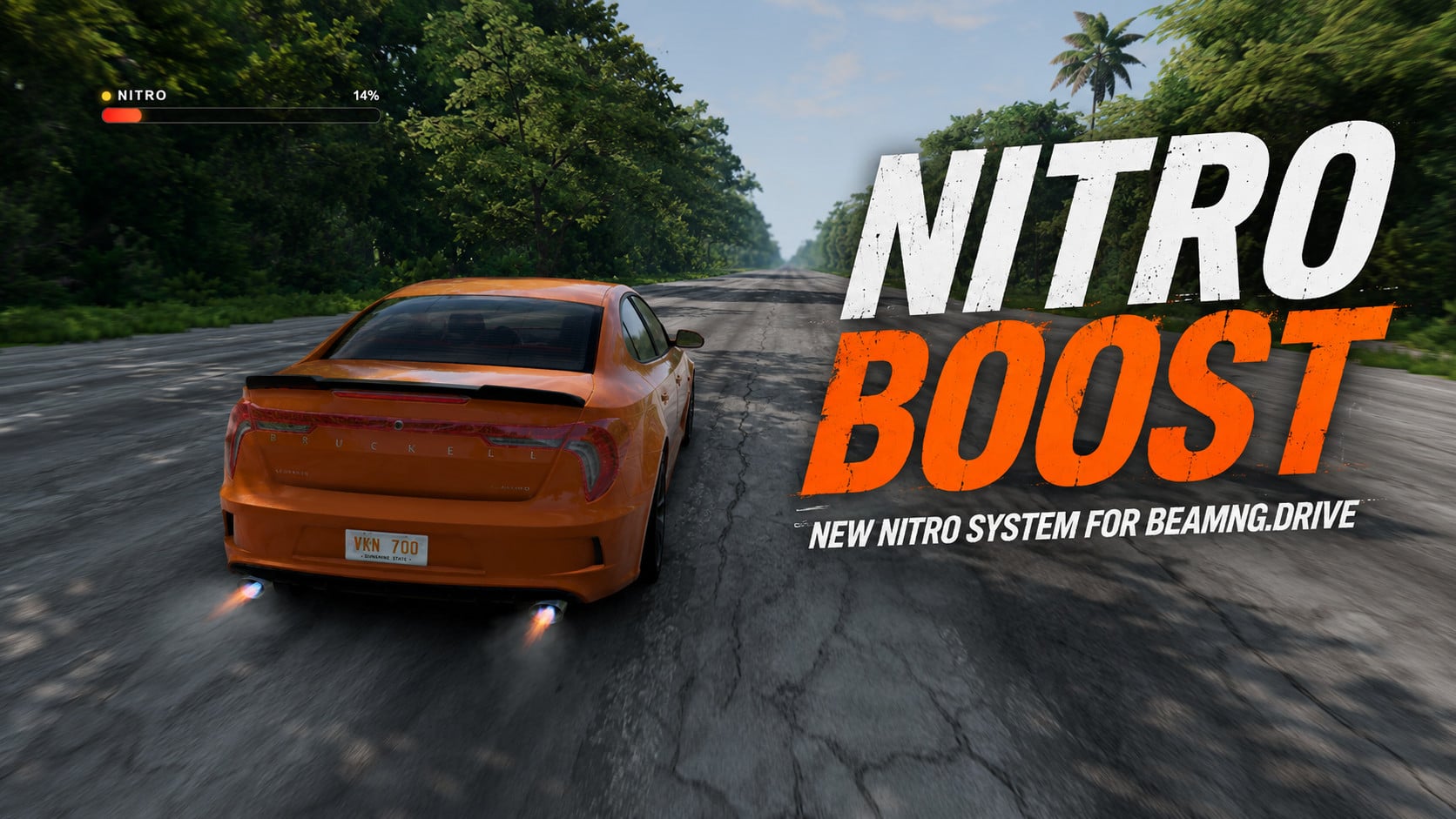
Nitro Boost 1.3
Latest Update
- Two-stage boost: tap the key for a short shot, or hold it for a sustained boost.
- Overheat: holding the boost too long overheats it and forces a short cooldown (can be turned off).
- Charge modes: Arcade (self-refilling), Earned (charge builds as you drive hard) or Bottle (no auto-refill).
- Combo: driving fast close to traffic tops up your charge.
- Personal records: top speed, best 0-100 and longest boost, saved between sessions.
- Air boost adds lift while airborne to carry jumps further, plus a reverse-thrust air-brake on a second key (default L).
- New effects, each with its own toggle: a purge puff on a tap, exhaust haze, a glowing hot exhaust tip, activation sparks, flame-coloured launch smoke, underglow and a coloured wheel trail.
- HUD: a segmented charge bar with a low-charge warning and a G-meter.
This mod adds a new ability to the game: Nitro Boost. It is a nitro boost that works with any vehicle and speeds it up by about 2x.
How to use:
- To activate nitro, press and hold the K key;
- To display the bar shown in the screenshots, go to UI Settings - Add UI - Nitro Boost. Place the UI wherever you like, and when using the boost, a bar will appear showing the amount of remaining boost “fuel.” The bar refills automatically as soon as you release the K key.
Planned features:
- Add visual effects, such as exhaust flames;
- More realistic sounds;
- Deeper gameplay: the lower the nitro reserve, the slower the acceleration, plus options to configure acceleration and nitro tank capacity.
This mod is absolutely free for all. Paid patreons will only have access to direct download, but the version for free patreons/paid patreons is the same!
External Download Links:
About Mod
| Latest Version | 1.3 |
| Game | BeamNG.drive |
| Category | Other |
| Game Version | 0.39.x |
| Downloads | 1157 |
| Created | 4 months ago |
| Last Updated | 2 months ago |
![Ford Bronco [PACK]](https://temp2.modland.net/i/6abb8bc6ce51c/0_modland.webp)

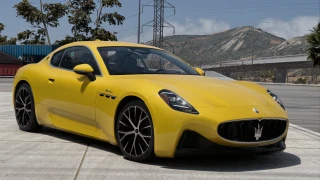
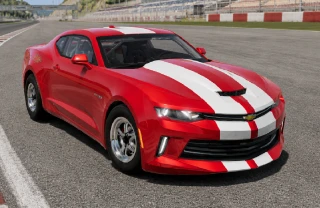
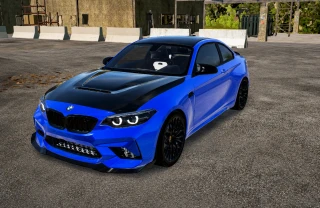
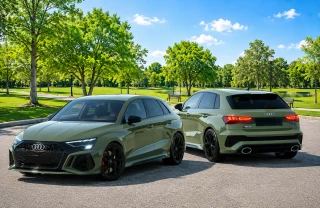

This is a good Mod, but the Nitrous exhaust flames are not appearing on any cars and I can't adjust refill time.
@modslab Nvm, it seems like they only appear on high shader settings then eventually disappear on some cars after minutes of gameplay and never appear.
@fizzic maybe you have other mods that affect exhaust system?
I don't know if it's a conflict with my mod or something else. I can't use it either. After adding the HUD, there's no display and the buttons don't respond.
@modslab I don't know what happened either. After updating to version 1.1, it worked fine for me. Before, the interface wasn't even showing up. Thank you!
@FVGB34 K key isn't working? you must press and hold it, not just press. Also please check your keybindings, try another hotkey