Shift Tag - Split-Screen Chase & Vehicle Switching 0.1.0 Beta

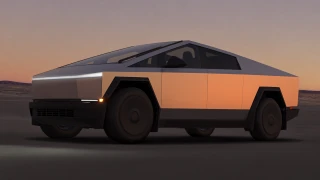
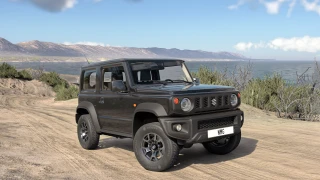
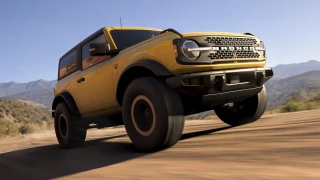
0/5,
0
votes
Description
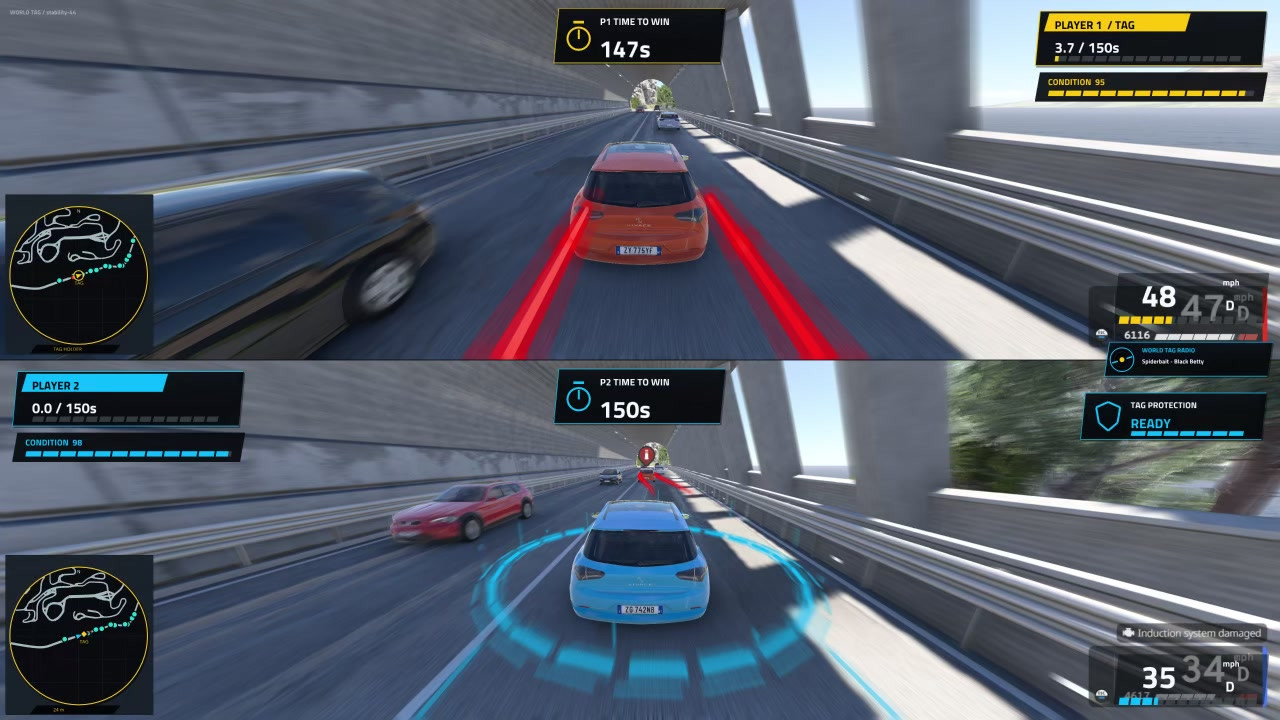
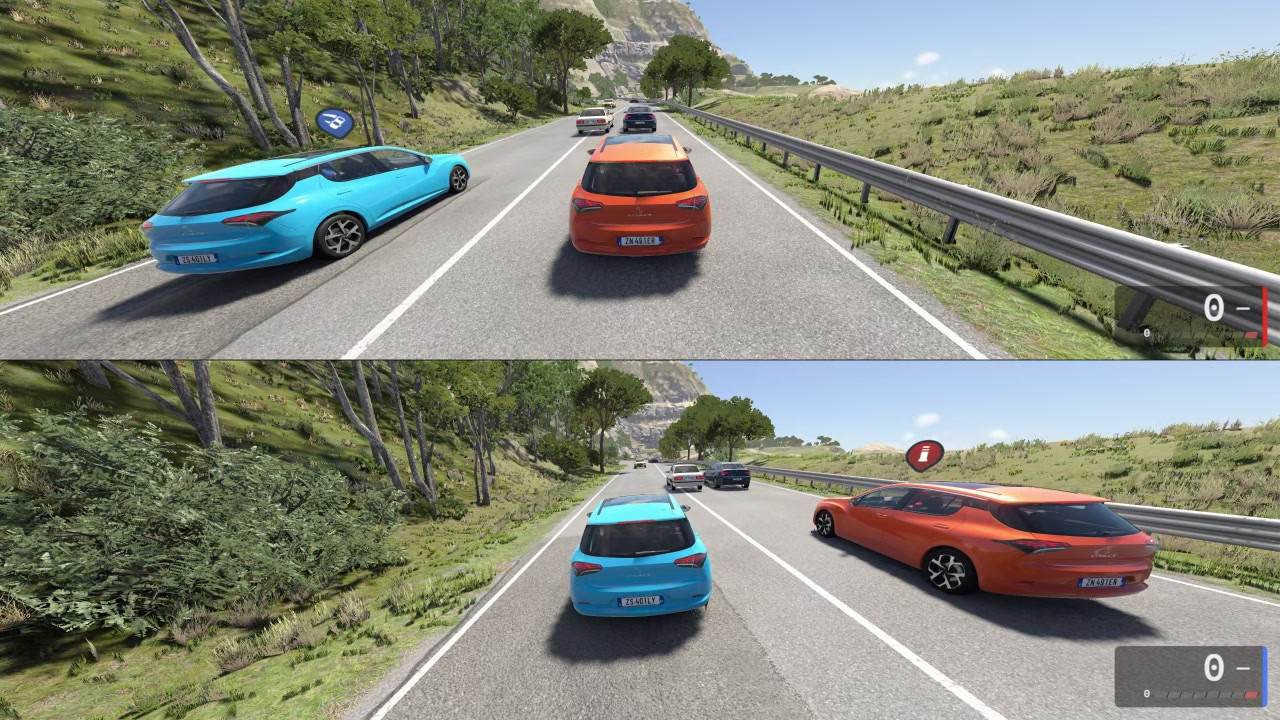
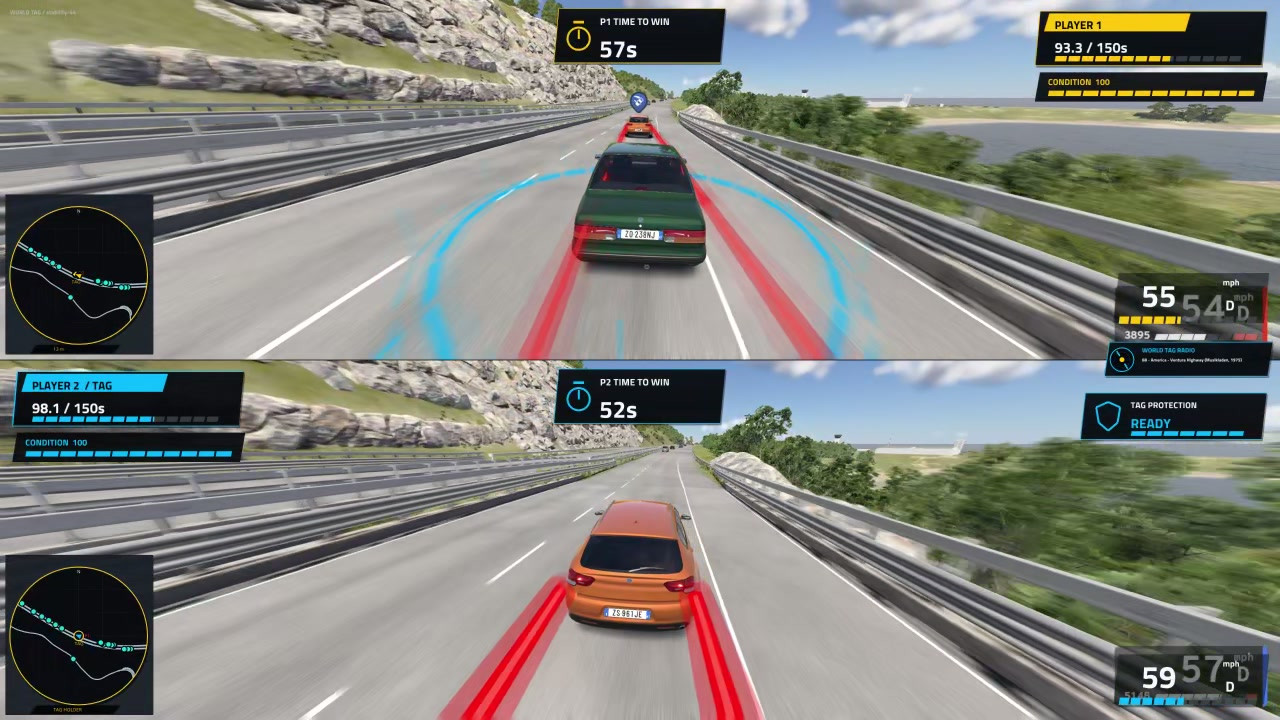
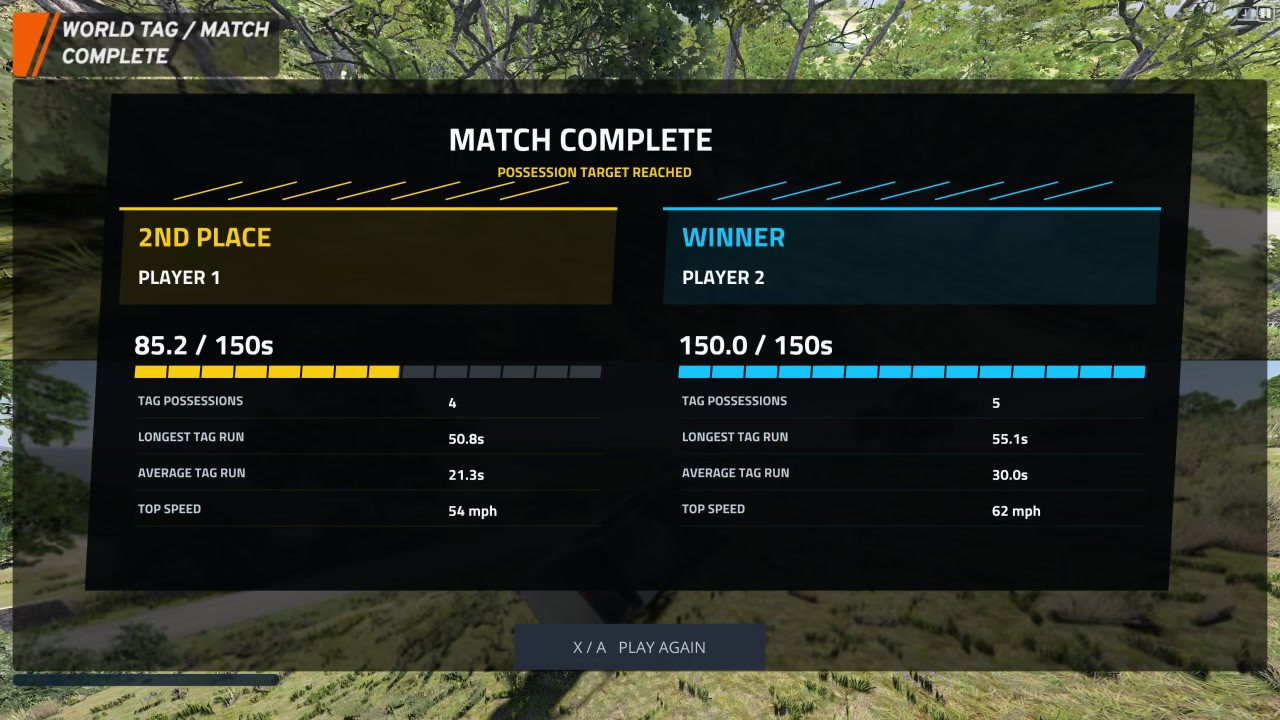
A local two-player Tag mode for BeamNG.drive native horizontal Split-Screen. Take the Tag from the initial NPC by touching its car, then keep the Tag to accumulate possession time. First to the chosen target (150 seconds by default) wins.
Features
- Local split-screen gameplay (not BeamMP or internet multiplayer).
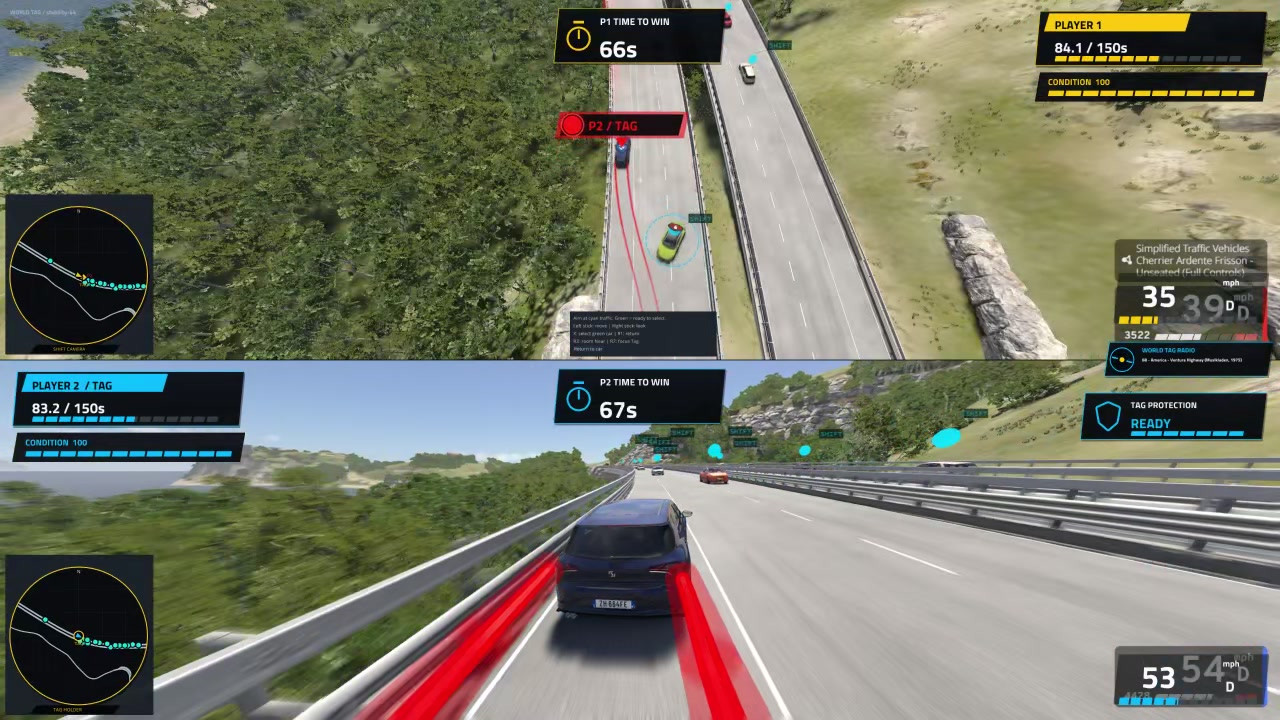
- Vehicle switching: A chaser can enter Shift, move the camera, and select another traffic car.
- Dynamic gameplay: Traffic is focused around the Tag holder.
- Custom music support: Ability to add your own MP3, OGG, or WAV files.
Gameplay Notes
The Tag holder cannot Shift. Being idle for two seconds starts a five-second warning countdown; moving cancels it. Remaining idle transfers Tag. A sustained wreck can also forfeit Tag. Replay selects a different suitable road when the level has alternatives. Narrow/non-road maps may not have a valid side-by-side start.
Beta Status / Known Limits
Code/configuration and engine-stub validation pass against installed 0.40.4 APIs. Real controller, road-map, and performance testing is ongoing. A recurring native crash is still under investigation. New Shift sky-beam and lift/landing effects are disabled by default for crash isolation.
Playstation Controls
R1: Enter Shift / return to your car (bind this action first).
X: Confirm the green highlighted car while in Shift.
Left stick: Move the Shift camera.
Right stick: Look around using your normal camera controls.
R3: Cycle Shift zoom levels.
R2: Focus the Tag holder while in Shift.
Triangle: Toggle interior/exterior view.
X / Xbox A: Play Again on the completed-match screen (bind this action first).
Installation Instructions
1. In BeamNG Launcher select Manage User Folder, then Open in Explorer. Use the active user folder shown by the launcher; do not use the Steam game-installation folder.
2. Close BeamNG. Disable/remove older World Tag development ZIPs and old World Tag soundtrack packs to avoid duplicate modes and bindings.
3. Copy worldtag.zip into <active user folder>/mods/. Do NOT extract worldtag.zip. Enable it in Mod Manager if necessary.
4. Reopen BeamNG. Load a supported road map such as East Coast USA or West Coast USA. Join two players through native Split-Screen and select WORLD TAG from Gamemodes.
5. In Options > Controls search World Tag. Bind the enter/leave Shift action to R1/RB for EACH controller.
How to add your own music (Optional)
1. Close BeamNG.
2. Extract worldtag_custom_music_template.zip INTO: <active user folder>/mods/unpacked/
3. The resulting folder must be: <active user folder>/mods/unpacked/worldtag_custom_music/
4. Put your own MP3, OGG or WAV files inside its following subfolder: art/sound/worldtag_custom_music/
5. Reopen BeamNG and start a World Tag round. The mod scans that folder and shuffles up to 128 tracks.
6. Adjust the Music channel volume in BeamNG's audio settings. After adding or removing files, restart BeamNG before starting another round.
Uninstall
Close BeamNG and remove worldtag.zip from mods. To remove personal music, remove the optional worldtag_custom_music folder from mods/unpacked.
A local two-player Tag mode for BeamNG.drive native horizontal Split-Screen. Take the Tag from the initial NPC by touching its car, then keep the Tag to accumulate possession time. First to the chosen target (150 seconds by default) wins.
Features
- Local split-screen gameplay (not BeamMP or internet multiplayer).
- Vehicle switching: A chaser can enter Shift, move the camera, and select another traffic car.
- Dynamic gameplay: Traffic is focused around the Tag holder.
- Custom music support: Ability to add your own MP3, OGG, or WAV files.
Gameplay Notes
The Tag holder cannot Shift. Being idle for two seconds starts a five-second warning countdown; moving cancels it. Remaining idle transfers Tag. A sustained wreck can also forfeit Tag. Replay selects a different suitable road when the level has alternatives. Narrow/non-road maps may not have a valid side-by-side start.
Beta Status / Known Limits
Code/configuration and engine-stub validation pass against installed 0.40.4 APIs. Real controller, road-map, and performance testing is ongoing. A recurring native crash is still under investigation. New Shift sky-beam and lift/landing effects are disabled by default for crash isolation.
Playstation Controls
R1: Enter Shift / return to your car (bind this action first).
X: Confirm the green highlighted car while in Shift.
Left stick: Move the Shift camera.
Right stick: Look around using your normal camera controls.
R3: Cycle Shift zoom levels.
R2: Focus the Tag holder while in Shift.
Triangle: Toggle interior/exterior view.
X / Xbox A: Play Again on the completed-match screen (bind this action first).
Installation Instructions
1. In BeamNG Launcher select Manage User Folder, then Open in Explorer. Use the active user folder shown by the launcher; do not use the Steam game-installation folder.
2. Close BeamNG. Disable/remove older World Tag development ZIPs and old World Tag soundtrack packs to avoid duplicate modes and bindings.
3. Copy worldtag.zip into <active user folder>/mods/. Do NOT extract worldtag.zip. Enable it in Mod Manager if necessary.
4. Reopen BeamNG. Load a supported road map such as East Coast USA or West Coast USA. Join two players through native Split-Screen and select WORLD TAG from Gamemodes.
5. In Options > Controls search World Tag. Bind the enter/leave Shift action to R1/RB for EACH controller.
How to add your own music (Optional)
1. Close BeamNG.
2. Extract worldtag_custom_music_template.zip INTO: <active user folder>/mods/unpacked/
3. The resulting folder must be: <active user folder>/mods/unpacked/worldtag_custom_music/
4. Put your own MP3, OGG or WAV files inside its following subfolder: art/sound/worldtag_custom_music/
5. Reopen BeamNG and start a World Tag round. The mod scans that folder and shuffles up to 128 tracks.
6. Adjust the Music channel volume in BeamNG's audio settings. After adding or removing files, restart BeamNG before starting another round.
Uninstall
Close BeamNG and remove worldtag.zip from mods. To remove personal music, remove the optional worldtag_custom_music folder from mods/unpacked.
External Download Links:
Videos


Direct Download Links
About Mod
| Latest Version | 0.1.0 Beta |
| Game | BeamNG.drive |
| Category | Other |
| Game Version | 0.40.x |
| Tags | Gameplay |
| Downloads | 68 |
| Created | 1 week ago |
You Might Also Like »


0 Comments
There are no comments. Be first to comment!