Torqz Garage V2 – Car Tracking, Service & Garage Manager 2.2.0


![Ford Bronco [PACK]](https://temp2.modland.net/i/6abb8bc6ce51c/0_modland.jpg)


0/5,
0
votes
Updates
latest
Version
2.2.0
· 2.2.0: Past Cars, Wear Speed & More
· BeamNG.drive
0.39.x
20 hours ago
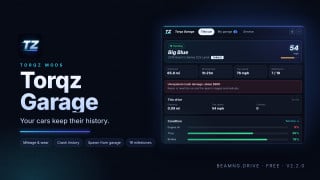
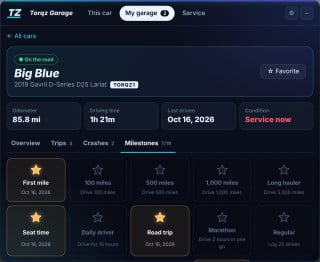
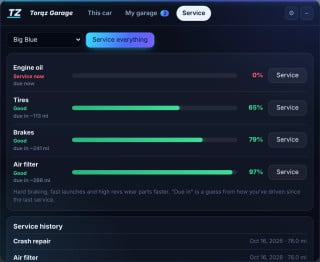
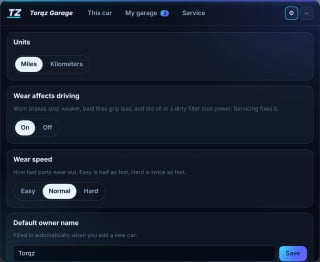
Updated to 2.2.0: sell or retire cars, wear speed, service estimates and garage totals.
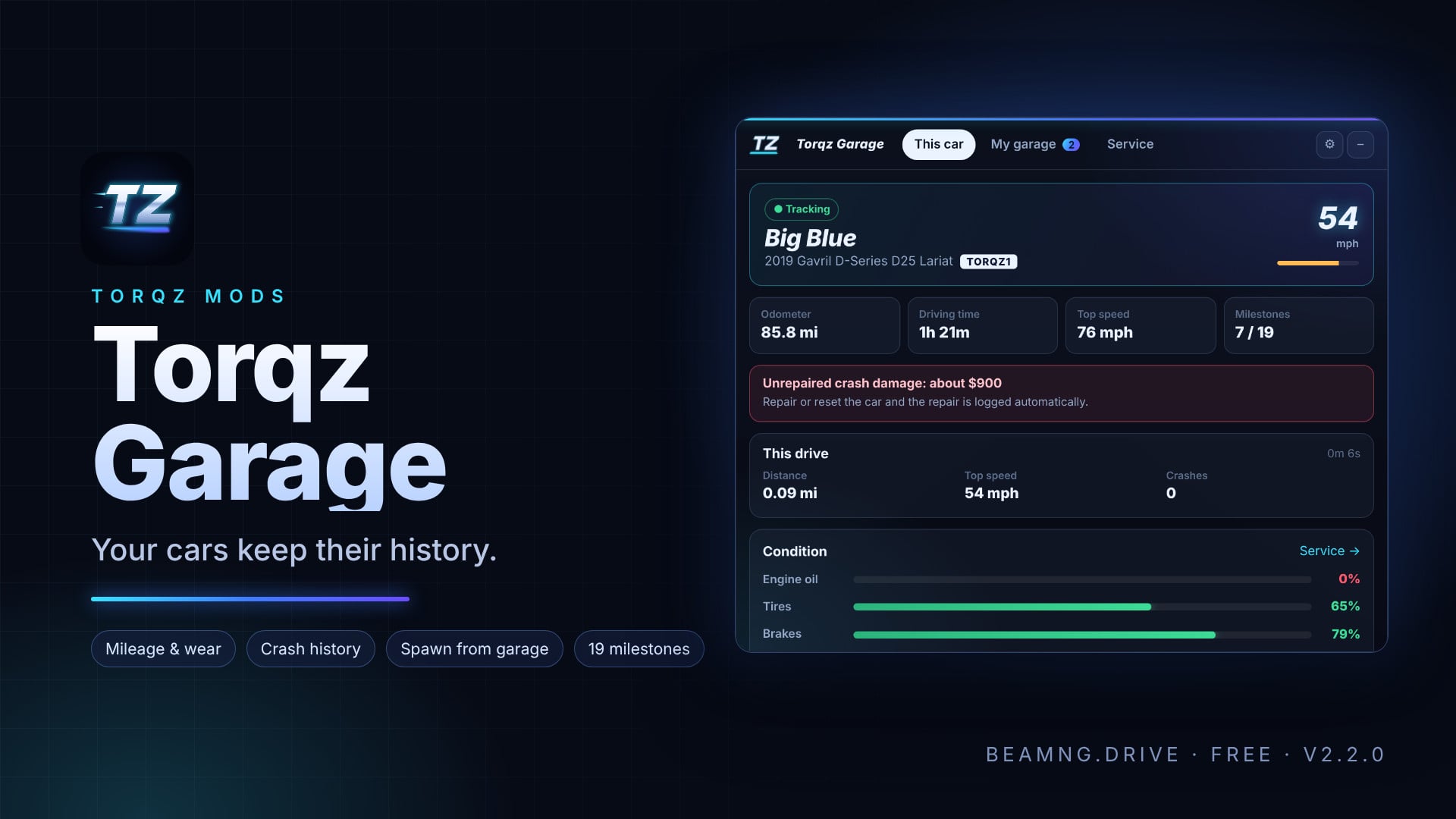
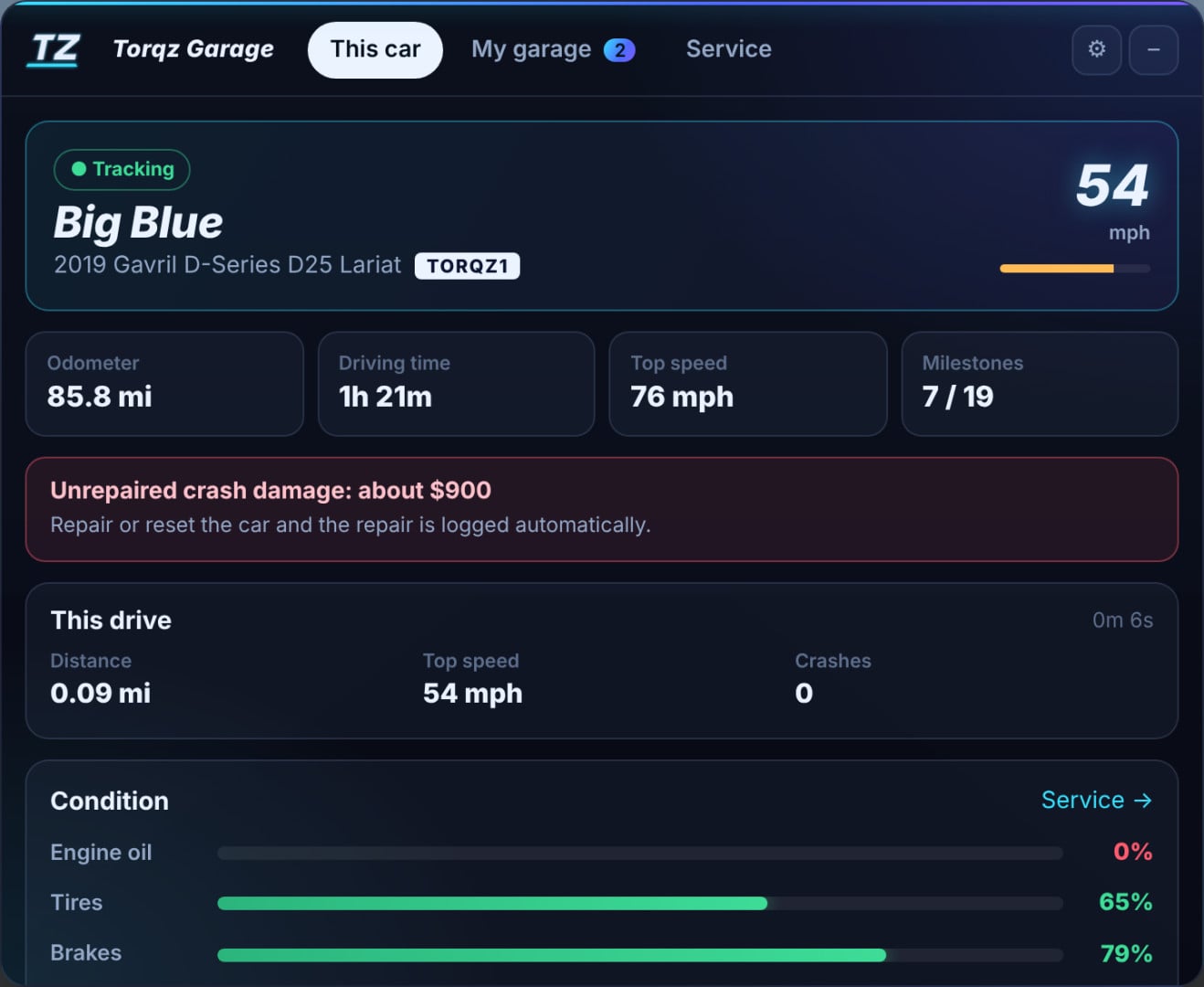
Own your cars in BeamNG.drive. Add any car to your garage and it keeps its miles, driving time, condition and service history, plus a profile you fill in yourself. Spawn it again later and it’s recognized automatically.
New in 2.2.0
- Sell or retire a car. It moves to Past cars with all its history kept, and you can bring it back any time.
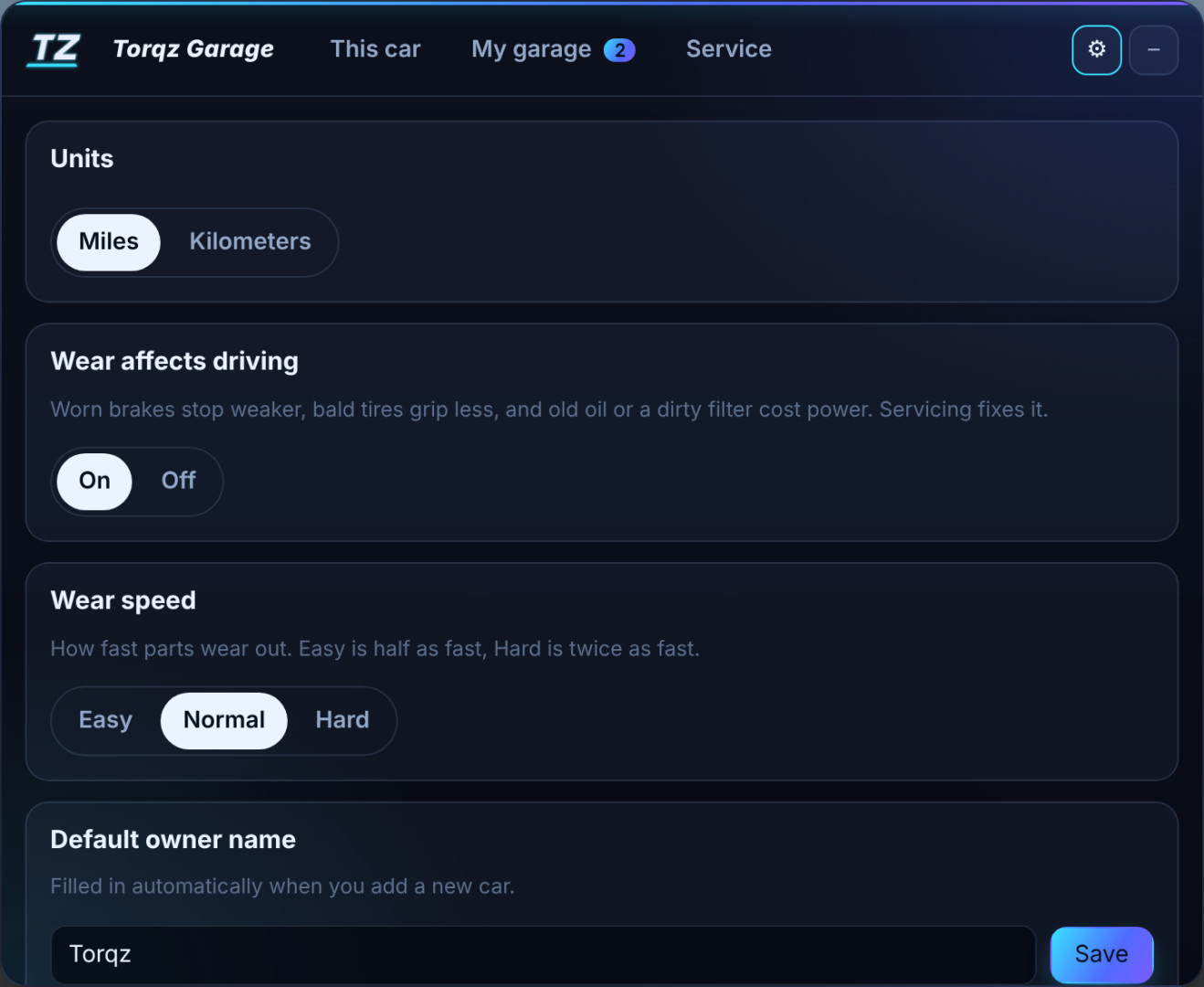
- Wear speed. Choose Easy, Normal or Hard in Settings.
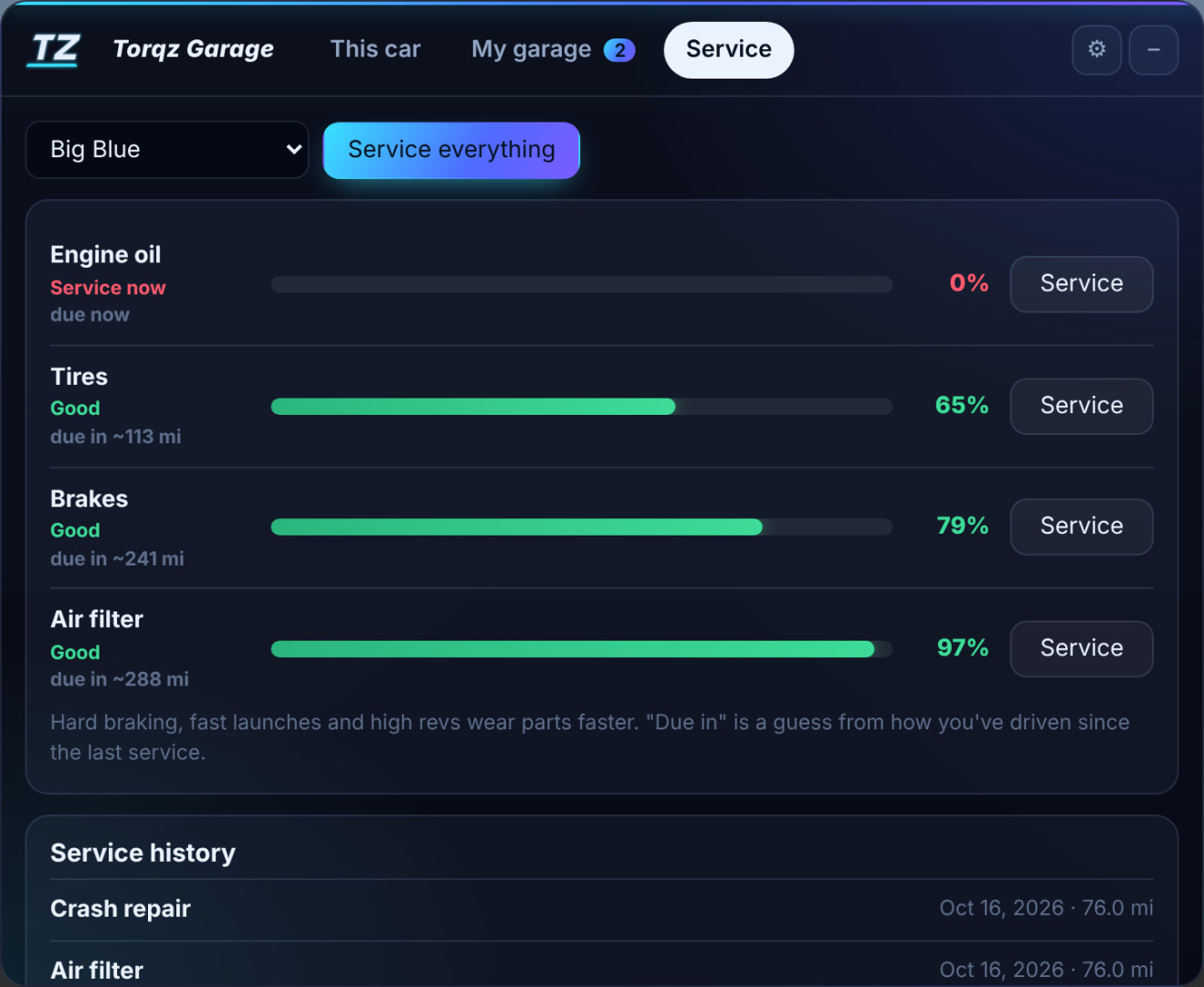
- “Due in” estimates. The Service tab guesses how many miles until each part needs a service.
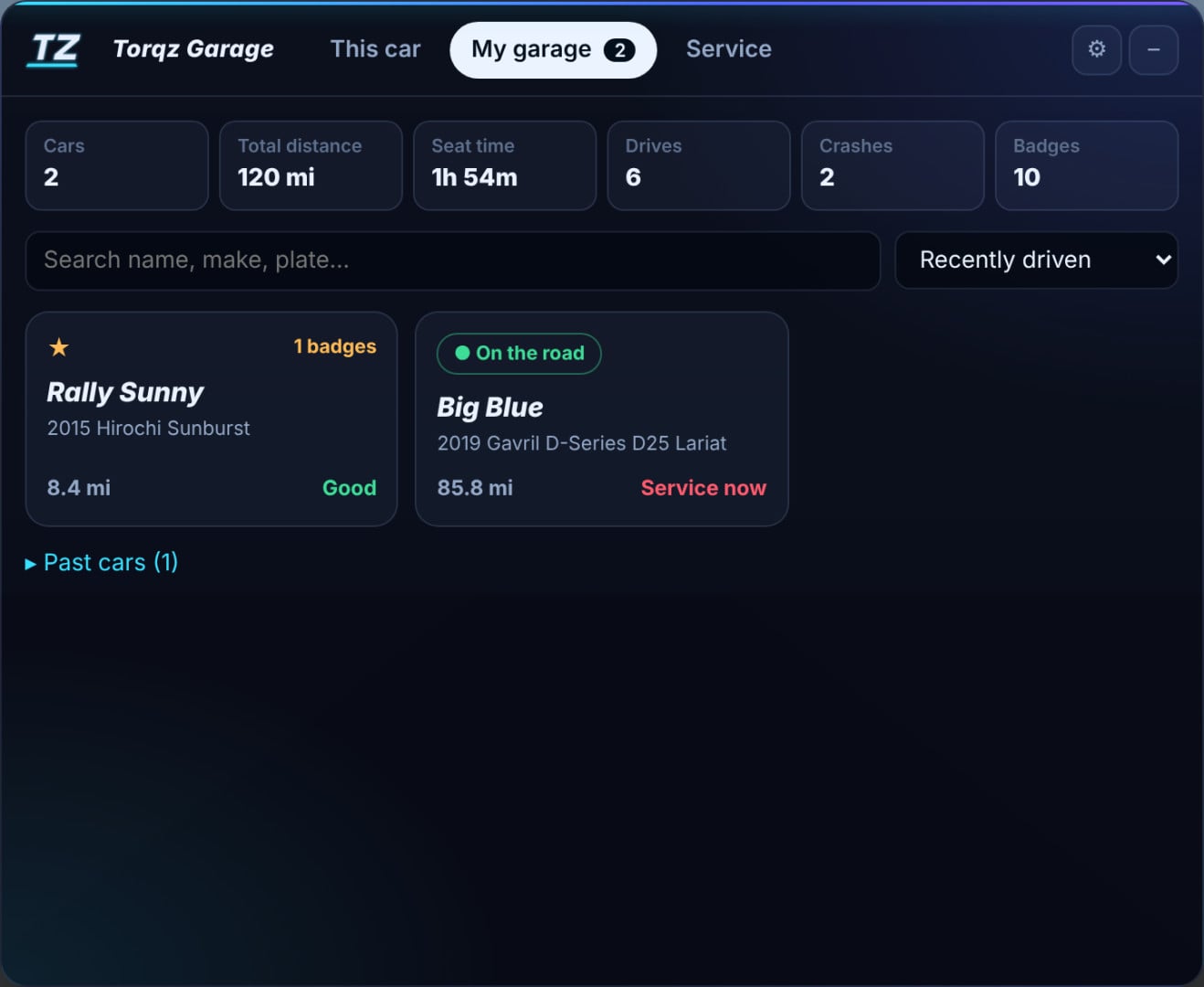
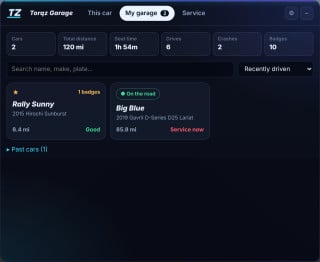
- Garage totals. See your cars, total distance, seat time, drives, crashes and badges in one place.
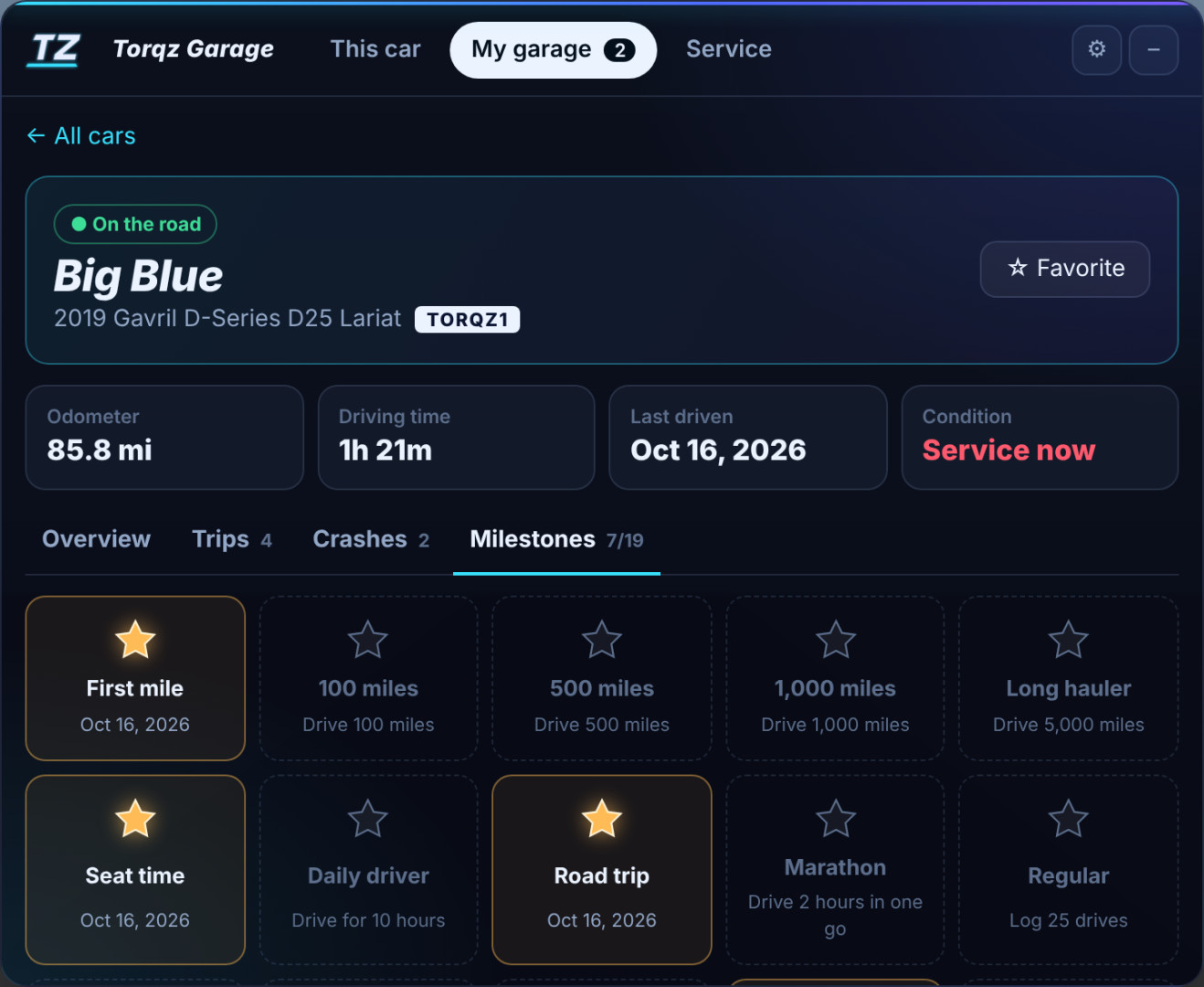
- 6 new milestones. There are now 19 in total.
Features
- Recognizes your cars automatically
- Mileage and driving time
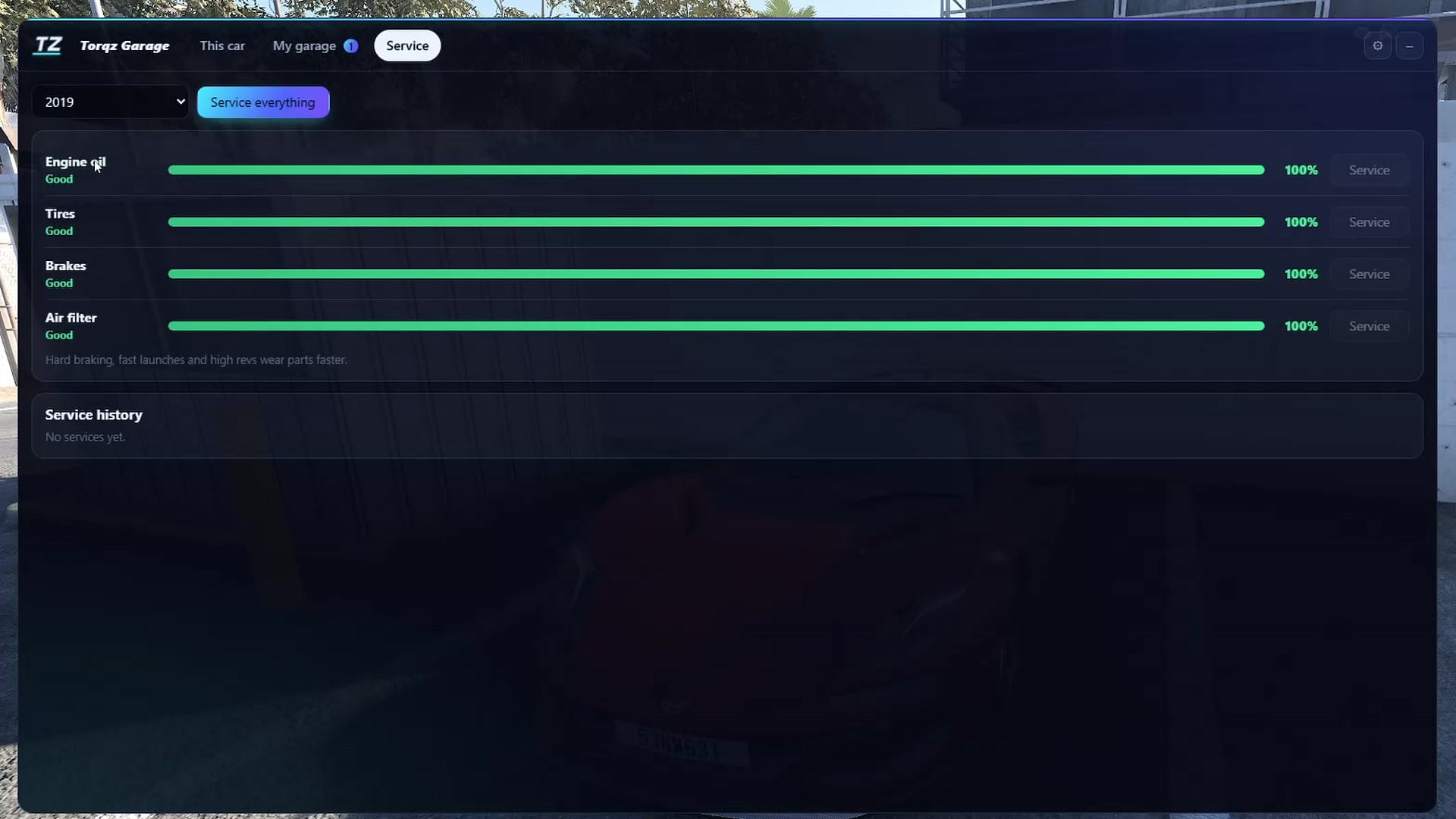
- Oil, tire, brake and air filter wear, with a service log
- Worn parts change how the car drives (optional)
- Spawn any garage car again with its exact parts, tuning and paint
- Crash and damage history with repair cost estimates
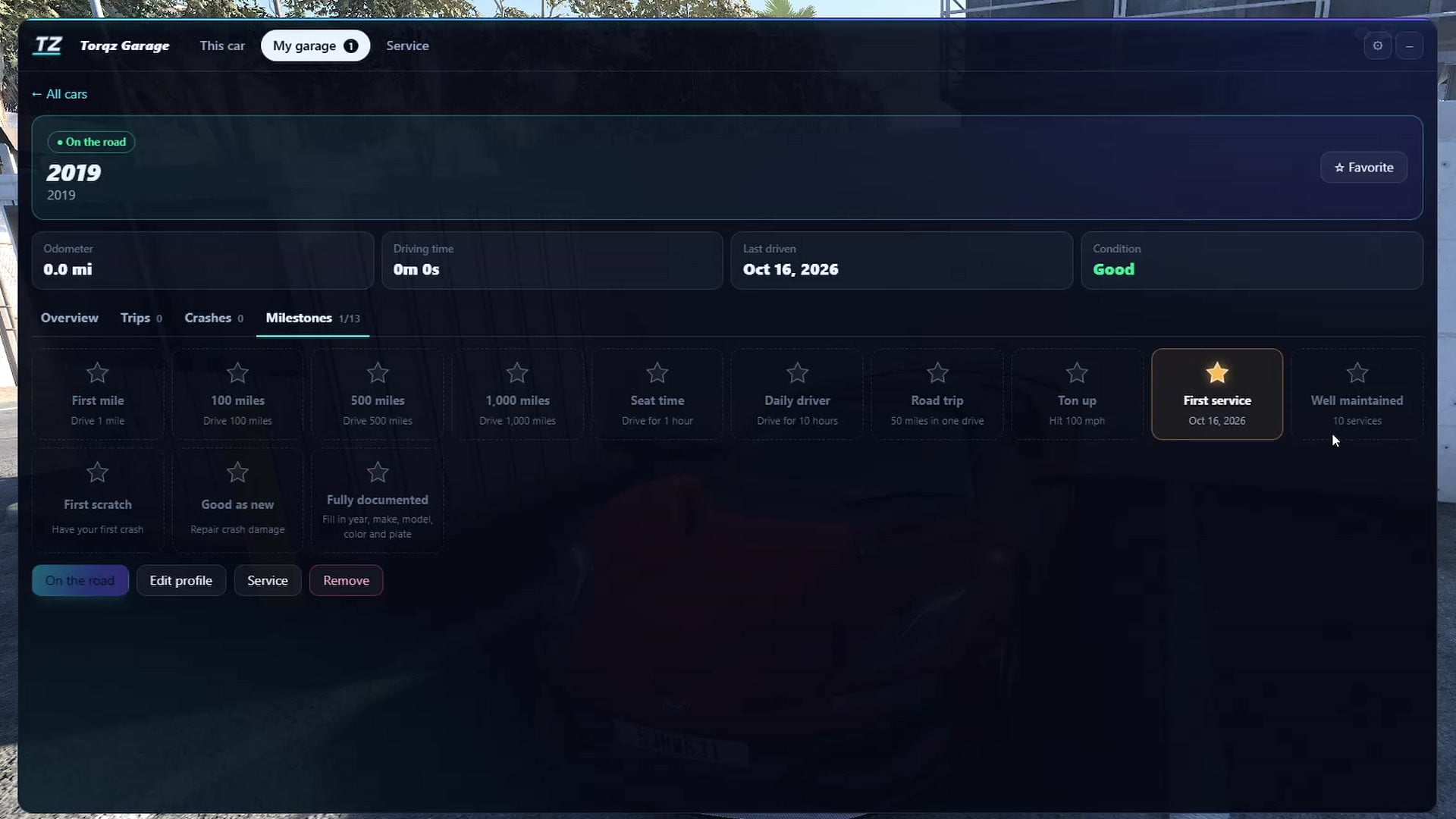
- Trip log and 19 milestones
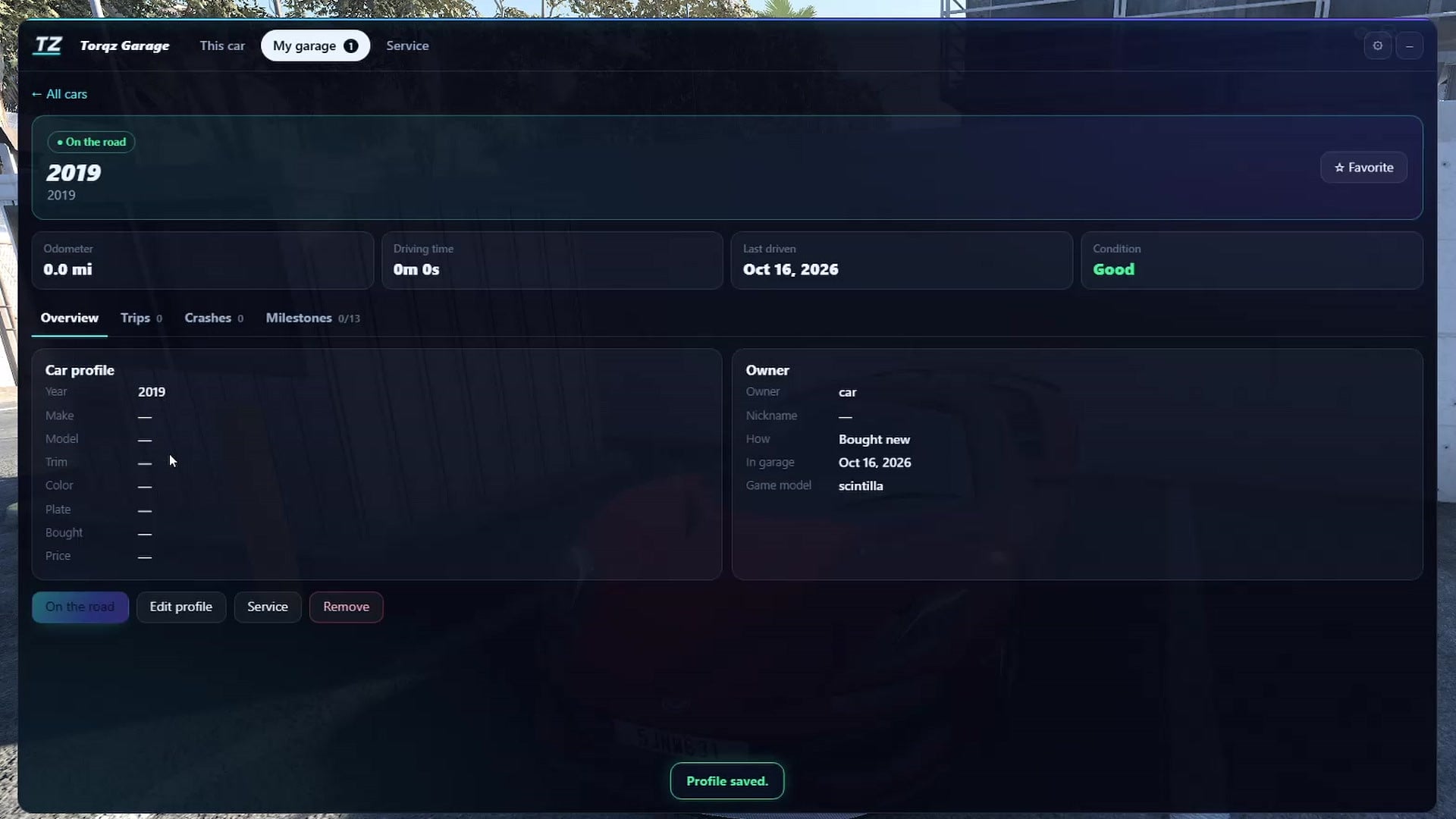
- Car profile and owner info
- Neon in-game app with a mini mode
How to use
Get in any car and press Add to garage in the Torqz Garage app. If the app isn’t on screen, open the UI Apps menu in Freeroam and add Torqz Garage.
Your save
Your garage is saved in your BeamNG user folder under settings/torqz_garage, so removing the mod never deletes it. If you’re updating from 2.1, your save loads as it is.
Made by Torqz Mods.
Description
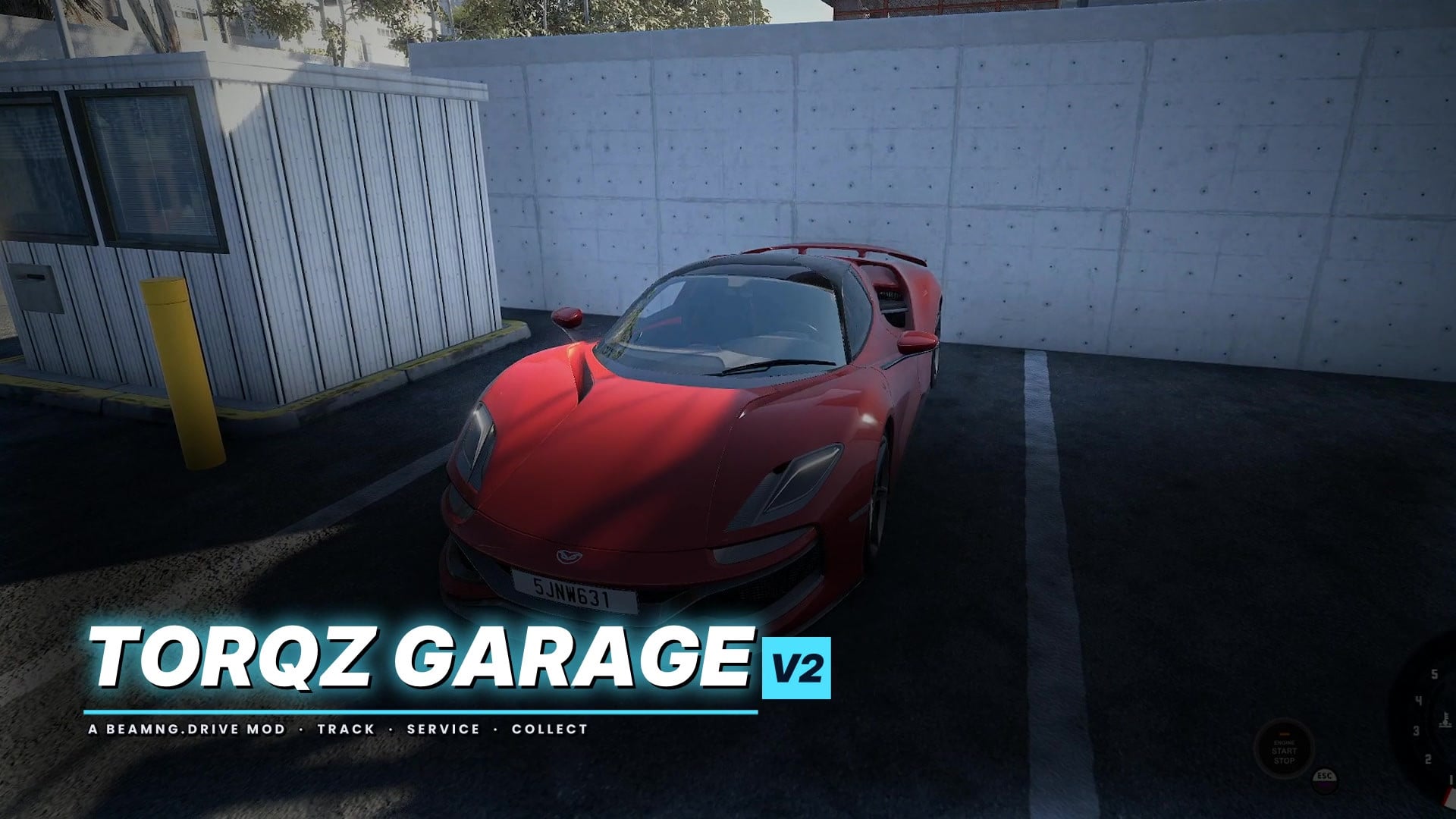
Torqz Garage V2 gives every car in BeamNG.drive its own garage record.
Features
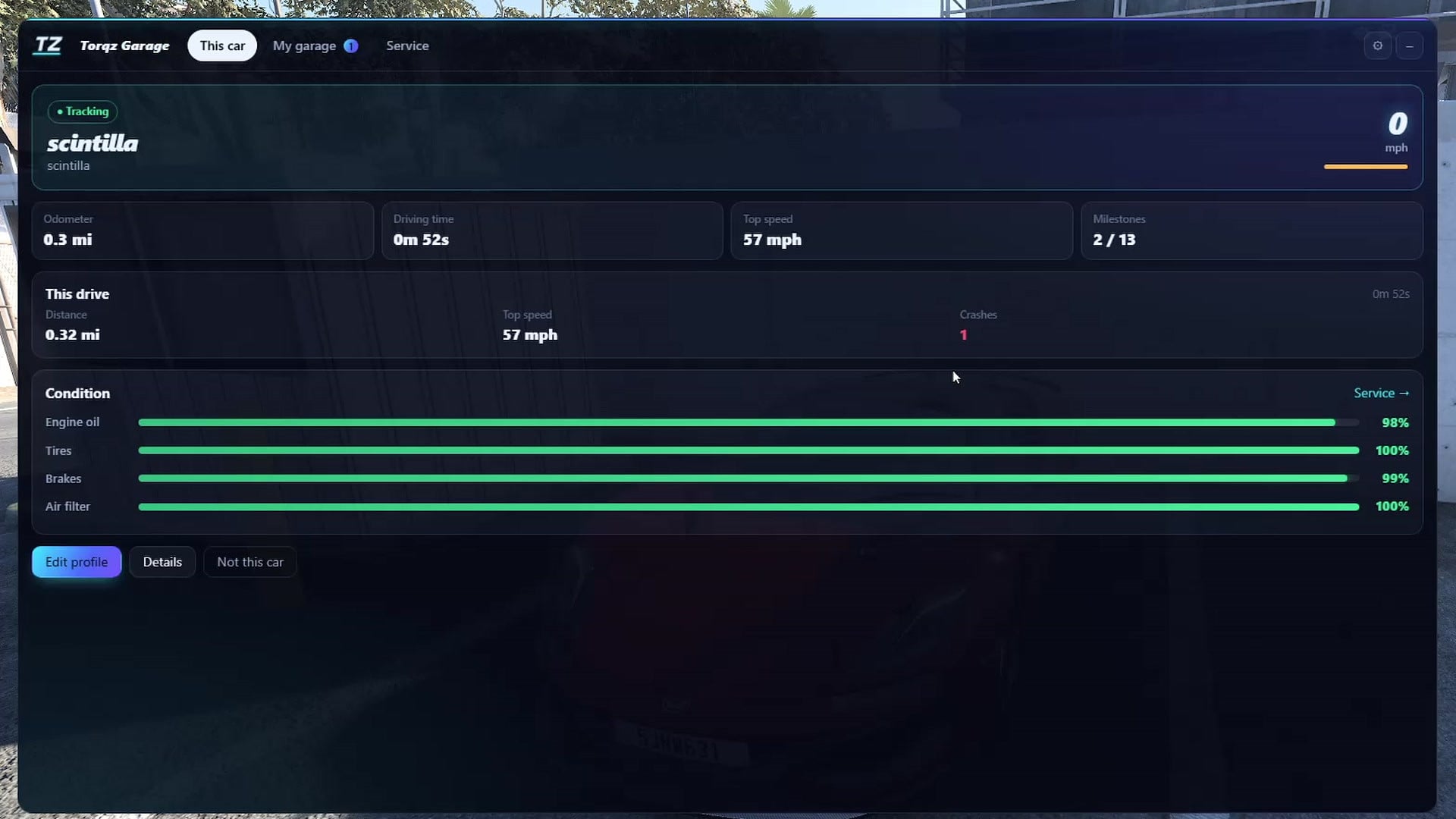
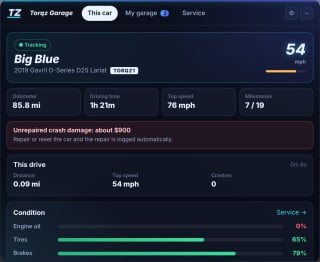
- Live tracking: odometer, drive time, top speed and crashes for the car you're driving
- My Garage: all your cars in one place, with search, plus one-click add and remove
- Auto detect: recognizes which car you're in and shows its live condition
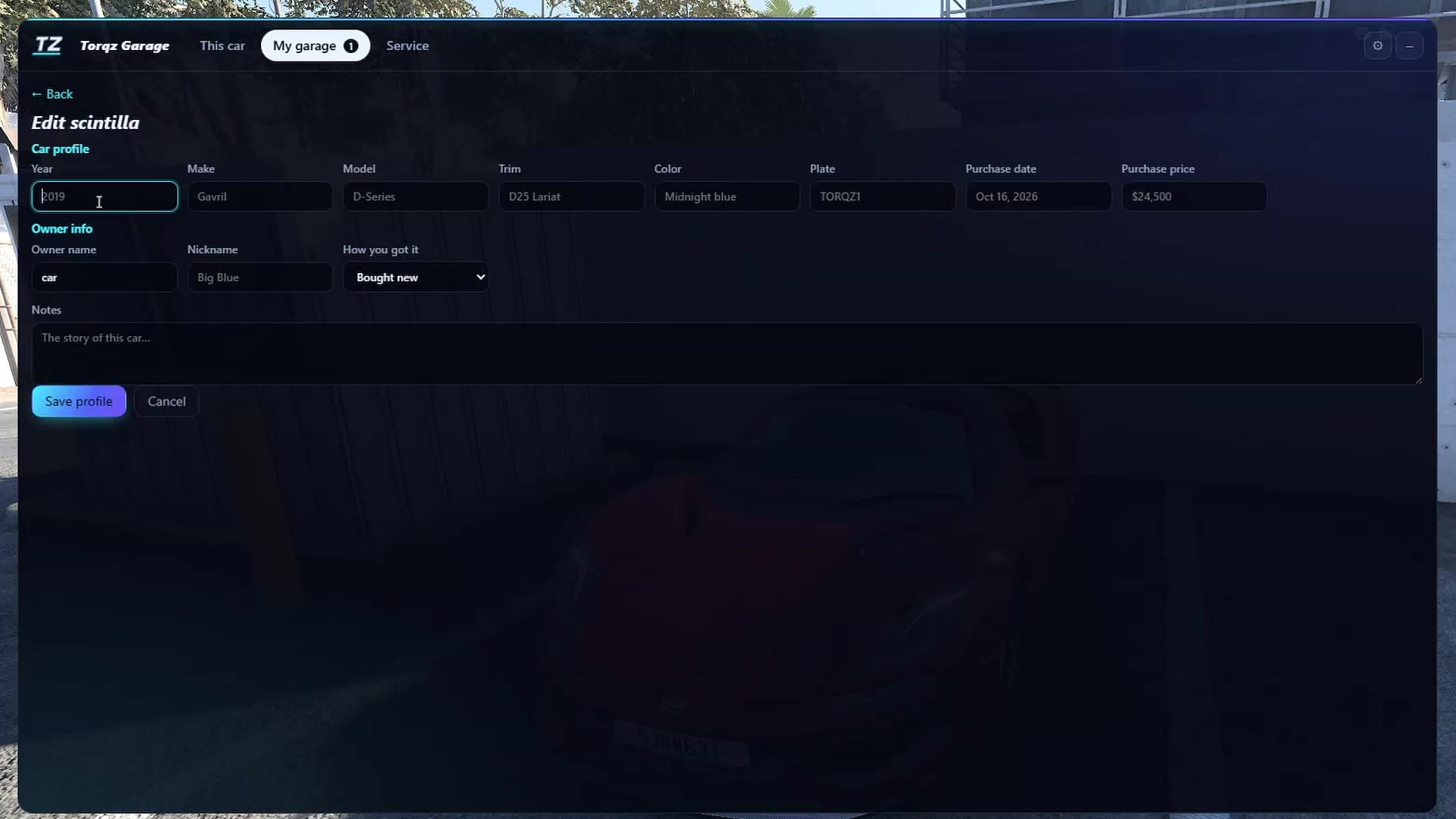
- Car profiles: year, make, model, trim, color, plate, purchase date and price, plus owner, nickname and notes
- Wear + service: engine oil, tires, brakes and air filter wear as you drive. Hard braking, launches and high revs wear them faster. Service parts one by one or all at once, with a service history
- Milestones: 13 achievements, from your first mile to hitting 100 mph
Installation Instructions
Put the .zip in your BeamNG mods folder (Documents/BeamNG.drive/mods, or the current folder location for your game version), then start the game. Open Torqz Garage from the UI apps menu.
Credits
Torqz
Torqz Garage V2 gives every car in BeamNG.drive its own garage record.
Features
- Live tracking: odometer, drive time, top speed and crashes for the car you're driving
- My Garage: all your cars in one place, with search, plus one-click add and remove
- Auto detect: recognizes which car you're in and shows its live condition
- Car profiles: year, make, model, trim, color, plate, purchase date and price, plus owner, nickname and notes
- Wear + service: engine oil, tires, brakes and air filter wear as you drive. Hard braking, launches and high revs wear them faster. Service parts one by one or all at once, with a service history
- Milestones: 13 achievements, from your first mile to hitting 100 mph
Installation Instructions
Put the .zip in your BeamNG mods folder (Documents/BeamNG.drive/mods, or the current folder location for your game version), then start the game. Open Torqz Garage from the UI apps menu.
Credits
Torqz
External Download Links:
Videos


Direct Download Links
latest
Version
2.2.0
· BeamNG.drive
0.39.x
20 hours ago
Game Versions:
0.39.x
About Mod
| Latest Version | 2.2.0 |
| Game | BeamNG.drive |
| Category | Other |
| Game Version | 0.39.x |
| Tags | Gameplay Tools UI |
| Downloads | 148 |
| Created | 1 day ago |
| Last Updated | 20 hours ago |
Download Latest Version
Version: 2.2.0Updated: 20 hours ago
Total Size: 43.89 KB Torqz_Garage_2.2.0.zip_modland.zip direct download · 43.89 KB · added 20 hours ago https://www.youtube.com/@itstorqz external download · added 20 hours ago https://www.tiktok.com/@torqz6 external download · added 20 hours ago https://www.patreon.com/cw/Torqz external download · added 20 hours ago https://torqzmods.github.io/torqz-mods/ external download · added 20 hours ago
You Might Also Like »

![Ford Bronco [PACK]](https://temp2.modland.net/i/6abb8bc6ce51c/0_modland.webp)
![Mack Anthem / Pinnacle [PACK]](https://temp2.modland.net/i/6aa50a7184eaa/6ab9344368d3b/0_modland.webp)
0 Comments
There are no comments. Be first to comment!