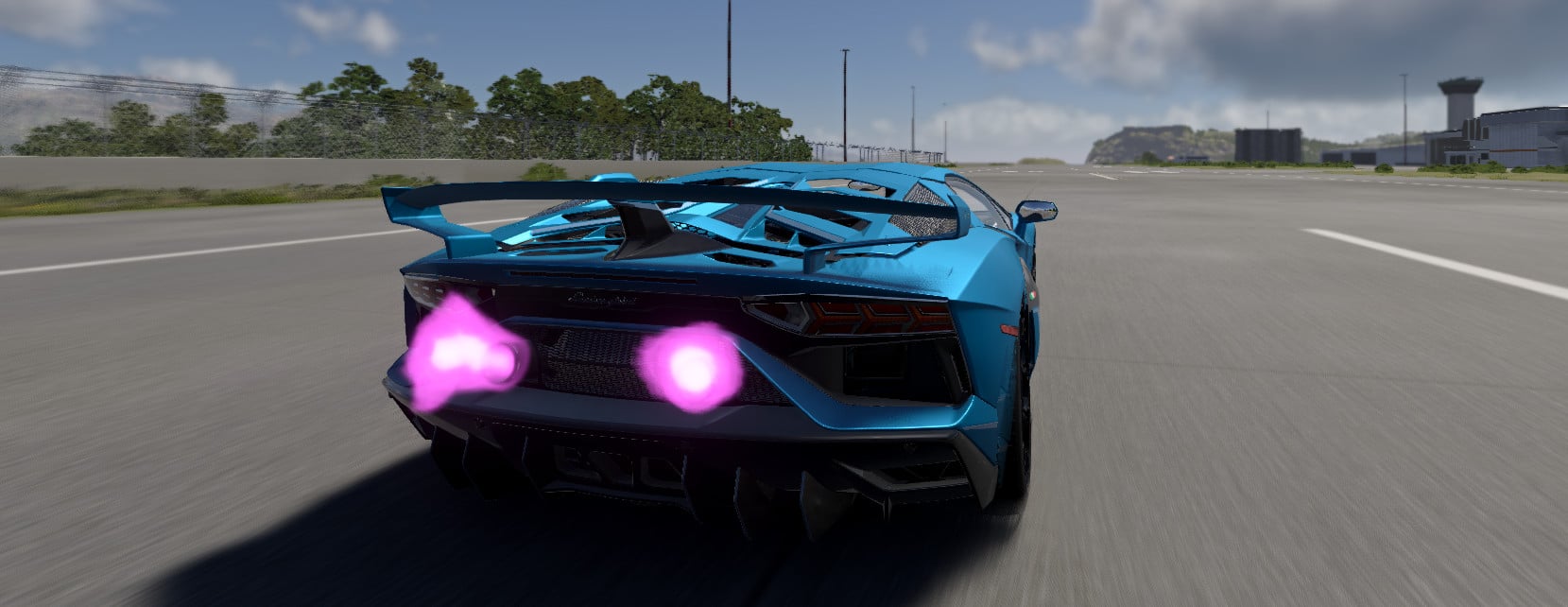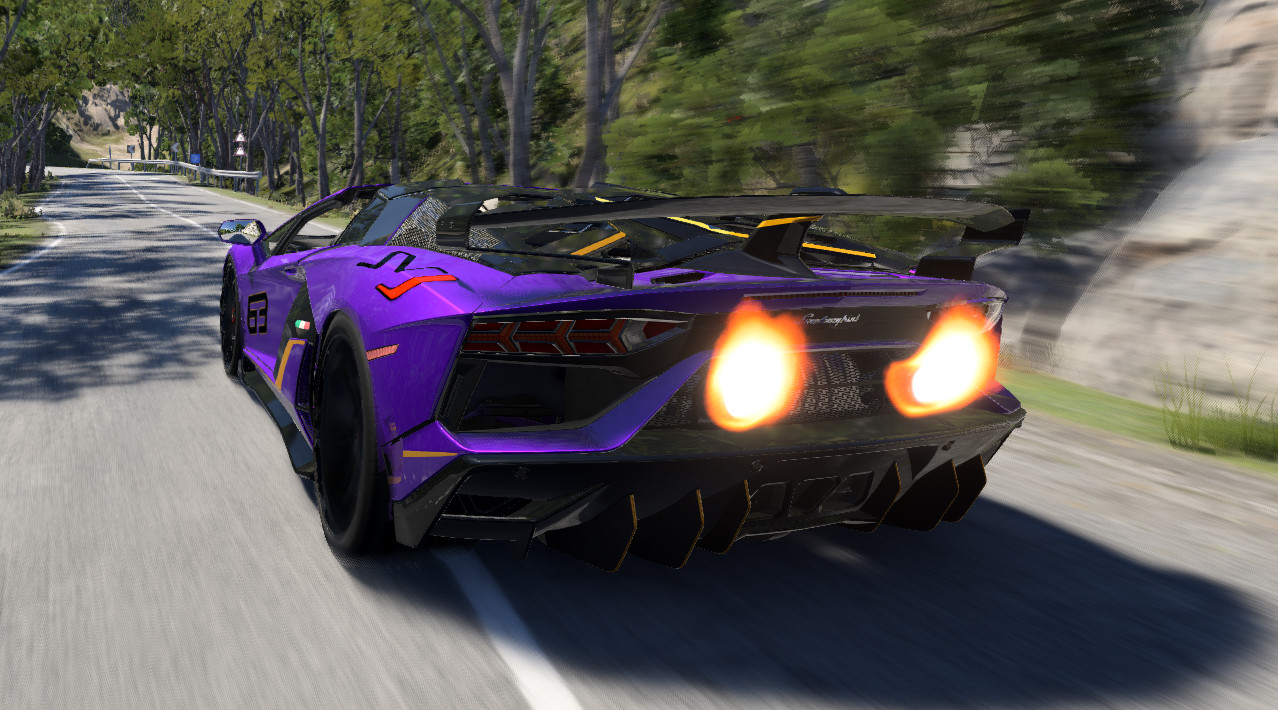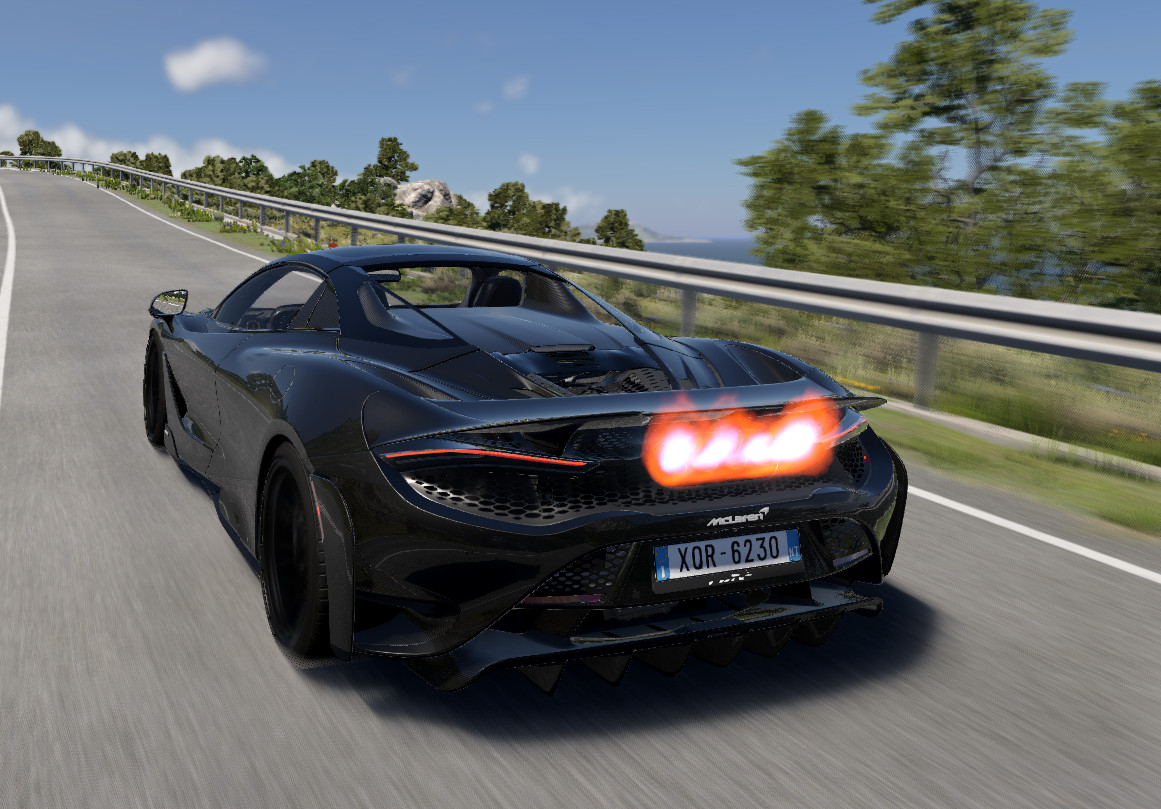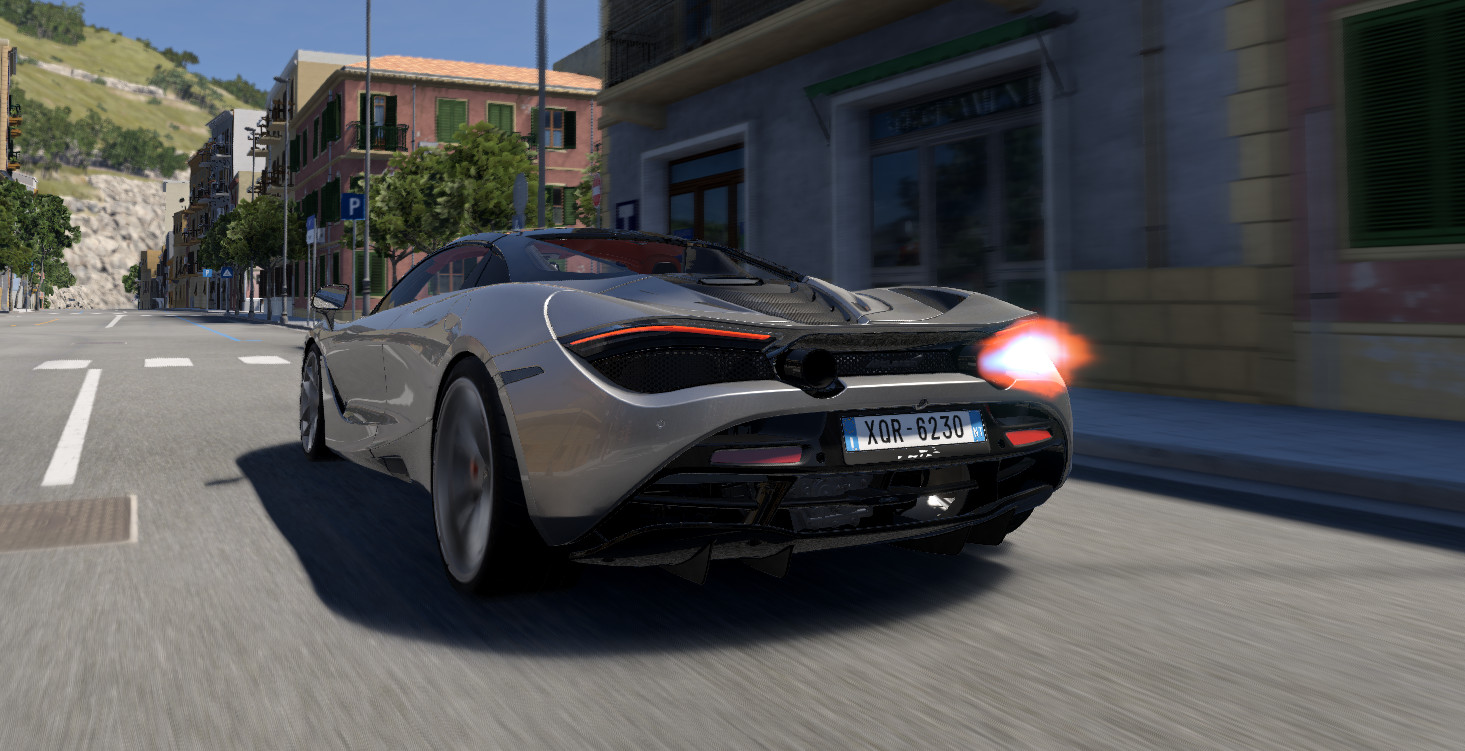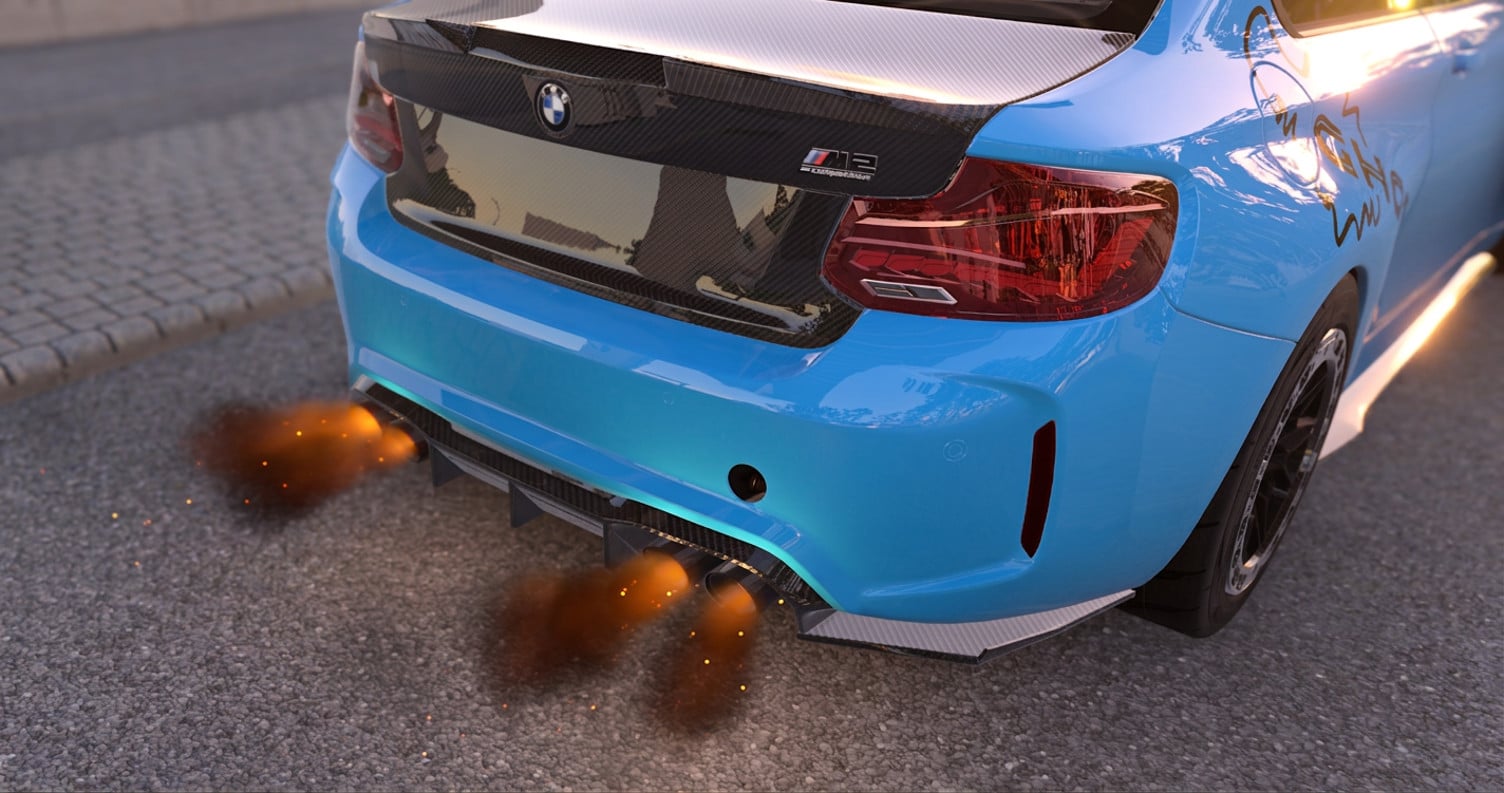
Volumetric Backfire 2.1

Changelog
What’s new in V2.1:
-
Custom Flame Positioning: Fine-tune the exact placement and alignment of your flames to fit any vanilla or modded vehicle seamlessly!
-
Custom Flame Emitters: You can now add and configure your own custom flame emitters (ideal for hood exits, side pipes, or unique custom builds).
-
Vulkan Mode Optimization: Improved rendering performance and stability when running BeamNG in Vulkan mode.
-
Minor Bug Fixes: Resolved several small issues reported since the V2.0 release.
This V2 is our biggest technical overhaul yet. Here is everything packed into this final release:
-
All-New Architecture: Rebuilt from the ground up for ultra-realistic flames and advanced physics.
-
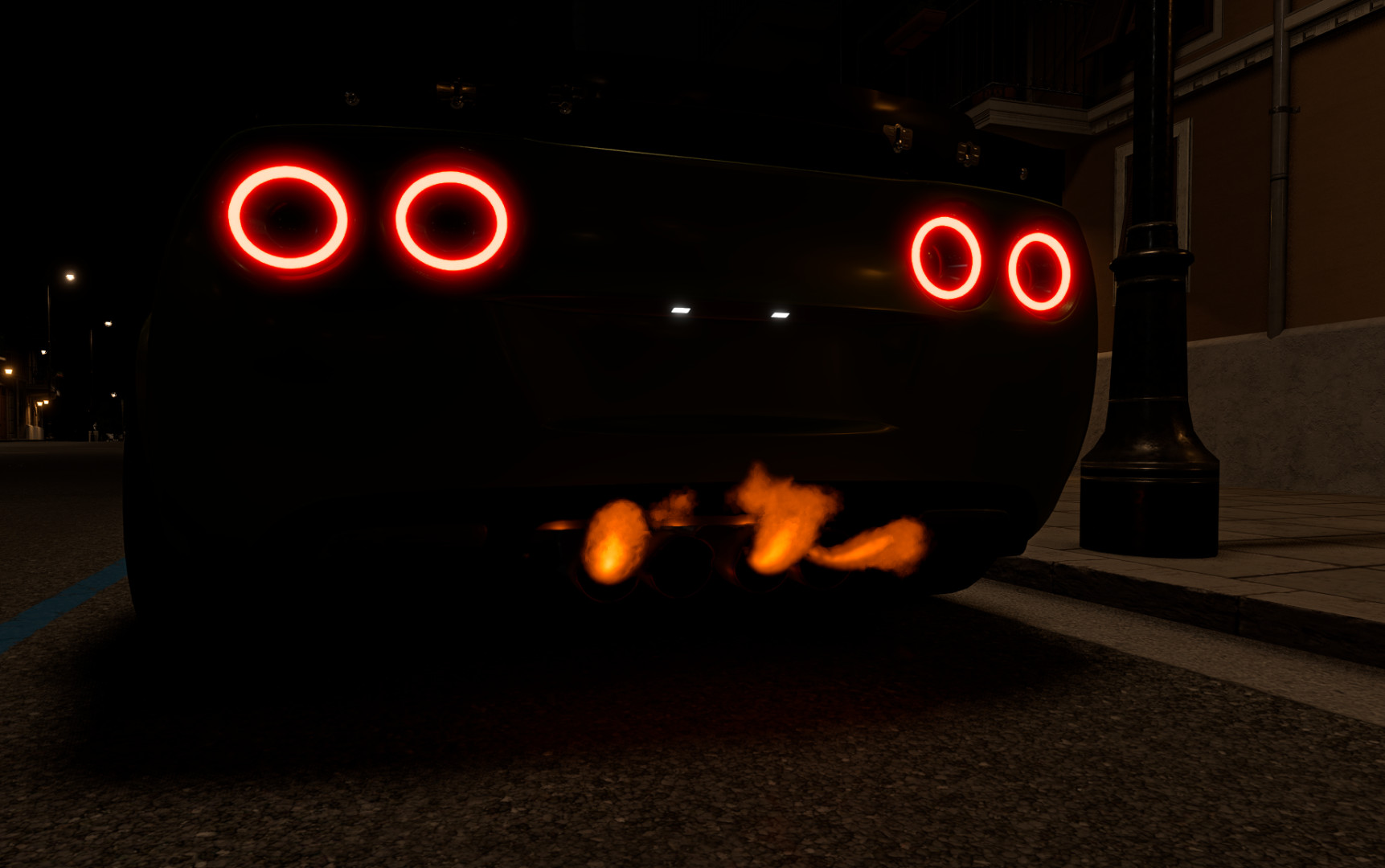
More Realistic Flame Shapes: Completely redesigned geometry for an organic and striking visual effect.
-
New Pop & Backfire Sounds: Brand new custom audio bank for hyper-realistic crackles and pops.
-
Volumetric Black Smoke: Heavy detonations now trigger dynamic volumetric black smoke directly from the exhaust.
-
Pumpkin Exhaust Tip (Inspired by RoyalRenderings): Added a thematic exhaust tip decoration, fully toggleable on/off directly from the UI!
-
UI Redesign: A modern, clean, and user-friendly interface for seamless in-game tweaking.
-
Better Optimization for Lower-End PCs: Heavily optimized codebase to ensure smooth
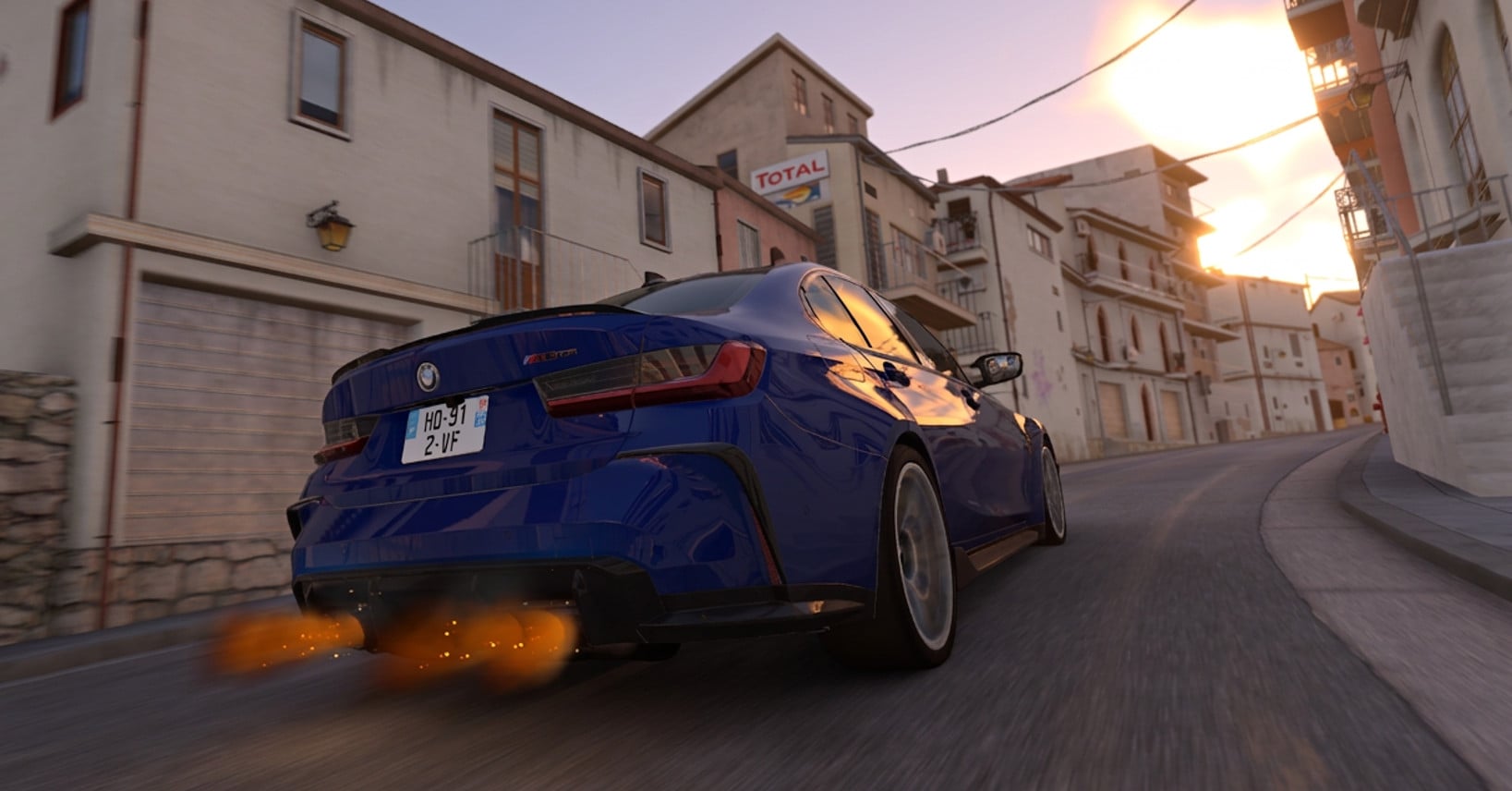
- FIXED: Flame positioning and alignment issues resolved!
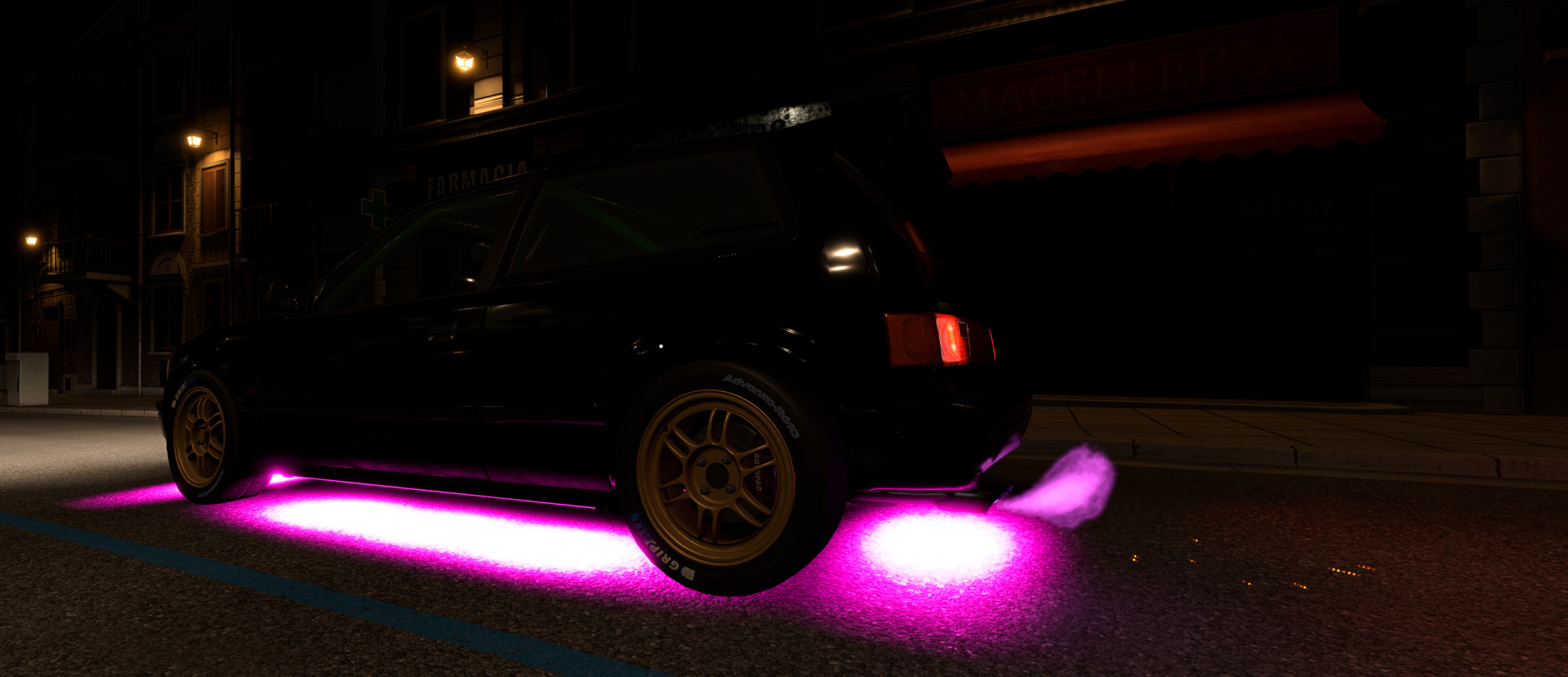
- Flamethrower System (Experimental / WIP): Added a brand-new flamethrower effect (still experimental, feel free to test and send feedback!).
- UI Redesign: Fully updated user interface for cleaner navigation and settings control.
- Performance Optimizations: Code refactoring for better FPS and smoother rendering.
- Bug Fixes: Resolved multiple minor bugs reported by the community.
- Flamethrower System (Experimental / WIP): Added a new flamethrower effect! Please note that this feature is still experimental and unrefined, but you can already test it out and give feedback. - UI Overhaul: Fully redesigned user interface for a cleaner look and better settings management. - Performance Optimizations: Code pass to make rendering smoother and reduce frame drops. - Bug Fixes: Resolved multiple minor bugs
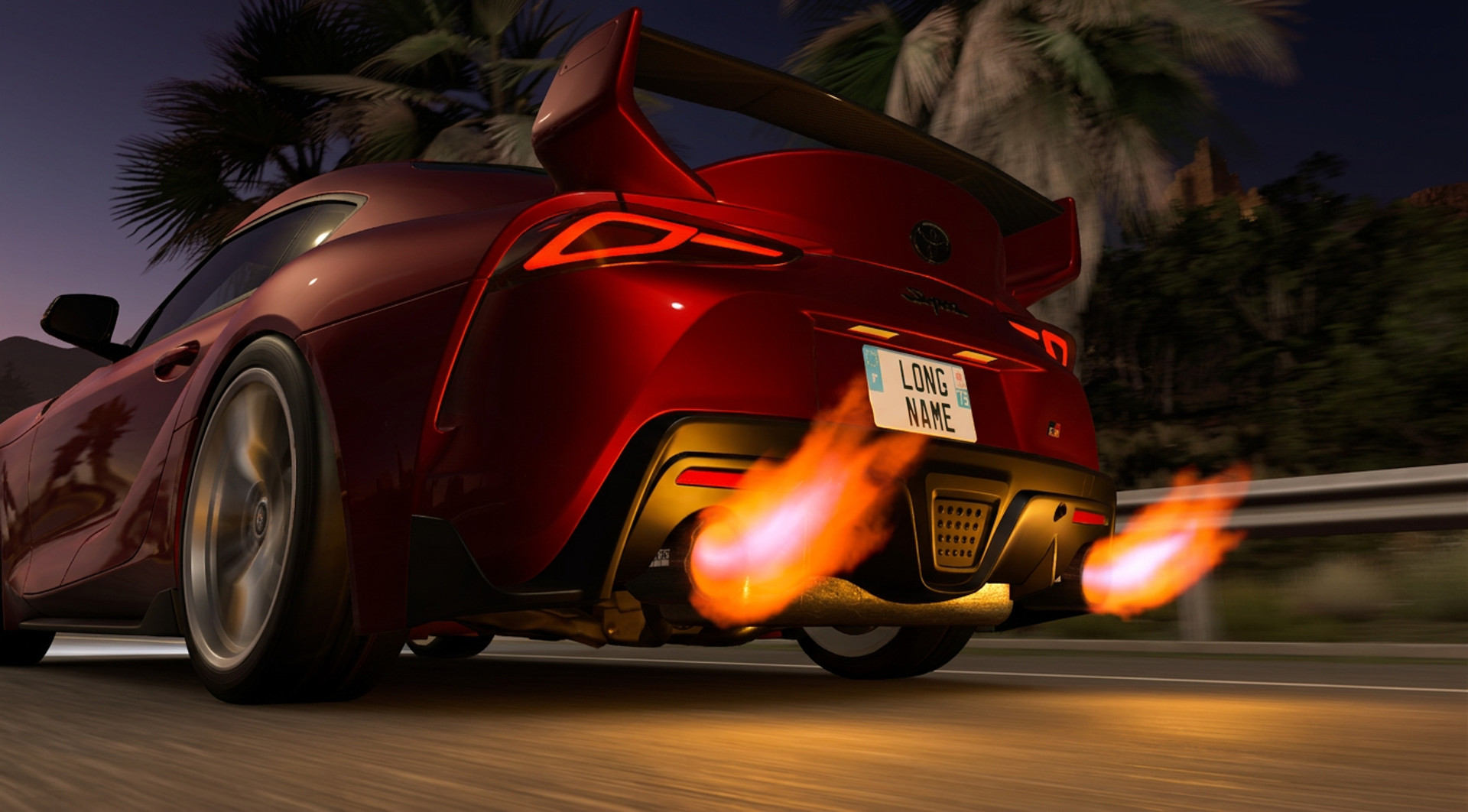
- Full BeamNG 0.40 Support: Fully tested!
- Heat Haze Redesign: Completely overhauled heat distortion system for smoother visual effects.
- New Spark & Sound Systems: Custom reactive sparks + brand new custom pop/crackle sounds.
- New Realistic Presets: Plug-and-play visual configurations for maximum realism.
- Expanded Compatibility: Native support for RoyalRenderings and Redline Auto models!
- Full Stability Pass: Resolved all known minor bugs from the beta phase.
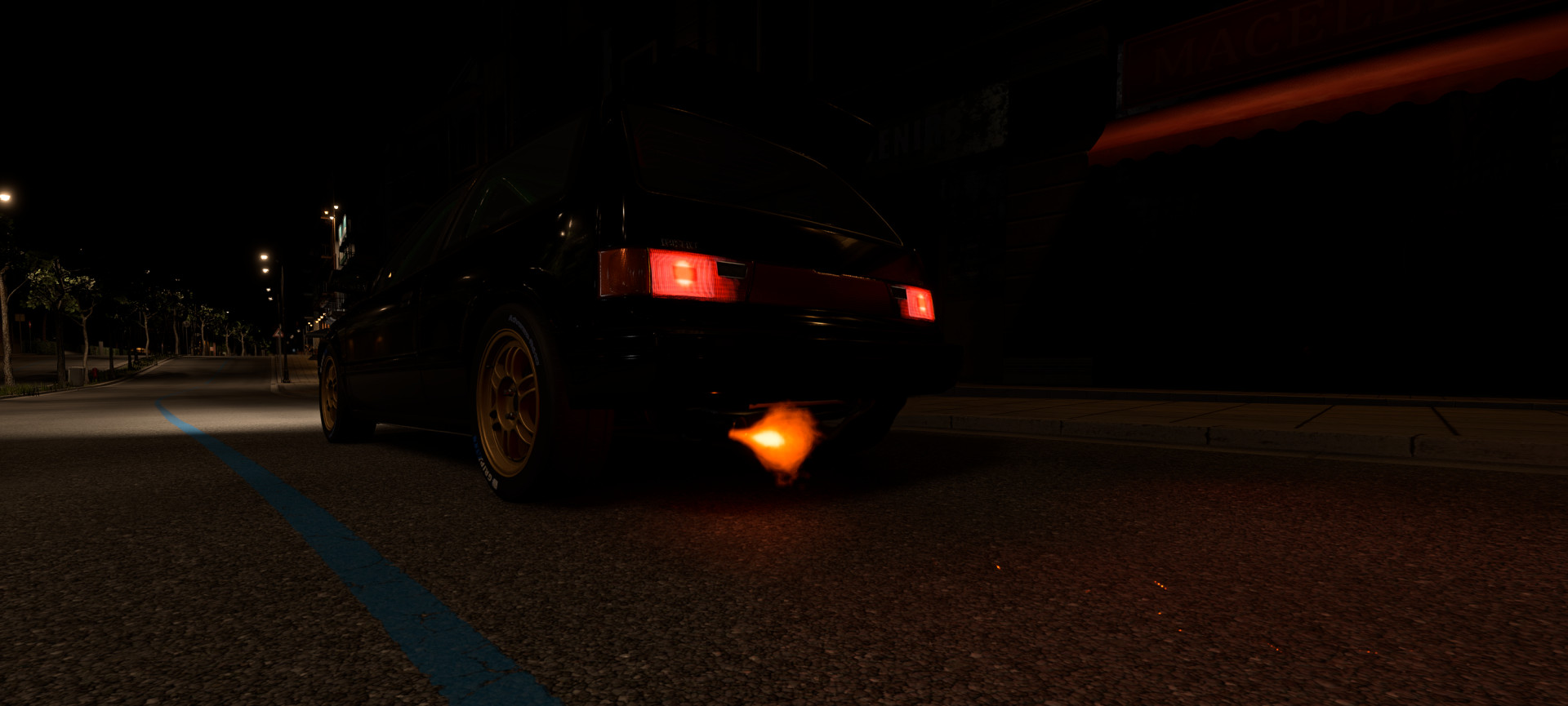
What’s new in this Beta:
-
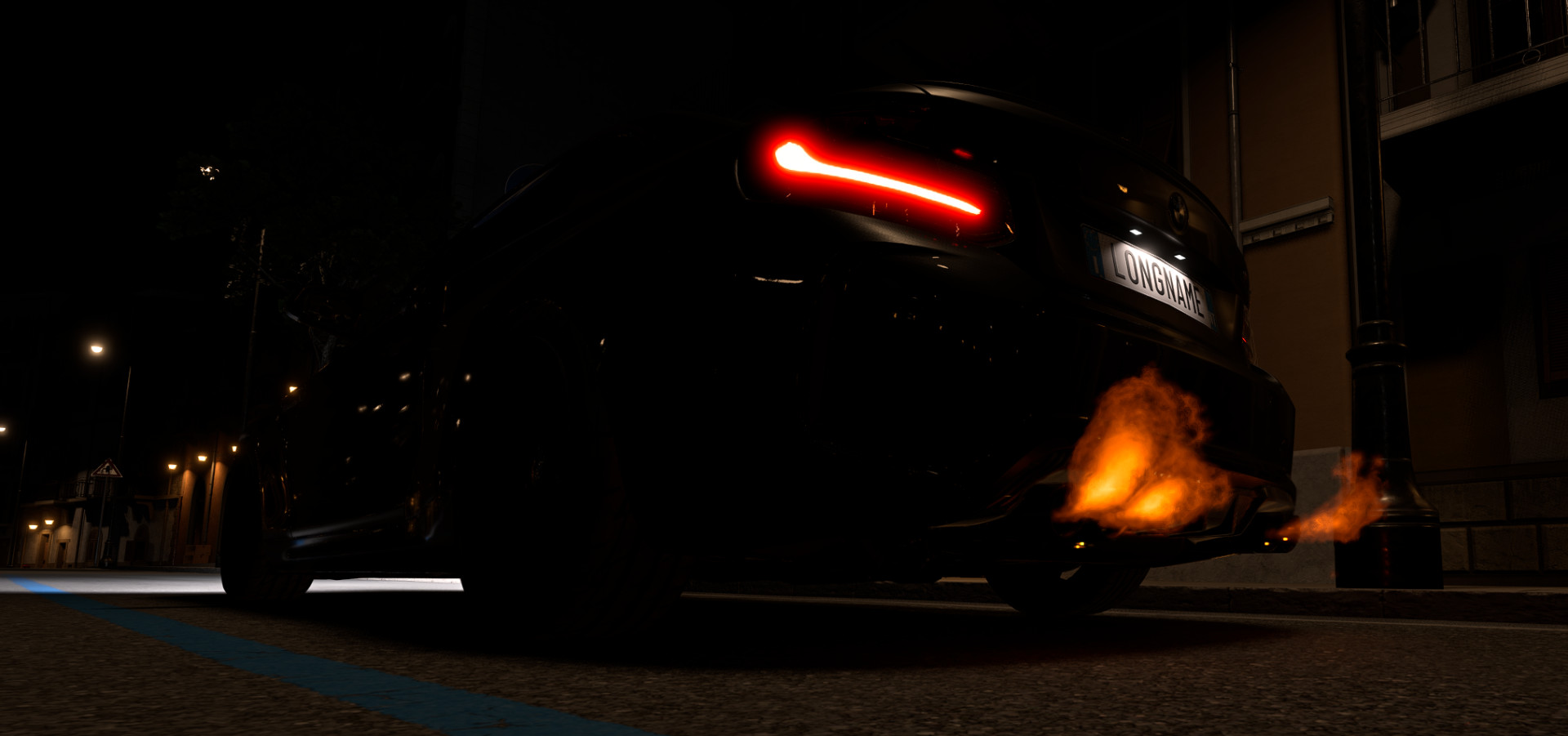
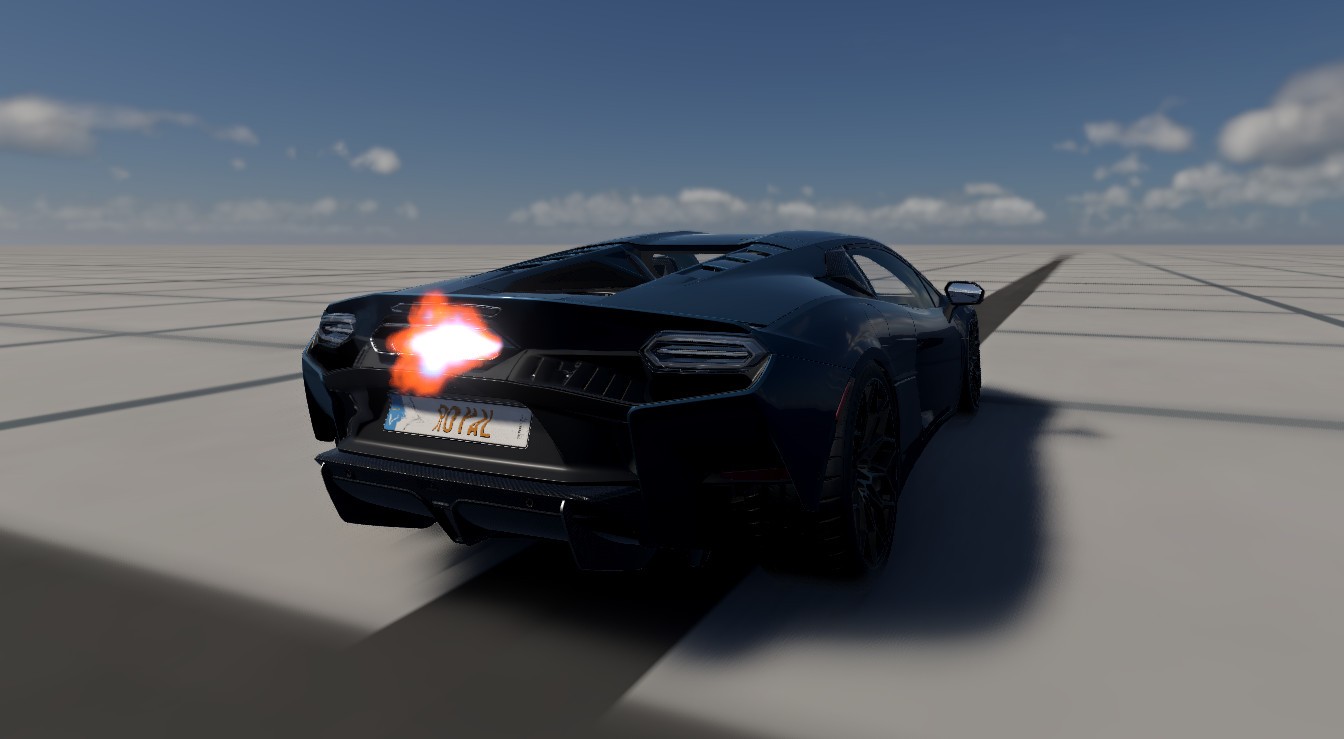
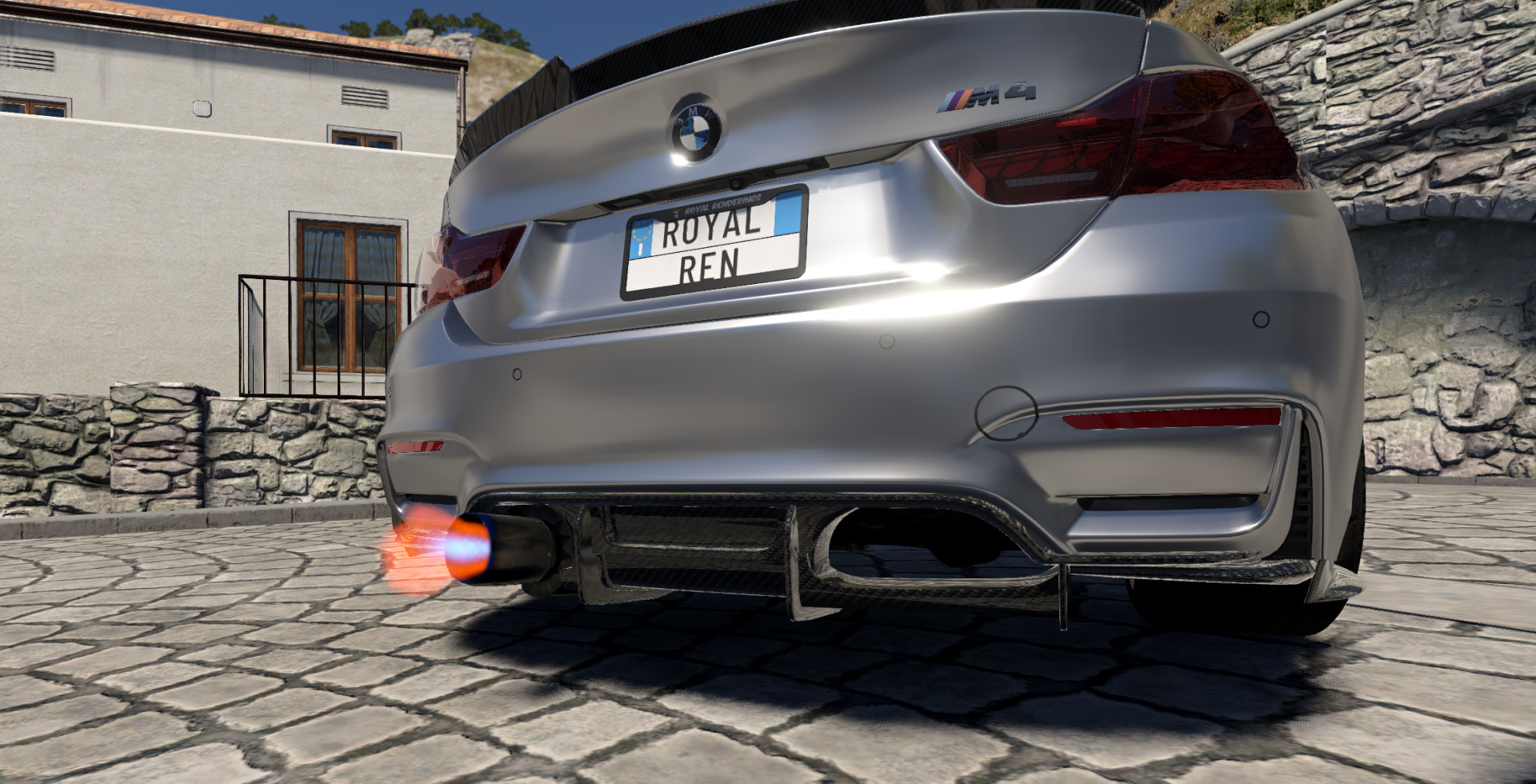
RoyalRenderings Support: Added full compatibility with RoyalRenderings models! The system has been fully tested and confirmed working on:
-
Lamborghini Temerario (v1.0)
-
BMW M4 F82 (v1.0)
-
BMW M2 F87 (v1.5)
-
BMW M4 G82/G83 (v1.7)
-
-
Bug Fixes: Various minor bug fixes and stability improvements.
What’s new:
-
Heat Distortion / Heat Haze Effect: Added realistic heat waves and atmospheric distortion around the flames.
-
Flame Probability System: You can now adjust how often or under what conditions flames trigger.
-
In-Game Sliders: Fine-tune your setup directly in the menu with new customization settings:
-
Haze Spread: Adjust how far the heat wave stretches away from the fire.
-
Haze Strength: Control the intensity and distortion level of the heat waves.
-
Flame Probability: Customize the likelihood and frequency of flame appearance.
-
Bug Fixes:
-
Fixed an issue where flames stopped rendering or disappearing after changing levels mid-game.
Description
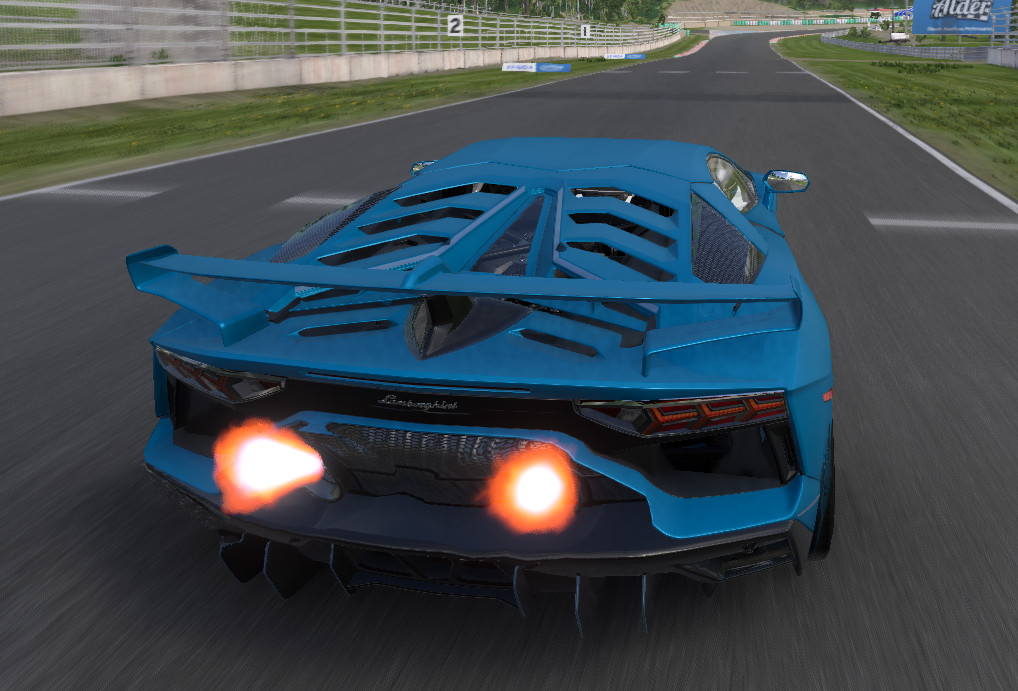
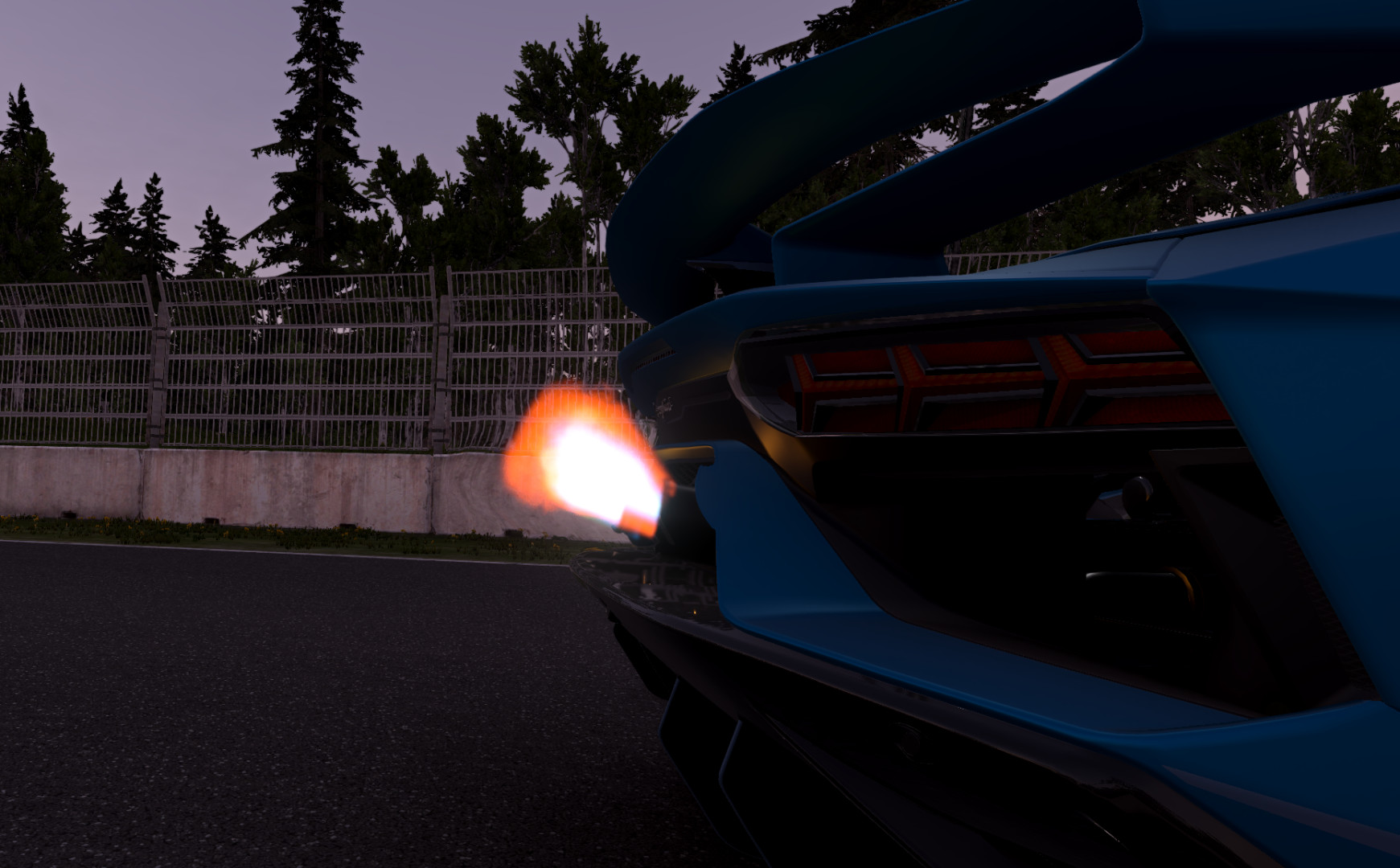
This mod adds dynamic volumetric flame effects to exhaust backfire, replacing the default 2D sprites.
What’s new:
- Custom Flame Colors: You can now change and customize the color of the flames directly in BeamNG
Features
- Realistic 3D volumetric flame shader
- Settings card accessible in the UI / Mods tab to customize visual parameters
- Dynamic behavior based on exhaust temperatures and engine state
Installation Instructions
Place the zip file in your mods folder.