Sud SE-210 Caravelle 1.0.2

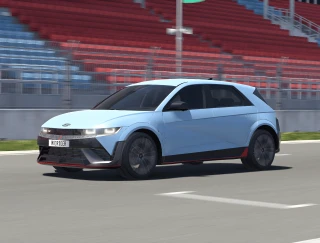
![Ford Mustang Mach-E [PACK]](https://temp2.modland.net/i/6aa50a7184eaa/0_modland.webp)
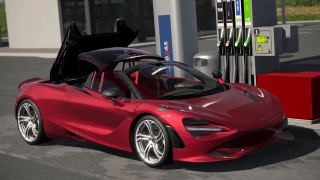
![BMW X6 G06/F96 [PACK]](https://temp2.modland.net/i/6a8ff76445a04/0_modland.webp)

3/5,
7
votes
Changelog
In version 1.0.2:
- Fixed an issue with unstable wings.
Description
Features:
- Custom sounds and particle effects
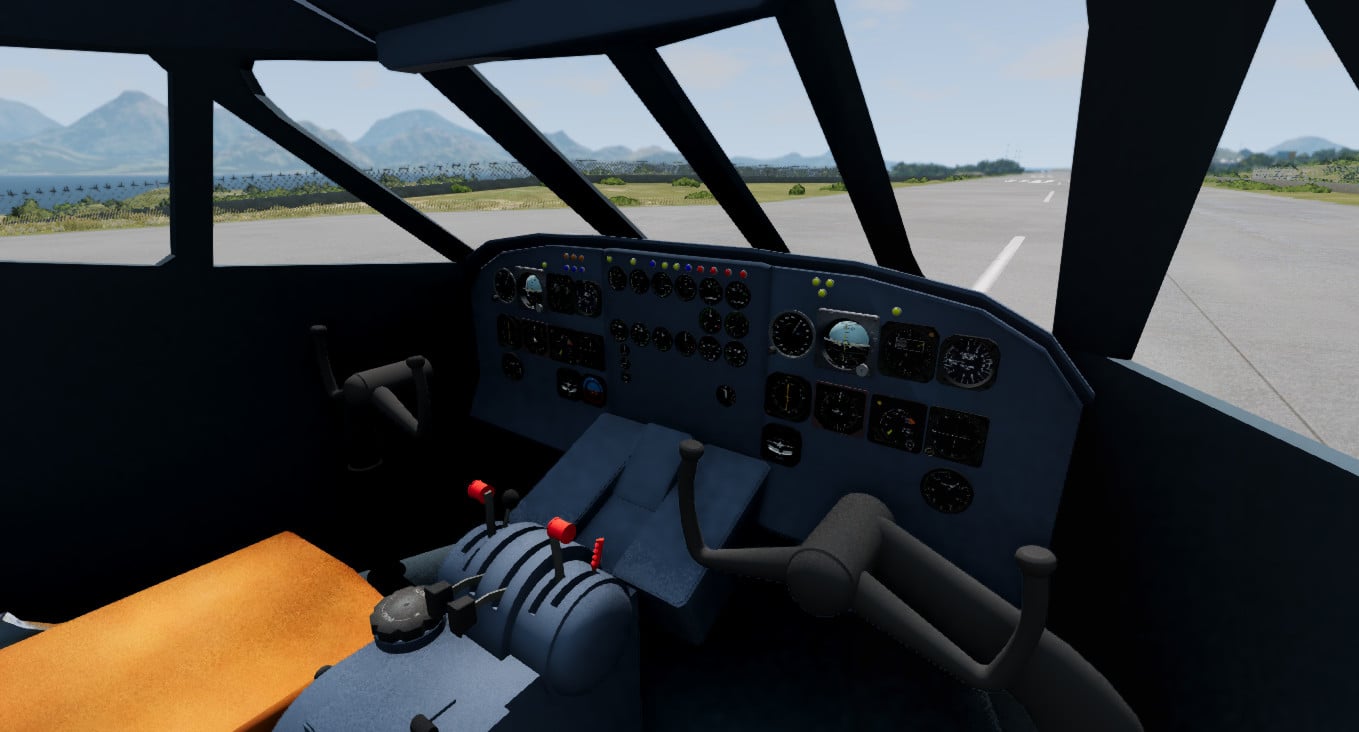
- Functional cockpit
- Animated turbines
- Fully functional chassis
- Fully reassignable controls, as well as support for a steering wheel/joystick
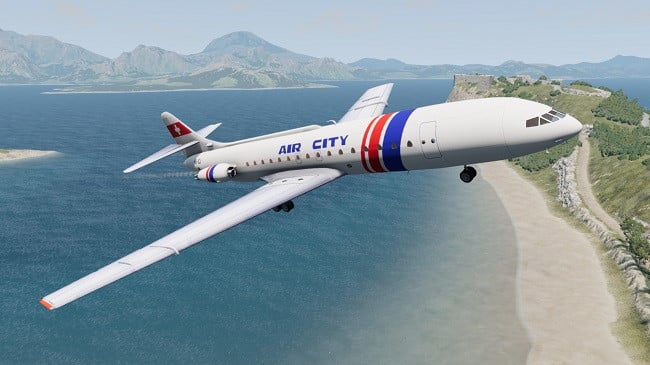
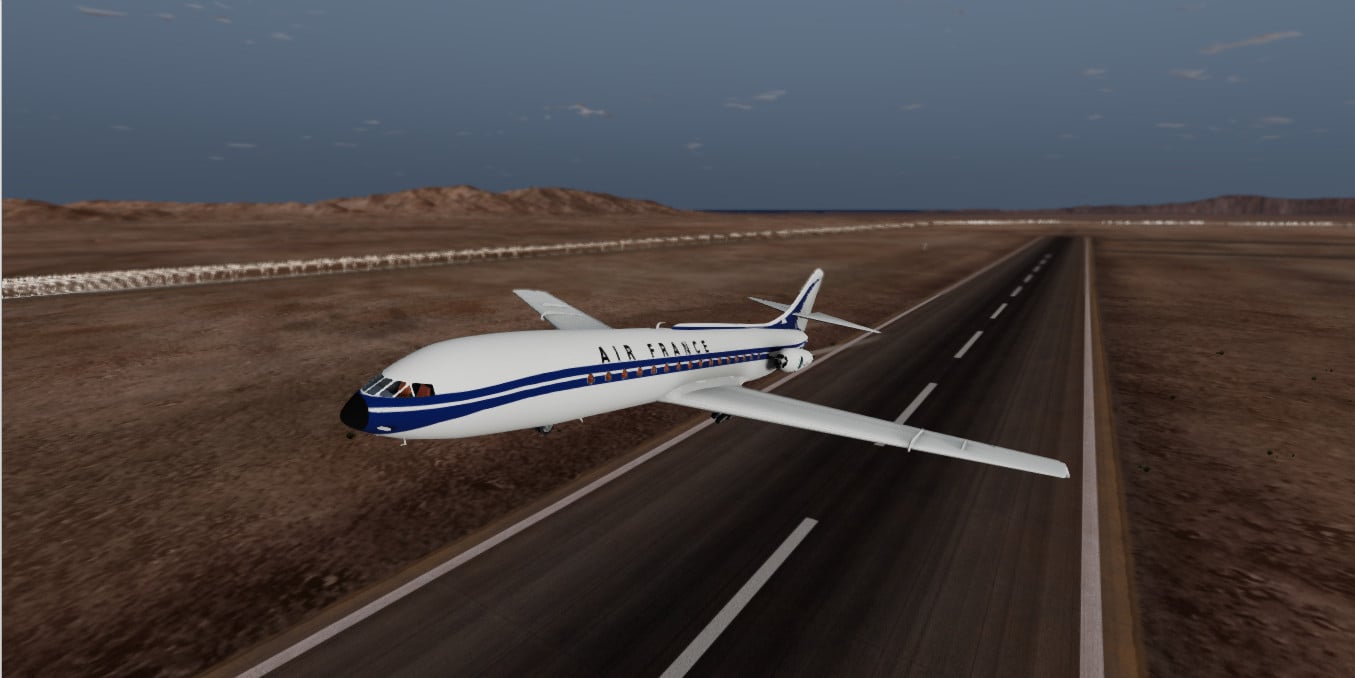
- Various paint options (Alitalia, AirFrance, White, Air City, etc.)
- Warnings
- PBR materials
- Functional exterior elements such as a ramp, headlights, flaps, etc.
- Completely re-built jbeam with collision physics
Controls:
T: Increase throttle
G: Decrease throttle
F: Turn the rudder to the left
H: Turn the rudder to the right
I: Increase flaps
K: Lower flaps
O: Spoilers (hold)
Q: Engage/disengage engines (toggle)
Space: Landing gear (toggle)
Pageup: Raise the ramp
Pagedown: Lower the ramp
Right Arrow: Turn the ailerons to the right
Light Arrow: Turn the ailerons to the left
Up Arrow: Lower the elevators
Down Arrow: Raise the elevators
P: Parking brake (toggle)
N: Lighting (toggle)
Reassignable control axes:
- Gas
- Ramp
- Flaps
- Rudder
- Ailerons
- Elevator
Takeoff Instructions:
For a successful takeoff, hold the T button [default] until the engine levers reach 100, make sure the parking brake is off, and wait for the speed (displayed on the cockpit camera) to reach 125-130 knots, then pull the elevators back and retract the landing gear after reaching a positive rate of climb.
Credits
Blubhouse1212123, jgb, Duh anime
In version 1.0.2:
- Fixed an issue with unstable wings.
Description
Features:
- Custom sounds and particle effects
- Functional cockpit
- Animated turbines
- Fully functional chassis
- Fully reassignable controls, as well as support for a steering wheel/joystick
- Various paint options (Alitalia, AirFrance, White, Air City, etc.)
- Warnings
- PBR materials
- Functional exterior elements such as a ramp, headlights, flaps, etc.
- Completely re-built jbeam with collision physics
Controls:
T: Increase throttle
G: Decrease throttle
F: Turn the rudder to the left
H: Turn the rudder to the right
I: Increase flaps
K: Lower flaps
O: Spoilers (hold)
Q: Engage/disengage engines (toggle)
Space: Landing gear (toggle)
Pageup: Raise the ramp
Pagedown: Lower the ramp
Right Arrow: Turn the ailerons to the right
Light Arrow: Turn the ailerons to the left
Up Arrow: Lower the elevators
Down Arrow: Raise the elevators
P: Parking brake (toggle)
N: Lighting (toggle)
Reassignable control axes:
- Gas
- Ramp
- Flaps
- Rudder
- Ailerons
- Elevator
Takeoff Instructions:
For a successful takeoff, hold the T button [default] until the engine levers reach 100, make sure the parking brake is off, and wait for the speed (displayed on the cockpit camera) to reach 125-130 knots, then pull the elevators back and retract the landing gear after reaching a positive rate of climb.
Credits
Blubhouse1212123, jgb, Duh anime
External Download Links:
- Sharemods.com - caravelle_102.zip [40.2 MB]
Direct Download Links
latest
initial
Version
1.0.2
· BeamNG.drive
0.38.x
1 month ago
Game Versions:
0.38.x
caravelle_102_modland.zip
direct download
· 40.24 MB
· added 1 month ago
This File is Scanned by Antivirus and is Safe.
More Details
About Mod
| Latest Version | 1.0.2 |
| Game | BeamNG.drive |
| Category | Planes |
| Game Version | 0.38.x |
| Downloads | 2524 |
| Created | 1 month ago |
| Last Virus Scan |
0/90
More Details |
is it 0.39 compaitble
Swiss 001's video on this plane pretty much sums it up.