Recovery Rig — Ropes, Straps & Attachable Ends 0.9.0


![Ford Bronco [PACK]](https://temp2.modland.net/i/6abb8bc6ce51c/0_modland.webp)

3/5,
1
votes
Description
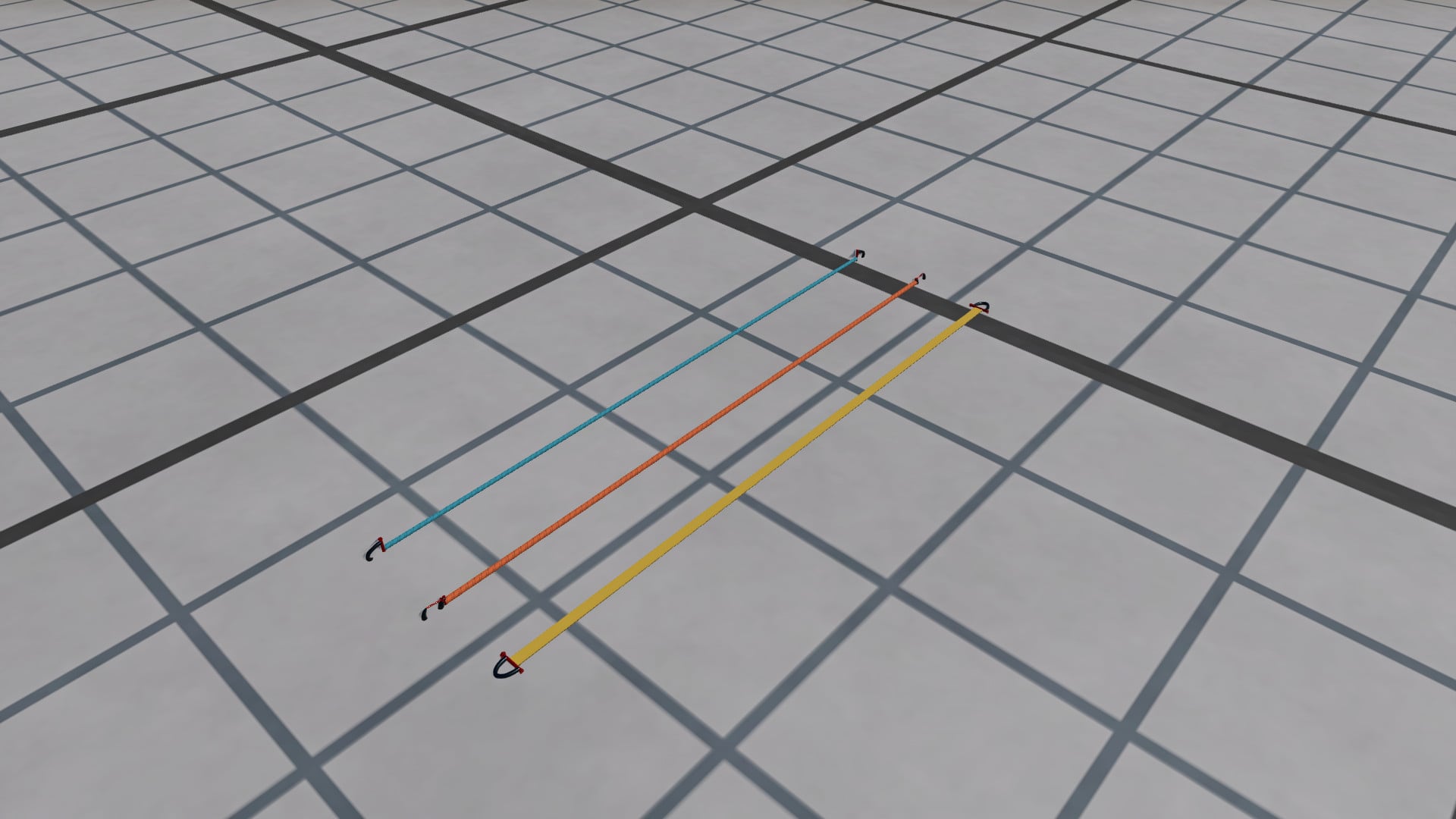
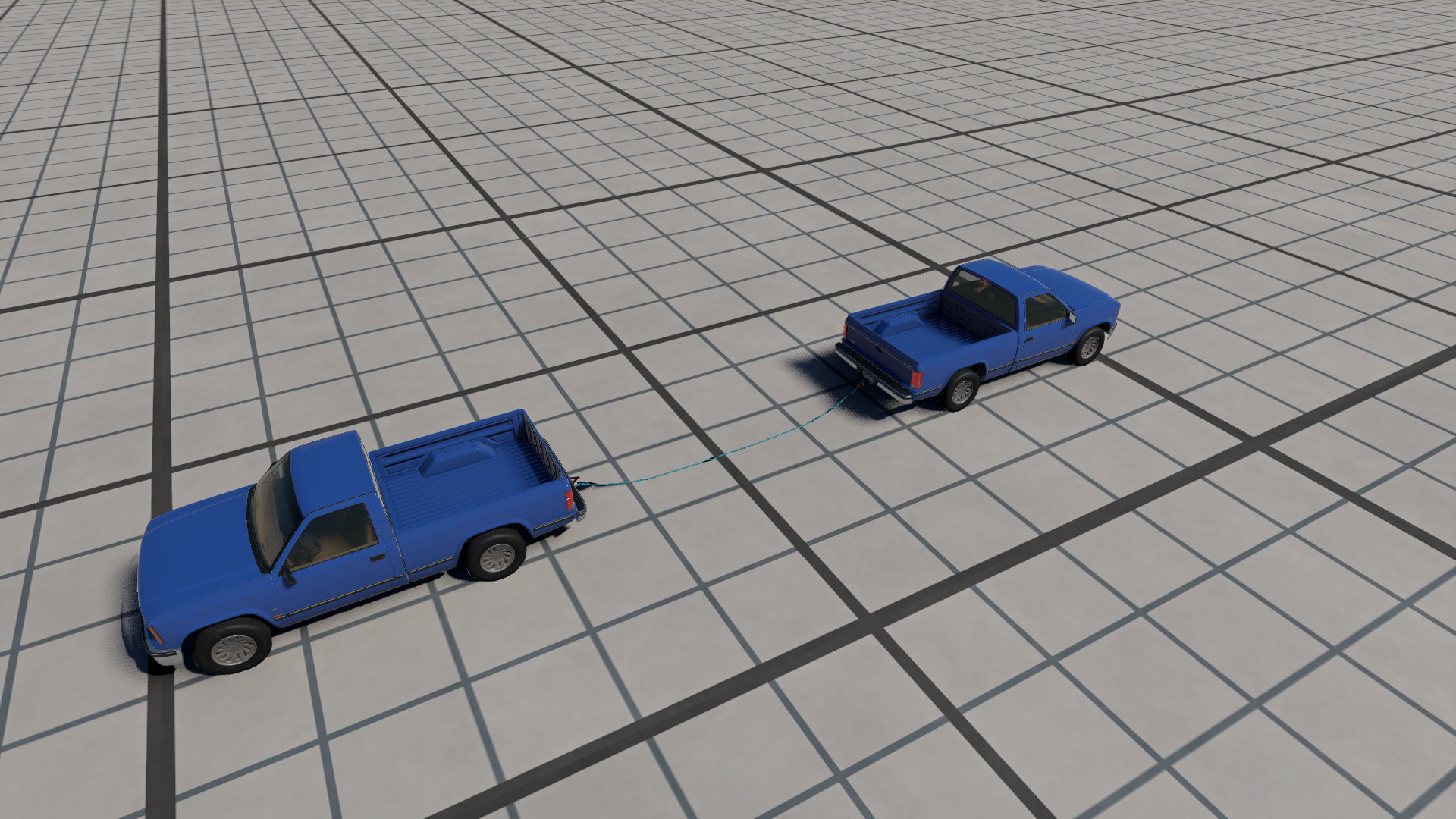
Flexible ropes and straps for towing, recovery experiments and cargo tensioning in BeamNG.drive. Pick a rig, attach each end independently, and watch the load as you pull. Webbing straps also have hold-to-retract and hold-to-extend controls in the included app.
Features
- Tow rope, kinetic recovery rope and flat webbing strap with different stretch behavior.
- Lengths: 2, 3, 5, 8, 12 and 20 metres.
- Four breaking-strength settings: 10, 35, 80 and 160 kN (1,020 / 3,569 / 8,158 / 16,315 kgf).
- Three diameters per rope material and three strap widths, providing 72 ready-to-spawn presets and 216 combinations through Vehicle Configuration.
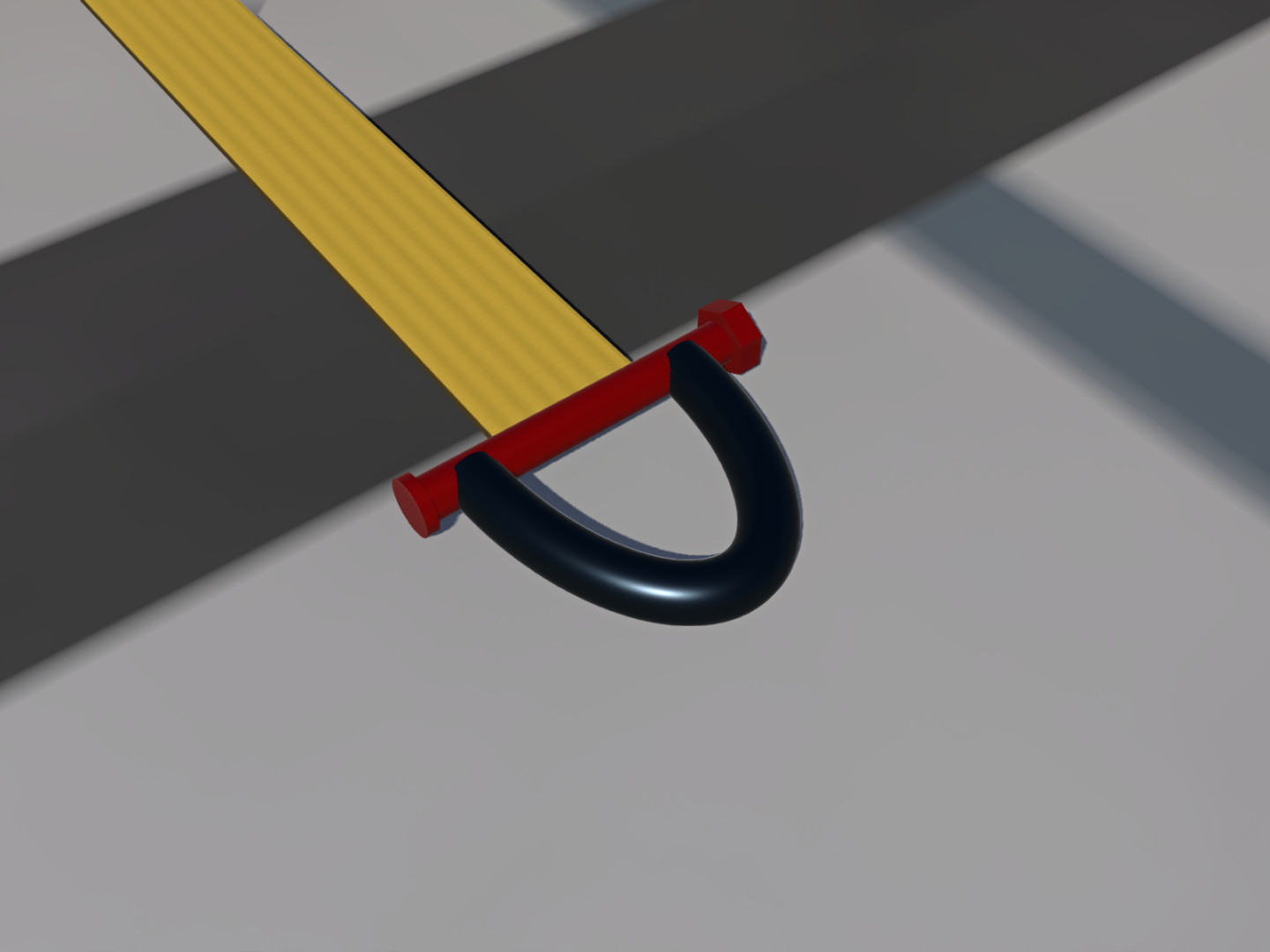
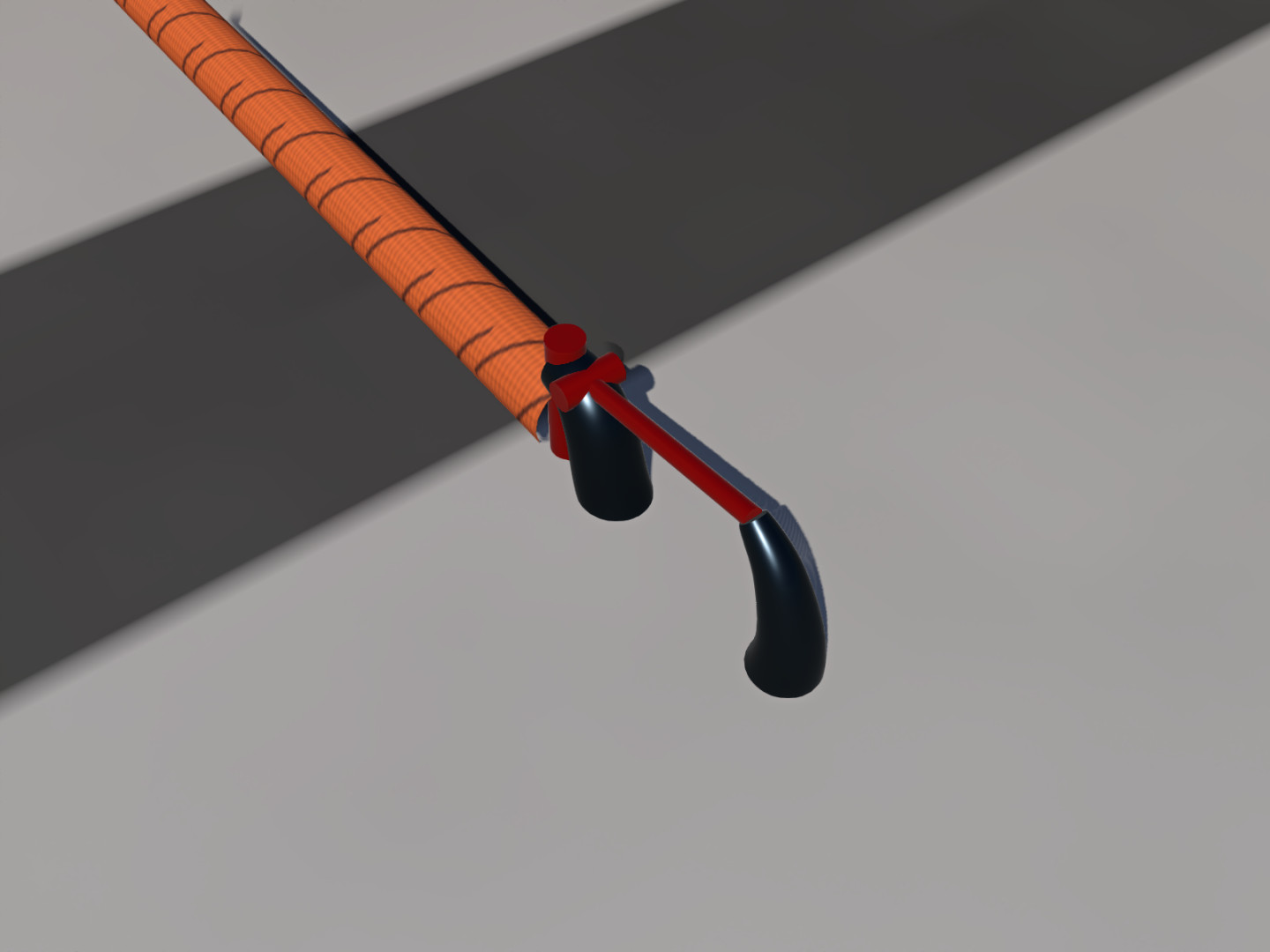
- Solid metal bow shackles or latch hooks, independently selectable at each end.
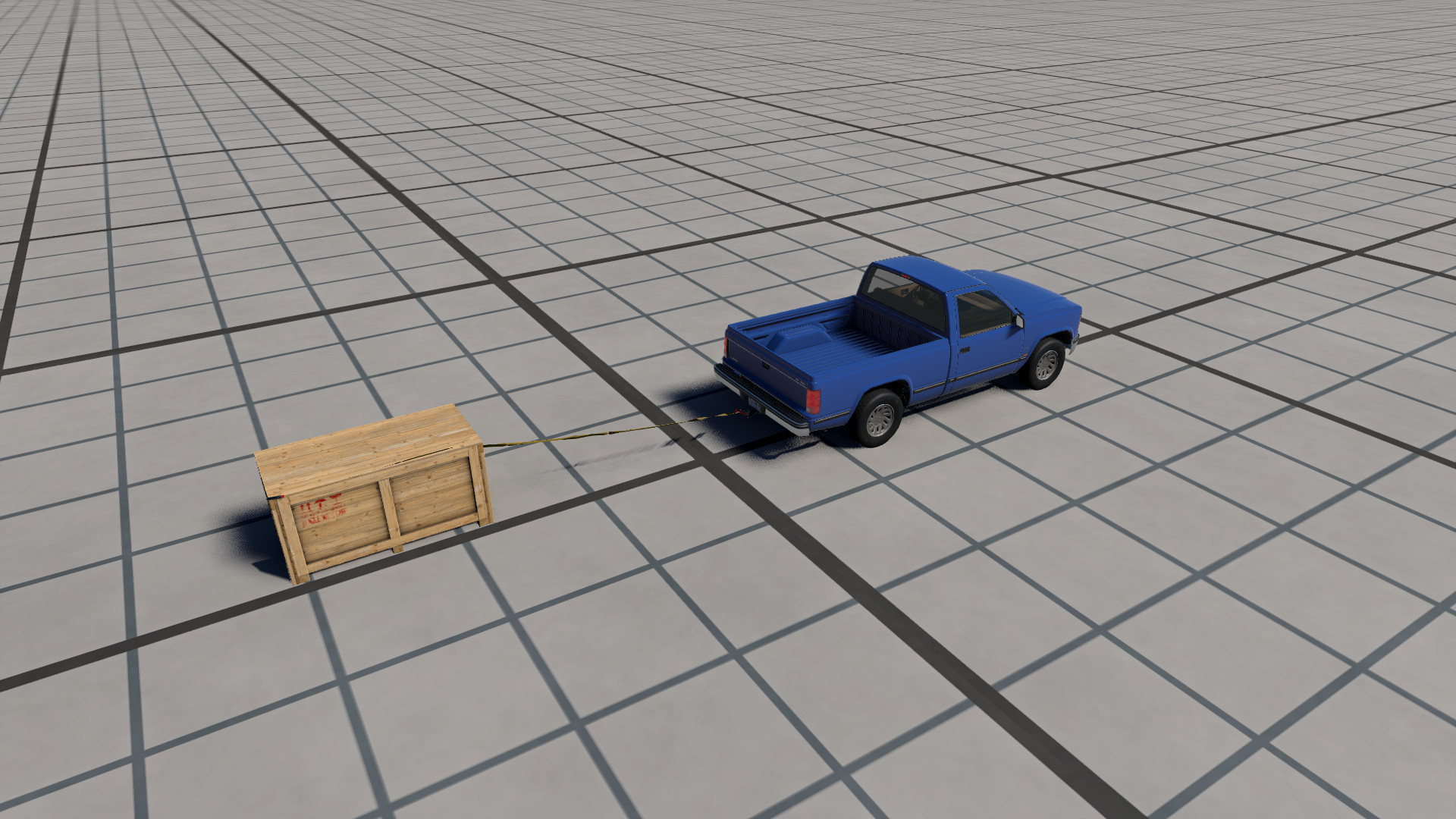
- Independent End A and End B attachments to vehicle nodes, including cargo props, with searchable lists and live attachment distances.
- Retract and Extend functionality on every webbing strap.
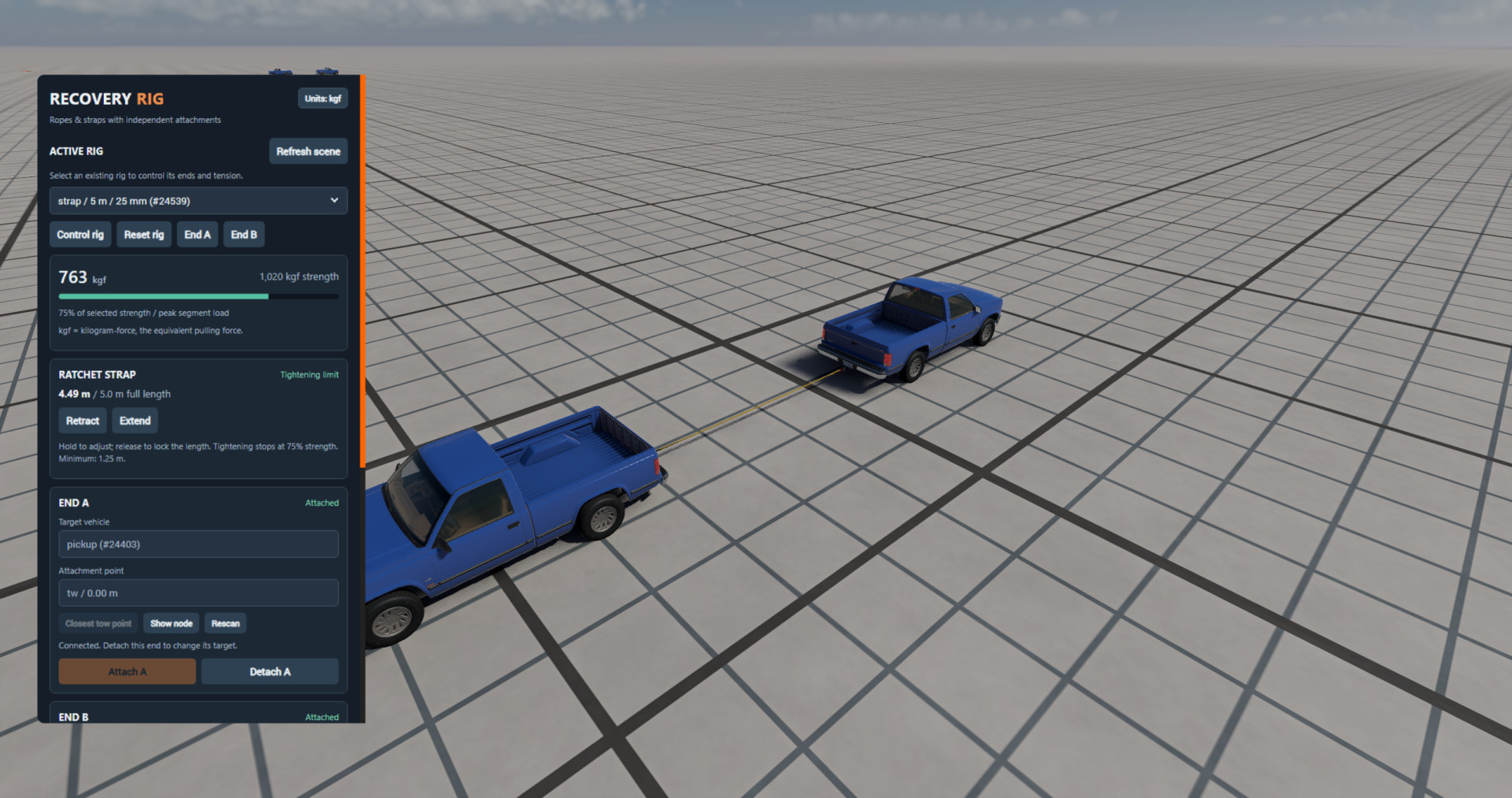
- Live peak-segment load, overload breakage and Reset rig.
Quick start
Start Freeroam and spawn your vehicles or cargo props.
Open UI Apps, enter Edit Apps if needed, and add Recovery Rig.
Scroll to SPAWN NEW RIG at the bottom. Choose material, length and strength, then click Spawn rig. Use Vehicle Configuration to change an existing rig or its fittings.
Select the rig in ACTIVE RIG. For End A, choose a target vehicle and an attachment point. Use "Closest tow point" to find an exposed hitch or tow eye.
Hold Ctrl and drag the metal end near the highlighted point, then click Attach A. Keep the simulation running while it connects.
Repeat for End B. For webbing straps, hold Retract to take up slack and build tension, or Extend to release it. For ropes, move the towing vehicle gently to take up slack.
Beta notes
- Tested with BeamNG.drive 0.39.4 on Windows.
- Ratings describe simulated breaking force; kgf means kilogram-force.
- Metal fittings remain rigid, but the surrounding textile is a deformable mesh.
- Mass and stiffness are tuned for stable simulation; a 20 m strap is approximately 41 kg.
- Use exposed tow points where possible, as internal frame nodes can be hard to reach.
- Bending, unequal loading and sudden pulls can break a span before the peak load reaches nominal axial strength.
- Attachments target spawned vehicles and props; fixed map objects are not supported as anchors.
Installation Instructions
Keep recovery_rig.zip zipped and place it in your active BeamNG user folder's mods directory. Remove older Recovery Rig ZIPs or unpacked copies first so only one version is active. Restart the game and make sure the mod is enabled in Mod Manager. No additional mods are required.
Credits
wertyoman97
Flexible ropes and straps for towing, recovery experiments and cargo tensioning in BeamNG.drive. Pick a rig, attach each end independently, and watch the load as you pull. Webbing straps also have hold-to-retract and hold-to-extend controls in the included app.
Features
- Tow rope, kinetic recovery rope and flat webbing strap with different stretch behavior.
- Lengths: 2, 3, 5, 8, 12 and 20 metres.
- Four breaking-strength settings: 10, 35, 80 and 160 kN (1,020 / 3,569 / 8,158 / 16,315 kgf).
- Three diameters per rope material and three strap widths, providing 72 ready-to-spawn presets and 216 combinations through Vehicle Configuration.
- Solid metal bow shackles or latch hooks, independently selectable at each end.
- Independent End A and End B attachments to vehicle nodes, including cargo props, with searchable lists and live attachment distances.
- Retract and Extend functionality on every webbing strap.
- Live peak-segment load, overload breakage and Reset rig.
Quick start
Start Freeroam and spawn your vehicles or cargo props.
Open UI Apps, enter Edit Apps if needed, and add Recovery Rig.
Scroll to SPAWN NEW RIG at the bottom. Choose material, length and strength, then click Spawn rig. Use Vehicle Configuration to change an existing rig or its fittings.
Select the rig in ACTIVE RIG. For End A, choose a target vehicle and an attachment point. Use "Closest tow point" to find an exposed hitch or tow eye.
Hold Ctrl and drag the metal end near the highlighted point, then click Attach A. Keep the simulation running while it connects.
Repeat for End B. For webbing straps, hold Retract to take up slack and build tension, or Extend to release it. For ropes, move the towing vehicle gently to take up slack.
Beta notes
- Tested with BeamNG.drive 0.39.4 on Windows.
- Ratings describe simulated breaking force; kgf means kilogram-force.
- Metal fittings remain rigid, but the surrounding textile is a deformable mesh.
- Mass and stiffness are tuned for stable simulation; a 20 m strap is approximately 41 kg.
- Use exposed tow points where possible, as internal frame nodes can be hard to reach.
- Bending, unequal loading and sudden pulls can break a span before the peak load reaches nominal axial strength.
- Attachments target spawned vehicles and props; fixed map objects are not supported as anchors.
Installation Instructions
Keep recovery_rig.zip zipped and place it in your active BeamNG user folder's mods directory. Remove older Recovery Rig ZIPs or unpacked copies first so only one version is active. Restart the game and make sure the mod is enabled in Mod Manager. No additional mods are required.
Credits
wertyoman97
Direct Download Links
About Mod
| Latest Version | 0.9.0 |
| Game | BeamNG.drive |
| Category | Other |
| Game Version | 0.39.x |
| Tags | Props |
| Downloads | 534 |
| Created | 1 week ago |
You Might Also Like »


![Ford Bronco [PACK]](https://temp2.modland.net/i/6abb8bc6ce51c/0_modland.jpg)


![Mack Anthem / Pinnacle [PACK]](https://temp2.modland.net/i/6aa50a7184eaa/6ab9344368d3b/0_modland.jpg)


0 Comments
There are no comments. Be first to comment!