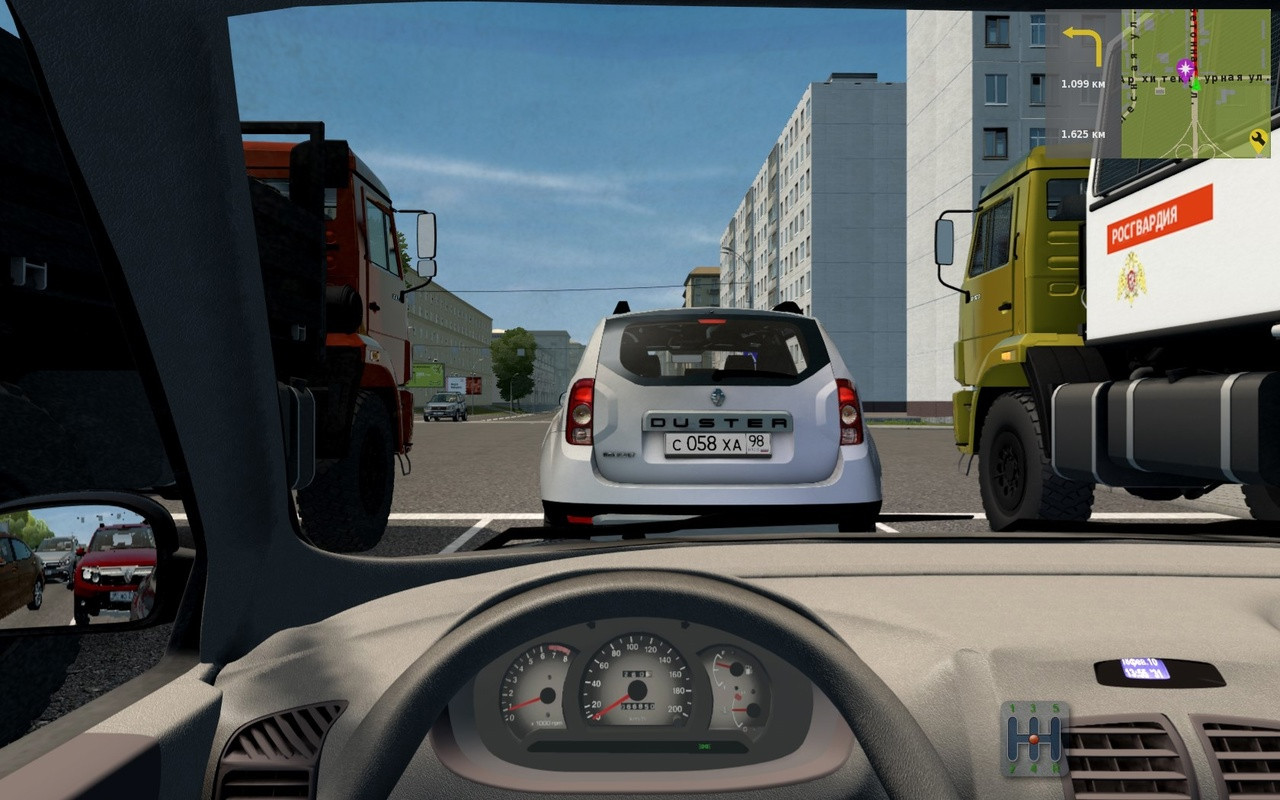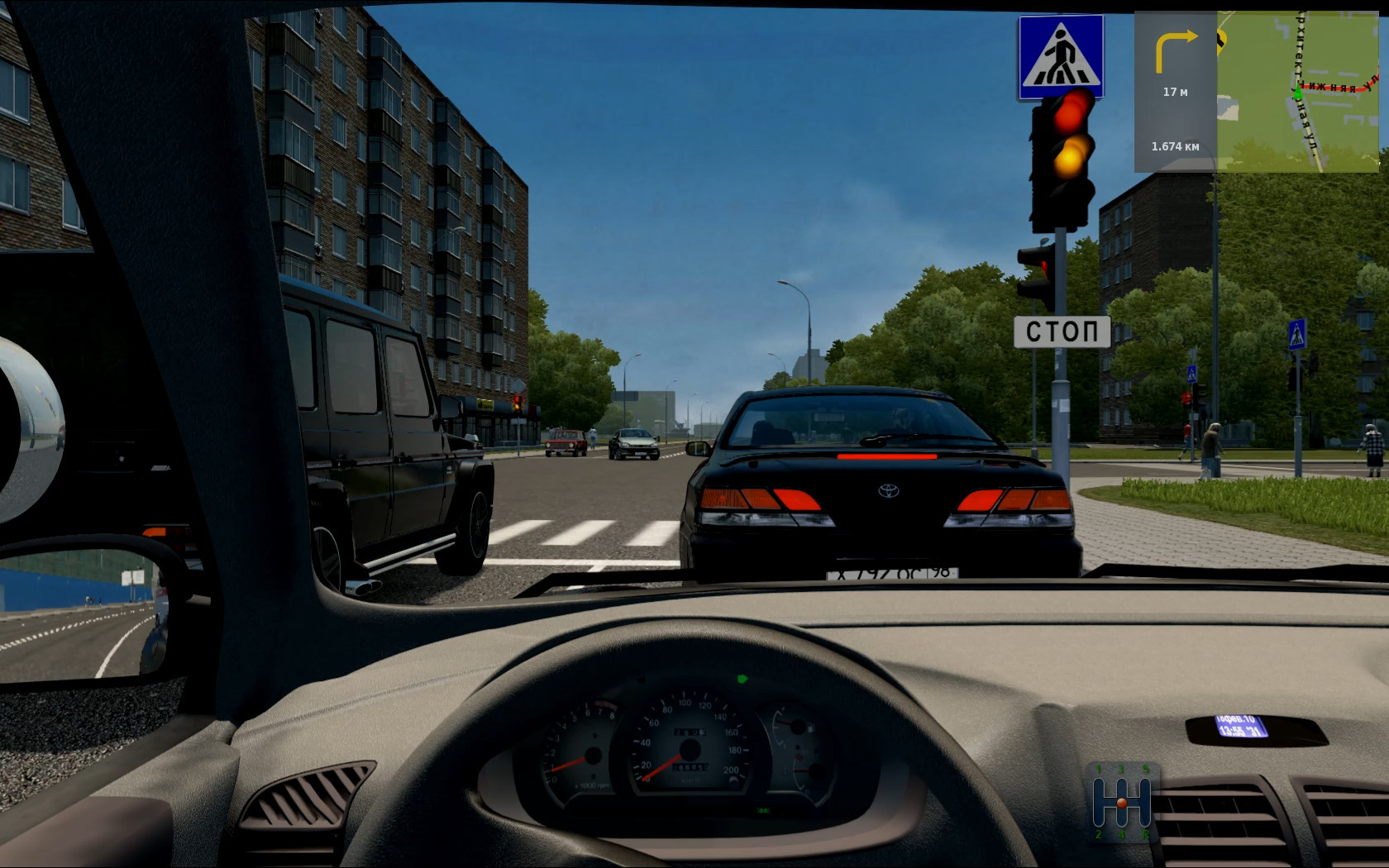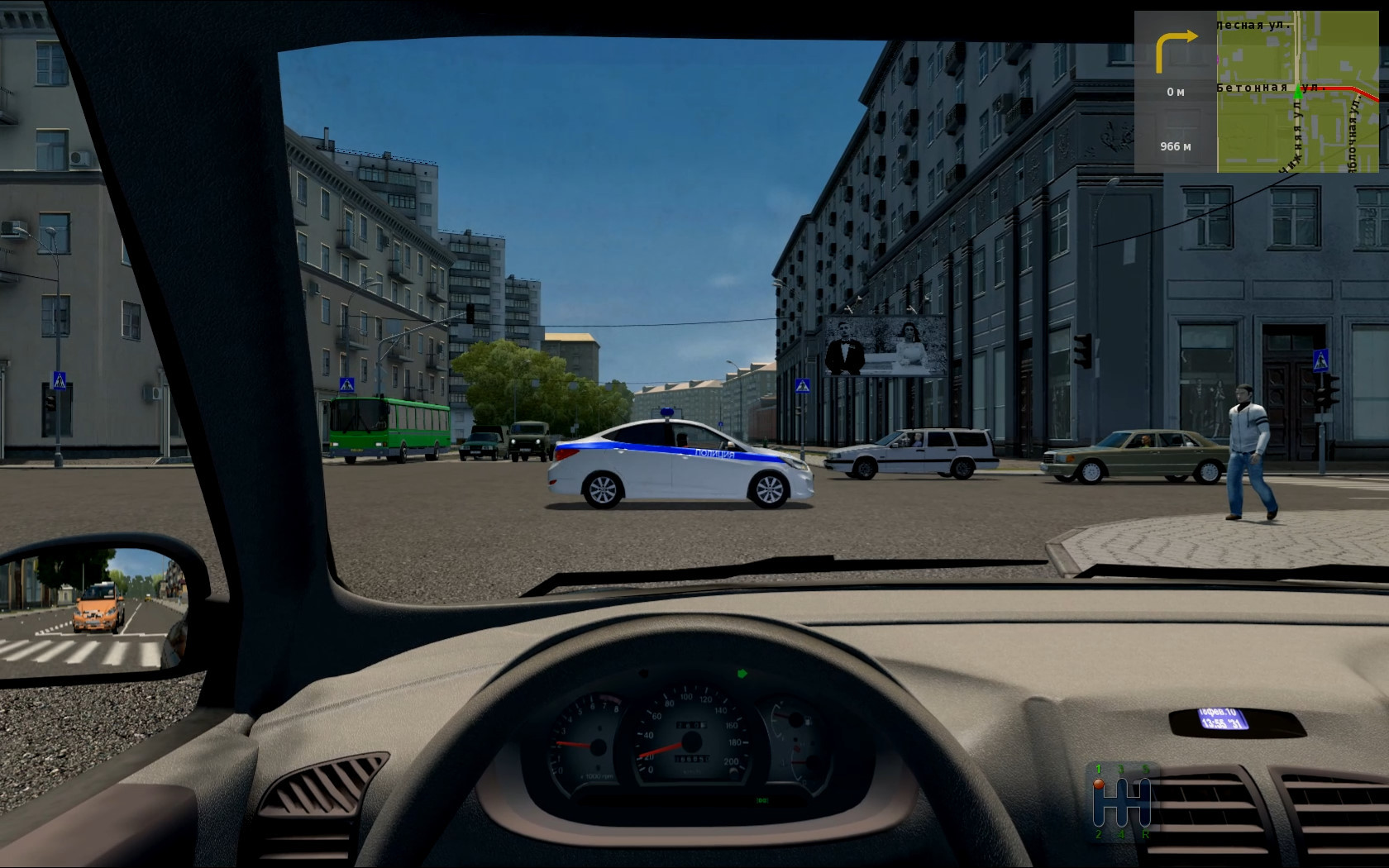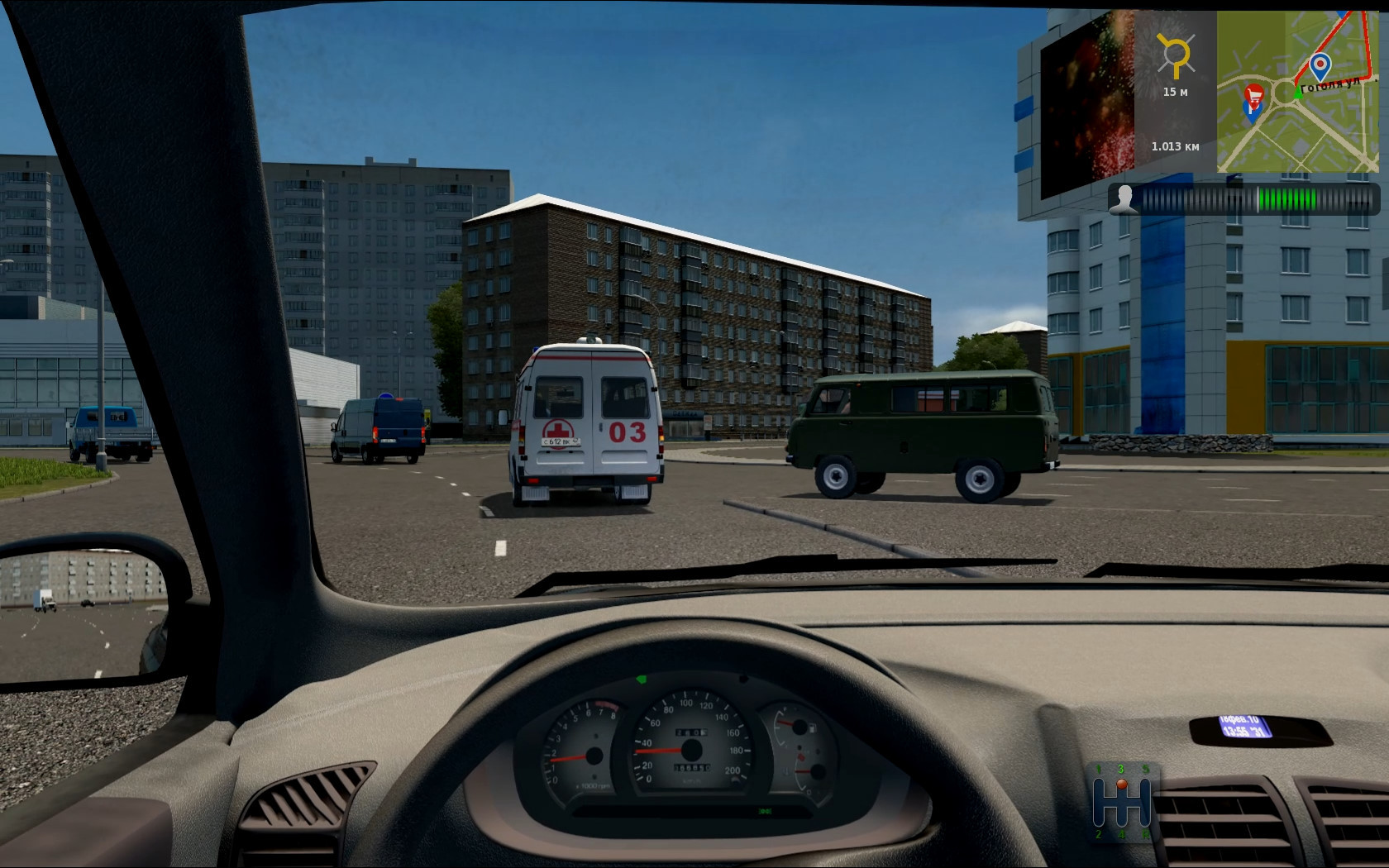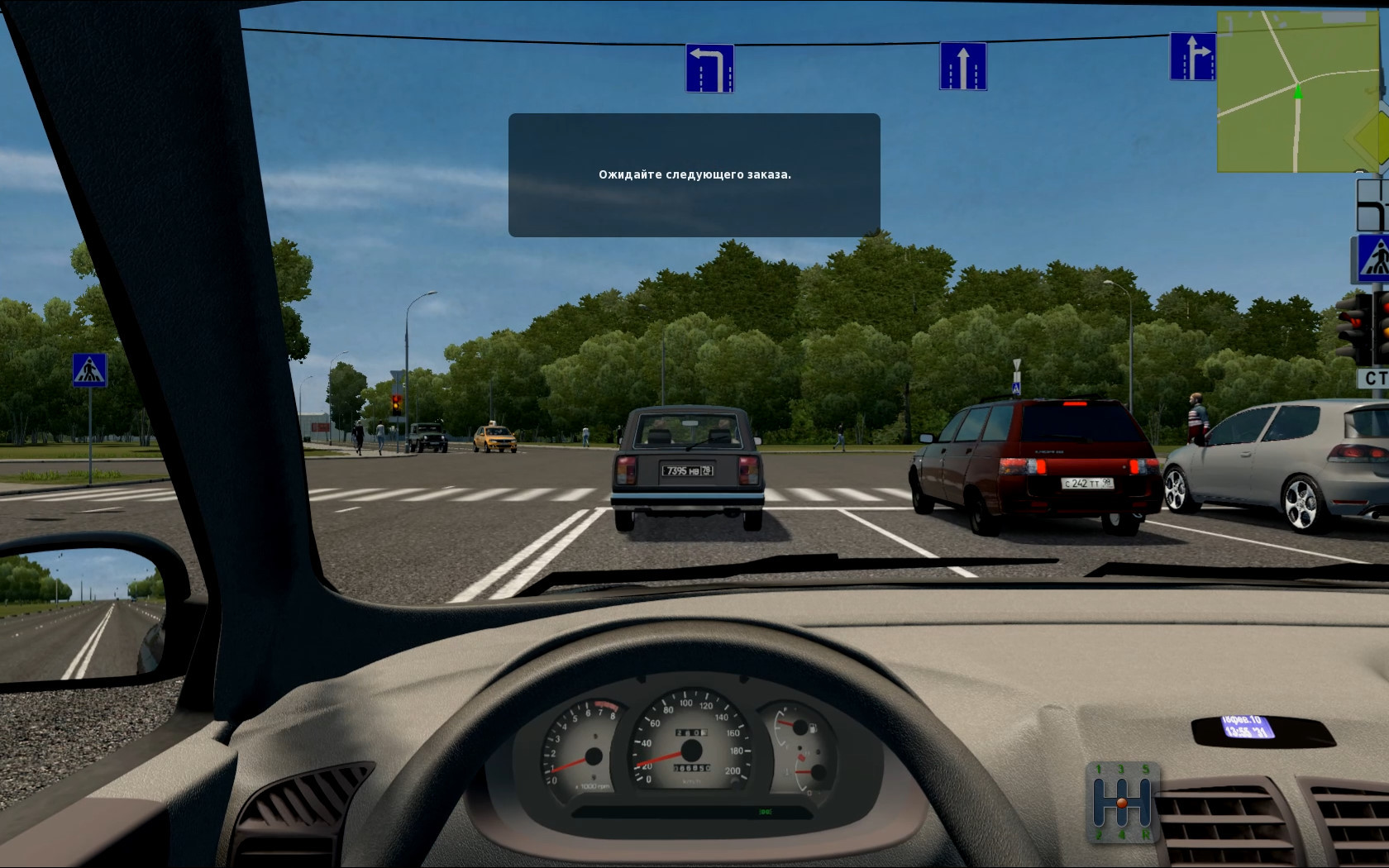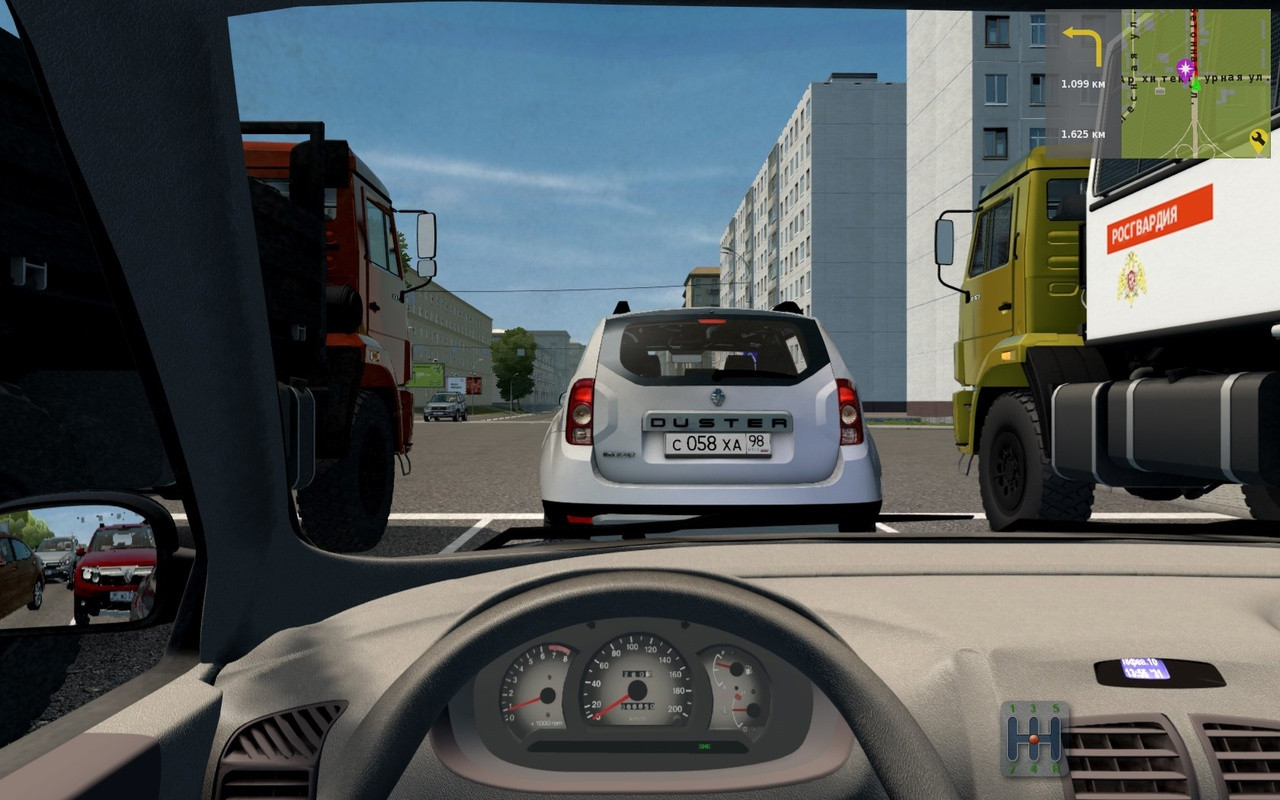
My build of over 170 different traffic cars v02 for City Car Driving (v1.5.9.2) 03

3/5,
5
votes
Changelog
latest
Version
03
· My build of over 170 different traffic cars v03 for City Car Driving (v1.5.9.2)
· CCD
1.59
1 year ago
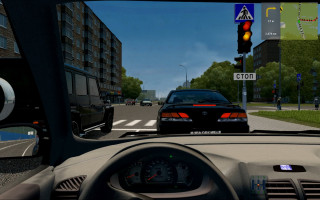
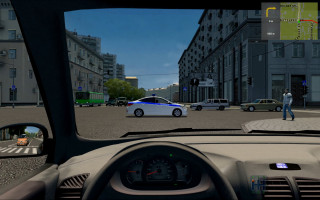
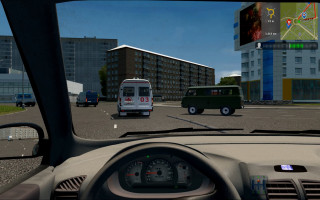
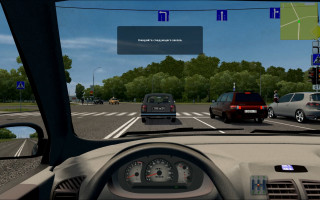
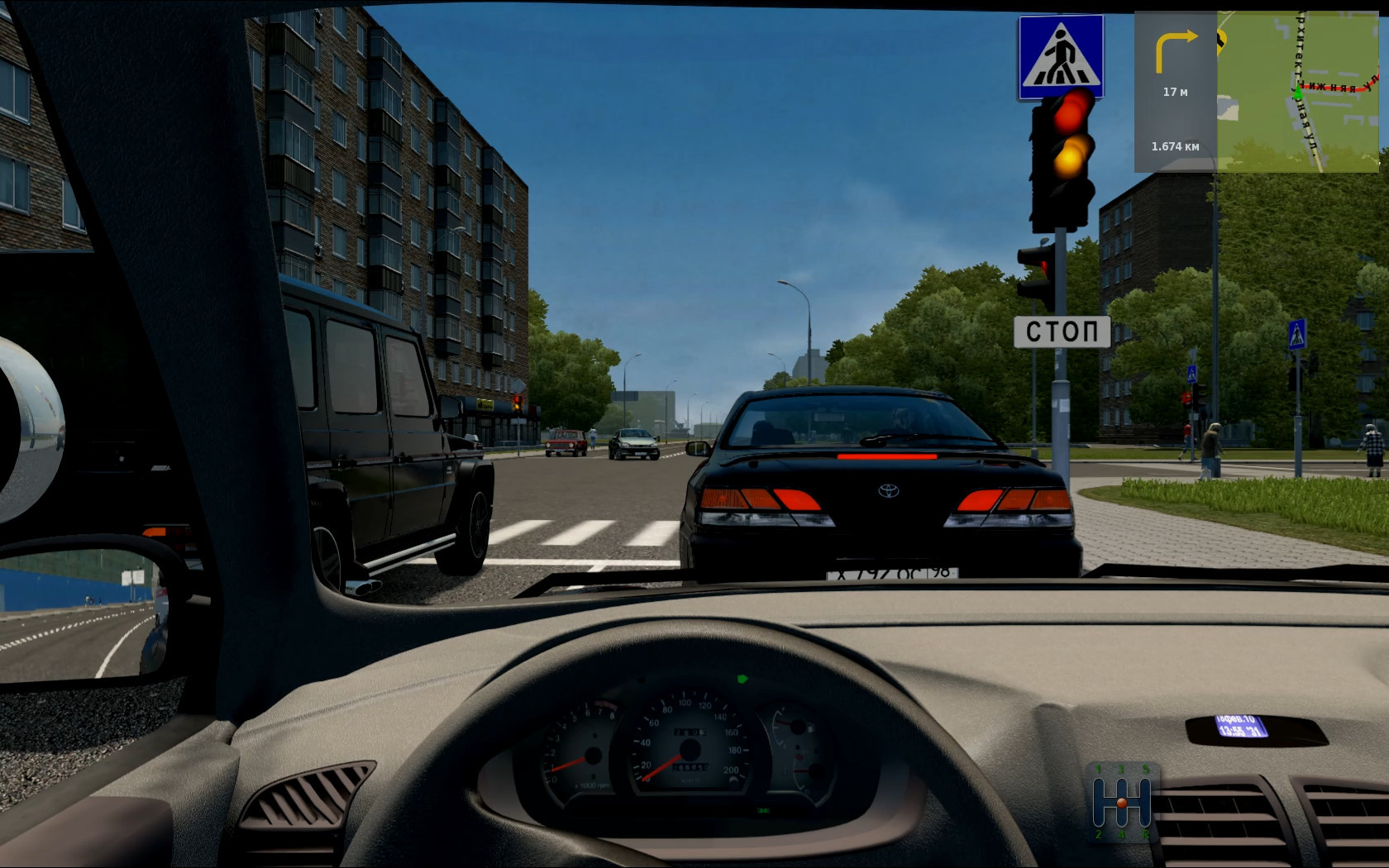
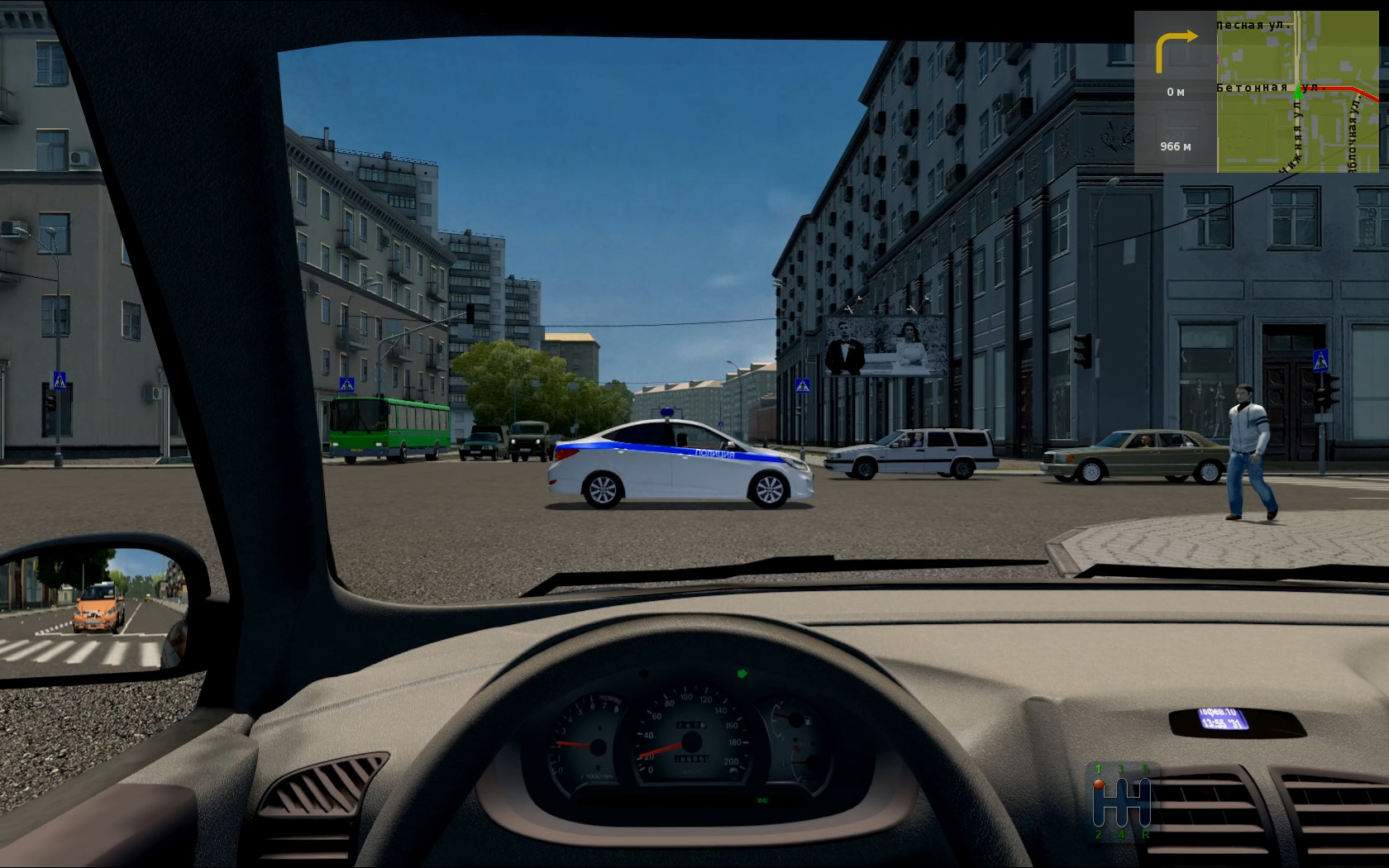
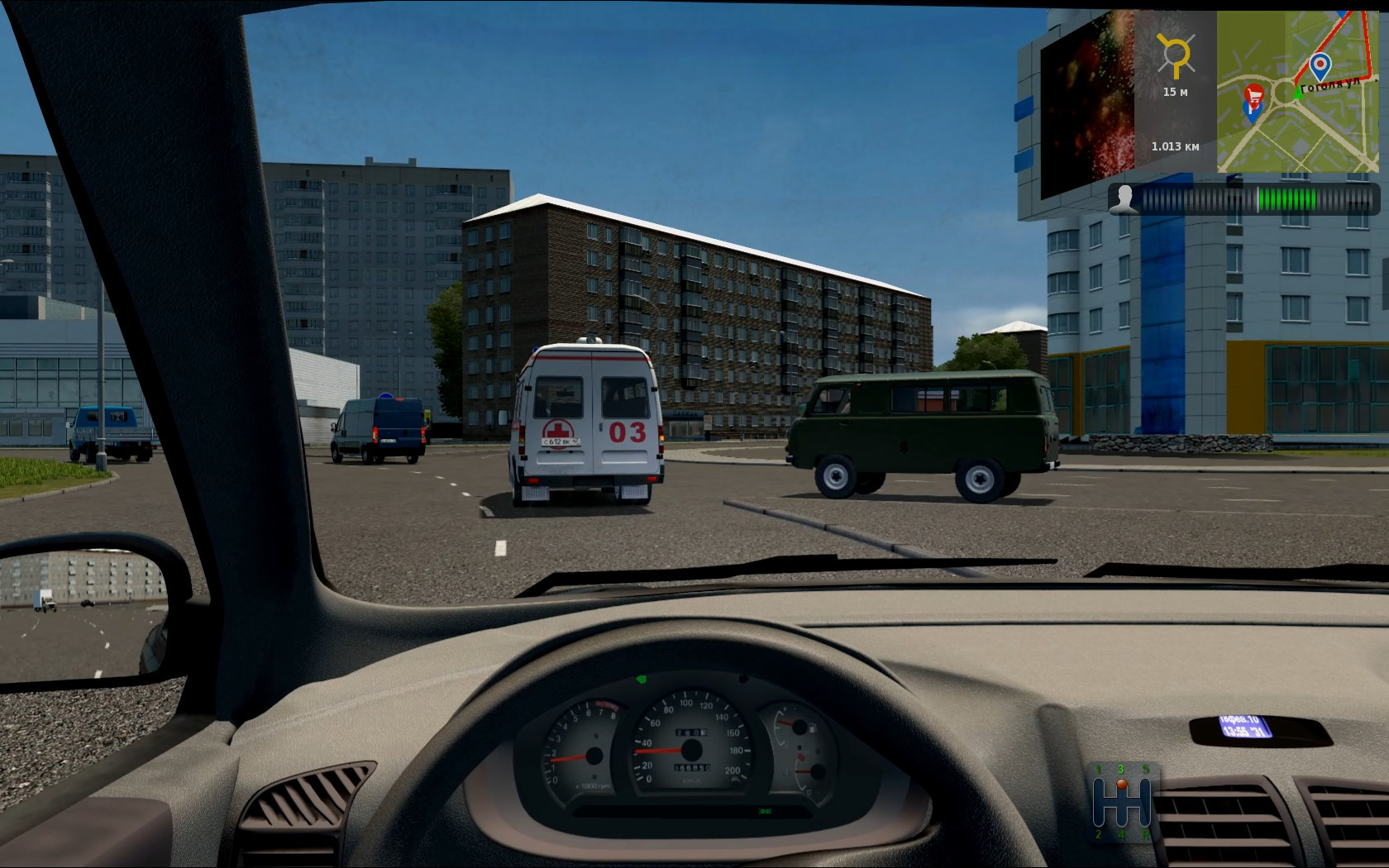
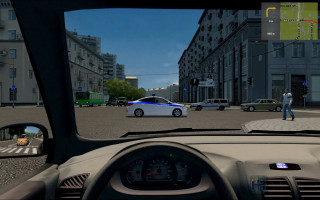
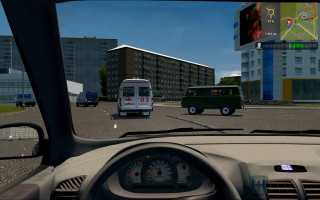
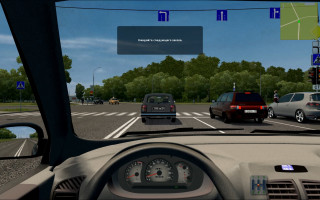
A couple of years ago I added more than 170 cars to the traffic. The mod is not finished, some cars do not have drivers. If I get the incentive, I’ll finish it.
1. Information:
Traffic pack_Heisenberg.rar - Adding about 20 cars from friend Heisenberg to the traffic (I removed the Chevrolet Caprice (+Taxi & police) from it)
Cars from ccd to traffic - Adding vehicles from the CCD itself to traffic (UAZ_452, UAZ_Patriot, etc.)
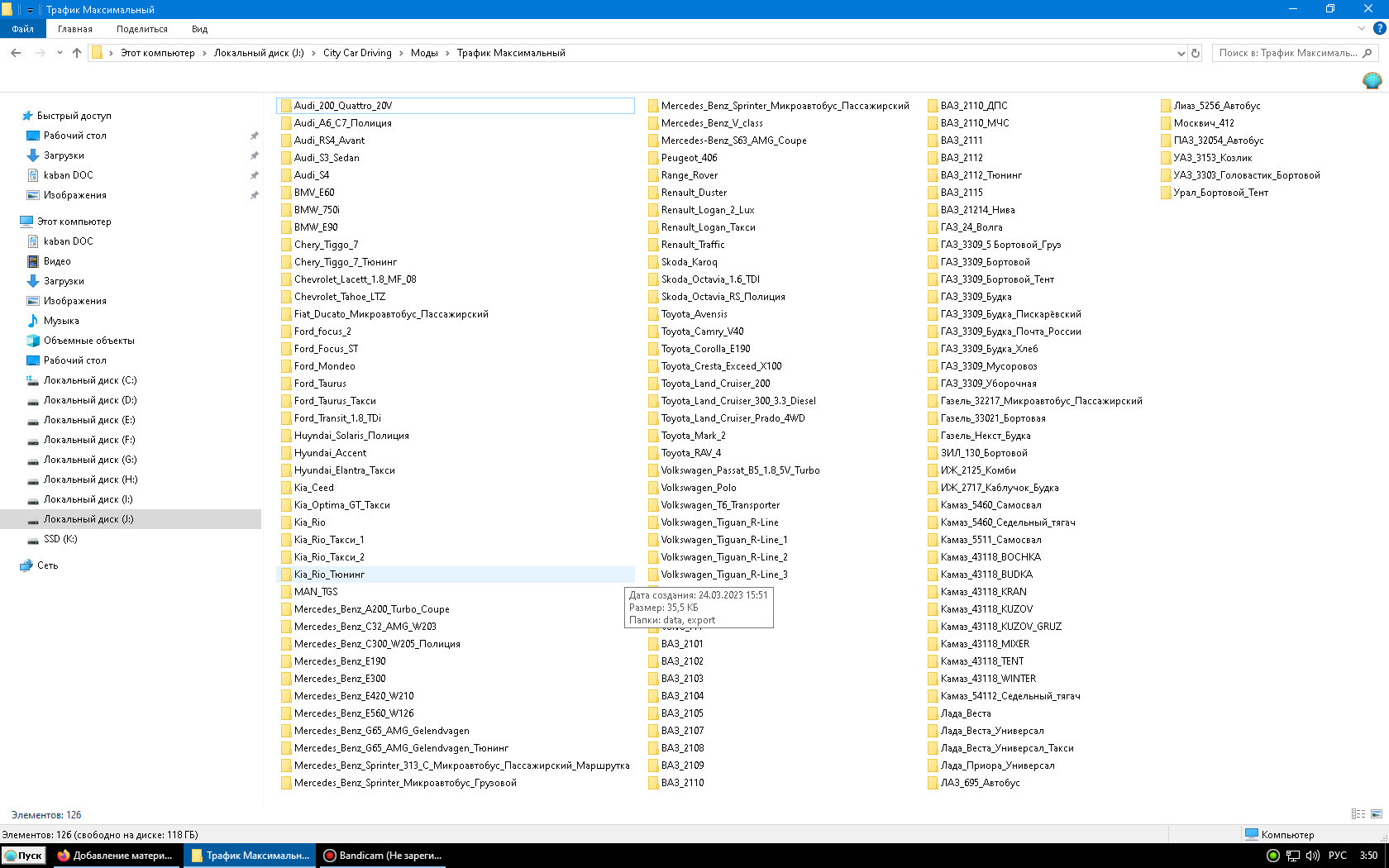
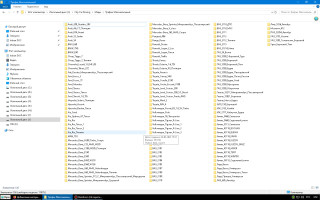
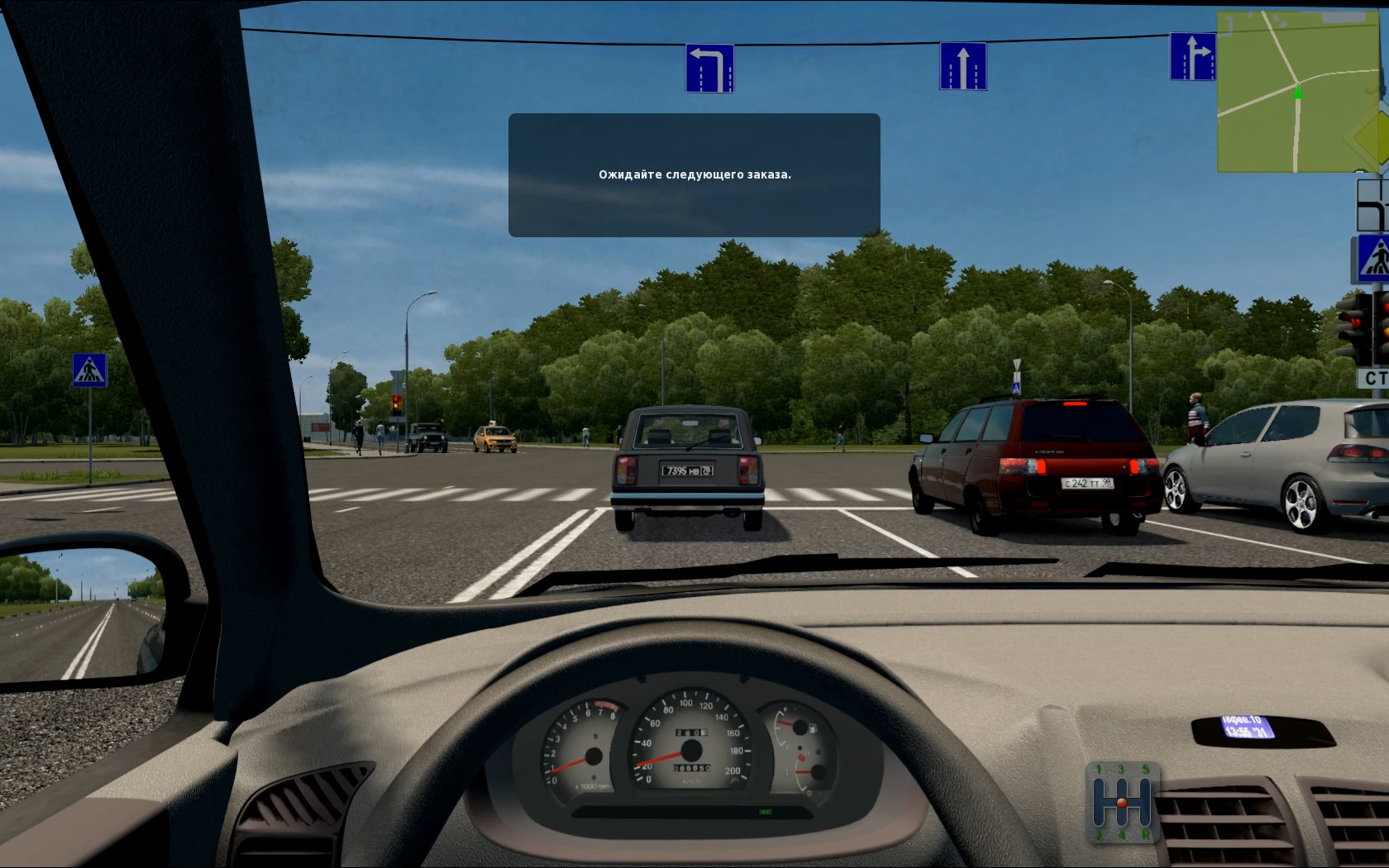
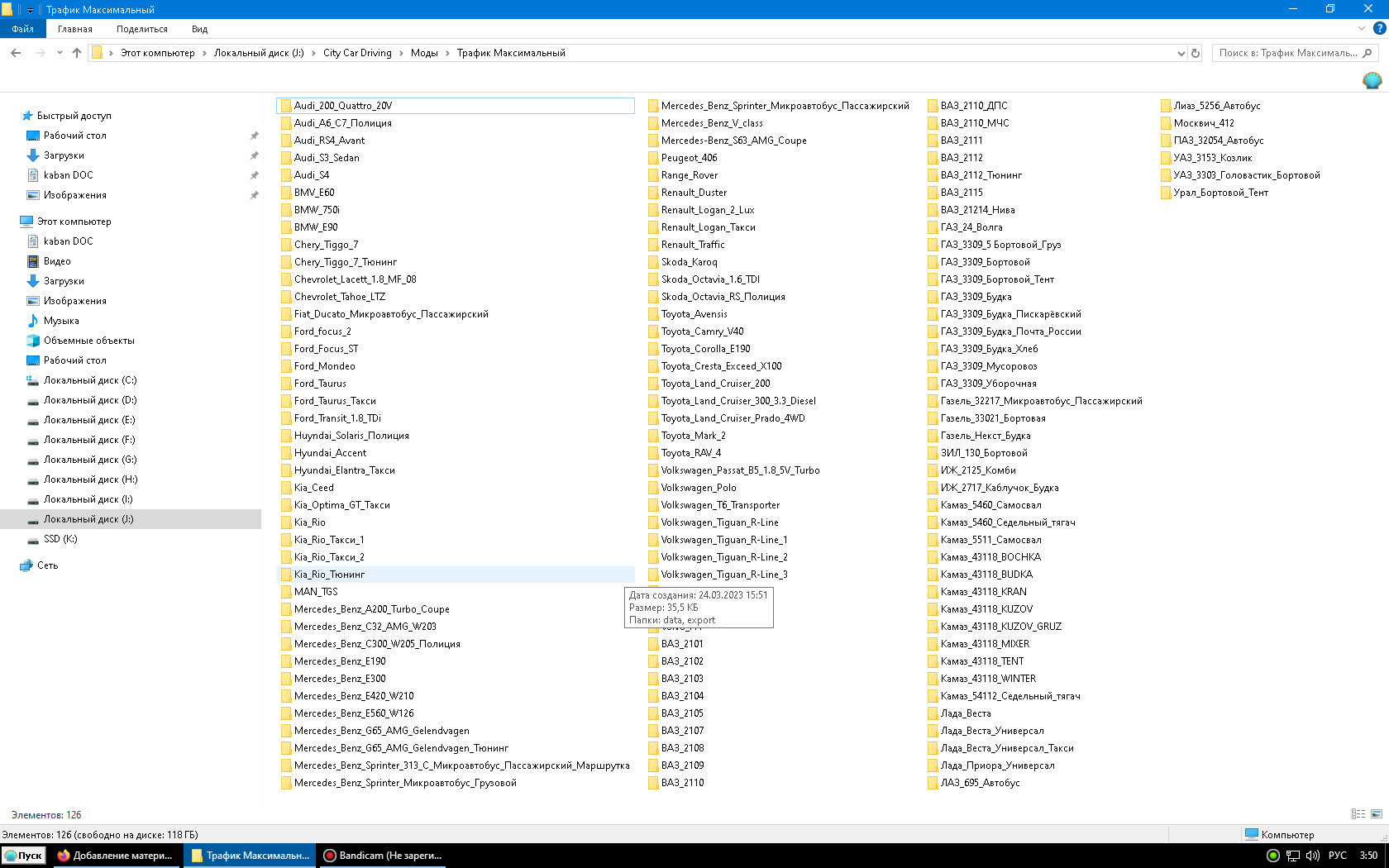
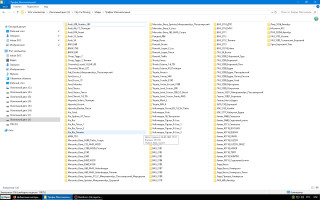
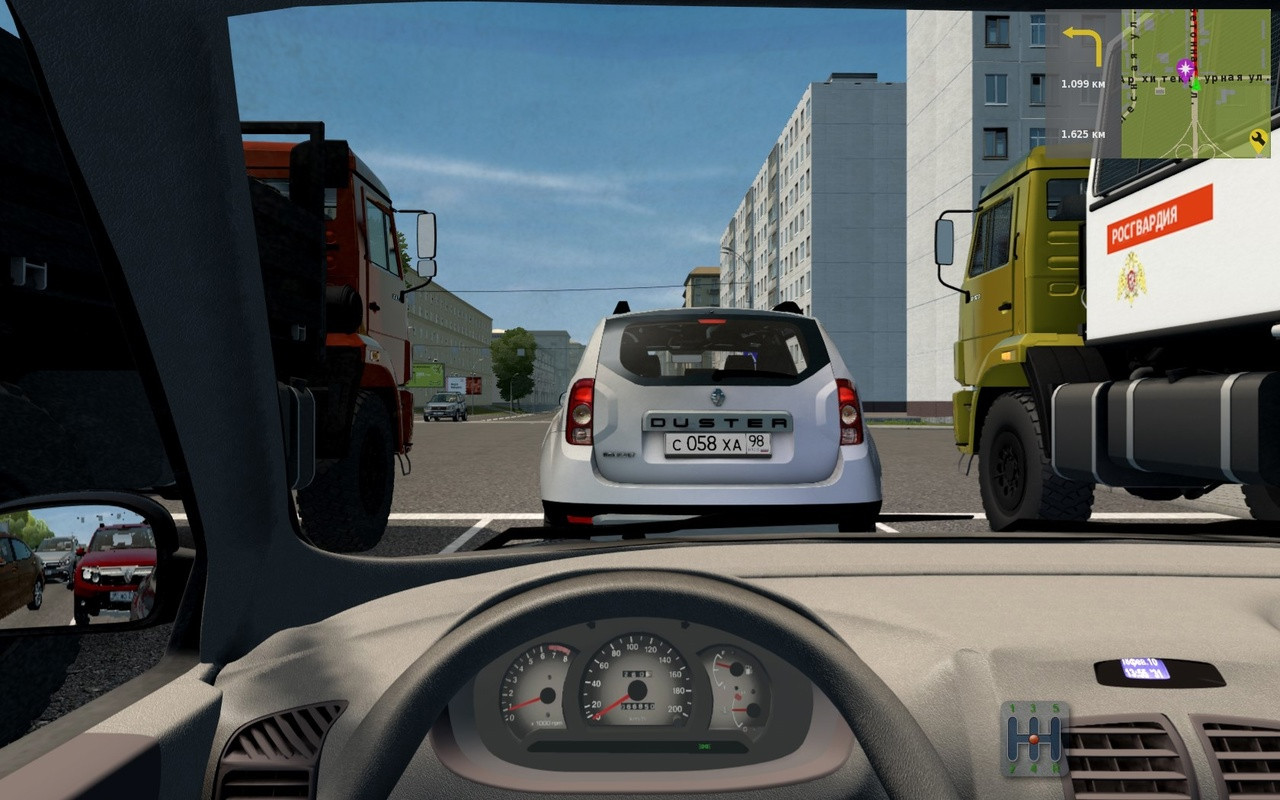
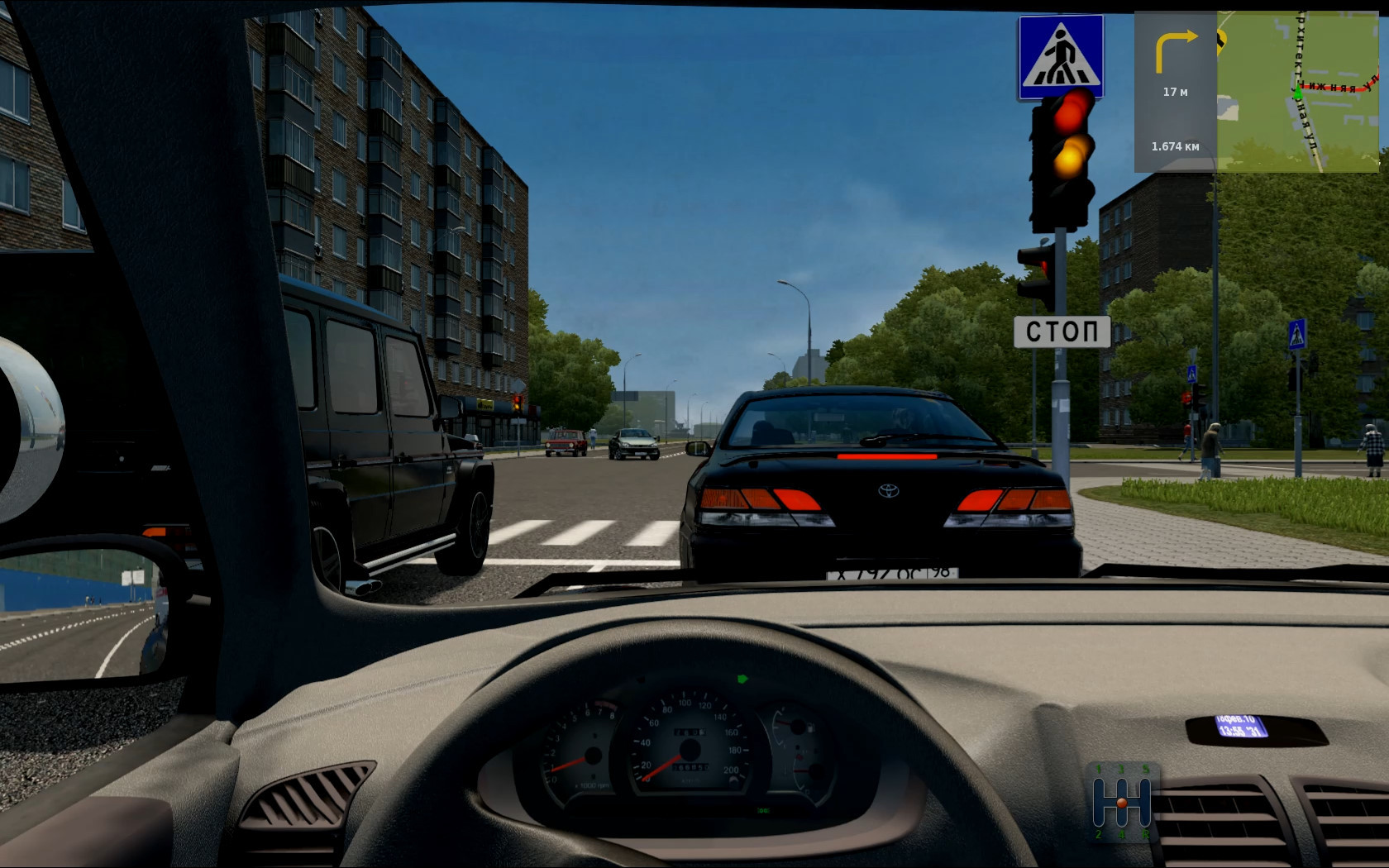
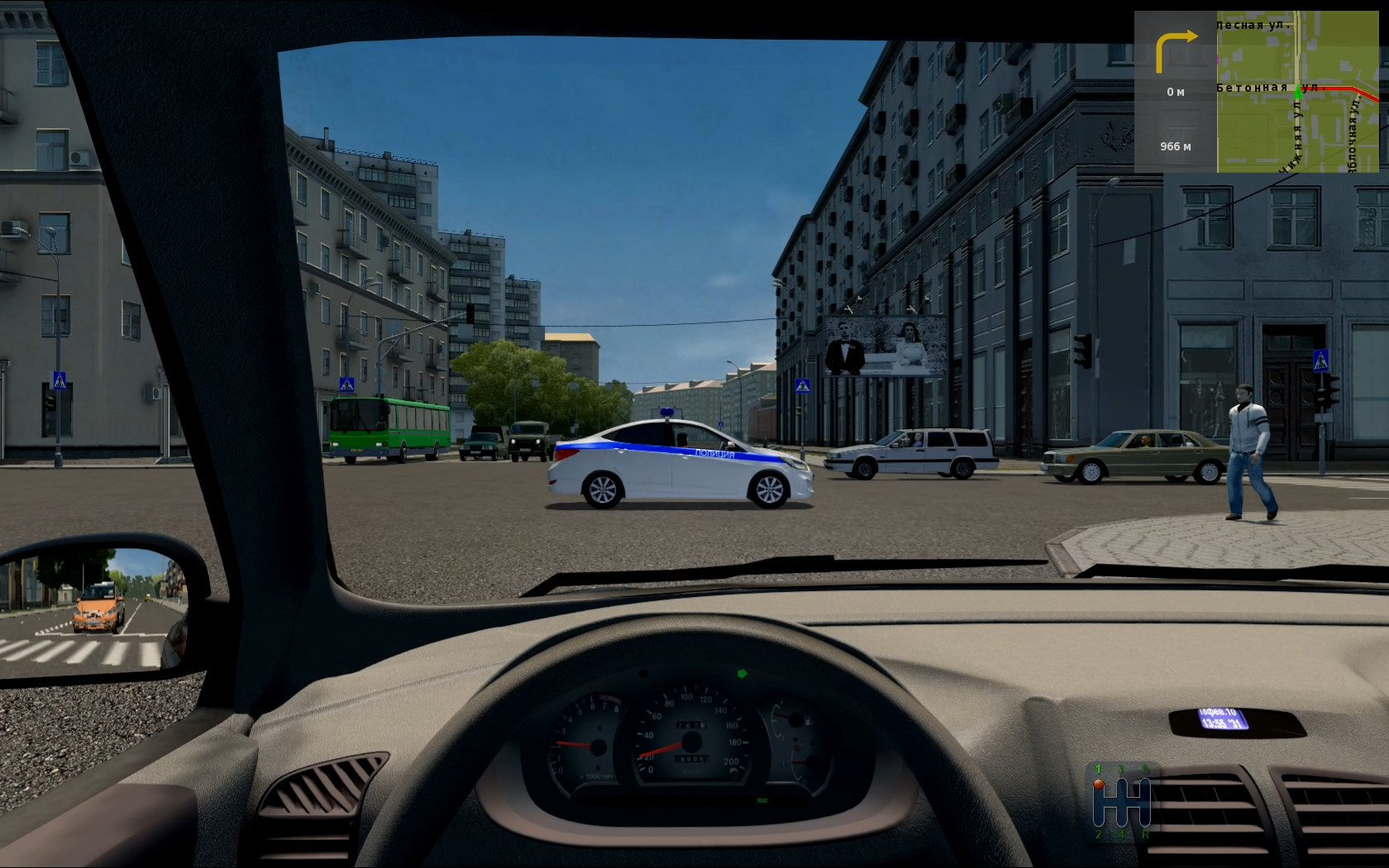
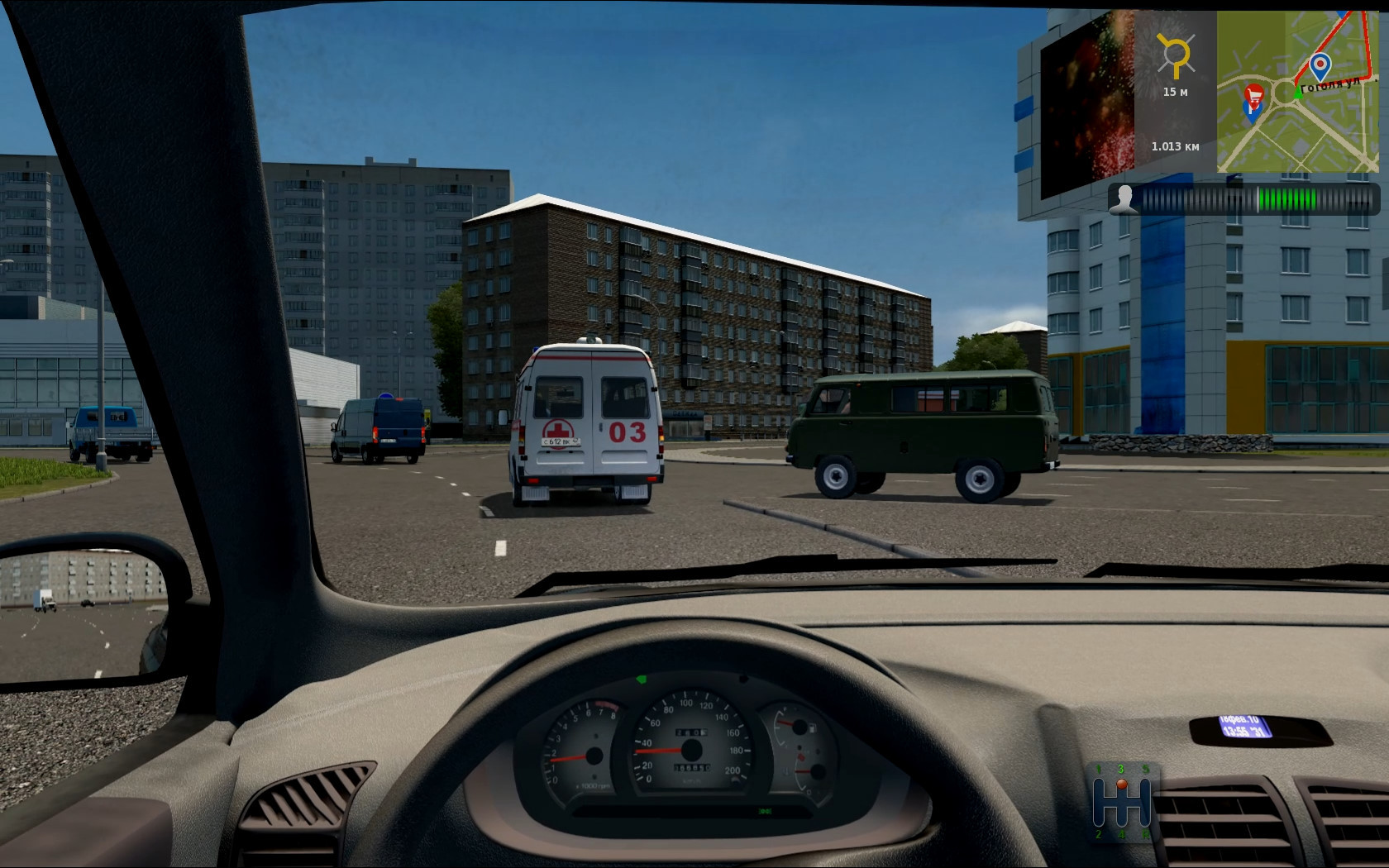
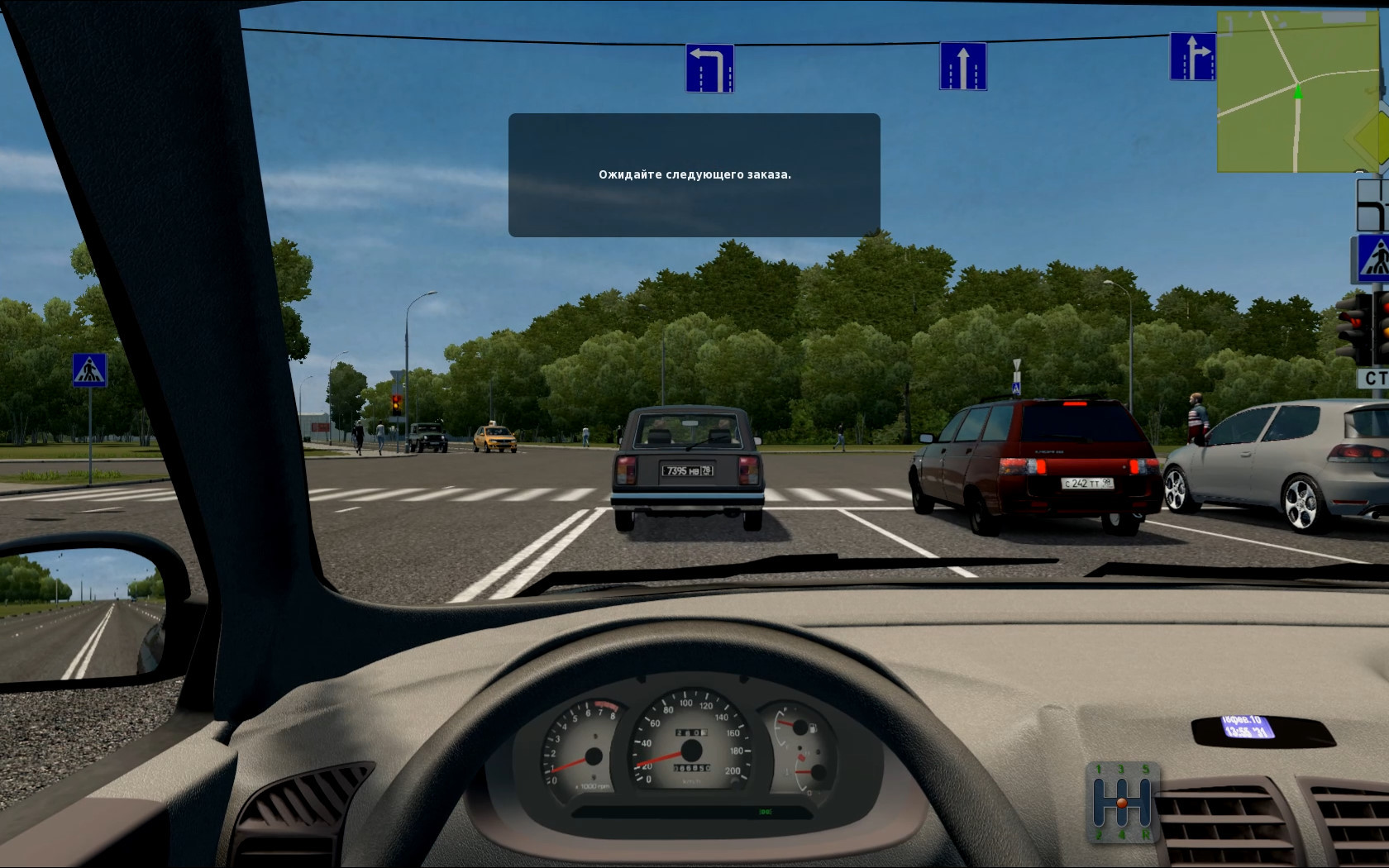
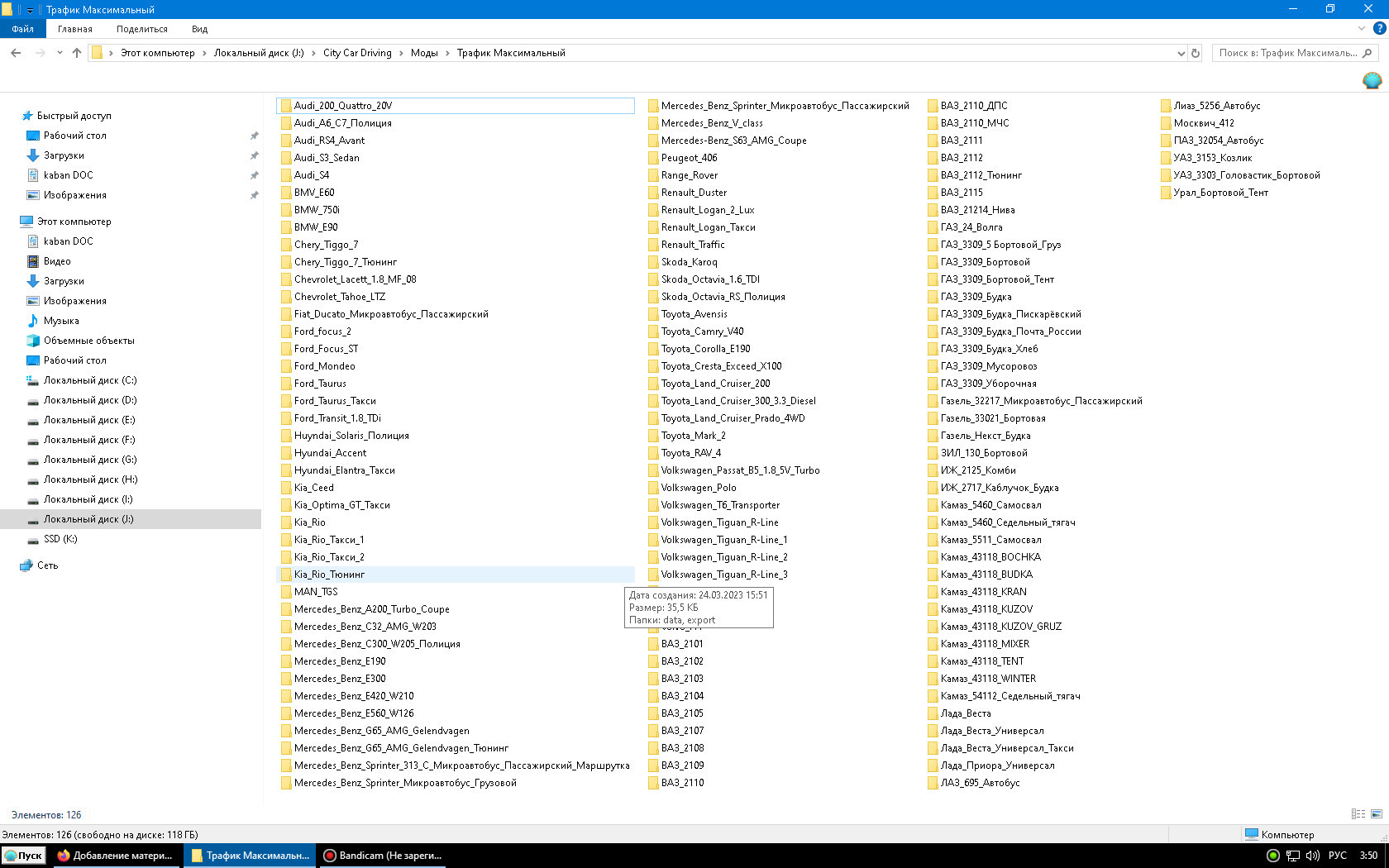
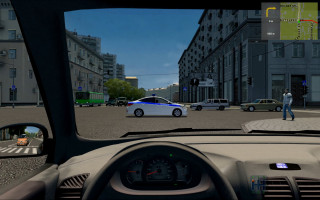
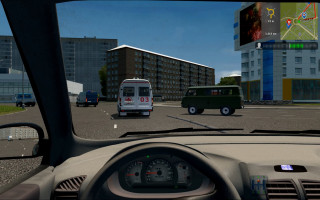
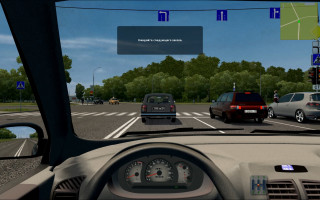
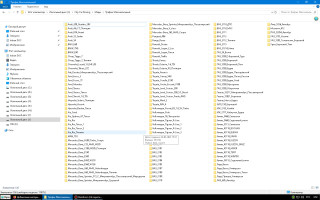
Traffic maximum - Adding cars to traffic (See screenshot)
traffic_cars.rar - This archive contains the file traffic_cars.xml, in which the added cars are registered. In it, some lines are commented out (Those that are enclosed in the left and right arrows with a question mark), Thus, I disabled some default traffic machines. You can open it with notepad and see which cars are added to the list and which are disabled.
2. Of course, we unpack everything and get:
1. Folder Traffic pack_Heisenberg, its folder contents: bin; data ; export - Drop it into the root folder with the game
2. Folder Cars from ccd to traffic, its contents folder: data - Drop it into the root folder with the game
3. The Traffic maximum folder contains folders with specific cars. We open each one in turn and drop the subfolders into
root folder with the game.
For example, the folder Audi_200_Quattro_20V, its contents are the data and export folders - we throw them into the root folder with the game
4. The traffic_cars folder, from which the traffic_cars.xml file must be placed in the root folder of the game along the path: ?:\City Car Driving\data\config
Or use a search to find this file where it is located.
Be sure to save your traffic_cars.xm file just in case.
Attention!
In the Old Town I had crashes, I believe that my 12-year-old “BUCKET” with 8 GB. RAM and video with 2 gigs of video memory simply do not support it. In the New Town everything works, but sometimes with minor friezes. Traffic willingly uses parking lots.
Attention!
If you have installed third-party cars that you drive and they match the cars from the added traffic, then DO NOT ADD these cars to the traffic!!!, and comment out their lines in the traffic_cars.xml file, or delete them!!!
The proposed Traffic_cars.xml file works when the Russian region is selected in the game. To make it work in other regions, rename it accordingly to:
Traffic_cars_au.xml
Traffic_cars_en_CA.xml
Traffic_cars_en_US.xml
Traffic_cars_eu.xml
Depending on the region you select.
Firefighters, police and ambulances, apparently, will also be Russian.
It will be necessary to correct their entry in the Traffic_cars.xml file and set the default special equipment for each region.
Video link:
https://vkvideo.ru/video381721708_456239027
Link to the archive with the Mod and detailed instructions for installing it:
https://drive.google.com/file/d/18XsRKNvF1lykfs3NAfWU1eBOF4iocncQ/view?usp=drive_link
SBERBANK CARD: 2202 2050 2840 8760
Good luck everyone!
Best regards, kaban134a
1. Information:
Traffic pack_Heisenberg.rar - Adding about 20 cars from friend Heisenberg to the traffic (I removed the Chevrolet Caprice (+Taxi & police) from it)
Cars from ccd to traffic - Adding vehicles from the CCD itself to traffic (UAZ_452, UAZ_Patriot, etc.)
Traffic maximum - Adding cars to traffic (See screenshot)
traffic_cars.rar - This archive contains the file traffic_cars.xml, in which the added cars are registered. In it, some lines are commented out (Those that are enclosed in the left and right arrows with a question mark), Thus, I disabled some default traffic machines. You can open it with notepad and see which cars are added to the list and which are disabled.
2. Of course, we unpack everything and get:
1. Folder Traffic pack_Heisenberg, its folder contents: bin; data ; export - Drop it into the root folder with the game
2. Folder Cars from ccd to traffic, its contents folder: data - Drop it into the root folder with the game
3. The Traffic maximum folder contains folders with specific cars. We open each one in turn and drop the subfolders into
root folder with the game.
For example, the folder Audi_200_Quattro_20V, its contents are the data and export folders - we throw them into the root folder with the game
4. The traffic_cars folder, from which the traffic_cars.xml file must be placed in the root folder of the game along the path: ?:\City Car Driving\data\config
Or use a search to find this file where it is located.
Be sure to save your traffic_cars.xm file just in case.
Attention!
In the Old Town I had crashes, I believe that my 12-year-old “BUCKET” with 8 GB. RAM and video with 2 gigs of video memory simply do not support it. In the New Town everything works, but sometimes with minor friezes. Traffic willingly uses parking lots.
Attention!
If you have installed third-party cars that you drive and they match the cars from the added traffic, then DO NOT ADD these cars to the traffic!!!, and comment out their lines in the traffic_cars.xml file, or delete them!!!
The proposed Traffic_cars.xml file works when the Russian region is selected in the game. To make it work in other regions, rename it accordingly to:
Traffic_cars_au.xml
Traffic_cars_en_CA.xml
Traffic_cars_en_US.xml
Traffic_cars_eu.xml
Depending on the region you select.
Firefighters, police and ambulances, apparently, will also be Russian.
It will be necessary to correct their entry in the Traffic_cars.xml file and set the default special equipment for each region.
Video link:
https://vkvideo.ru/video381721708_456239027
Link to the archive with the Mod and detailed instructions for installing it:
https://drive.google.com/file/d/18XsRKNvF1lykfs3NAfWU1eBOF4iocncQ/view?usp=drive_link
SBERBANK CARD: 2202 2050 2840 8760
Good luck everyone!
Best regards, kaban134a
Version
03
· My build of over 170 different traffic cars v02 for City Car Driving (v1.5.9.2)
· CCD
1.59
1 year ago
A couple of years ago I added more than 170 cars to the traffic. The mod is not finished, some cars do not have drivers. If I get the incentive, I’ll finish it.
1. Information:
Traffic pack_Heisenberg.rar - Adding about 20 cars from friend Heisenberg to the traffic (I removed the Chevrolet Caprice (+Taxi & police) from it)
Cars from ccd to traffic - Adding vehicles from the CCD itself to traffic (UAZ_452, UAZ_Patriot, etc.)
Traffic maximum - Adding cars to traffic (See screenshot)
traffic_cars.rar - This archive contains the file traffic_cars.xml, in which the added cars are registered. In it, some lines are commented out (Those that are enclosed in the left and right arrows with a question mark), Thus, I disabled some default traffic machines. You can open it with notepad and see which cars are added to the list and which are disabled.
2. Of course, we unpack everything and get:
1. Folder Traffic pack_Heisenberg, its folder contents: bin; data ; export - Drop it into the root folder with the game
2. Folder Cars from ccd to traffic, its contents folder: data - Drop it into the root folder with the game
3. The Traffic maximum folder contains folders with specific cars. We open each one in turn and drop the subfolders into
root folder with the game.
For example, the folder Audi_200_Quattro_20V, its contents are the data and export folders - we throw them into the root folder with the game
4. The traffic_cars folder, from which the traffic_cars.xml file must be placed in the root folder of the game along the path: ?:\City Car Driving\data\config
Or use a search to find this file where it is located.
Be sure to save your traffic_cars.xm file just in case.
Attention!
In the Old Town I had crashes, I believe that my 12-year-old “BUCKET” with 8 GB. RAM and video with 2 gigs of video memory simply do not support it. In the New Town everything works, but sometimes with minor friezes. Traffic willingly uses parking lots.
Attention!
If you have installed third-party cars that you drive and they match the cars from the added traffic, then DO NOT ADD these cars to the traffic!!!, and comment out their lines in the traffic_cars.xml file, or delete them!!!
The proposed Traffic_cars.xml file works when the Russian region is selected in the game. To make it work in other regions, rename it accordingly to:
Traffic_cars_au.xml
Traffic_cars_en_CA.xml
Traffic_cars_en_US.xml
Traffic_cars_eu.xml
Depending on the region you select.
Firefighters, police and ambulances, apparently, will also be Russian.
It will be necessary to correct their entry in the Traffic_cars.xml file and set the default special equipment for each region.
Video link:
https://vkvideo.ru/video381721708_456239027
Looks like I wrote everything.
For those wishing to thank, my details:
SBERBANK CARD: 2202 2050 2840 8760
Good luck everyone!
Best regards, kaban134a
1. Information:
Traffic pack_Heisenberg.rar - Adding about 20 cars from friend Heisenberg to the traffic (I removed the Chevrolet Caprice (+Taxi & police) from it)
Cars from ccd to traffic - Adding vehicles from the CCD itself to traffic (UAZ_452, UAZ_Patriot, etc.)
Traffic maximum - Adding cars to traffic (See screenshot)
traffic_cars.rar - This archive contains the file traffic_cars.xml, in which the added cars are registered. In it, some lines are commented out (Those that are enclosed in the left and right arrows with a question mark), Thus, I disabled some default traffic machines. You can open it with notepad and see which cars are added to the list and which are disabled.
2. Of course, we unpack everything and get:
1. Folder Traffic pack_Heisenberg, its folder contents: bin; data ; export - Drop it into the root folder with the game
2. Folder Cars from ccd to traffic, its contents folder: data - Drop it into the root folder with the game
3. The Traffic maximum folder contains folders with specific cars. We open each one in turn and drop the subfolders into
root folder with the game.
For example, the folder Audi_200_Quattro_20V, its contents are the data and export folders - we throw them into the root folder with the game
4. The traffic_cars folder, from which the traffic_cars.xml file must be placed in the root folder of the game along the path: ?:\City Car Driving\data\config
Or use a search to find this file where it is located.
Be sure to save your traffic_cars.xm file just in case.
Attention!
In the Old Town I had crashes, I believe that my 12-year-old “BUCKET” with 8 GB. RAM and video with 2 gigs of video memory simply do not support it. In the New Town everything works, but sometimes with minor friezes. Traffic willingly uses parking lots.
Attention!
If you have installed third-party cars that you drive and they match the cars from the added traffic, then DO NOT ADD these cars to the traffic!!!, and comment out their lines in the traffic_cars.xml file, or delete them!!!
The proposed Traffic_cars.xml file works when the Russian region is selected in the game. To make it work in other regions, rename it accordingly to:
Traffic_cars_au.xml
Traffic_cars_en_CA.xml
Traffic_cars_en_US.xml
Traffic_cars_eu.xml
Depending on the region you select.
Firefighters, police and ambulances, apparently, will also be Russian.
It will be necessary to correct their entry in the Traffic_cars.xml file and set the default special equipment for each region.
Video link:
https://vkvideo.ru/video381721708_456239027
Looks like I wrote everything.
For those wishing to thank, my details:
SBERBANK CARD: 2202 2050 2840 8760
Good luck everyone!
Best regards, kaban134a
Version
03
· CCD
1.59
1 year ago
Link to a single archive with mod folders and detailed installation instructions
https://drive.google.com/file/d/18XsRKNvF1lykfs3NAfWU1eBOF4iocncQ/view?usp=drive_link
Link to a single archive with mod folders and detailed installation instructions
https://drive.google.com/file/d/18XsRKNvF1lykfs3NAfWU1eBOF4iocncQ/view?usp=drive_link