Follow Me Mod 1.1.0

5/5,
1
Stimmen
Letzte Aktualisierung
neueste
Version
1.1.0
vor 1 Jahr
Changelog 1.1.0.0:
- Fixes regarding vehicles being referred to that isn't supposed to be eligible for "Follow Me". There might still be issues with this, due to uncertainty of how to reproduce the problem.
- Fix for disappearing F1-menu, caused by conflict with other mod(s) which modifies the sequence of how 'InputHelpDisplay:draw()' calls help-/info-hud-extensions' methods.
- Fixes regarding vehicles being referred to that isn't supposed to be eligible for "Follow Me". There might still be issues with this, due to uncertainty of how to reproduce the problem.
- Fix for disappearing F1-menu, caused by conflict with other mod(s) which modifies the sequence of how 'InputHelpDisplay:draw()' calls help-/info-hud-extensions' methods.
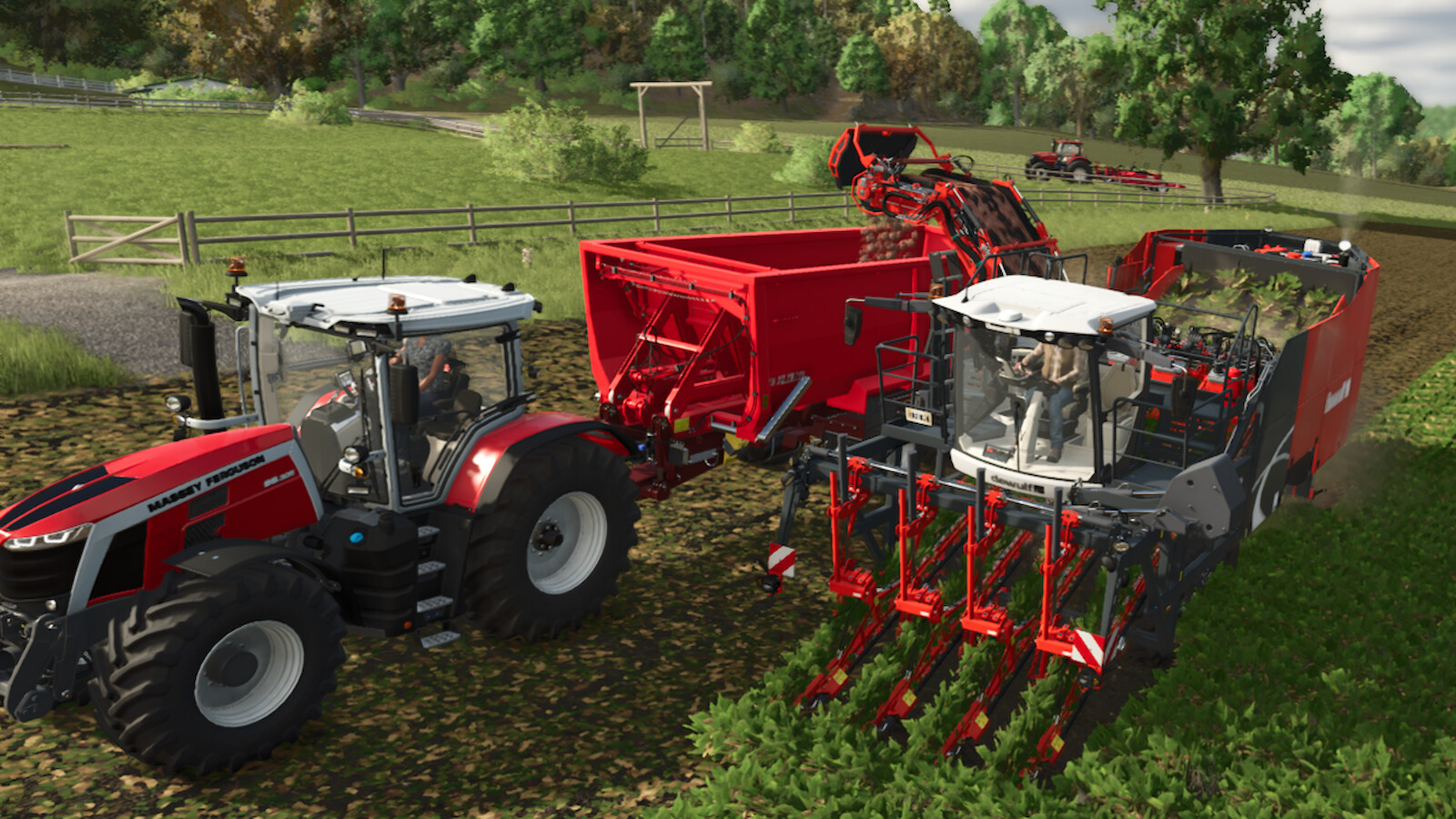
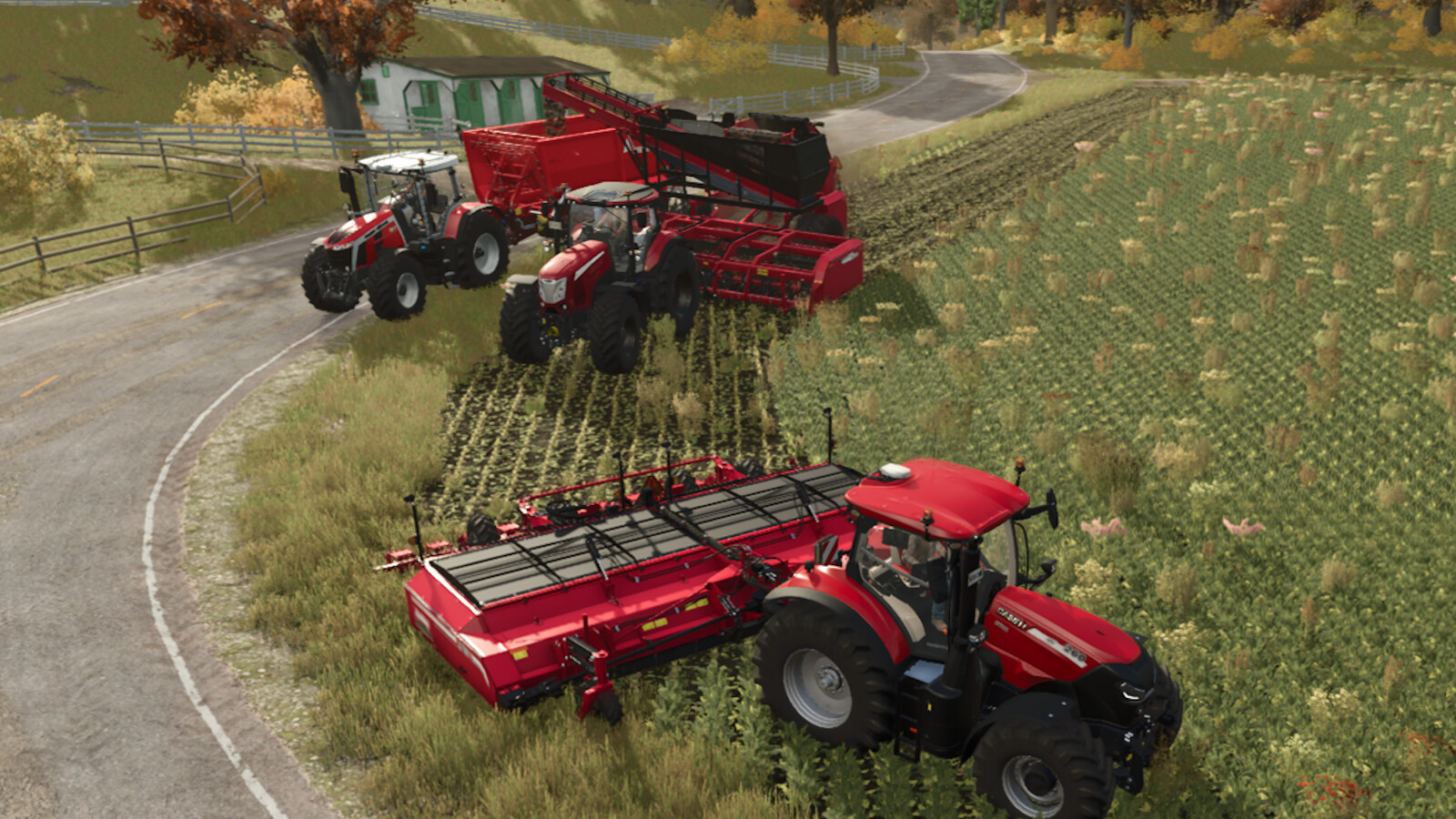
Description:
Only in singleplayer! Only on PCs and Macs!
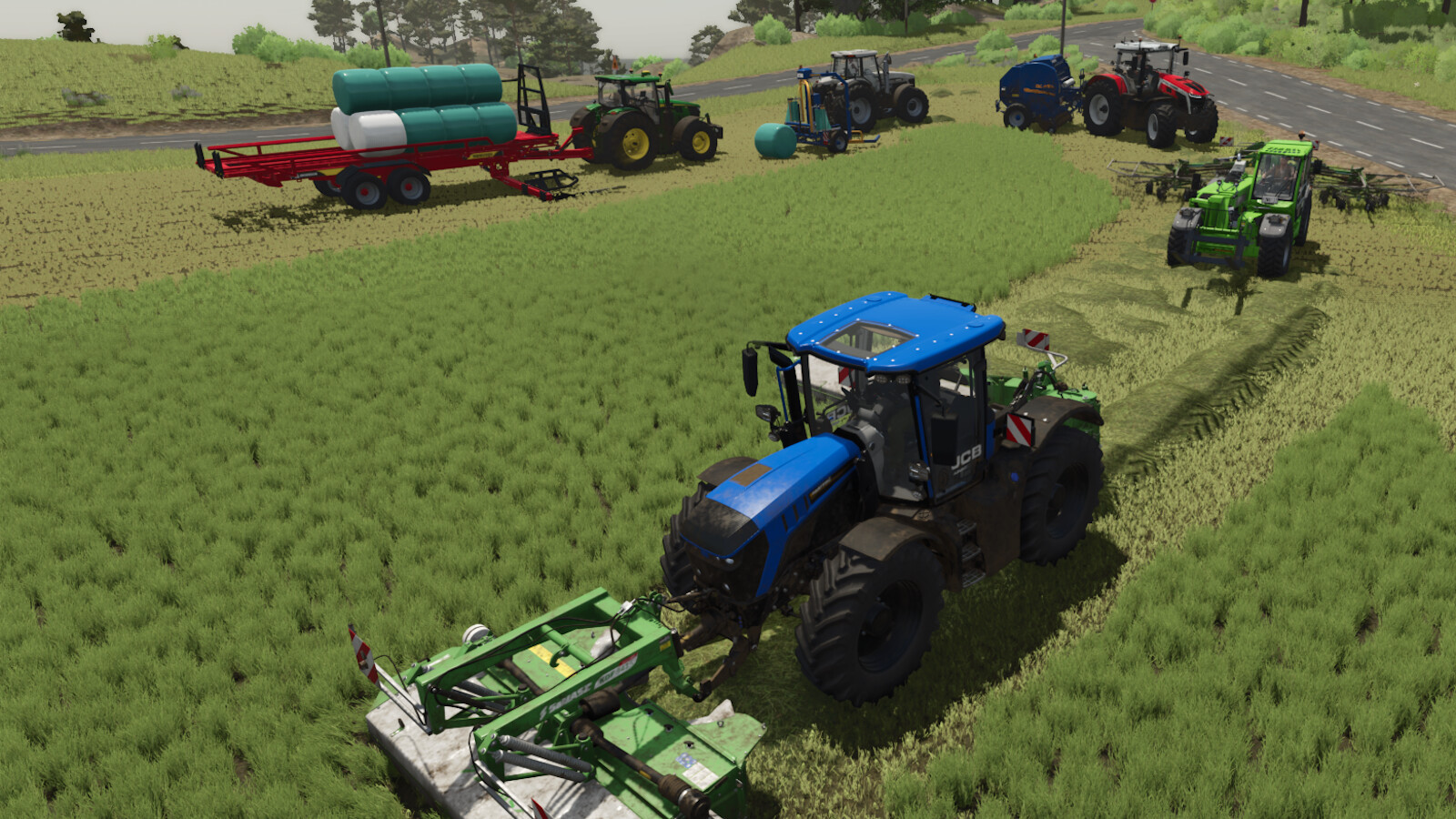
Have you ever wished that some cars would follow you around the map? You can use "Follow Me" (but not driving backwards).
Instructions:
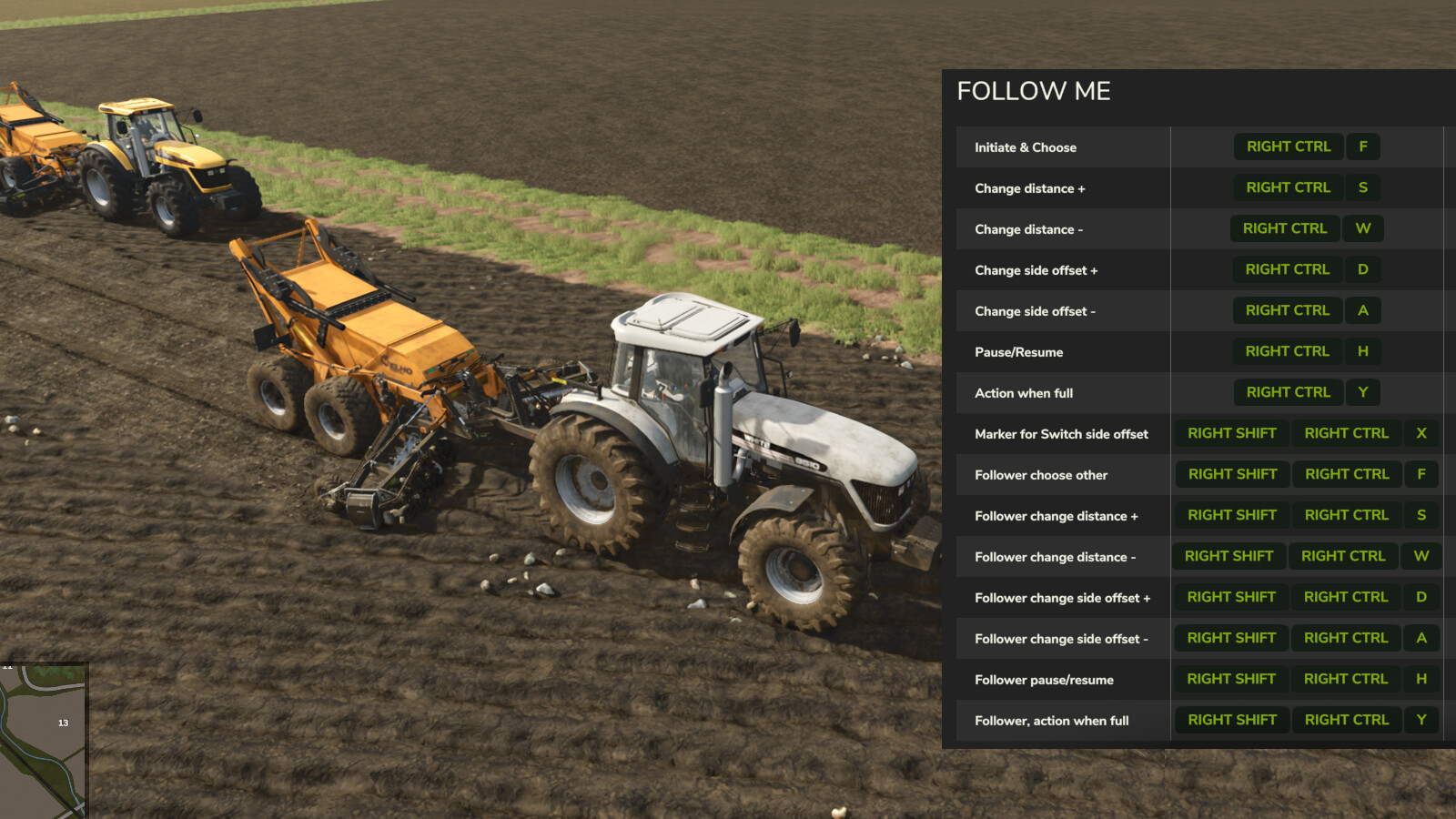
To choose the car to follow, use the 'Initiate / Choose other' action (by default, RIGHT CTRL + F). Ensure that the vehicle is clearly visible on the screen.
Press the 'Initiate / Choose other' action once more prior to the 3-second timeout to select another car to follow if there are several nearby.
Press the 'Stop AI Worker' button (default: H) to stop following.
- Press 'Pause/Resume' (default: RIGHT CTRL + H) to pause for a moment.
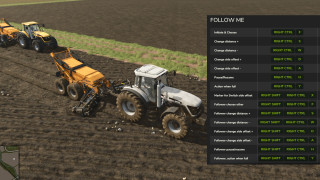
- The operations 'Change distance' (default: RIGHT CTRL + W/S) and 'Change side offset' (default: RIGHT CTRL + A/D) can be used to adjust the vehicle's own distance and side-offset to a leader.
- The action 'When Full:...' (default: RIGHT CTRL + Y) allows you to define what should happen when the vehicle is full if it was started with a baleloader, forage wagon, stone picker, or combine turned on and operating.
- To specify which follower is picked for additional instructions when in a vehicle with followers, use the action 'Follower, Choose other' (default: RIGHT SHIFT + RIGHT CTRL + F).
To modify the chosen follower's side offset and distance, use the 'Follower, Side offset' action (default: RIGHT SHIFT + RIGHT CTRL + A/D) and 'Follower, Distance' action (default: RIGHT SHIFT + RIGHT CTRL + W/S).
- To modify the behaviour of the chosen follower, use the commands 'Follower, Pause/Resume' (default: RIGHT SHIFT + RIGHT CTRL + H) or 'Follower, When Full' (default: RIGHT SHIFT + RIGHT CTRL + Y).
- One option is to "place a marker on the trail" telling follows to use the other side offset or to ignore theirs. Use the 'Marker for Switch side offset' action (by default, RIGHT SHIFT + RIGHT CTRL + X) to accomplish that.
Notes:
- Collision detection is turned off for a follower when they are told to drive "in front of" a car, meaning the distance is negative.
- Keep in mind that followers can't'make 90-degree turns' just like that when you use side-offsets. Depending on which side-offset the follower is set to, try experimenting and learning how to make turns.
- When turning left or right, keep in mind that different vehicles have varying steering turn radiuses, thus take the least skilled follower into account.
- Consider allowing the slowest follower some time to catch up to the leading vehicle because different vehicles and their equipment have varying driving speeds.
Credits:
Decker_MMIV
Only in singleplayer! Only on PCs and Macs!
Have you ever wished that some cars would follow you around the map? You can use "Follow Me" (but not driving backwards).
Instructions:
To choose the car to follow, use the 'Initiate / Choose other' action (by default, RIGHT CTRL + F). Ensure that the vehicle is clearly visible on the screen.
Press the 'Initiate / Choose other' action once more prior to the 3-second timeout to select another car to follow if there are several nearby.
Press the 'Stop AI Worker' button (default: H) to stop following.
- Press 'Pause/Resume' (default: RIGHT CTRL + H) to pause for a moment.
- The operations 'Change distance' (default: RIGHT CTRL + W/S) and 'Change side offset' (default: RIGHT CTRL + A/D) can be used to adjust the vehicle's own distance and side-offset to a leader.
- The action 'When Full:...' (default: RIGHT CTRL + Y) allows you to define what should happen when the vehicle is full if it was started with a baleloader, forage wagon, stone picker, or combine turned on and operating.
- To specify which follower is picked for additional instructions when in a vehicle with followers, use the action 'Follower, Choose other' (default: RIGHT SHIFT + RIGHT CTRL + F).
To modify the chosen follower's side offset and distance, use the 'Follower, Side offset' action (default: RIGHT SHIFT + RIGHT CTRL + A/D) and 'Follower, Distance' action (default: RIGHT SHIFT + RIGHT CTRL + W/S).
- To modify the behaviour of the chosen follower, use the commands 'Follower, Pause/Resume' (default: RIGHT SHIFT + RIGHT CTRL + H) or 'Follower, When Full' (default: RIGHT SHIFT + RIGHT CTRL + Y).
- One option is to "place a marker on the trail" telling follows to use the other side offset or to ignore theirs. Use the 'Marker for Switch side offset' action (by default, RIGHT SHIFT + RIGHT CTRL + X) to accomplish that.
Notes:
- Collision detection is turned off for a follower when they are told to drive "in front of" a car, meaning the distance is negative.
- Keep in mind that followers can't'make 90-degree turns' just like that when you use side-offsets. Depending on which side-offset the follower is set to, try experimenting and learning how to make turns.
- When turning left or right, keep in mind that different vehicles have varying steering turn radiuses, thus take the least skilled follower into account.
- Consider allowing the slowest follower some time to catch up to the leading vehicle because different vehicles and their equipment have varying driving speeds.
Credits:
Decker_MMIV
Direct Download Links
Version: 1.1.0Aktualisiert: vor 1 Jahr
Gesamtgröße: 137.24 KB
FS25_FollowMe_modland.zip
direct herunterladen
· 137.24 KB
· hinzugefügt vor 1 Jahr
Diese Datei wurde von Antivirus gescannt und ist sicher.
Mehr Details
Über Mod
| Neueste Version | 1.1.0 |
| Spiel | FS25 |
| Kategorie | Spielverlauf |
| Herunterladen | 978 |
| Erstellt | vor 1 Jahr |
| Zuletzt aktualisiert | vor 1 Jahr |
| Letzter Virenscan |
0/93
Mehr Details |
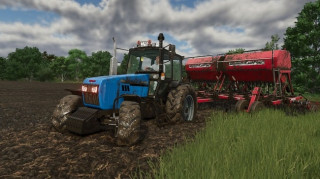
Ich kann die Aktionen für das Ziehen von Sämaschinen nicht ändern, wenn ich die Sämaschine einschalte und sie mir folgt, schaltet sie die Sämaschine aus.
It won't allow me to change actions for pulling seeders when I turn the seeder on and engage follow me it turns the seeder off