For Euro Truck Simulator 2 an update has been released, which brought a lot of improvements and changes to the game. The update is quite large and includes improvements to content, physics, gameplay, interface and many other aspects of the game.
Mixing effect height
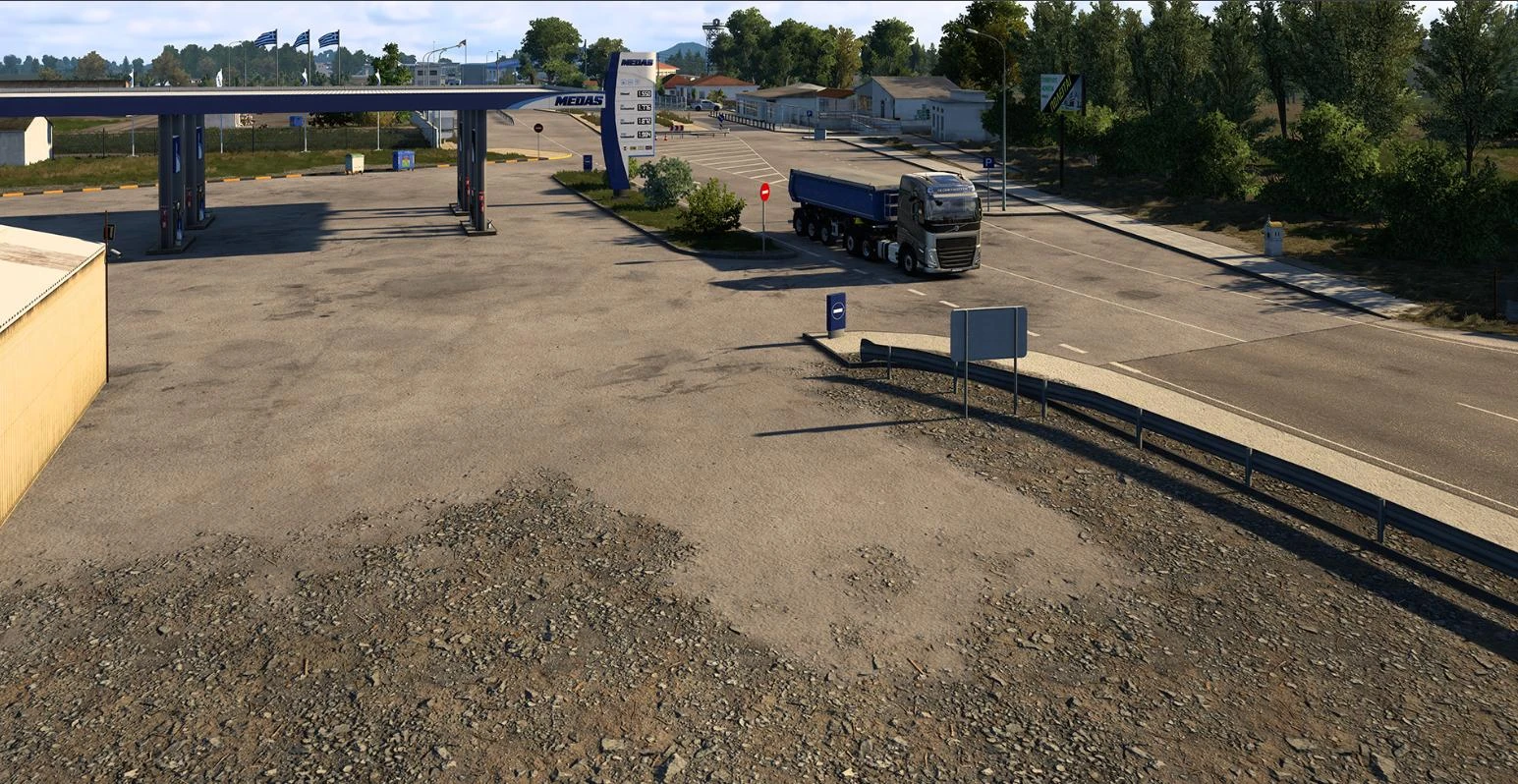
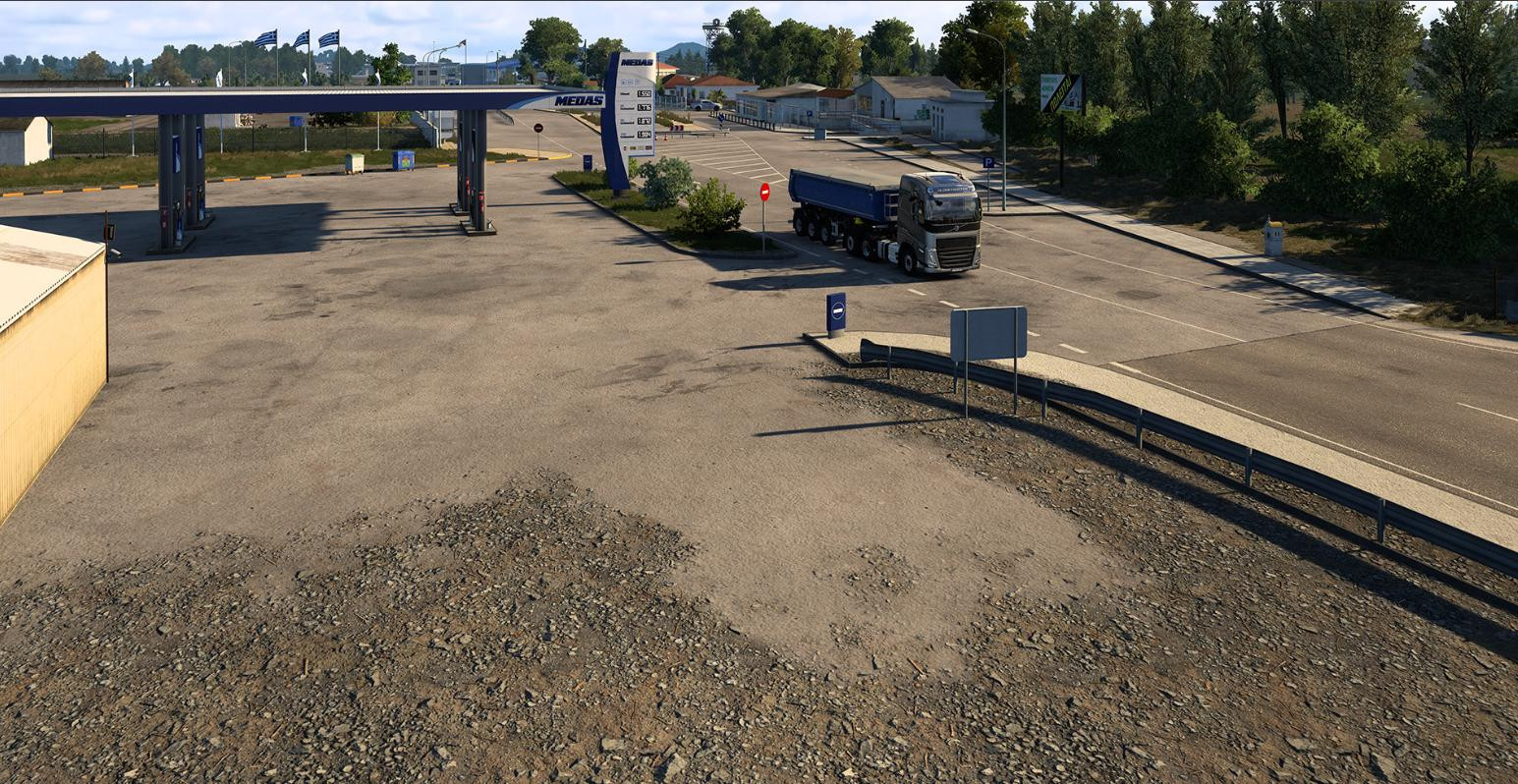
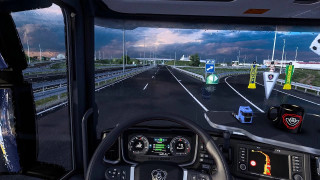
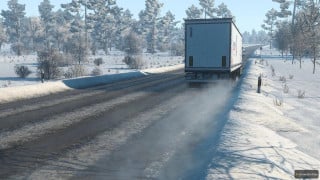
One of the interesting functions that appeared in ETS2 1.56 is called a height merge. It is a new technology that creates smooth transitions between types of terrain and surfaces in the game.
For example, before the junction, grass and stone seemed sharp and artificial, now thanks to the use of the map heights in shades of gray system automatically determines how exactly will be superimposed textures. In the end, the grass naturally "goes" into stone, the ground - into asphalt or cliff and so on.
This means a much more vivid and "tasty" picture, because the landscape looks whole and natural, without striking dividing lines.
This makes it much easier for map makers. Now there is no need to manually make transitions, because you can adjust the height mixing and in this case the system will do everything by itself.
The effect is felt most strongly in places with mountains, hills and hilly terrain.
As the developers say, due to new textures in testing there is a small increase in memory consumption, but it is not so large to cause serious problems.
DLC Updates
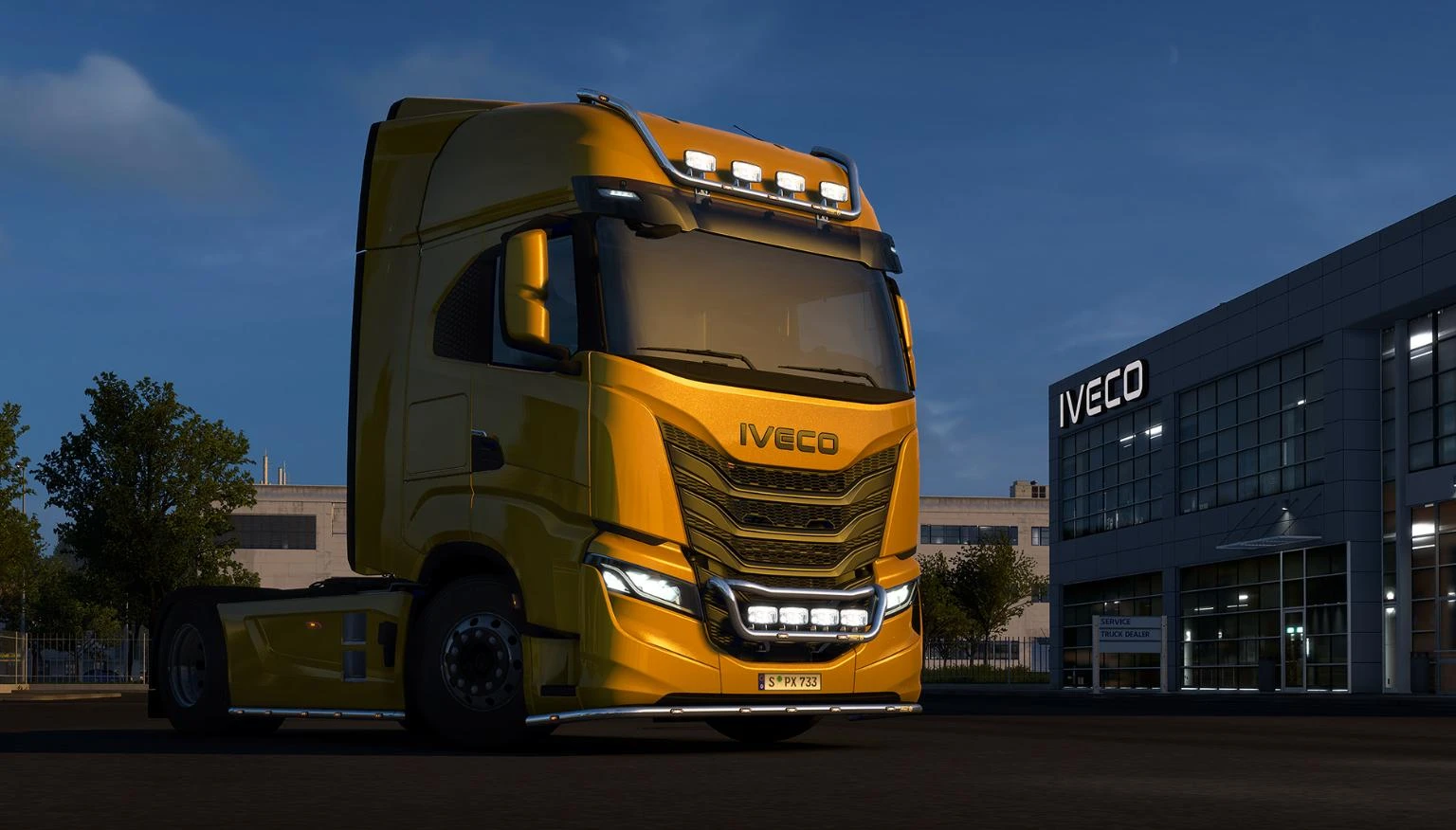
The well-known DLC has undergone quite a lot of changes and improvements. Below you can see which add-ons are affected and what’s new in them.
HS-Schoch Tuning Pack
First, let’s see what has changed in this add-on.
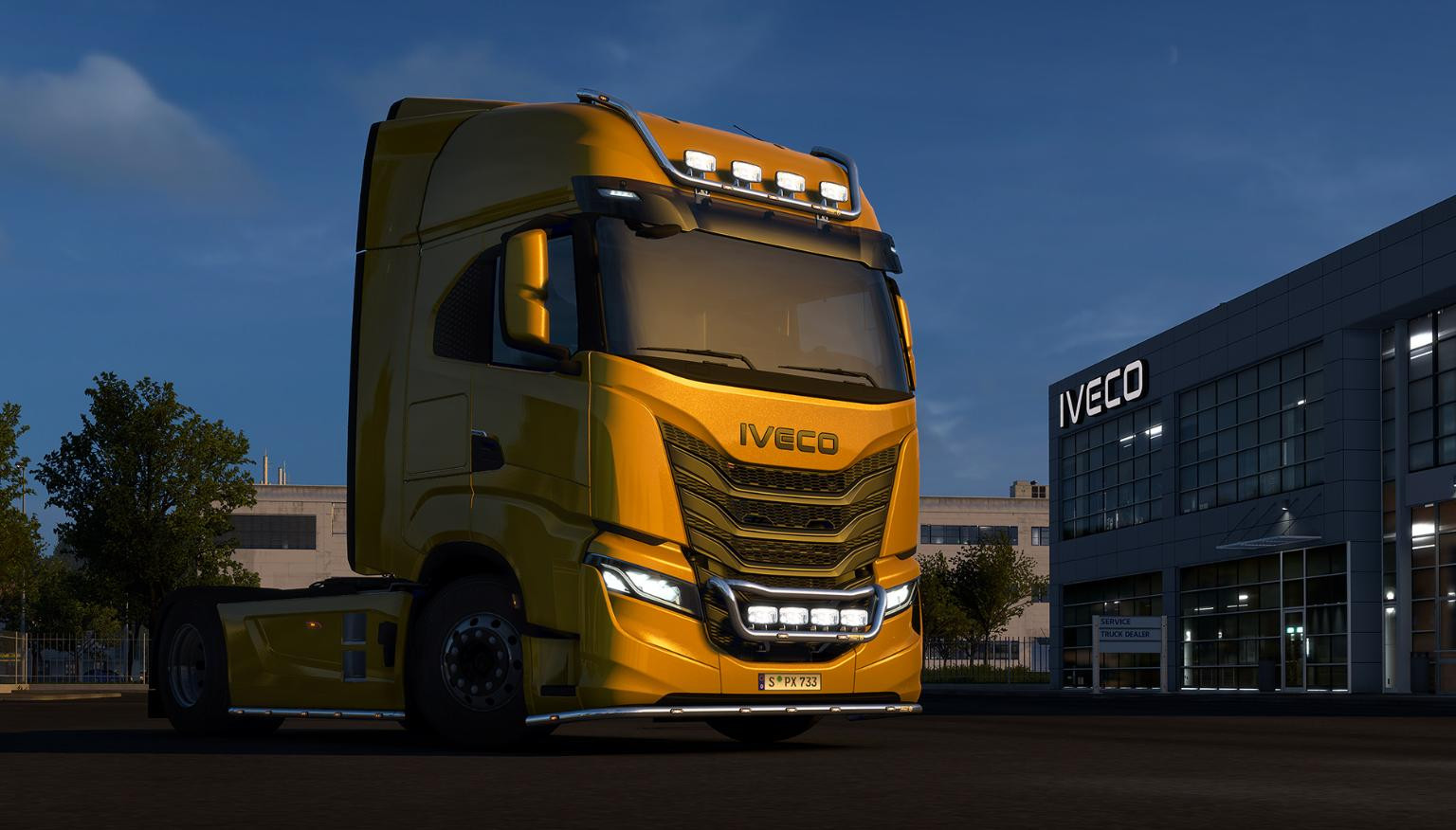
Immediately striking change in almost all the tuning elements, including t-bars and kangaroos, they are now available in additional versions in chrome, as well as the ability to paint the color of the cabin and even matte finish. The range of paint options has become much wider.
There are new versions of the railings - both LED and unilluminated. Kangaroos are now available with or without stroboscopic installed. The same applies to the lower bars, which can be installed on the "lip" of the truck. As a bonus pack added two new paints.
Since the release of the add-on, there have been many new trucks in the game, and they all support the features of this DLC.
Schmitz Cargobull Trailer Pack
The main novelty here is the Schmitz HCT (High Capacity Transport) coupling, which consists of two trailers connected by a trolley. This is the second brand to offer a 32-meter HCT configuration.
In addition, added to the game chassis Schmitz SKO City, equipped with a steered axle. This system increases the maneuverability of the trailer, and where there is little space, such an innovation will be very useful.
In real life, such chassis are mainly used in cities, but in ETS2 they can be used anywhere. In addition, new versions of the rear lights for Cargobull trailers with the brand logo have been added.
Special Transport DLC
The third update concerns Special Transport DLC.
Here the development team added the first branded CZ Loco locomotives. The base game has two relatively compact versions: MUV 75 (14 tons) and EffiShunter 300 (36 tons). Despite their relatively small size, both locomotives require careful and powerful driving.
But the main highlight lies in Special Transport DLC. There appeared a real giant - locomotive Shunter 1000. Its height together with the trailer reaches 5.5 meters, length - 16 meters, and width - 3 meters. The mass of this truck is 80 tons, plus 10 tons on the trailer itself, overall it weighs an impressive 90 tons. To transport such cargo will require a really powerful engine and confident driver.
The locomotive is only available in three directions - Berlin Szczecin, Kassel Hamburg and Bremen Travemünde. These flights will be a real challenge even for experienced players.
DLC browser
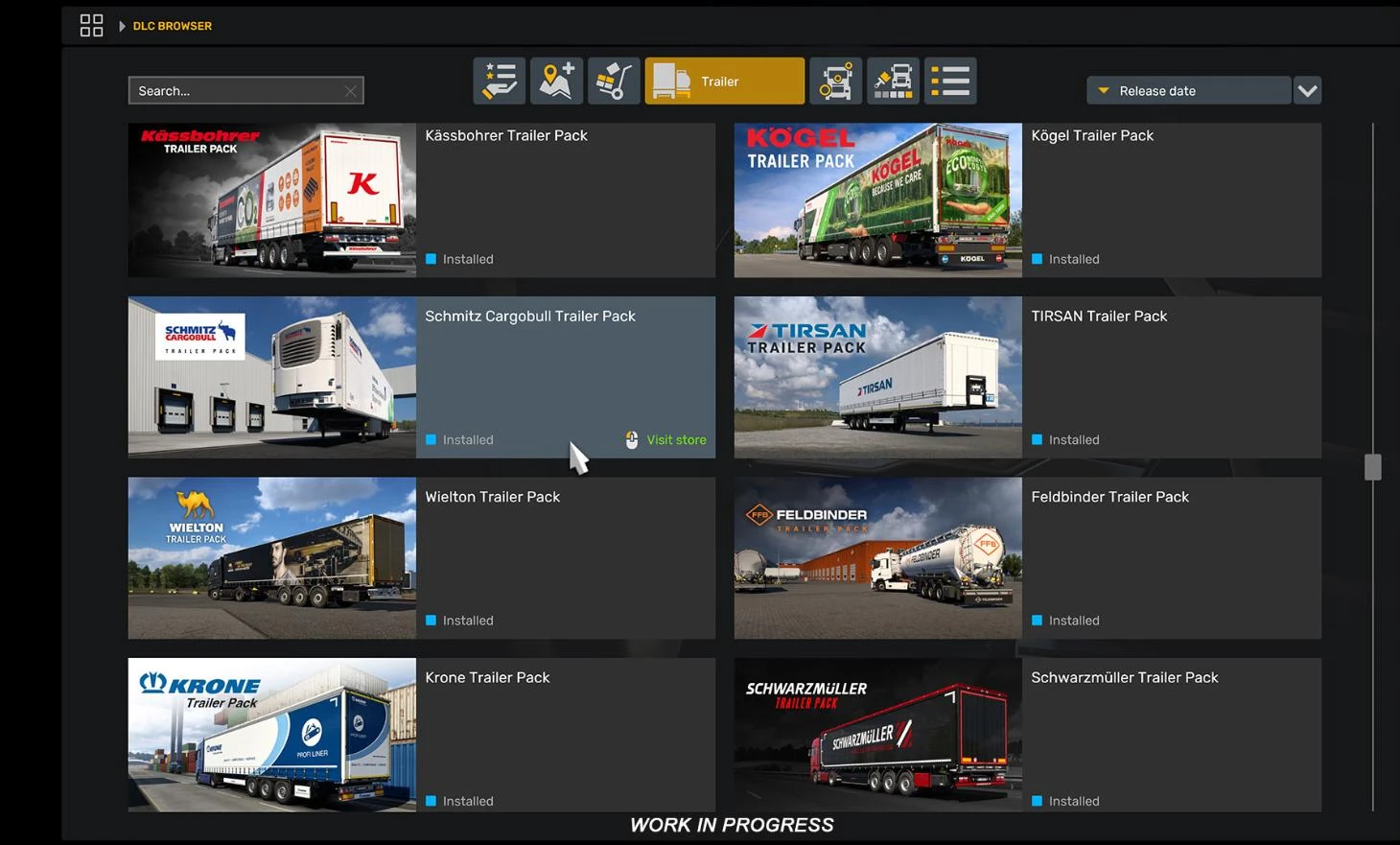
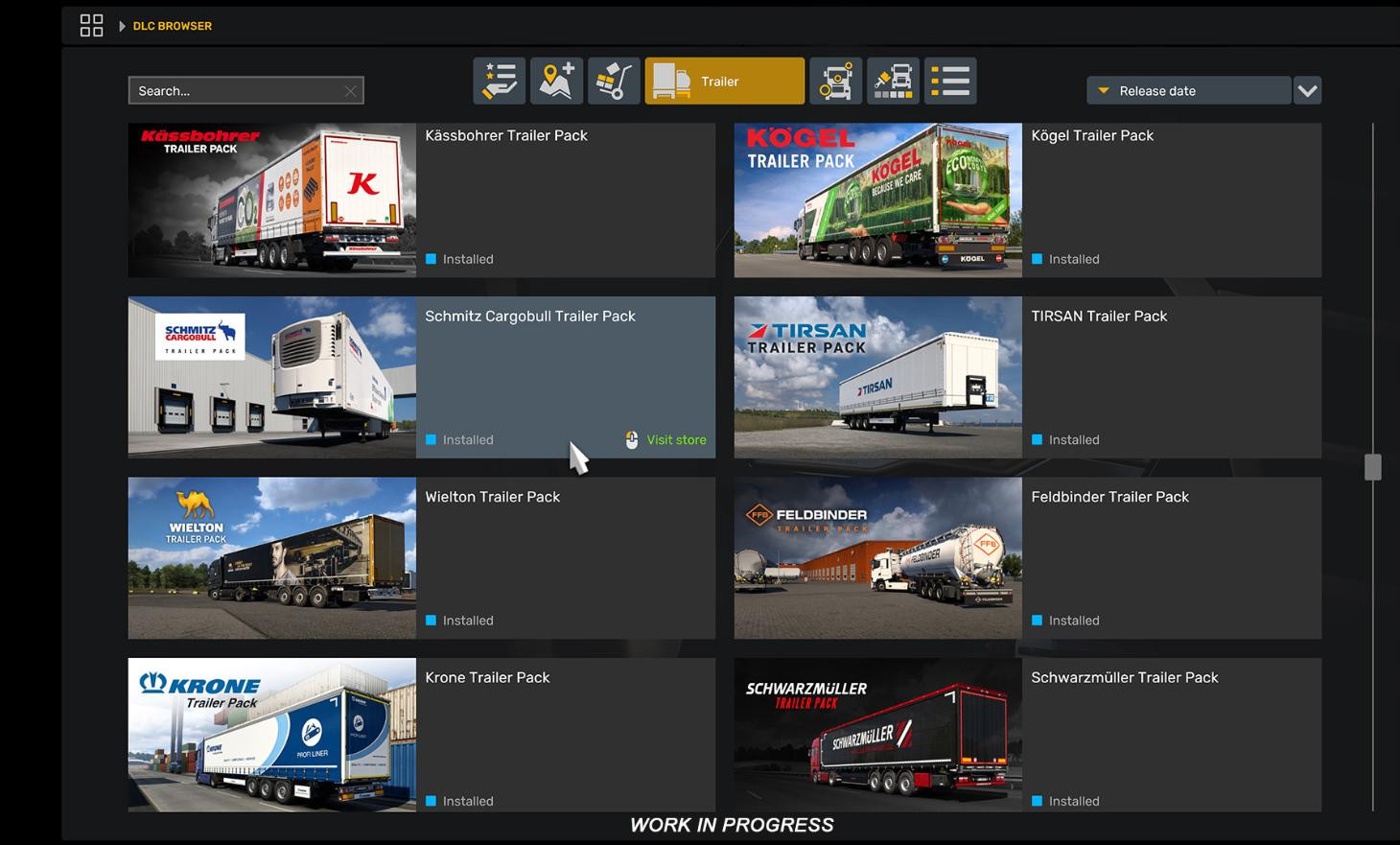
Improved design for downloadable content browser.
This is an in-game tool that allows you to view all installed and available for purchase add-ons directly from the menu of Euro Truck Simulator 2.
It has become more convenient due to the improved categorization of sections.
The following categories are now available in the browser:
- Featured,
- Bundles,
- Map,
- Cargo,
- Trailer,
- Accessories,
- and Paint Jobs.
Now it is enough to select the right category to find the desired element. In the future, SCS Software plans to further develop the DLC browser and make it even more convenient.
Career menu
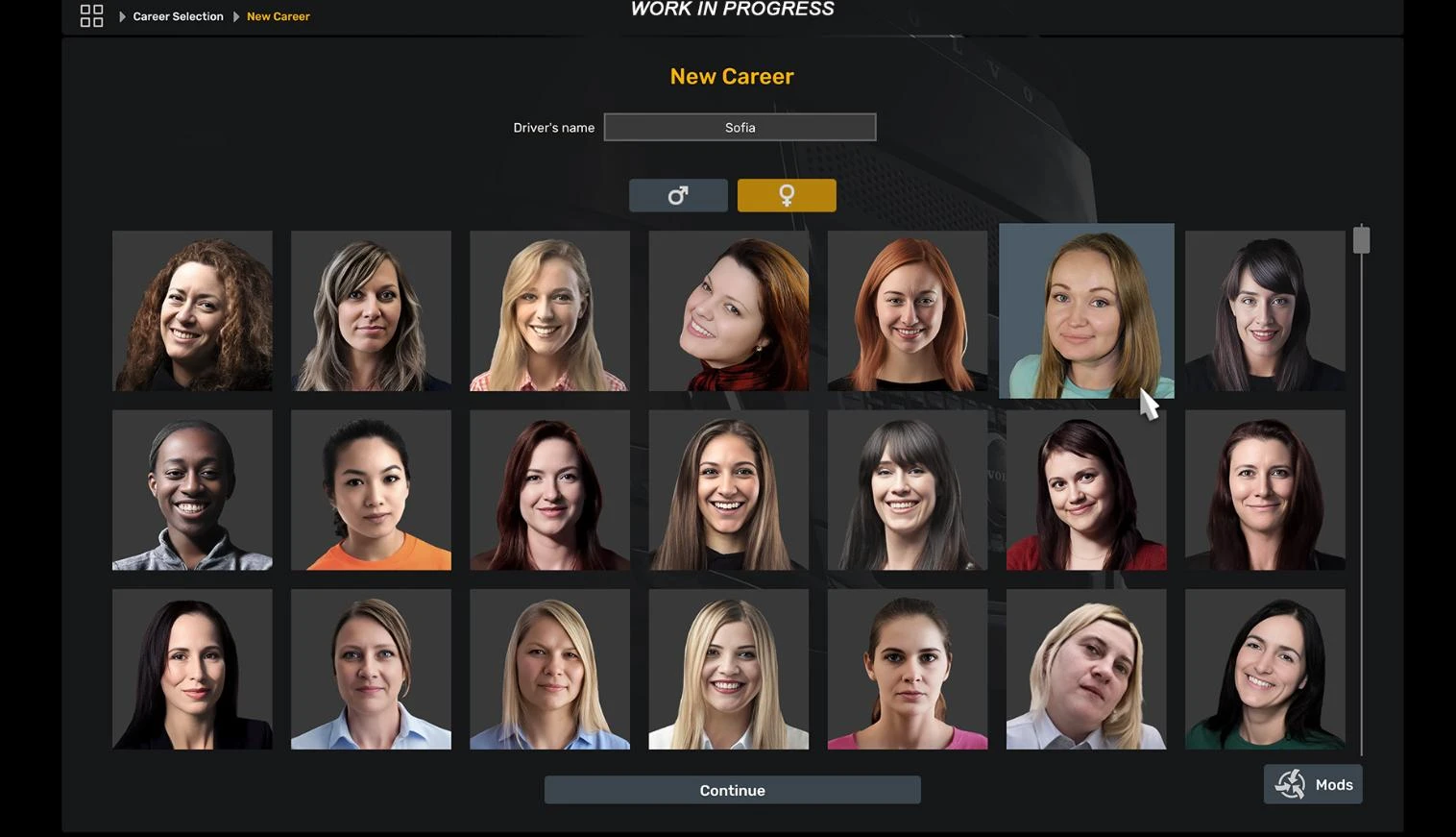
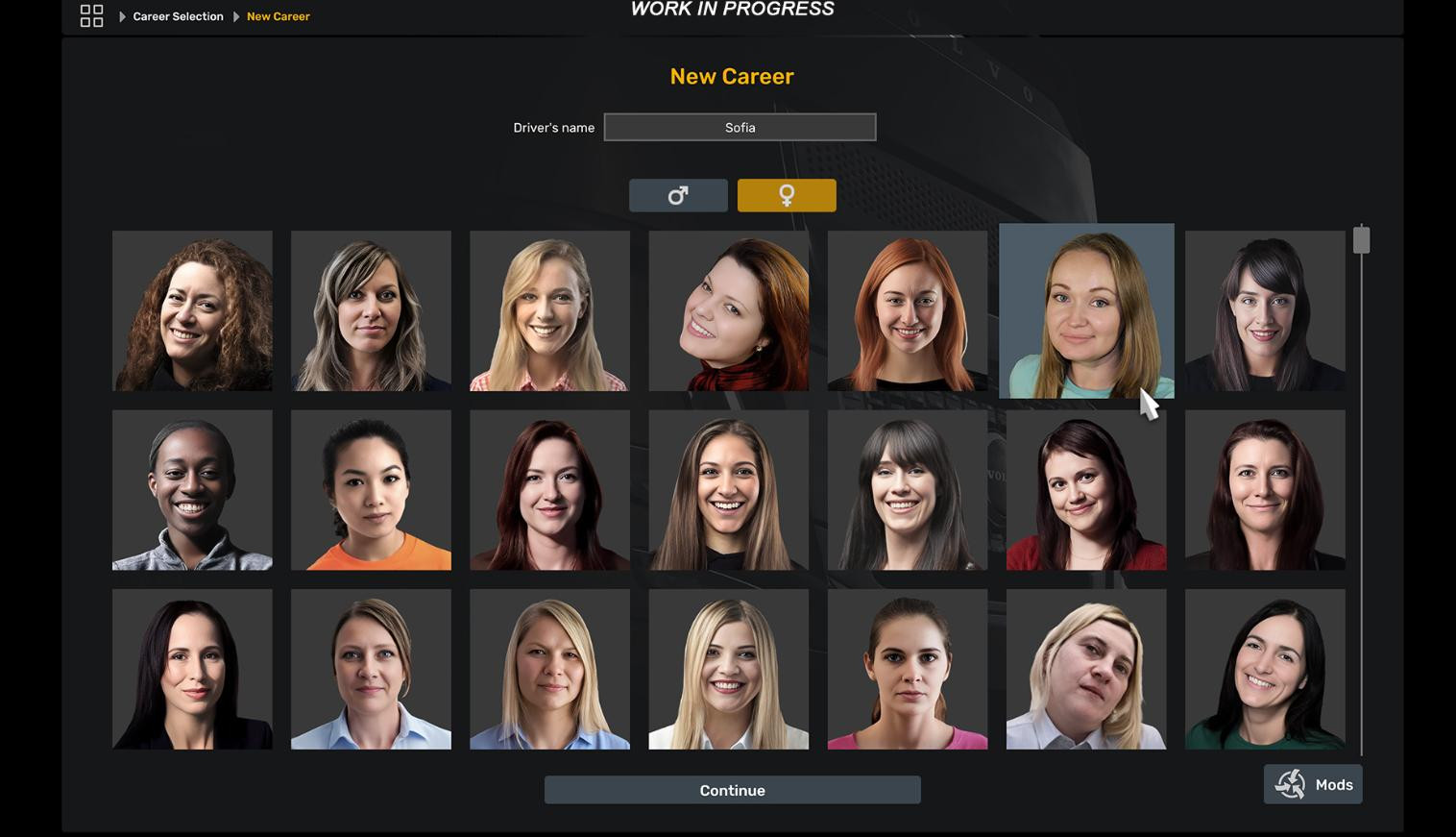
The career creation page has undergone a major change. Navigation has become much more convenient, you can also notice strong improvements in the design, new screens of settings have been added.
Key changes:
- New interface and navigation design;
- large cards instead of a list table;
- Active profile always above, others are sorted by date;
- The first slot is attached to the new profile;
- quick switching of profiles by double-clicking;
- New truck selection screen with 3D-model and button «wheel»;
- New screen «Driver information»;
- Updated career change screen.
After updating to 1.56, you will notice how much more pleasing for the eyes and comfortable has become the career start menu.
Company management menu
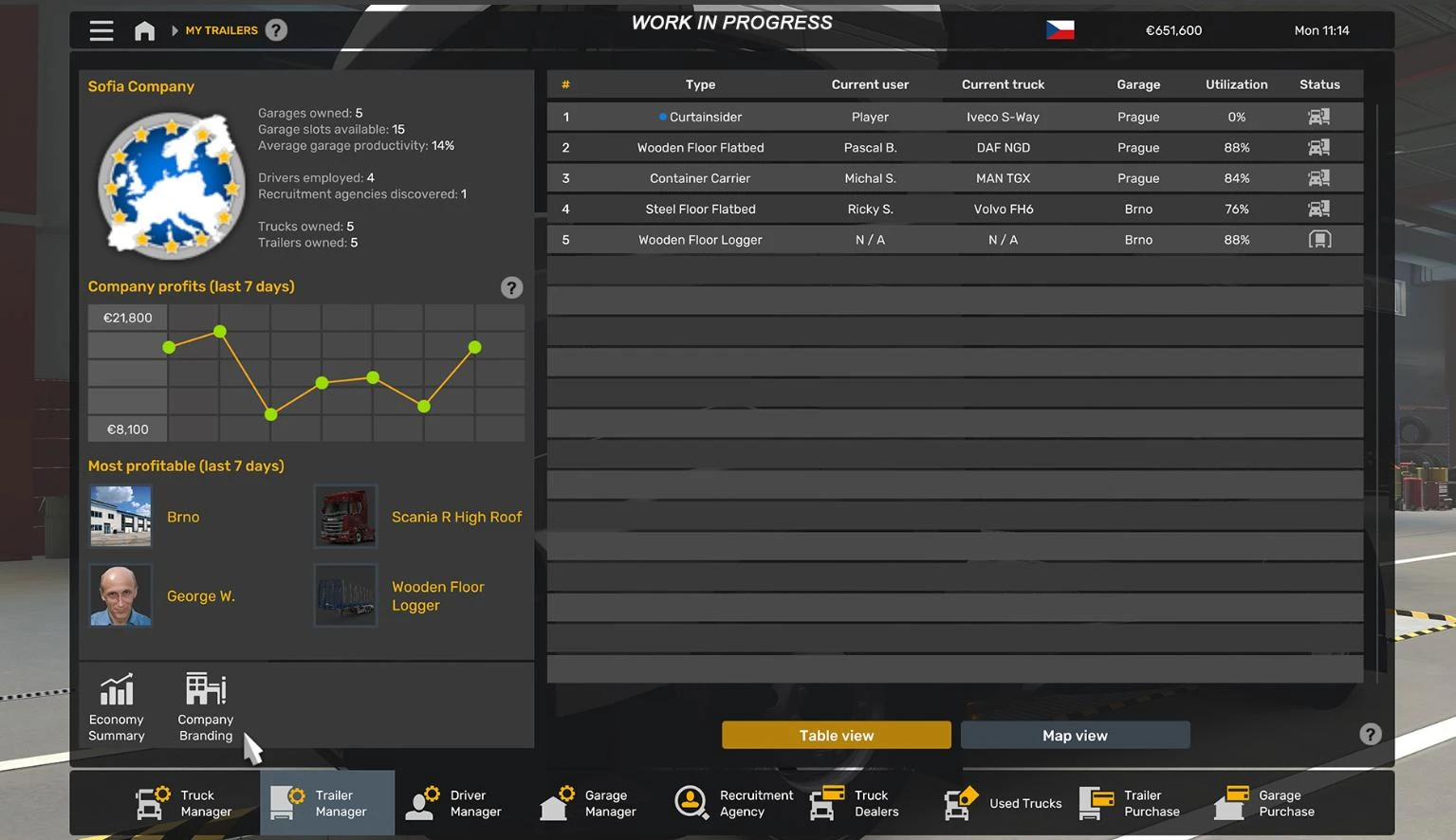
Company manager section Company manager interface
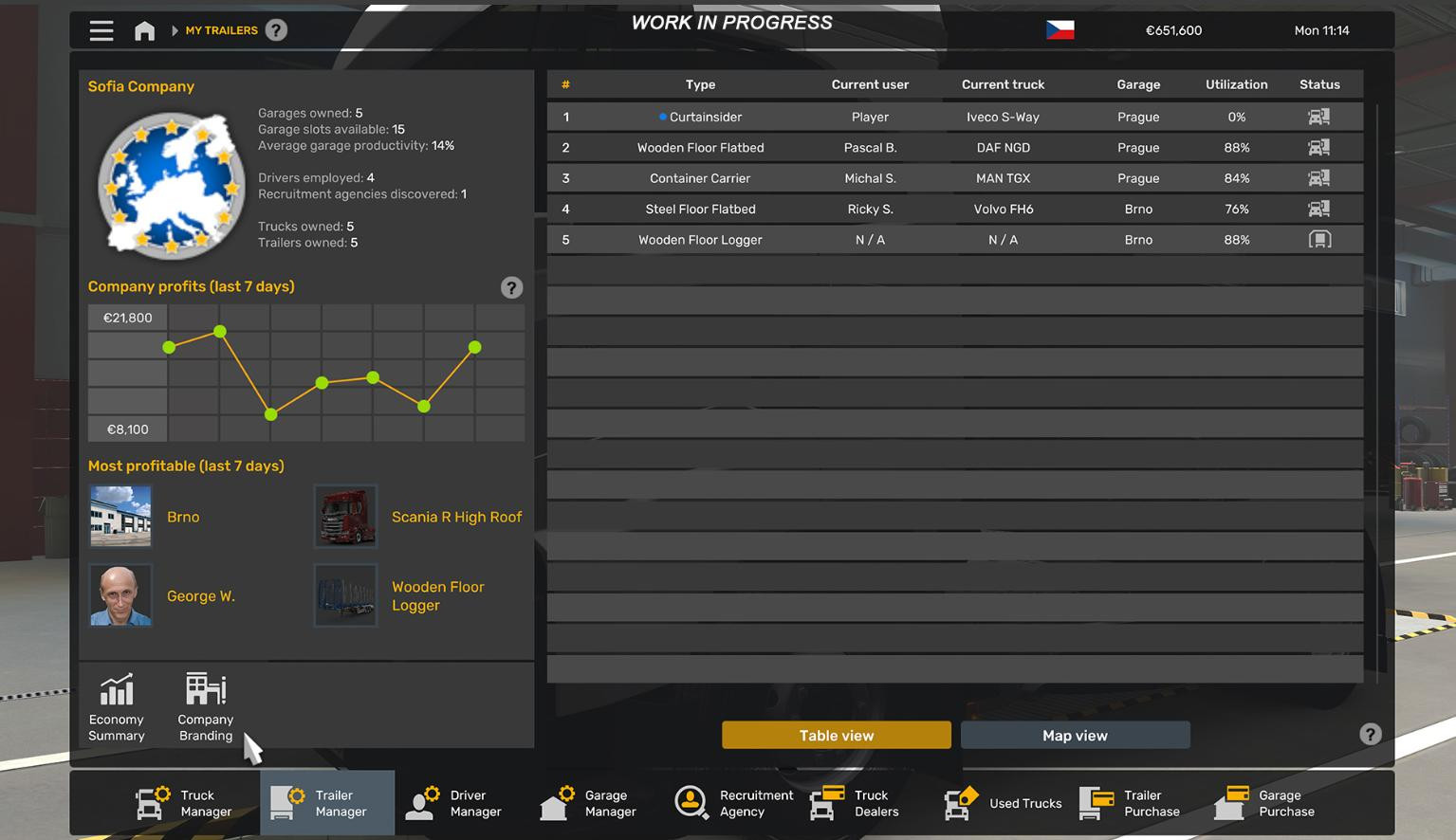
Now there is a special panel at the top of the screen, where the name of the company, its logo and key indicators are displayed.
Heavily reworked 7-day profit chart. It helps to track earnings dynamics and immediately see the overall business performance. Information about the most profitable assets is readily available.
The name and logo of the company can be edited directly from the menu, without going to individual profile settings, which saves a lot of time.
In the sub-section with hired drivers, there is a useful feature that allows to simultaneously move the driver and the truck if they are in the same slot of the garage. Previously, this required two actions - to transfer the driver and the machine separately. Now you only need one click. The driver manager and garage manager are also available from the beginning of the game.
The driver manager tab has become clearer. A new experience scale has appeared, improvements have been made in the area of skills and job information.
Zoom camera in cab
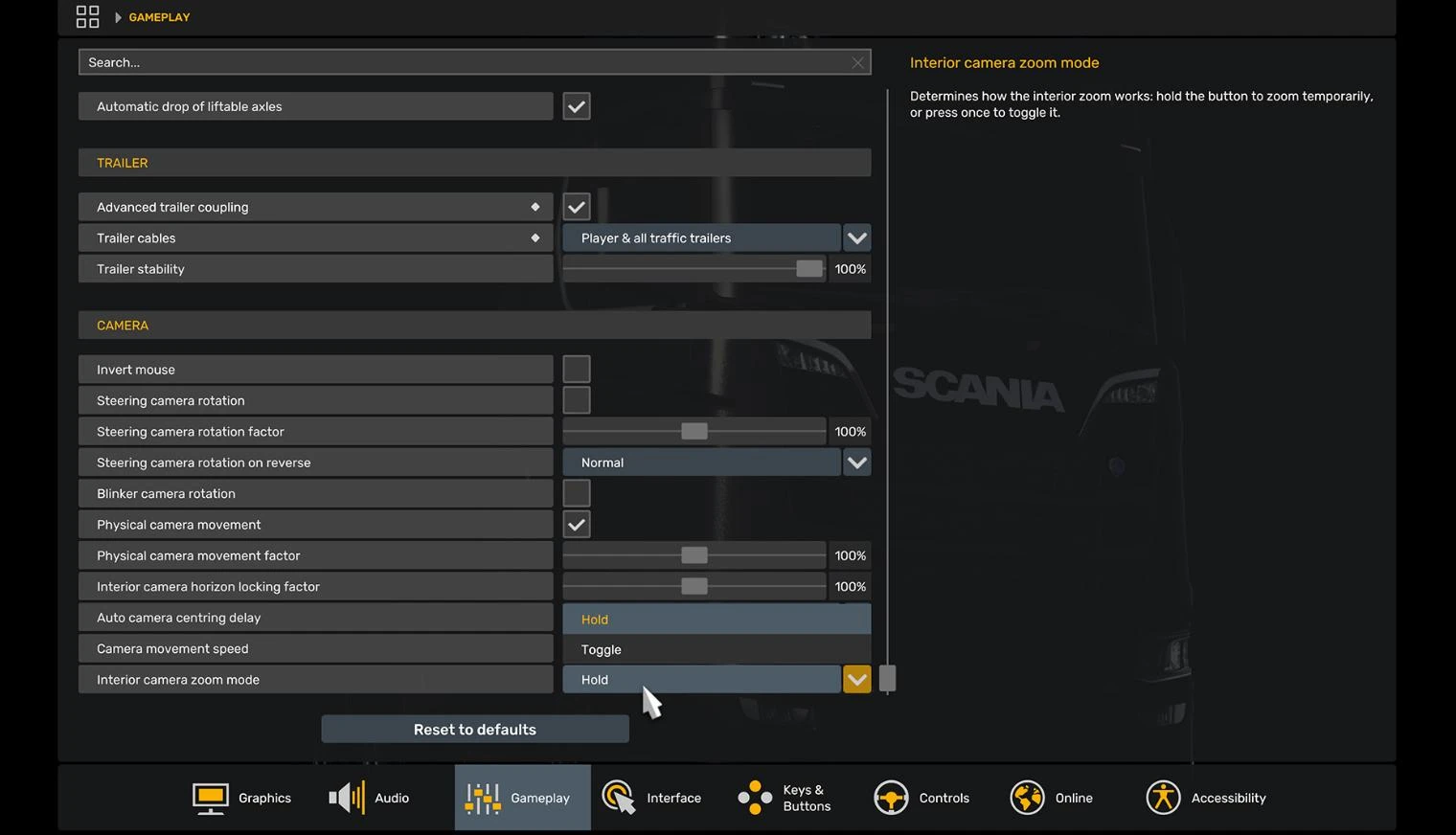
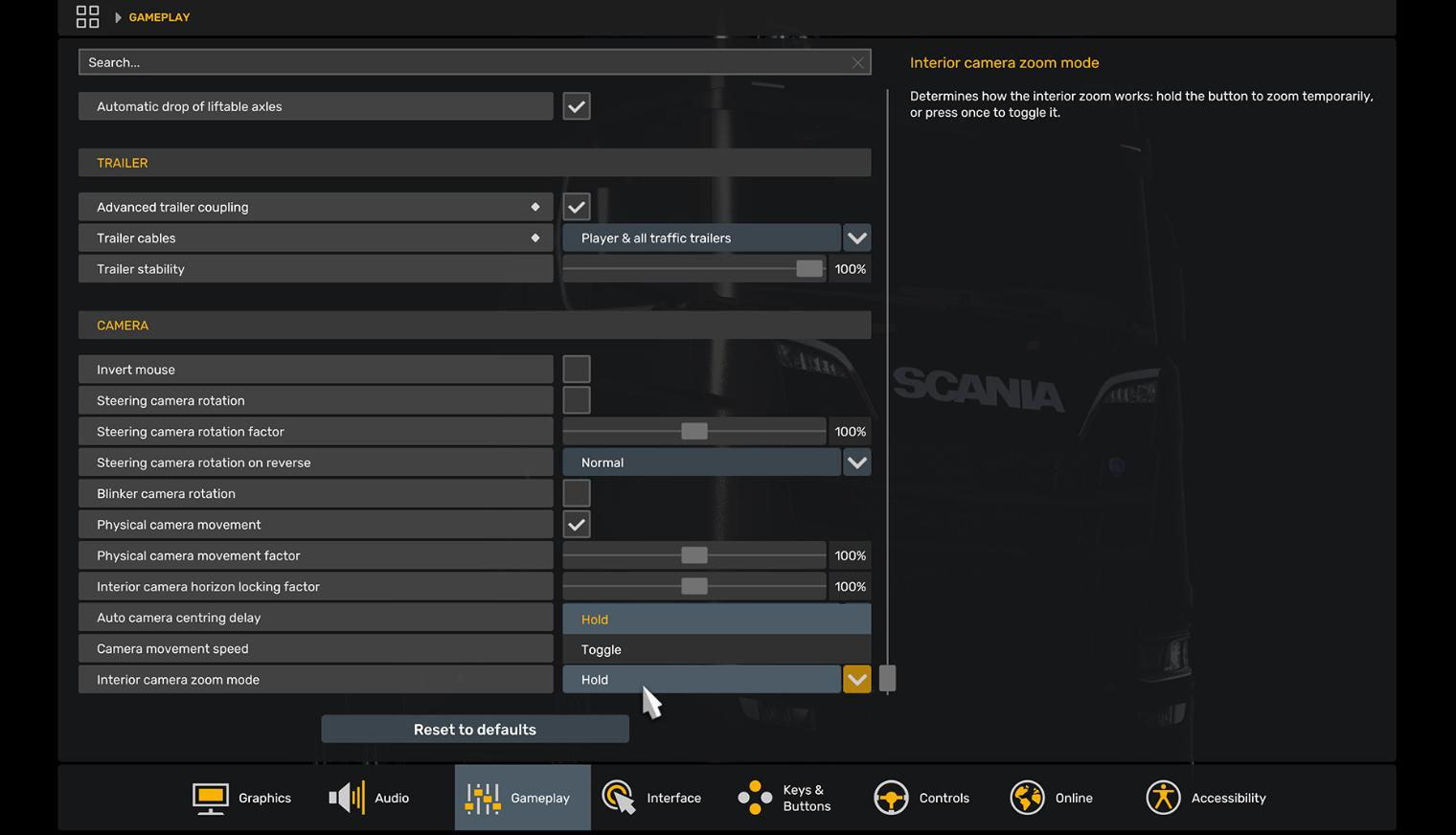
Added a small but incredibly useful function to select the hold of keys for scaling in the truck cab.
It is located at the bottom of the "Gameplay" setting section. The option is actually very useful, because activated it, you can better see the details of the cab and everything you see in the mirrors.
If you want to know about this update in more detail watch the video below, and also read the official blog of developers.
Videos
Added by
Shiva gaming