Kronos Telemetry v0.6b [Android]



![Kronos Telemetry v0.6b [Android]](https://li1.modland.net/euro-truck-simulator-2/other/scania_2016_%28New_Lights2%29_ModLandNet.jpg)
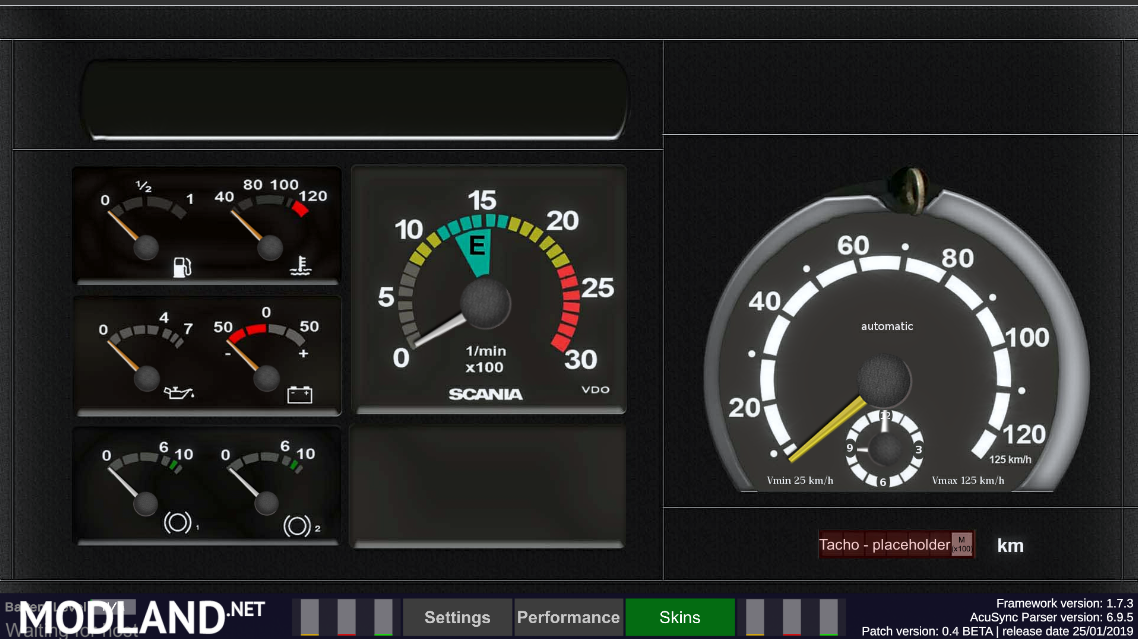
Description:
What is Kronos Telemetry?
Kronos telemetry is a stand-alone telemetry client for android devices. Kronos can pull data from the server (funbit's and/or AcuSync) and print/render it in real time with minimum hit performance.
Its written fully in C# .Net 4.x, 60 scripted controllers, thousands lines of code and counting, powerful raw Json parser(by Beta Dynamics and Egersys), Realtime lighting and Post-processing
How it works
Well that's complicated. The short answer is simple. Since you press the connect button, Kronos broadcasts a message to AcuSync Parser to read the data (json format) from the server. The parser stores the data in a temporary slot. After that the parser broadcasts a message to the controllers (of each skin) to split and distribute the values to the correct slots.
Cool. But what are the controllers?.. Well, each skin has its own controllers (3-10, maybe more) that receive the message from the parser. Let's make it more simple. the Speedometer has its own controller. That controller takes the value from the parser and translates/converts it into angular rotation. this is how you see the gauge moving. the same applies to every single gauge, trip-computer, etc.
Compatibility
- [--- BETA ---] Funbit's Telemetry server (v3.2.5 and 4.0.0)
- [CANCELED] AcuSync Telemetry server
- [CANCELED] ETCARS
How to install
You need 2 devices. A PC (you probably already have one) to run the game, and an android device to install Kronos.
Computer
- On your computer you should have installed the Funbit's telemetry Web-server.
Android (minimum version 4.1 Jelly-Bean)
- Allow installations from unknown sources.
Go to the settings ==> security ==> Check on the option “Unknown sources.” - Install Kronos application
- Run Kronos on your android device
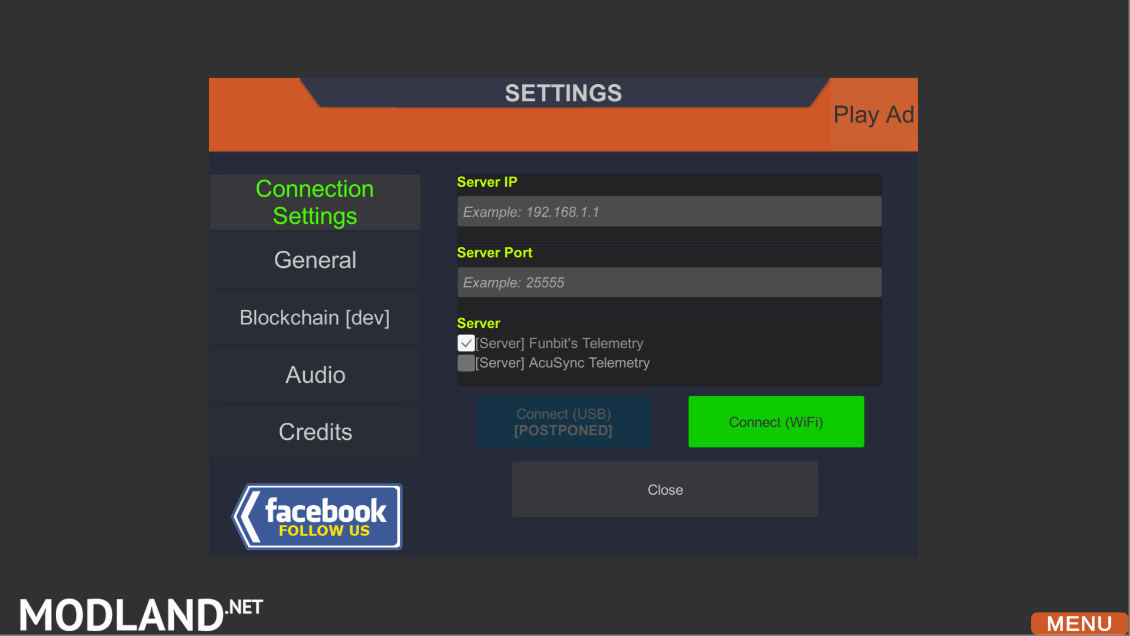
- On the "server IP" input-field, add your local device IP. Your device IP will be shown at the funbit's telemetry server. (i.e 192.168.1.1)
- Press connect
- Select a skin
- Enjoy!
Keep in mind you need a Wi-Fi connection in close range(For your android device). Both devices should be connected to the same network.
Version 0.6a:
Status: Released (18 jun 19)
- [NEW] Blockchain integration
- [NEW] Reward tokens (Testnet)
- [NEW] Audio feedback system v1.0 (battery state, Engine state, more to come)
- [NEW] Mod support [POSTPONED - HELP WANTED]
- [NEW] Mod engine (for developers and skin designers) [POSTPONED - HELP WANTED]
- [NEW] Online Skin library (not on local device storage)[POSTPONED - HELP WANTED]
- [NEW] Realtime lighting v2.0 (Experimental)
- [NEW] TimeOfDay Simulation (Experimental - For lighting v2.0)
- [NEW] UI replacement (Experimental)[POSTPONED]
Version 0.6b HOTFIX:
Status: Released (05 jul 19)
- [NEW] Support for server version 4.0 (unofficial) Forum post
- [NEW] Client automatically adapts to your server version
Official scs forum thread: https://forum.scssoft.com/viewtopic.php?f=41&t=269615
Credits:
M4rc10w, Klauzzy, PauloTNCunha, Beta Dynamics, Egersys, Weaver1911
External Download Links:
- Sharemods.com - Link 1 [61.8 MB]