New Textures for Bjornholms Original Map





5/5,
8
votes
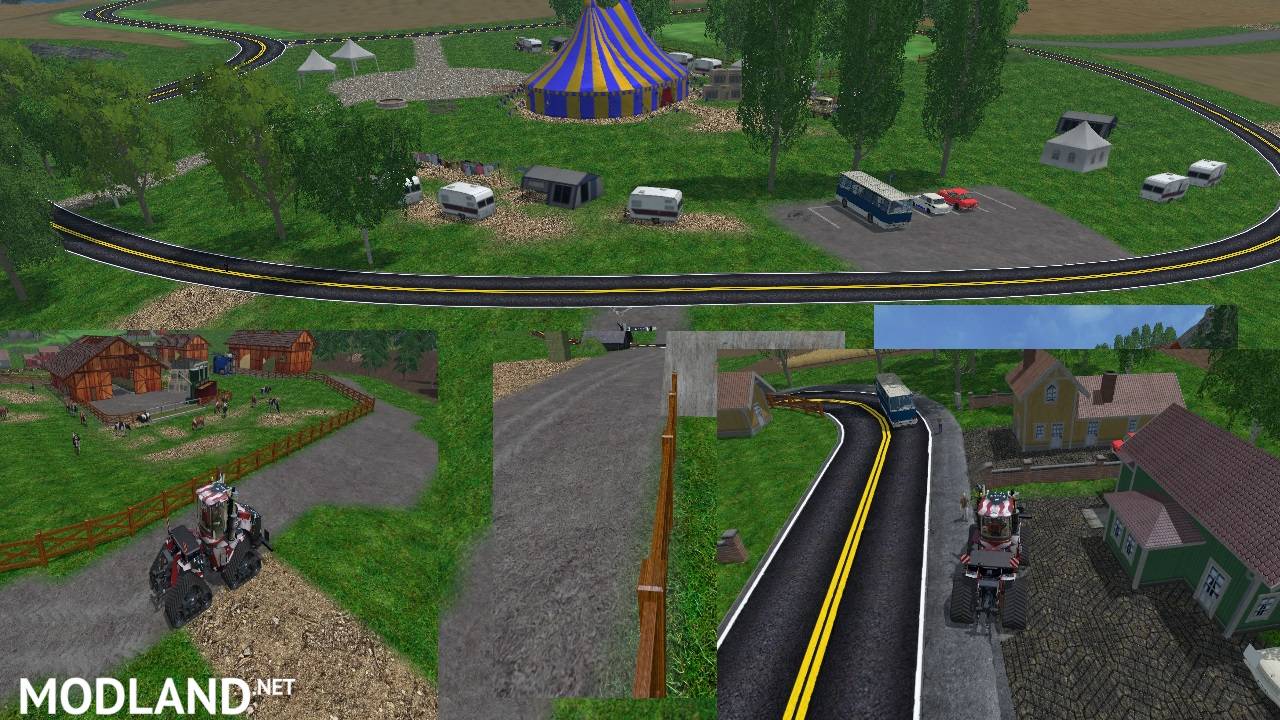
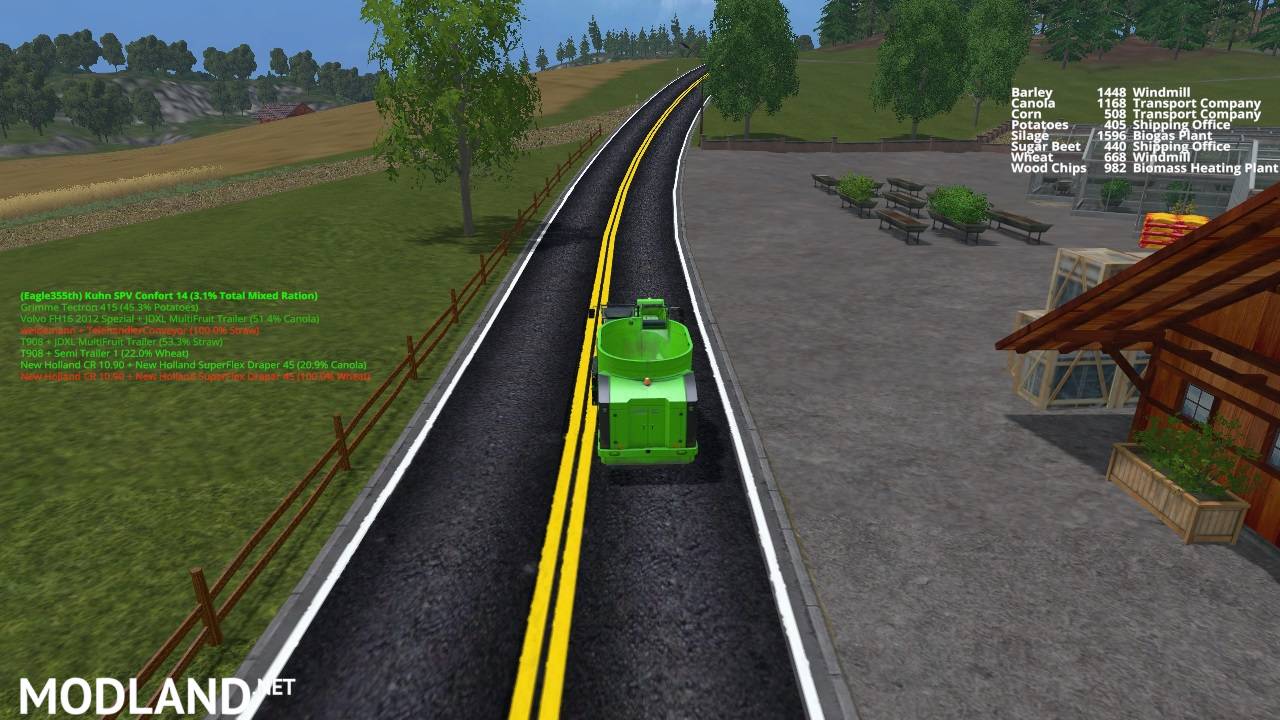
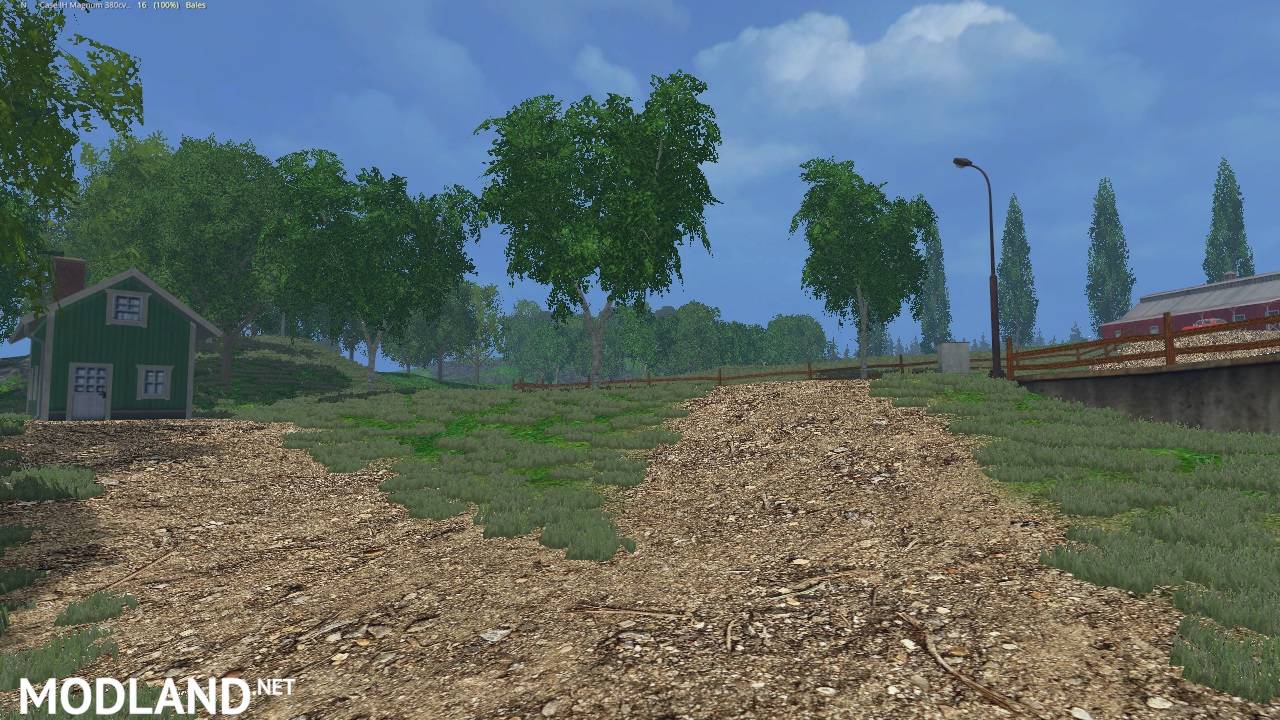
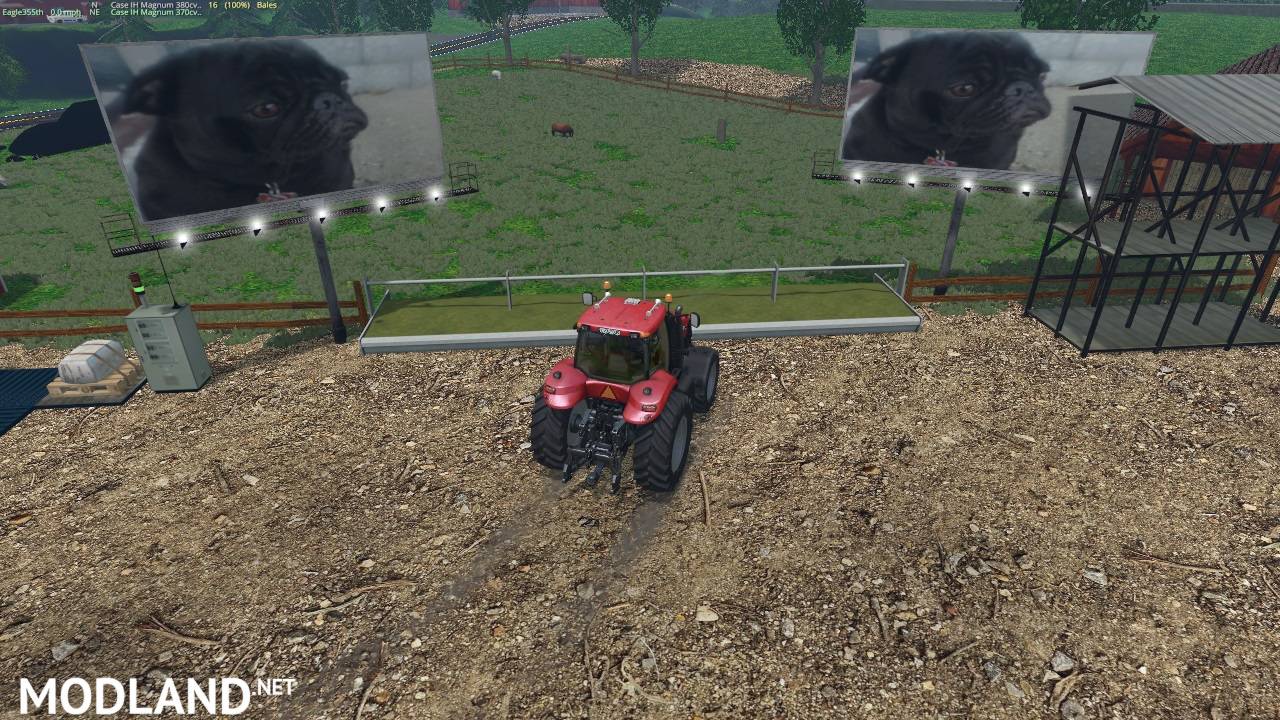
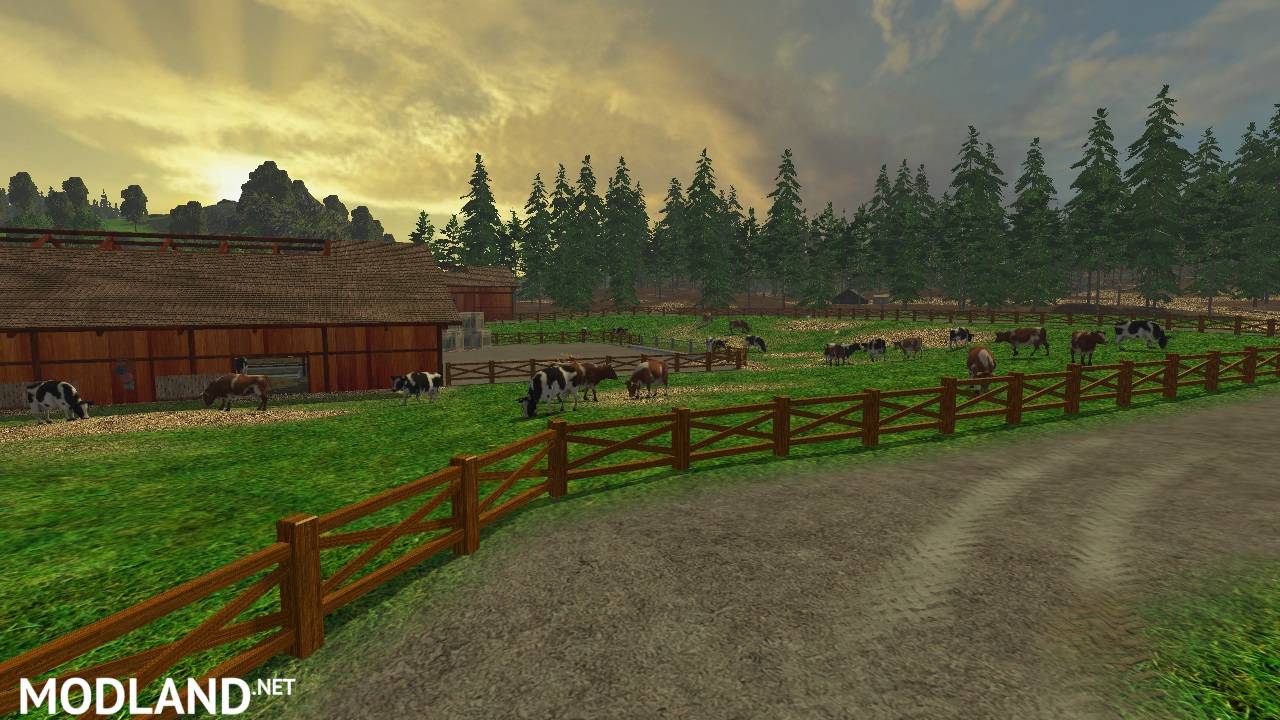
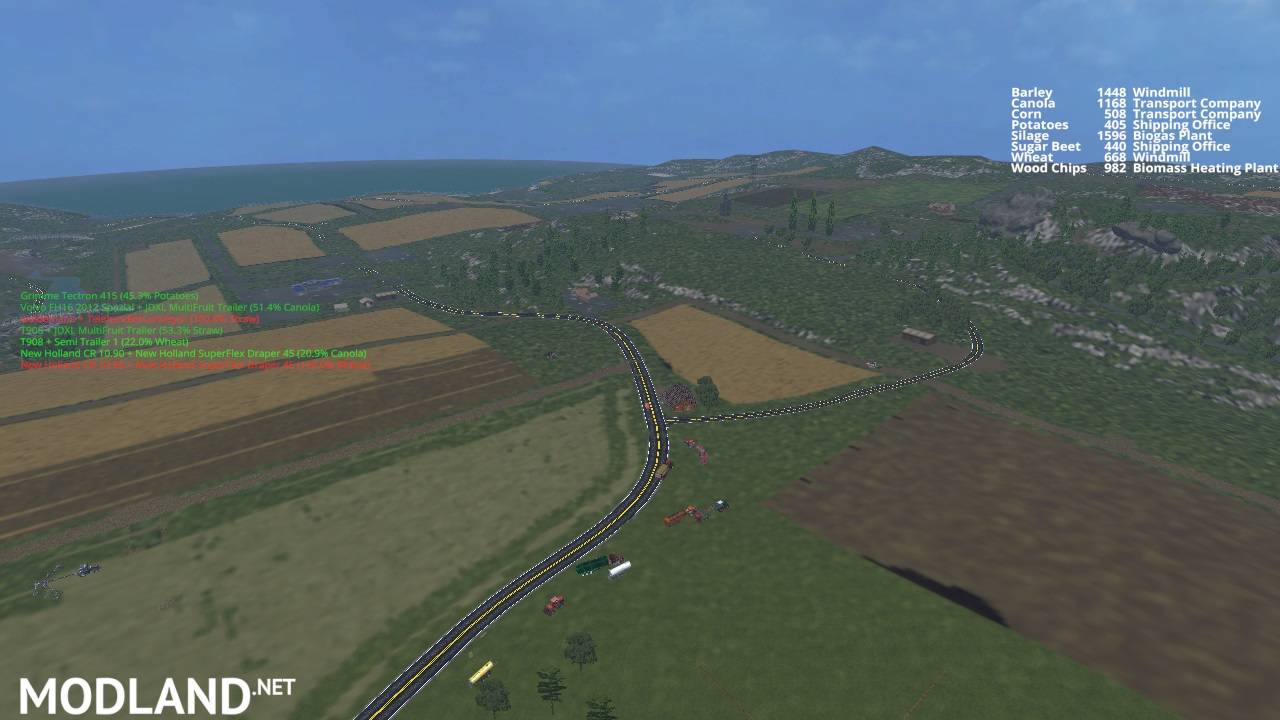
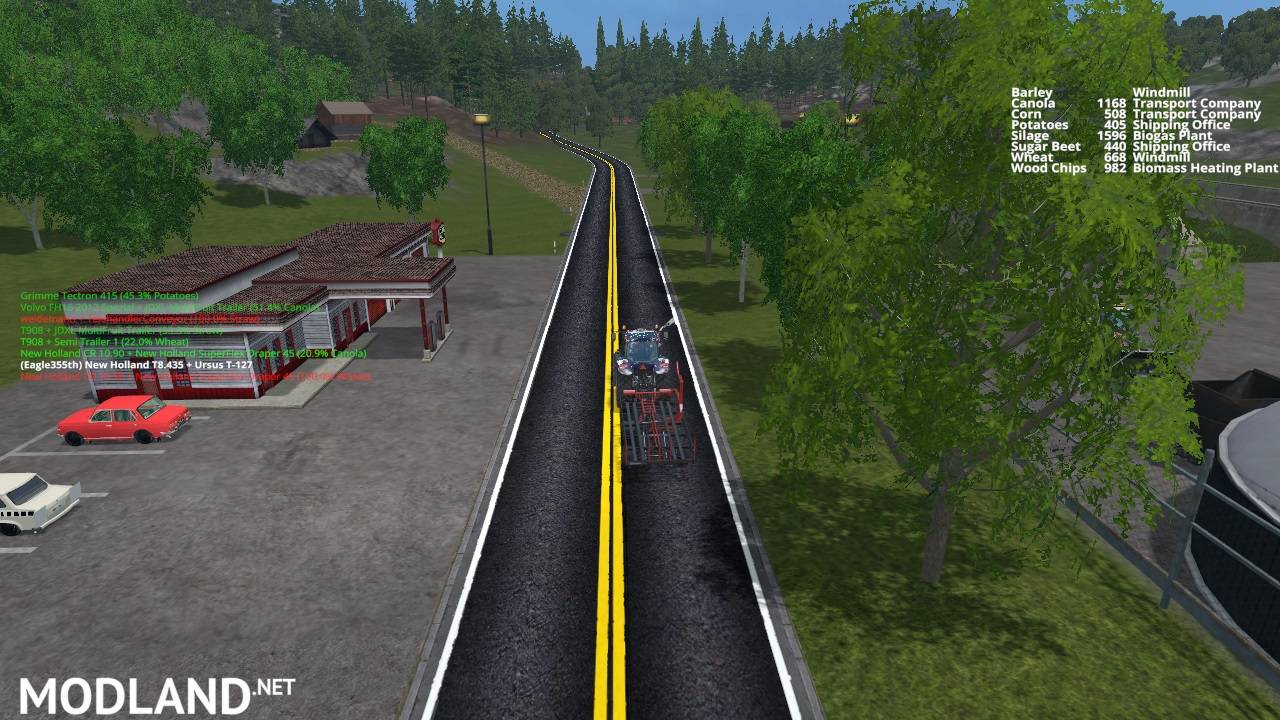
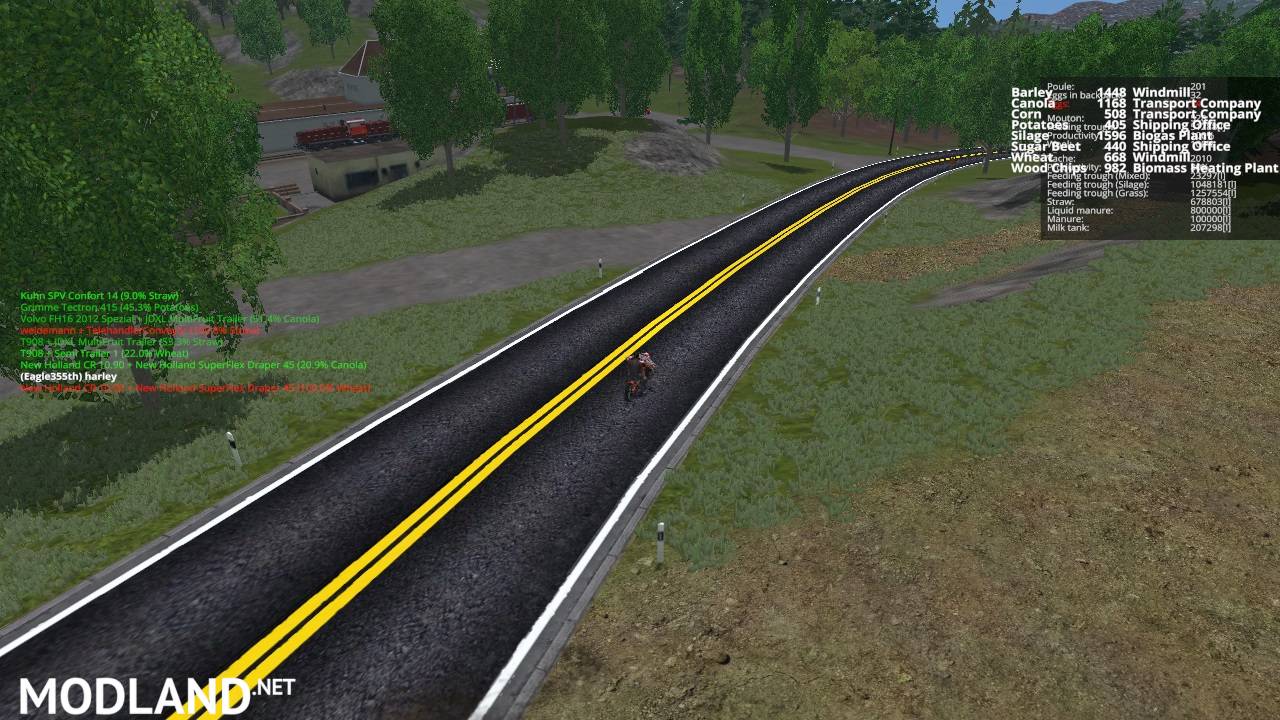
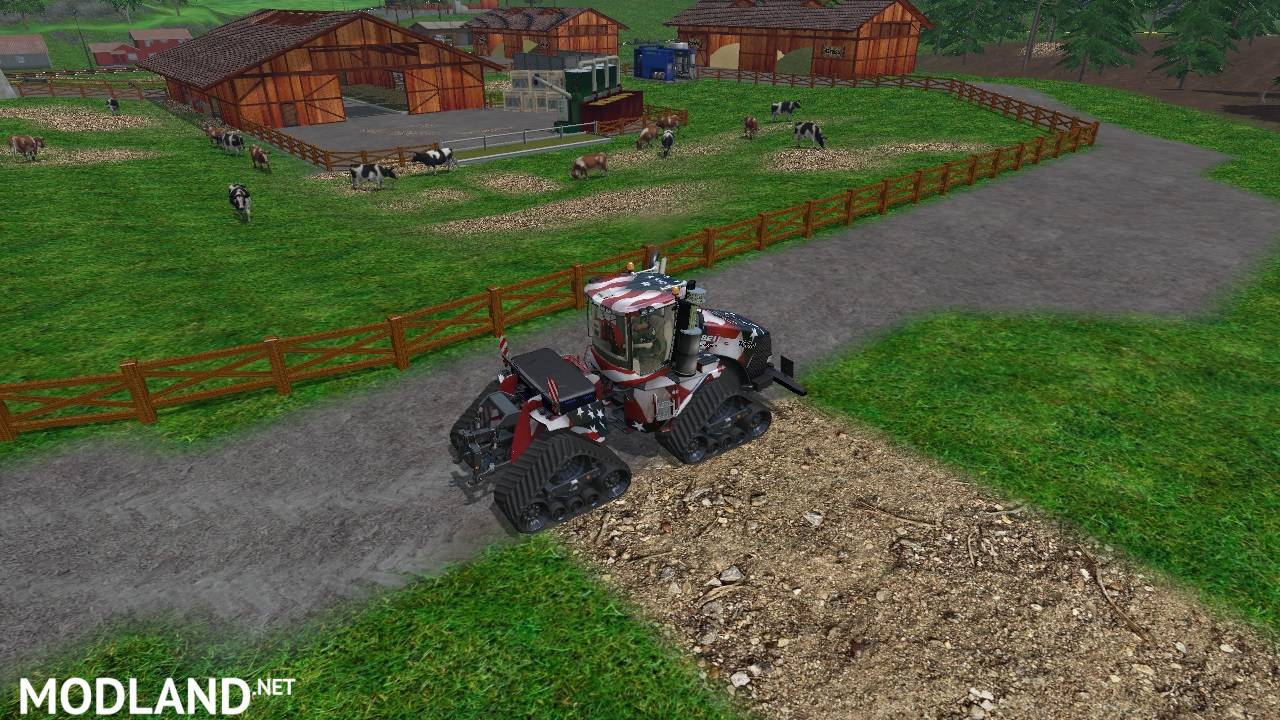
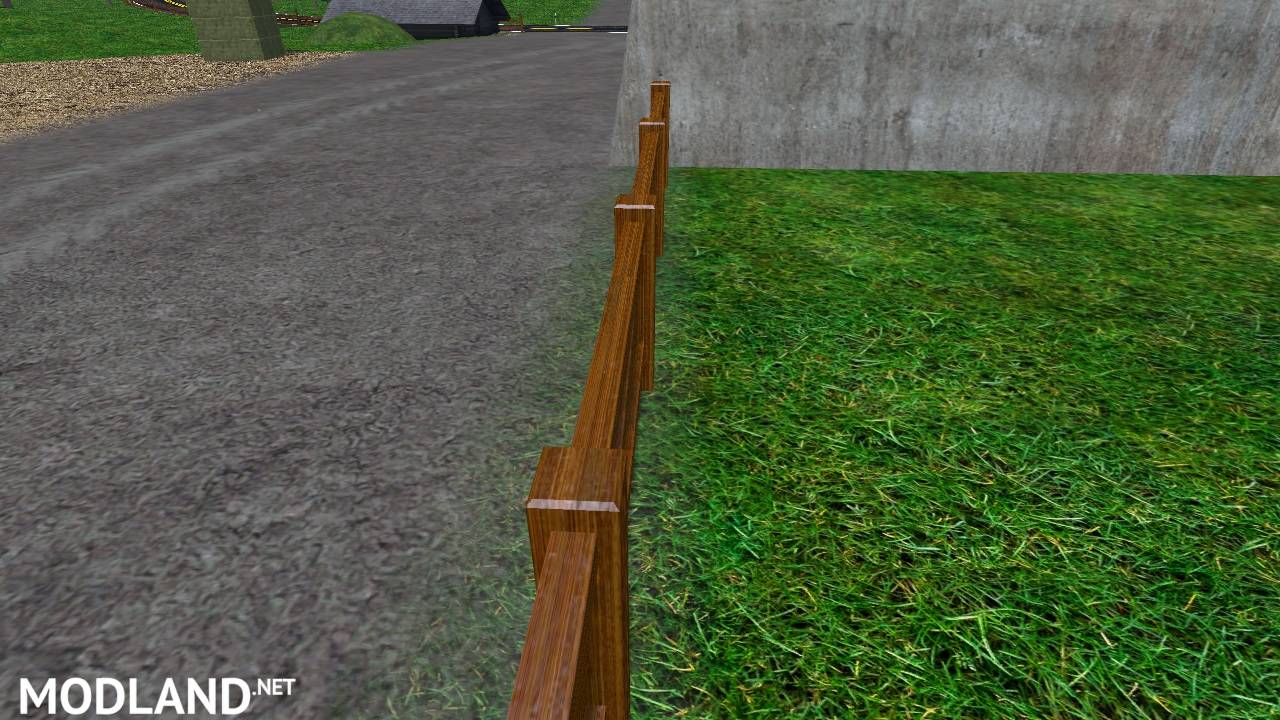
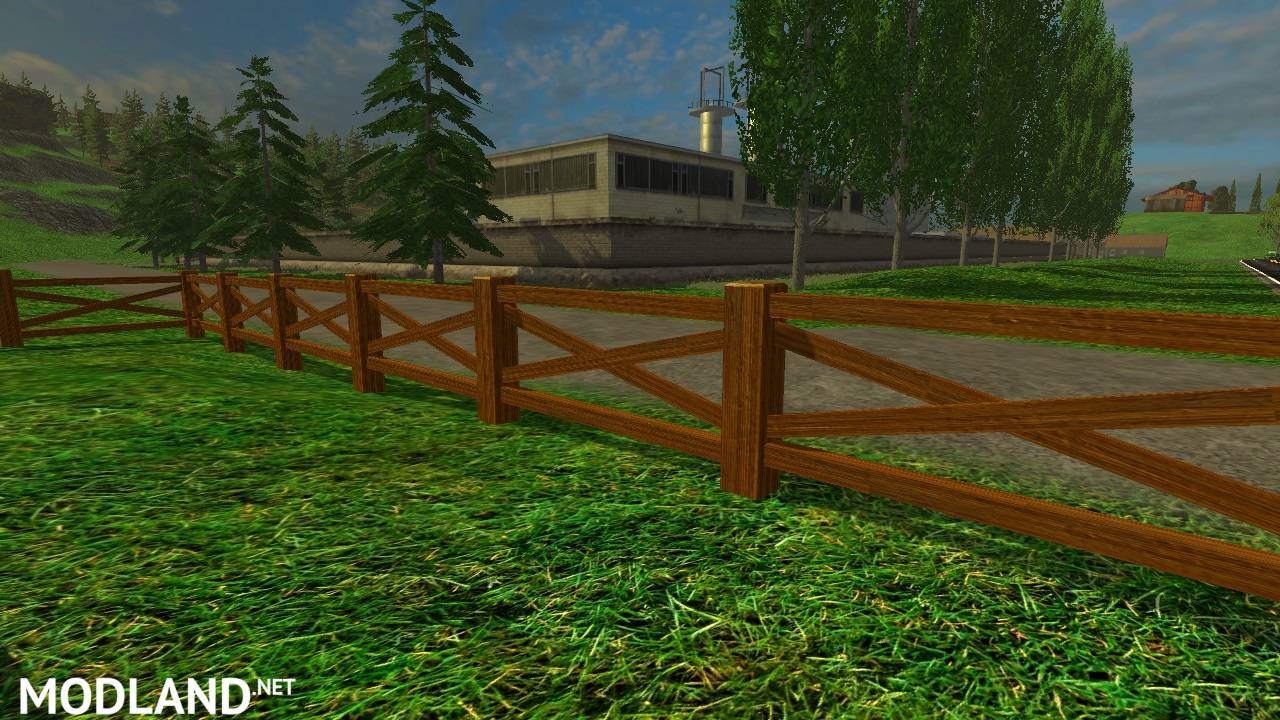
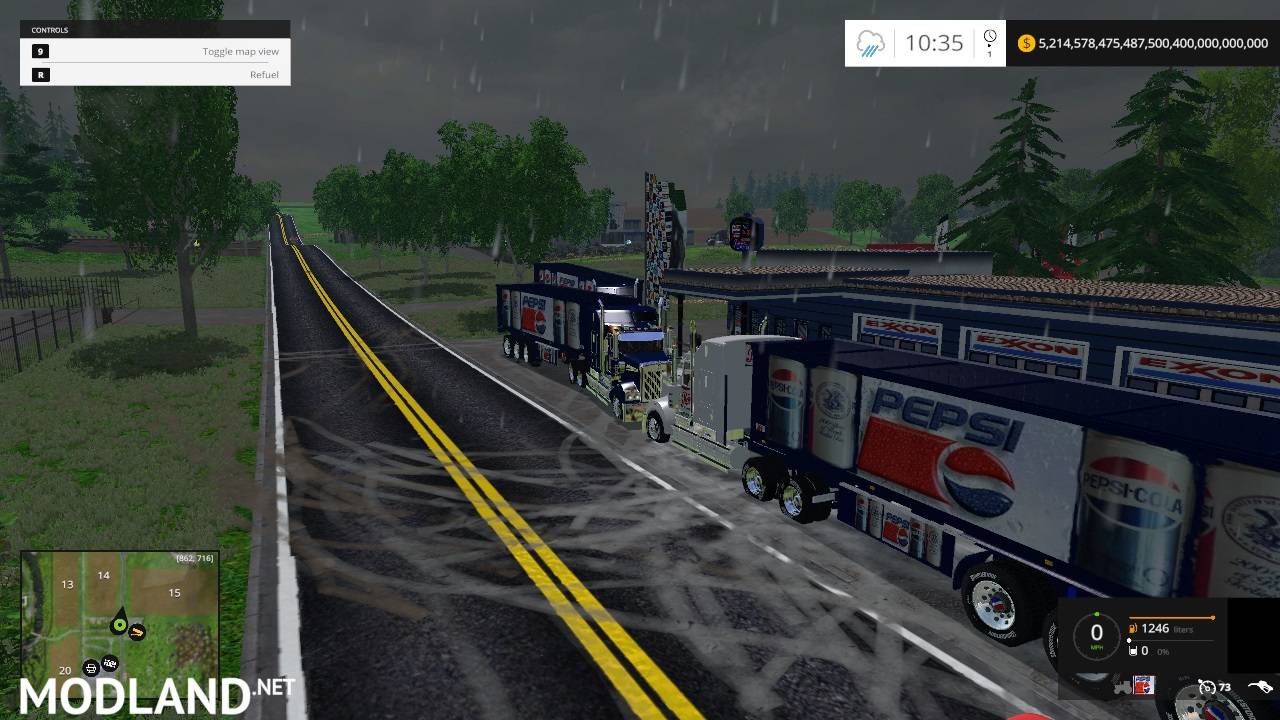
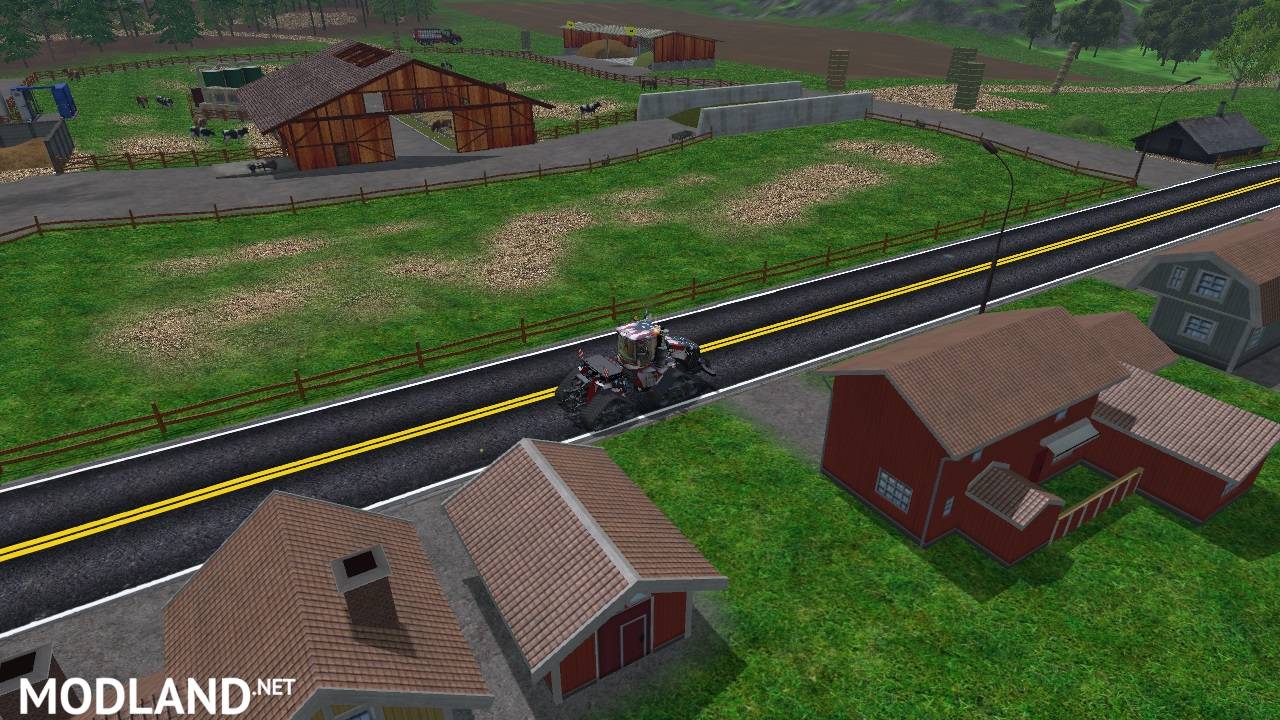
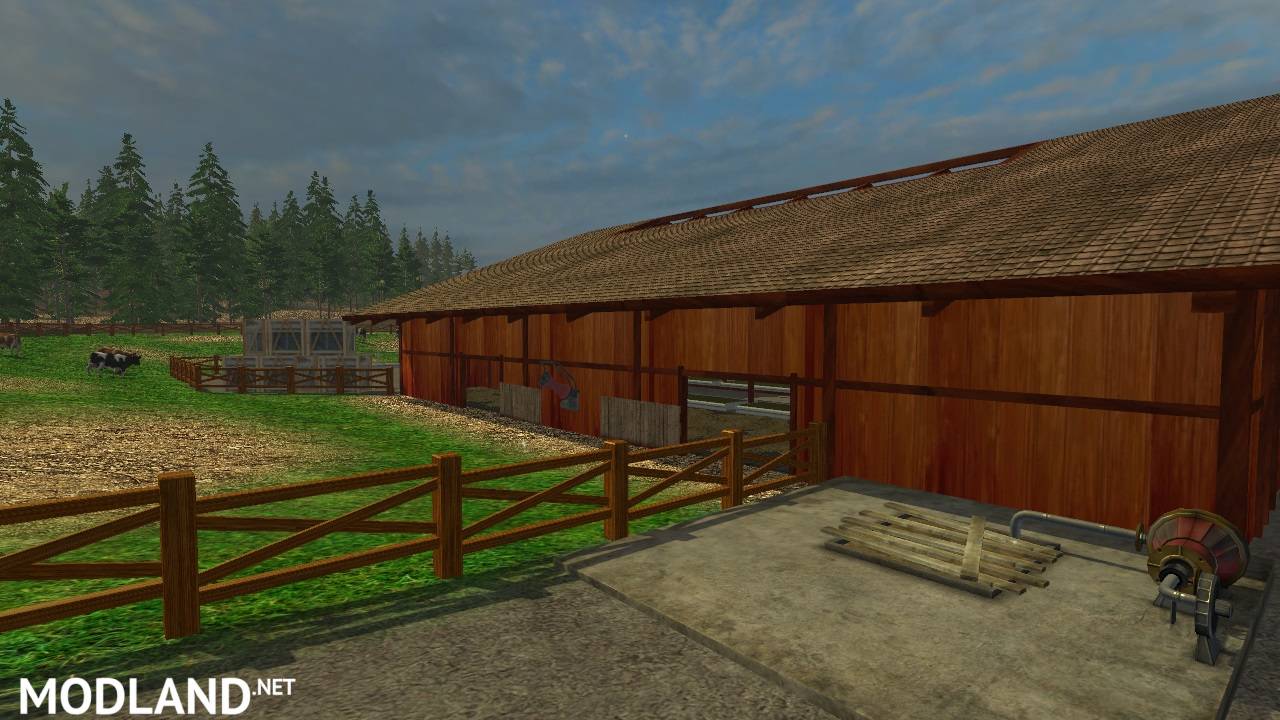
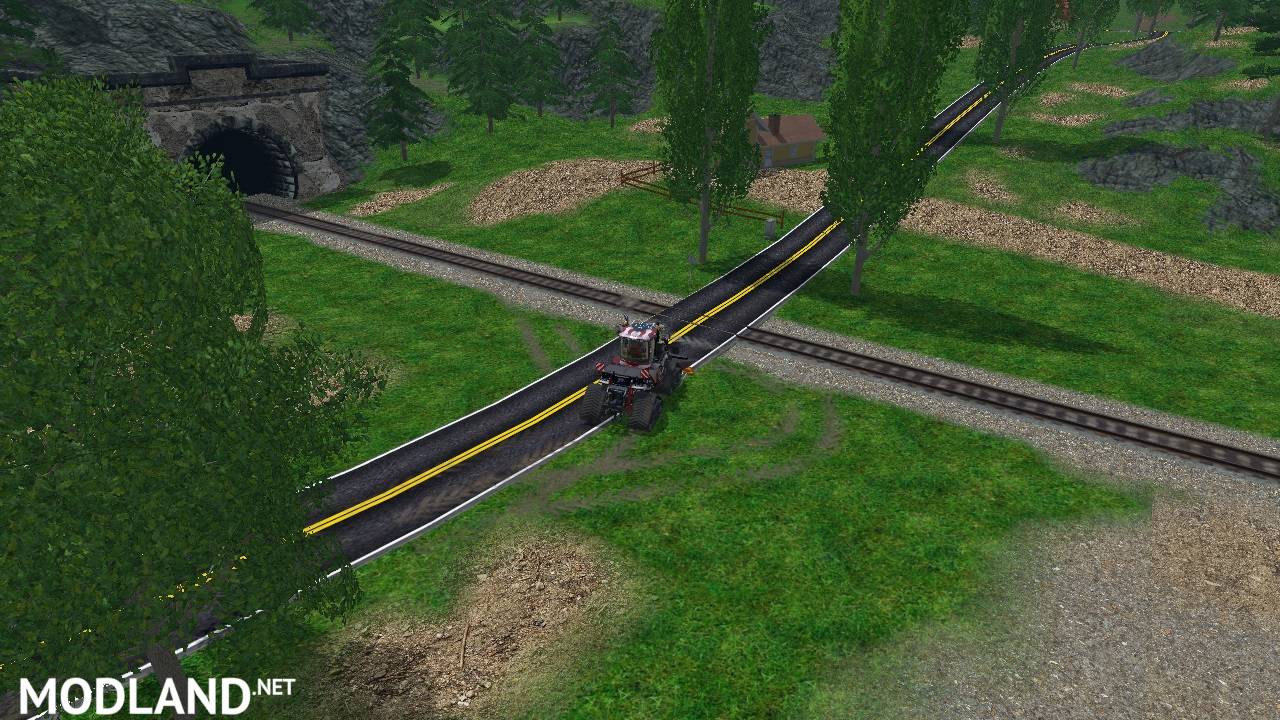
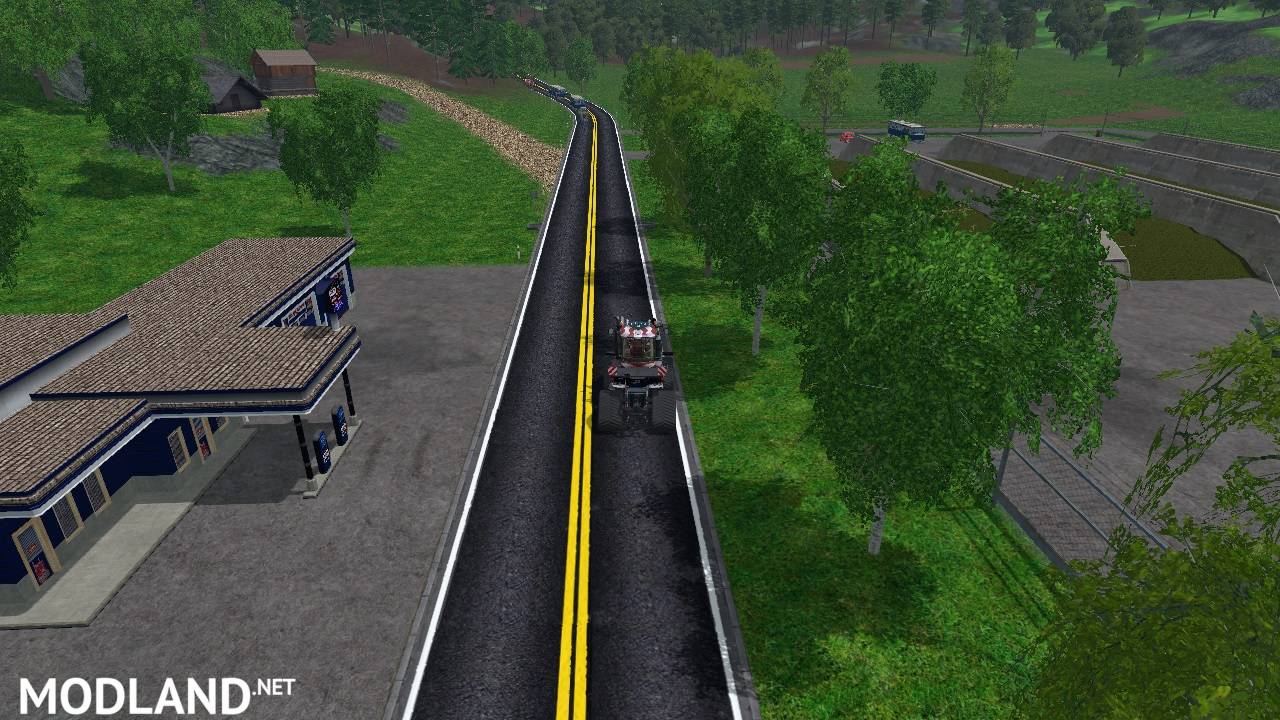
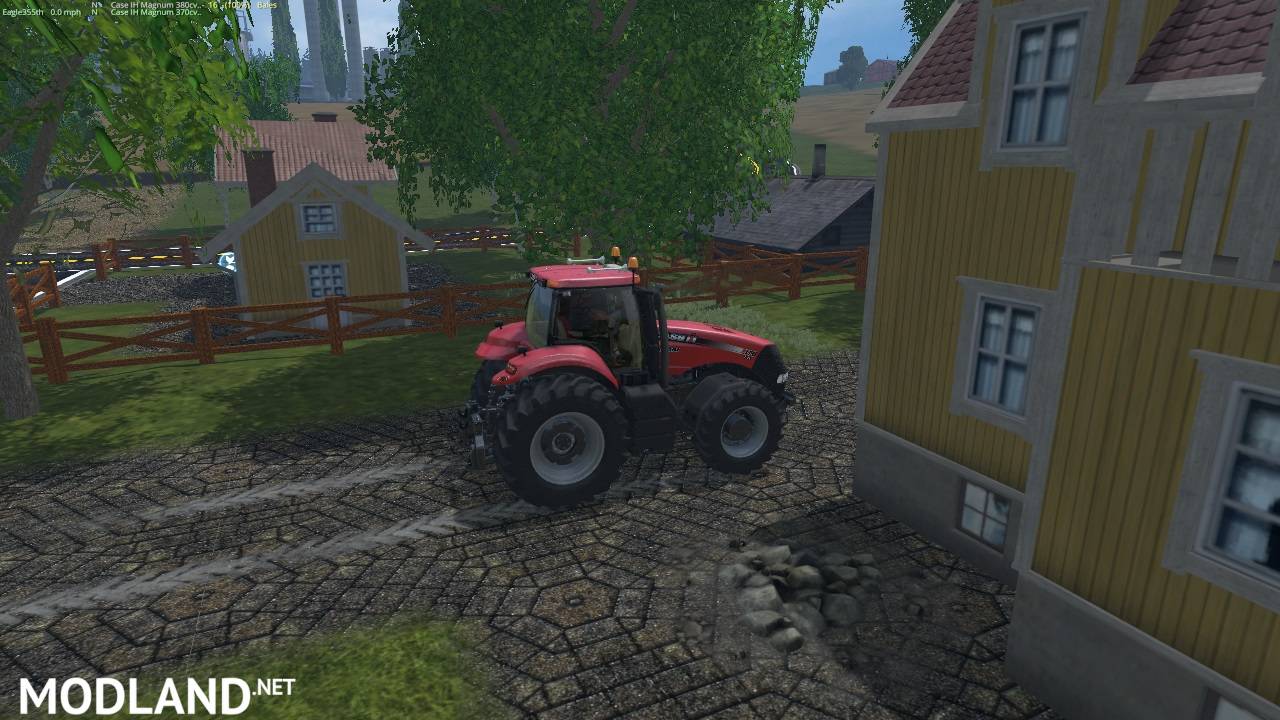
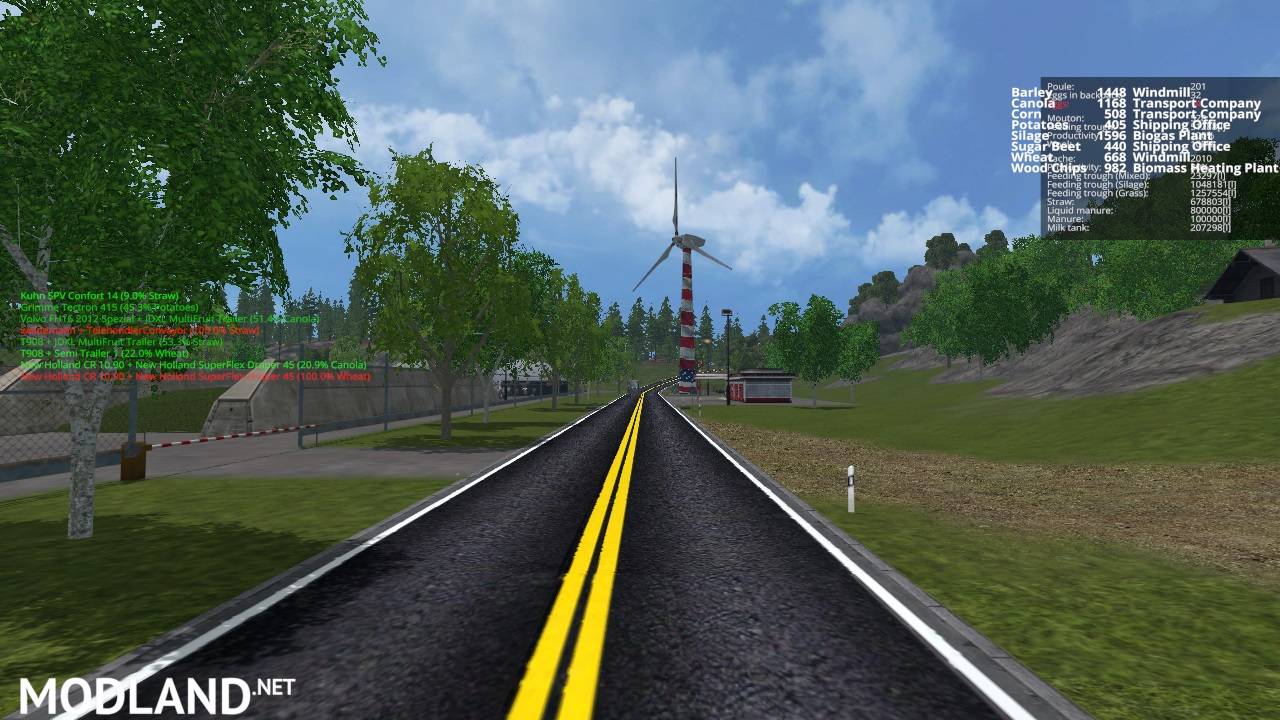
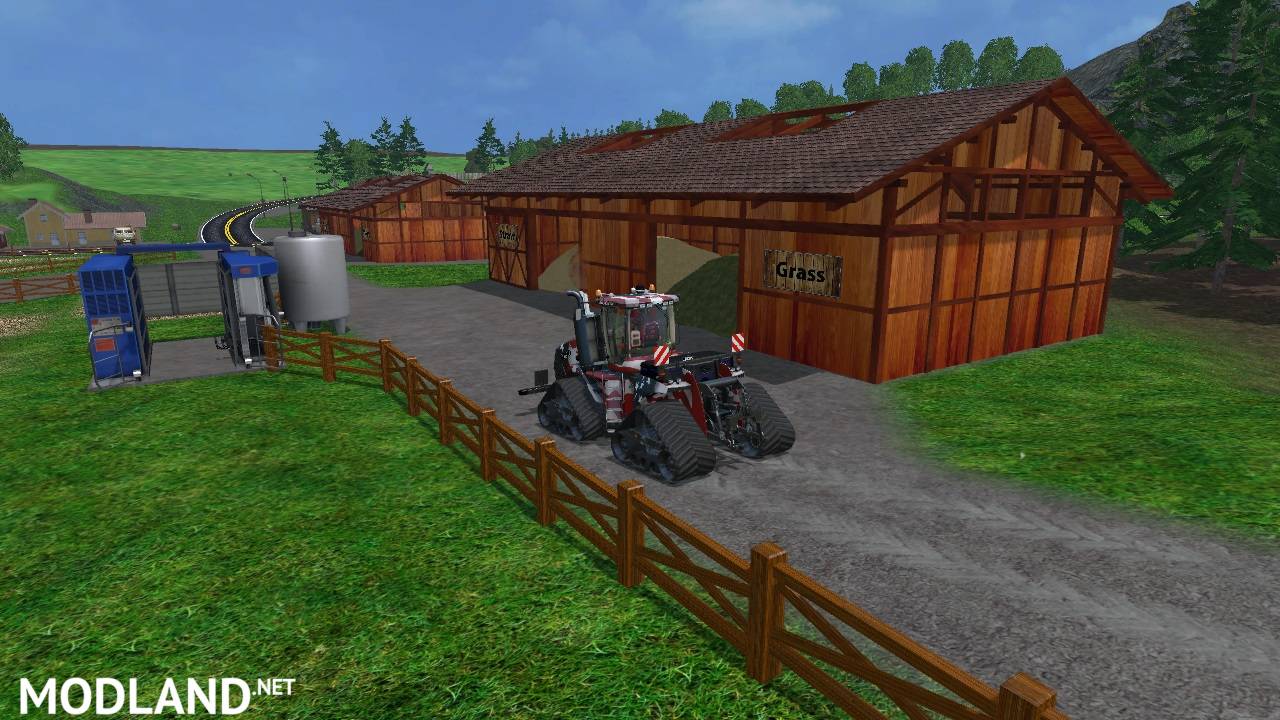
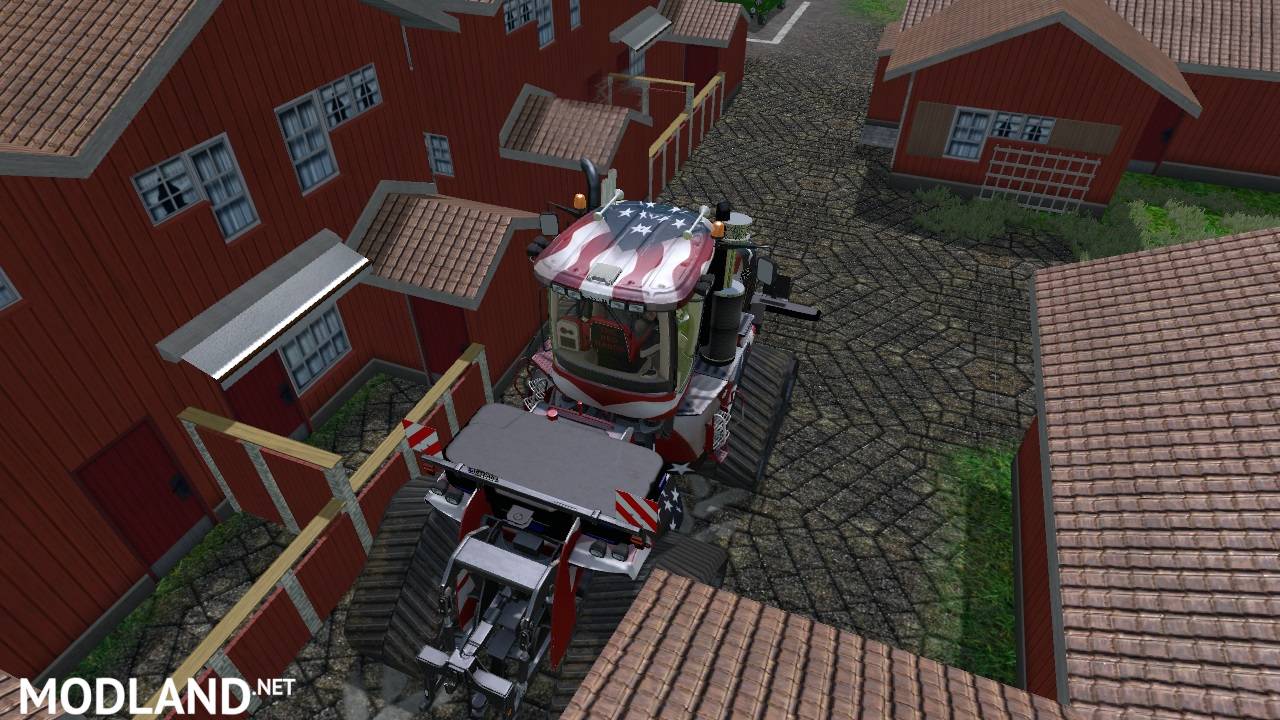
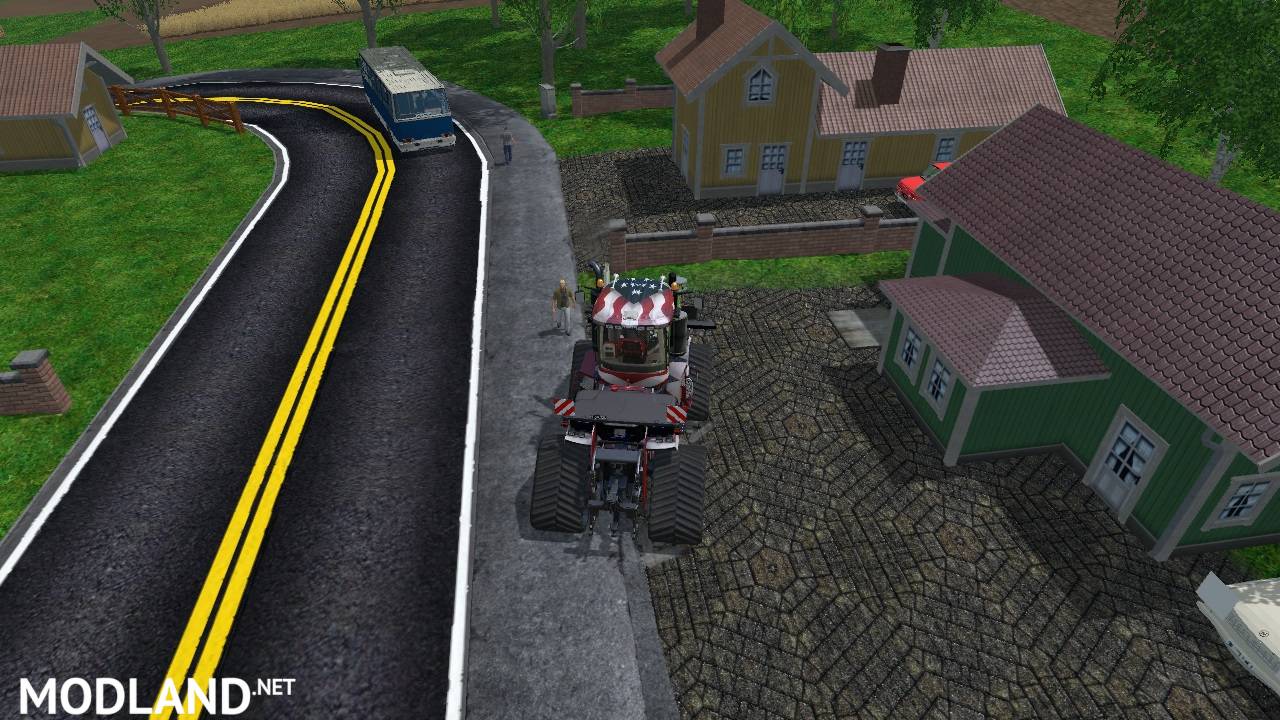
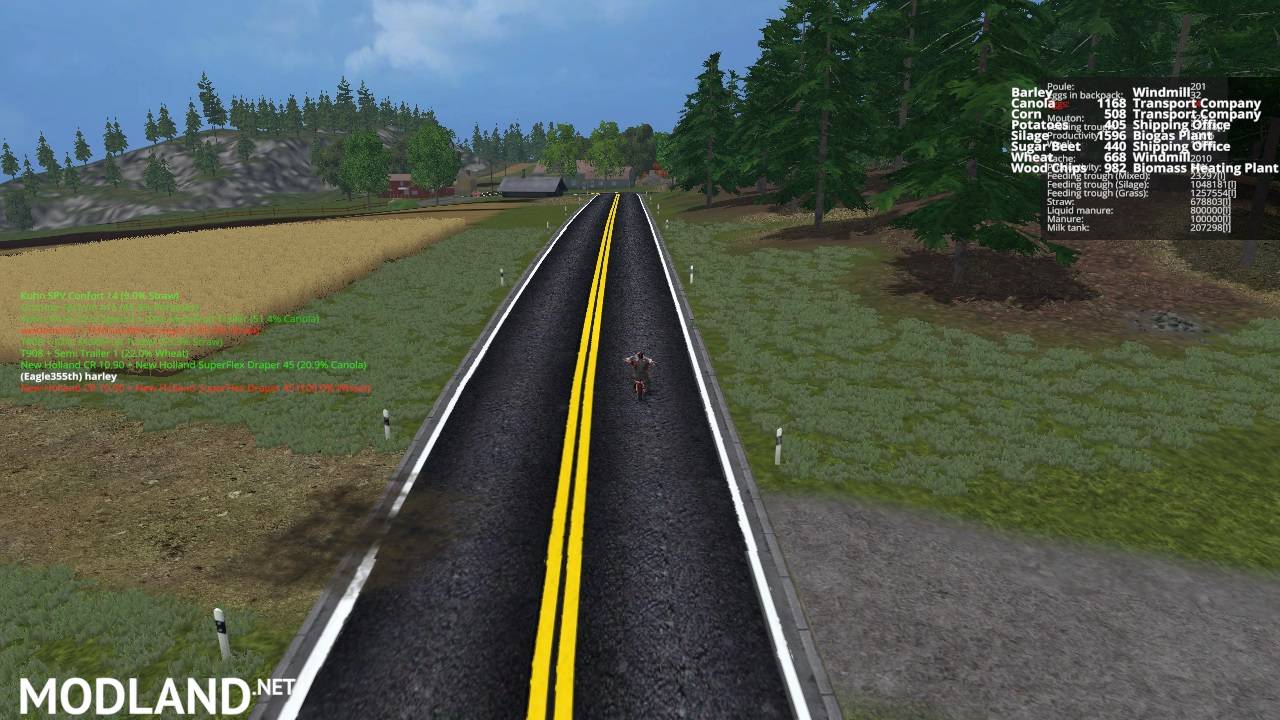
I have Been working on Fresh Paved roads and cobblestone and new fence For Bjornholms original map
all you have to do is Make a Back up of your terrain folder Located C:\Program Files (x86)\Farming Simulator 2015\data\maps\textures\terrain Now copy the roads Folder and the cobblestone diffuse into
C:\Program Files (x86)\Farming Simulator 2015\data\maps\textures\terrain Yes to overwrite.Now for the Fence make a back up of the models folder located
C:\Program Files (x86)\Farming Simulator 2015\data\maps Now copy the new fence folder into the C:\Program Files (x86)\Farming Simulator 2015\data\maps\models\objects yes to overwrite Start game
Have Fun Enjoy! Happy Farming!
Credits:
Eagle355th
Direct Download Links
initial
11 years ago
Mods_ModLandNet.zip
direct download
· 14.68 MB
· added 11 years ago
This File is Scanned by Antivirus and is Safe.
More Details
You Might Also Like »

0 Comments
There are no comments. Be first to comment!