How to Install Farming Simulator 15 Mods: Guide!
-lg_modland.jpg)

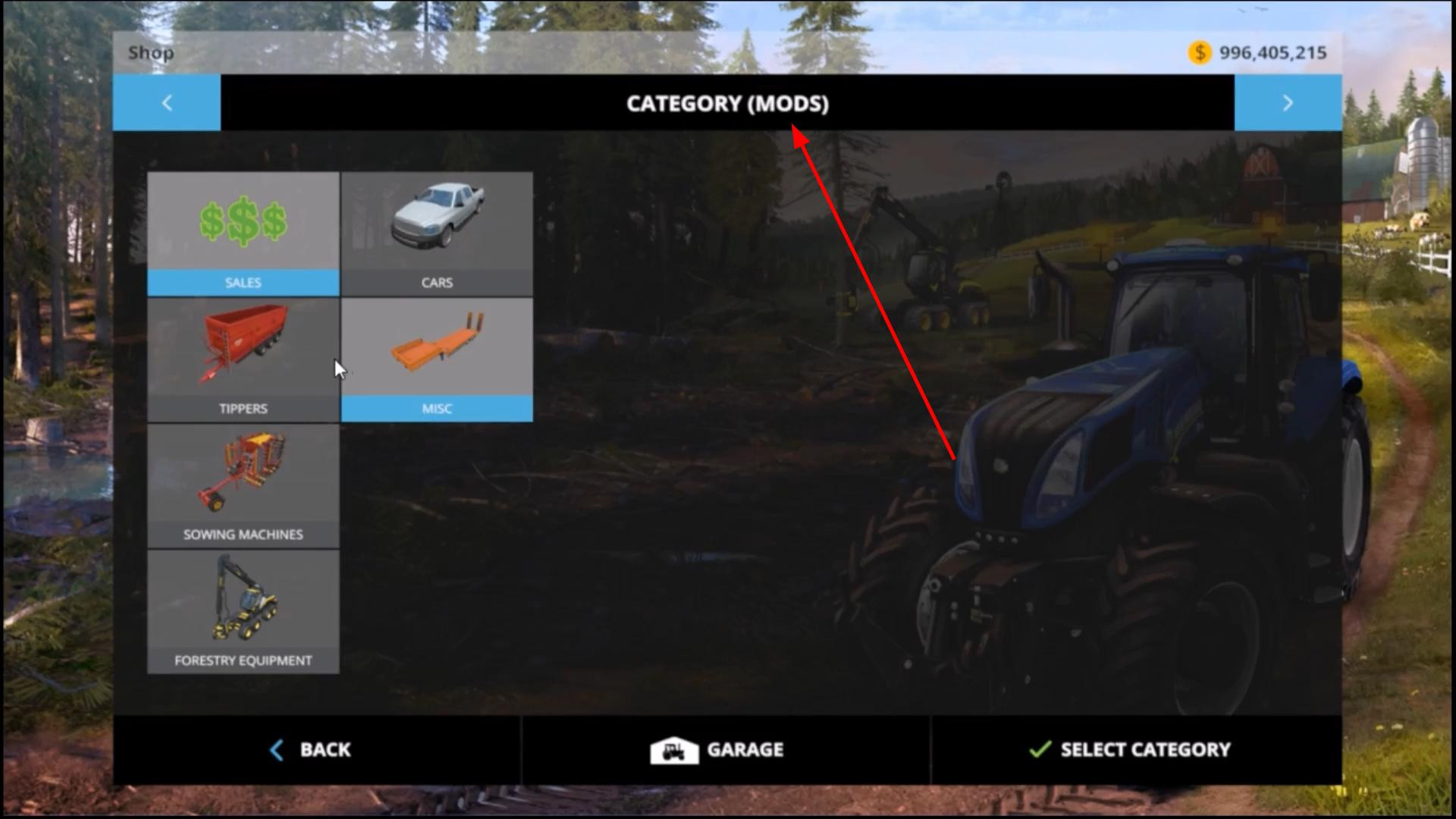
Mods are a great way to add new vehicles, maps and features to Farming Simulator 2015.
Even though the game is old, it is still played by many players from all over the world and many mods are still available for download. But in order for them to work correctly, you need to install them correctly. Below is a simple and clear instruction for beginners how to do it.
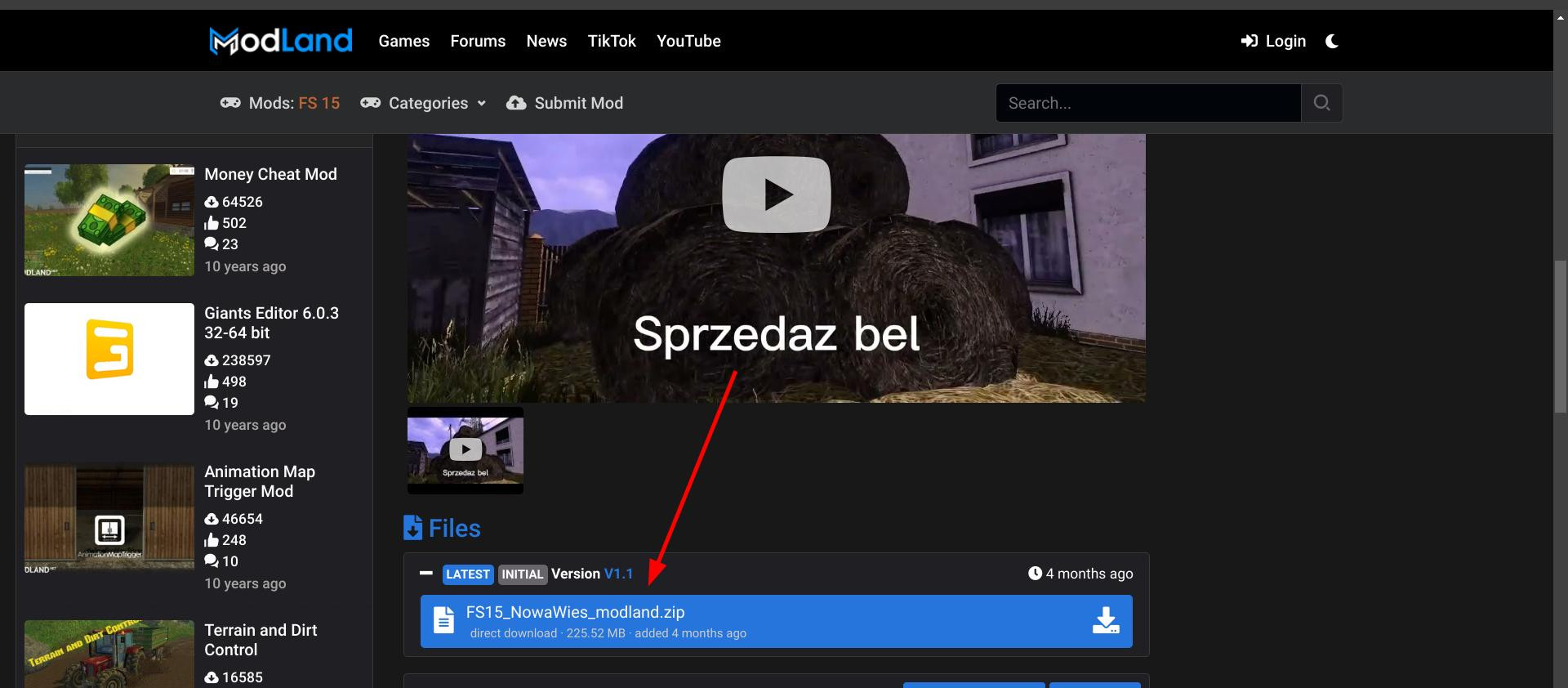
Step 1. Download the required mod
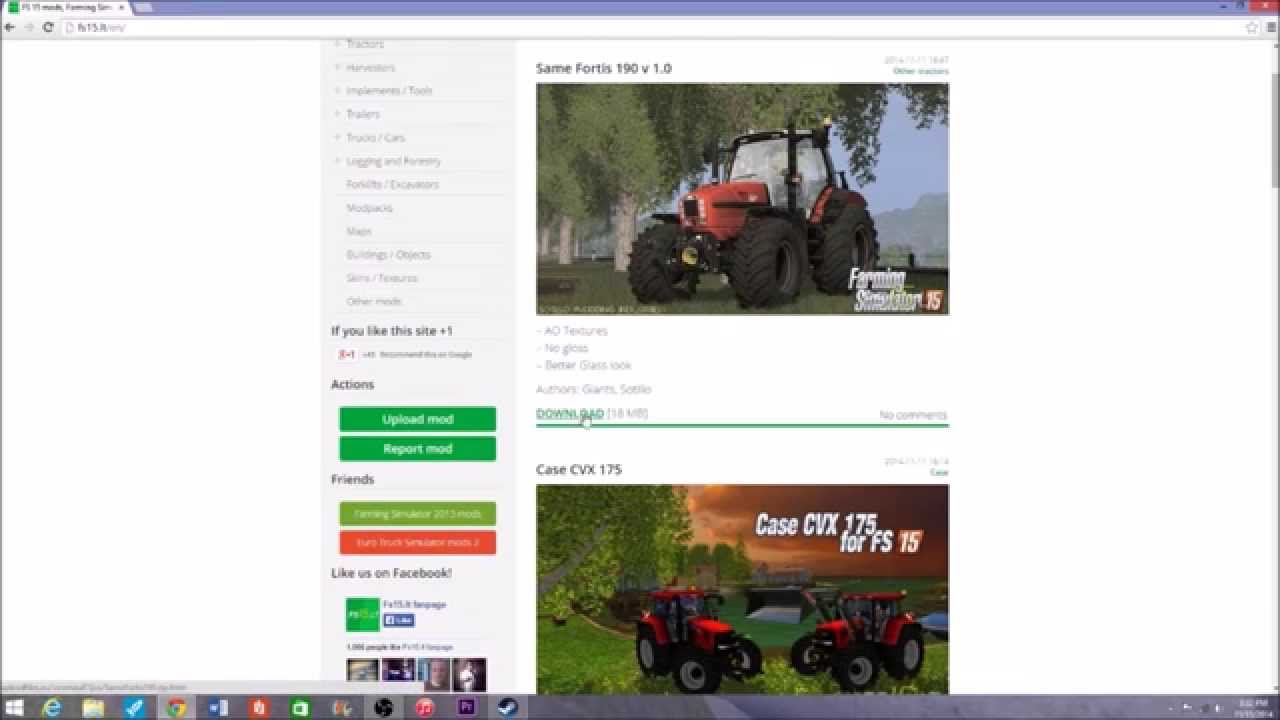
Go to the Farming Simulator 15 section on ModLand and download the required mod.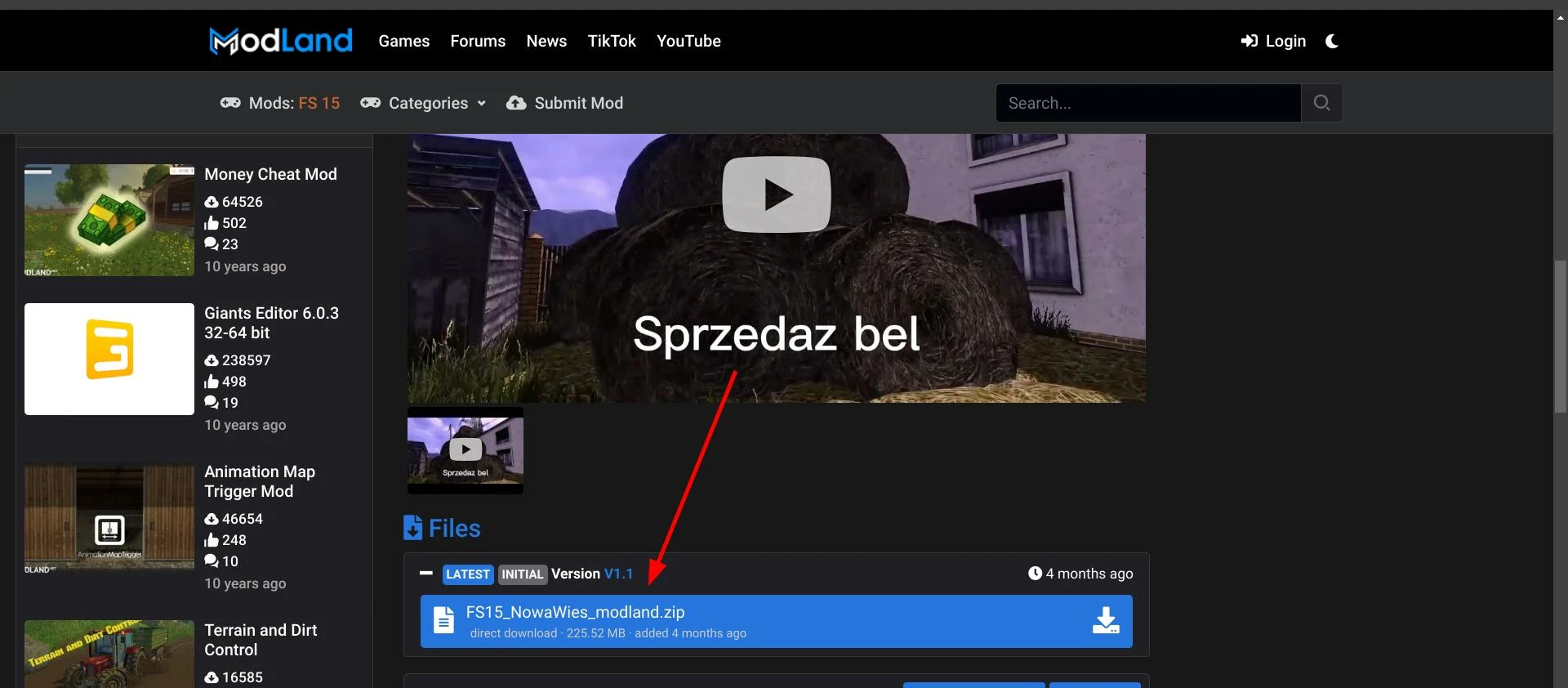
Usually they are distributed in ZIP archives. Once the file is downloaded - do not unzip it unless the instructions say otherwise.
Step 2. Go to the game folder
Open Windows Explorer, then open the folders in turn:
Documents > My Games > FarmingSimulator2015 > mods.

If there is no mods folder, create it manually. This is the main place where you need to put mods.
Step 3. Place the file in the mods folder
Copy the ZIP file with the mod to the specified folder.
Important: there must be a mod inside the archive, not an additional subfolder with the same name. If the structure is broken, the mod may not appear in the game.
How to enable mods in the game
Open FS15, start a new game or load an existing save. When you select a map, a list of mods will appear, where you can check the boxes for the ones you want to use in this session.
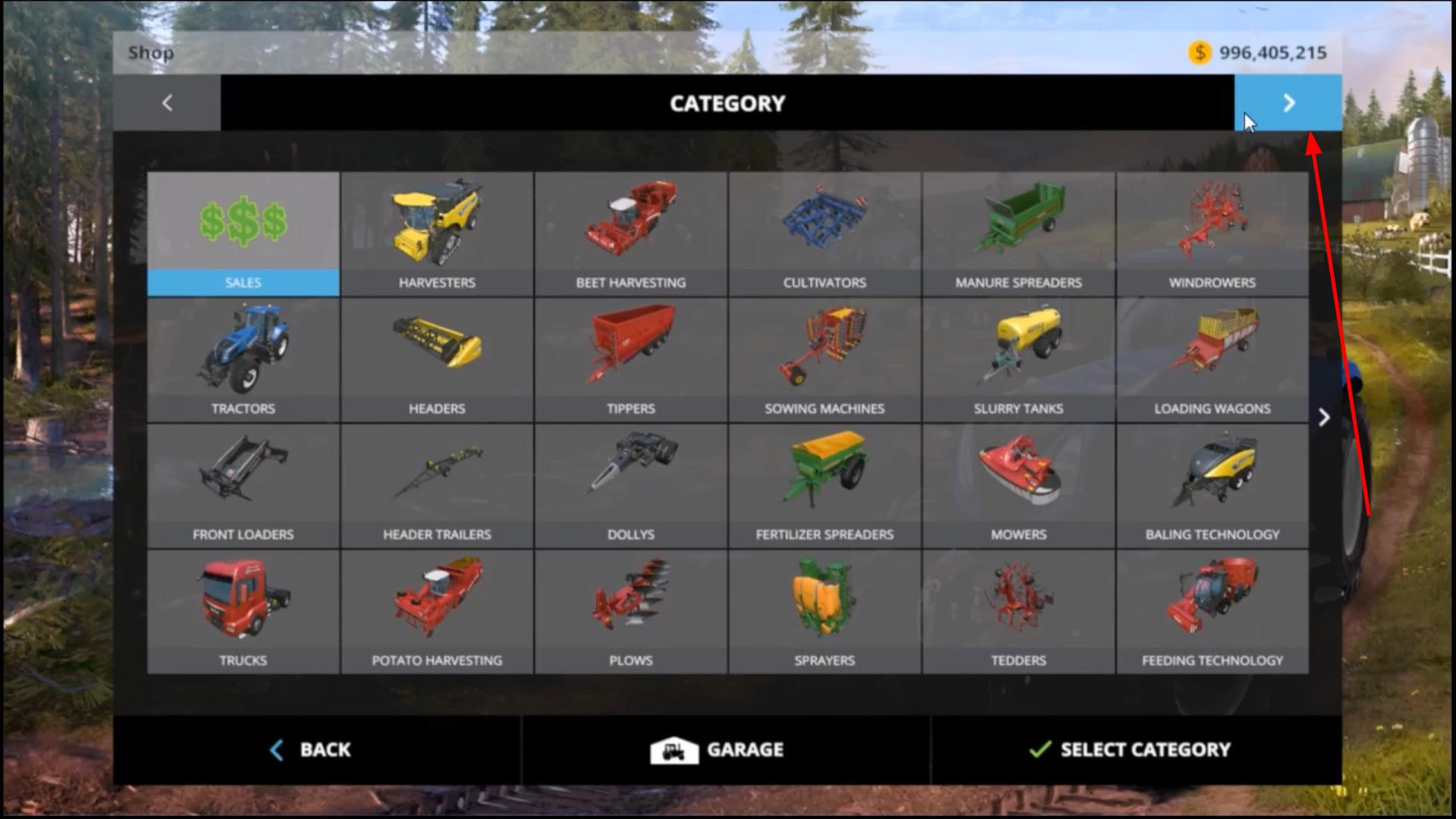
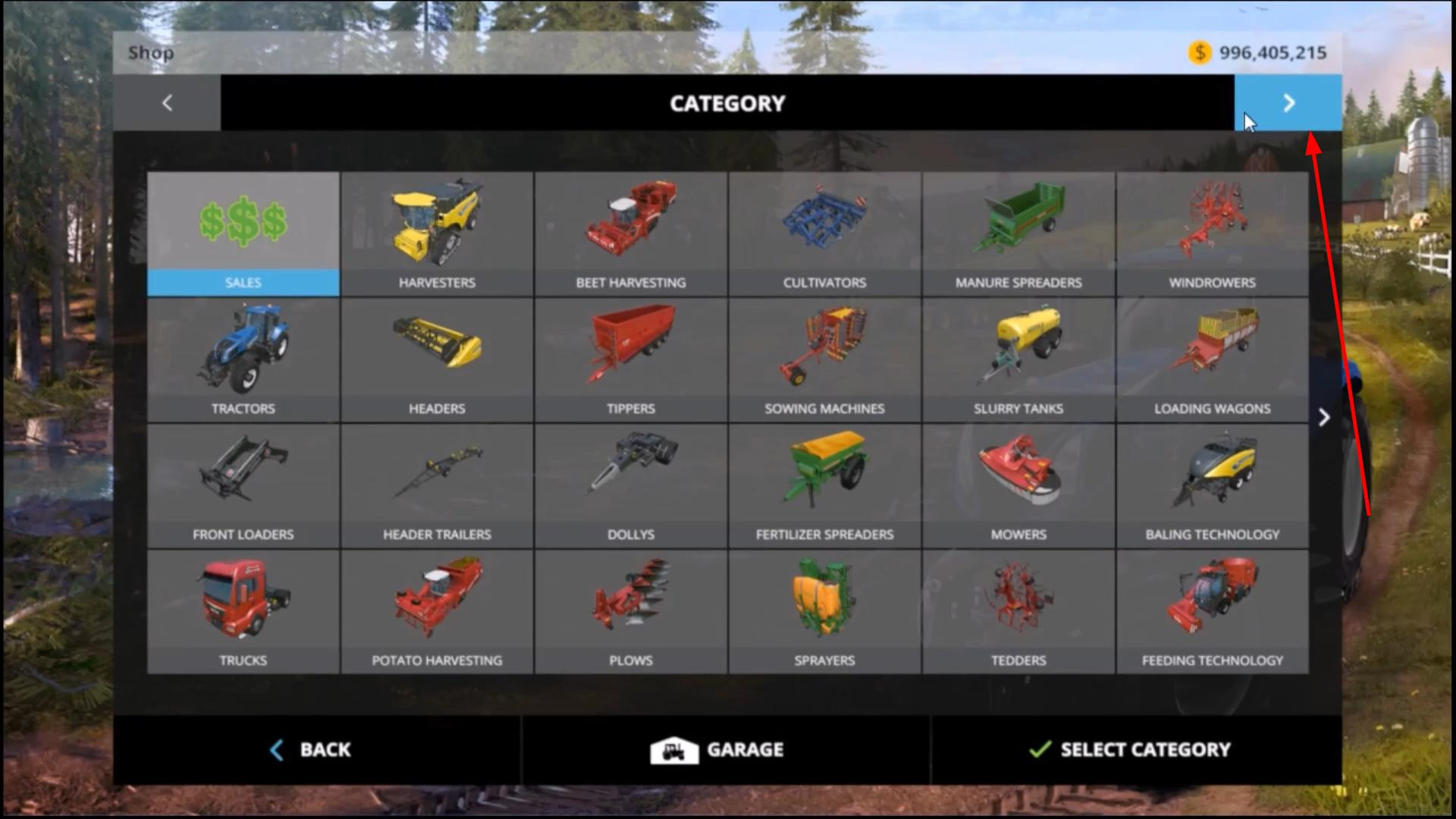
Step 5. Find the mod in the store
After loading the save, press the P key to open the store. The Mods section will appear in the menu on the left.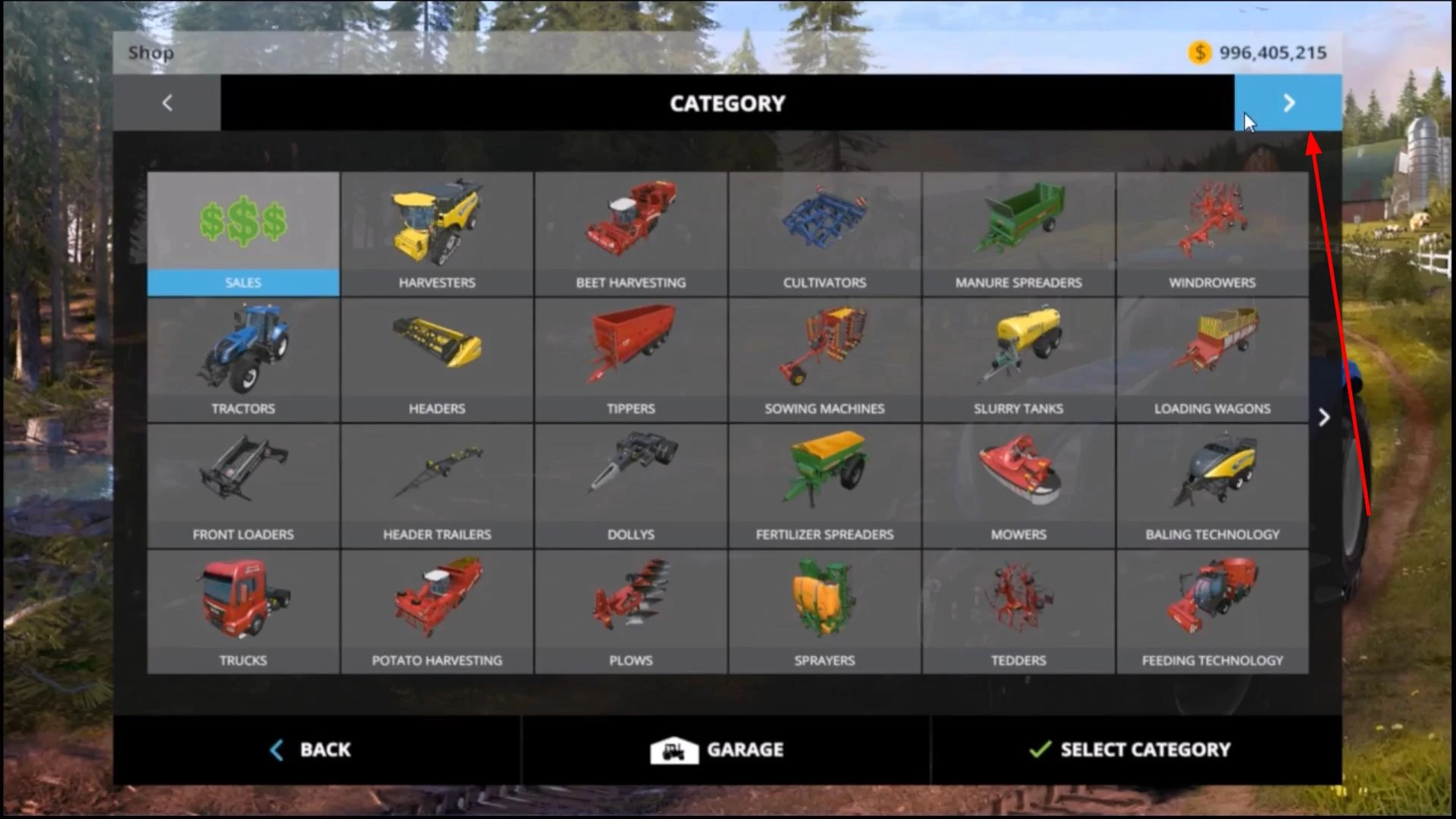
All enabled mods are displayed there. If the mod adds machinery, look for it in the appropriate category: tractors, trailers, equipment, etc.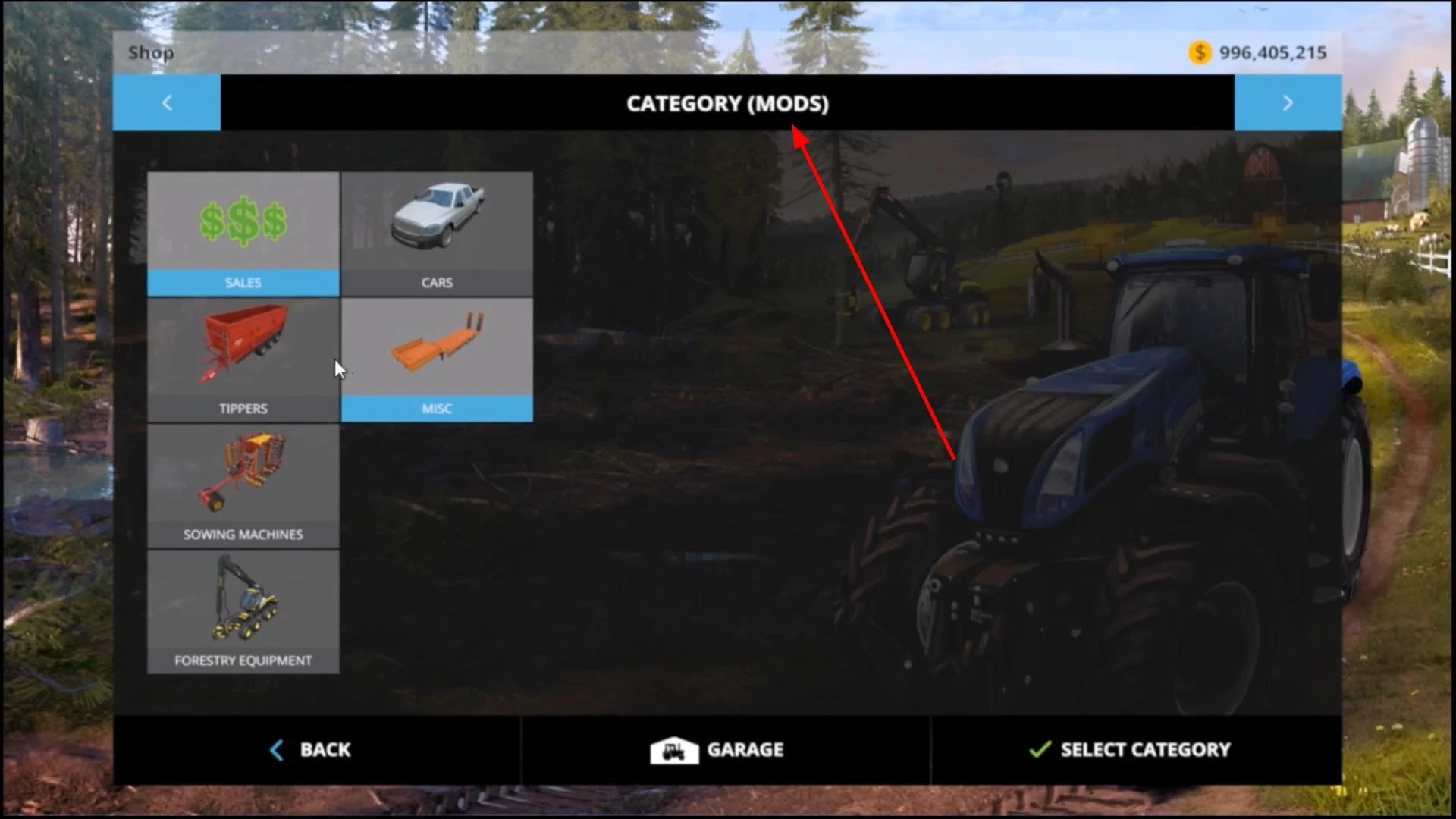
If the mod does not appear - most likely the file is installed incorrectly or does not fit the version of the game. Check if everything is done according to the instructions.
Videos
Added by