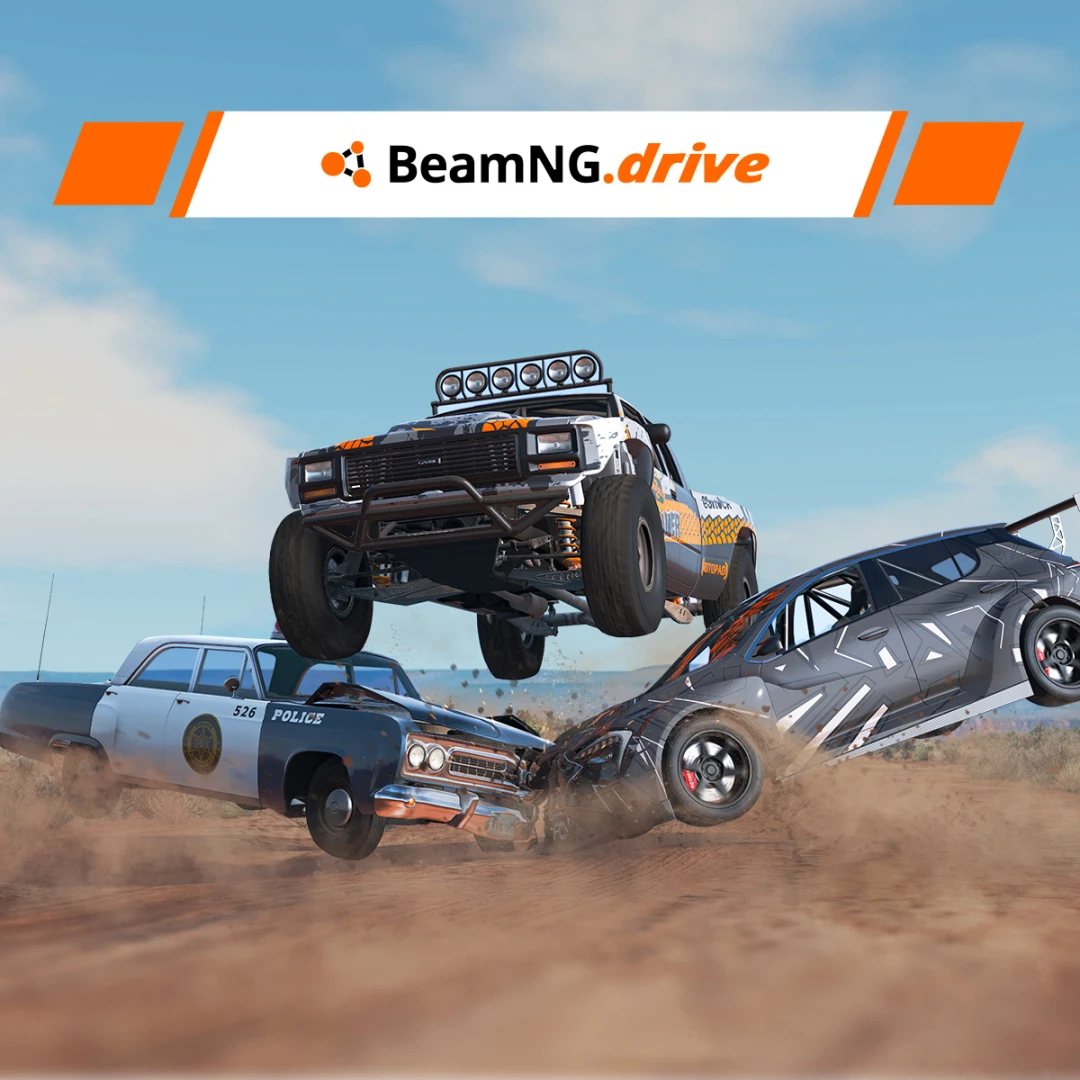
So I recently returned to Beam.NG drive and the reason I came back is mainly because I want to make mods for this game. To do this I had to research and found one of the best ways to start making mods for Beam is start learning textures and liveries. Yes, I know there is a lot more to making mods and all the other stuff, but I learned how to make custom liveries.
I also noticed there aren't a lot of forum topics related to how to start moding for begginers. I know there are lots of YouTube tutorials but I kinda find it easier to read on how to do something rather than some random guy explain it and most of the time they create there own things that you are supposed to copy, and I don't realy understand the learner aspect to that. SO I will jump right into how to create custom Beam.NG Drive liveries for beginners.
First, download the images or decals you want to use, preferably as high-quality PNG files with transparent backgrounds. Some good websites for free graphics and decals include SVG Repo, Openclipart, and Wikimedia Commons, but always check the license for each image before using it. Once you have your images, open BeamNG.drive, load the vehicle you want to customize, and press F11 to open the World Editor. From there, open the Decal Editor and add your custom image as a decal. You can move, rotate, and resize the decal to fit different parts of the vehicle, such as the doors, hood, fenders, roof, or tailgate. For a better-looking livery, use several separate decals instead of putting the entire design into one image, which makes it much easier to position each logo, stripe, number, or graphic. After placing everything where you want it, adjust the size and rotation until the decals follow the shape of the vehicle correctly. When you're finished, save your work and make sure your custom files are stored in the BeamNG user folder rather than modifying the game's original files, since game updates can overwrite changes made to the original files. With a few good PNGs and some experimenting in the World Editor, you can create everything from simple racing liveries to detailed truck-meet-style designs.
This is a really simple tutorial and in my opinion it very easy to follow.
If you want me to add anything just leave a comment below! :))