Hello everyone
perhaps you got here because I sent you a link to this post.
how to solve a problem with a lack of textures or materials.
Everything is easy.
1. Open the game launcher without starting the game.
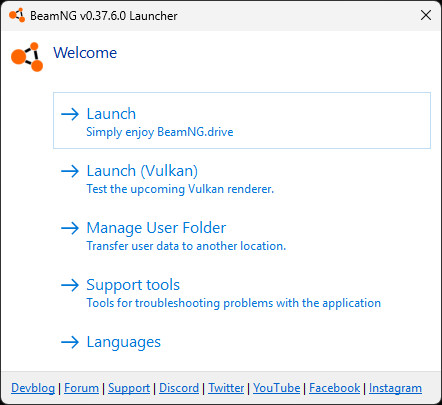
2. next, click "Manage User Folder"
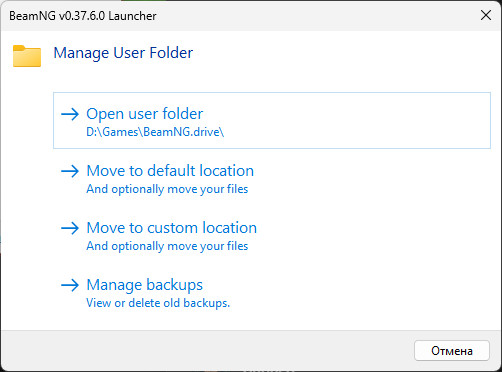
3. and click "Open user folder"
we will have two folders "current" and "settings".
we need the "current" folder, go into it, there will be many different folders including the "mods" folder where you need to install mods, not in vehicles and levels, but only in mods!
in the "current" folder, you need to delete the temp folder. I recommend deleting it more often, as the entire cache is collected there after the game and the folder size may be large.
That's all, the guide to solving the problem of the lack of textures and materials is finished. Thanks for reading!