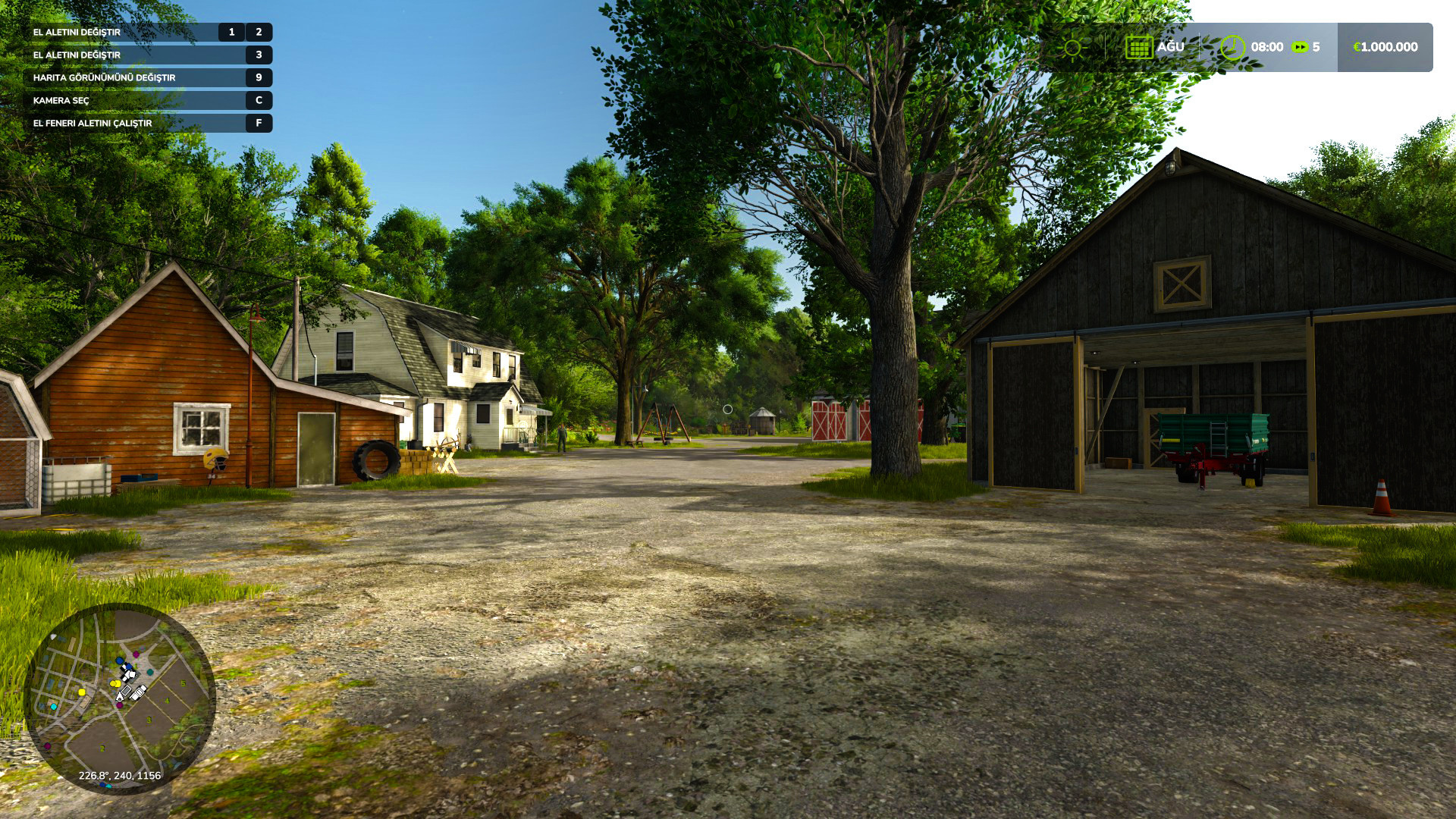
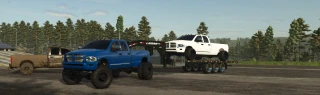
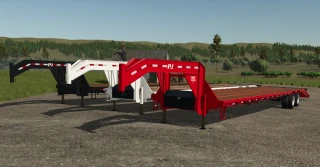
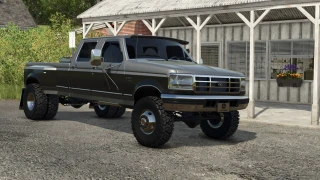
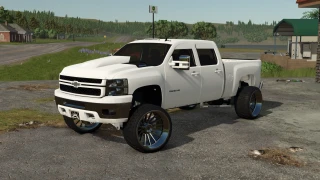
Graphic Mod (Shader) 2

3/5,
3
votes
Latest Update
latest
Version
2
· Graphic Mod V2 (Shader)
1 year ago
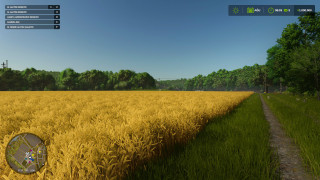
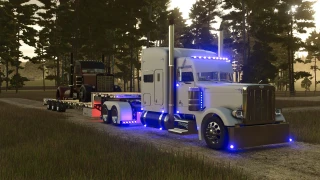
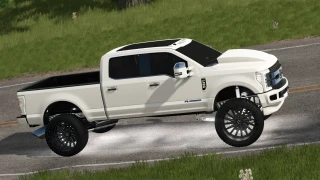
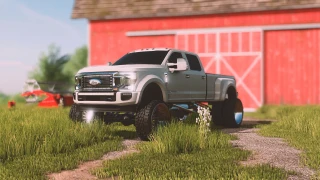
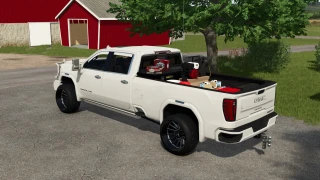
V2 features:
- 25 new effects have been added.
- RT feature has been added.
- FPS Boost has been reworked, allowing you to get more FPS.
- Shaders have been adapted to the new version.
- FPS Boost has been optimized for those experiencing FPS drops.
- 25 new effects have been added.
- RT feature has been added.
- FPS Boost has been reworked, allowing you to get more FPS.
- Shaders have been adapted to the new version.
- FPS Boost has been optimized for those experiencing FPS drops.
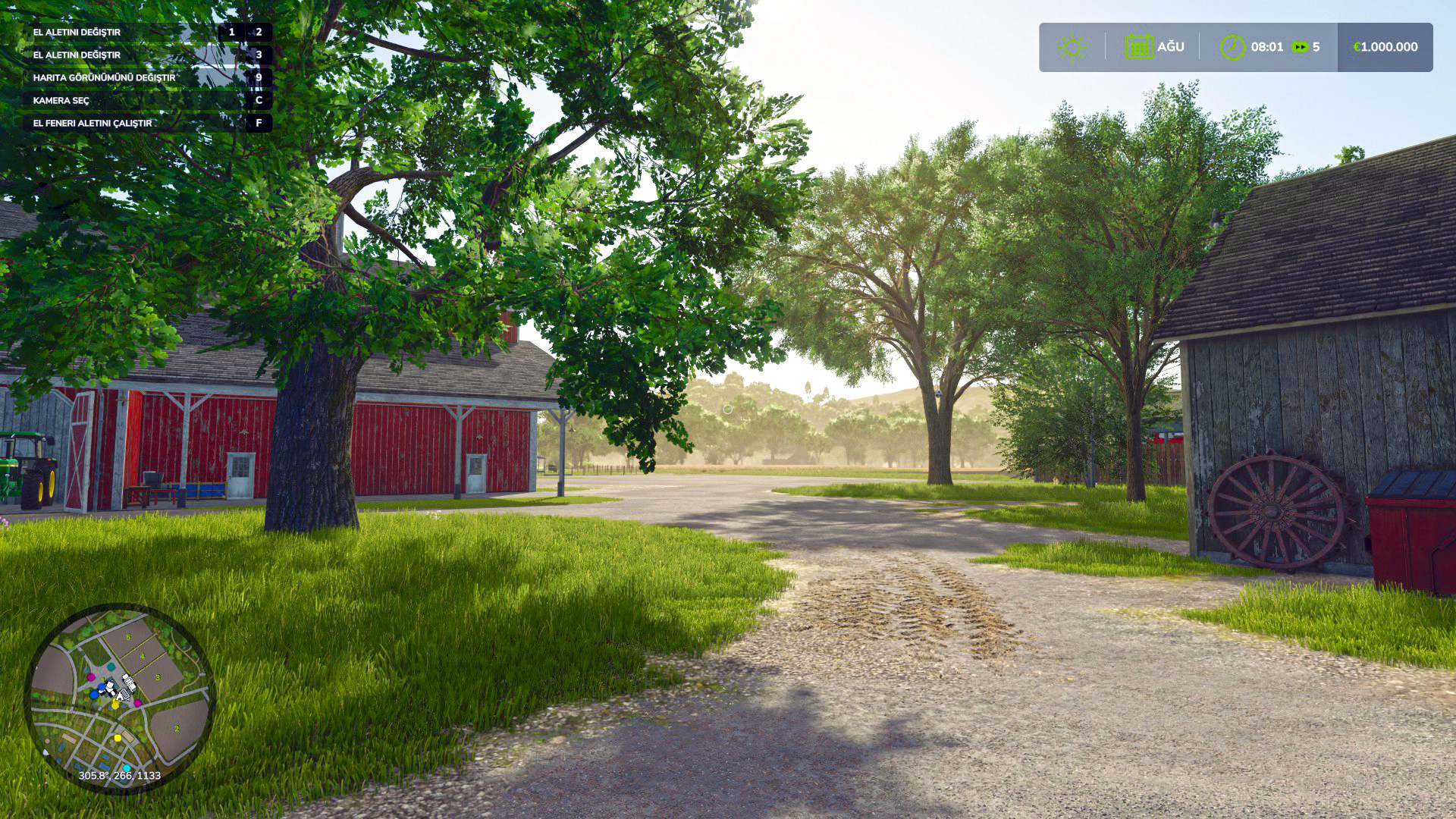
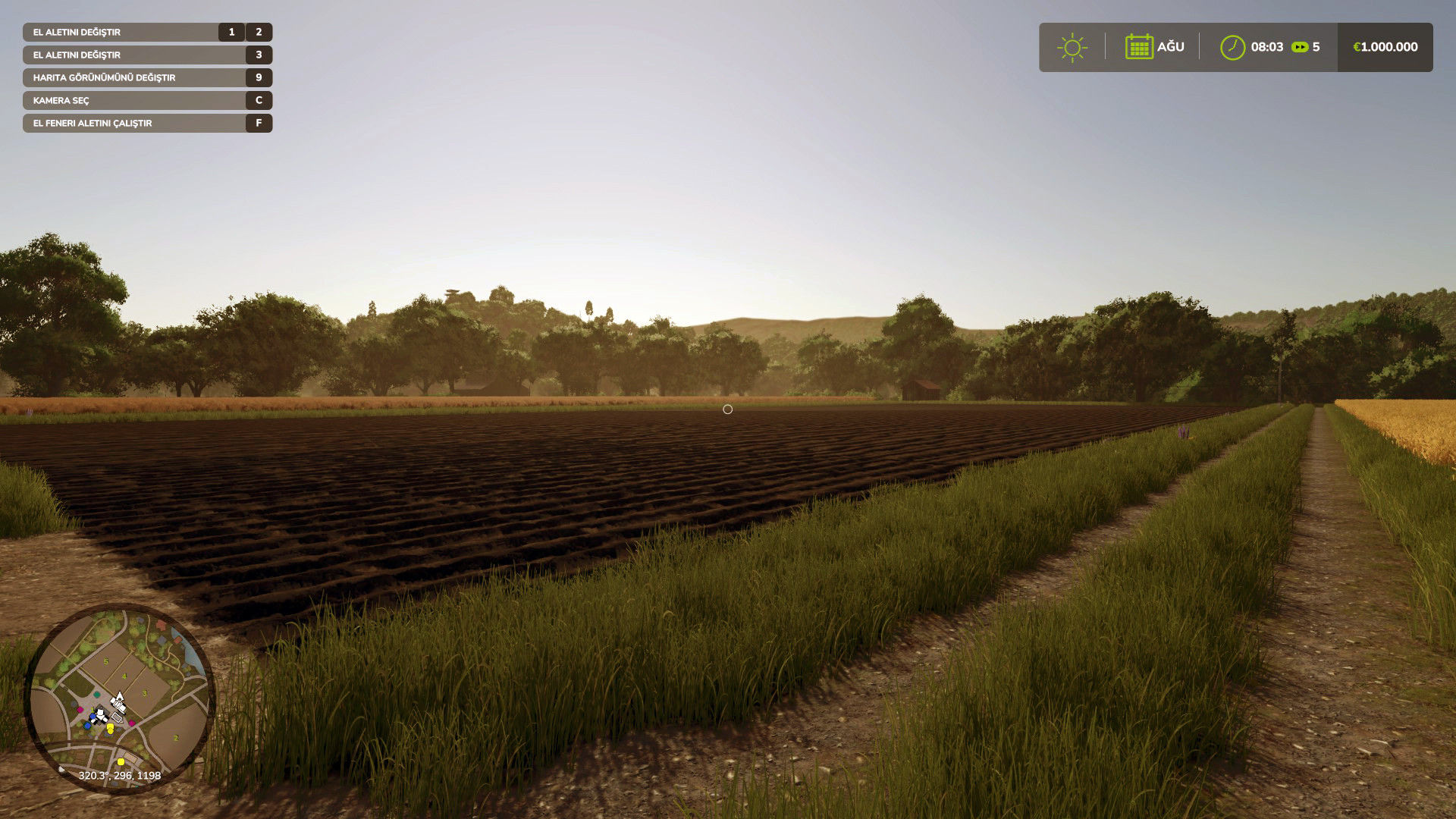
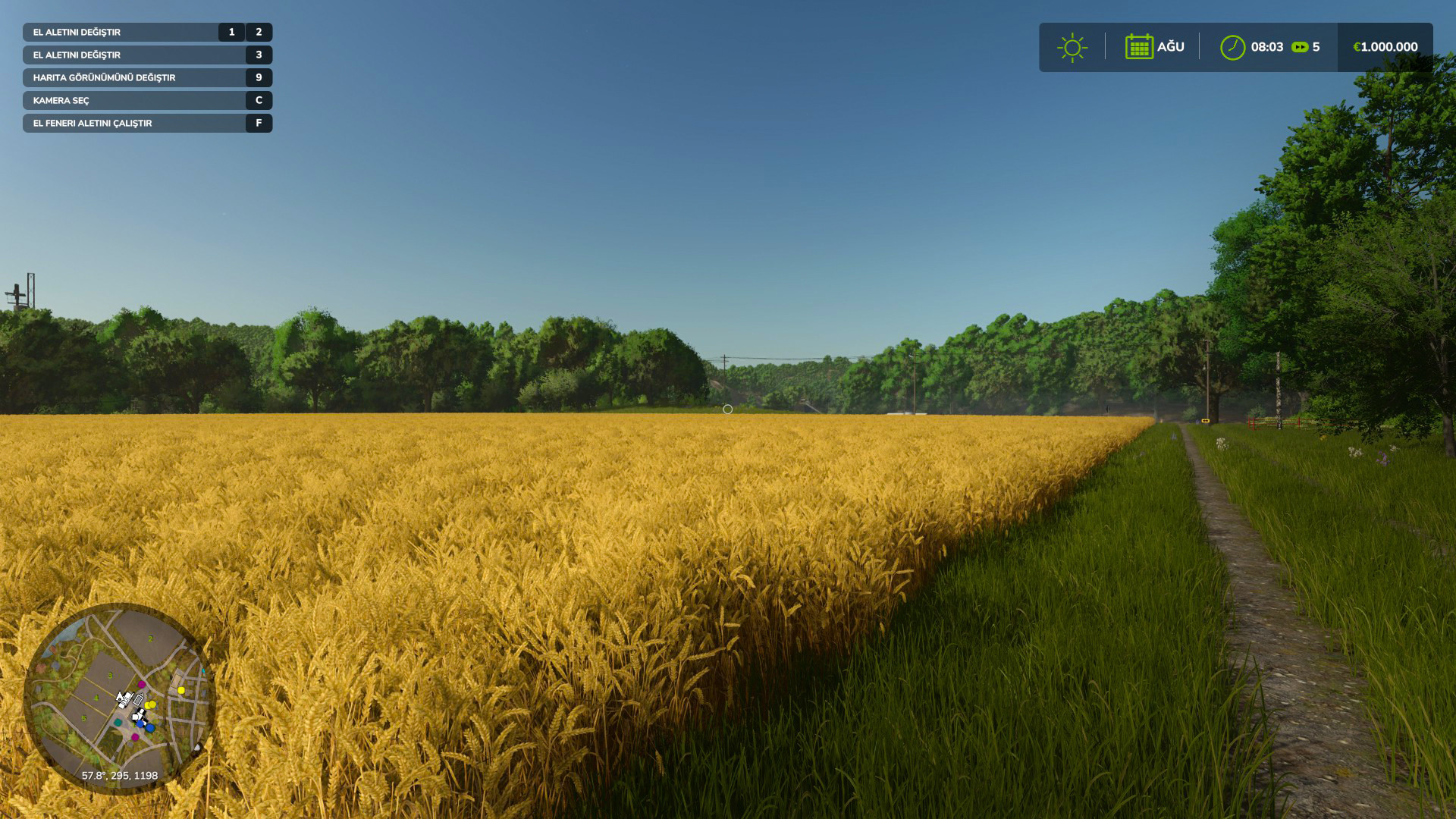
How to install
1 Open the downloaded file, open the "Graphic Mods File" folder, and then copy all the files in it.
2 Come to the place where the game is installed. example: D:\Farming Simulator 25
3 When you come to the place where the game is installed, you will see the "x64" folder.
4 Open the x64 folder, paste the files you copied into the x64 folder.
5 That's it for the transaction. but reshade needs to be installed. Let me tell you how to set up reshade.
How to install reshade?
1 https://reshade.me Download reshade from this link.
2 exe you downloaded. run the file.
3 Then find the game, press the "browse" button, go to the files where the game is installed, then open the "x64" folder. Select FarmingSimulator2025Game.exe.
4 then choose "Direct3D 10/11/12".
5 Press the "Uncheck all" button on the lower left side of the screen. Then press the "check all" button again. then press the "ok" button.
6 installation is in progress. When the installation is finished, press the edit reshade settings button.
7 Click on the preset at the top of the screen that appears. and select the "Graphic Mod.ini" file.
8 You can close it by clicking the ok button. installation is complete.
1 Open the downloaded file, open the "Graphic Mods File" folder, and then copy all the files in it.
2 Come to the place where the game is installed. example: D:\Farming Simulator 25
3 When you come to the place where the game is installed, you will see the "x64" folder.
4 Open the x64 folder, paste the files you copied into the x64 folder.
5 That's it for the transaction. but reshade needs to be installed. Let me tell you how to set up reshade.
How to install reshade?
1 https://reshade.me Download reshade from this link.
2 exe you downloaded. run the file.
3 Then find the game, press the "browse" button, go to the files where the game is installed, then open the "x64" folder. Select FarmingSimulator2025Game.exe.
4 then choose "Direct3D 10/11/12".
5 Press the "Uncheck all" button on the lower left side of the screen. Then press the "check all" button again. then press the "ok" button.
6 installation is in progress. When the installation is finished, press the edit reshade settings button.
7 Click on the preset at the top of the screen that appears. and select the "Graphic Mod.ini" file.
8 You can close it by clicking the ok button. installation is complete.
External Download Links:
About Mod
| Latest Version | 2 |
| Game | FS25 |
| Category | Developer Tools |
| Downloads | 1133 |
| Created | 1 year ago |
| Last Updated | 1 year ago |

Can't download... don't know why people refuse to use a simple download site like itch.io but the 3rd party downloader requires you to download their software too which is flagged with about 100 different warnings through my scanner. So end of day, this file isn't worth even attempting to download the way that it is.