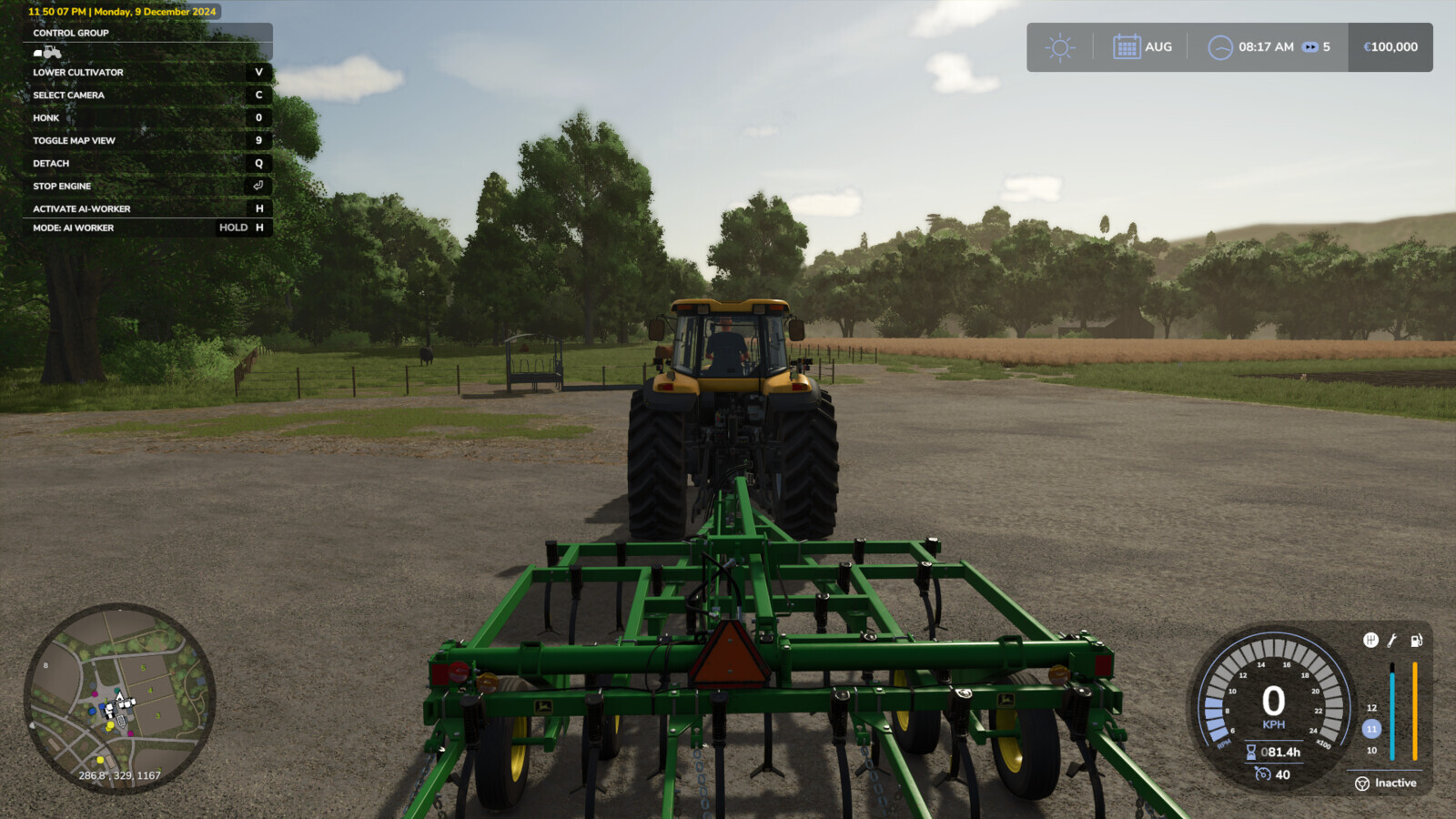
Additional Game Settings 1.0.0.5

0/5,
0
votes
Latest Update
latest
Version
1.0.0.5
9 months ago
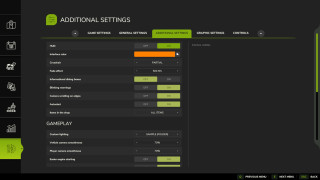
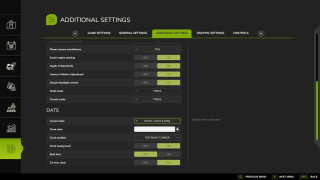
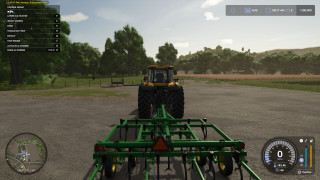
Changelog 1.0.0.5:
- Added tooltips for disabled interface options,
- Improved compatibility with some mods.
- Added tooltips for disabled interface options,
- Improved compatibility with some mods.
Description:
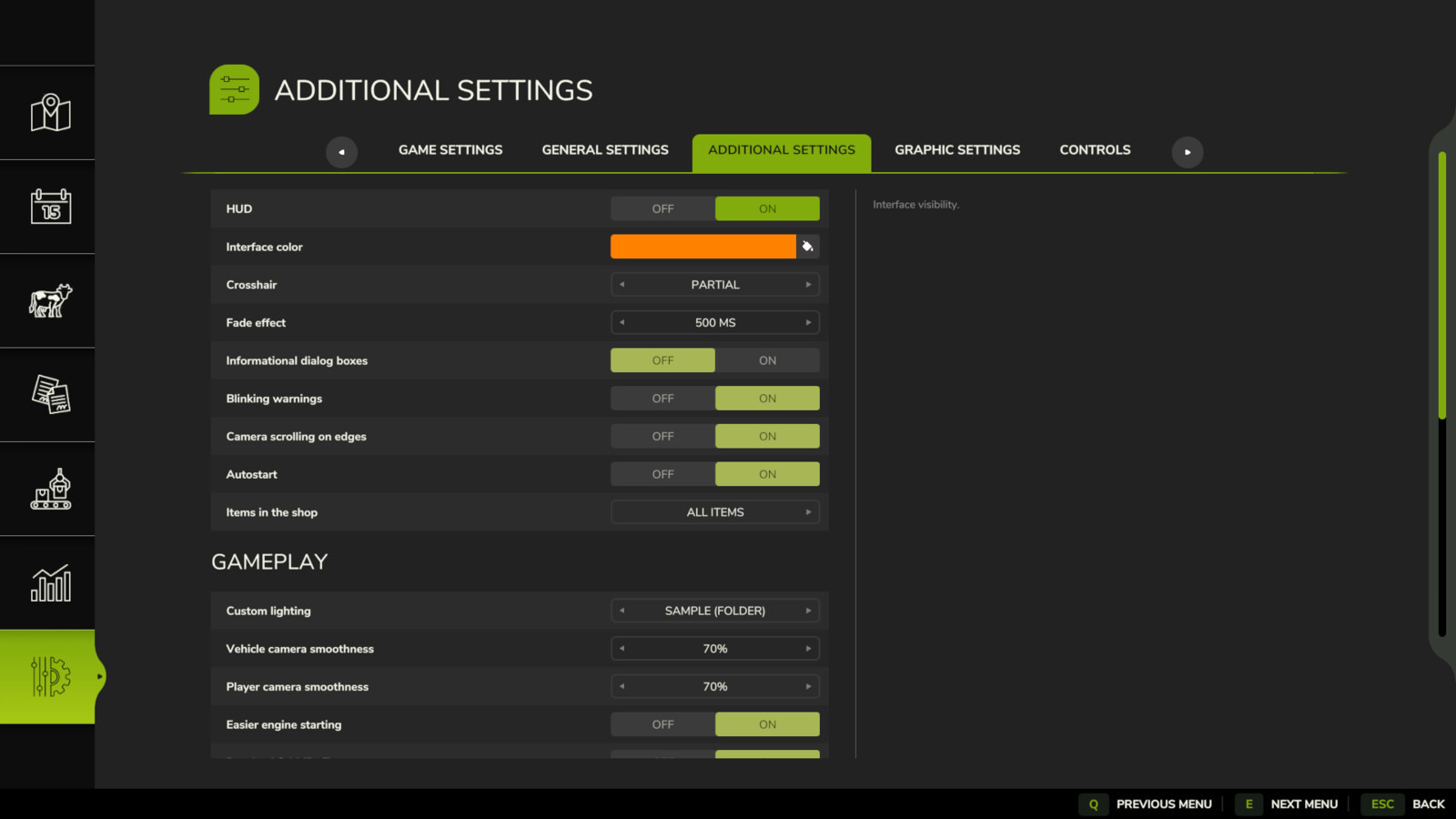
The pause menu now has a new settings tab thanks to this patch.
Available functions:
Rockstar
The pause menu now has a new settings tab thanks to this patch.
Available functions:
- Turn on and off the interface,
- Modify the color of the interface (you can add your own colors to the ".../modSettings/FS25_additionalGameSettings/uiColors.xml" file),
- Turn on or off the crosshair,
- When changing cameras, show a transition effect,
- Turn on or off superfluous informative windows,
- Turn on or off blinking alerts,
- Mouse camera movement can be enabled or disabled in object placement mode.
- Turn on or off automatic game saving starting,
- Filter shop objects (all/base/mods/DLC),
- You can change the lighting on other maps by adding custom lighting to the ".../modSettings/FS25_additionalGameSettings/lighting" folder.
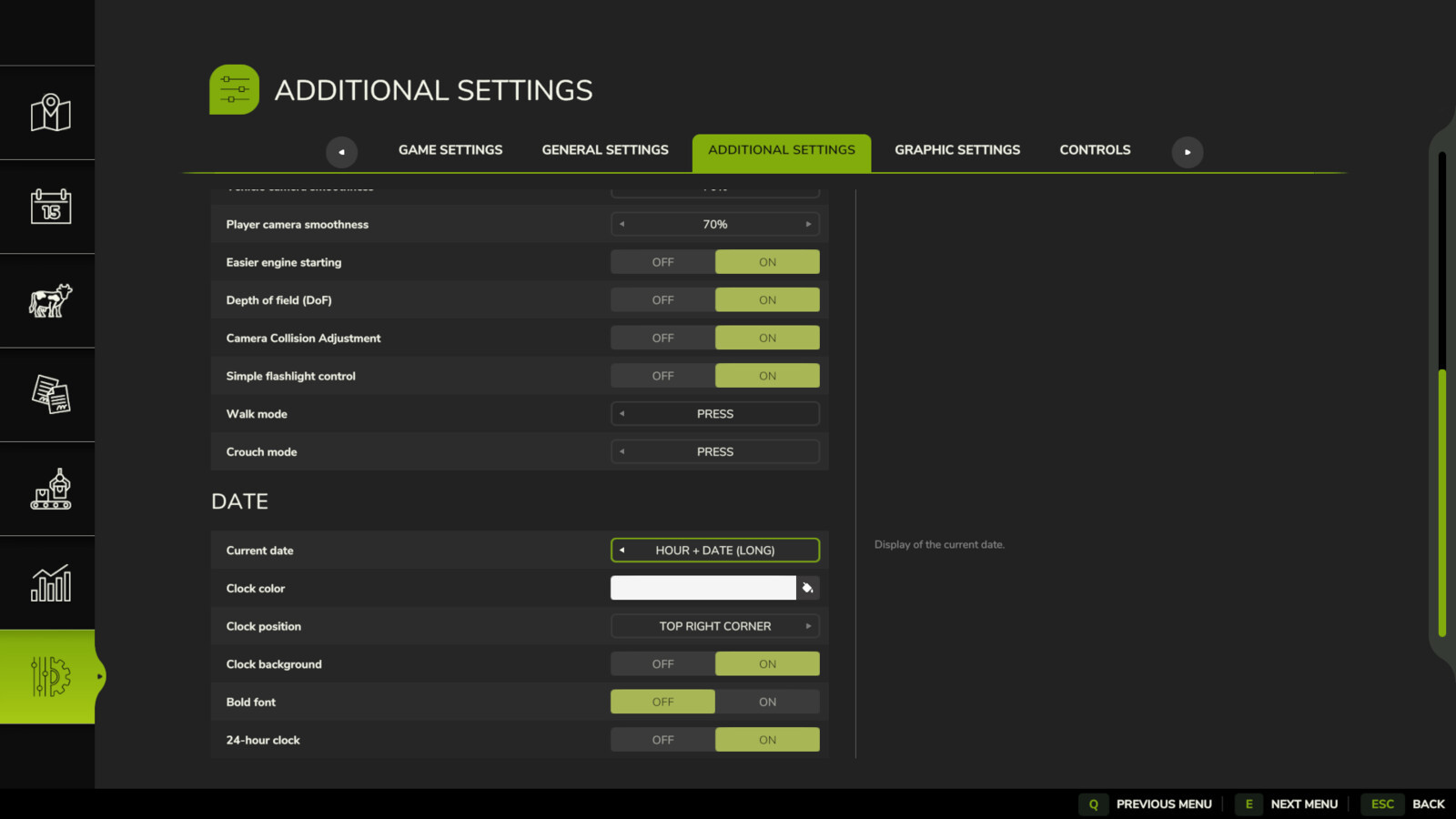
- Fluid camera motions,
- Pressing the acceleration key will start the car's engine.
- Turn on or off depth of field (DoF),
- Turn on or off camera collision,
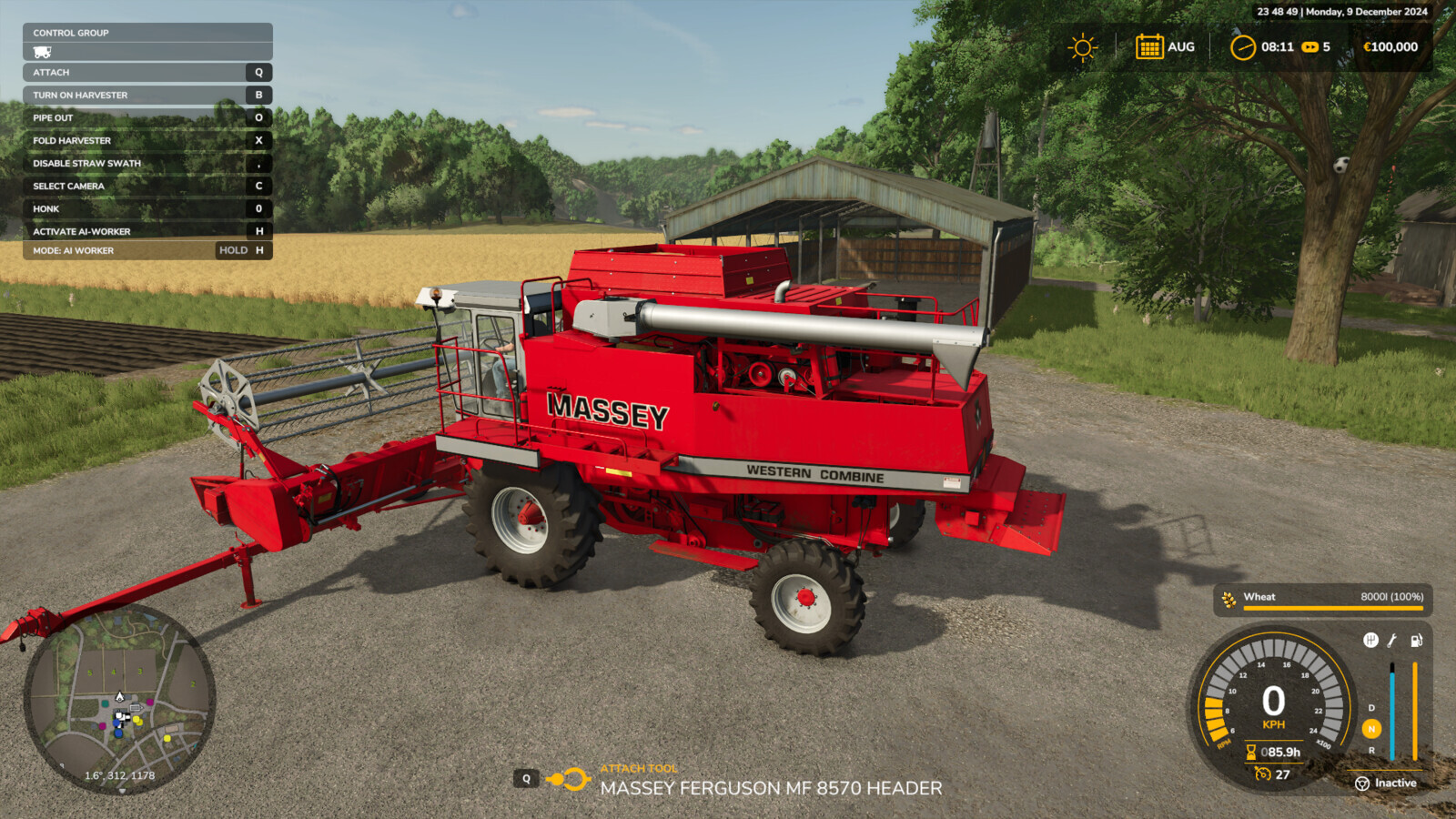
- Show the current date in a format, location, backdrop, color, and bold font that may be customized.
- A "Quit to desktop" button was added.
Rockstar
Direct Download Links
Version: 1.0.0.5Updated: 9 months ago
Total Size: 124.66 KB FS25_additionalGameSettings_modland.zip direct download · 124.66 KB · added 9 months ago
You Might Also Like »




0 Comments
There are no comments. Be first to comment!