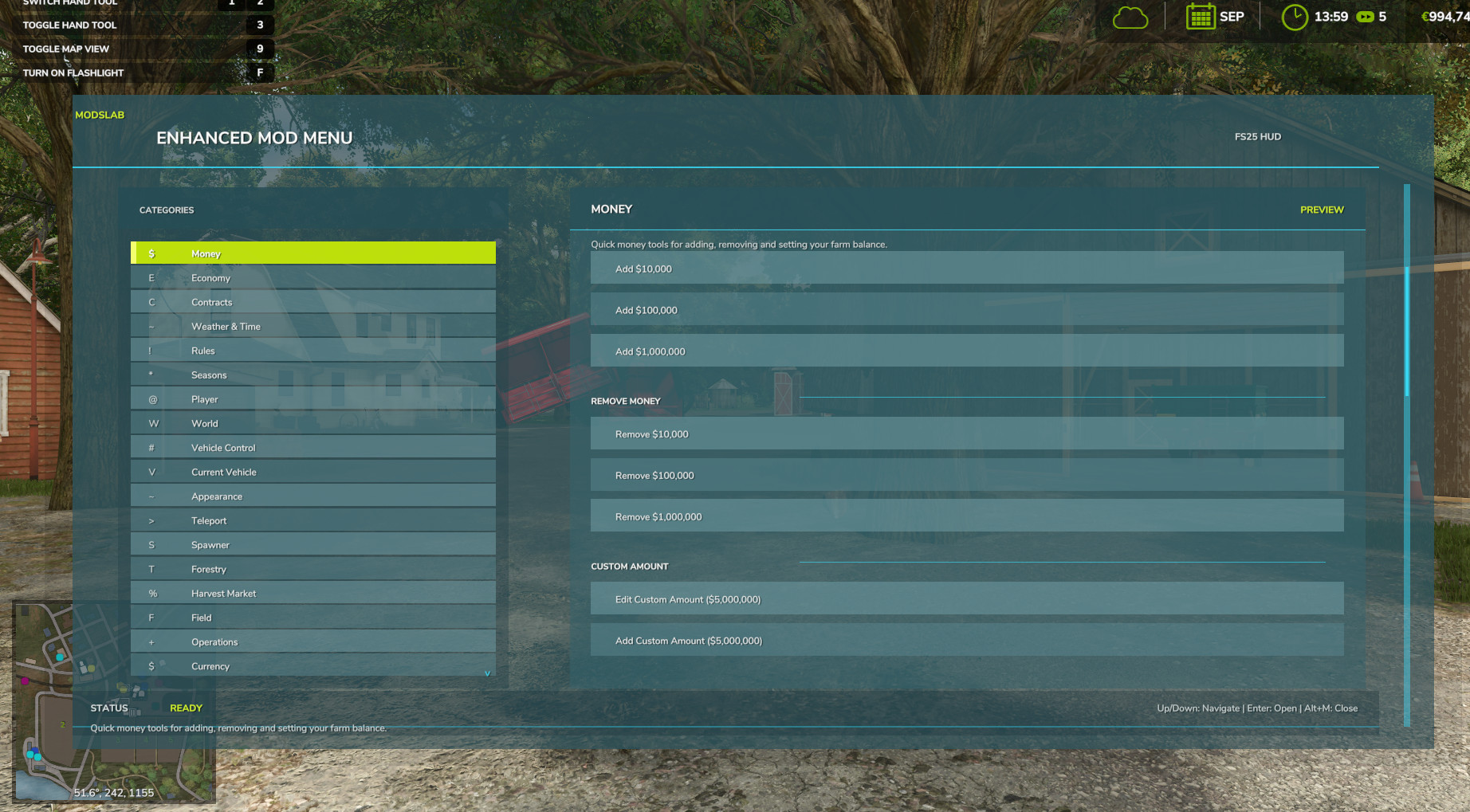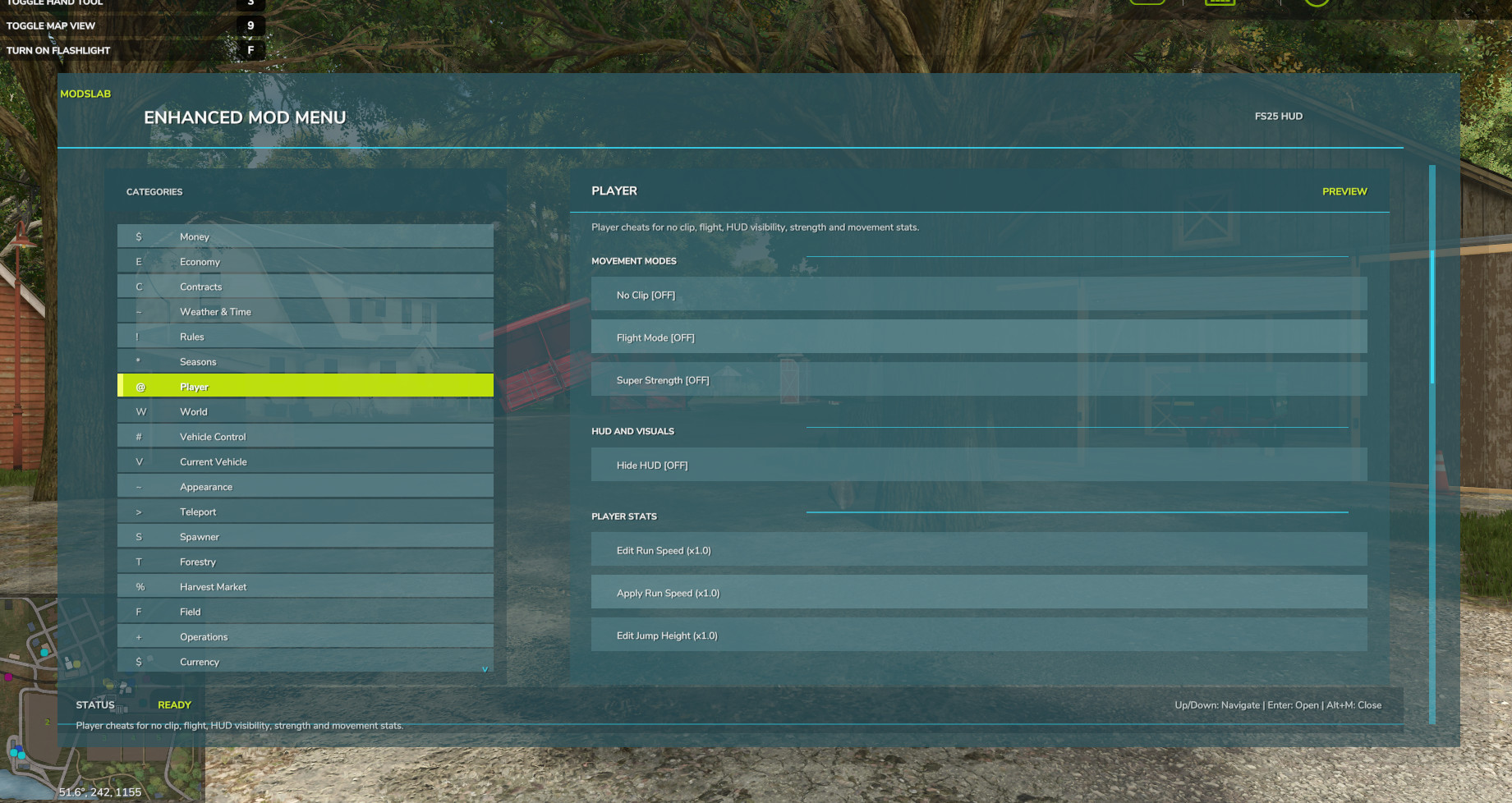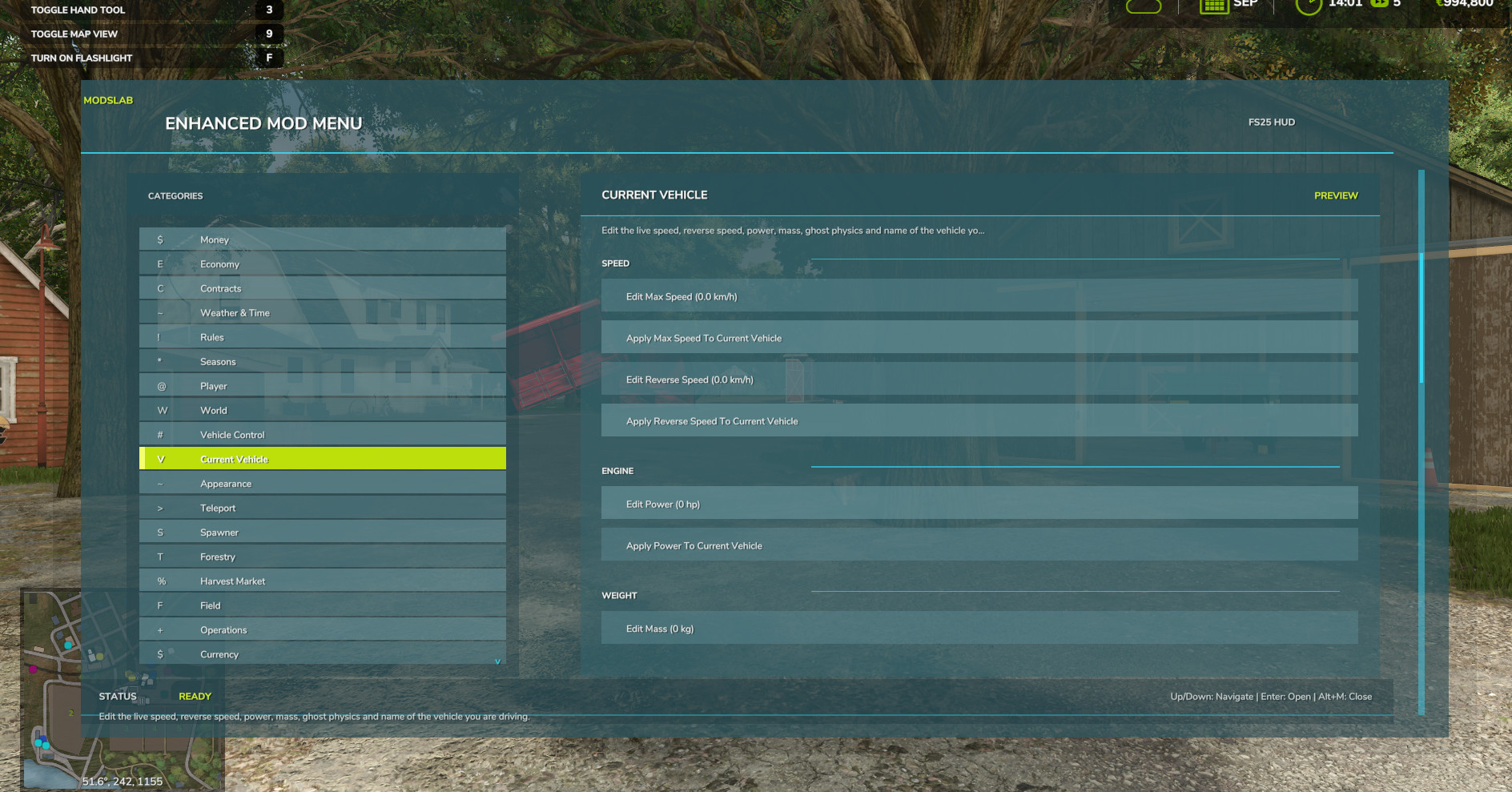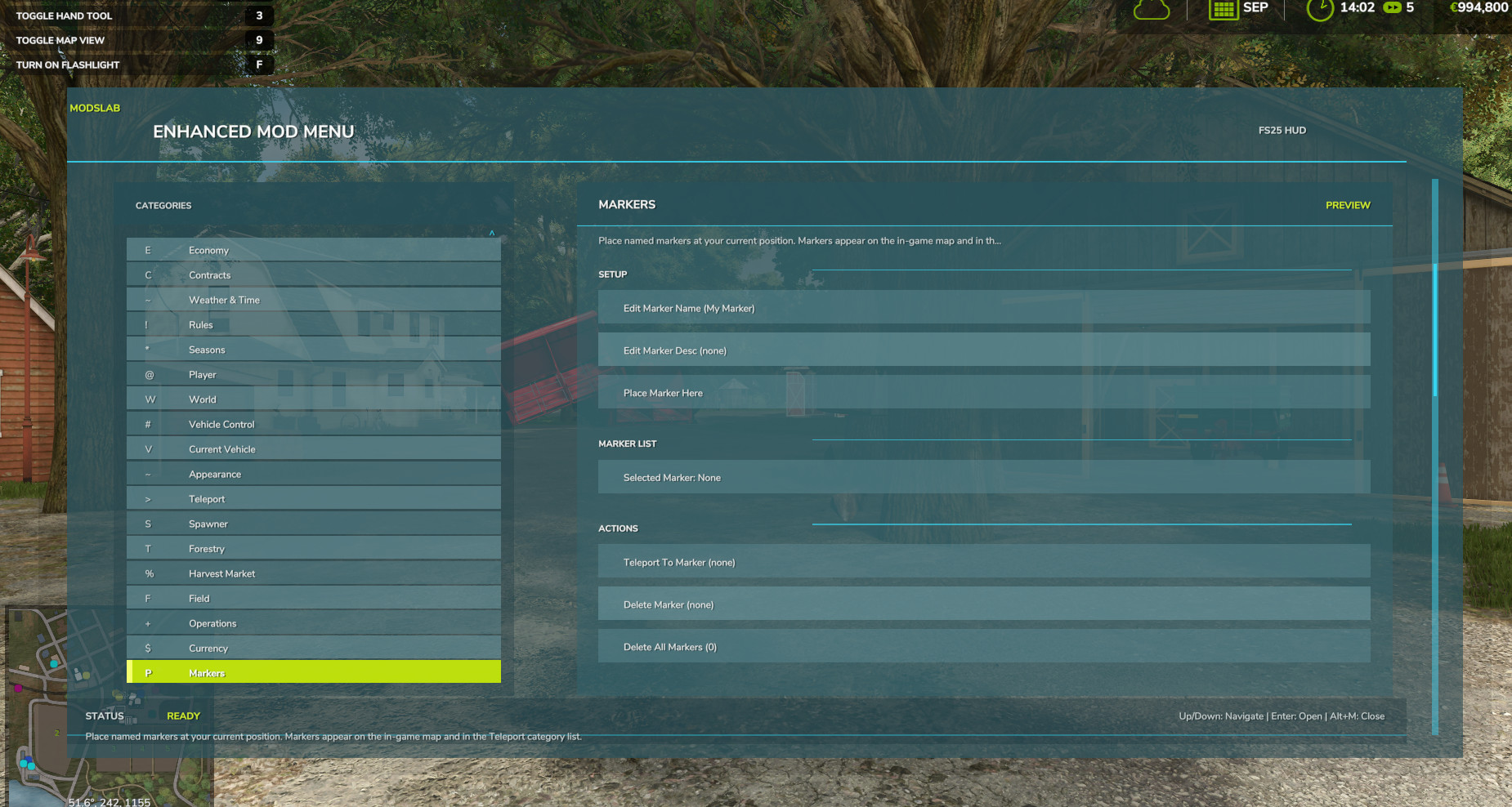
Enhanced Mod / Cheat Menu 2.0.0.0

5/5,
3
votes
Changelog
latest
Version
2.0.0.0
2 months ago
New tools and managers:
- Command Palette - type anything to instantly search and run any action in the whole mod (mouse + keyboard).
- Profiles - built-in Sandbox / All Cheats Off, plus save your own cheat sets. Cross-save, one-click apply.
- Fleet Manager - browse all your vehicles: repair, clean, wash, set damage %, fill/empty fuel (one or ALL), summon to you, and Hide/Restore a vehicle off-map without selling it.
- Farm Dashboard - one screen: balance, loan, productions, livestock, fleet, fields, contracts and active cheats.
- Contracts Manager - pick any active contract and complete or cancel it (or all of them at once).
- Fields Manager - browse every field on the map (size / owner / location) and teleport to it.
- Buildings - move, rotate, sell at full price, bulldoze for free, or auto-complete construction of any placeable you own.
- Freight - bale and pallet bulk tools plus a per-item picker (find / teleport / remove a specific bale or pallet).
Vehicles
- No Fuel Usage - fully stops fuel/energy consumption for the vehicle you're driving (not just a bigger tank).
- No Wear and Damage - disables the whole wear and damage system.
- Vehicle State Snapshots - save a vehicle's condition (damage, dirt, fuel/fill levels) to 3 slots and restore it in one click.
- Engine damage and fuel handled through the game's own systems.
Customization and UX:
- Global settings file - your theme, colors and preferences now survive both save changes AND a full mod reinstall.
- RGB Theme Editor - build your own menu color theme (accent / background / pane / outline). WIP.
- Menu Scale - size the whole menu to taste (x0.70 to x1.30).
- Sub-tabs - long categories (Current Vehicle, Field, Buildings, Freight) are now split into clean tabs.
- Hide what you don't use - hide entire categories OR individual items; bring them all back any time.
- Quick HUD Bar - pin your favorite toggles to an always-on overlay.
Under the hood (already available, but not visible):
- Mod-integration framework: auto-detects installed 3rd-party mods and only then shows their actions.
- Performance: owned-object scans are cached for smoother menus on big farms.
- Clean release log (all diagnostics behind an opt-in Debug Logging toggle).
- New content localized for all 27 languages.
Open the menu with Alt + M.
- Command Palette - type anything to instantly search and run any action in the whole mod (mouse + keyboard).
- Profiles - built-in Sandbox / All Cheats Off, plus save your own cheat sets. Cross-save, one-click apply.
- Fleet Manager - browse all your vehicles: repair, clean, wash, set damage %, fill/empty fuel (one or ALL), summon to you, and Hide/Restore a vehicle off-map without selling it.
- Farm Dashboard - one screen: balance, loan, productions, livestock, fleet, fields, contracts and active cheats.
- Contracts Manager - pick any active contract and complete or cancel it (or all of them at once).
- Fields Manager - browse every field on the map (size / owner / location) and teleport to it.
- Buildings - move, rotate, sell at full price, bulldoze for free, or auto-complete construction of any placeable you own.
- Freight - bale and pallet bulk tools plus a per-item picker (find / teleport / remove a specific bale or pallet).
Vehicles
- No Fuel Usage - fully stops fuel/energy consumption for the vehicle you're driving (not just a bigger tank).
- No Wear and Damage - disables the whole wear and damage system.
- Vehicle State Snapshots - save a vehicle's condition (damage, dirt, fuel/fill levels) to 3 slots and restore it in one click.
- Engine damage and fuel handled through the game's own systems.
Customization and UX:
- Global settings file - your theme, colors and preferences now survive both save changes AND a full mod reinstall.
- RGB Theme Editor - build your own menu color theme (accent / background / pane / outline). WIP.
- Menu Scale - size the whole menu to taste (x0.70 to x1.30).
- Sub-tabs - long categories (Current Vehicle, Field, Buildings, Freight) are now split into clean tabs.
- Hide what you don't use - hide entire categories OR individual items; bring them all back any time.
- Quick HUD Bar - pin your favorite toggles to an always-on overlay.
Under the hood (already available, but not visible):
- Mod-integration framework: auto-detects installed 3rd-party mods and only then shows their actions.
- Performance: owned-object scans are cached for smoother menus on big farms.
- Clean release log (all diagnostics behind an opt-in Debug Logging toggle).
- New content localized for all 27 languages.
Open the menu with Alt + M.
Version
1.9.0.0
2 months ago
- Added the ability to remove trees, branches, logs, and stumps within a selected radius;
- Added production management tools: fill all required ingredients, sell products at high prices, adjust production cycles, and more;
- Added pasture management. You can increase pasture capacity, set animal care to 100%, fill all storages, and use many other useful options;
- Improved menu navigation for a smoother and more convenient experience;
- Added various other improvements and refinements.
- Added production management tools: fill all required ingredients, sell products at high prices, adjust production cycles, and more;
- Added pasture management. You can increase pasture capacity, set animal care to 100%, fill all storages, and use many other useful options;
- Improved menu navigation for a smoother and more convenient experience;
- Added various other improvements and refinements.
Version
1.8.0.0
2 months ago
- Lots of fixes and improvements/new features in version 1.7
- In 1.8 added Build, Terraform And Paint anywhere (category: world)
- Added option to choose menu color (category: System)
Version
1.6.0.0
3 months ago
Added a simple Photo Mode, which can be enabled in the "System" category. In Photo Mode, you can:
- Move around in free camera mode, with Flight Mode and NoClip enabled by default
- Change the weather, season, and time of day
- HUD is automatically hidden
- Time is stopped
- Enable/disable traffic
- Enable/disable the player model
- Zoom the camera in/out with the mouse wheel
- Change brightness
Important! There is one bug: the character moves in place when pressing W/S/A/D, but does not actually move, only plays the movement animation. That is why the option to hide the player model was added. Photo Mode was added by request and will be improved further in future updates.
- Move around in free camera mode, with Flight Mode and NoClip enabled by default
- Change the weather, season, and time of day
- HUD is automatically hidden
- Time is stopped
- Enable/disable traffic
- Enable/disable the player model
- Zoom the camera in/out with the mouse wheel
- Change brightness
Important! There is one bug: the character moves in place when pressing W/S/A/D, but does not actually move, only plays the movement animation. That is why the option to hide the player model was added. Photo Mode was added by request and will be improved further in future updates.
Version
1.3.0.0
3 months ago
- Added the ability to change tool parameters (cultivator, etc.). The tool must be attached to the vehicle you are currently in. You can change: working width, working speed, required power.
- Added the ability to change the date and time of day (not only basic presets, but any time);
- Fixed a bug with restoring the default engine power values;
- Fixed a bug that caused the "Invisible Player" function not to work.
- Added the ability to change the date and time of day (not only basic presets, but any time);
- Fixed a bug with restoring the default engine power values;
- Fixed a bug that caused the "Invisible Player" function not to work.
Version
1.2.0.0
3 months ago
- Added the ability to teleport to NPCs on the map;
- Added the ability to fast-forward time (1 day, 3 days, 1 week, a month, and even a year);
- Finally fixed localization for the base FS25 languages and tested it — everything works. Important note: due to obvious reasons, the translation is automatic, so there may be errors. Please be understanding;
- Updated the mod preview.
Important! Dear users, the mod has not yet been tested in multiplayer / dedicated servers. In theory, it should work correctly, but at the moment there is no way to test it in MP. If anyone has tested it, please share the results and any found bugs in the comments so I can fix them. In the near future, all my mods will receive multiplayer support and will be fully tested.
- Added the ability to fast-forward time (1 day, 3 days, 1 week, a month, and even a year);
- Finally fixed localization for the base FS25 languages and tested it — everything works. Important note: due to obvious reasons, the translation is automatic, so there may be errors. Please be understanding;
- Updated the mod preview.
Important! Dear users, the mod has not yet been tested in multiplayer / dedicated servers. In theory, it should work correctly, but at the moment there is no way to test it in MP. If anyone has tested it, please share the results and any found bugs in the comments so I can fix them. In the near future, all my mods will receive multiplayer support and will be fully tested.
Version
1.1.0.0 Hotfix
3 months ago
- Added localization for all base FS25 languages;
- Fixed multiplayer compatibility (the mod should now work in multiplayer only on the host side and for players with master/admin rights. The mod has not yet been fully tested in multiplayer; future updates will focus on testing, improving multiplayer stability, and adding new features);
- Fixed menu navigation (in some cases, the menu did not scroll down visually even though additional interactions and functions were available below).
Version
1.1.0.0
· Enhanced Mod Menu
3 months ago
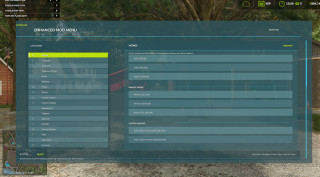
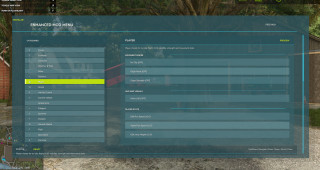
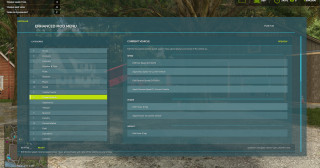
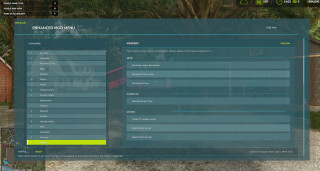
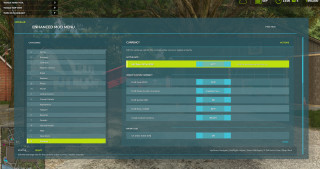
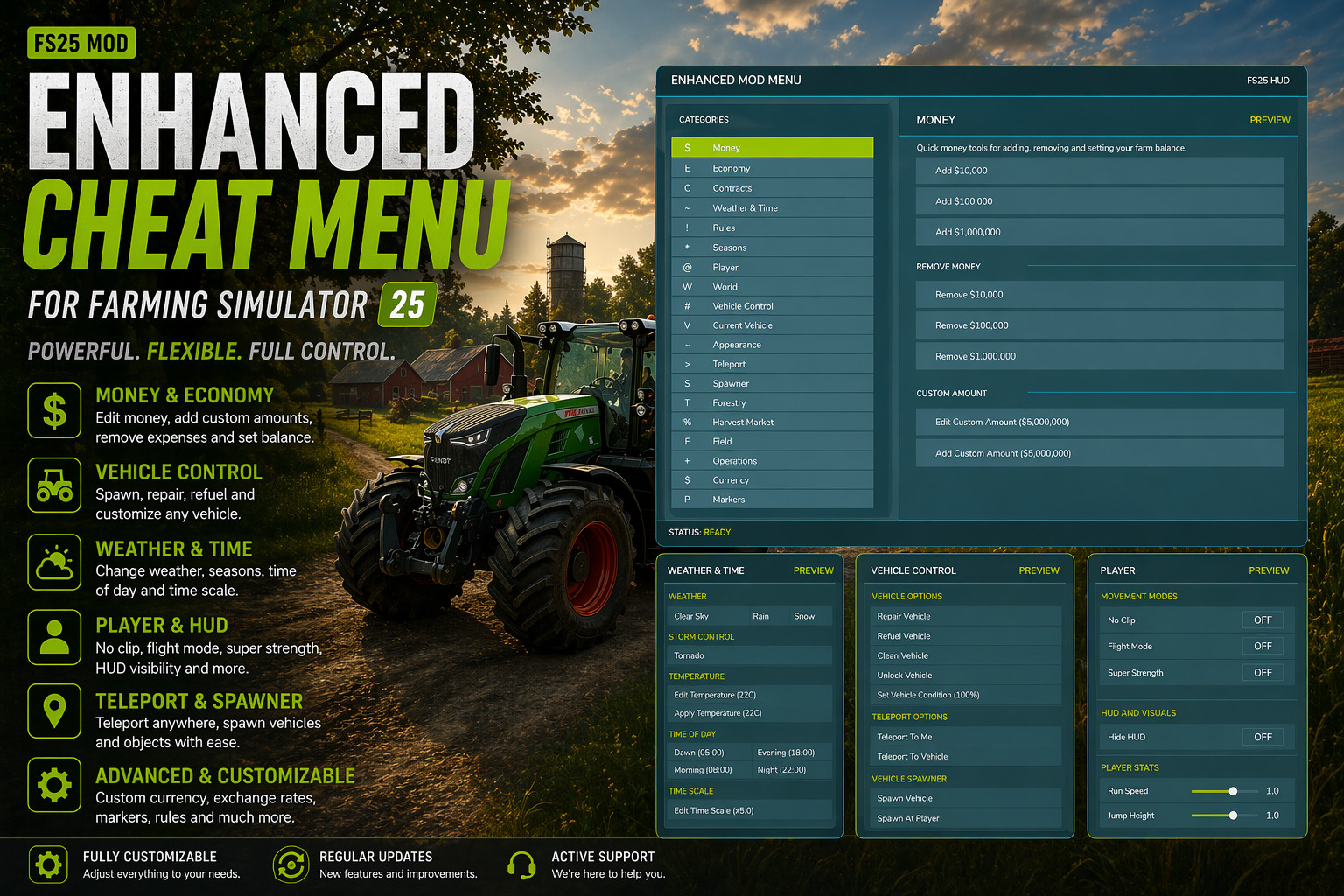
- The menu has been completely redesigned and is now a full-featured HUD in the FS25 style;
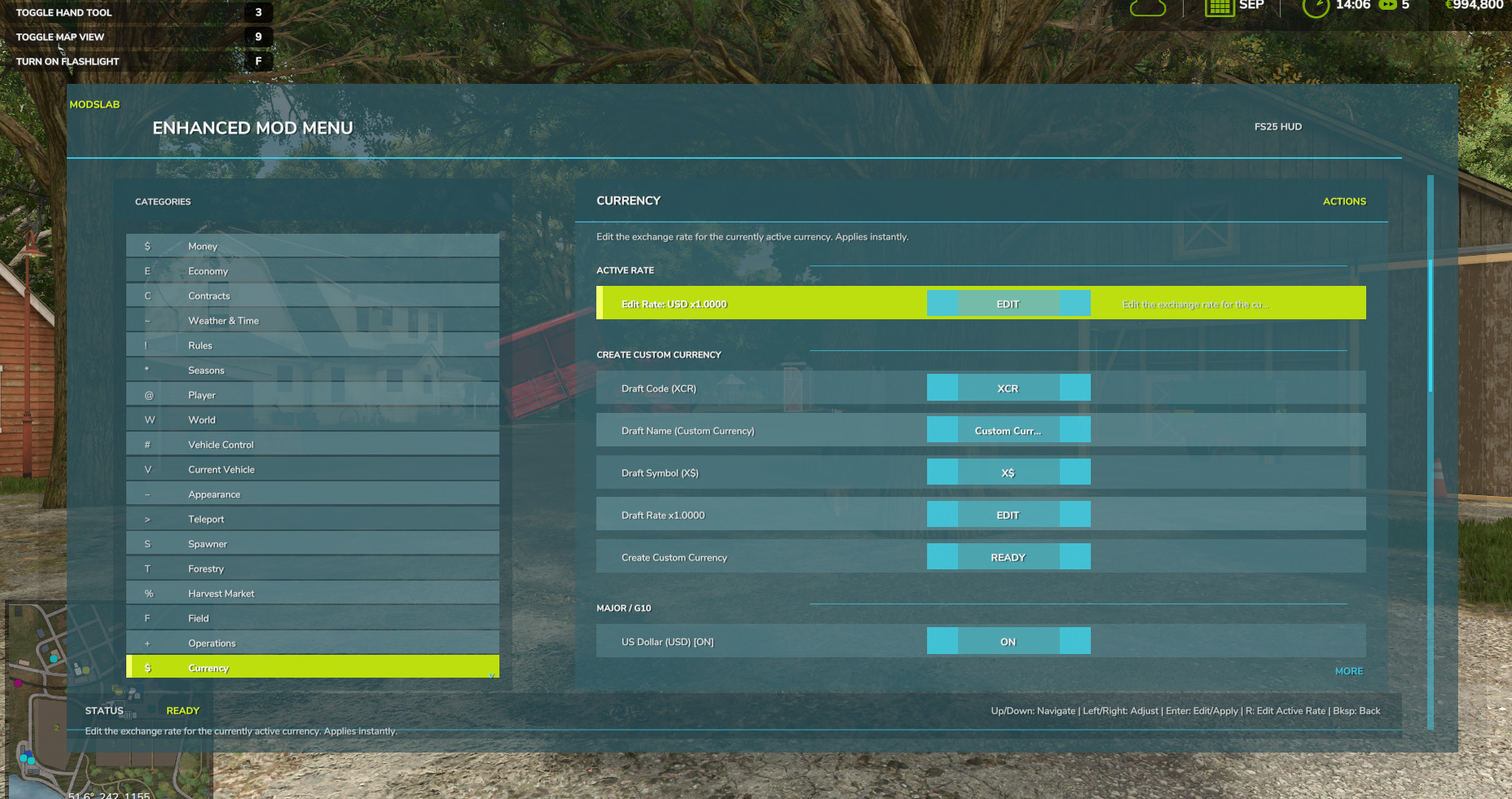
- Added the ability to create a custom currency.
- Added the ability to create a custom currency.