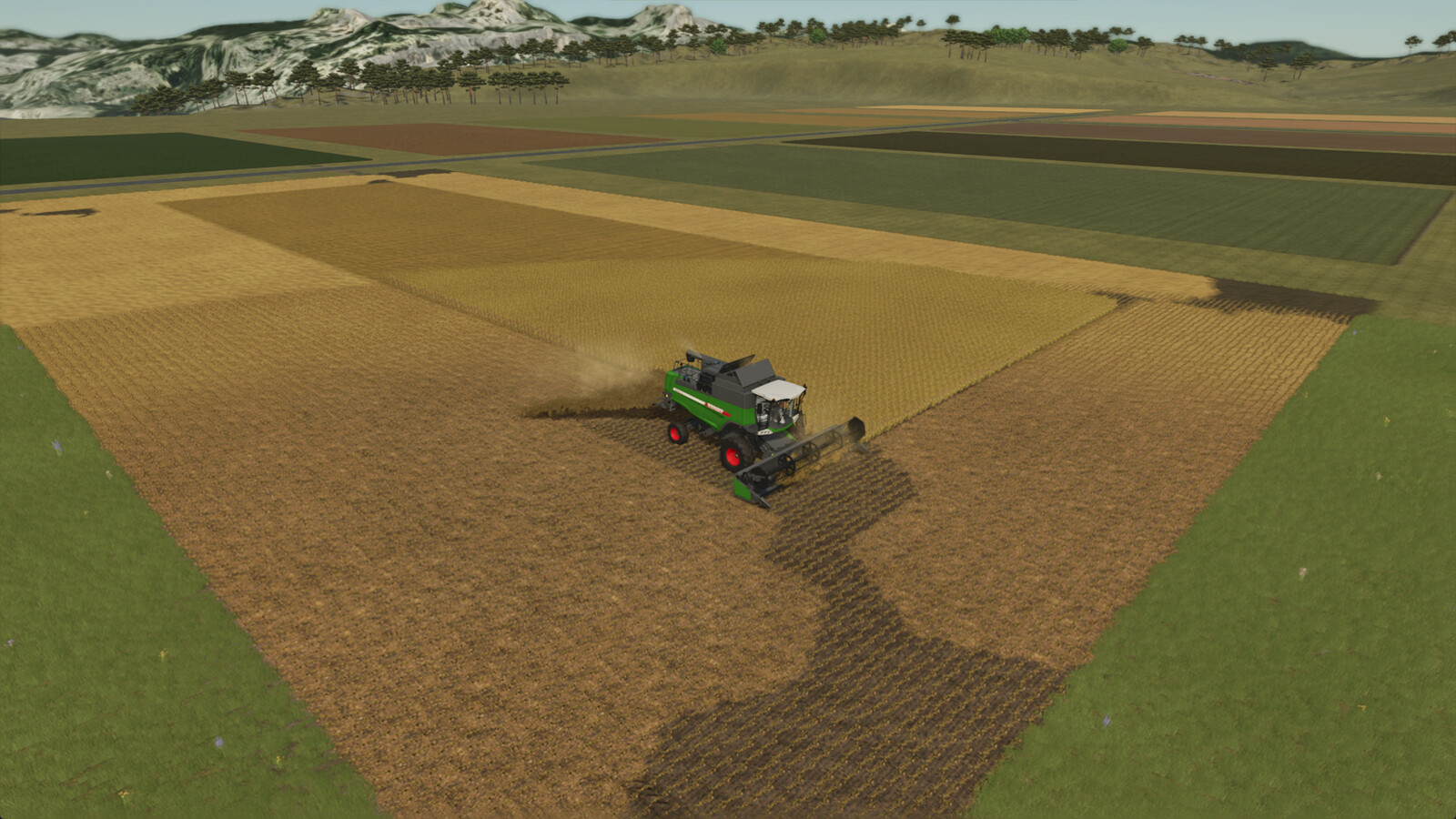
Non-Stop Crop 1.0

0/5,
0
votes
Description:
Harvest without ever stopping. Non-Stop Crop transfers the incoming crop from your harvester directly to a silo or storage object.
Features:
- Transfers crops directly from harvester to destination.
- Vehicle HUD shows the destination's current fill level and capacity (suffixed with "(in destination)").
- Support for Combine harvesters, Forage harvesters, and Forage wagons.
- Supported destinations include Silos, Bunker silos, Production, and Animal husbandry.
- Automatic map hotspots and teleport options for bunker silos.
- Validation system that warns if a destination cannot accept the current fill type.
Press Left Alt + N while in a supported vehicle to enable or disable Non-Stop Crop. Each vehicle stores its own enabled state and destination.
How to assign a destination:
1. Open the map menu.
2. Click on a hotspot of a support destination.
3. Click on "Set destination".
Credits:
Jos
Harvest without ever stopping. Non-Stop Crop transfers the incoming crop from your harvester directly to a silo or storage object.
Features:
- Transfers crops directly from harvester to destination.
- Vehicle HUD shows the destination's current fill level and capacity (suffixed with "(in destination)").
- Support for Combine harvesters, Forage harvesters, and Forage wagons.
- Supported destinations include Silos, Bunker silos, Production, and Animal husbandry.
- Automatic map hotspots and teleport options for bunker silos.
- Validation system that warns if a destination cannot accept the current fill type.
Press Left Alt + N while in a supported vehicle to enable or disable Non-Stop Crop. Each vehicle stores its own enabled state and destination.
How to assign a destination:
1. Open the map menu.
2. Click on a hotspot of a support destination.
3. Click on "Set destination".
Credits:
Jos
Direct Download Links
Version: 1.0Updated: 4 months ago
Total Size: 90.34 KB FS25_NonStopCrop_modland.zip direct download · 90.34 KB · added 4 months ago
You Might Also Like »




0 Comments
There are no comments. Be first to comment!