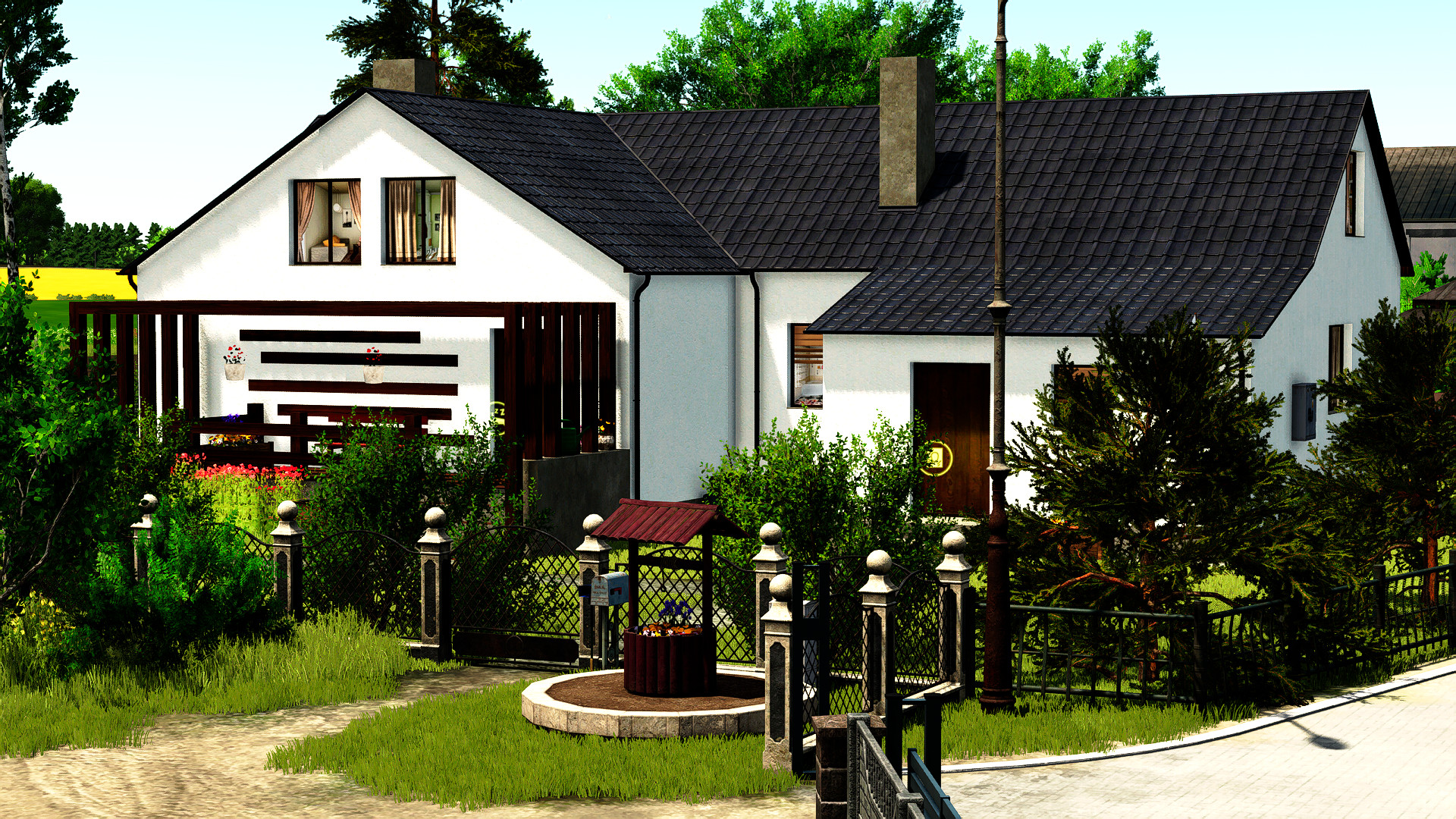
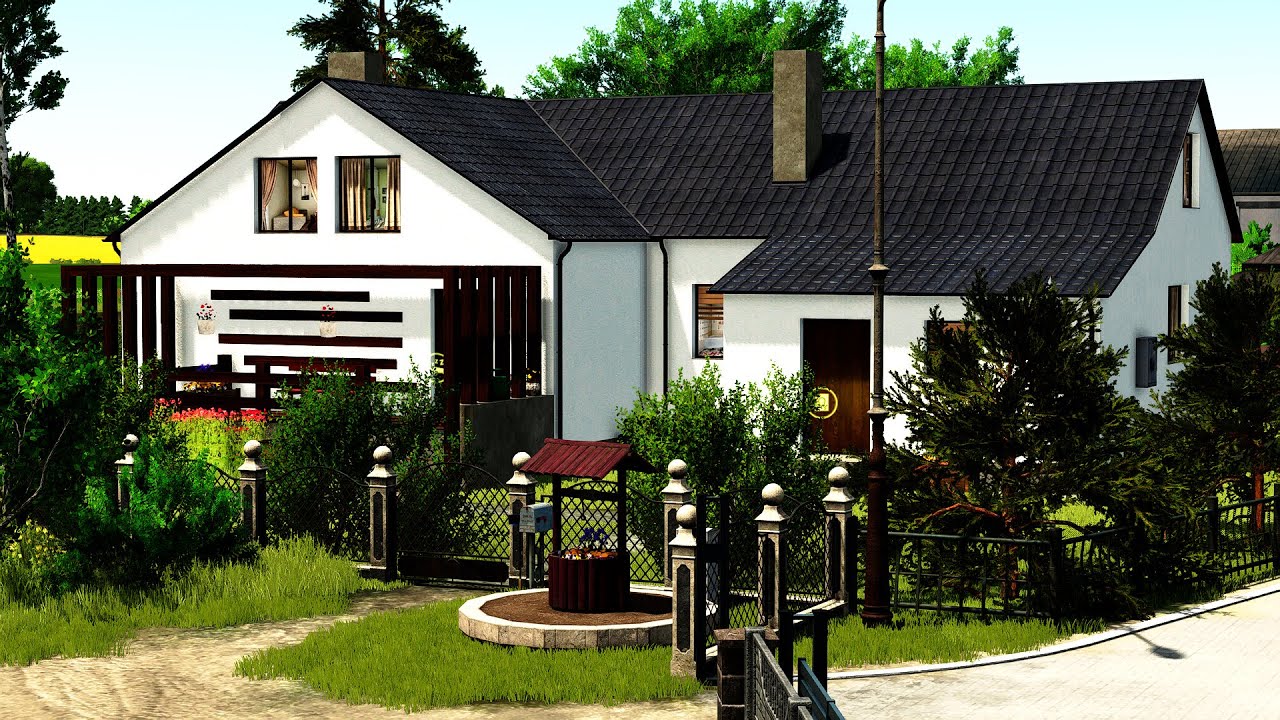
Orzechollo Lighting 1.0

0/5,
0
votes
** Required modification for Additional Game Settings: https://www.farmingsimulator.com/mod.php?mod_id=308552&title=fs2025 **
- Start your savegame with the modification enabled, save the game, and exit.
- Copy the Orzechollo folder from the .rar file into: /Documents/My Games/FarmingSimulator2025/modSettings/FS25_additionalGameSettings/lighting/
- Launch your savegame again, then go to Settings / Additional Settings / Gameplay, and in Custom Lighting look for "ORZECHOLLO (folder)".
- Once you select it, go back to the game and it should work.
External Download Links:
Videos
Direct Download Links
Version: 1.0Updated: 11 months ago
Total Size: 4.19 KB light_orzechollo_modland.rar direct download · 2.19 KB · added 11 months ago
You Might Also Like »






0 Comments
There are no comments. Be first to comment!