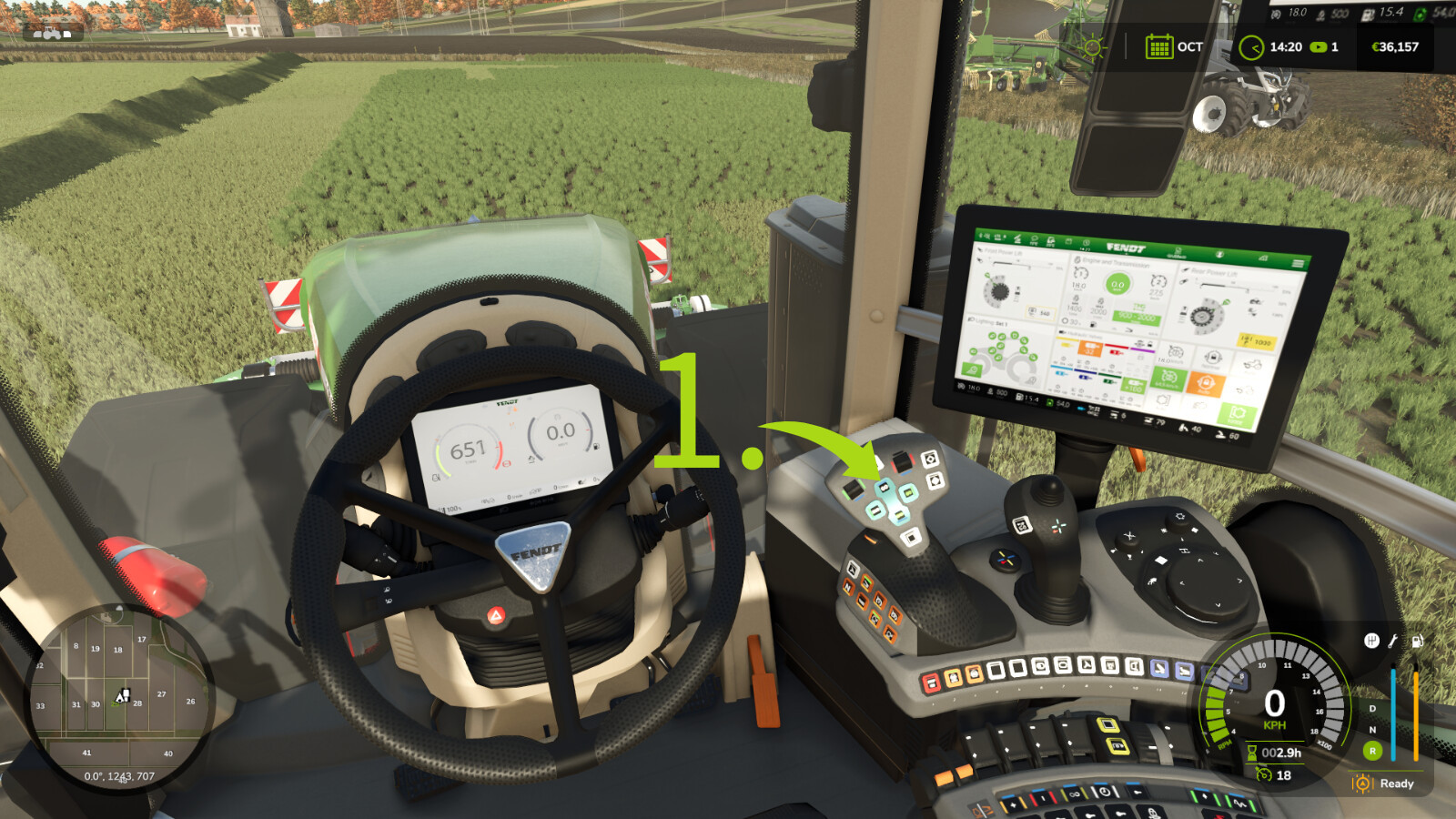
Teach-IN Extension 1.0

0/5,
0
votes
Description:
Teach-IN Extension adds freely configurable sequences for recurring operating and workflow routines to Farming Simulator 25.
Features:
- 4 freely assignable Teach-In sequences
- Trigger types: Immediate, Manual, Time, and Distance
- Actions for cruise control C1/C2, GPS, front/rear linkage, and front/rear PTO
- Clear menu for creating, editing, moving, and deleting slots
- Profiles can be saved and loaded
- Suitable for recurring field operations and fixed work routines
- Multiplayer support
Default key bindings:
- Open/close menu: Left Ctrl + Left Alt + T
- Start sequence 1: Left Ctrl + Left Alt + Up Arrow
- Start sequence 2: Left Ctrl + Left Alt + Down Arrow
- Start sequence 3: Left Ctrl + Left Alt + Right Arrow
- Start sequence 4: Left Ctrl + Left Alt + Left Arrow
- Stop active sequence: Left Ctrl + Left Alt + Numpad 0
- Preselect cruise control C1 directly: Left Ctrl + Left Alt + 1
- Preselect cruise control C2 directly: Left Ctrl + Left Alt + 2
Ideal for precise, repeatable field routines and convenient control of fixed work processes.
Credits:
SebiTronik
Teach-IN Extension adds freely configurable sequences for recurring operating and workflow routines to Farming Simulator 25.
Features:
- 4 freely assignable Teach-In sequences
- Trigger types: Immediate, Manual, Time, and Distance
- Actions for cruise control C1/C2, GPS, front/rear linkage, and front/rear PTO
- Clear menu for creating, editing, moving, and deleting slots
- Profiles can be saved and loaded
- Suitable for recurring field operations and fixed work routines
- Multiplayer support
Default key bindings:
- Open/close menu: Left Ctrl + Left Alt + T
- Start sequence 1: Left Ctrl + Left Alt + Up Arrow
- Start sequence 2: Left Ctrl + Left Alt + Down Arrow
- Start sequence 3: Left Ctrl + Left Alt + Right Arrow
- Start sequence 4: Left Ctrl + Left Alt + Left Arrow
- Stop active sequence: Left Ctrl + Left Alt + Numpad 0
- Preselect cruise control C1 directly: Left Ctrl + Left Alt + 1
- Preselect cruise control C2 directly: Left Ctrl + Left Alt + 2
Ideal for precise, repeatable field routines and convenient control of fixed work processes.
Credits:
SebiTronik
Direct Download Links
Version: 1.0Updated: 5 months ago
Total Size: 105.62 KB FS25_Teach_In_Mod_modland.zip direct download · 105.62 KB · added 5 months ago
You Might Also Like »







0 Comments
There are no comments. Be first to comment!