Texture Pipette 2.1.0

0/5,
0
votes
Latest Update
latest
Version
2.1.0
1 month ago
2.1.0.0:
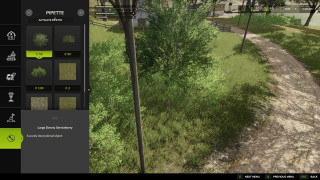
- New “Search” tab in the construction menu: searches all categories by keyword, order-independent, sorted by relevance.
- First connected object groups recognized for search: trees and husbandry are found even without a literal name match.
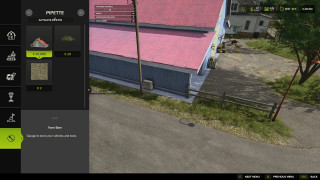
- StoreItems from new prefab/map templates are now found reliably, even when paths differ in capitalization.
- Trees without a clear match to a construction-menu entry no longer show up as a broken tile, only as a status message.
- New “Search” tab in the construction menu: searches all categories by keyword, order-independent, sorted by relevance.
- First connected object groups recognized for search: trees and husbandry are found even without a literal name match.
- StoreItems from new prefab/map templates are now found reliably, even when paths differ in capitalization.
- Trees without a clear match to a construction-menu entry no longer show up as a broken tile, only as a status message.
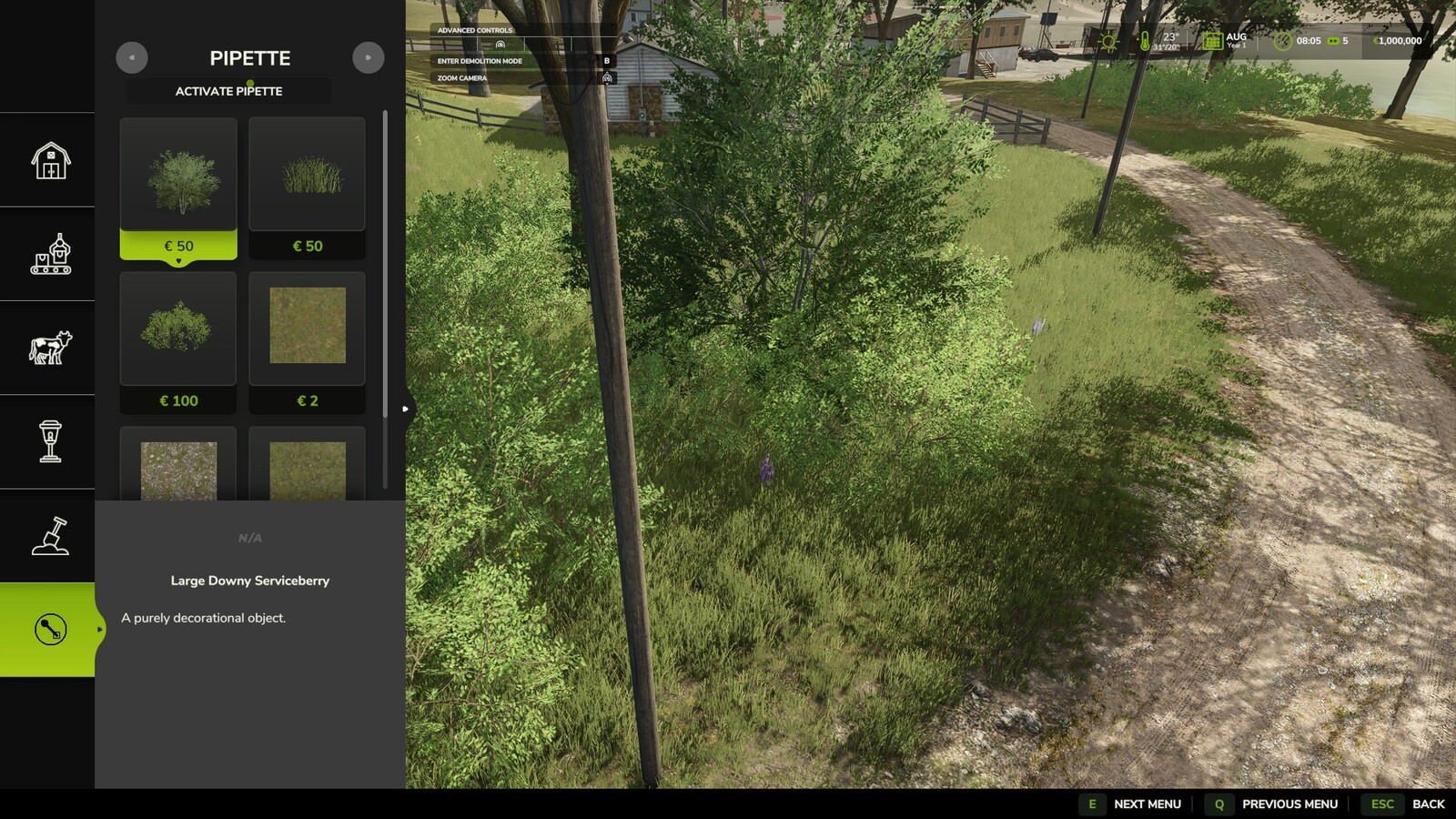
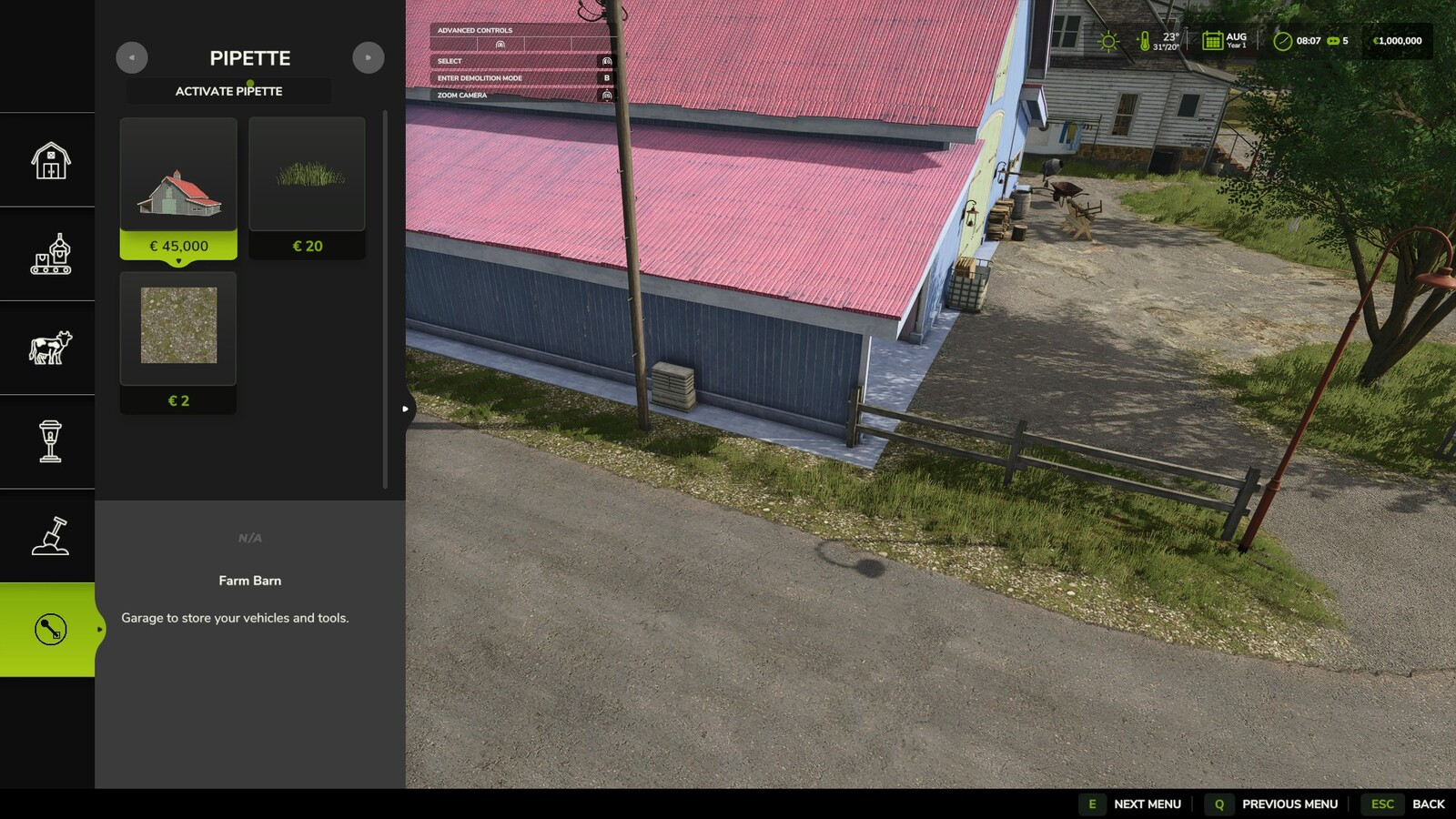
Description:
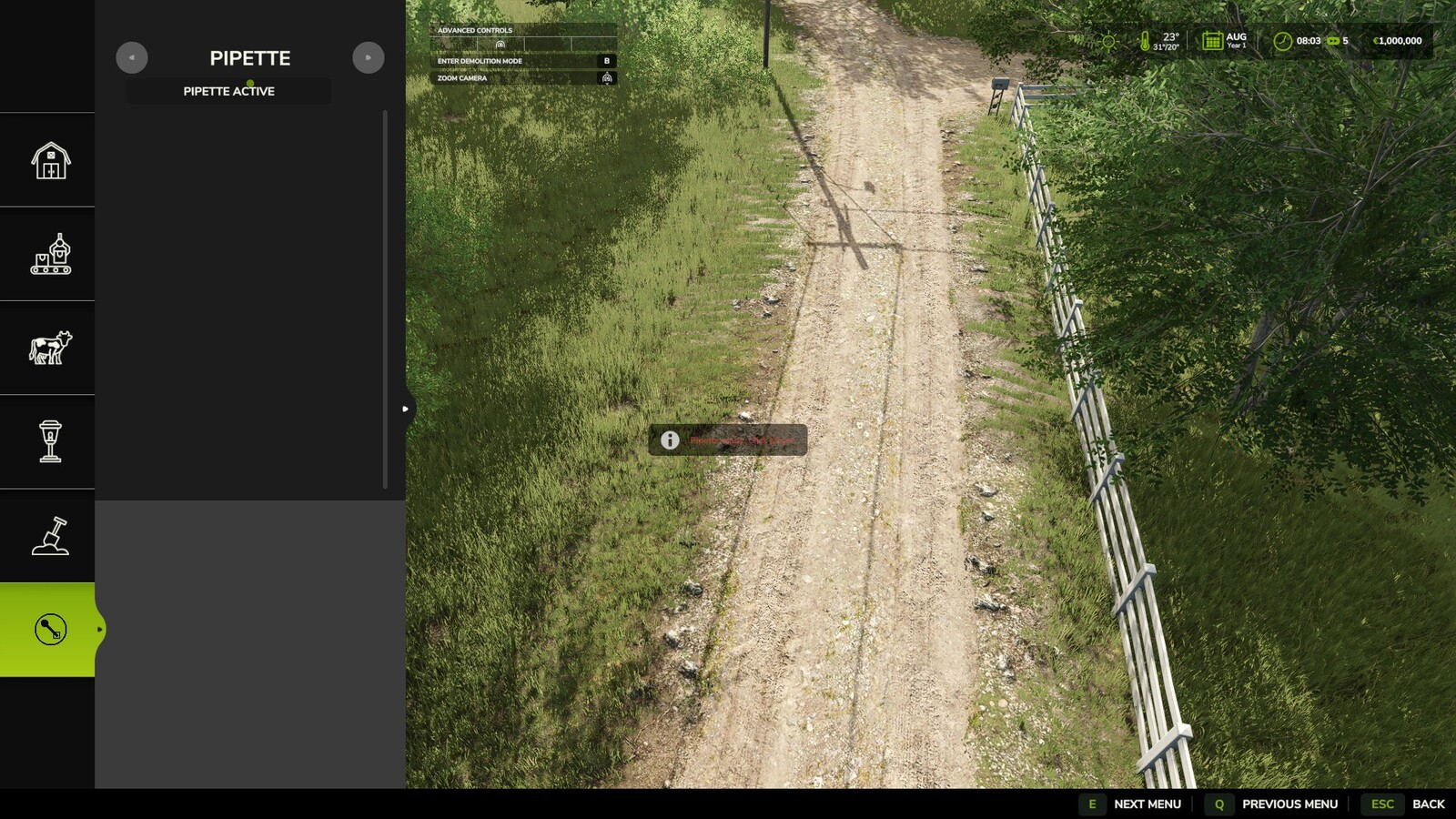
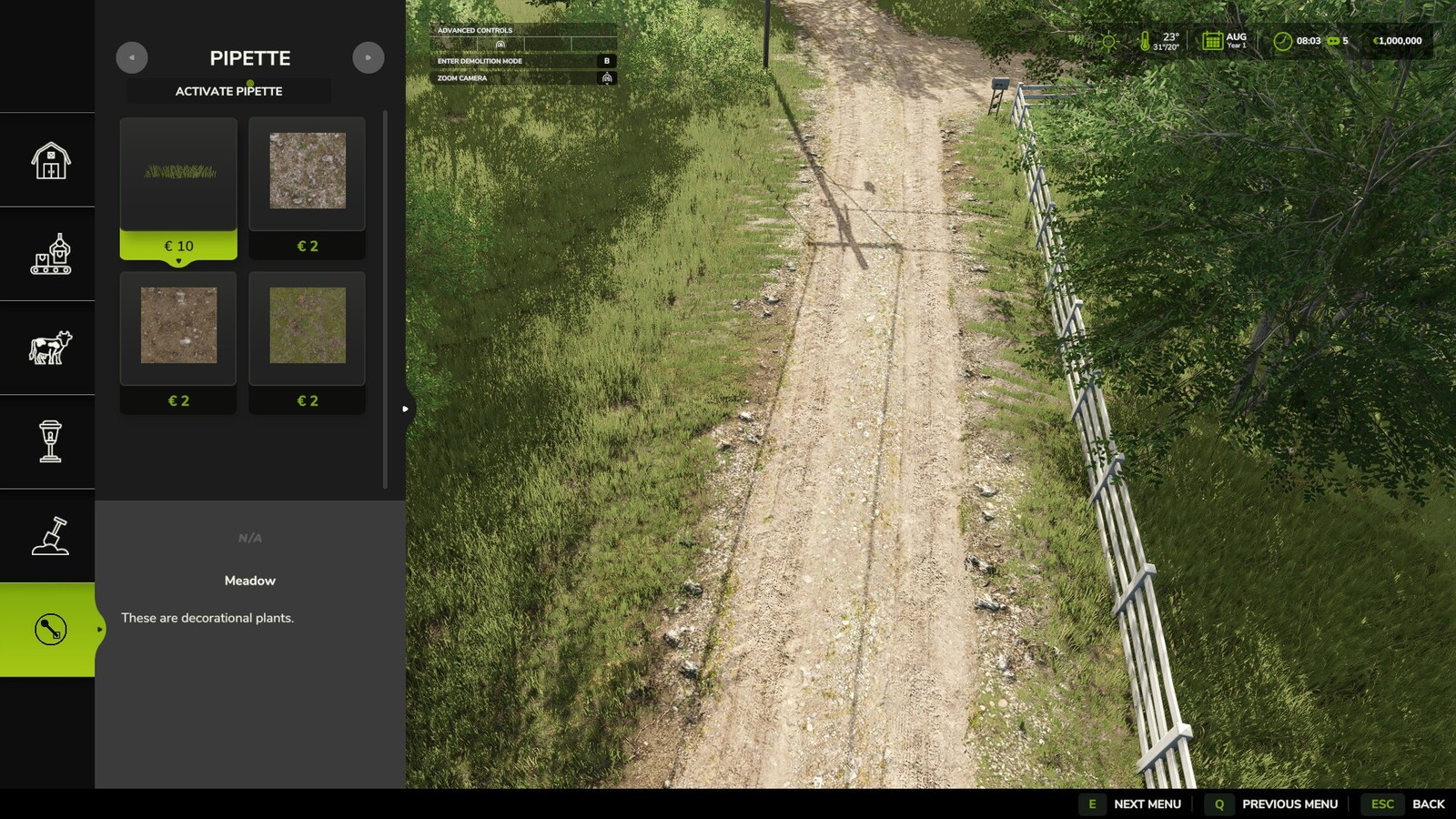
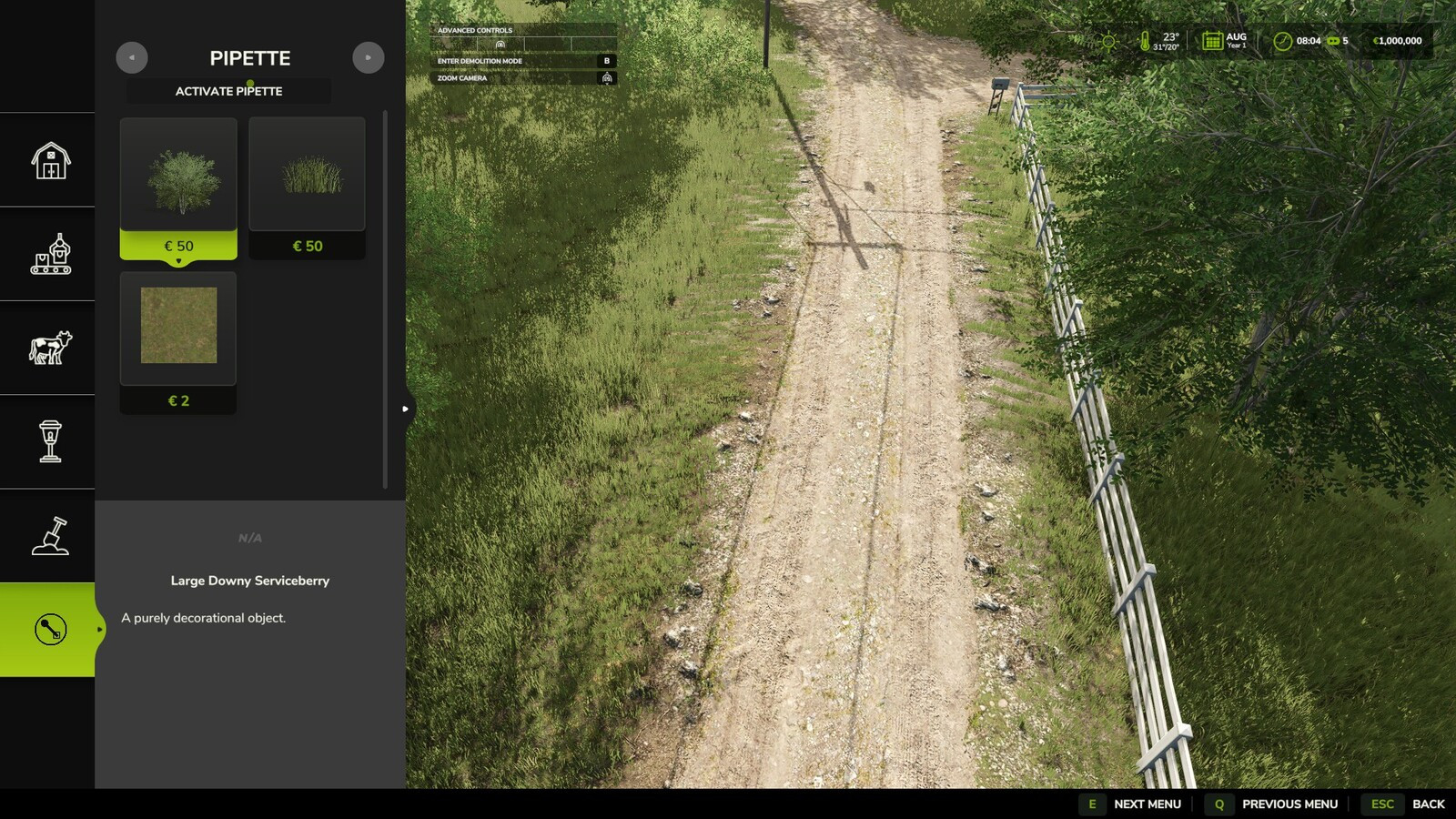
The Texture Pipette adds a practical pipette function for ground textures to the construction menu. It allows previously used paint textures to be picked directly from the map and found again more quickly in the construction menu.
Features:
- Searches for matching textures and prioritizes suitable results.
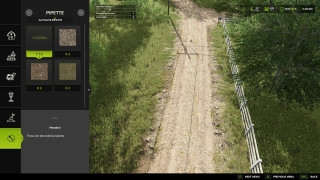
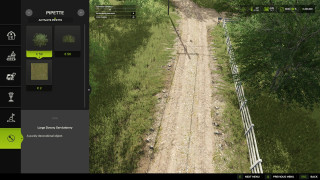
- Shows several possible candidates when needed.
- Considers available ground textures of the current map for maximum compatibility.
How to use:
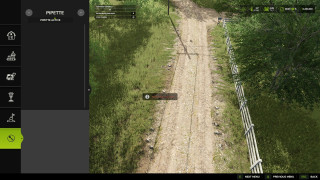
1. Open the “Pipette” tab in the construction menu.
2. Press the “Activate pipette” button.
3. Click an already painted ground texture.
4. Confirm the found or desired texture in the construction menu.
5. Paint as usual.
After painting, cancel the action with ESC to avoid unintended further paint strokes. If needed, activate the pipette again and confirm the desired texture once more.
Credits:
Nalathan
The Texture Pipette adds a practical pipette function for ground textures to the construction menu. It allows previously used paint textures to be picked directly from the map and found again more quickly in the construction menu.
Features:
- Searches for matching textures and prioritizes suitable results.
- Shows several possible candidates when needed.
- Considers available ground textures of the current map for maximum compatibility.
How to use:
1. Open the “Pipette” tab in the construction menu.
2. Press the “Activate pipette” button.
3. Click an already painted ground texture.
4. Confirm the found or desired texture in the construction menu.
5. Paint as usual.
After painting, cancel the action with ESC to avoid unintended further paint strokes. If needed, activate the pipette again and confirm the desired texture once more.
Credits:
Nalathan
Direct Download Links
Version: 2.1.0Updated: 1 month ago
Total Size: 138.7 KB FS25_TexturePipette_modland.zip direct download · 138.7 KB · added 1 month ago
You Might Also Like »





0 Comments
There are no comments. Be first to comment!