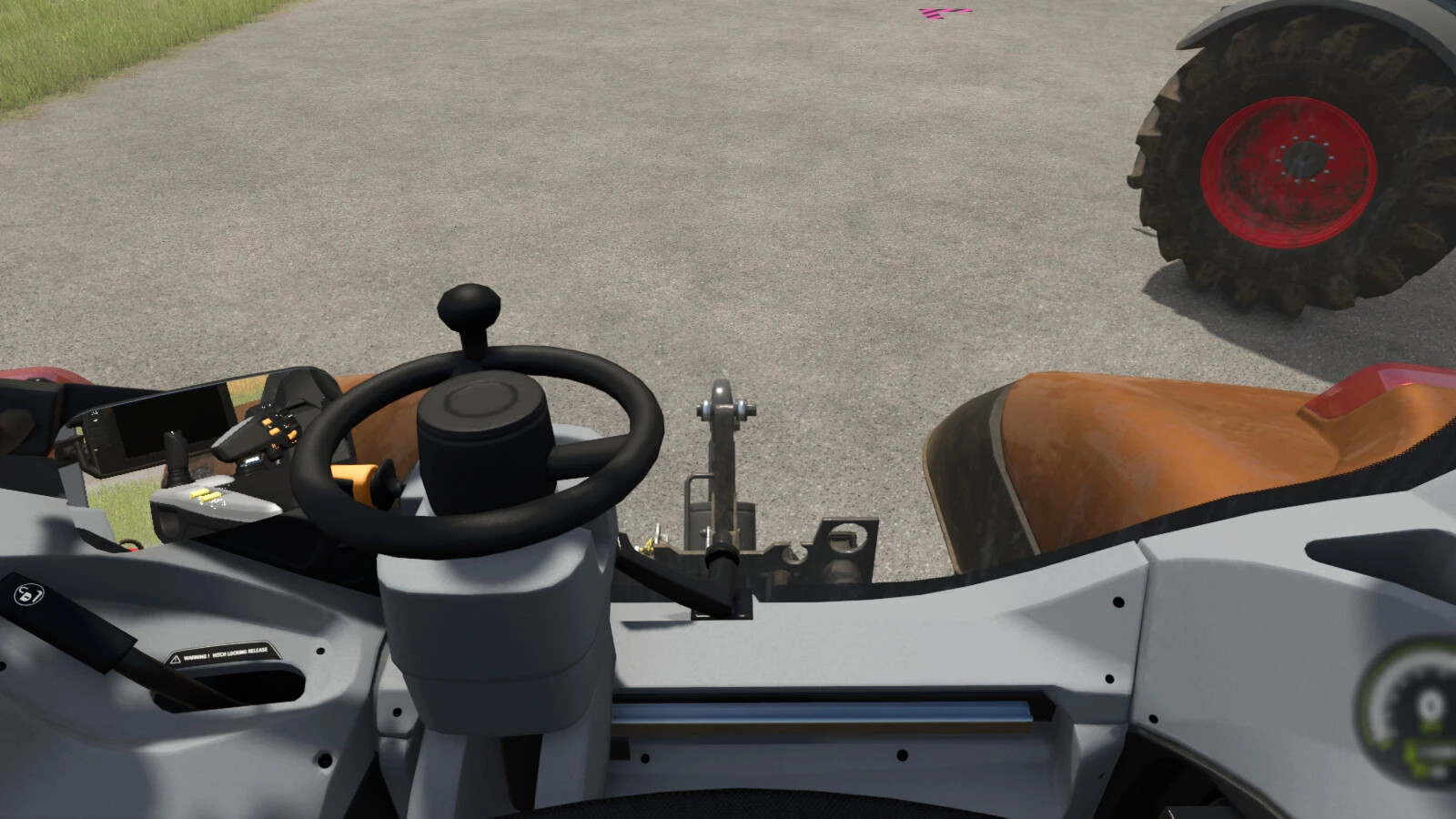
Indoor Camera Position v 1.0

0/5,
0
votes
Description:
The player may modify the location of the inside vehicle camera.
The mouse wheel moves the location up and down.
Hold down the Left Shift key and use the mouse wheel to move the camera forward and backward.
Hold the Left Ctrl key and use the mouse wheel to move the camera left and right.
Easy way to reset to center:
To reset the up and down position, press the middle mouse button (on the mouse wheel).
Hold down the Left Shift key and push the middle mouse button to reset the forward and backward positions.
Hold down the Left Ctrl key and push the middle mouse button to reset the left and right positions.
Credits:
ViperGTS96
External Download Links:
Direct Download Links
Version: v 1.0Updated: 1 year ago
Total Size: 90.53 KB FS25_indoorCamPosition_modland.zip direct download · 90.53 KB · added 1 year ago
You Might Also Like »



0 Comments
There are no comments. Be first to comment!