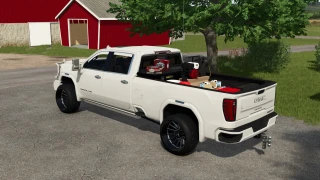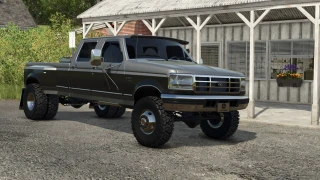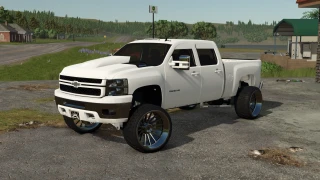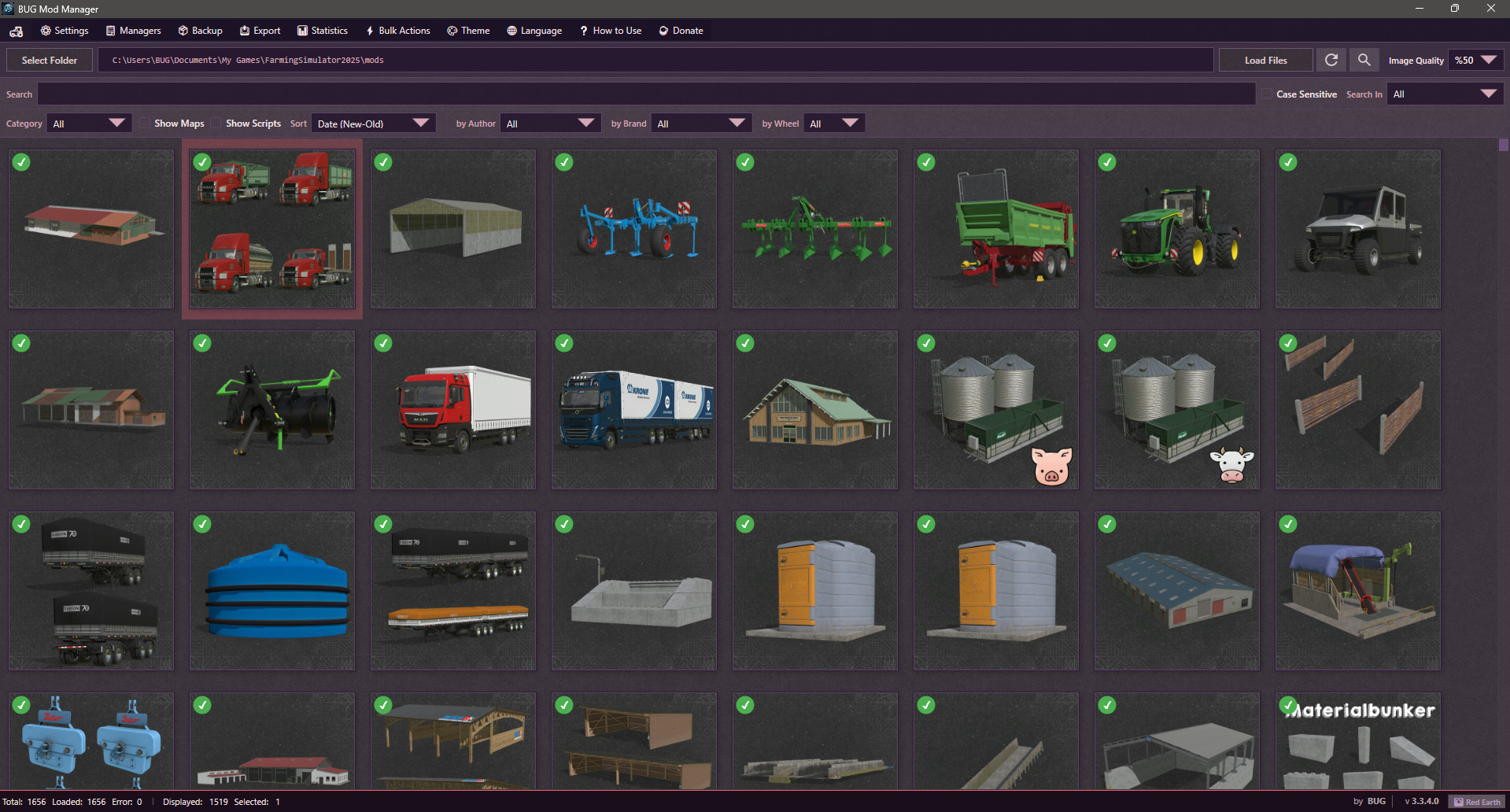
By BUG FS Mod Manager 3.3.5.0 Pre-Final

Latest Update
IMPORTANT: This is the final version of the program with this code base. I am changing the program's codebase. The new codebase structure will be based on the Rust + Tauri system. The main architecture is ready, but I need to run a lot of tests. Therefore, there will be no new versions for a long time (unless there is a critical bug).
Version 3.3.5.0 Pre-Final changes:
1. A "Non Installed Mods" filter has been added to ModHub. It only shows mods that are not installed.
2. A filter has been added to the main menu to only show mods with added notes.
3. Performance and Speed Optimizations (Freezing Issues Fixed): Heavy disk operations such as saving, backing up, opening/compressing ZIP files, and editing details of large mod files will no longer cause the application screen to drop to "Unresponsive". Additionally, the mouse cursor will show the waiting status.
4. Most crashes due to unexpected errors have been prevented. The application will no longer crash completely when searching on ModHub, switching between categories, pressing the refresh button, or when the internet connection is lost. In such cases, the application will now continue to work safely and will show you the error in the status bar or in an alert box.
5. Folder refresh errors have been fixed. If a problem occurs when refreshing your mod folder, such as a locked file, permission issue, or inaccessible folder, the application will detect the situation without giving an error and inform you.
6. Some theme and translation errors have been corrected.
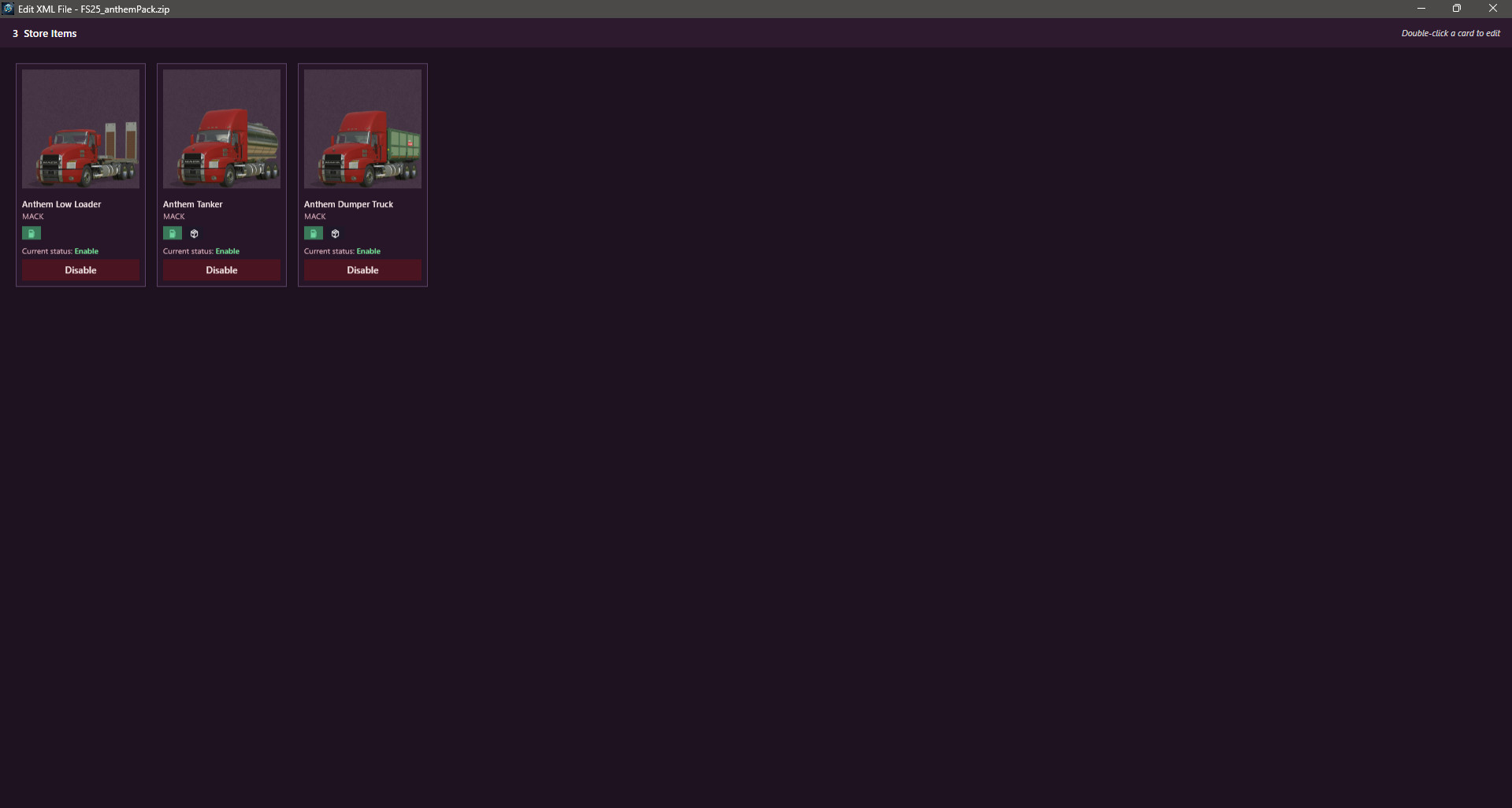
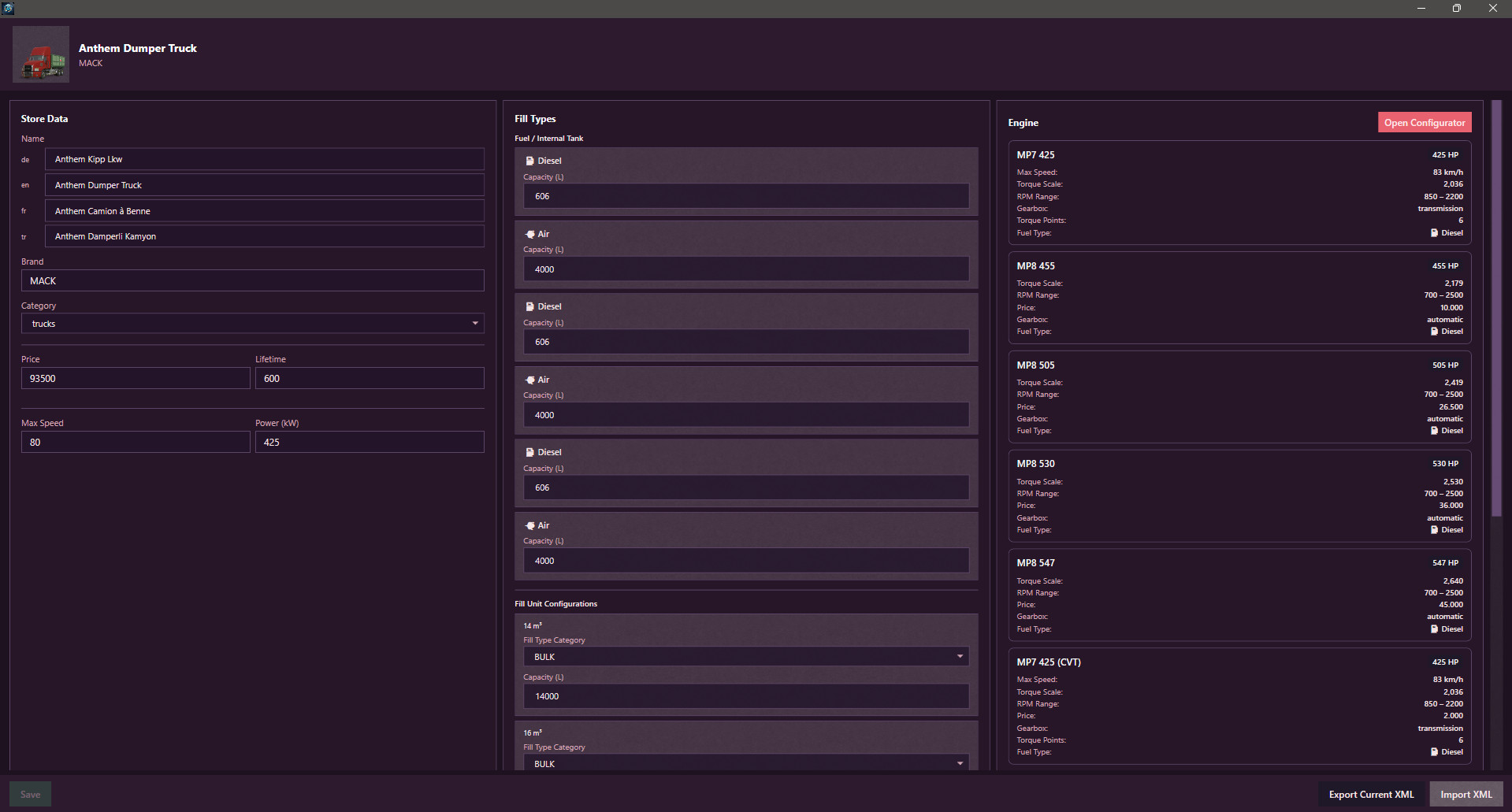
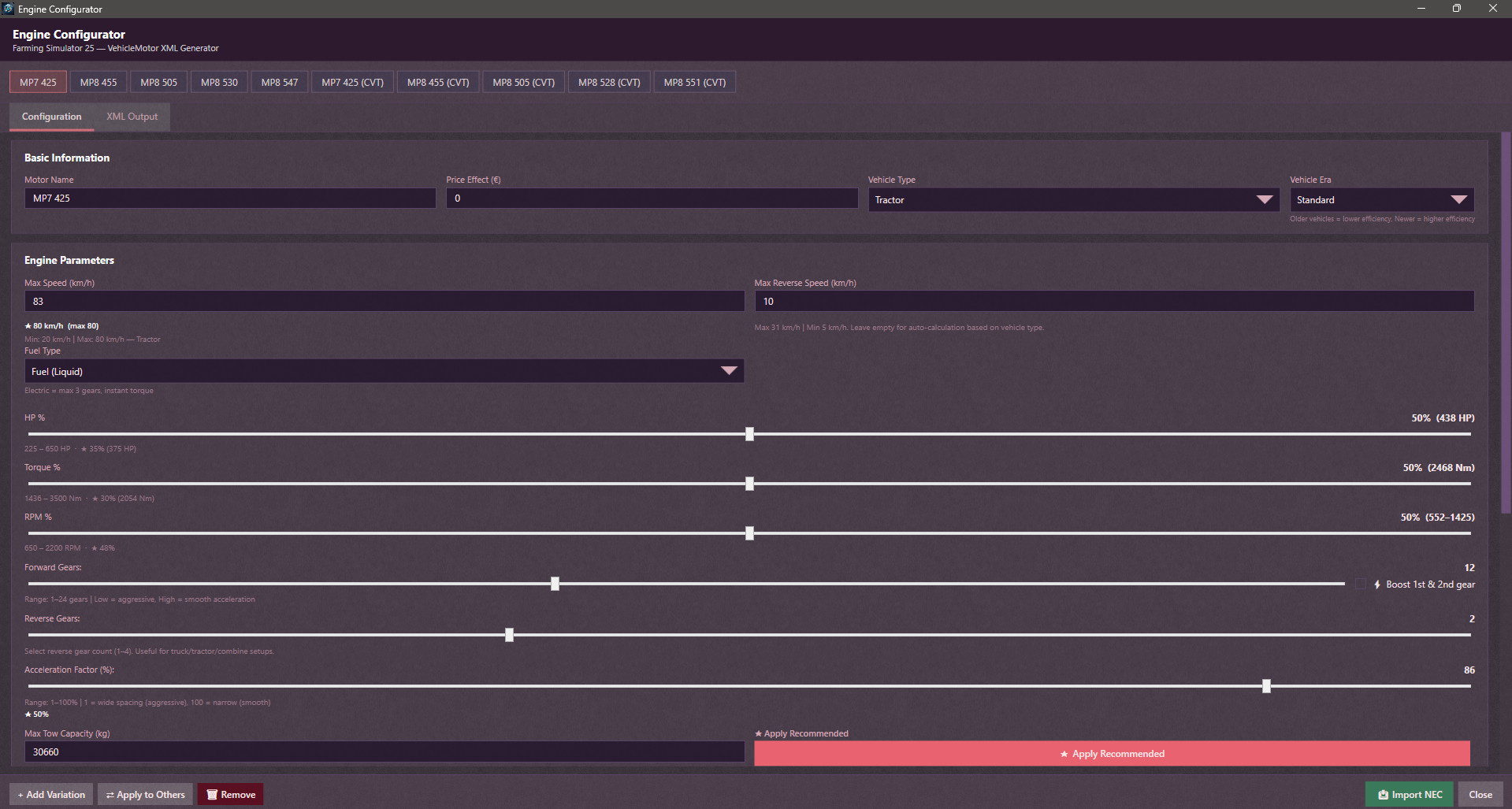
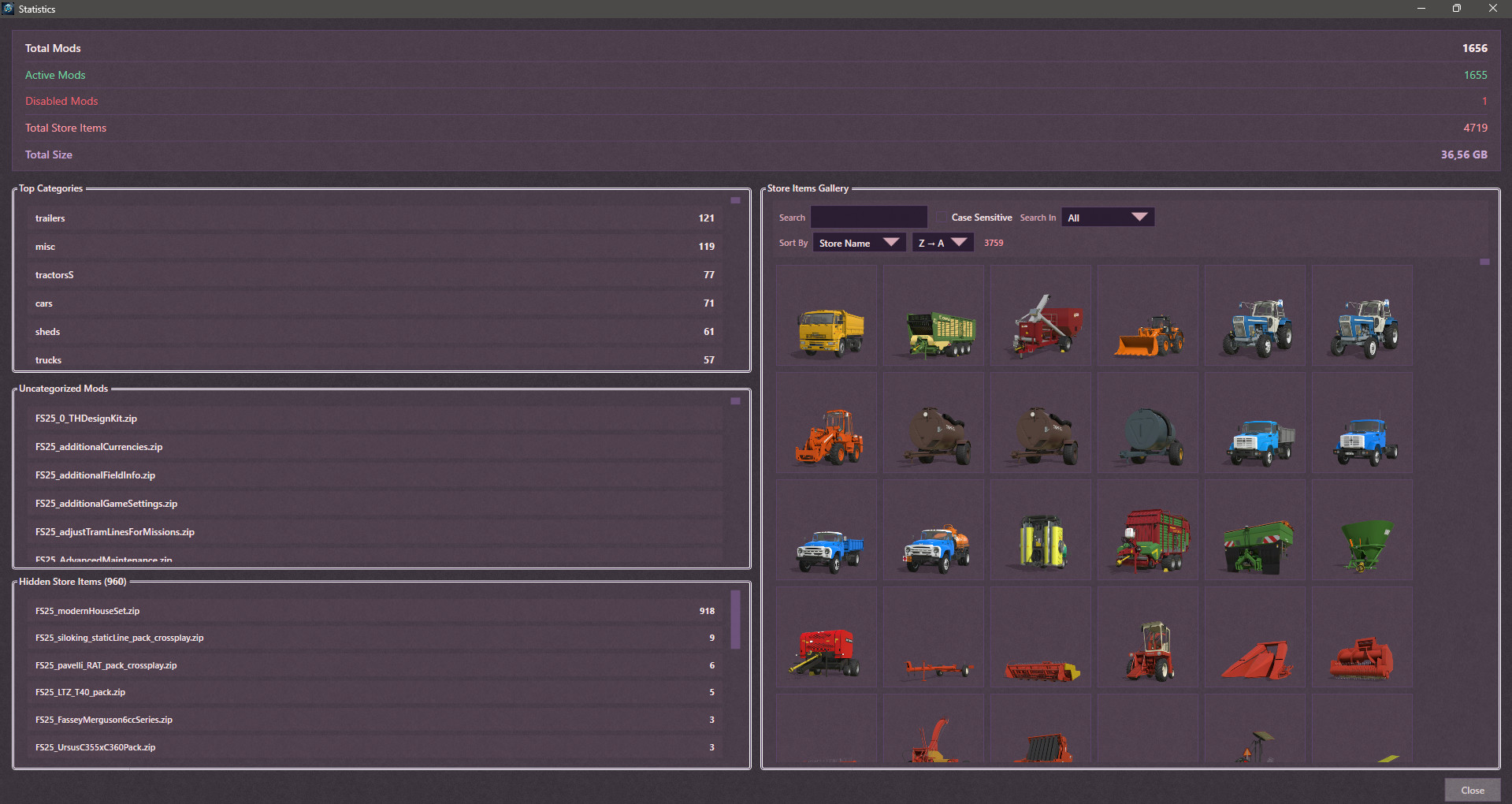
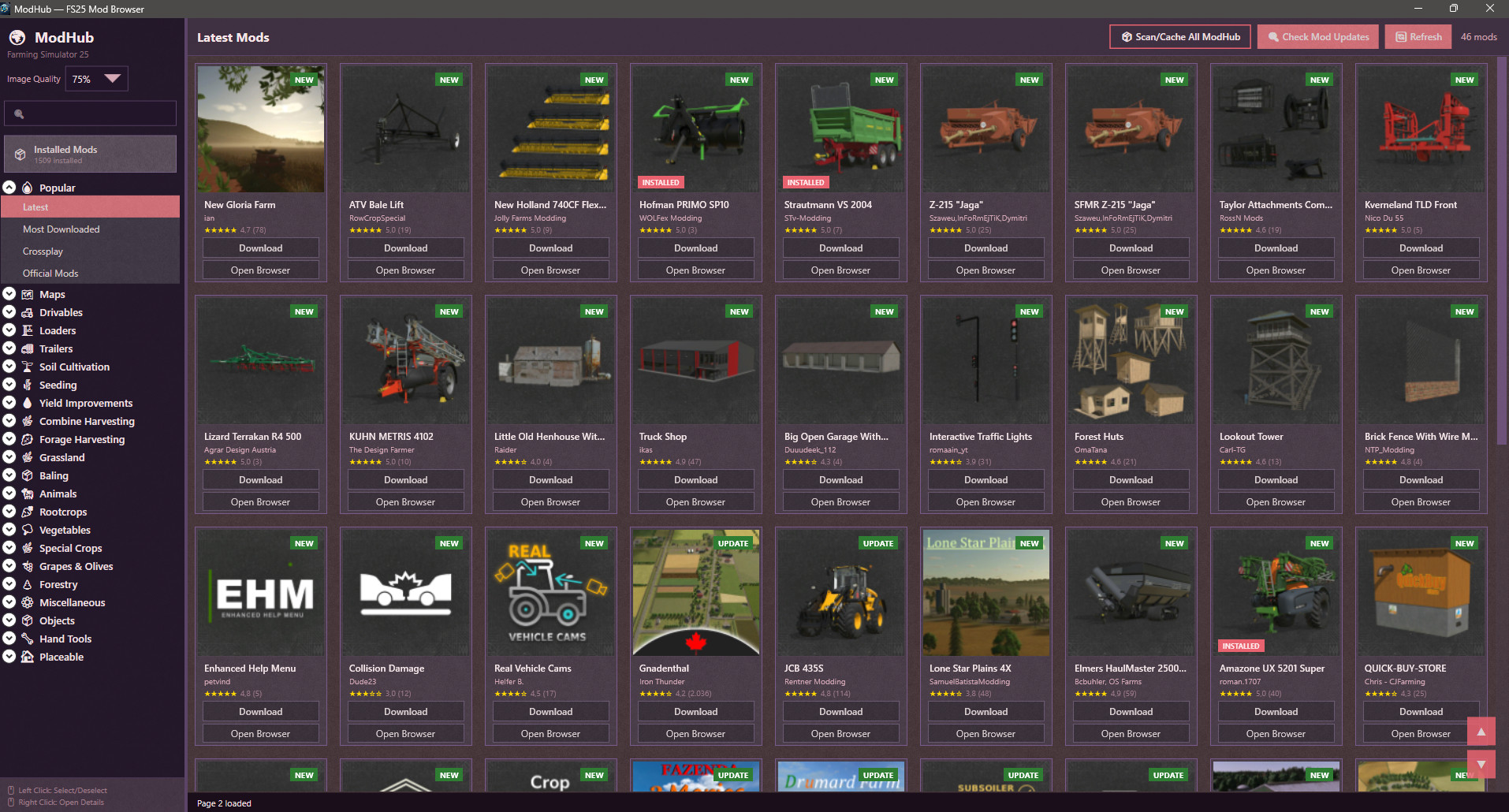
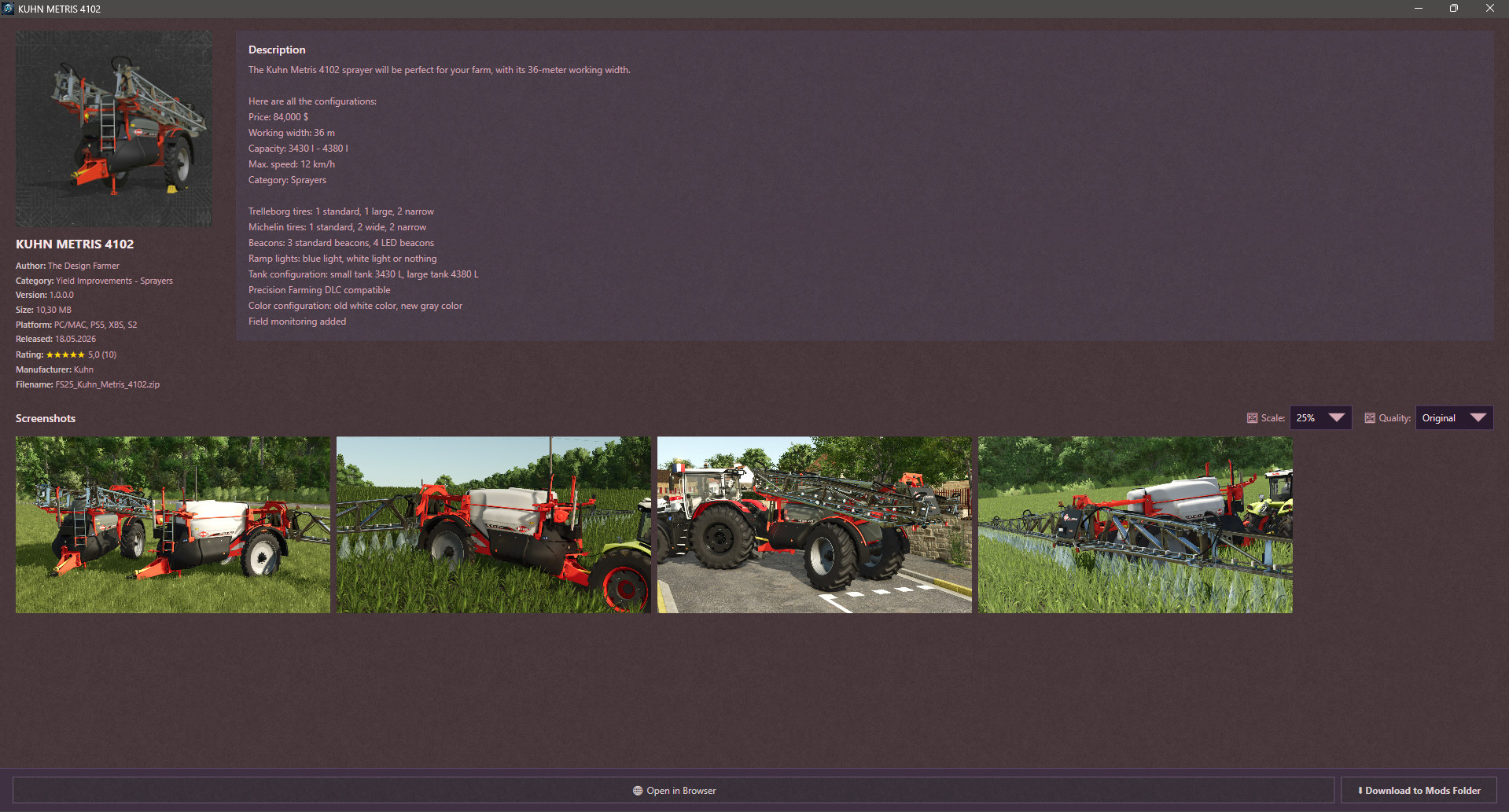

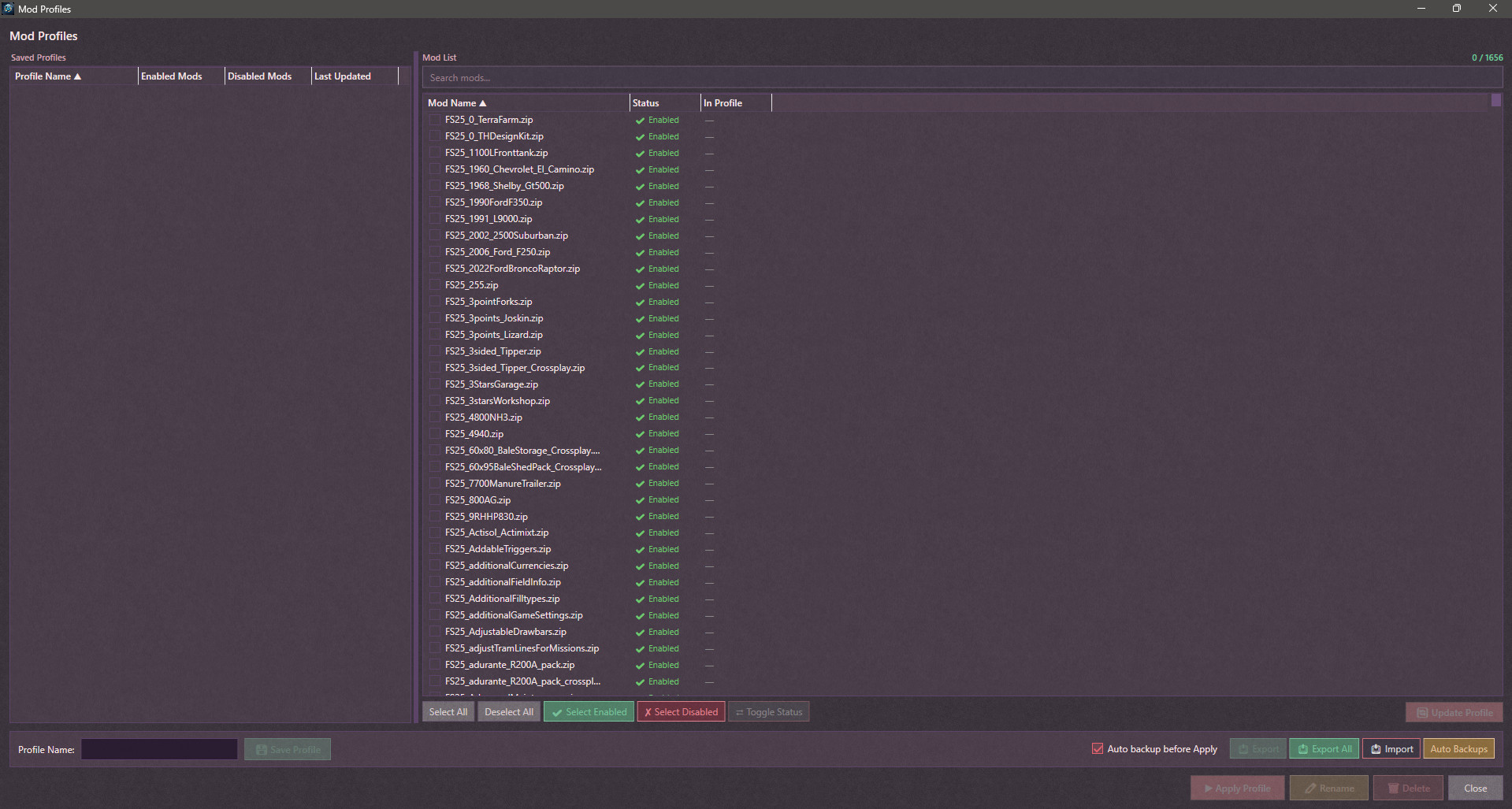
I was looking for a Mod Manager because I needed one. Actually, there's only one Mod Manager on the market, but my antivirus software detects a malicious file. So I decided to create one myself. I have almost no coding knowledge, so I thought the most logical thing to do was to create one with AI assistance. I created this software with the help of Gemini and Claude. Everything works fine for me. I'm publishing it so others can benefit from it. There may be some shortcomings, and you can point out your requests. I'll try to fix and add to it in my free time. Currently, the only problem is that it's a bit slow, but as I said, it worked flawlessly for me, and I will continue to use it.
# Version 1.0.1 changes:
1 : You can now change the “category” data for mods in the EDIT window. For example, you can move your mod from the Small Tractor category to the Medium Tractor category.
2 : Mod window names were not being translated during language changes; now they are displayed in the current language.
# Version 1.0.2 changes:
1 : The default language is now English. I should have thought globally from the start. :D
2 : If there are faulty modules, an additional window has been added for this, and some changes have been made to how the code works. If there are files causing ERRORS on the first read, you will now receive a warning window when the loading process is complete. Here you can see the names of the faulty files. You can now export these files to a TXT file by name, move them to a folder named ERROR_FILES, or delete these files directly. Also, when you close the window, you can reopen it by clicking on the ERROR warning area below.
3 : Two more buttons have been added to the mod cards. I added a “FOLDER” button to go directly to the file's relevant folder with the selected file. Also, if desired, there is now a “DELETE” option in the main menu.
# Version 1.0.3 changes:
1 : Performance improvements. The application now runs faster.
2 : Date option added for the Sort function. Modes can now be sorted by modification date.