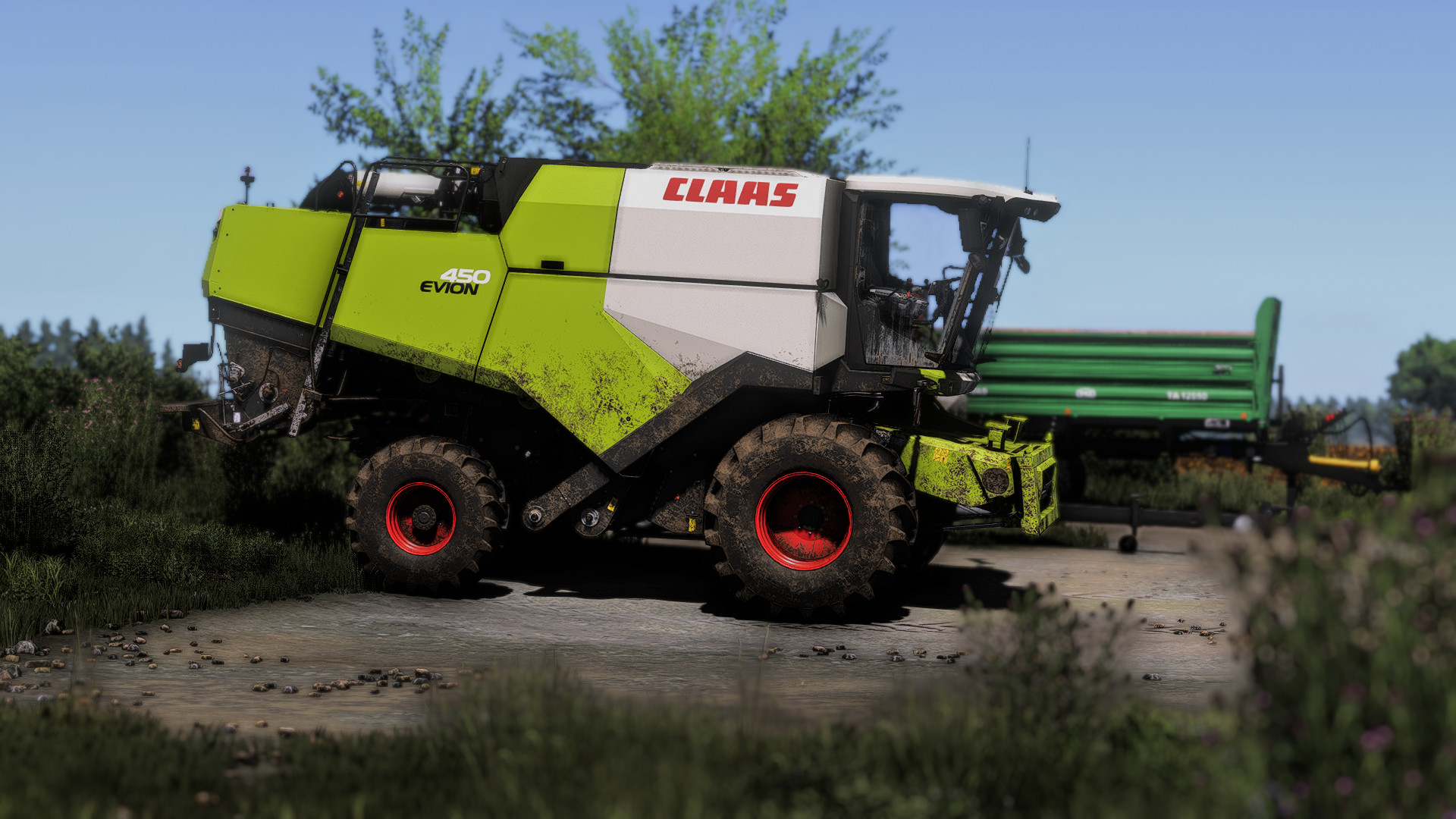
Shader 1 by CasiJR 1.0

4/5,
3
votes
I tried to make a nice shader, I hope you like it. Enjoy!!!😄
⛔️Instructions⛔️
1. Install Addition Game Settings mod
https://www.farming-simulator.com/mod.php?mod_id=308552
2. Install Reshade
*Pick Giants Engine 9.0.0.0 and DirectX10,11,12
* Install all effects
3. Go in C:\User\Documents\My Games\FarmingSimulator2025\modSettings and replace FS25_additionalGameSettings folder (!! IMPORTANT: MAKE A BACKUP FOLDER FOR THE ORIGINAL FS25_additionalGameSettings folder!!)
4. Go in Program Files (x86)\Steam\steamapps\common\Farming Simulator 25(in my case) and put in the x64 folder the Shader 1 by CasiJR.ini
5. Launch game and press "Home" button and select "Shader 1 by CasiJR.ini"
6. In "Additional Settings" tab change your "Custom lighting" to "Sample"
⛔️Instructions⛔️
1. Install Addition Game Settings mod
https://www.farming-simulator.com/mod.php?mod_id=308552
2. Install Reshade
*Pick Giants Engine 9.0.0.0 and DirectX10,11,12
* Install all effects
3. Go in C:\User\Documents\My Games\FarmingSimulator2025\modSettings and replace FS25_additionalGameSettings folder (!! IMPORTANT: MAKE A BACKUP FOLDER FOR THE ORIGINAL FS25_additionalGameSettings folder!!)
4. Go in Program Files (x86)\Steam\steamapps\common\Farming Simulator 25(in my case) and put in the x64 folder the Shader 1 by CasiJR.ini
5. Launch game and press "Home" button and select "Shader 1 by CasiJR.ini"
6. In "Additional Settings" tab change your "Custom lighting" to "Sample"
External Download Links:
- Modsfire.com - Shader 1 by CasiJR.zip [93.44 KB]
You Might Also Like »


0 Comments
There are no comments. Be first to comment!