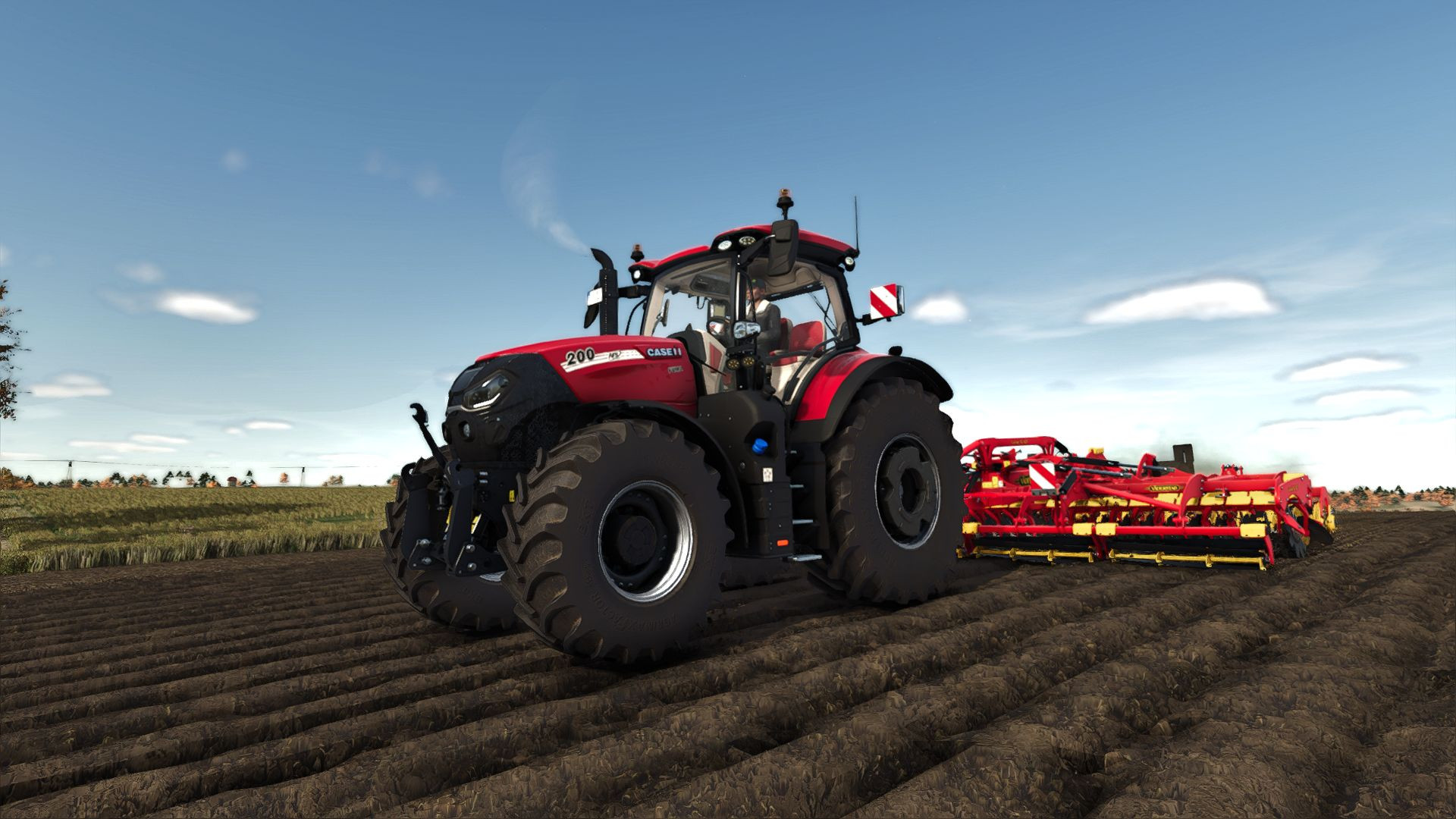
Shader v1.0

0/5,
0
votes
Shader for FS25, with which you can make the graphics in the game more realistic.
Installation Instructions:
- First of all you need to install Reshade
- Then select Giants Engine 9.0.0.0.0 and DirectX10,11,12.
- After that choose a preset - it is in the x64 folder, then install the effect or all at once.
- To use the shader it must be activated. To do this at Program Files (x86)\Steam\steamapps\common\Farming Simulator 25) copy the folder with x64 with the file Shader By Miki.ini.
- Then run the game, then click “Home” and select “Shader By Miki.ini”. Then by selecting it on the Addons tab you need to select the resolution.
Author: mihajlomiki
External Download Links:
Direct Download Links
Version: v1.0Updated: 1 year ago
Total Size: 919 B Shader-By-Miki_modland.zip direct download · 919 B · added 1 year ago
You Might Also Like »







0 Comments
There are no comments. Be first to comment!