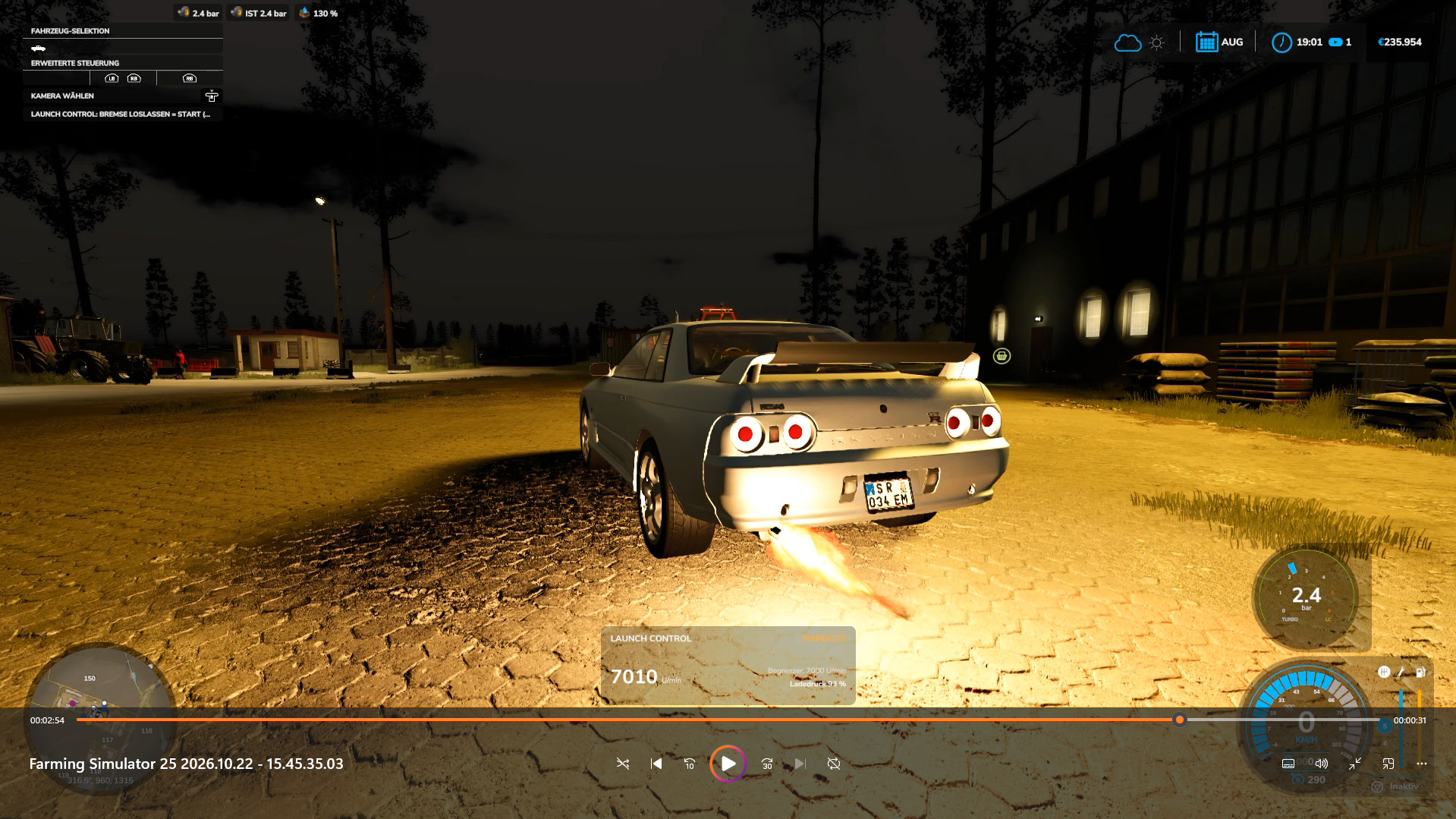
💥Launch Control🔥 0.9.4.0

0/5,
0
votes
Description
Say goodbye to ordinary starts! With Launch Control, you can get the most out of diesel and gas engines when pulling away—both in the base game and in compatible mods. Keep the engine at the rev limiter, build up boost pressure, and take off with up to 40% more torque! If a turbo is detected and the appropriate setting is selected, spectacular flames and crisp misfires ensure a dramatic entrance. 🔥
From controlled power build-up to aggressive starts: You set the parameters right in the workshop!
Features
- Additional torque: Up to 40% more torque at launch thanks to boost pressure build-up.
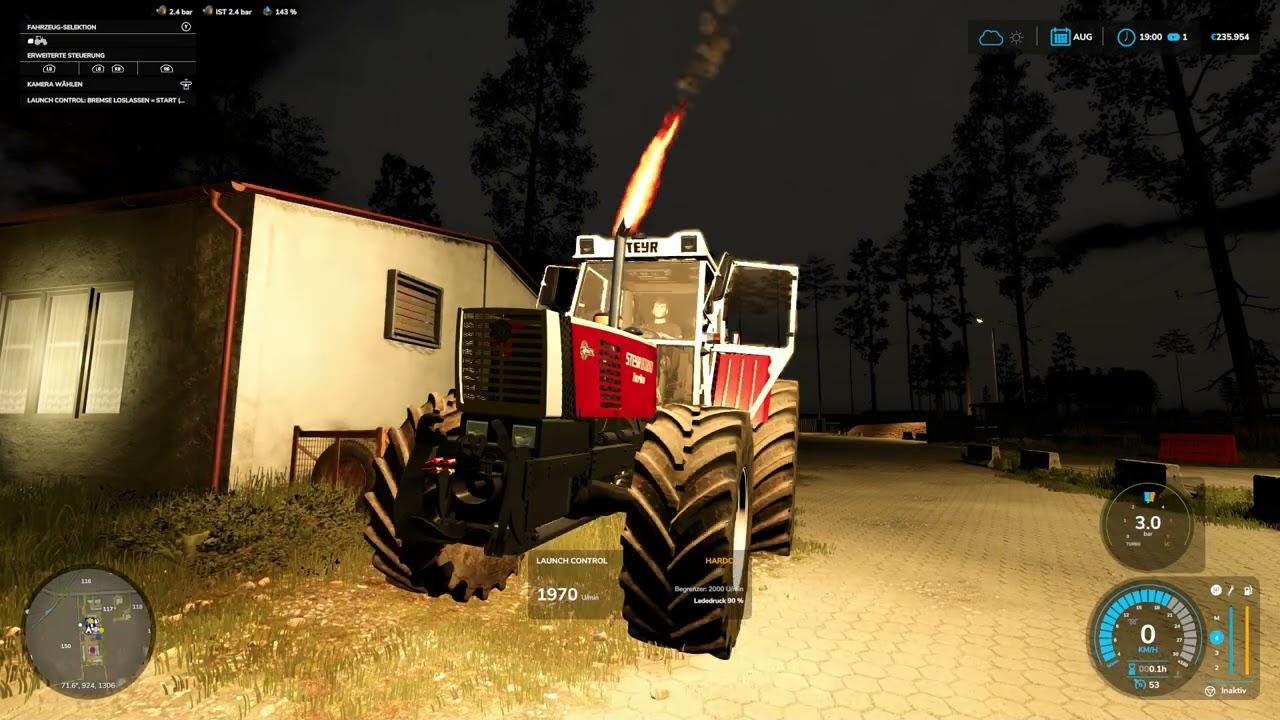
- Visual Effects: Flames and misfires on recognized turbocharged engines.
- Customizable Settings: Launch RPM, hard-cut sounds, as well as flame size and frequency can be configured directly in the shop.
- Boost Pressure Gauge: Integrated gauge with selectable design.
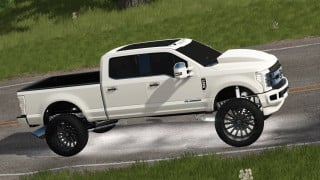
- Physics Interaction: High-performance vehicles can do wheelies at launch.
- Safety Features: Automatic shutdown in case of insufficient braking force, as well as clutch and overheating protection.
- Timing: Automatic display of 0–50 km/h and 0–100 km/h times after the start.
- Multiplayer: The mod supports multiplayer.
How the start works:
1. Get ready to start: Bring the vehicle to a complete stop, start the engine, and turn off cruise control. If driving in manual mode, first gear must be engaged.
2. Build up pressure: Fully depress the brake and accelerator pedals simultaneously and hold them down.
3. Wait for the start signal: As soon as Launch Control is ready and the boost gauge lights up green, you’re ready to go.
4. Release the brake and take off: Release the brake and continue to fully depress the accelerator pedal.
Cancel: Before the start, simply release the accelerator. After the start, releasing the accelerator ends the launch effect.
Controls:
- F1: Displays a compact guide to controls and usage.
Compatibility:
Launch Control supports diesel and gasoline engines in the base game as well as in compatible mods. Electric, CNG/LNG, biogas, and hydrogen powertrains are not supported. Depending on the configuration, LPG/autogas vehicles may be recognized as gasoline-powered vehicles.
Credits
Sound sources: Pixabay
Say goodbye to ordinary starts! With Launch Control, you can get the most out of diesel and gas engines when pulling away—both in the base game and in compatible mods. Keep the engine at the rev limiter, build up boost pressure, and take off with up to 40% more torque! If a turbo is detected and the appropriate setting is selected, spectacular flames and crisp misfires ensure a dramatic entrance. 🔥
From controlled power build-up to aggressive starts: You set the parameters right in the workshop!
Features
- Additional torque: Up to 40% more torque at launch thanks to boost pressure build-up.
- Visual Effects: Flames and misfires on recognized turbocharged engines.
- Customizable Settings: Launch RPM, hard-cut sounds, as well as flame size and frequency can be configured directly in the shop.
- Boost Pressure Gauge: Integrated gauge with selectable design.
- Physics Interaction: High-performance vehicles can do wheelies at launch.
- Safety Features: Automatic shutdown in case of insufficient braking force, as well as clutch and overheating protection.
- Timing: Automatic display of 0–50 km/h and 0–100 km/h times after the start.
- Multiplayer: The mod supports multiplayer.
How the start works:
1. Get ready to start: Bring the vehicle to a complete stop, start the engine, and turn off cruise control. If driving in manual mode, first gear must be engaged.
2. Build up pressure: Fully depress the brake and accelerator pedals simultaneously and hold them down.
3. Wait for the start signal: As soon as Launch Control is ready and the boost gauge lights up green, you’re ready to go.
4. Release the brake and take off: Release the brake and continue to fully depress the accelerator pedal.
Cancel: Before the start, simply release the accelerator. After the start, releasing the accelerator ends the launch effect.
Controls:
- F1: Displays a compact guide to controls and usage.
Compatibility:
Launch Control supports diesel and gasoline engines in the base game as well as in compatible mods. Electric, CNG/LNG, biogas, and hydrogen powertrains are not supported. Depending on the configuration, LPG/autogas vehicles may be recognized as gasoline-powered vehicles.
Credits
Sound sources: Pixabay
External Download Links:
- Modsfire.com - FS25_LaunchControl_MrHunter.zip [801.91 KB]
Videos
You Might Also Like »
0 Comments
There are no comments. Be first to comment!