2DFX Vice City NextGen Color Patches v3.0
0/5,
0
votes
Changelog
- added missing lights for Sunshine Autos billboard “lhbillboard05xx”
- added missing lights for Little Havana Rockstar billboard “lhroofst08”
Description
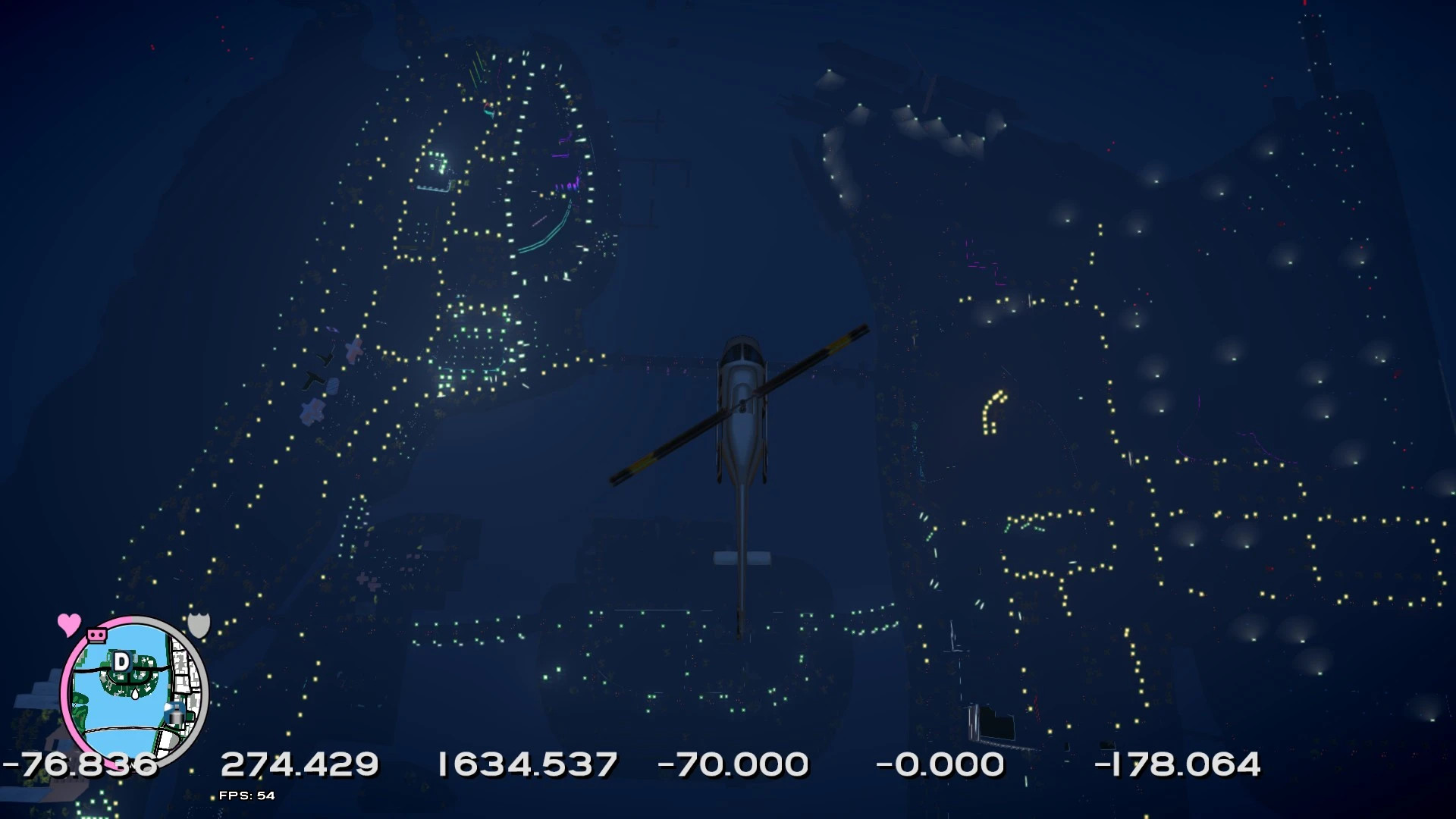
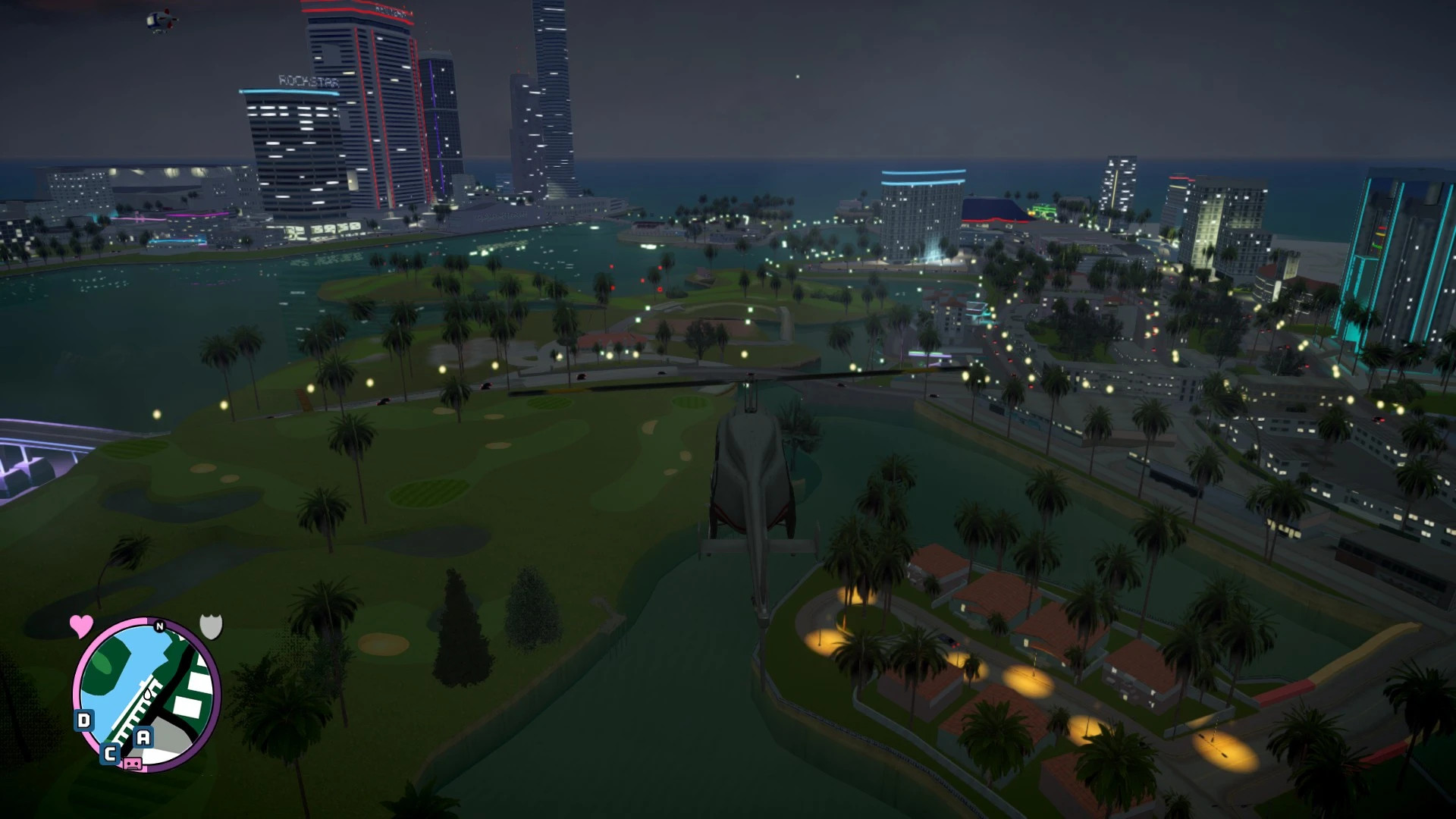
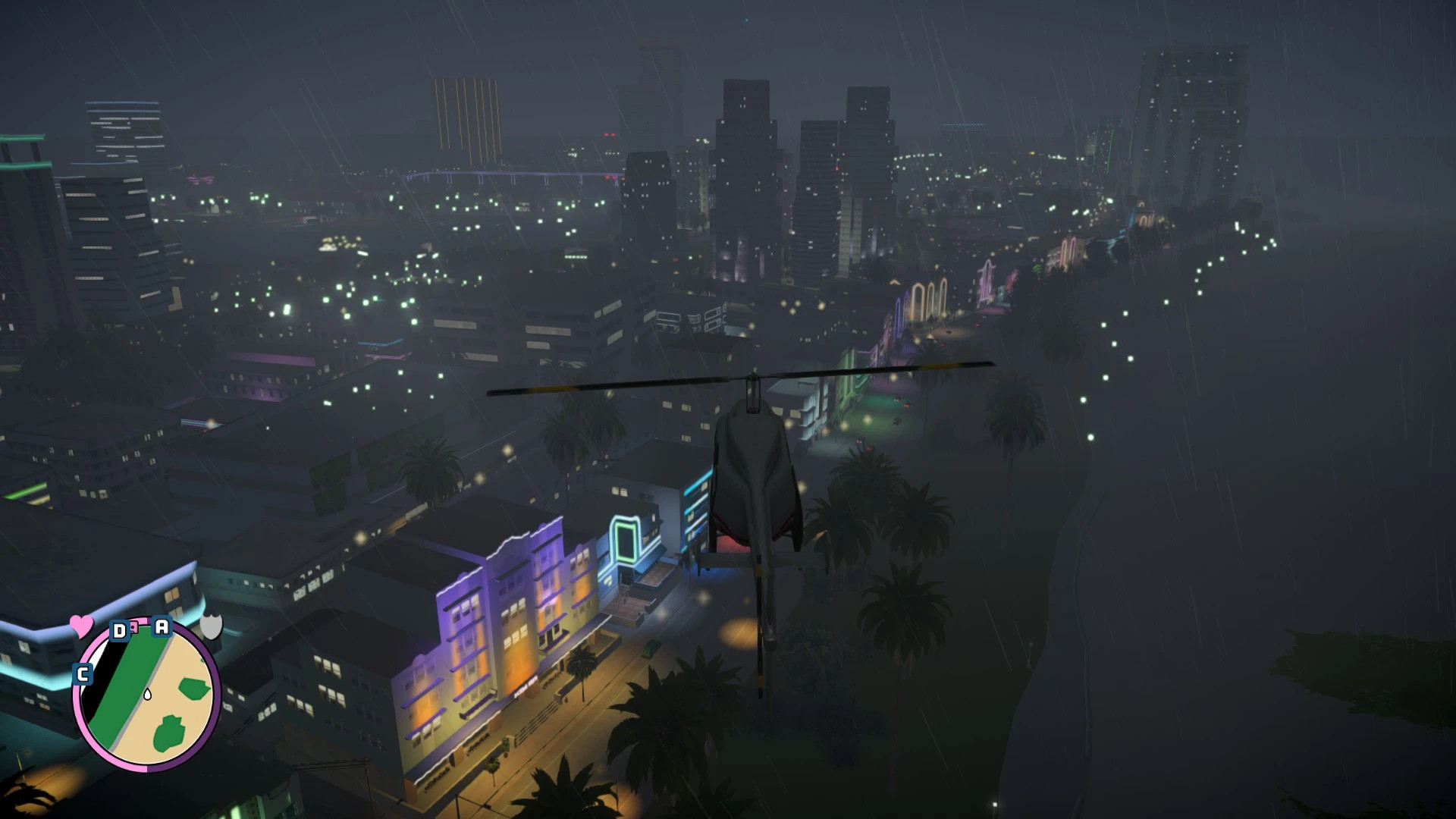
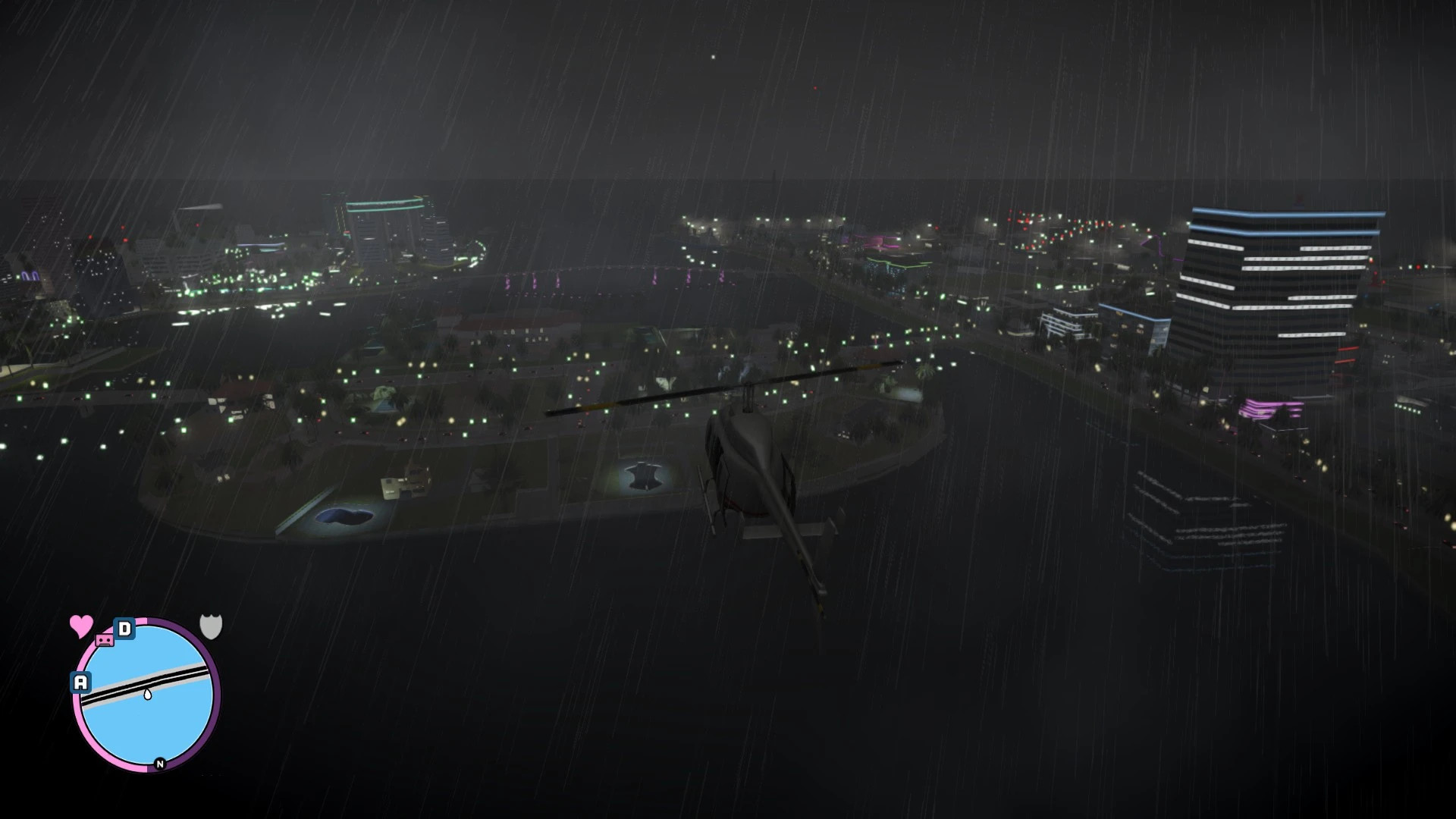
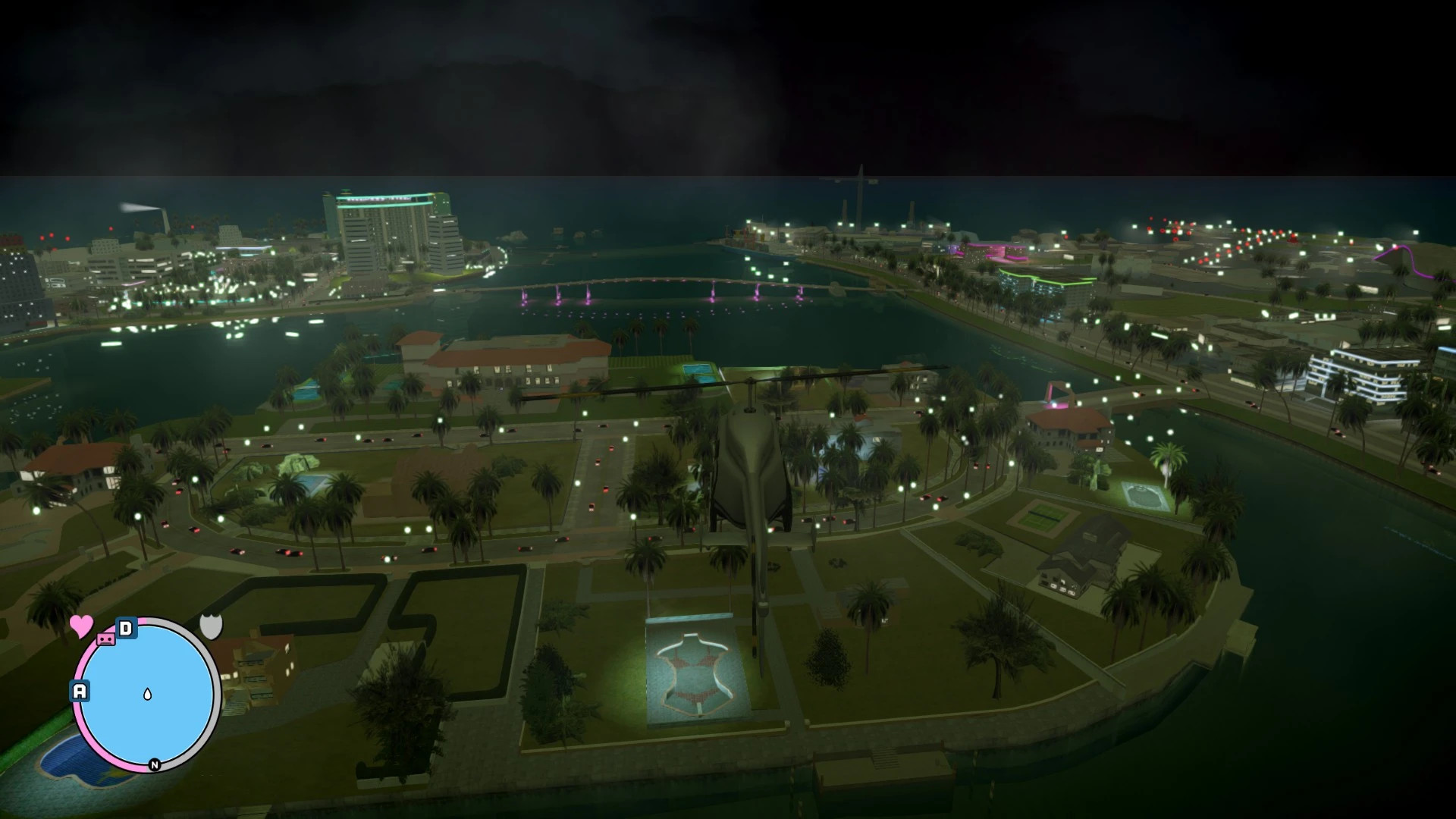
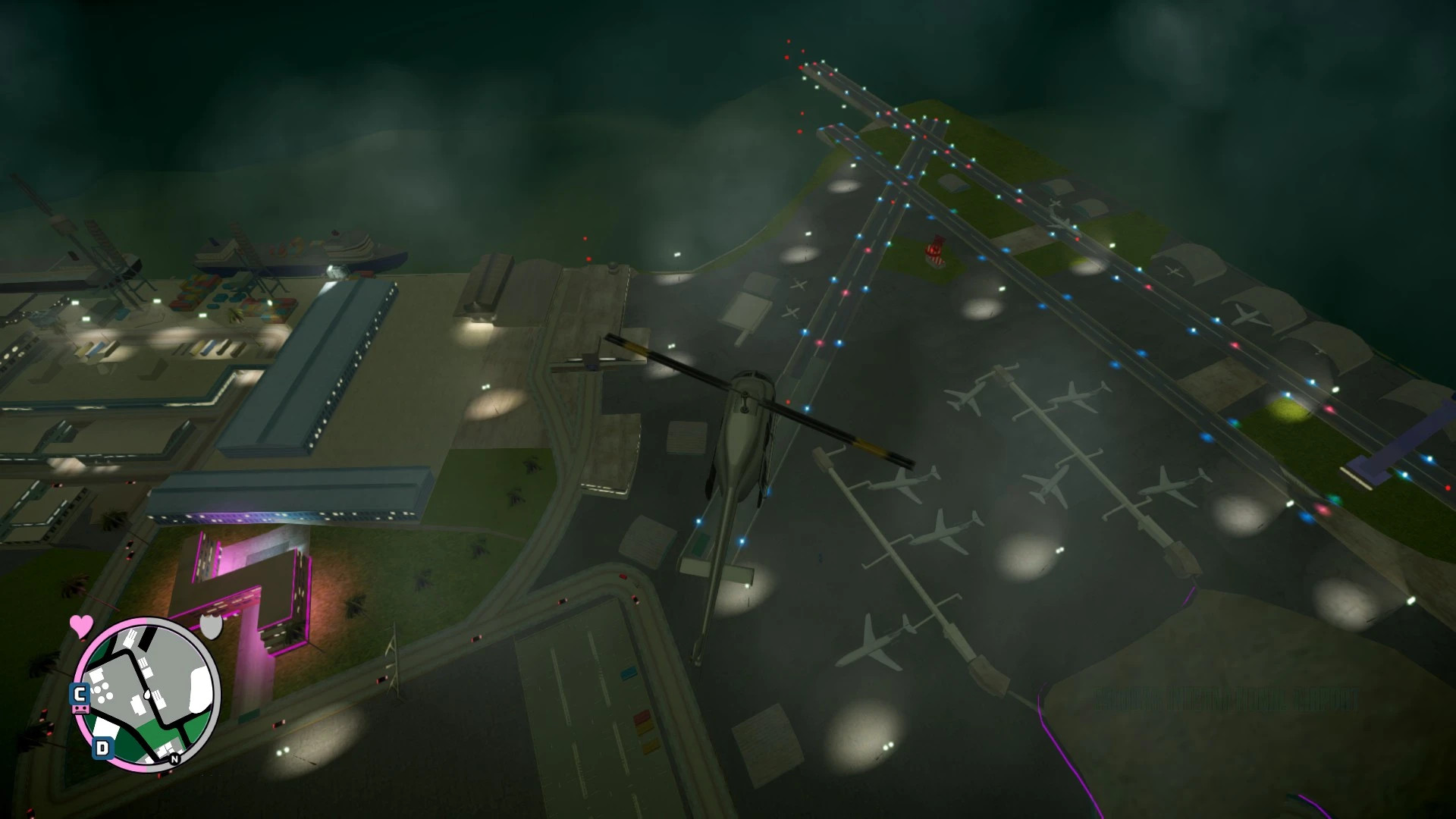
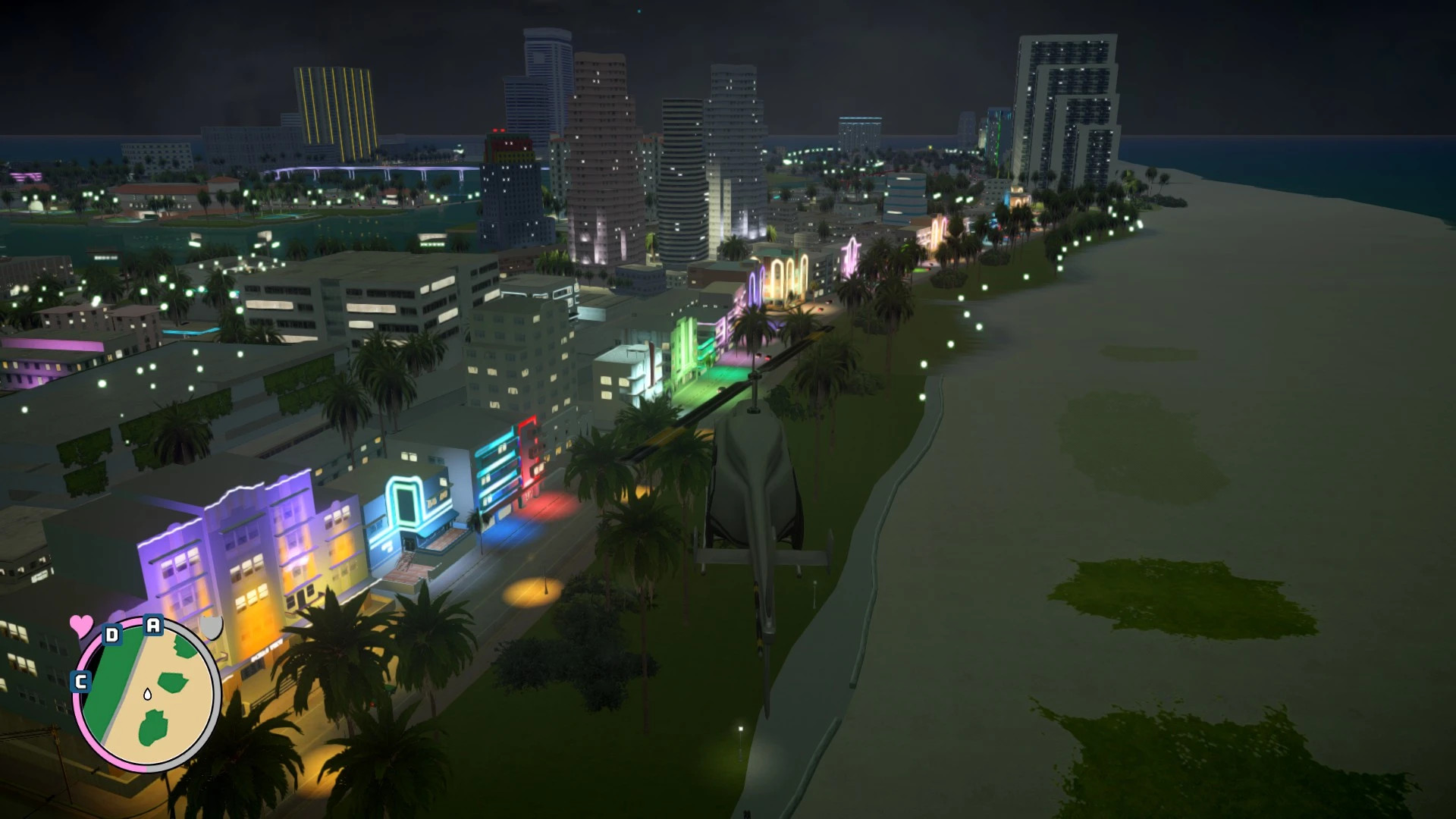
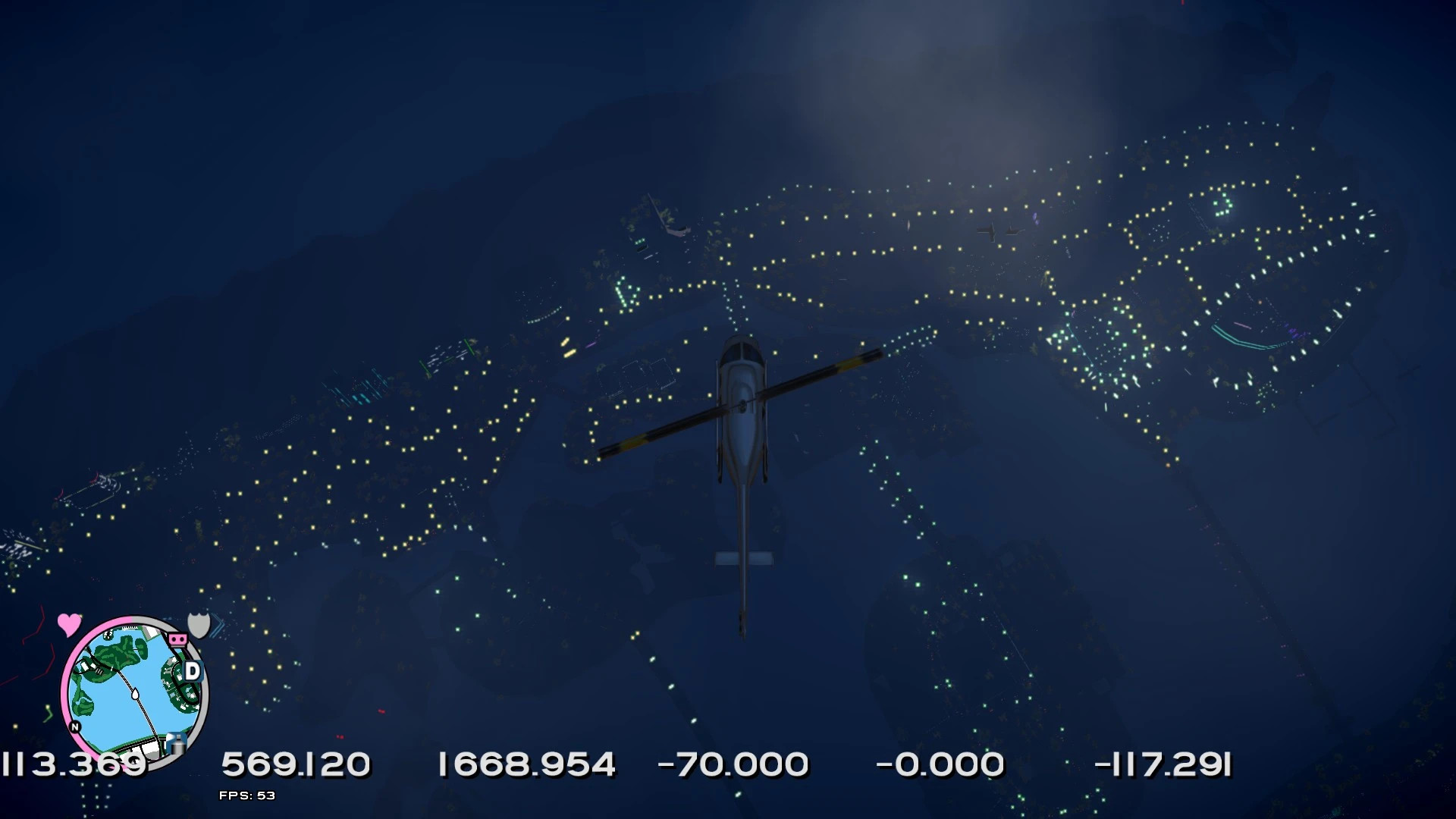
This mod adds custom 2DFX color patches for Vice City NextGen using Project 2DFX V4.3 for GTA IV.
Supported GTA IV versions:
- 1.0.4.0
- 1.0.7.0
- 1.0.8.0
Included Color Patch Variants:
- Default Colors
- Light Green
- Orange
- White
Features:
- restored traffic light LODs
- adjusted positions to better match map placement
- optional cleanup changes for the original mod
Requirements:
- ScriptHook
- ASI Loader
If using ZolikaPatch:
- open ZolikaPatch.ini
- change “RemoveUselessChecks” from 1 to 0 if the mod does not work properly
Installation Instructions
- copy the three “IVLodLights” files into the GTA IV root folder
- replace existing files if the mod is already installed
Credits
Original Project 2DFX created by ThirteenAG.
Vice City NextGen conversion by MrOort.
- added missing lights for Sunshine Autos billboard “lhbillboard05xx”
- added missing lights for Little Havana Rockstar billboard “lhroofst08”
Description
This mod adds custom 2DFX color patches for Vice City NextGen using Project 2DFX V4.3 for GTA IV.
Supported GTA IV versions:
- 1.0.4.0
- 1.0.7.0
- 1.0.8.0
Included Color Patch Variants:
- Default Colors
- Light Green
- Orange
- White
Features:
- restored traffic light LODs
- adjusted positions to better match map placement
- optional cleanup changes for the original mod
Requirements:
- ScriptHook
- ASI Loader
If using ZolikaPatch:
- open ZolikaPatch.ini
- change “RemoveUselessChecks” from 1 to 0 if the mod does not work properly
Installation Instructions
- copy the three “IVLodLights” files into the GTA IV root folder
- replace existing files if the mod is already installed
Credits
Original Project 2DFX created by ThirteenAG.
Vice City NextGen conversion by MrOort.
External Download Links:
Direct Download Links
You Might Also Like »
0 Comments
There are no comments. Be first to comment!