2TO's ReShade presets v1.1

0/5,
0
votes
Description
2TO's ReShade presets
Two custom ReShade presets included.
Features
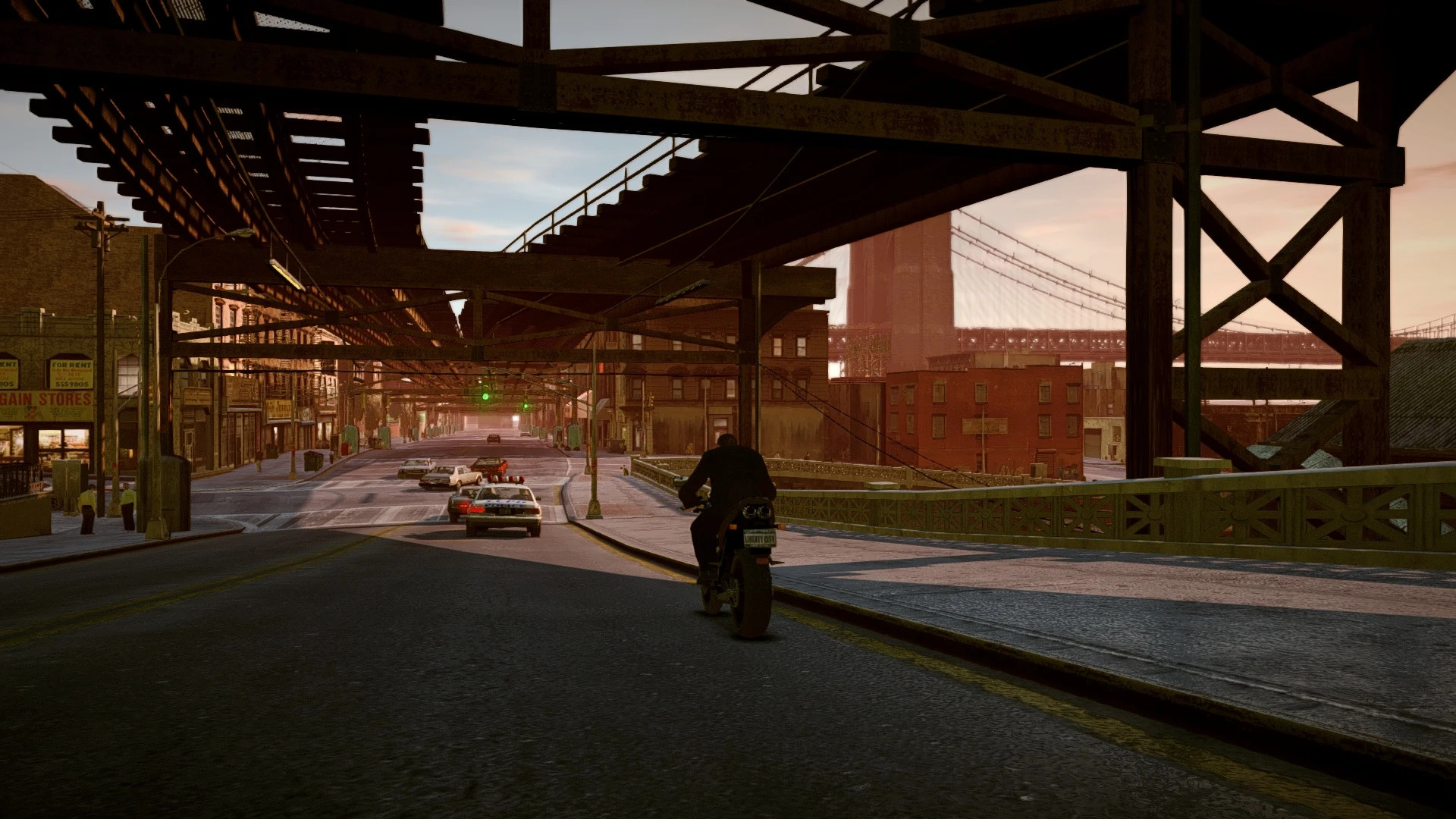
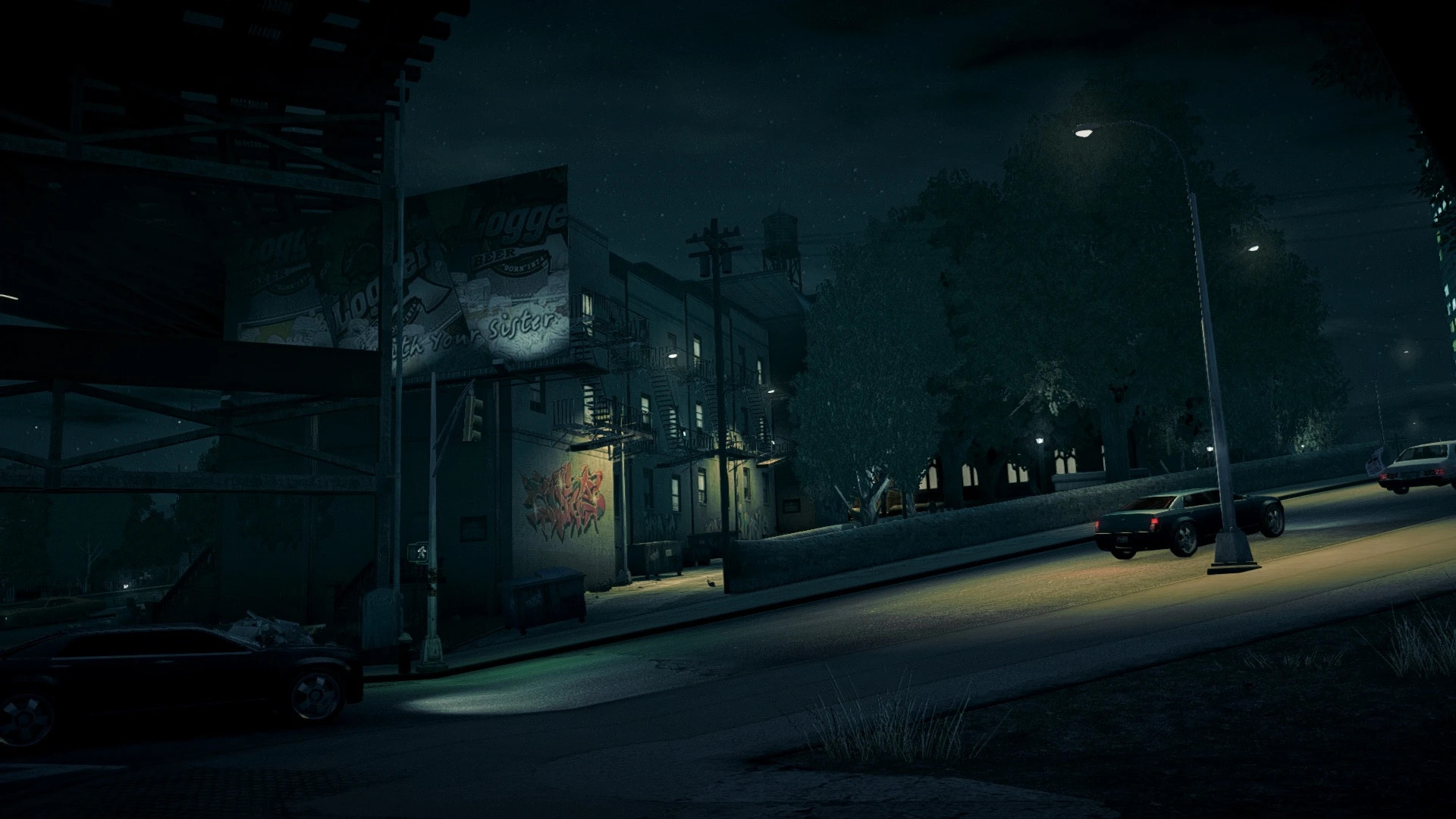
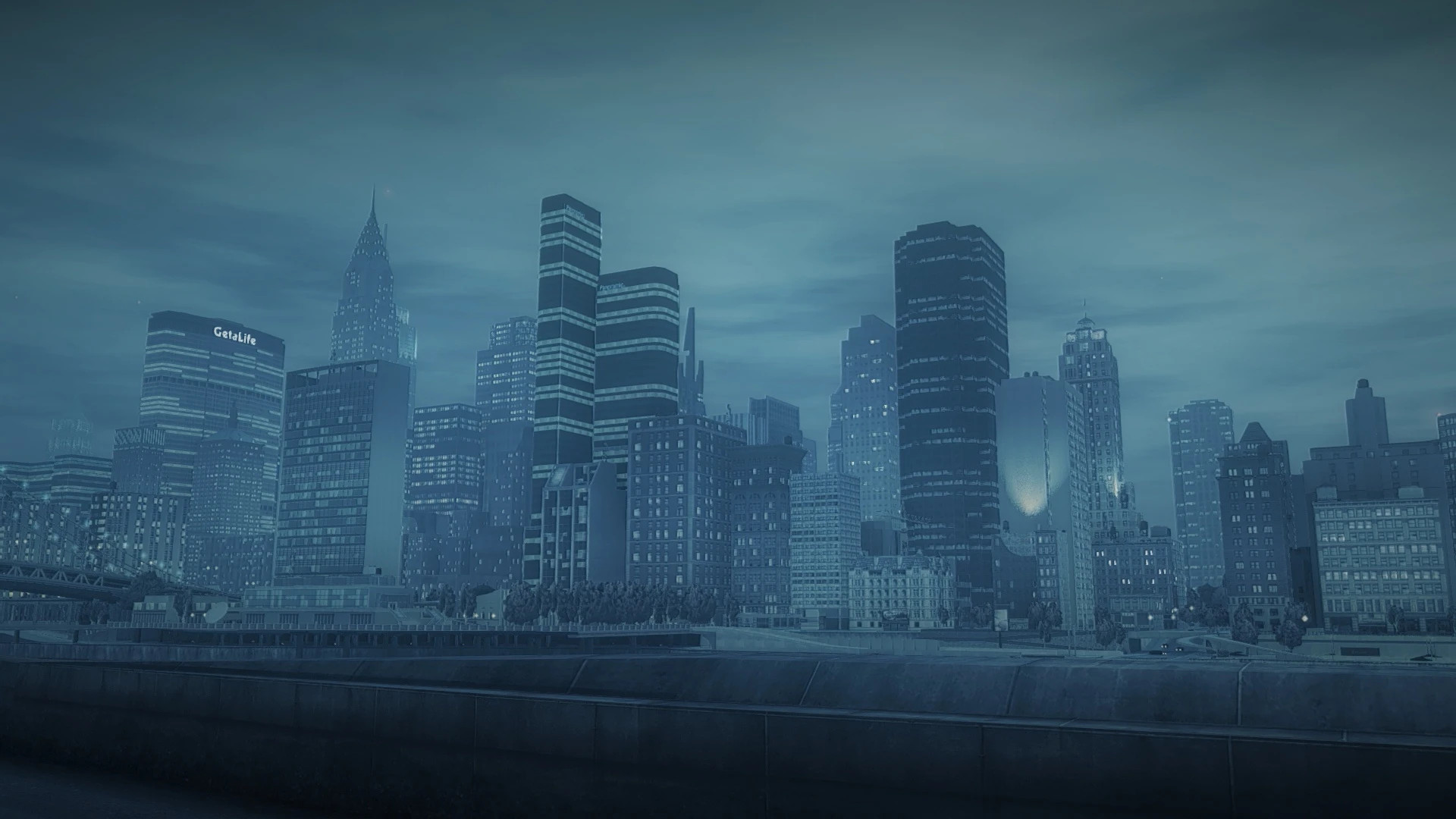
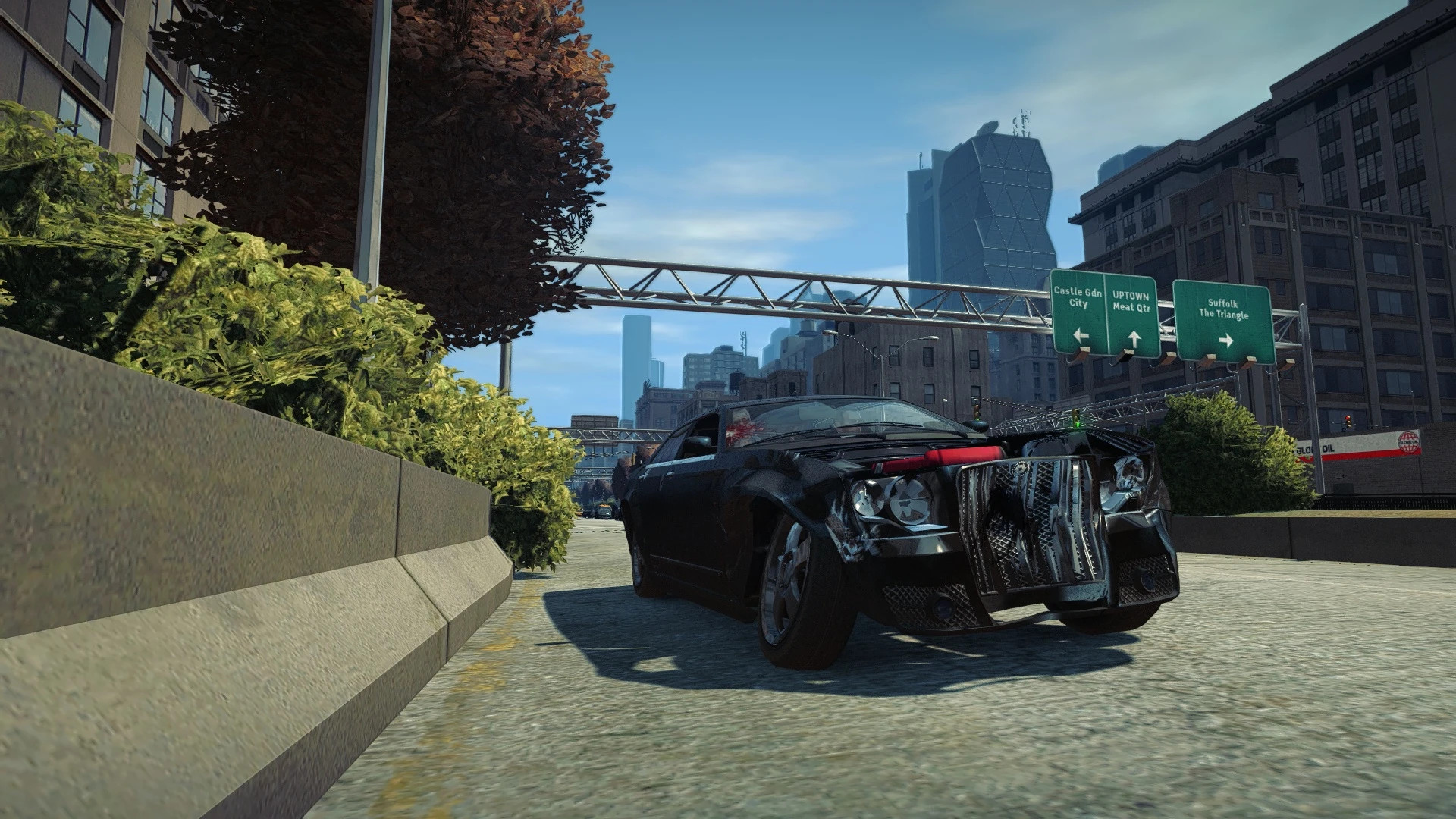
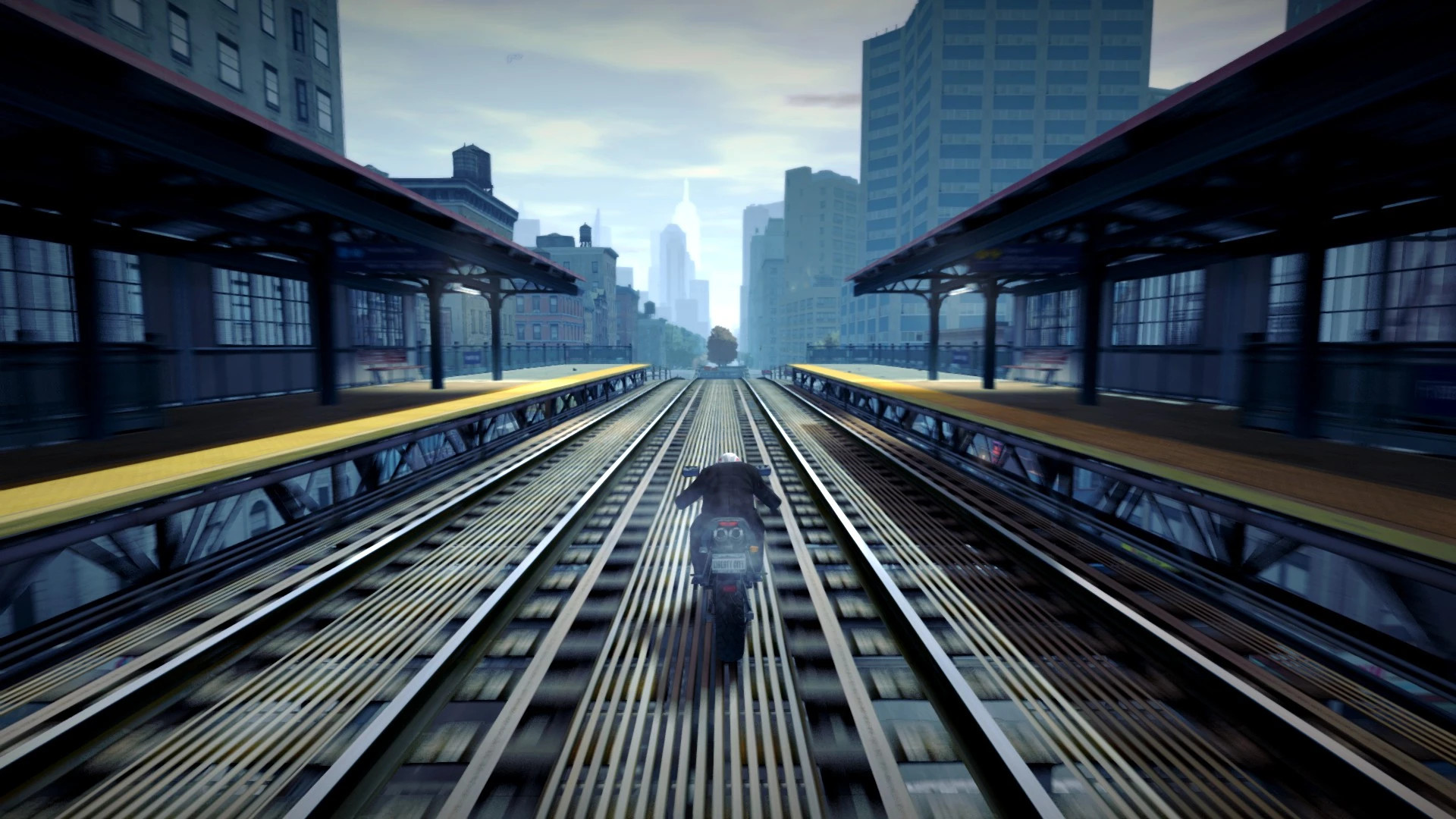
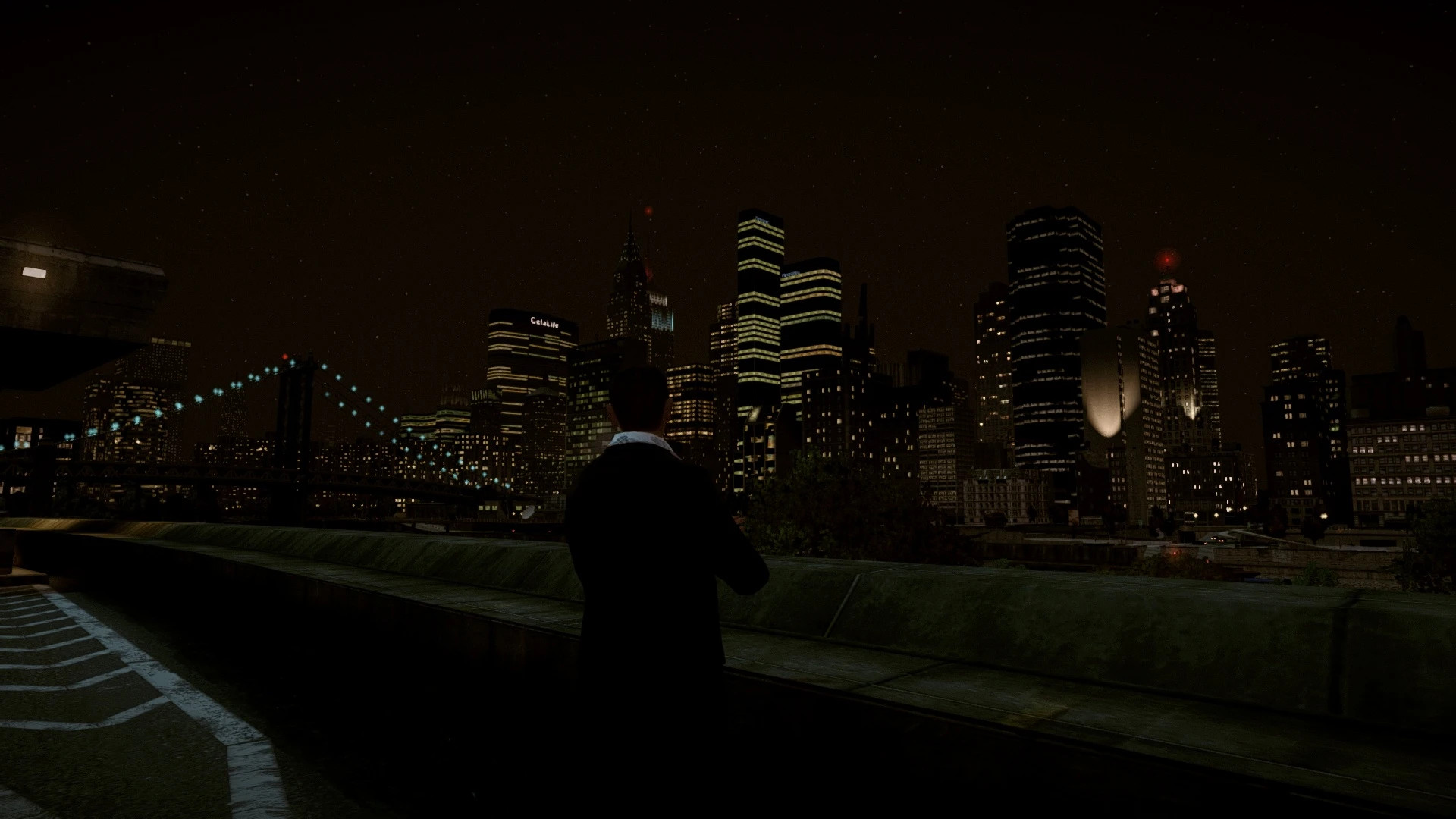
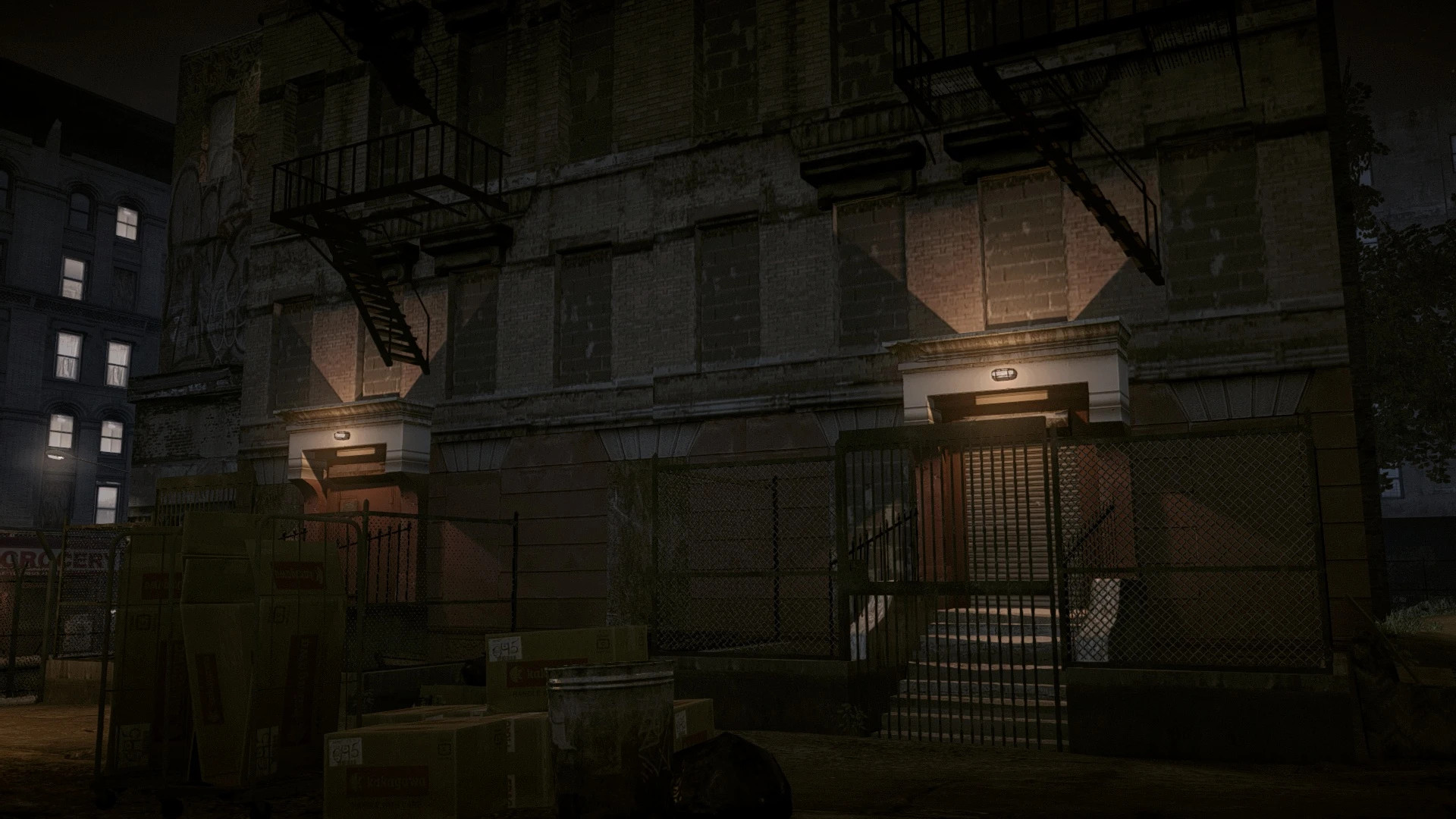
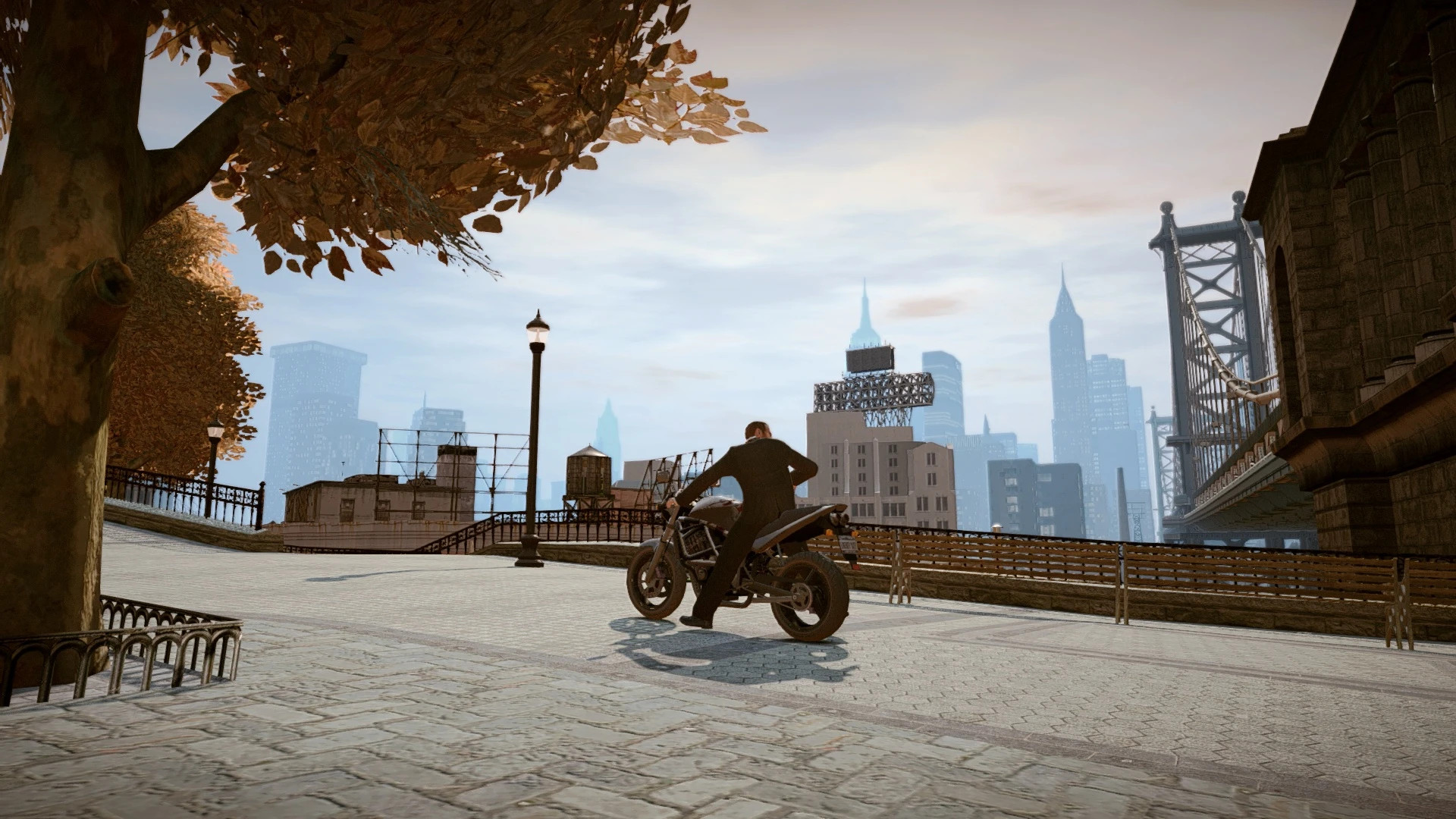
- Teal + Orange: Expands the game's evening color palette in the style of modern action movies and series. Makes daylight more vibrant and nights more stylized. Inspired by Drive and John Wick.
- Warm: Removes the green tint from shadows. Makes sunlight warmer and gives nights a brown tone without the heavy yellow filter. Inspired by Castle.
Installation Instructions
- Install FusionFix.
- Install ReShade with the following effects:
– Curves.fx
– Deband.fx
– DPX.fx
– FilmGrain.fx
– FXAA.fx
– Levels.fx
– LUT.fx
– Tint.fx
– Vibrance.fx
– Vignette.fx
- Open ReShade and check the folders for textures and .ini files. Place .png files and preset files into the correct directories.
- Launch the game and switch between presets. You can bind hotkeys in ReShade "Settings" to toggle presets without opening the menu.
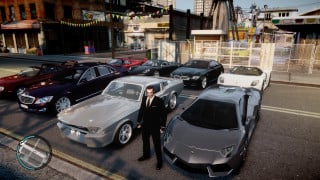
- For the same look as the screenshots, match GTA IV graphics settings using the included reference image.
2TO's ReShade presets
Two custom ReShade presets included.
Features
- Teal + Orange: Expands the game's evening color palette in the style of modern action movies and series. Makes daylight more vibrant and nights more stylized. Inspired by Drive and John Wick.
- Warm: Removes the green tint from shadows. Makes sunlight warmer and gives nights a brown tone without the heavy yellow filter. Inspired by Castle.
Installation Instructions
- Install FusionFix.
- Install ReShade with the following effects:
– Curves.fx
– Deband.fx
– DPX.fx
– FilmGrain.fx
– FXAA.fx
– Levels.fx
– LUT.fx
– Tint.fx
– Vibrance.fx
– Vignette.fx
- Open ReShade and check the folders for textures and .ini files. Place .png files and preset files into the correct directories.
- Launch the game and switch between presets. You can bind hotkeys in ReShade "Settings" to toggle presets without opening the menu.
- For the same look as the screenshots, match GTA IV graphics settings using the included reference image.
External Download Links:
Direct Download Links
You Might Also Like »
0 Comments
There are no comments. Be first to comment!