Natural Light Reshade v1.0

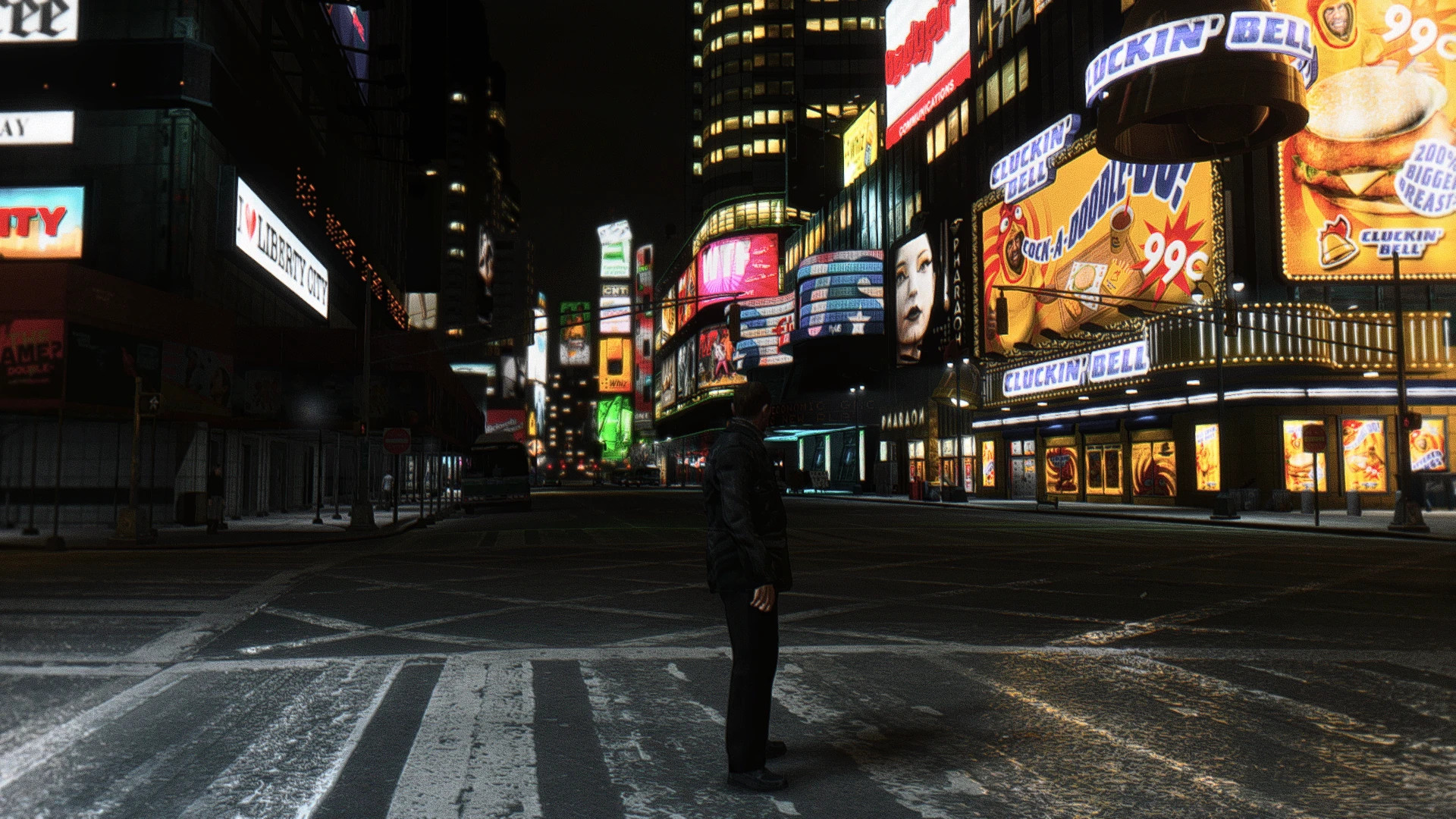
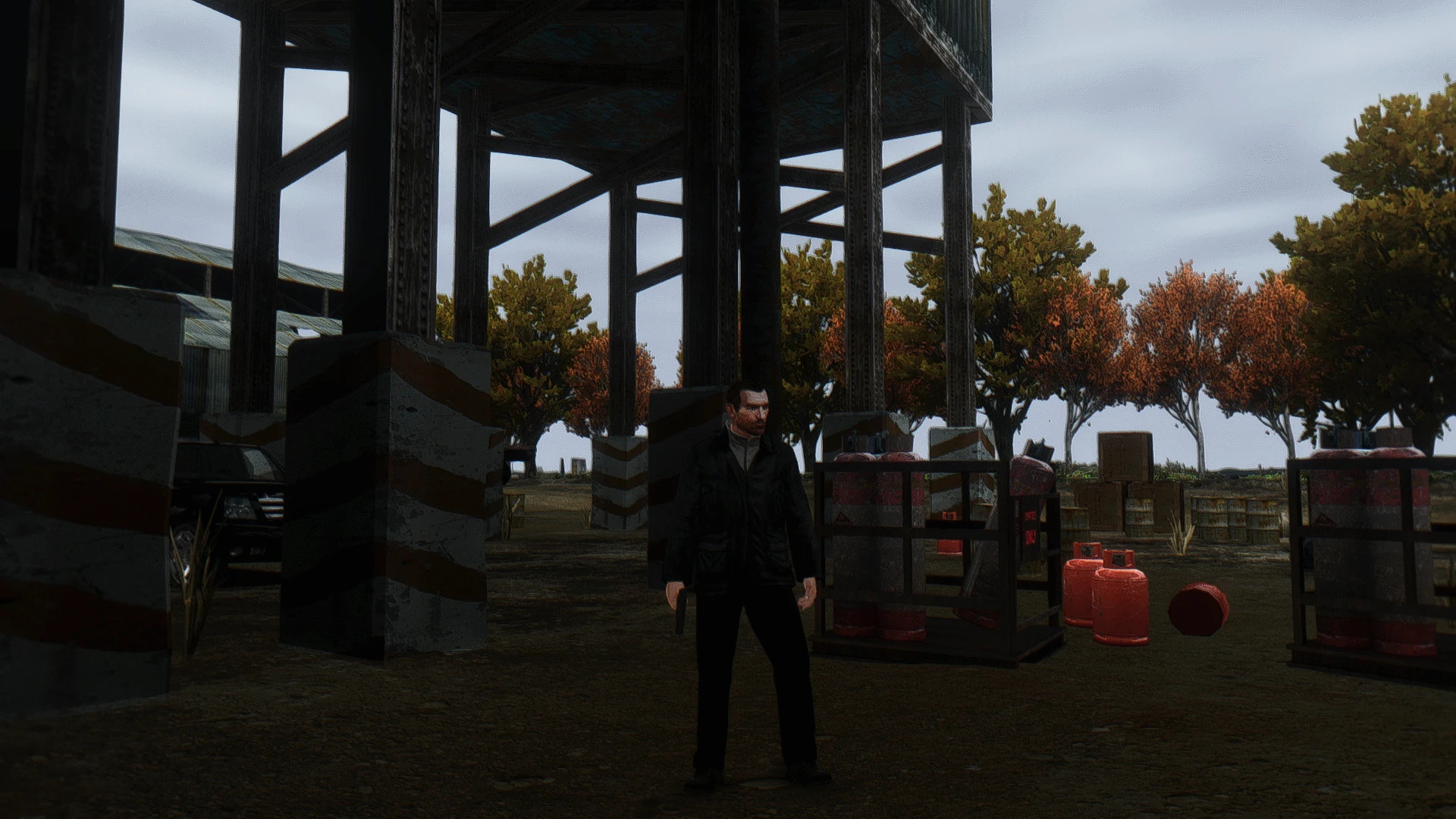
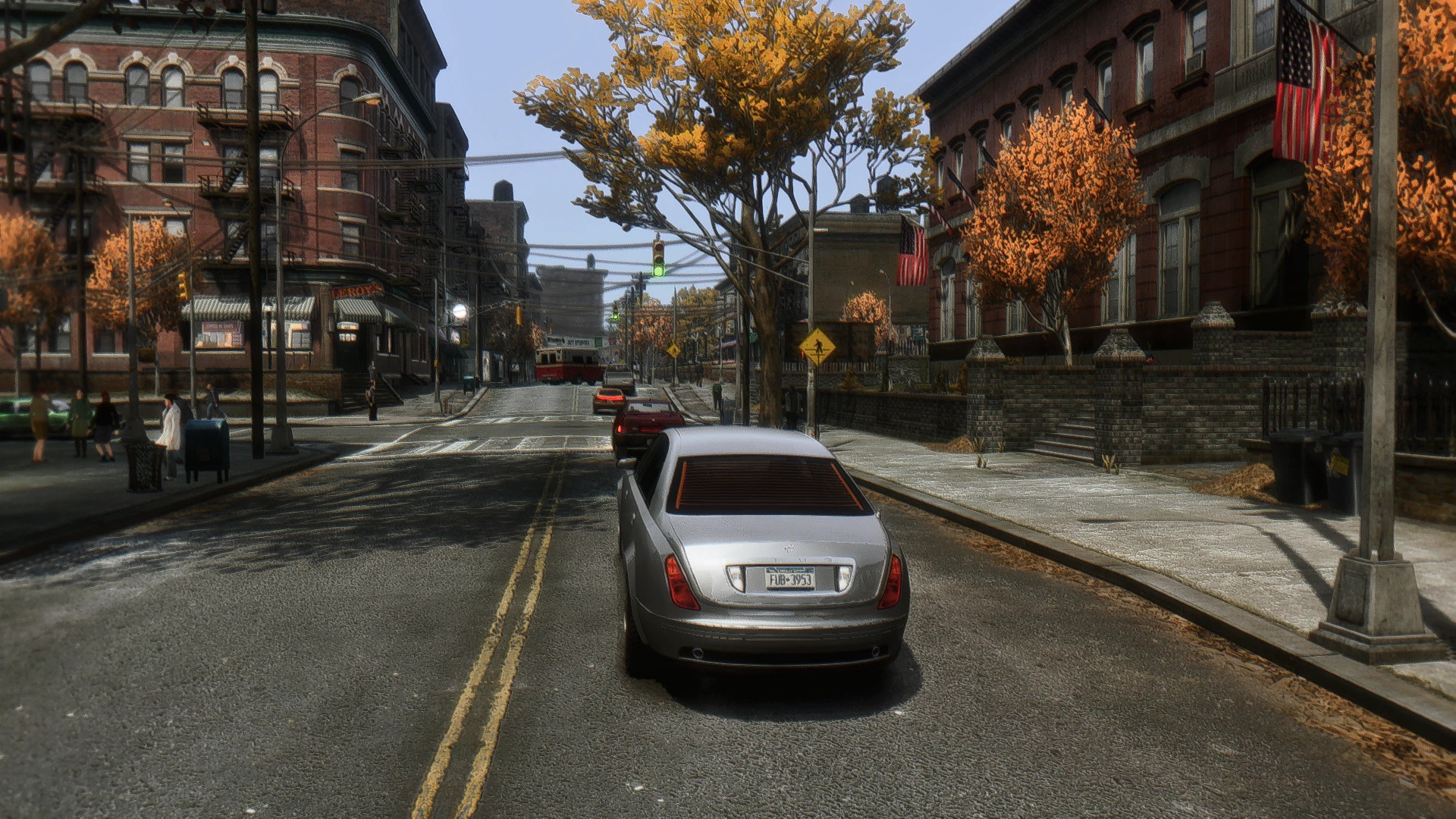
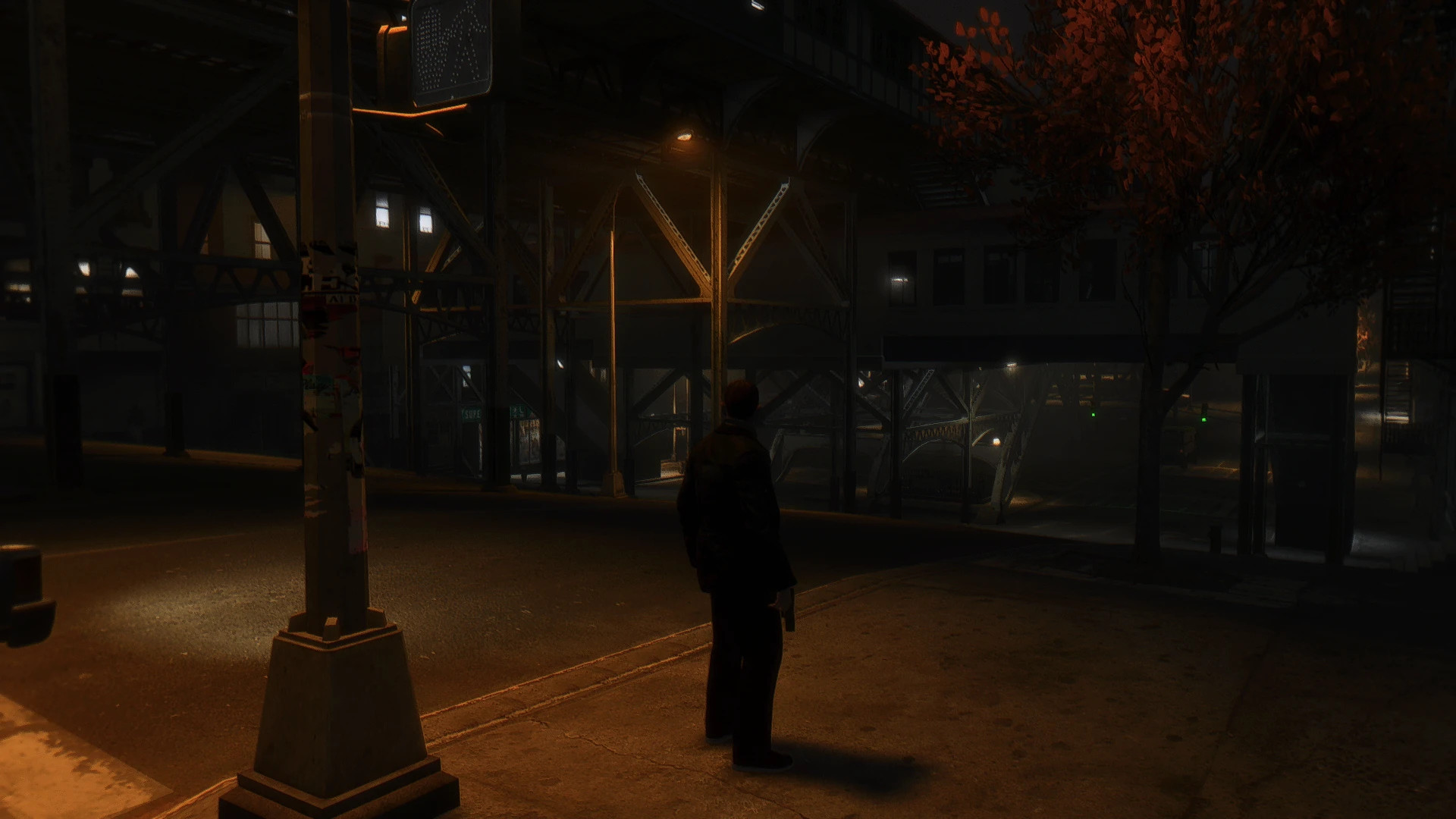
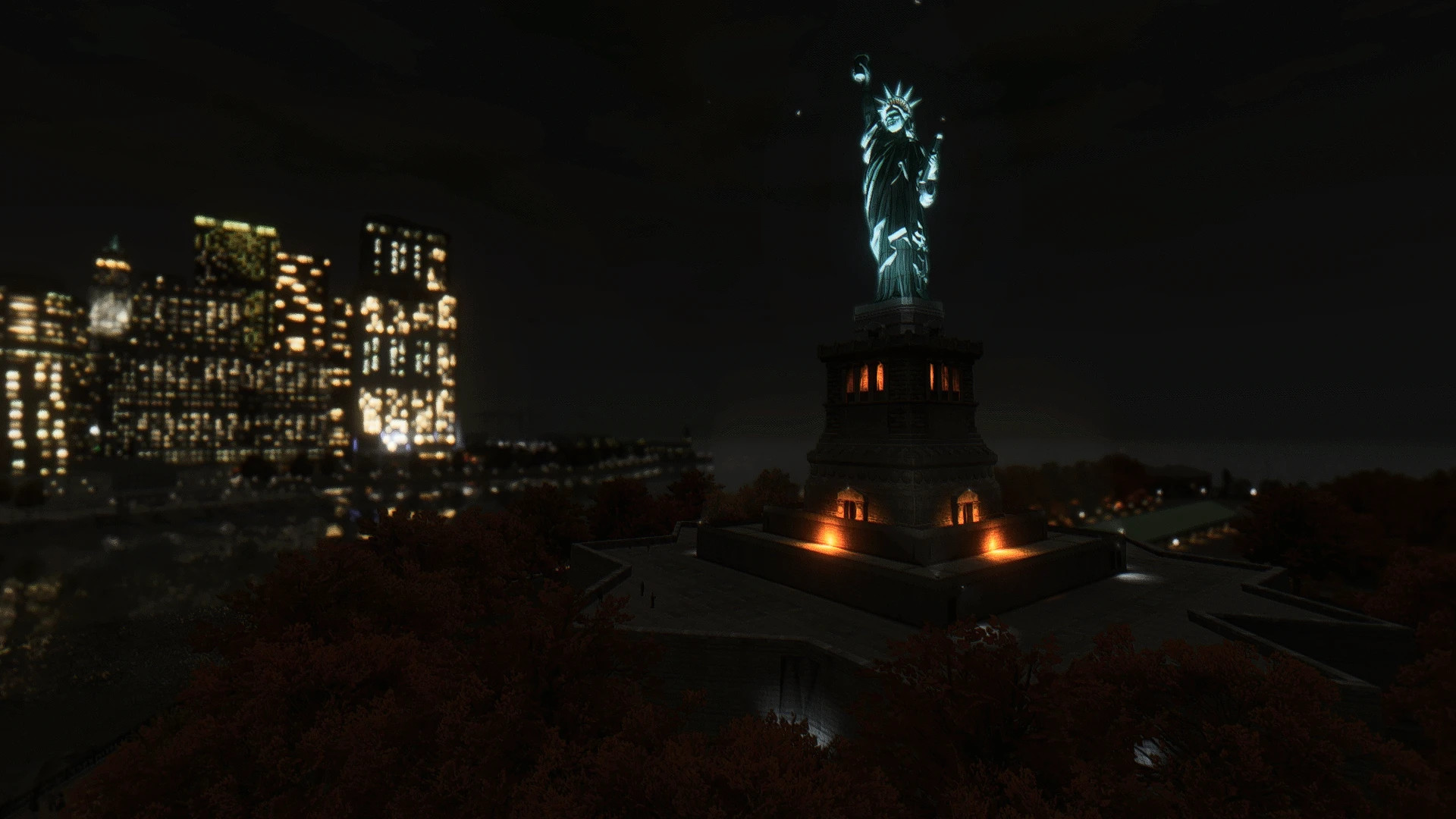
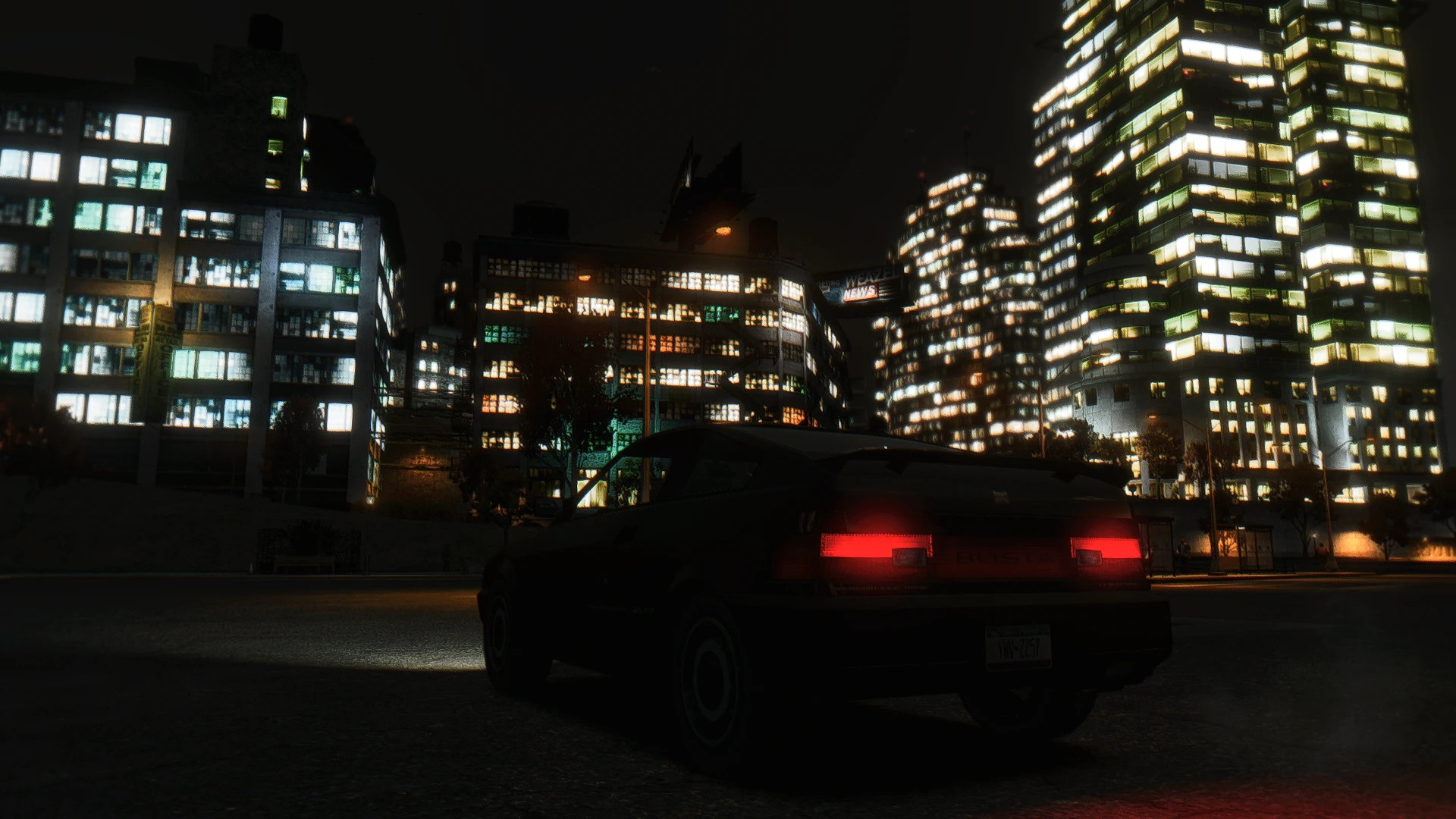
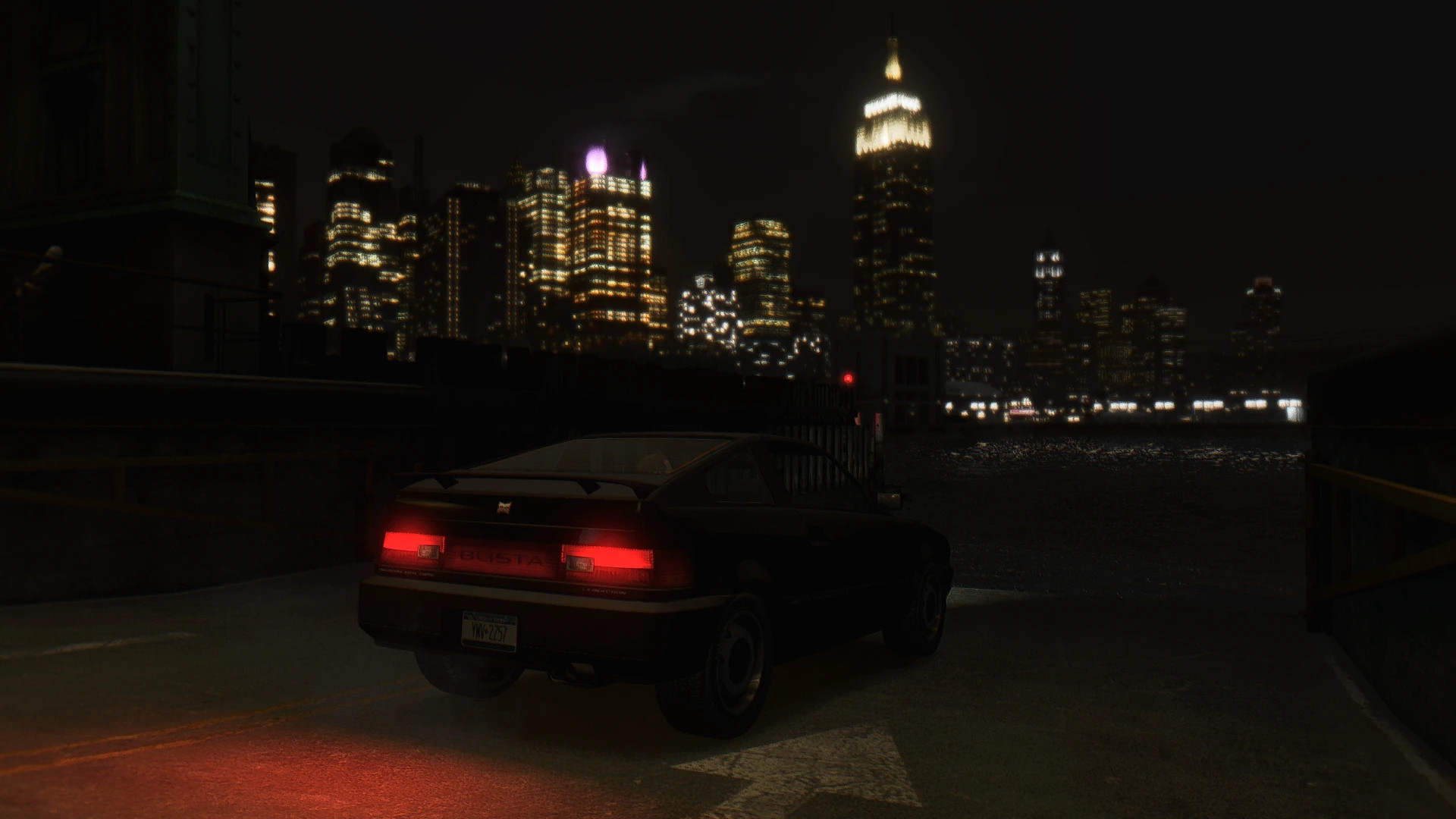
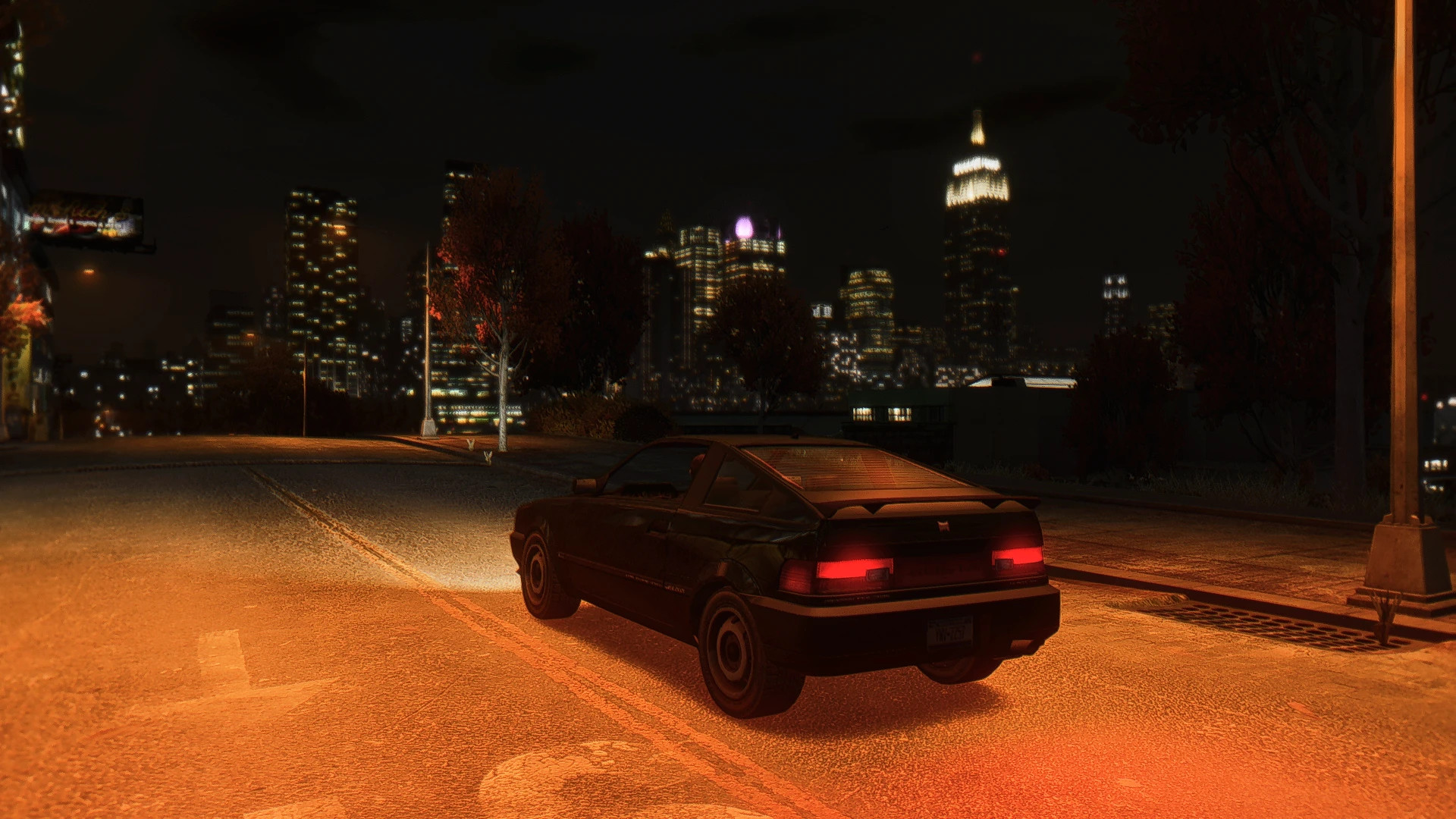
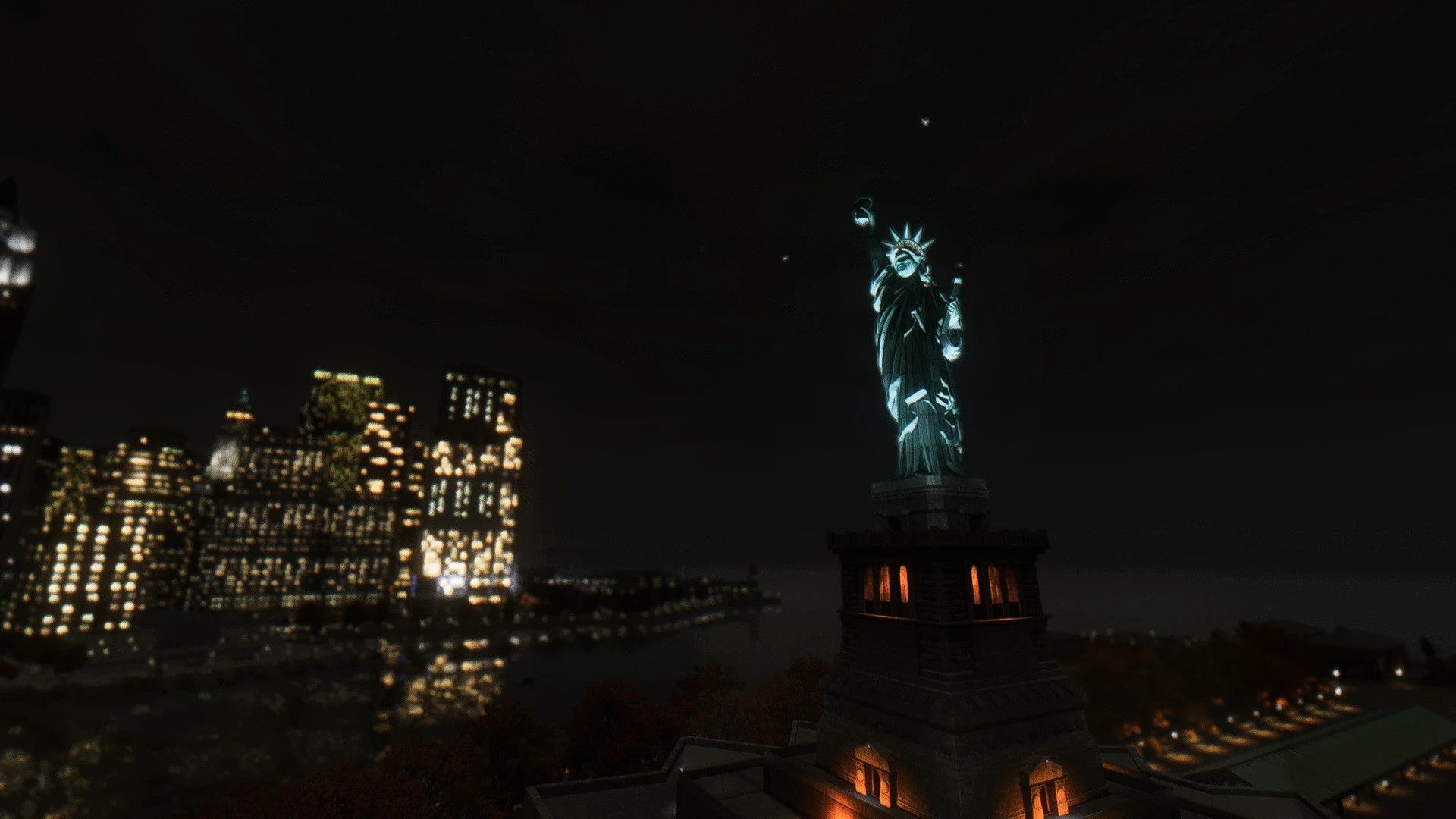
Natural Light Reshade
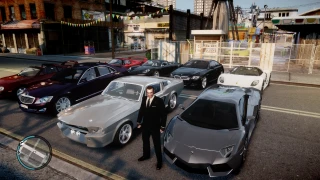
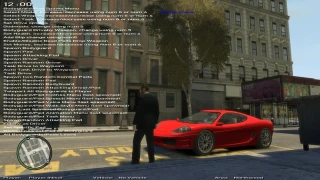
This ReShade preset adds natural, lifelike lighting to GTA IV. It softens the default grim visuals for a more realistic look. Works without ENB and is best on Complete Edition (1.2.0.59) for Fusion Fix compatibility.
Mandatory requirements:
– Fusion Fix
– DayL's Natural Timecycle
Installation:
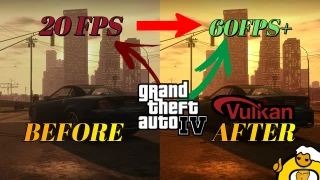
– Install ReShade (choose Vulkan for best performance, pick any shader options)
– Install DayL's Natural Timecycle but do not copy frontend_menus.xml from the common folder
– Extract this preset zip and copy reshade-shaders, plugins, and the preset into the root GTA IV folder, overwriting existing folders
– Launch the game, press Home to open ReShade, and select the preset
– Adjust display settings as shown in the screenshots
DX9 notes:
– Rename d3d9.dll in the root GTA IV (with Fusion Fix installed) to something like FusionFix.dll so ReShade can create its own d3d9.dll
– For other DXVK versions, use 32-bit and replace vulkan.dll provided by Fusion Fix (rename your new DXVK to vulkan.dll)
Performance tips:
– Enable ReBAR (NVIDIA) or SAM (AMD) if experiencing stutters
– Increase contrast if the visuals appear too dark
Recommended additional mods:
– RDR2 Vegetation Converted to IV (Autumn Edition) + Project Lights by DayL for vegetation and volumetric lighting (use 150 draw distance in Project Lights, avoid ext_veg.ide)
– HQ Vanilla City Textures Revitalization for sharper textures, or Ultimate Textures v2.0 for lighter but less crisp textures
– Higher Resolution Vehicle Pack 2.2 for glossy car reflections and HD vehicle textures
![4K Ultra HD Graphics V 4 Last [Final]](https://i2.modland.net/i/667c09fbb29e9/jsVs6CK76TjfogbFGmzSwPdpiQIaa7BuifA5wchn_modland.webp)