IV True Enhanced Visual v2.0

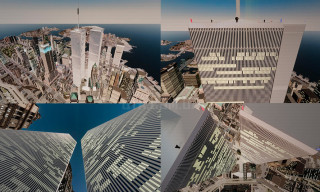
IV True Enhanced Visual
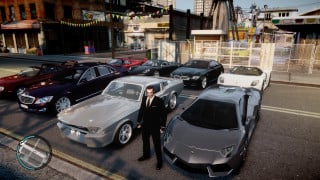
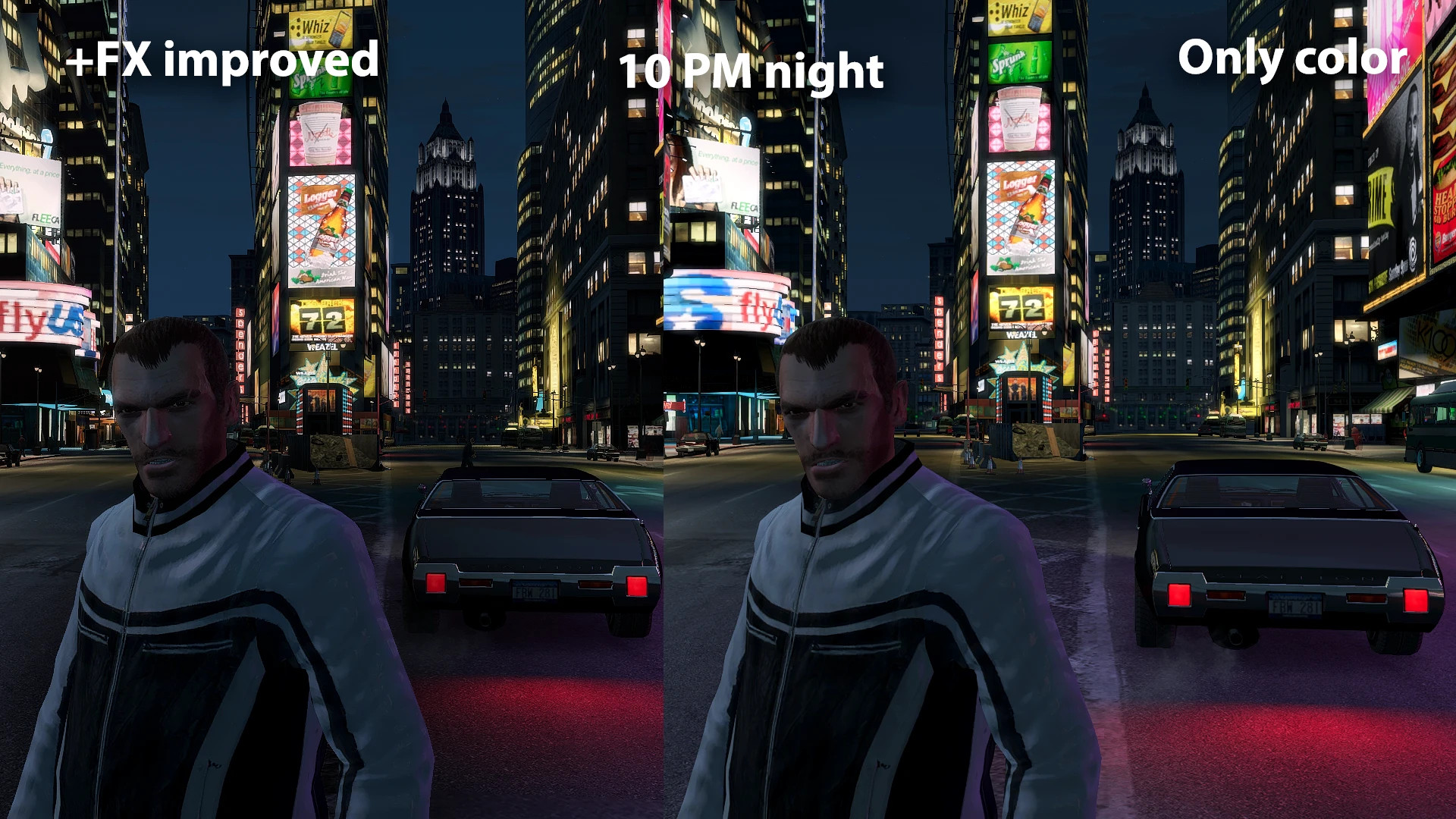
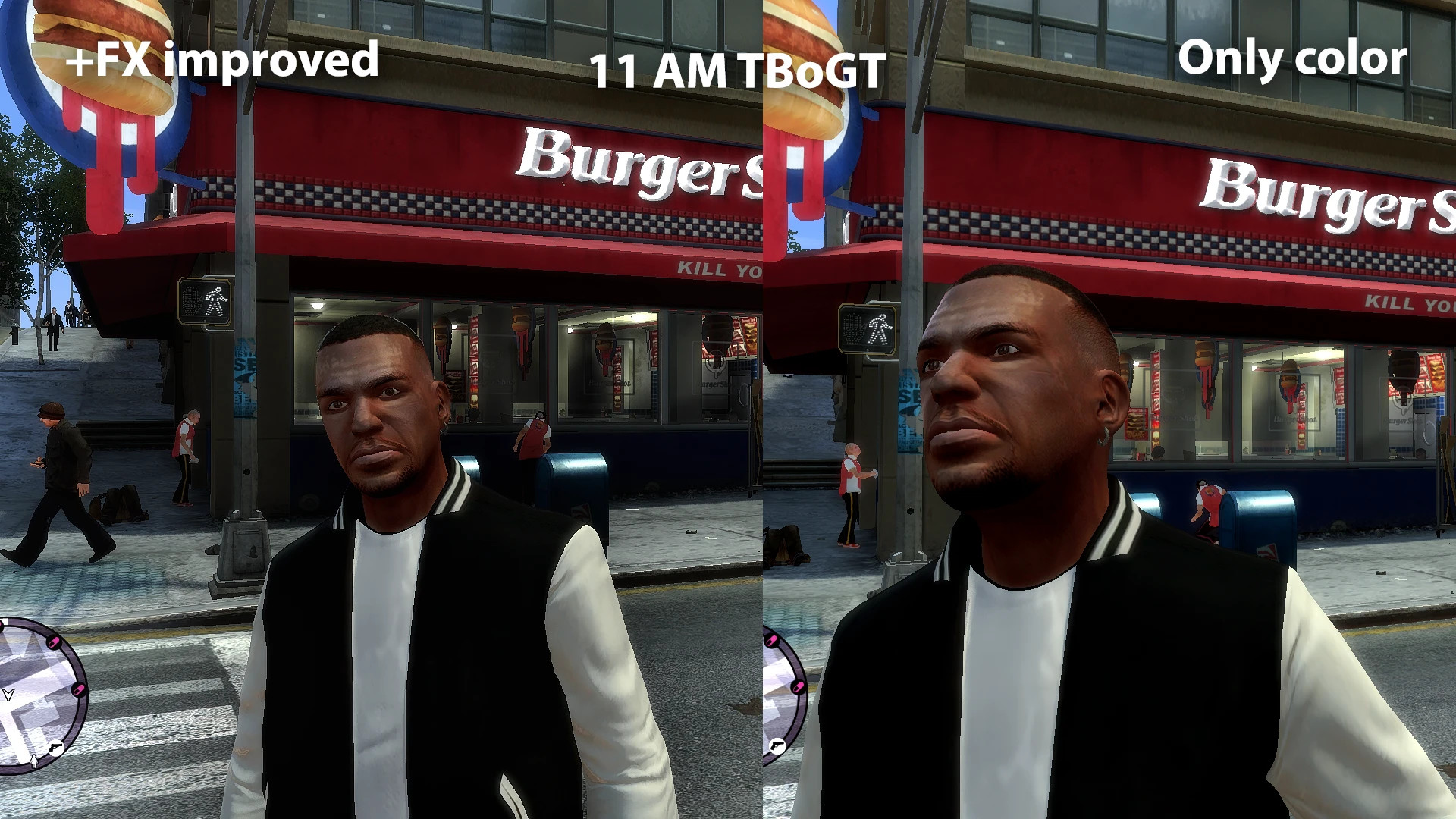
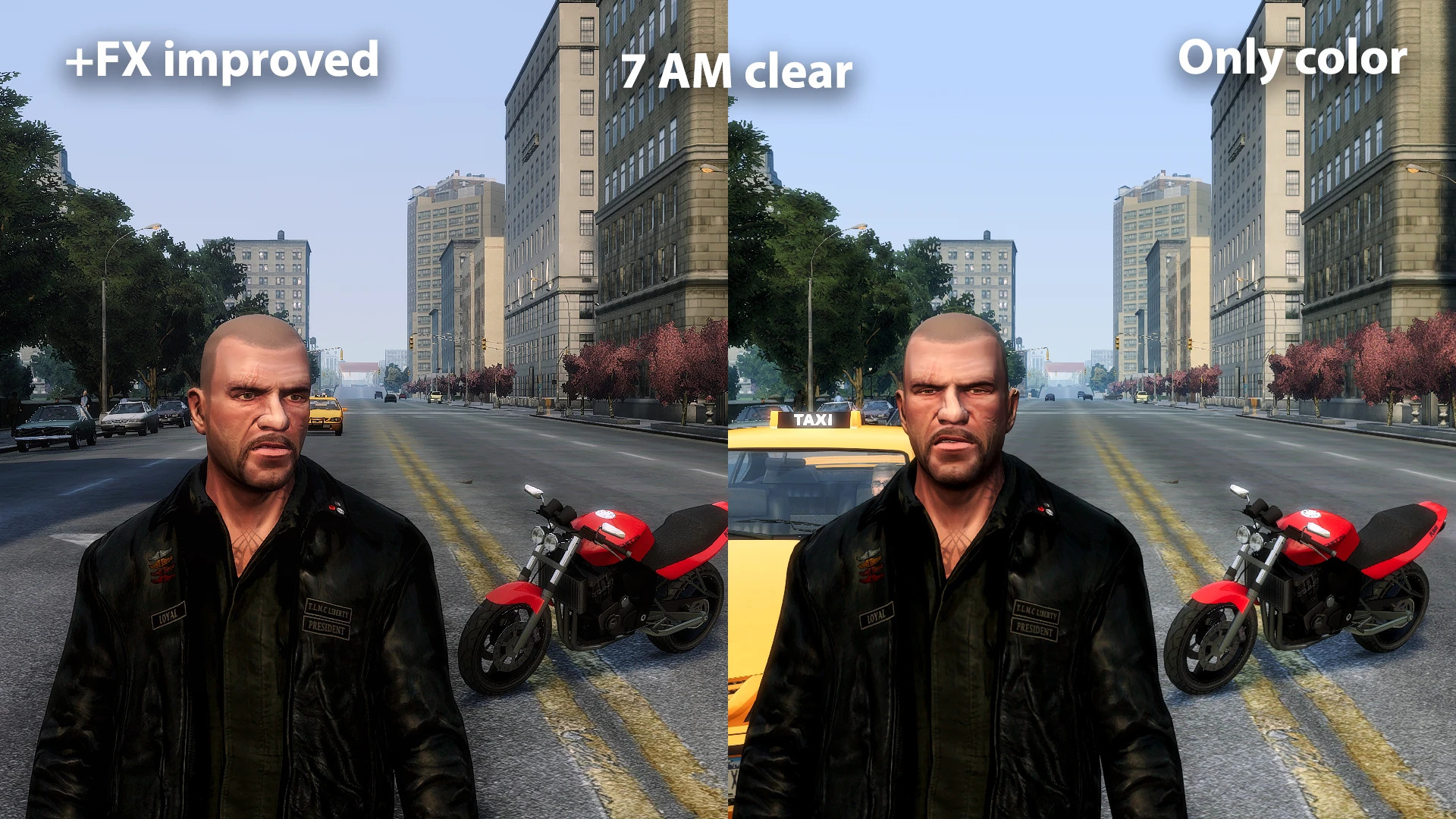
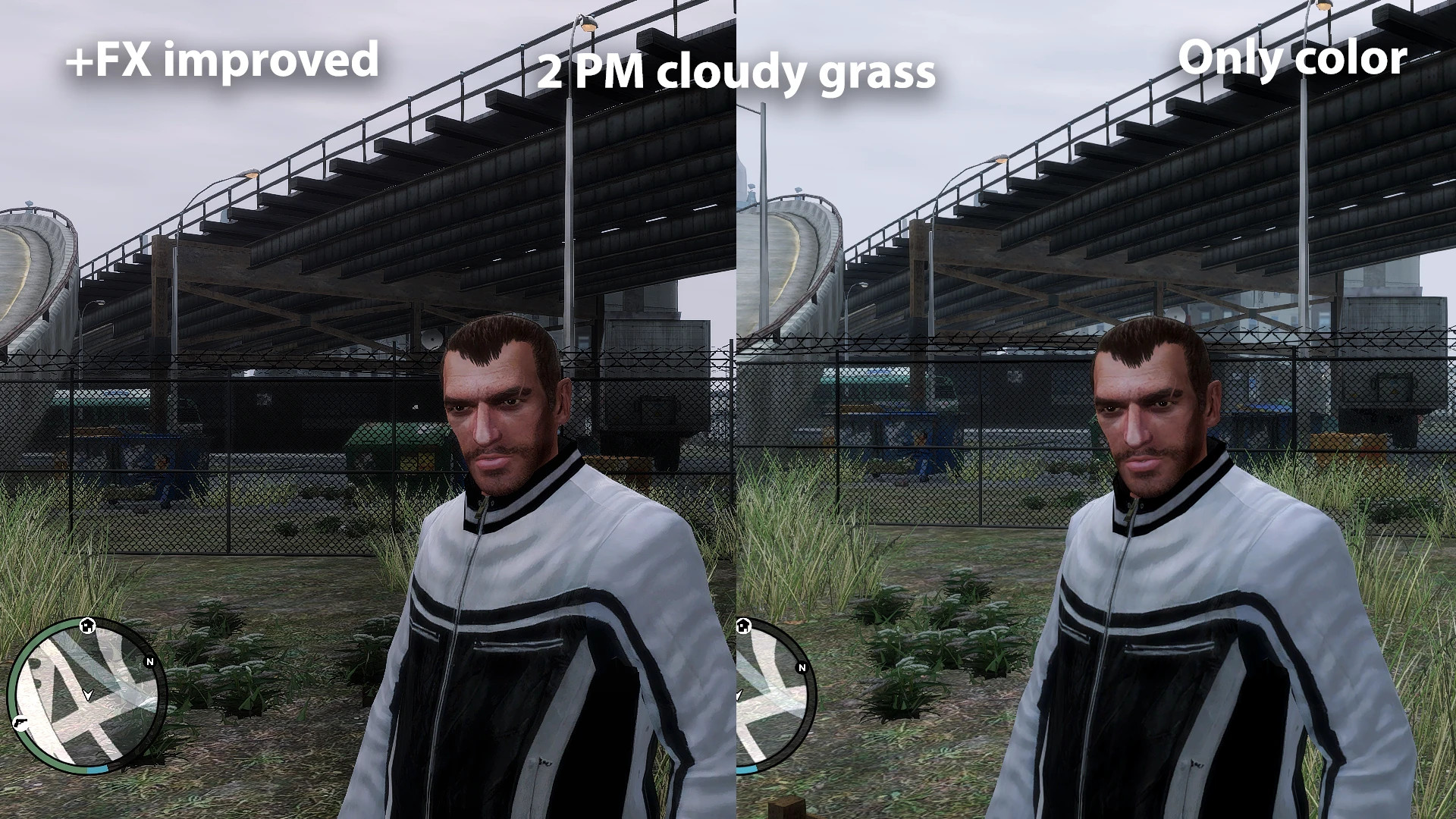
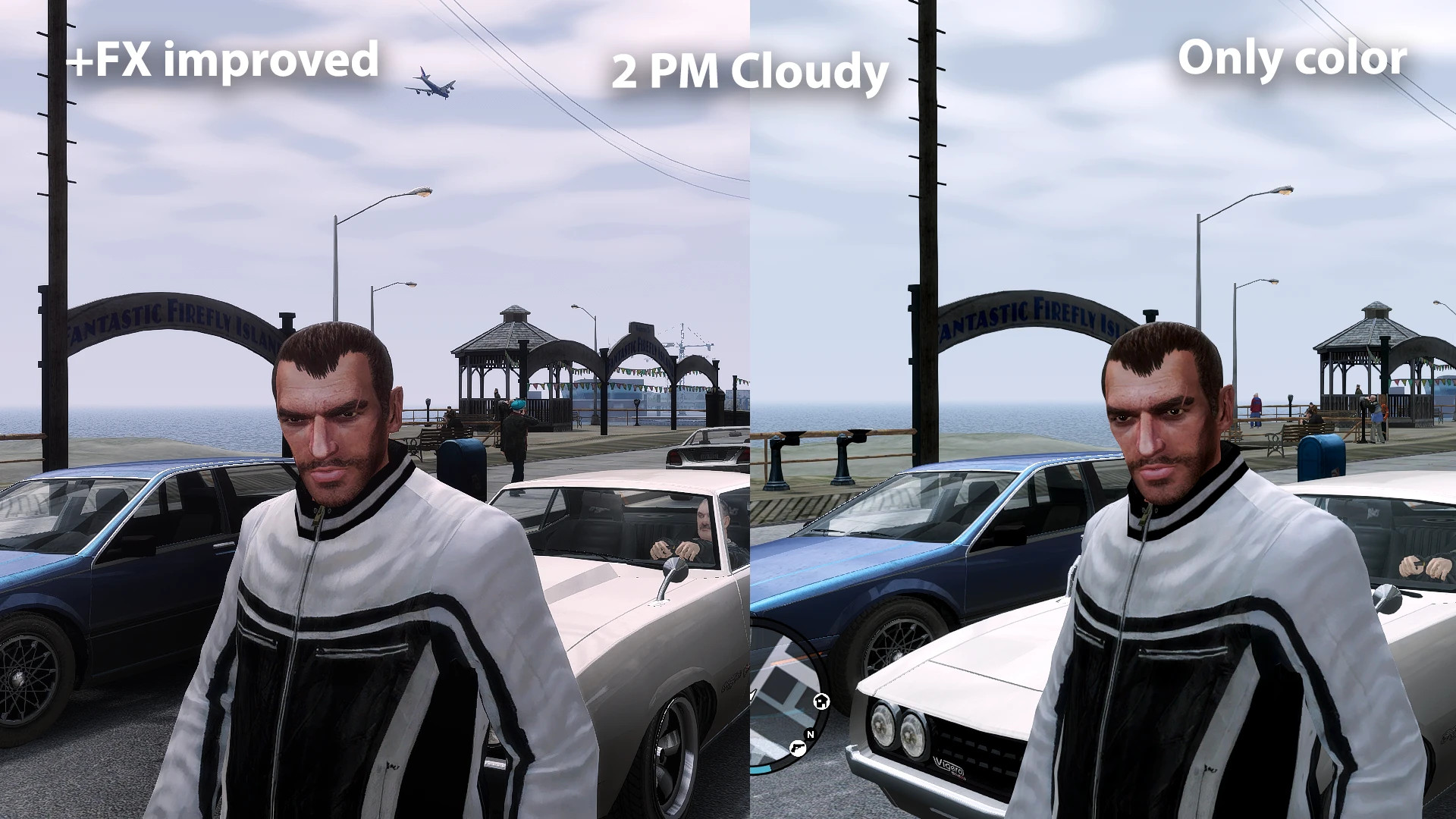
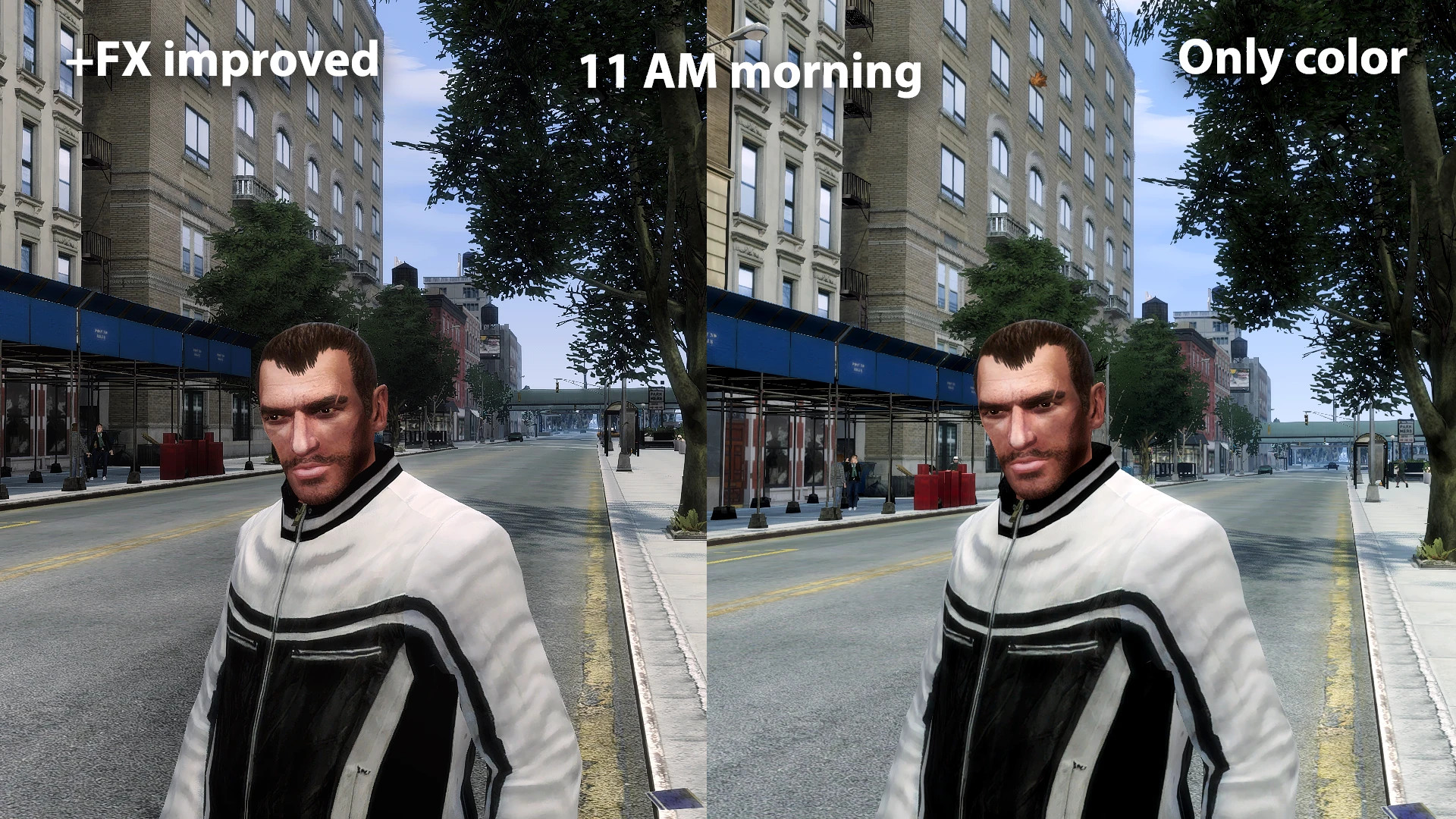
This mod refreshes GTA IV colors for better balance between shadows and lights.
Presets:
– Base color changes only
– Base color changes plus FX improvements
Notes:
– TLAD can use True Enhanced
– For TBoGT, use True Enhanced TBoGT for balanced visuals
Installation Guide:
– Install Reshade and select your GTA IV installation folder
– Choose Vulkan when prompted
– Browse and select the preset .ini file included, let it finish, then click Finish
– Paste DXVK GPLAsync files
– Install FusionFix
– Install DayL's Timecycle mod
– Install VolumetricLights mod
– In-game, switch to Vulkan API if Reshade does not appear
– Turn off all display effects: Motion Blur, Bloom, Depth of Field, Screen Filter
– Set Brightness, Contrast, Saturation to half
– Change distant light to project2Dfx and set trees to PC+ for higher quality
How to Use:
– Press Home to open Reshade menu
– Enable Performance Mode to prevent accidental changes
– Optionally, rebind Reshade toggle key to avoid conflict with Rockstar Home
– Press the new key to close the menu and rebind effects toggle key as desired
Mods Used in Screenshots:
– Project Glass
– Various Fixes
– 2K Trees and Vegetation
– GTA IV Warcaco Graphics Mod
– Vanilla Friendly Fusion Fix Edition
– Higher Resolution Vehicle Pack 2.2
– Higher Resolution Miscellaneous Pack
– GTA IV Trilogy HD Upscaled Protagonists (TBoGT and TLAD only)
– N.U.R.P (Niko Upscaled and Retexture Project)
– DayL's Natural Timecycle with optional improved lampposts
– New Grass Height
History:
– Renamed to True Enhanced in 2026
– Previously called GTA VI Inspired in 2024
![4K Ultra HD Graphics V 4 Last [Final]](https://i2.modland.net/i/667c09fbb29e9/jsVs6CK76TjfogbFGmzSwPdpiQIaa7BuifA5wchn_modland.webp)