



0/5,
0
votes
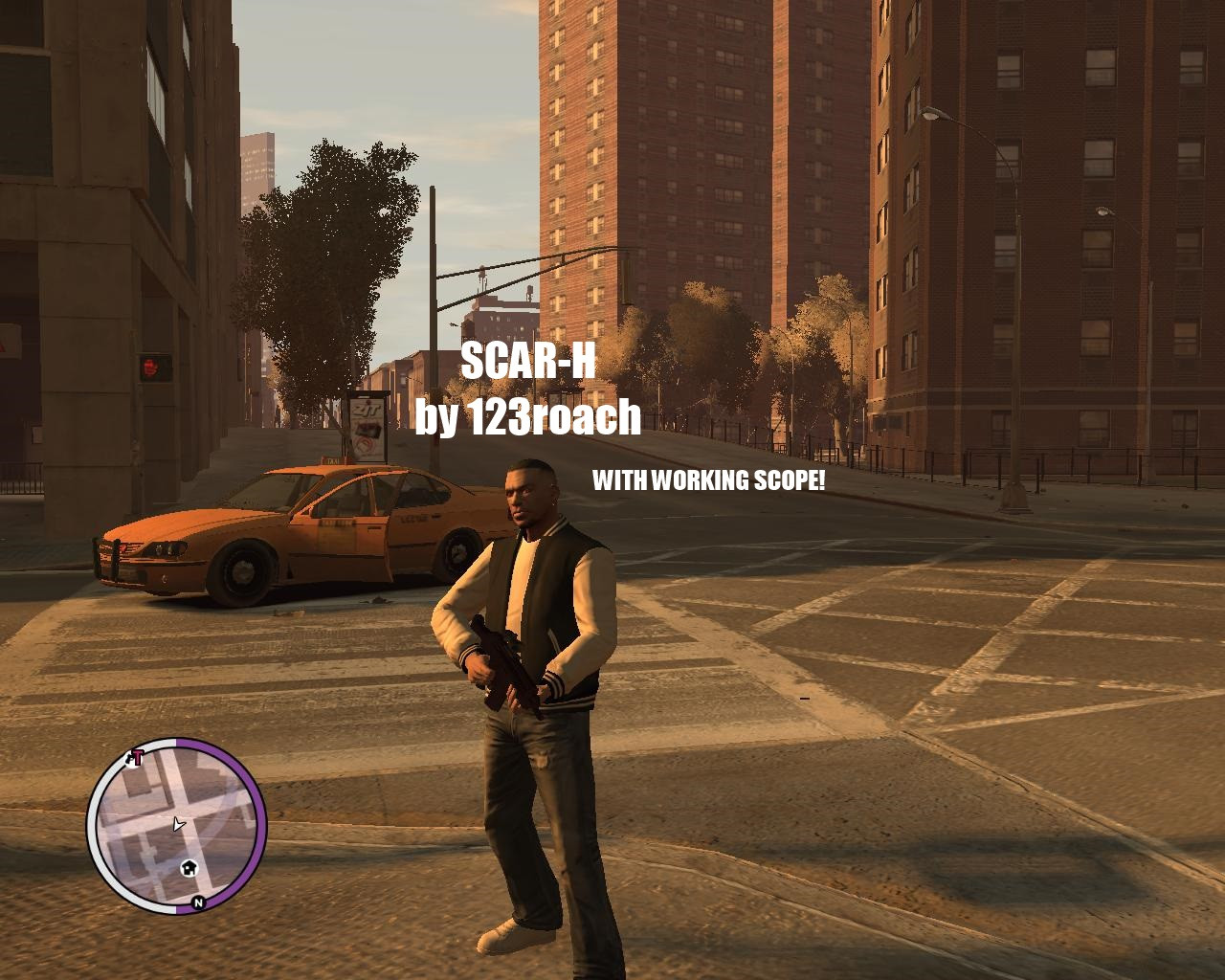
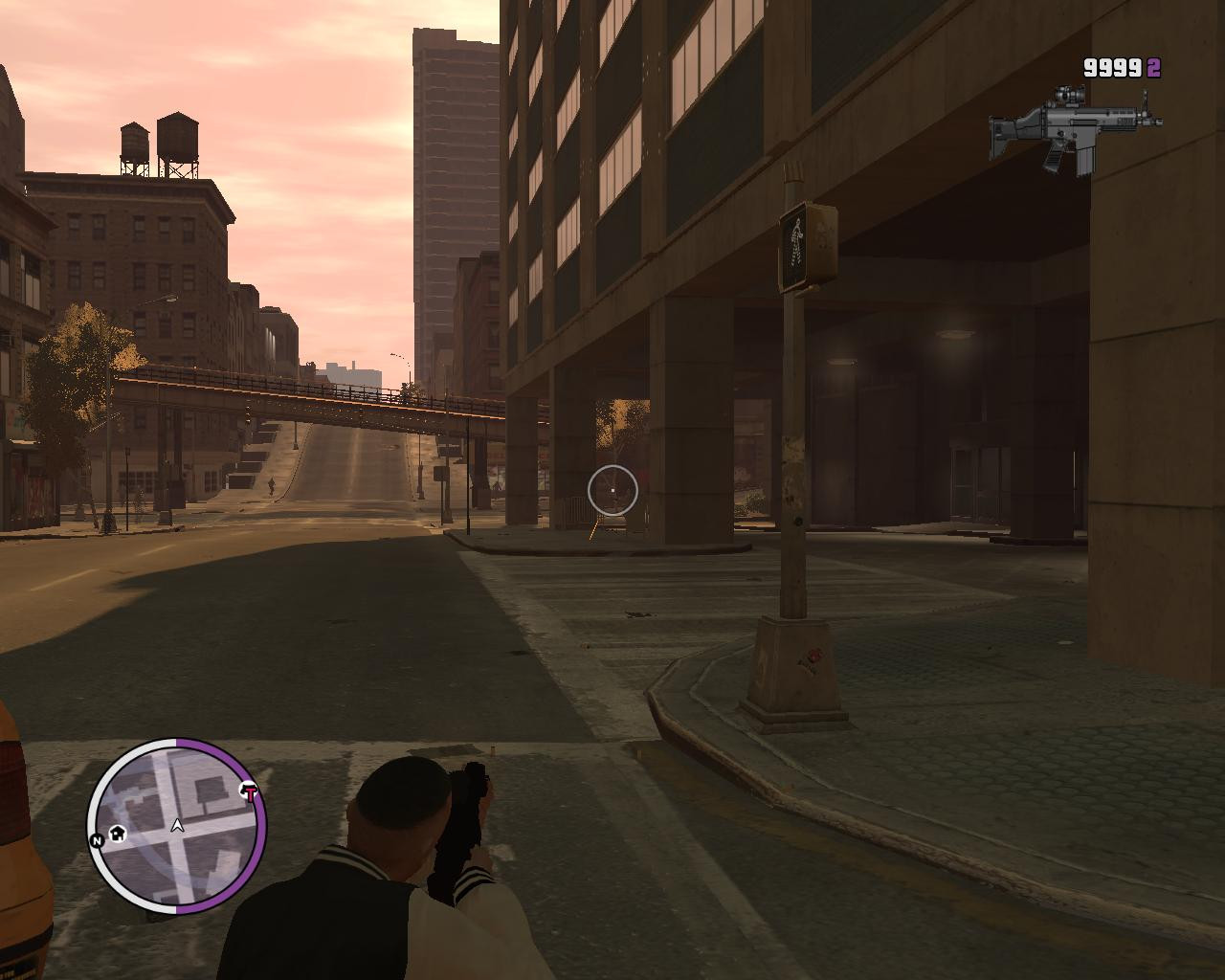
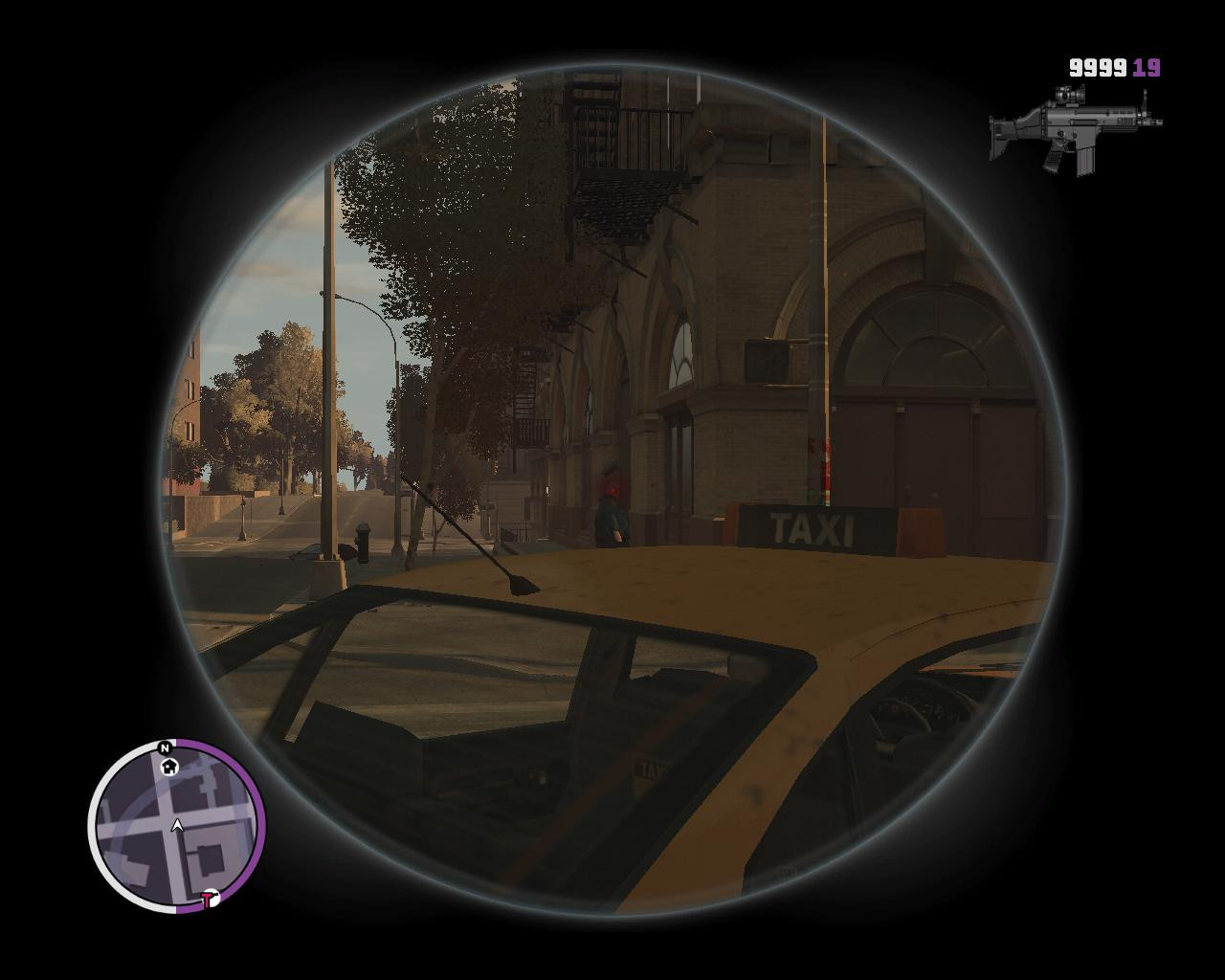
My new conversion, a SCAR-H with an ACOG attached to it.
Features:
-Working Scope
-HQ Model
-Original Icon
Instructions:
1. Open "weapons.img" located in "Grand Theft Auto IV/pc/models/cdimages" with "OpenIV".
2. Click the "Edit Mode" button, and then click the "+" button.
3. Open the folder where you extracted my mod.
4. Select "w_m4.wdr" and "w_m4.wtd" and click the "OK" button.
5. Replace the M4's weaponinfo with the one provided in the "weaponinfo.txt"(choose if you want the scope).
6. Buy the "Carbine Rifle" from the weapon shop. (or, alternatively, spawn it via a trainer.)
7. Enjoy!
P.S: Backup all files first.
Credits:
123roach
Features:
-Working Scope
-HQ Model
-Original Icon
Instructions:
1. Open "weapons.img" located in "Grand Theft Auto IV/pc/models/cdimages" with "OpenIV".
2. Click the "Edit Mode" button, and then click the "+" button.
3. Open the folder where you extracted my mod.
4. Select "w_m4.wdr" and "w_m4.wtd" and click the "OK" button.
5. Replace the M4's weaponinfo with the one provided in the "weaponinfo.txt"(choose if you want the scope).
6. Buy the "Carbine Rifle" from the weapon shop. (or, alternatively, spawn it via a trainer.)
7. Enjoy!
P.S: Backup all files first.
Credits:
123roach
Direct Download Links
You Might Also Like »



![4K Ultra HD Graphics V 4 Last [Final]](https://i2.modland.net/i/667c09fbb29e9/jsVs6CK76TjfogbFGmzSwPdpiQIaa7BuifA5wchn_modland.jpg)
0 Comments
There are no comments. Be first to comment!