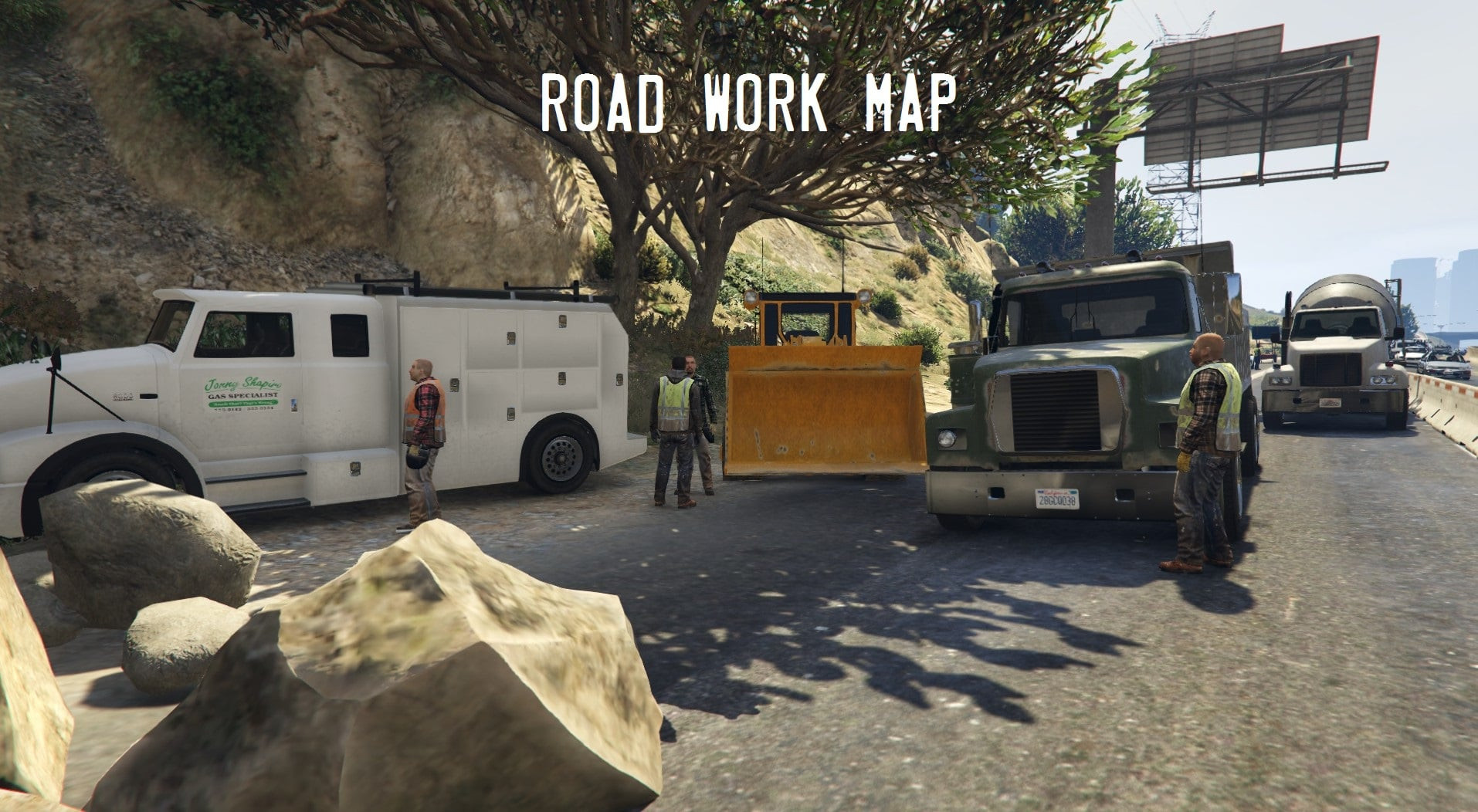
Road Work (+ Animations) 1.9 FINAL

0/5,
0
votes
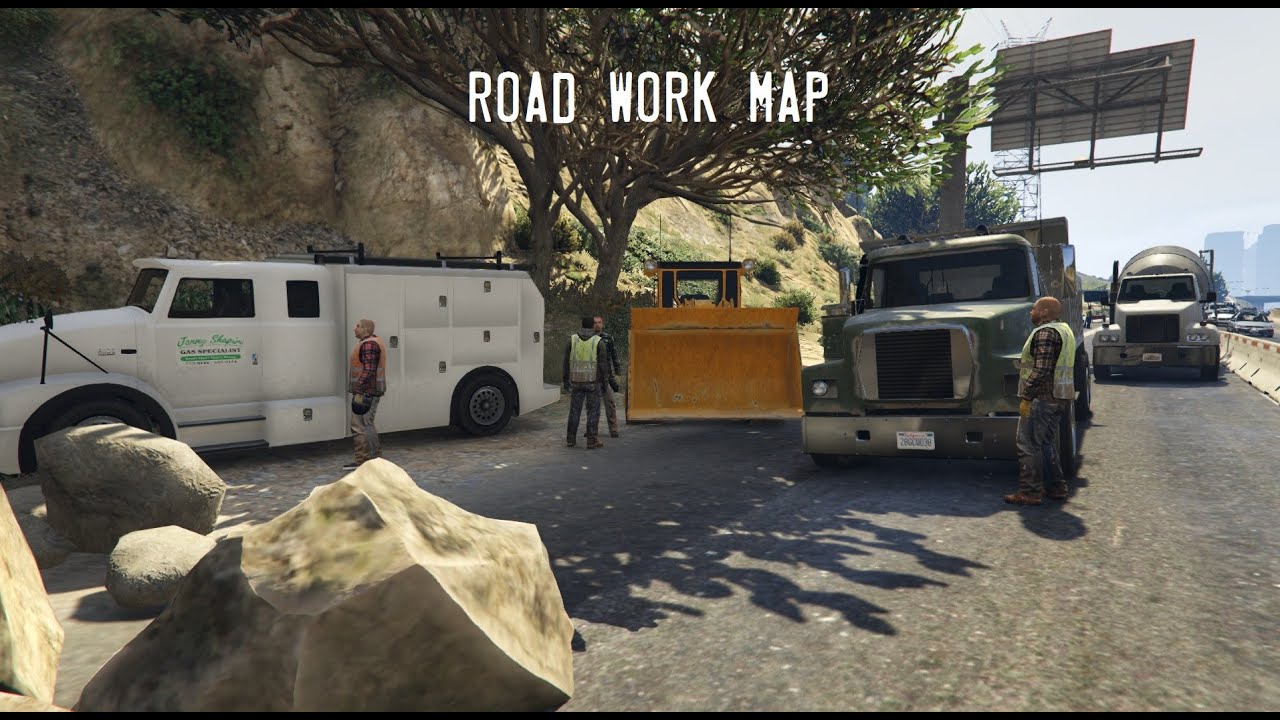
Roads in real life aren't always ideal, so I decided to throw havoc on Los Santos' AI. Make ideas about where the next work site should be.
If you want me to work harder or have bespoke construction trucks, you can always give.
Watch my video for a more thorough look at everything I added.
Locations are provided in the download.
Installation:
Put "roadwork.xml" in the GTA directory.
Download the latest version of Guadmaz's Map Editor.
Install the map editor.
When you get it functioning, go to "load map"
Enter "road work"
Alternatively, you may create a folder named "AutoloadMaps" in your GTA 5 scripts directory. Put roadwork.xml in AutoloadMaps, and it should load when you start the game.
When you go to the place, it should load.
Tip: When loading the map, avoid being near the work area. Cars may be present in the spawn area, causing problems.
Credits:
Meepler1
If you want me to work harder or have bespoke construction trucks, you can always give.
Watch my video for a more thorough look at everything I added.
Locations are provided in the download.
Installation:
Put "roadwork.xml" in the GTA directory.
Download the latest version of Guadmaz's Map Editor.
Install the map editor.
When you get it functioning, go to "load map"
Enter "road work"
Alternatively, you may create a folder named "AutoloadMaps" in your GTA 5 scripts directory. Put roadwork.xml in AutoloadMaps, and it should load when you start the game.
When you go to the place, it should load.
Tip: When loading the map, avoid being near the work area. Cars may be present in the spawn area, causing problems.
Credits:
Meepler1
Videos

Direct Download Links
Version: 1.9 FINALUpdated: 8 months ago
Total Size: 486.19 KB Road_Work_modland.zip direct download · 486.19 KB · added 8 months ago
You Might Also Like »










0 Comments
There are no comments. Be first to comment!