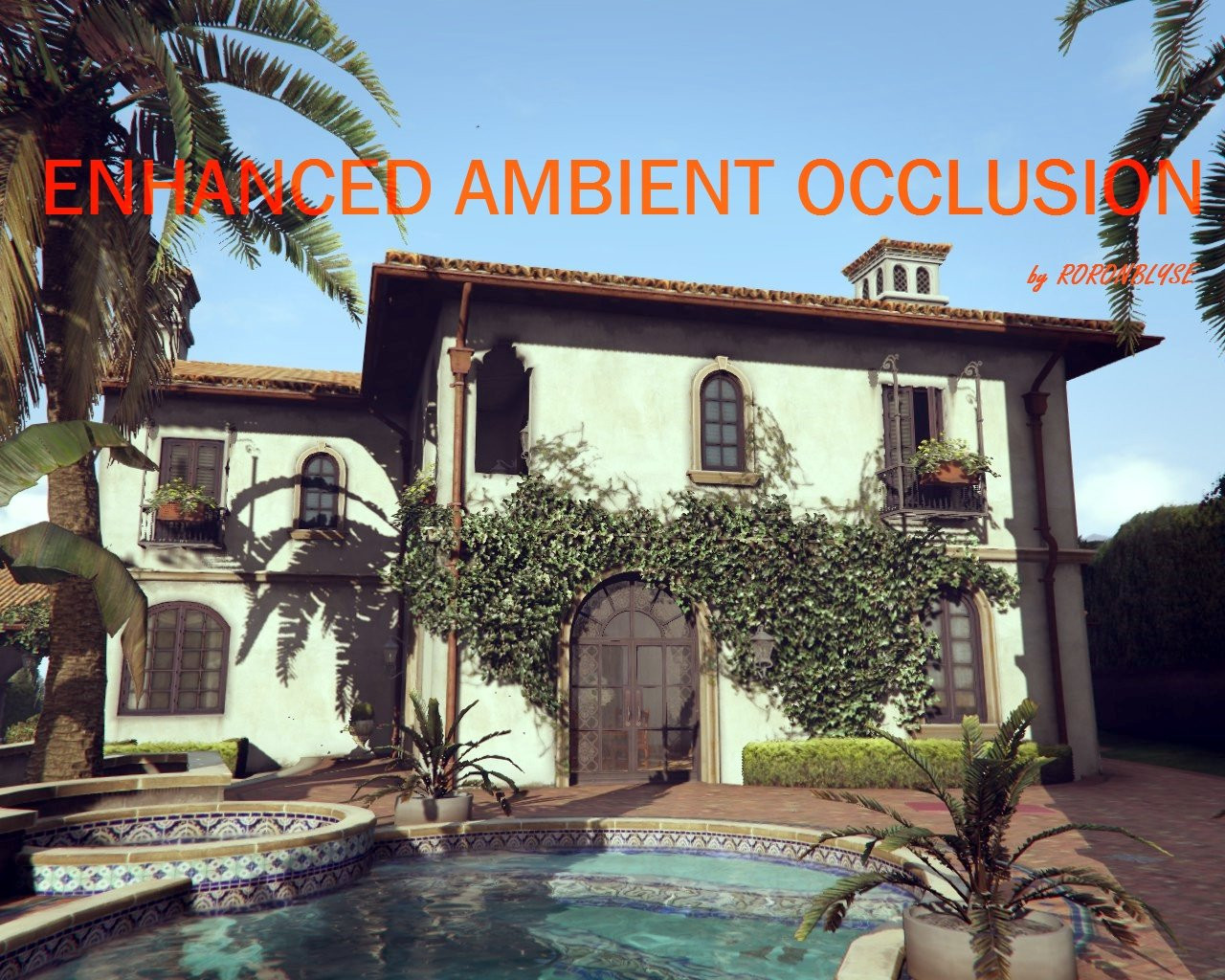
Enhanced Ambient Occlusion 2.0

0/5,
0
votes
How to install this mod:
Extract your file where you want.
Run "OpenIV" (if you don't have Open IV, go to openiv.com) and choose "windows" of GTAV.
Go to File (left up) and choose "Edit mod".
Now go to update fil / update.rpf / common / data.
Click on hbaosettings.xml and choose "replace".
Credits:
roronblyse
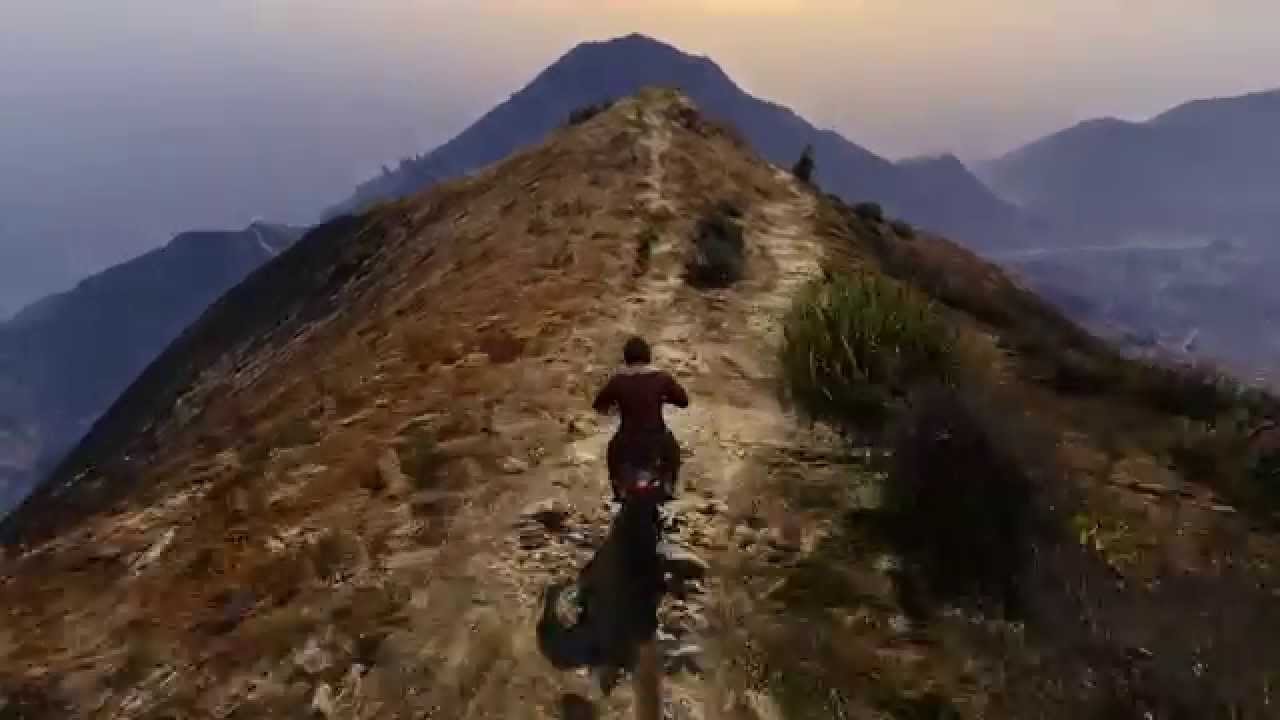
Videos
Direct Download Links
Version: 2.0Updated: 1 year ago
Total Size: 2.58 KB Enhanced_AO_v2_modland.zip direct download · 2.58 KB · added 1 year ago
You Might Also Like »










0 Comments
There are no comments. Be first to comment!