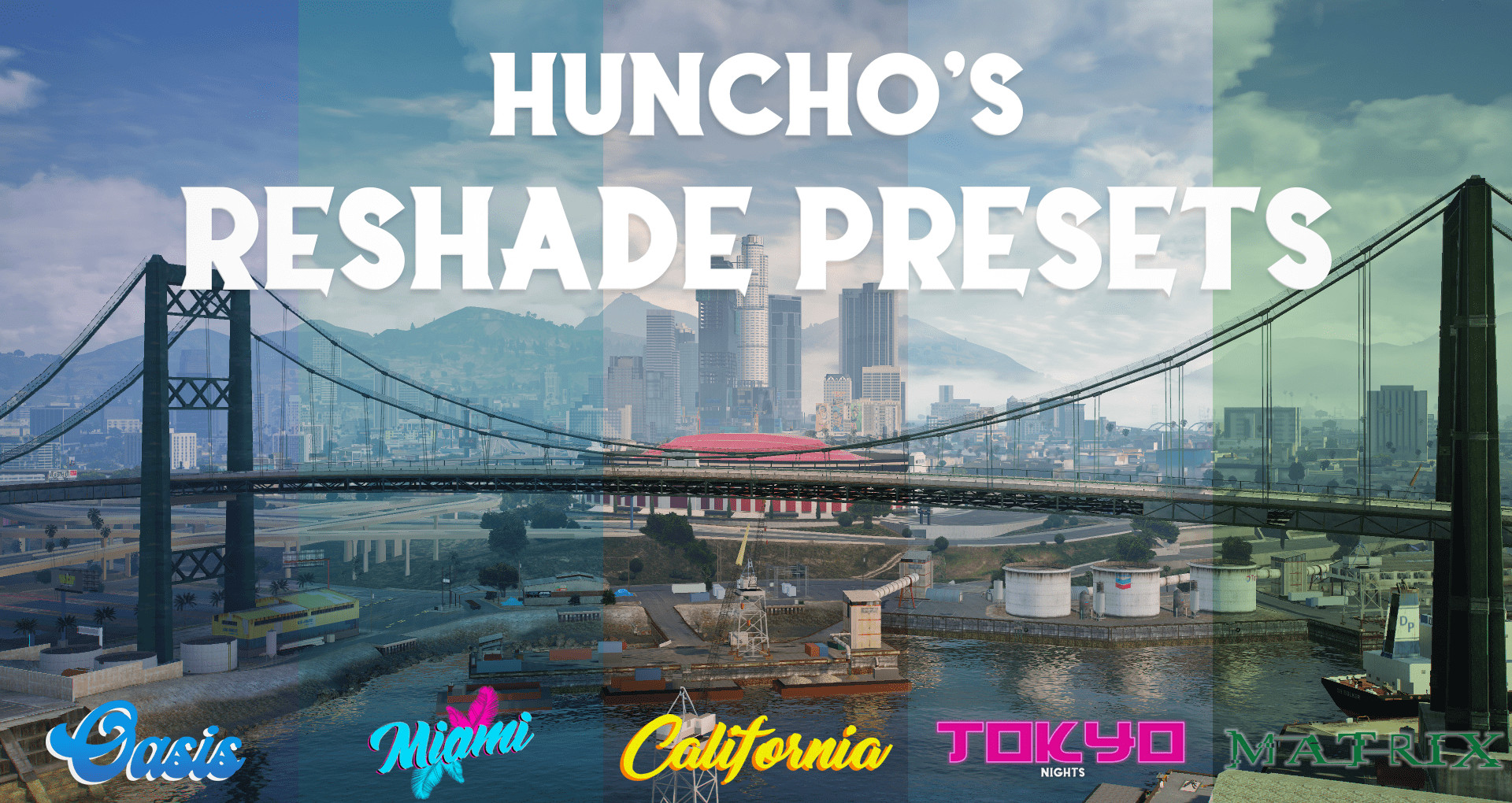
Huncho's Reshade Presets (NVE/QuantV/Vanilla) 1.4.3

0/5,
0
votes
Changelog
v1.4.3 (June 17th, 2022) - Added back the "reshade-shaders" folder to the download to prevent shaders doubling and settings issues.
Description
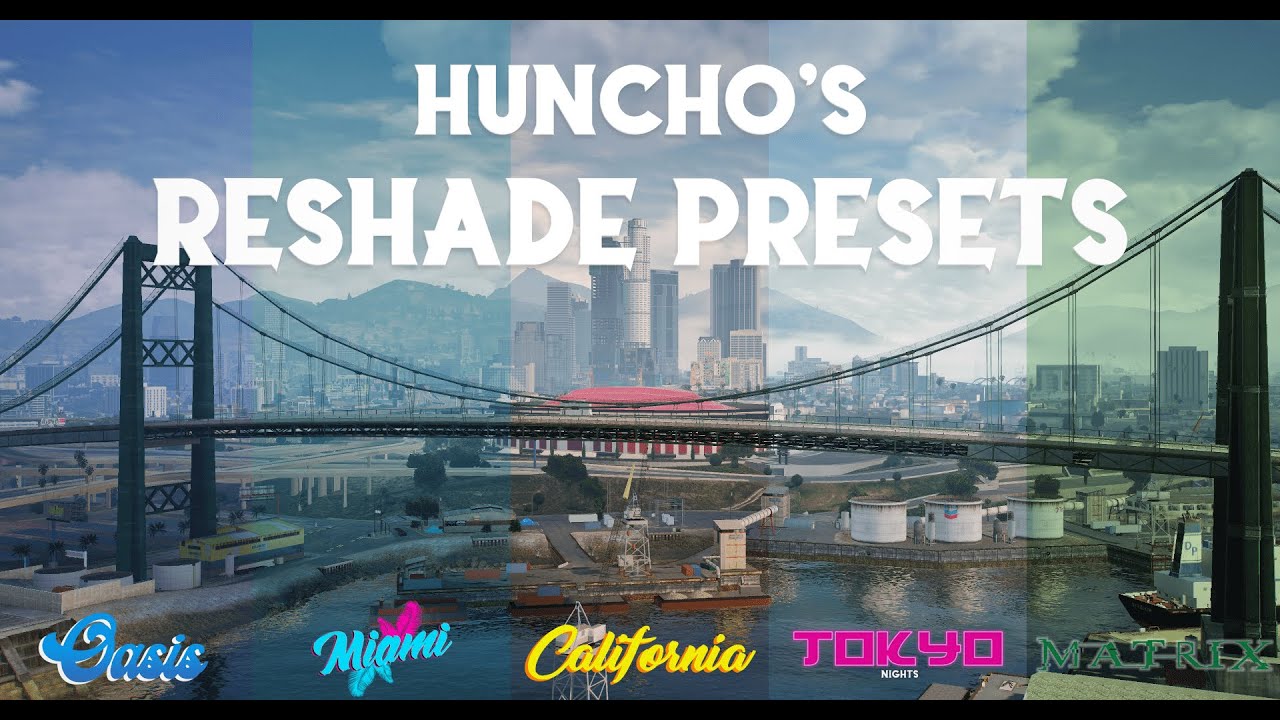
This pack contains a collection of finetuned reshade presets designed to enhance the game's visuals.
Features
- Works with SP and FiveM
- Includes various presets, such as Filmic (designed to make the game look like a movie), Economy, Matrix, Hood Classic, Utopia, and Trippy
- Most presets prioritize visuals over performance (excluding "Economy"), with a slight impact on FPS (around 1-10 frames)
Installation Instructions
1- Have reshade installed from "reshade.me". In the setup menu, install it to your "GTA5.exe" or GTA directory folder. Select the option "Direct X 10/11/12".
2- Drag and drop the "reshade-shaders" folder included in the pack into your GTA 5 directory to prevent glitches.
3- Place the ".ini" files (e.g., "Calfornia.ini") in your GTA 5 directory. It is recommended to create a folder called "reshade presets" for easier organization.
4- Once in-game, open reshade by pressing "Home" on your keyboard. Click the blue bar at the top that says "Reshade Preset" and select your desired preset.
Credits
HunchoChristian
v1.4.3 (June 17th, 2022) - Added back the "reshade-shaders" folder to the download to prevent shaders doubling and settings issues.
Description
This pack contains a collection of finetuned reshade presets designed to enhance the game's visuals.
Features
- Works with SP and FiveM
- Includes various presets, such as Filmic (designed to make the game look like a movie), Economy, Matrix, Hood Classic, Utopia, and Trippy
- Most presets prioritize visuals over performance (excluding "Economy"), with a slight impact on FPS (around 1-10 frames)
Installation Instructions
1- Have reshade installed from "reshade.me". In the setup menu, install it to your "GTA5.exe" or GTA directory folder. Select the option "Direct X 10/11/12".
2- Drag and drop the "reshade-shaders" folder included in the pack into your GTA 5 directory to prevent glitches.
3- Place the ".ini" files (e.g., "Calfornia.ini") in your GTA 5 directory. It is recommended to create a folder called "reshade presets" for easier organization.
4- Once in-game, open reshade by pressing "Home" on your keyboard. Click the blue bar at the top that says "Reshade Preset" and select your desired preset.
Credits
HunchoChristian
Videos




Direct Download Links
Version: 1.4.3Updated: 1 month ago
Total Size: 155.08 MB Hunchos_Reshade_Presets_143_modland.zip direct download · 155.08 MB · added 1 month ago
You Might Also Like »

0 Comments
There are no comments. Be first to comment!