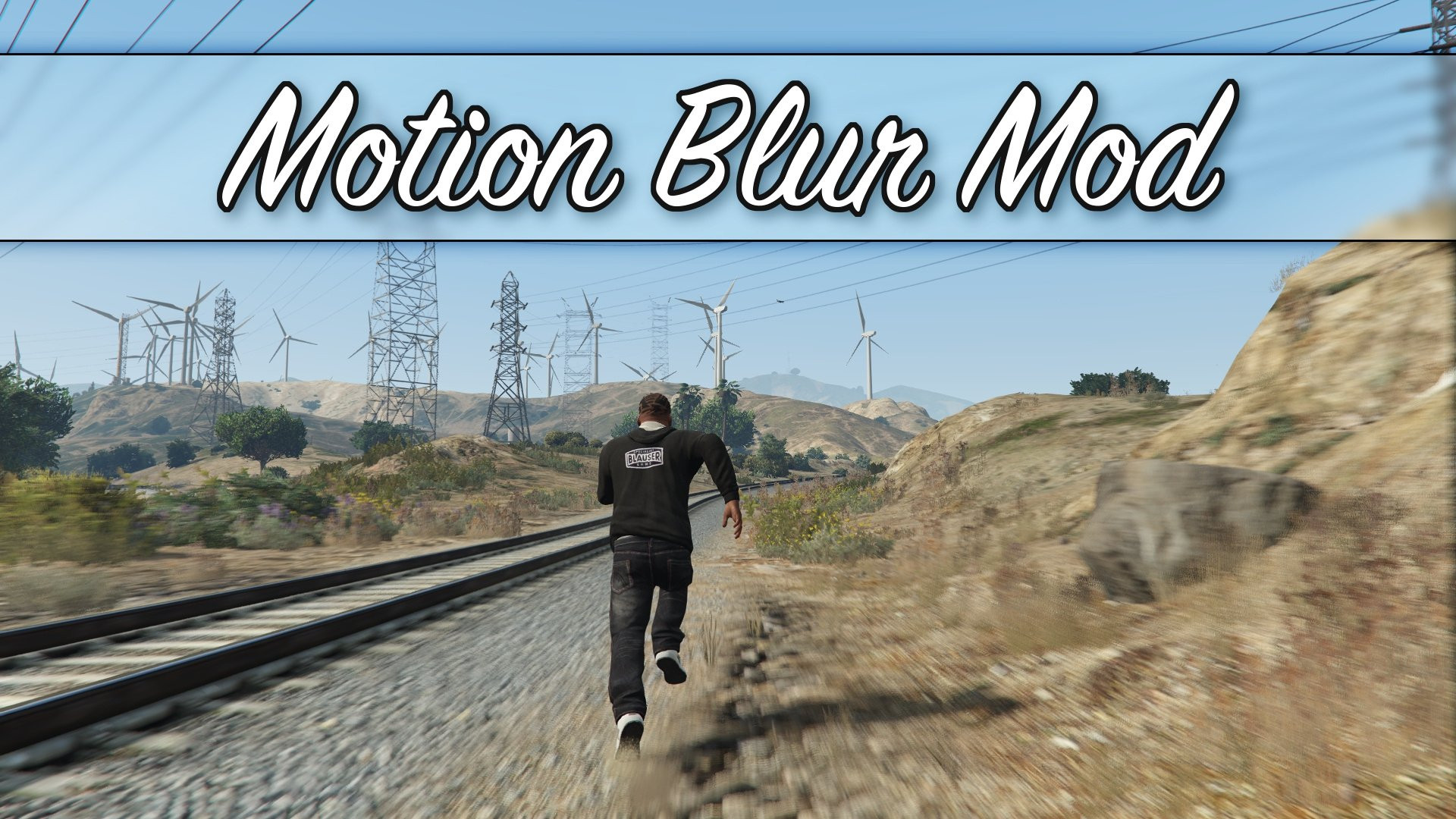
Motion Blur Mod 1.3b

0/5,
0
votes
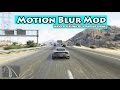
Simple tweak to enable motion blur effect.
Installation:
0. Get OpenIV
1. Unpack mod files anywhere you want.
2. Check out included screenshots, and choose preset you like.
3. Import desired "timecycle_mods_1.xml" to \update\update.rpf\common\data\timecycle\
4. Import visualsettings.dat to \update\update.rpf\common\data\
5. Once in game, go to graphic settings, and set:
- Motion blur amount = 0%
- PostFX quality = High or higher
4. Done. Enjoy!
Extra stuff, notes, etc:
- Backup files are included, so don't freak out.
- Motion blur effect will work ONLY with 3rd person camera mode.
- PostFX quality must be set to High, or higher.
- Visualsettings.dat file remove second motion blur system that this game use by default.
- You can tweak amount of blur yourself:
1. Open "timecycle_mods_1.xml" with notepad.
2. Search for "postfx_motionblurlength" string.
3. Change value there to anything you like.
4. Save, import, enjoy.
- List of all presets, with their "motionblurlength" values for reference:
Weak = 0.25
Subtle = 0.50
Medium = 0.75
Normal = 1.00
High = 1.25
Intense = 1.50
Strong = 2.00
Insane = 3.00
Credits:
GTAV_Freak
Installation:
0. Get OpenIV
1. Unpack mod files anywhere you want.
2. Check out included screenshots, and choose preset you like.
3. Import desired "timecycle_mods_1.xml" to \update\update.rpf\common\data\timecycle\
4. Import visualsettings.dat to \update\update.rpf\common\data\
5. Once in game, go to graphic settings, and set:
- Motion blur amount = 0%
- PostFX quality = High or higher
4. Done. Enjoy!
Extra stuff, notes, etc:
- Backup files are included, so don't freak out.
- Motion blur effect will work ONLY with 3rd person camera mode.
- PostFX quality must be set to High, or higher.
- Visualsettings.dat file remove second motion blur system that this game use by default.
- You can tweak amount of blur yourself:
1. Open "timecycle_mods_1.xml" with notepad.
2. Search for "postfx_motionblurlength" string.
3. Change value there to anything you like.
4. Save, import, enjoy.
- List of all presets, with their "motionblurlength" values for reference:
Weak = 0.25
Subtle = 0.50
Medium = 0.75
Normal = 1.00
High = 1.25
Intense = 1.50
Strong = 2.00
Insane = 3.00
Credits:
GTAV_Freak
Videos


Direct Download Links
Version: 1.3bUpdated: 2 years ago
Total Size: 10.36 MB MotionBlur_modland.7z direct download · 10.36 MB · added 2 years ago
You Might Also Like »










0 Comments
There are no comments. Be first to comment!