Real Phones HD 1.2

0/5,
0
votes
Change Log
-1.1: Added real world logos and changed icons on shell of phone.
Description
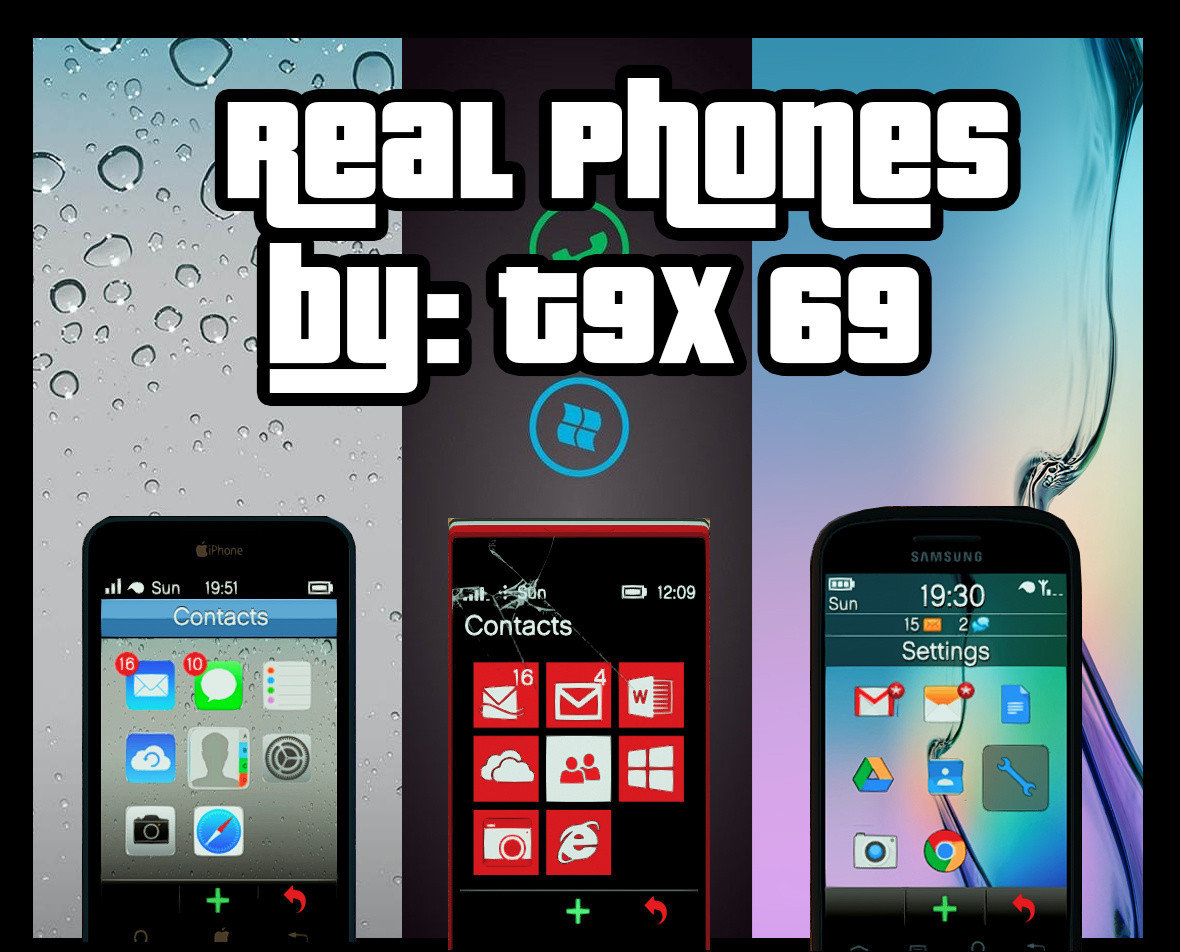
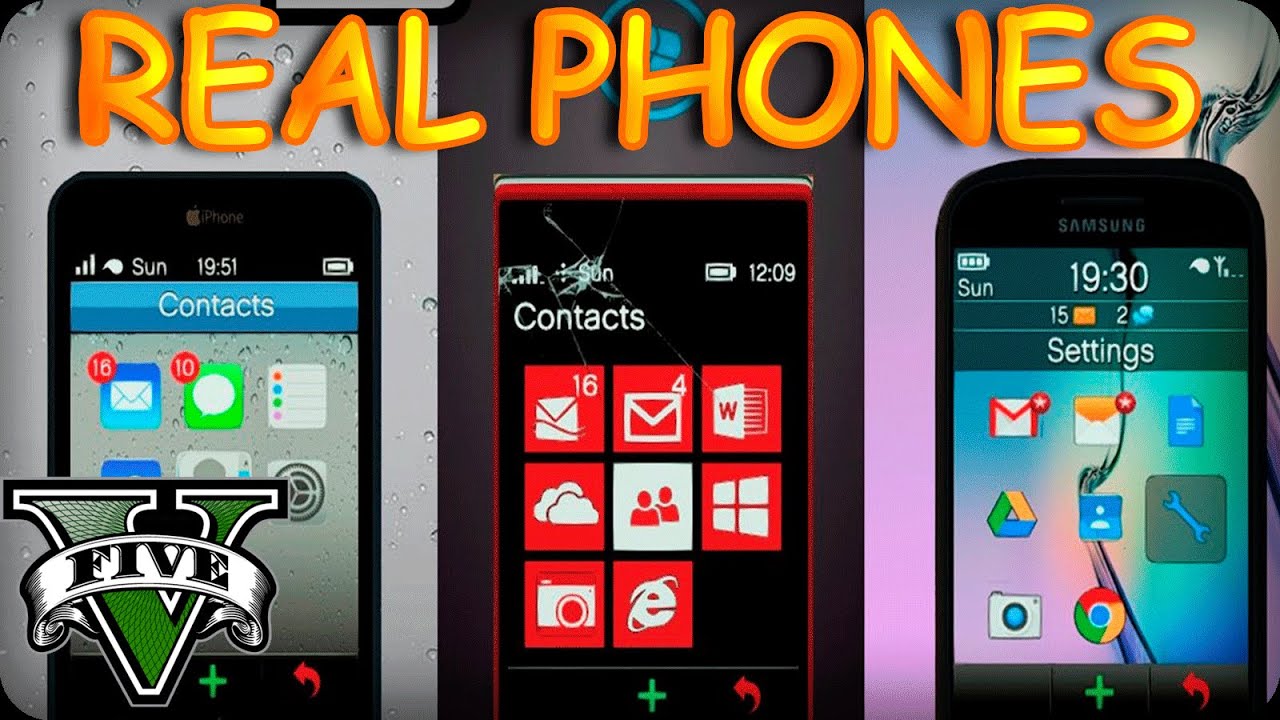
This mod replaces Michael, Trevor and Franklin's phone with HD iPhone, Windows Phone and Android icons and default wallpapers. It also changes the in-game logo to match their real world counterpart.
Features
- HD icons for iPhone, Windows Phone, and Android
- Default wallpapers for the devices
- Real-world logos for in-game phones
Note: The screenshots with the Galaxy S5 Wallpaper are from a pre-release version, the icons have since been updated. However, the wallpaper is still present and remains unchanged.
Known Issues
1. None
Installation Instructions
1. Extract Files and open OpenIV
2. (Icons) Navigate to Update>update.rpf>x64>patch>data>cdimages>scaleform_generic.rpf
3. (Icons) Drag and drop cellphone_badger.ytd, cellphone_ifruit.ytd and cellphone_facade.ytd
4. (Wallpaper) Navigate to x64b>data>cdimage>scaleform_generic.rpf
5. (Wallpaper) Drag and drop phone_wallpaper_ifruitdefault.ytd, phone_wallpaper_greentriangles.ytd and phone_wallpaper_greensquares.ytd
6. Navigate to settings>backgrounds and select Green Triangles/Green Squares for the Galaxy S5/6 wallpaper (Franklin Only)
7. (Real Logos) Navigate to x64c.rpf>levels>gta5>props>lev_des>lev_des.rpf and drag and drop prop_ig_phone1.ytd
8. Rebuild archive and launch game.
Credits
T9X69
-1.1: Added real world logos and changed icons on shell of phone.
Description
This mod replaces Michael, Trevor and Franklin's phone with HD iPhone, Windows Phone and Android icons and default wallpapers. It also changes the in-game logo to match their real world counterpart.
Features
- HD icons for iPhone, Windows Phone, and Android
- Default wallpapers for the devices
- Real-world logos for in-game phones
Note: The screenshots with the Galaxy S5 Wallpaper are from a pre-release version, the icons have since been updated. However, the wallpaper is still present and remains unchanged.
Known Issues
1. None
Installation Instructions
1. Extract Files and open OpenIV
2. (Icons) Navigate to Update>update.rpf>x64>patch>data>cdimages>scaleform_generic.rpf
3. (Icons) Drag and drop cellphone_badger.ytd, cellphone_ifruit.ytd and cellphone_facade.ytd
4. (Wallpaper) Navigate to x64b>data>cdimage>scaleform_generic.rpf
5. (Wallpaper) Drag and drop phone_wallpaper_ifruitdefault.ytd, phone_wallpaper_greentriangles.ytd and phone_wallpaper_greensquares.ytd
6. Navigate to settings>backgrounds and select Green Triangles/Green Squares for the Galaxy S5/6 wallpaper (Franklin Only)
7. (Real Logos) Navigate to x64c.rpf>levels>gta5>props>lev_des>lev_des.rpf and drag and drop prop_ig_phone1.ytd
8. Rebuild archive and launch game.
Credits
T9X69
Videos


Direct Download Links
Version: 1.2Updated: 3 months ago
Total Size: 2.22 MB Real_Phones_modland.rar direct download · 2.22 MB · added 3 months ago
You Might Also Like »

0 Comments
There are no comments. Be first to comment!