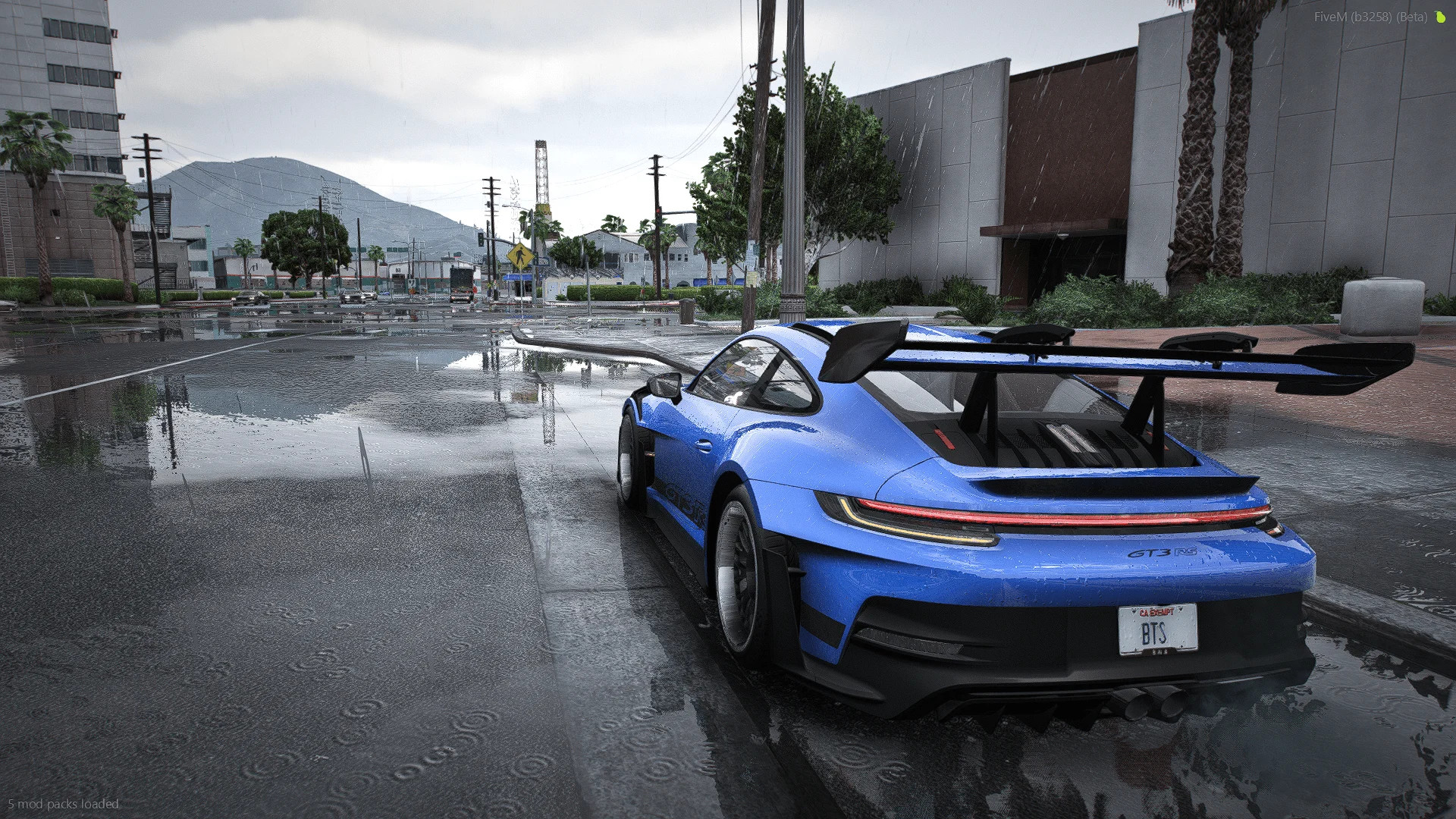
Reshade Realism Preset for QuantV v1.0

Reshade Realism Preset for QuantV
This realism preset improves visual quality and detail in GTA 5. It is designed for high quality screenshots and videos of cars, characters, and other scenes. QuantV is required for proper use.
Install ReShade for GTA 5 if it is not installed yet.
Download and extract the preset pack.
Copy the preset folder into the main GTA 5 directory where GTA5.exe is located.
Start the game.
Open the ReShade menu in-game using Insert or Home.
Select the preset from the preset list.
FiveM installation:
– Place the preset into the FiveM plugins folder
– Select the preset.ini file through the ReShade menu
Notes:
– ReShade must be installed with all effects enabled and working
– QuantV must already be installed
Package includes:
– preset.ini file
– screenshot showing used visual mods
– in-game screenshots
Thank you for downloading and testing this preset. Feedback is welcome. Do not sell or redistribute this preset. Share only the original download page link.
External Download Links:
- Modsfire.com - ed0268-BTS Preset QuantV.zip [19.77 MB]
Direct Download Links
Version: v1.0Updated: 6 months ago
Total Size: 39.54 MB ed0268-BTS_Preset_QuantV_modland.zip direct download · 19.77 MB · added 6 months ago









