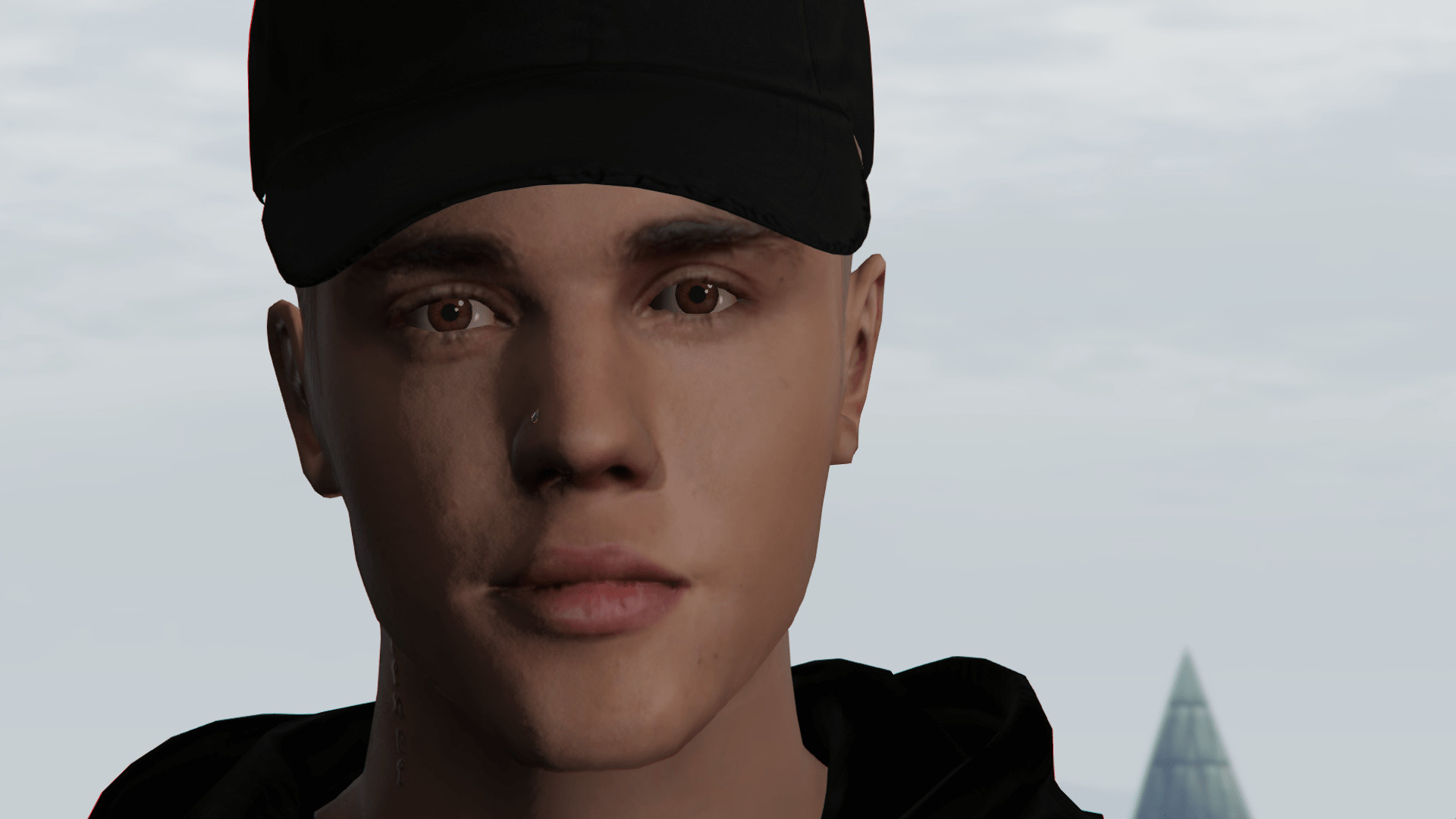
Justin Bieber Yummy Update

0/5,
0
votes
The Justin Bieber mod for Grand Theft Auto 5 allows players to play as the popular pop star, Justin Bieber. This character modification features high-quality textures and realistic characteristics to closely mimic the appearance of Justin Bieber. The mod also may include custom outfits inspired by Bieber's various public appearances and performances. Please note that this mod is often used for fun and offers a different experience of gameplay. It doesn't enhance the power, speed or any in-game abilities of the character. The effectiveness of the character will greatly depend on the player's gameplay strategies and not on the skin itself.
For better access to clothes, use some good trainer!
Features:
2K Texture and special maps.
No shadows bugs.
All clothes work perfectly
All hats, masks, glasses, helmet and earrings work perfectly
Nose piercing
Installation:
1- Open Open IV
2- Select Tools > Package Installer
3- Open Justin Bieber Installation.oiv from the folder Justin Bieber\Installation
4- Install in Mods folder!
Installation Optionals (You can install all optionals if you want.):
1- Open Open IV
2- Select Tools > Package Installer
3- Open any Option (if you want install all) from the folder Justin Bieber\Optionals
4- Install in Mods folder!
Uninstallation:
1- Open Open IV
2- Select Tools > Package Installer
3- Open Justin Bieber [Uninstall].OIV from the folder Justin Bieber\Uninstall
4- Install in Mods folder!
Credits:
Gabriel Augusto, Desdades, Aldebaran90 and CSQ574
For better access to clothes, use some good trainer!
Features:
2K Texture and special maps.
No shadows bugs.
All clothes work perfectly
All hats, masks, glasses, helmet and earrings work perfectly
Nose piercing
Installation:
1- Open Open IV
2- Select Tools > Package Installer
3- Open Justin Bieber Installation.oiv from the folder Justin Bieber\Installation
4- Install in Mods folder!
Installation Optionals (You can install all optionals if you want.):
1- Open Open IV
2- Select Tools > Package Installer
3- Open any Option (if you want install all) from the folder Justin Bieber\Optionals
4- Install in Mods folder!
Uninstallation:
1- Open Open IV
2- Select Tools > Package Installer
3- Open Justin Bieber [Uninstall].OIV from the folder Justin Bieber\Uninstall
4- Install in Mods folder!
Credits:
Gabriel Augusto, Desdades, Aldebaran90 and CSQ574
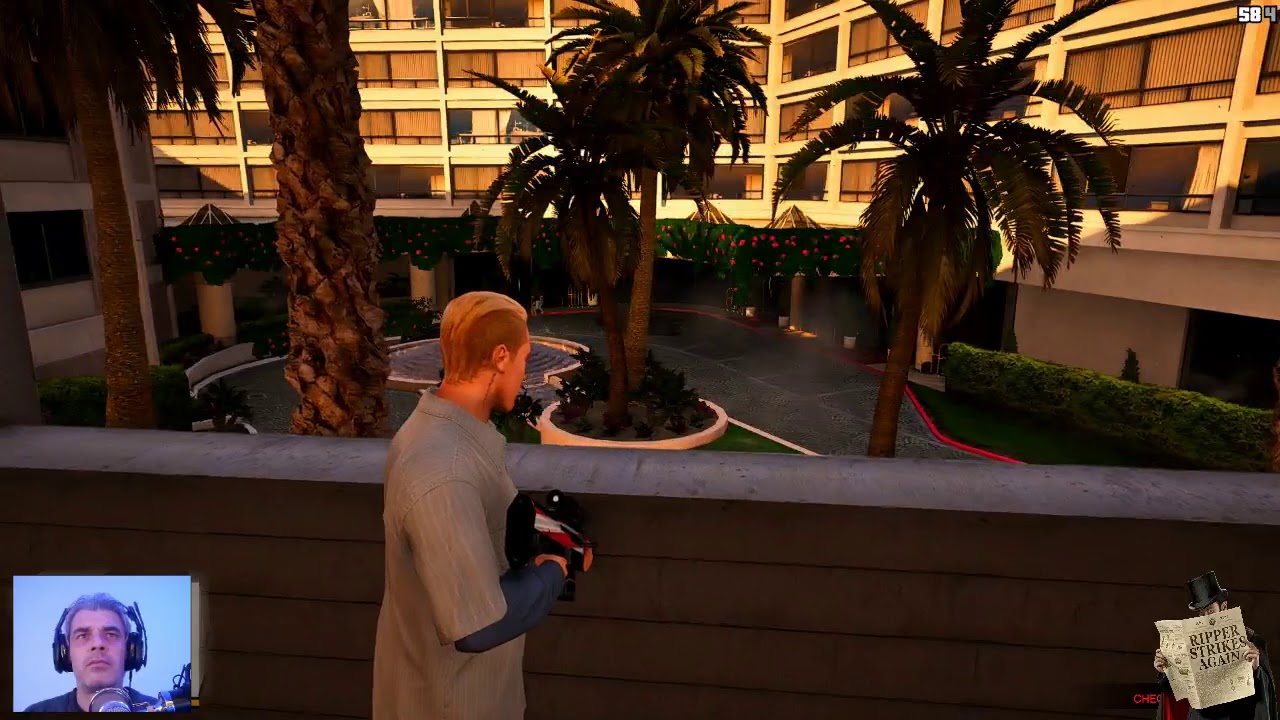
Videos






Direct Download Links
Version: Yummy UpdateUpdated: 2 years ago
Total Size: 19.5 MB Yummy_Update_modland.rar direct download · 19.5 MB · added 2 years ago
About Mod
| Latest Version | Yummy Update |
| Game | GTA 5 |
| Category | Player » Skins |
| Tags | Clothing Franklin |
| Downloads | 189 |
| Created | 2 years ago |
You Might Also Like »









0 Comments
There are no comments. Be first to comment!