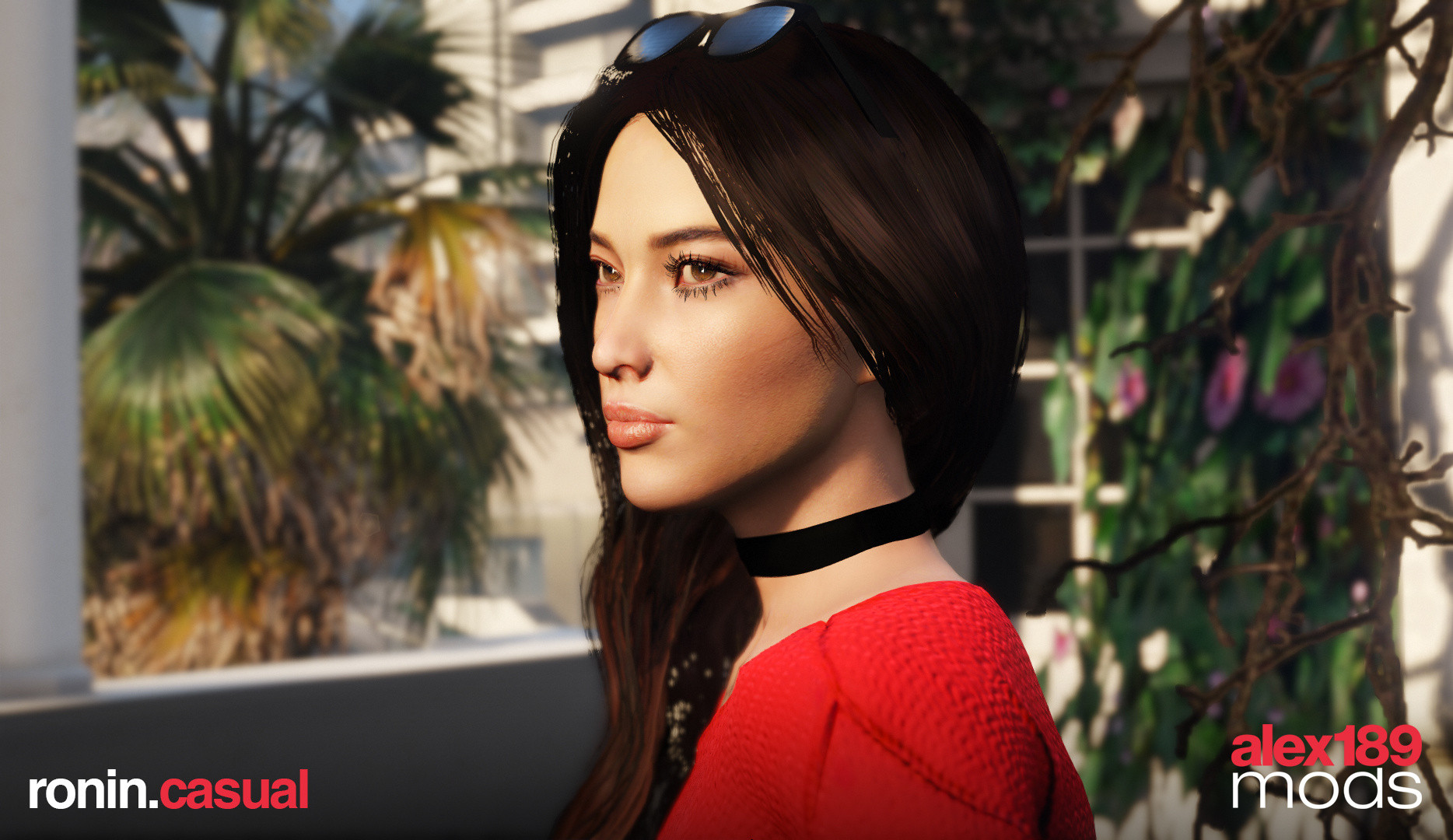
Ronin Rogue Company v1.1a

0/5,
0
votes
Changelog
- Added FiveM Compatible version
- Fix hair for vanilla costume (Better render even without MSAA)
Description
Features:
- Full Facial Animation
- Fully Rigged
- Materials & Textures Optimized
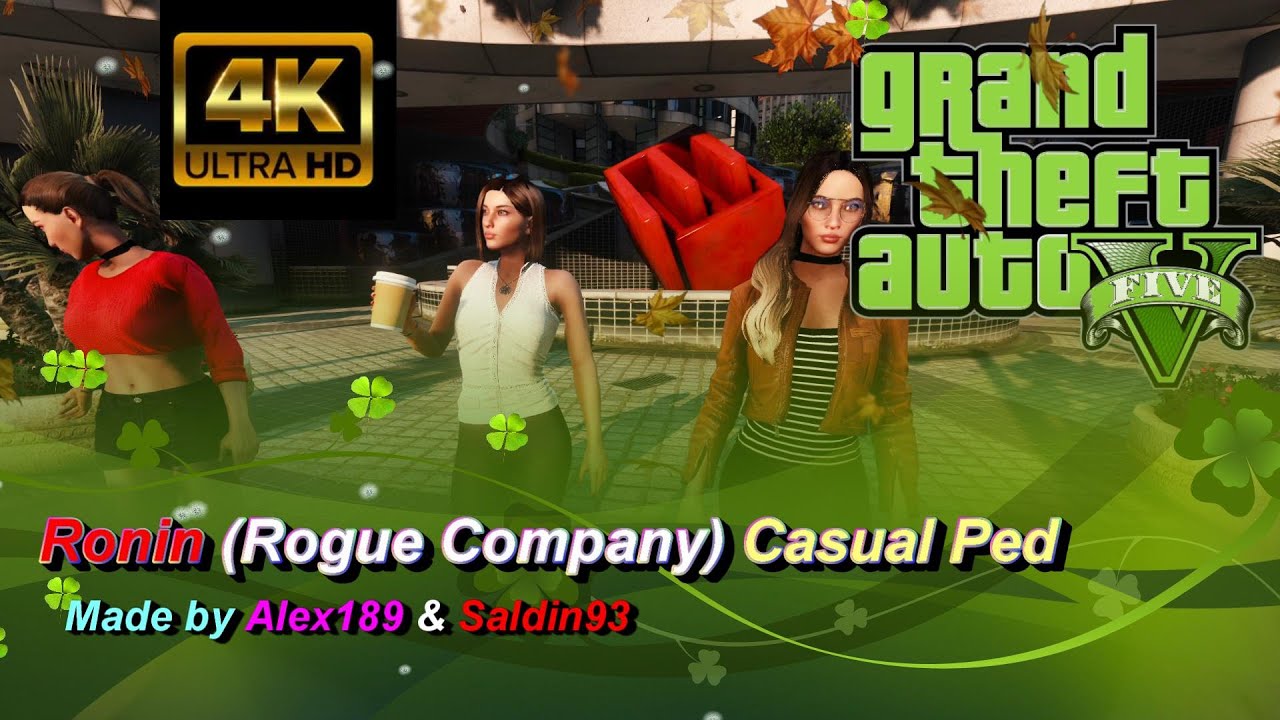
- Outfits, Hairs, & Makeups Variation
- 3 Custom Hairs
- 3 Makeups
- 3 Custom Outfit Set
- Glasses
Spawn Name: Ronin / RoninB
Installation Instructions
Requirements:
- AddonPeds v3.0.1
- Latest gameconfig for limitless vehicles
- Menyoo PC or any trainer mod
1. Using OpenIV, put all files (Ronin.ydd/.yft/.ymt/.ytd) into GTA V\mods\update\x64\dlcpacks\addonpeds\dlc.rpf\peds.rpf
2. Run AddonPeds Editor.exe (located in GTA V file directory).
3. Click "New Ped" and input the exact name "Ronin". Set Ped Type to "Female" and Is Streamed "False". Don't forget to press REBUILD.
4. Once its done, open up GTA V, open Menyoo trainer (F8) go to (Player Options > Model Changer > Favourites > Add New Ped Model) then input the ped name "Ronin".
*For Casual version, the only difference is the name "RoninB". Simply follow the same installation steps as follows.
Credits
- Model from Rogue Company belongs to Hi-Rez Studios & First Watch Games.
- Other assets used from Detroit: Become Human, Final Fantasy 7, Until Dawn, Assassin's Creed Unity, Hidden Agenda, Man of Medan, & NFS Heat
- 3D Editing & Ported into GTA V by alex189
- Thanks to saldin93 for the brilliant screenshots & help!
- Esther (Bob Hairstyle) by Anto
- Converted using Zmodeler3
- alex189
- Added FiveM Compatible version
- Fix hair for vanilla costume (Better render even without MSAA)
Description
Features:
- Full Facial Animation
- Fully Rigged
- Materials & Textures Optimized
- Outfits, Hairs, & Makeups Variation
- 3 Custom Hairs
- 3 Makeups
- 3 Custom Outfit Set
- Glasses
Spawn Name: Ronin / RoninB
Installation Instructions
Requirements:
- AddonPeds v3.0.1
- Latest gameconfig for limitless vehicles
- Menyoo PC or any trainer mod
1. Using OpenIV, put all files (Ronin.ydd/.yft/.ymt/.ytd) into GTA V\mods\update\x64\dlcpacks\addonpeds\dlc.rpf\peds.rpf
2. Run AddonPeds Editor.exe (located in GTA V file directory).
3. Click "New Ped" and input the exact name "Ronin". Set Ped Type to "Female" and Is Streamed "False". Don't forget to press REBUILD.
4. Once its done, open up GTA V, open Menyoo trainer (F8) go to (Player Options > Model Changer > Favourites > Add New Ped Model) then input the ped name "Ronin".
*For Casual version, the only difference is the name "RoninB". Simply follow the same installation steps as follows.
Credits
- Model from Rogue Company belongs to Hi-Rez Studios & First Watch Games.
- Other assets used from Detroit: Become Human, Final Fantasy 7, Until Dawn, Assassin's Creed Unity, Hidden Agenda, Man of Medan, & NFS Heat
- 3D Editing & Ported into GTA V by alex189
- Thanks to saldin93 for the brilliant screenshots & help!
- Esther (Bob Hairstyle) by Anto
- Converted using Zmodeler3
- alex189
Videos


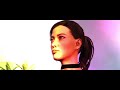
Direct Download Links
Version: v1.1aUpdated: 1 month ago
Total Size: 11.95 MB RoninFiveM_modland.zip direct download · 11.95 MB · added 1 month ago
About Mod
| Latest Version | v1.1a |
| Game | GTA 5 |
| Category | Player » Skins |
| Tags | Add-On Clothing Replace |
| Downloads | 42 |
| Created | 1 month ago |
You Might Also Like »



0 Comments
There are no comments. Be first to comment!