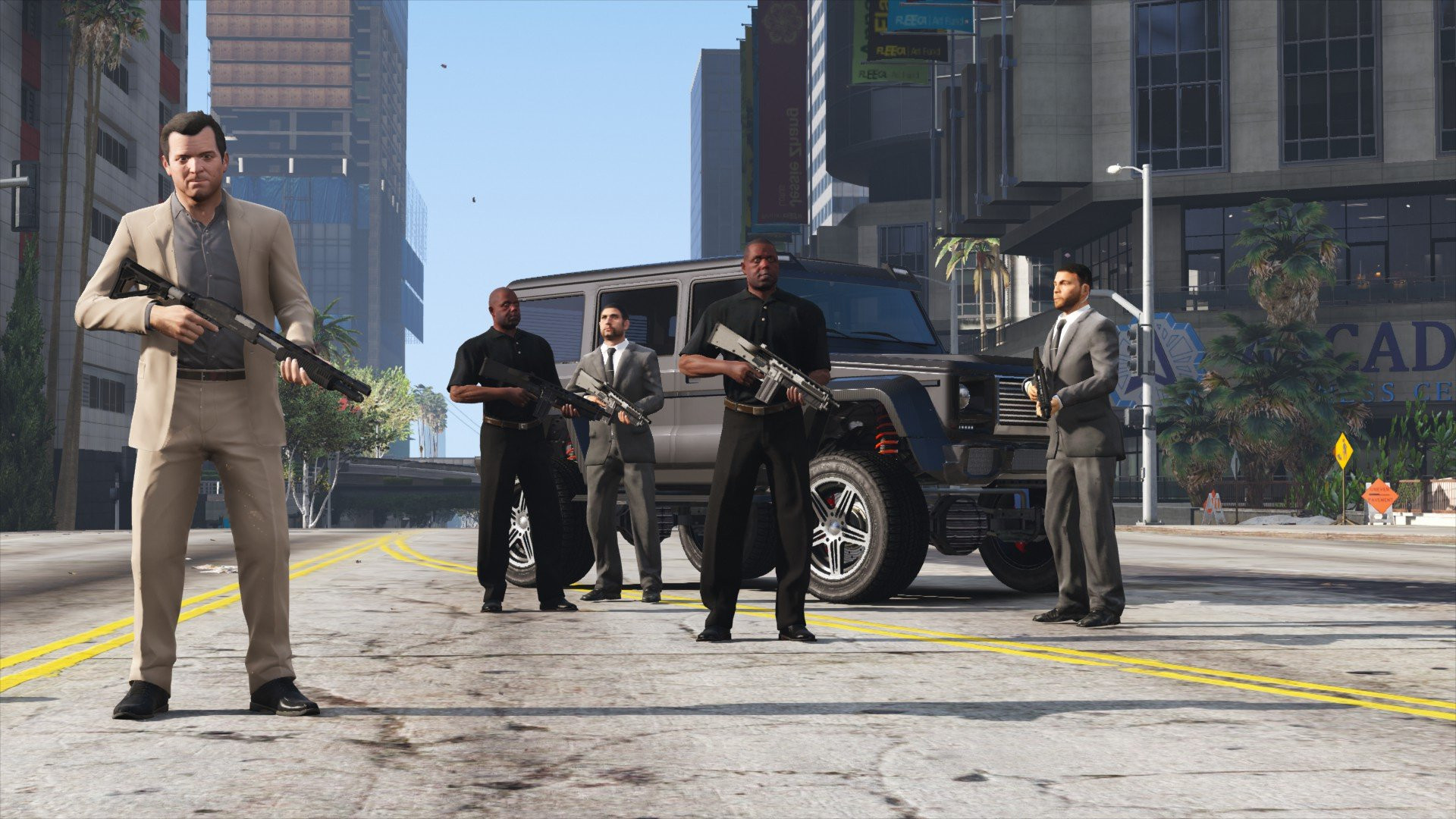
Bodyguard Squads 1.1 [MAY 2018]

0/5,
0
votes
Hey, I got some time to try and patch up this oldie. I've mainly added futureproofing.
Remember, this is a very old script, with awful scripting practices in it because of that. Its almost impossible to update, and I don't have time to rewrite it from scratch. Not now.
So at most what you get is these dirty patches, and only if the planets align, a rewrite. Sorry to dissapoint! Life's not as easy today as it was yesterday.
Known bugs
- Squads may not follow their leader when spawned. Dismiss/Spawn them again, or check and uncheck "follow player".
Plans
- Add "Follow ped on foot" order, the squad will follow the ped... On foot.
Should be useful to have multiple squads move around with fewer orders.
Original description
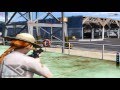
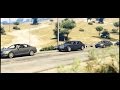
Spawn up to FOUR independent squads and make them do stuff!
MAIN FEATURES
Boats and planes are not supported at the moment.
REQUIREMENTS
.NET Framework 4.5.2
Visual C++ 2015
ScriptHookV v1.0.463.1
ScriptHookVDotNet
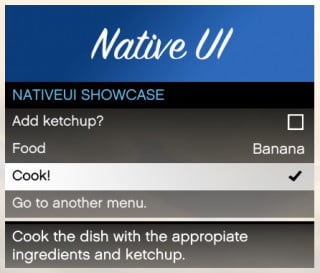
NativeUI
How to install
Extract the files into /Grand Theft Auto V/scripts/.
Video Tutorial, thanks to 2Goodyy for making it!
How to use
Pressing Z will open the Guard Commands menu, letting you select wich squad you want to handle.
Commands
Press ALT to enter commands mode. Instead of shooting, you will issue commands until you exit the mode pressing ALT again.
The commands you can issue depend on the Squad Leader's situation. Here's a list of currently supported commands and situations:
Squad is on foot
Squad is on vehicle:
Credits:
Eddlm
Remember, this is a very old script, with awful scripting practices in it because of that. Its almost impossible to update, and I don't have time to rewrite it from scratch. Not now.
So at most what you get is these dirty patches, and only if the planets align, a rewrite. Sorry to dissapoint! Life's not as easy today as it was yesterday.
Known bugs
- Squads may not follow their leader when spawned. Dismiss/Spawn them again, or check and uncheck "follow player".
Plans
- Add "Follow ped on foot" order, the squad will follow the ped... On foot.
Should be useful to have multiple squads move around with fewer orders.
Original description
Spawn up to FOUR independent squads and make them do stuff!
MAIN FEATURES
- Choose their weapon, vehicle and model!
- Complete driving abilities, from escorting you to chasing who you want them to. They can even attach trailers to their truck, or other vehicles to their towtruck!
- Complete heli flying abilities, including rappeling, landing, and hooking vehicles with the Cargobob!
- Make them cooperate, kill eachother or go after you!
- Command them in combat, setting their priority targets!
- Tweak their behavior to your likings!
- Do races with them!
- Enter their vehicle as passenger [Space] let them drive for you!
Boats and planes are not supported at the moment.
REQUIREMENTS
.NET Framework 4.5.2
Visual C++ 2015
ScriptHookV v1.0.463.1
ScriptHookVDotNet
NativeUI
How to install
Extract the files into /Grand Theft Auto V/scripts/.
Video Tutorial, thanks to 2Goodyy for making it!
How to use
Pressing Z will open the Guard Commands menu, letting you select wich squad you want to handle.
Commands
Press ALT to enter commands mode. Instead of shooting, you will issue commands until you exit the mode pressing ALT again.
The commands you can issue depend on the Squad Leader's situation. Here's a list of currently supported commands and situations:
Squad is on foot
- Aim+click at ground = Run there
- Aim+click at a ped = Attack him
- Aim+click at a vehicle = Enter that vehicle
Squad is on vehicle:
- Aim+click at ground = Drive there
- Aim+click at a ped = Attack him from vehicle
- Aim+click at other vehicle = Chase that vehicle
- Aim+click at other squads' vehicle = escort that vehicle
- Aim+click at their own vehicle = Leave the vehicle
Credits:
Eddlm
Videos
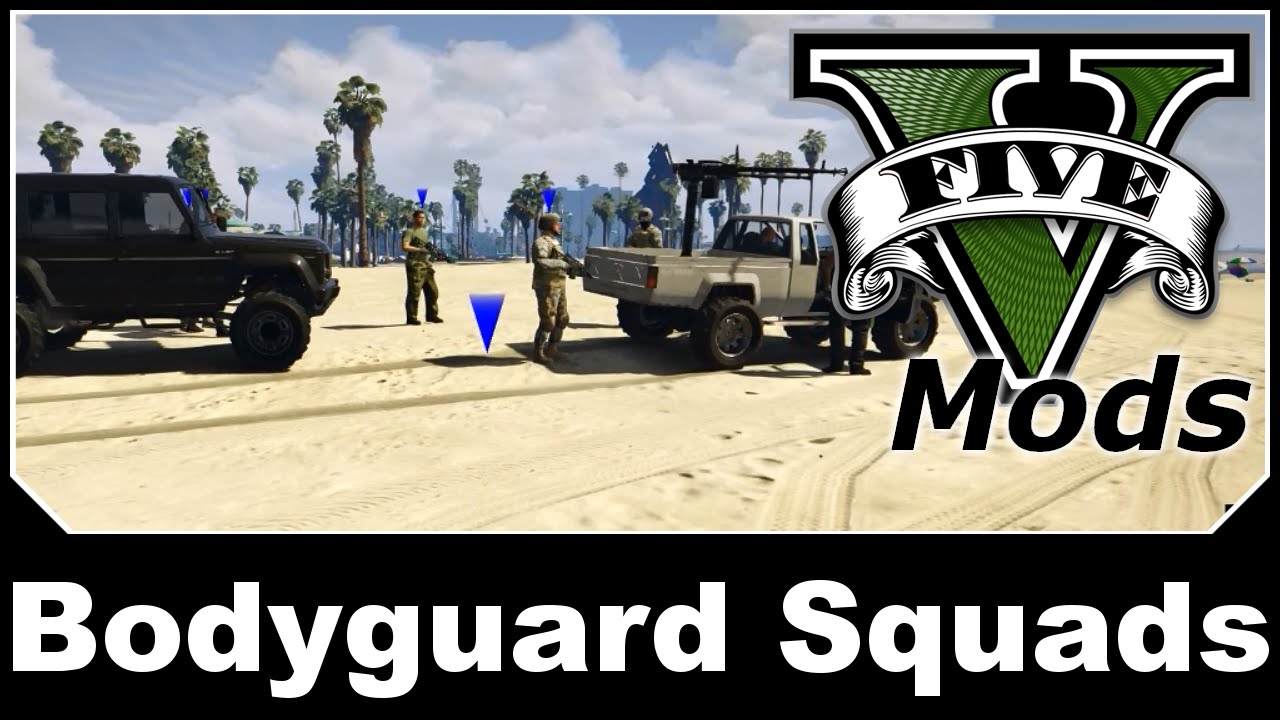
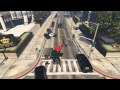
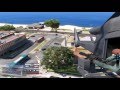

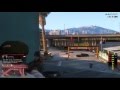

Direct Download Links
Version: 1.1 [MAY 2018]Updated: 2 years ago
Total Size: 61.33 KB Advanced_Bodyguads_modland.zip direct download · 61.33 KB · added 2 years ago
You Might Also Like »









0 Comments
There are no comments. Be first to comment!