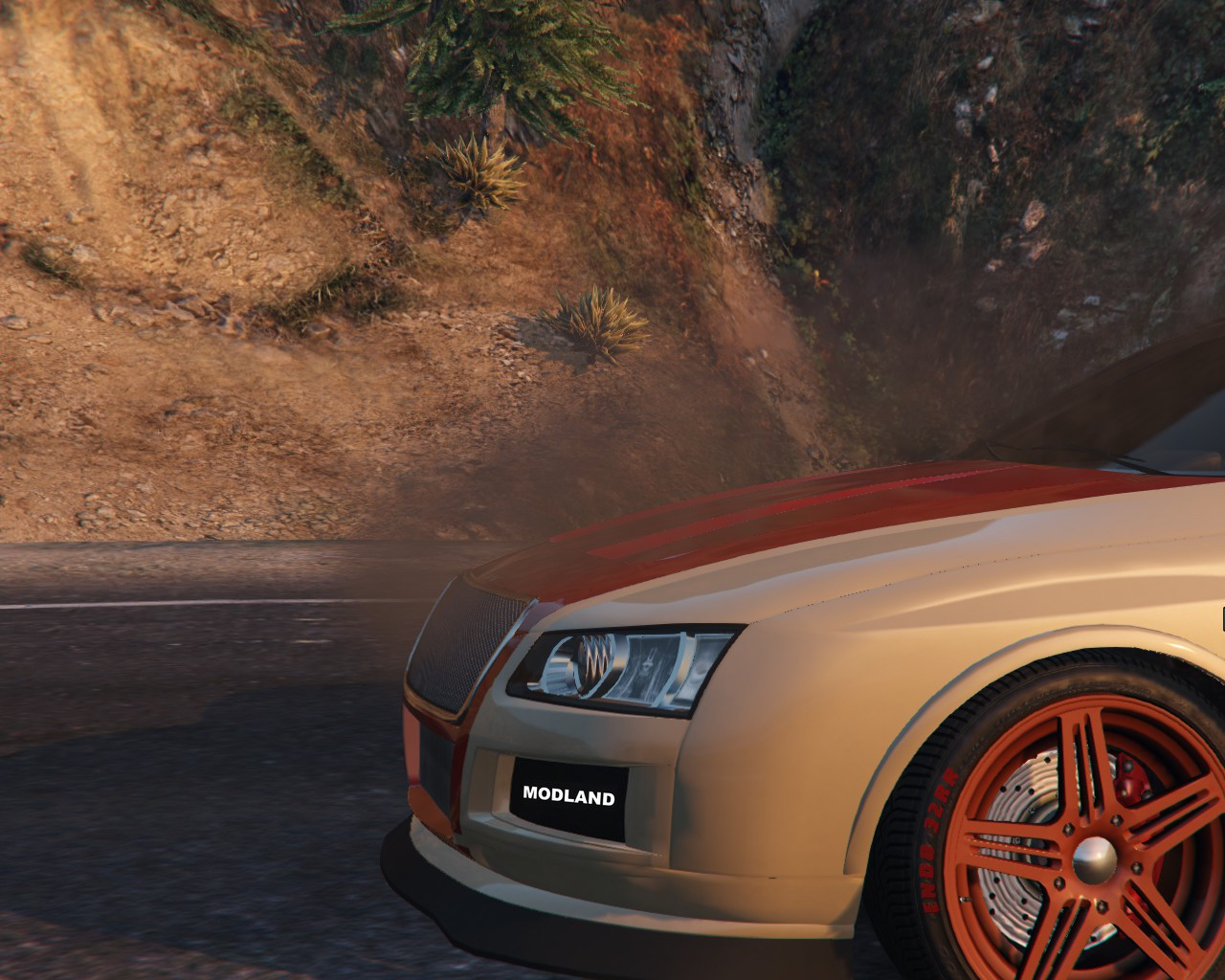
EngineOverheat 1.1.3

0/5,
0
votes
Changelog
v1.1.3
- Added ability to cancel call for Mechanic. Just press the same button;
- Small fixes.
Description
This mod adds a little bit of realism in GTA 5.
Features
- Engine overheats when you push your car too hard and too fast.
- Overheated engines start smoking and will be disabled.
- Engine requires time to cool down before it can be used again.
- Support for LeFix Speedometer (engine icon lights up when engine suffers).
- Call Mechanic feature (Press L).
- Basic air cooling.
- Engine health gauge display on screen.
Requirements
Community Script Hook V ≥ .NET v2.5.1
How to change an overheat modifier for car
Open EngineOverheatVehicle.ini file, find desired car and change modifiers.
How to add a new overheat modifier for car
Open EngineOverheatVehicle.ini file and add a new section with modifiers. For example, to change default modifiers for Kuruma add the following text at the bottom of the EngineOverheatVehicle.ini file:
[Kuruma]
IncTempModifier=0,09
DecTempModifier=0,30
Default overheat modifiers
IncTempModifier=0,07
DecTempModifier=0,35
Installation Instructions
Place the .dll and .ini files into your "scripts" folder, located in the main GTA V directory. If it doesn't exist, create it.
Credits
Inco
v1.1.3
- Added ability to cancel call for Mechanic. Just press the same button;
- Small fixes.
Description
This mod adds a little bit of realism in GTA 5.
Features
- Engine overheats when you push your car too hard and too fast.
- Overheated engines start smoking and will be disabled.
- Engine requires time to cool down before it can be used again.
- Support for LeFix Speedometer (engine icon lights up when engine suffers).
- Call Mechanic feature (Press L).
- Basic air cooling.
- Engine health gauge display on screen.
Requirements
Community Script Hook V ≥ .NET v2.5.1
How to change an overheat modifier for car
Open EngineOverheatVehicle.ini file, find desired car and change modifiers.
How to add a new overheat modifier for car
Open EngineOverheatVehicle.ini file and add a new section with modifiers. For example, to change default modifiers for Kuruma add the following text at the bottom of the EngineOverheatVehicle.ini file:
[Kuruma]
IncTempModifier=0,09
DecTempModifier=0,30
Default overheat modifiers
IncTempModifier=0,07
DecTempModifier=0,35
Installation Instructions
Place the .dll and .ini files into your "scripts" folder, located in the main GTA V directory. If it doesn't exist, create it.
Credits
Inco
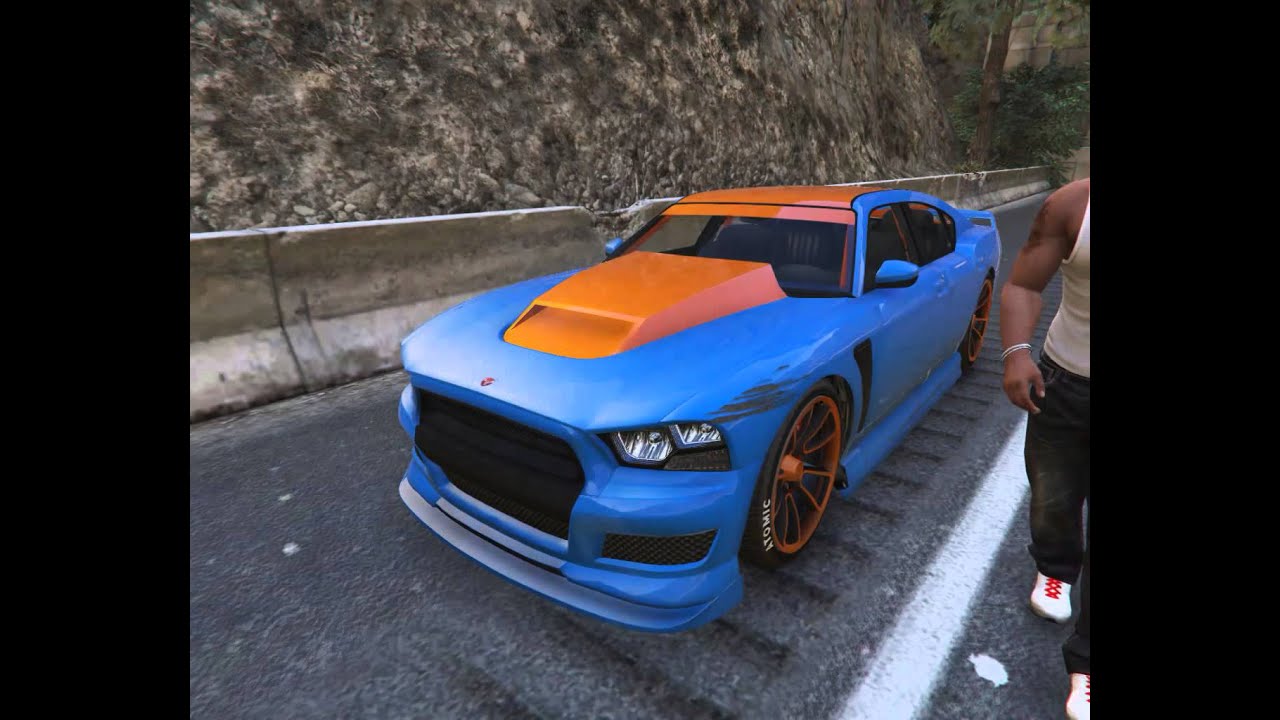
Videos
Direct Download Links
Version: 1.1.3Updated: 1 week ago
Total Size: 16.13 KB EngineOverheat_modland.zip direct download · 16.13 KB · added 1 week ago
You Might Also Like »





0 Comments
There are no comments. Be first to comment!