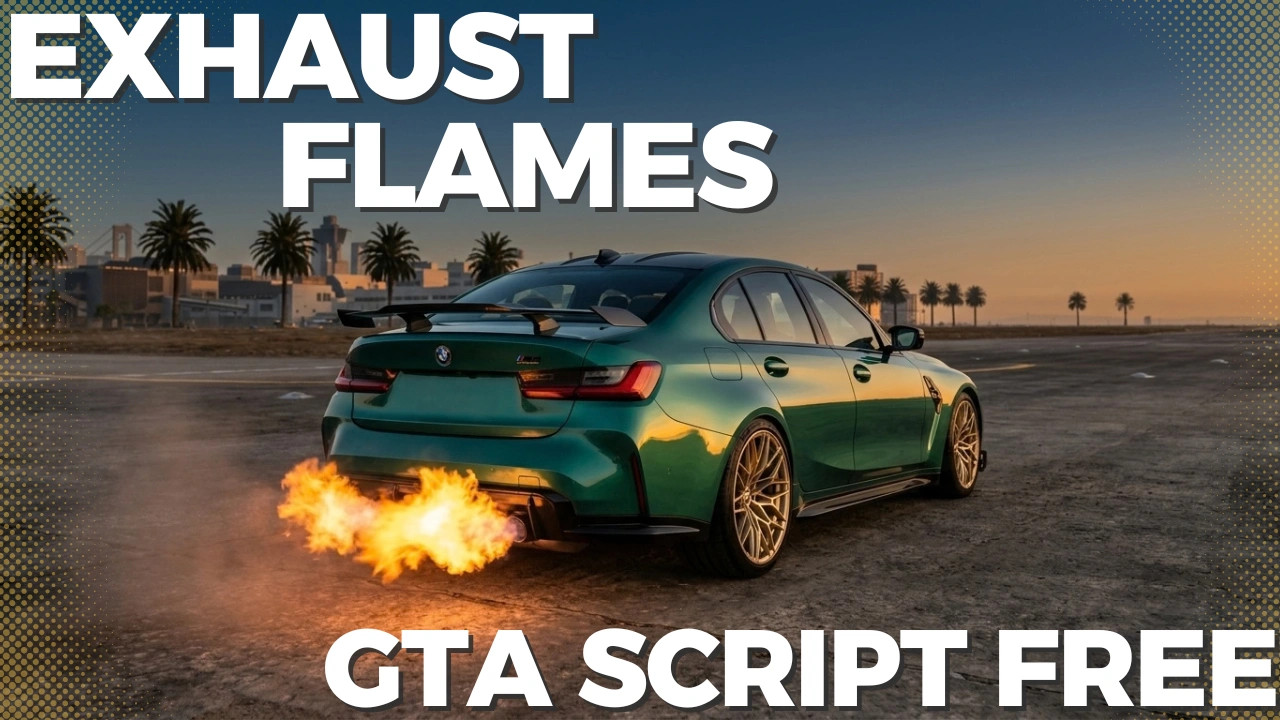
Exhaust Flames 1.0

0/5,
0
votes
Description
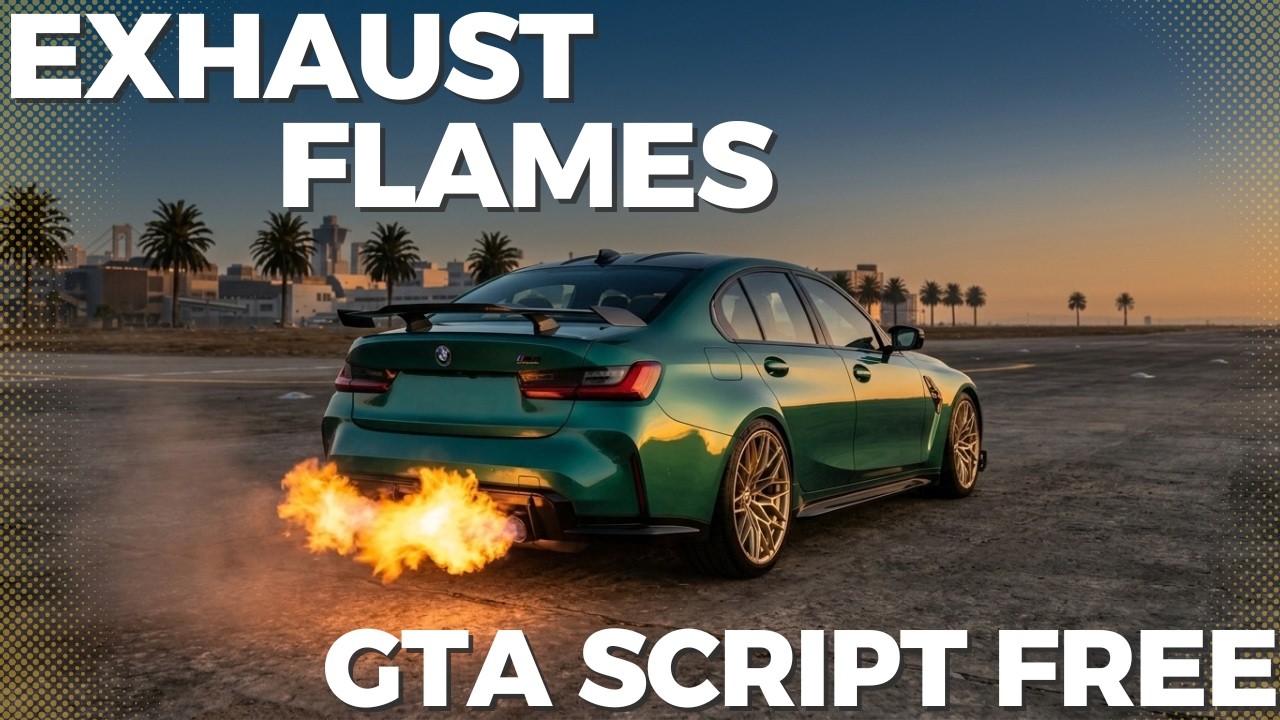
This script allows vehicles to shoot flames from the exhaust either automatically (when downshifting) or manually (by pressing a key), mimicking modified, high-performance cars.
Features
- Downshift Flames: Detects when the player downshifts at high RPM (minimum RPM is configurable).
- Customization: Allows adjustment of the occurrence probability percentage, cooldown time, and whether releasing the accelerator is required for the effect to trigger.
- Manual Flame: Instantly activated by holding the dedicated key (X by default) while driving.
- In-Game Configuration Menu (F7): An on-screen visual panel to modify all mod properties in real-time.
- Multi-Language Support: Full support for Portuguese, English, and Spanish.
- Automatic Saving (INI): All preferences adjusted via the menu are saved to a configuration file (ExhaustFlames.ini).
- Intelligent Exhaust Detection: Automatically searches for the vehicle's exhaust bones/attachment points with a fallback system using the rear bumper or chassis.
Controls and Shortcuts
- F7: Opens or closes the mod's Configuration Menu.
- X: Triggers the manual flame (hold to activate).
- PageUp / PageDown: Navigates through the options inside the menu.
- Left / Right Arrows: Changes values or toggles between menu options.
- Esc: Closes the menu.
Configurable Menu Options
- Language: Switches between Portuguese, English, and Spanish.
- Manual Flame: Enables or disables the manual flame shortcut key.
- Downshift Flame: Enables or disables the automatic effect when downshifting.
- Flame Size: Controls the scale of the visual effect.
- Flame Duration: Duration of the effect in milliseconds.
- Cooldown: Minimum interval between activations.
- Min. Downshift RPM: Minimum engine speed required to trigger flames when downshifting.
- Require Throttle Release: Requires the player to lift off the throttle for the downshift effect to occur.
- Chance: Random probability of the effect occurring to add more dynamism.
Installation Instructions
- Move the files ExhaustFlames.ini and ExhaustFlames.dll to your scripts folder.
Requirements:
- Script Hook V
- ScriptHookVDotNet 3
Credits
leuzinlost
This script allows vehicles to shoot flames from the exhaust either automatically (when downshifting) or manually (by pressing a key), mimicking modified, high-performance cars.
Features
- Downshift Flames: Detects when the player downshifts at high RPM (minimum RPM is configurable).
- Customization: Allows adjustment of the occurrence probability percentage, cooldown time, and whether releasing the accelerator is required for the effect to trigger.
- Manual Flame: Instantly activated by holding the dedicated key (X by default) while driving.
- In-Game Configuration Menu (F7): An on-screen visual panel to modify all mod properties in real-time.
- Multi-Language Support: Full support for Portuguese, English, and Spanish.
- Automatic Saving (INI): All preferences adjusted via the menu are saved to a configuration file (ExhaustFlames.ini).
- Intelligent Exhaust Detection: Automatically searches for the vehicle's exhaust bones/attachment points with a fallback system using the rear bumper or chassis.
Controls and Shortcuts
- F7: Opens or closes the mod's Configuration Menu.
- X: Triggers the manual flame (hold to activate).
- PageUp / PageDown: Navigates through the options inside the menu.
- Left / Right Arrows: Changes values or toggles between menu options.
- Esc: Closes the menu.
Configurable Menu Options
- Language: Switches between Portuguese, English, and Spanish.
- Manual Flame: Enables or disables the manual flame shortcut key.
- Downshift Flame: Enables or disables the automatic effect when downshifting.
- Flame Size: Controls the scale of the visual effect.
- Flame Duration: Duration of the effect in milliseconds.
- Cooldown: Minimum interval between activations.
- Min. Downshift RPM: Minimum engine speed required to trigger flames when downshifting.
- Require Throttle Release: Requires the player to lift off the throttle for the downshift effect to occur.
- Chance: Random probability of the effect occurring to add more dynamism.
Installation Instructions
- Move the files ExhaustFlames.ini and ExhaustFlames.dll to your scripts folder.
Requirements:
- Script Hook V
- ScriptHookVDotNet 3
Credits
leuzinlost
Videos
Direct Download Links
Version: 1.0Updated: 1 hour ago
Total Size: 7.5 KB ExhaustFlames_modland.zip direct download · 7.5 KB · added 1 hour ago
You Might Also Like »

0 Comments
There are no comments. Be first to comment!