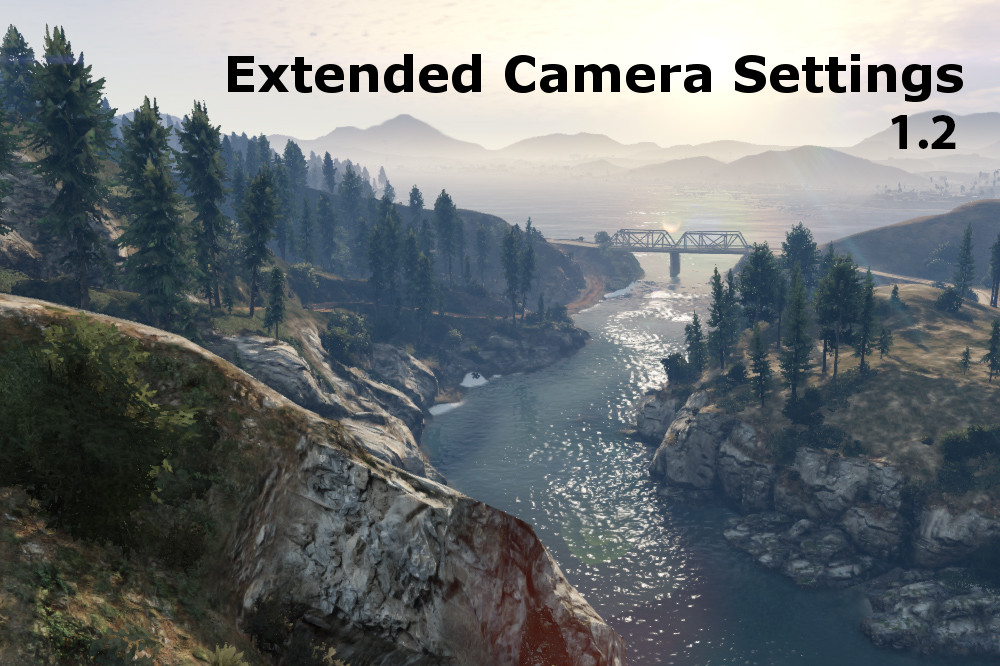
Extended Camera Settings 1.3.0
0/5,
0
votes
Description
Serving as the successor to my previous (deprecated) mod "POV Camera Unlocker", this plugin provides various customizable options for the in- game cameras, allowing you to unlock many of the default limits set in place by R*.
Requirements
ScriptHookV - http://www.dev-c.com/gtav/scripthookv
Microsoft Visual C++ Redistributable (2015) - https://www.microsoft.com/en-ca/download/details.aspx?id=48145
Important Info
If you are experiencing problems you may need to change permissions on your game folder so that the mod can save settings properly.
To do this:
1. Right click the Grand Theft Auto V folder and scroll down to properties
2. Uncheck the "readonly" box and click apply
3. Click OK to apply the changes to all subfolders and files
Installation
Move ExtendedCameraSettings.asi to your GTA installation folder.
Default Keybinds
Save camera settings: Control + B
Reload camera settings : F11
Usage
See included readme.txt
Contributors
@Reyser - Spanish translation
Source Code
https://github.com/CamxxCore/ExtendedCameraSettings
Please let me know if you run into any problems and feel free to leave your suggestions on how I can improve the mod. Thanks (:
Credits: CamxxCore
Serving as the successor to my previous (deprecated) mod "POV Camera Unlocker", this plugin provides various customizable options for the in- game cameras, allowing you to unlock many of the default limits set in place by R*.
Requirements
ScriptHookV - http://www.dev-c.com/gtav/scripthookv
Microsoft Visual C++ Redistributable (2015) - https://www.microsoft.com/en-ca/download/details.aspx?id=48145
Important Info
If you are experiencing problems you may need to change permissions on your game folder so that the mod can save settings properly.
To do this:
1. Right click the Grand Theft Auto V folder and scroll down to properties
2. Uncheck the "readonly" box and click apply
3. Click OK to apply the changes to all subfolders and files
Installation
Move ExtendedCameraSettings.asi to your GTA installation folder.
Default Keybinds
Save camera settings: Control + B
Reload camera settings : F11
Usage
See included readme.txt
Contributors
@Reyser - Spanish translation
Source Code
https://github.com/CamxxCore/ExtendedCameraSettings
Please let me know if you run into any problems and feel free to leave your suggestions on how I can improve the mod. Thanks (:
Credits: CamxxCore
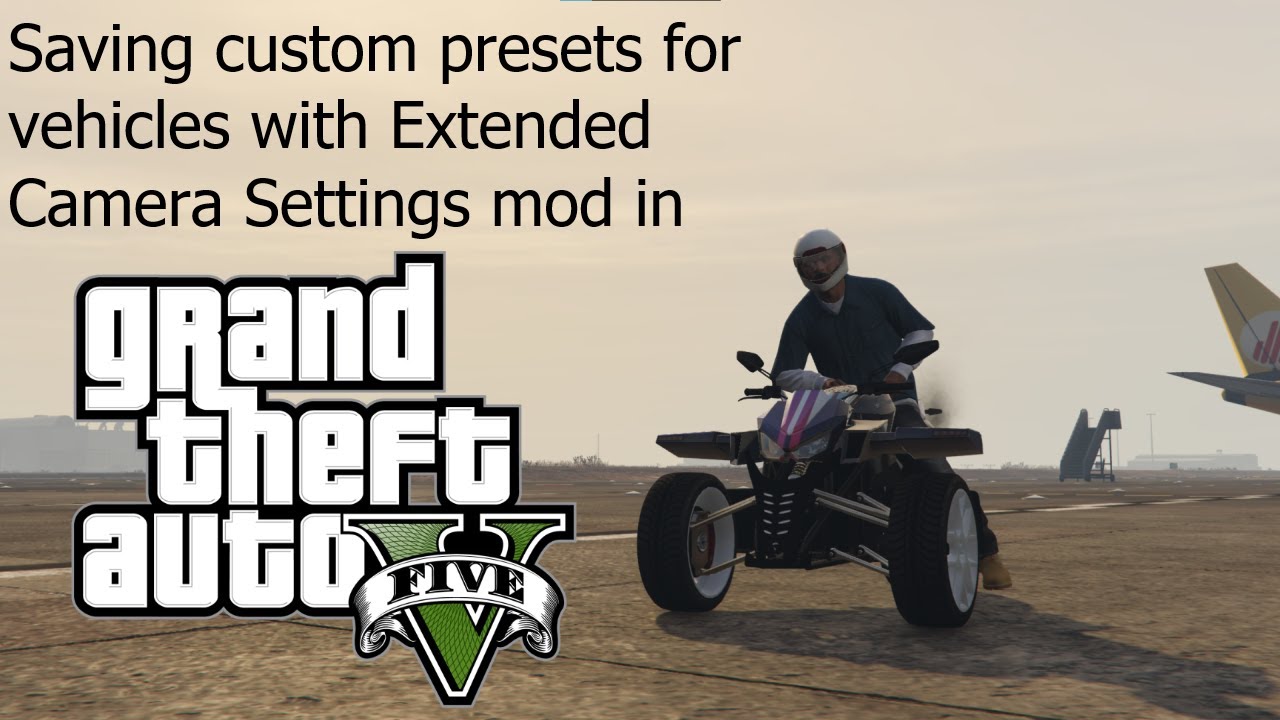
Videos
Direct Download Links
Version: 1.3.0Updated: 2 years ago
Total Size: 331.31 KB ExtendedCameraSettings_modland.rar direct download · 331.31 KB · added 2 years ago
You Might Also Like »








0 Comments
There are no comments. Be first to comment!