Jumper 1.4.8

0/5,
0
votes
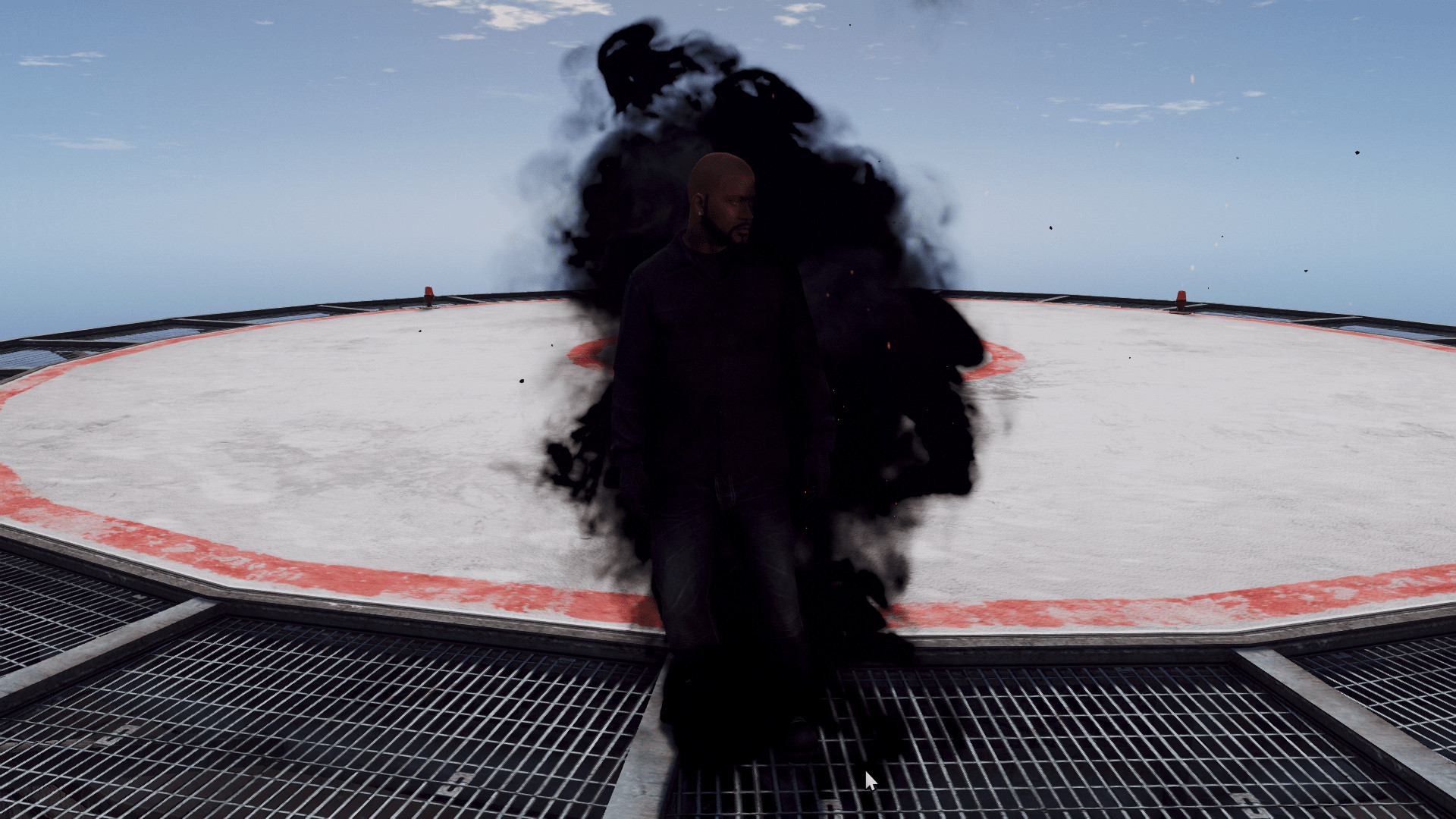
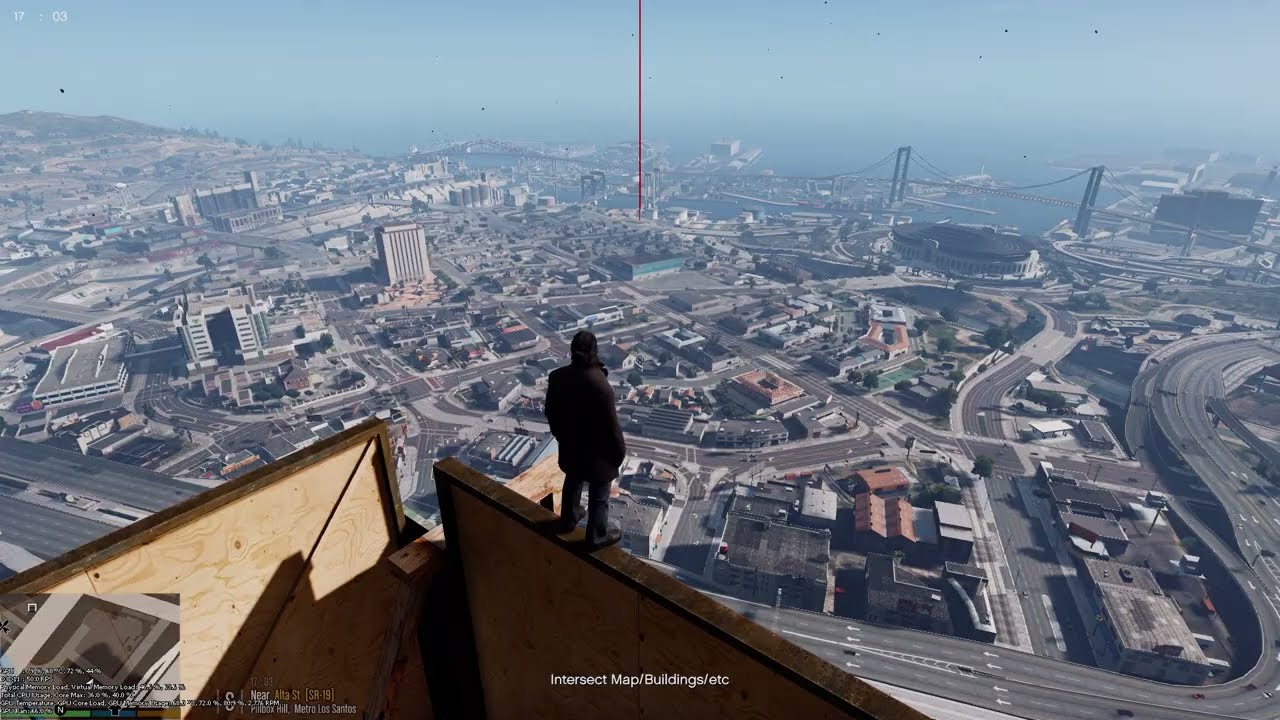
This is a basic teleportation mod. It enables the player to teleport to a certain place by hitting a button.
Prerequisites
ScriptHookV
-- Add to the main game folder
ScriptHookVDotNet
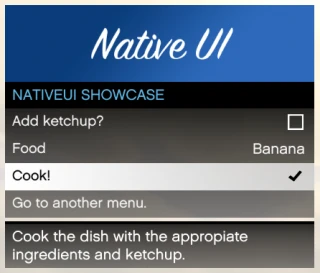
- Place in the main game folder: NativeUI.Put into the "scripts" folder.
Installation:
-- Add "Jumper" and "Jumper.ini" to the "scripts" folder
Controls:
Toggle Menu: "F11".
Teleport: "Middle Mouse Button"
Lock on "E"
To teleport to the ground, use the "Right Mouse Button" and the teleport key. This only works if the auto cursor is not chosen.
Cursor location: "Scrolling mouse"—Only applies if auto cursor is not chosen.
Adjust Cursor Location (Return to Default): "Q" -- Only applies if auto cursor is not chosen
Press "3" when inside a car to teleport to the driver's seat.
Press "4" while inside a vehicle to teleport it with you. To disable "Auto Cursor," use "scroll" to modify distance or "Right Mouse button" to return to the ground when teleporting with a vehicle.
-- Scroll- based weapon selection is disabled, however the player may get weapons by pressing "tab".
Hold "E" to lock on to the peds around the player.
Press the "Left Mouse Button" to finish off the surrounding pes.
Press "5" after latching on to nearby peds to have friends kill them.
(Teleportation stops destroying animations.)
Right Analog Button for Teleporting on Xbox Controller
Change the Teleport Option: "LT"
Lock On: Left Analog Button.
Hold the "Left Analog Button" to lock on to nearby pedestrians.
While inside a car, use "Right Arrow" to teleport to the driver's seat.
Press "Left Arrow" while inside a vehicle to teleport it with you.
Grab Ped: "Left Arrow" when adjacent to Ped.
Throw: "RT"
Finisher: "RT"
Slow Motion: "Down Arrow"
Extra Information:
This mod will function as a submenu inside a larger menu that I want to create. Just a heads up: I'm not a computer specialist and cannot answer complex topics. I'll do my best to address queries.
Credits:
Alexander Blade
Crossire
Guad
NModds
Prerequisites
ScriptHookV
-- Add to the main game folder
ScriptHookVDotNet
- Place in the main game folder: NativeUI.Put into the "scripts" folder.
Installation:
-- Add "Jumper" and "Jumper.ini" to the "scripts" folder
Controls:
Toggle Menu: "F11".
Teleport: "Middle Mouse Button"
Lock on "E"
To teleport to the ground, use the "Right Mouse Button" and the teleport key. This only works if the auto cursor is not chosen.
Cursor location: "Scrolling mouse"—Only applies if auto cursor is not chosen.
Adjust Cursor Location (Return to Default): "Q" -- Only applies if auto cursor is not chosen
Press "3" when inside a car to teleport to the driver's seat.
Press "4" while inside a vehicle to teleport it with you. To disable "Auto Cursor," use "scroll" to modify distance or "Right Mouse button" to return to the ground when teleporting with a vehicle.
-- Scroll- based weapon selection is disabled, however the player may get weapons by pressing "tab".
Hold "E" to lock on to the peds around the player.
Press the "Left Mouse Button" to finish off the surrounding pes.
Press "5" after latching on to nearby peds to have friends kill them.
(Teleportation stops destroying animations.)
Right Analog Button for Teleporting on Xbox Controller
Change the Teleport Option: "LT"
Lock On: Left Analog Button.
Hold the "Left Analog Button" to lock on to nearby pedestrians.
While inside a car, use "Right Arrow" to teleport to the driver's seat.
Press "Left Arrow" while inside a vehicle to teleport it with you.
Grab Ped: "Left Arrow" when adjacent to Ped.
Throw: "RT"
Finisher: "RT"
Slow Motion: "Down Arrow"
Extra Information:
This mod will function as a submenu inside a larger menu that I want to create. Just a heads up: I'm not a computer specialist and cannot answer complex topics. I'll do my best to address queries.
Credits:
Alexander Blade
Crossire
Guad
NModds
Videos



Direct Download Links
Version: 1.4.8Updated: 1 year ago
Total Size: 41.88 KB Jumper_v148_modland.rar direct download · 41.88 KB · added 1 year ago
You Might Also Like »









0 Comments
There are no comments. Be first to comment!