Lowrider Challenge 1.0

0/5,
0
votes
About
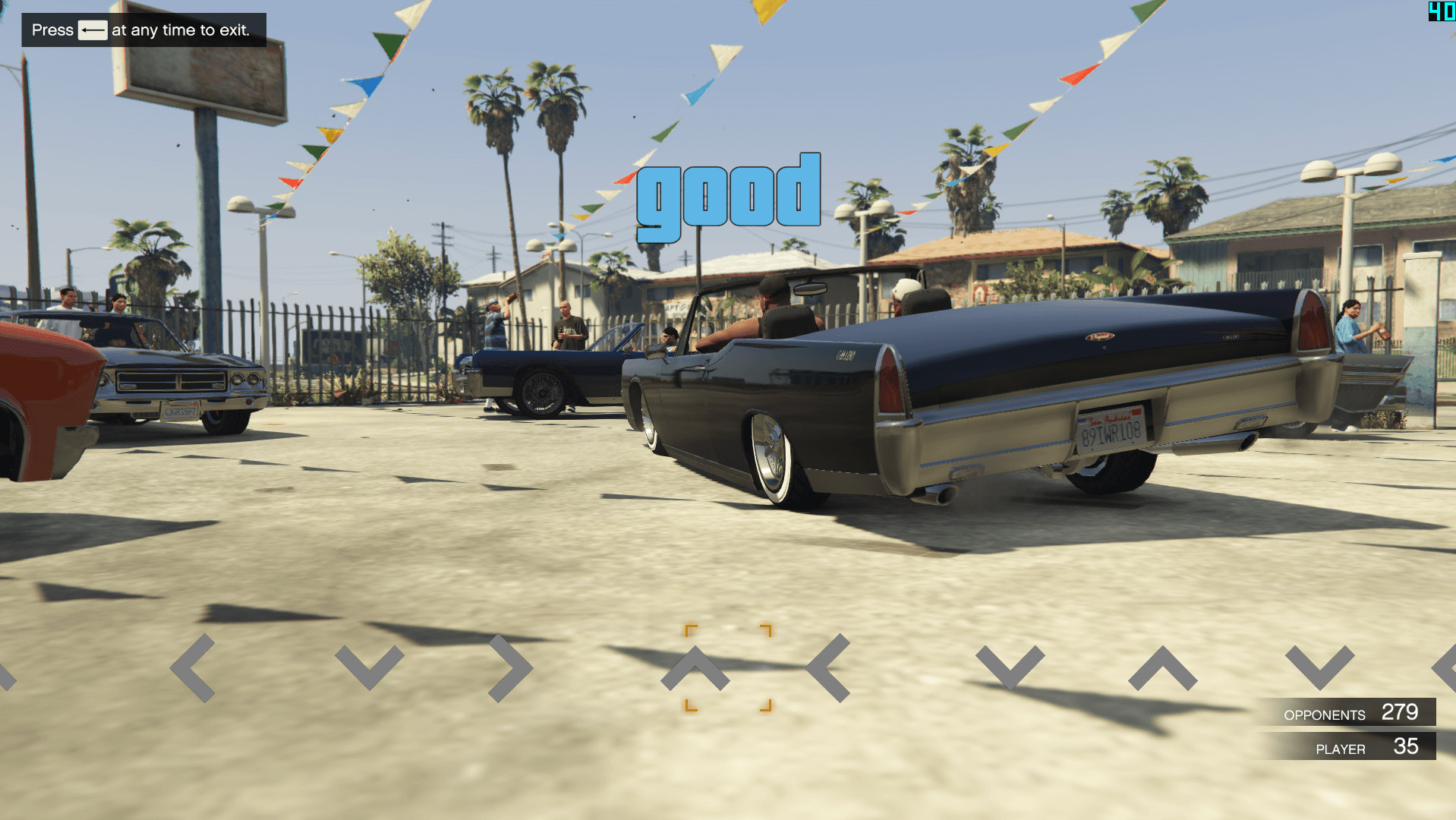
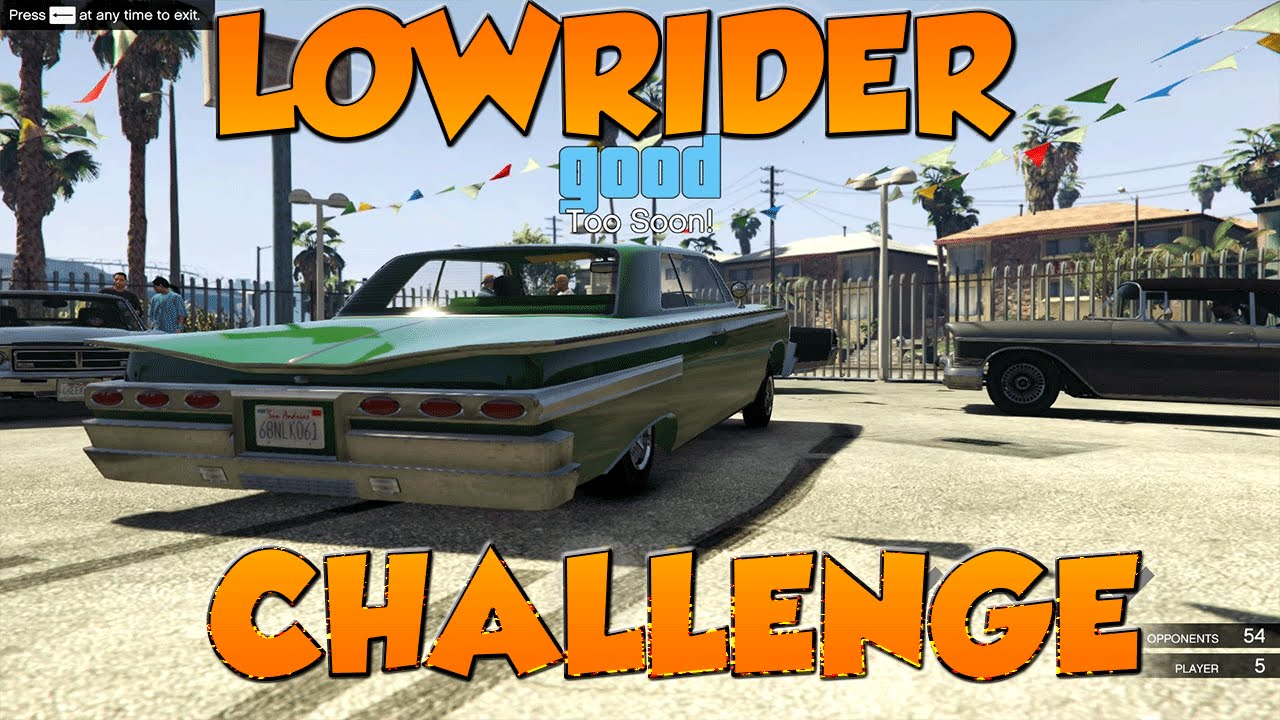
Remember the lowrider task in GTA: San Andreas? Of course, you do. You may now bounce to the beat of Odyssey! Furthermore, you may include any music you wish!
If you don't have a lowrider, there's a spare behind the van.
Gamepad is highly encouraged!
Controls
By default, to utilize hydraulics, hold X on the keyboard or A on the controller and use Shift/Control/A/D for Up/Down/Left/Right, respectively. You may utilize the controller's left stick.
Adding Songs
1. Transfer your music to the Songs/ folder inside the scripts/ directory.
2. Navigate to the lowrider meetup and pick "Create Song" from the menu.
3. Choose "Add MP3" and enter your MP3 name WITH EXTENSION.
4. Choose "Start Recording" and use your arrows/D- PAD to draw arrows. When you're finished, hit Backspace/B on the controller and input your song name.
5. Reload the mod, and it should be in the music list!
Installation
1. Install ScriptHookV.
2. Install ScriptHookVDotNet version 2.4.
3. Extract the contents of the.zip file to your scripts/ folder in the GTA5 root directory. If it doesn't exist, create it!
Credits:
Guadmaz
Remember the lowrider task in GTA: San Andreas? Of course, you do. You may now bounce to the beat of Odyssey! Furthermore, you may include any music you wish!
If you don't have a lowrider, there's a spare behind the van.
Gamepad is highly encouraged!
Controls
By default, to utilize hydraulics, hold X on the keyboard or A on the controller and use Shift/Control/A/D for Up/Down/Left/Right, respectively. You may utilize the controller's left stick.
Adding Songs
1. Transfer your music to the Songs/ folder inside the scripts/ directory.
2. Navigate to the lowrider meetup and pick "Create Song" from the menu.
3. Choose "Add MP3" and enter your MP3 name WITH EXTENSION.
4. Choose "Start Recording" and use your arrows/D- PAD to draw arrows. When you're finished, hit Backspace/B on the controller and input your song name.
5. Reload the mod, and it should be in the music list!
Installation
1. Install ScriptHookV.
2. Install ScriptHookVDotNet version 2.4.
3. Extract the contents of the.zip file to your scripts/ folder in the GTA5 root directory. If it doesn't exist, create it!
Credits:
Guadmaz
Videos

Direct Download Links
Version: 1.0Updated: 1 year ago
Total Size: 6.06 MB LowriderChallenge_modland.zip direct download · 6.06 MB · added 1 year ago
You Might Also Like »









0 Comments
There are no comments. Be first to comment!